Changelog
Every change to the design system, newest first, with the pages it touches, why, the rules behind it, and a before and after picture.
On this page
Each entry is a ChangeEntry: the pages the change touches, the reasoning, the rules behind it (a foundation page, a
regulation or a web accessibility criterion) and a before and after screenshot, or a note on why a still cannot show it.
A change to a foundation, a component, an instrument, a token or a docs page adds its entry here in the same commit;
pnpm check:changelog fails a commit that changes one without it, and pnpm check:content fails an entry that lacks its
links, rules or picture. A small change, one a reader does not need to compare or weigh, may be a short entry: its title,
the pages it touches and one sentence. A change with no visible effect says Changelog: none (reason) in its commit
message instead.
New entries go under Unreleased until a version is cut.
The pictures are made by pnpm changelog:shots from the built site in the Dusk theme. An after is the page as built. A
before is the same page with the declarations the change replaced put back, taken from the change's diff, so it shows the
old look in today's markup. Rules are cited as references the design was made with, never as compliance.
Unreleased
FixedA trace waterfall's focused row shows the kit's focus ring
Touches Trace waterfall, Accessibility
A focused row of a trace waterfall draws the kit's 2 px focus ring outside it, whole on both forms, where it drew a stroke on the row's background and removed the outline; the row background is inset and the stacked form's bars start clear of the ring.
FixedA trace waterfall's attributes open from the keyboard and by tap
Touches Trace waterfall
A row with attributes is a button: focusing or hovering it shows them in a panel below its bar, and pressing or tapping it keeps them until the next press or Escape; the panel grows with its contents where it was clipped at 100 px, and the row tint and panel surface take tokens (designed with reference to WCAG 2.2 criteria 2.1.1 and 1.4.13).
FixedA trace waterfall's label column grows with its text
Touches Trace waterfall
A trace waterfall's label column and the width below which its labels stack are measured in captions, 240 px and 560 px at the regular size class, so at helm the column widens with its text and the labels stack in a wider box, as the kit's em breakpoints do.
FixedA trace waterfall's text is set in the caption role
Touches Trace waterfall
A trace waterfall's title, row labels, axis times, durations and attributes are set in the caption role, 12 px and larger at helm, where they were fixed at 8 to 10 px; a bar holds its duration when the text fits it, and a stacked label's line grows with the text.
FixedA trend chart's labels read the same size at any width
Touches Trend chart
A trend chart's axis, threshold and time labels read 9 px on the screen whatever the chart's width, and grow at helm; drawn in the chart's own units they shrank to about 6 px in a phone's column and grew to about 17 px in a wide one. The margins that hold them follow.
FixedA sparkline's reference labels grow at helm
Touches Sparkline
A sparkline's reference line labels are two thirds of the caption role, read where the drawing is drawn, so they are 8 px at the default size class and grow at helm, their placement with them.
FixedChess pieces follow the board, not the window
Touches Chess board
A chess board sizes its pieces from its own squares, so a board in a narrow column draws smaller pieces and a wide one larger, whatever the window's width; its coordinates take three quarters of a caption and grow at helm.
FixedThe logo grows with the body text at helm
The logo's mark, name, tagline and version are sized in em of the body role, so at helm the whole logo grows with the text around it; at the default size class each is the size it was, to the pixel.
FixedAn entity list's record count grows at helm
Touches Entity list
An entity list's record count takes the caption role's size, 12 px growing to 14 px at helm, where it was 11 px at every size.
FixedThe live connection notice sets its message in the body role
Touches Live data connection notice, Typography
The notice shown when the live connection to Bosun is lost sets its message in the body role, Plex Sans at 14 px growing to 18 px at helm, where it was 11 px mono at every size; its corner takes the large radius token.
ChangedChess pieces slide on the compositor
Touches Chess board
A moved chess piece slides as a browser animation of its transform, on the compositor, so it stays smooth while the vessel's computer is busy; its slide was rewritten from script each frame.
ChangedEntrances move on the compositor
Touches Motion
A component's rise or scale entrance and exit run as browser animations of opacity and transform, on the compositor, so they stay smooth while the vessel's computer is busy; the movement was rewritten from script each frame and could stall while the fade went on.
FixedAn entity list's conflict message opens as its sibling messages do
Touches Entity list
A field refused because it changed elsewhere says "Couldn't save: this was changed elsewhere while you were editing and is now Nederlands…", opening as the list's other save errors do, where it opened with the passive "Not saved:", and the German, French and Dutch texts lose a missing object and two repeated words.
FixedA field refused because it changed elsewhere shows its new value when the record opens again
Touches Entity list
After a field's save is refused because it changed elsewhere, the list loads again and the open record holds the new value, so the record opened again shows it and the next save goes through, where it showed the old value and was refused again until the page was reloaded.
FixedA vessel profile keeps its proportions in a narrow column
Touches Vessel profile
A vessel profile drawn narrower than its width, in a phone's column, keeps its proportions, where it kept its height and left empty bands above and below the hull.
FixedAn entity list's Change… names the records that changed elsewhere, and undoes only the rest
Touches Entity list
Change… sends each record's value as read, as a form's save does, so bosund refuses a record that changed elsewhere since the list loaded; the dialog says "Couldn't change Jonas Berg: it was edited elsewhere since the list loaded…", and Undo puts back only the records that changed, where a refused change could be reported as done and offered for Undo.
ChangedThe vessel profile's showcase sets her figures on the drawing
Touches Vessel profile
The vessel page example draws her profile across the page with her lengths, draft, beam, air draft and displacement on it, and sets her identity and her stores in two cards that share the width under it, where the figures stood apart in one narrow list beside empty space.
FixedA tide curve widens again after its column narrows
Touches Tide curve
A tide curve takes its column's width and widens with it, where in a column sized to its content (the design site's hero, a centered stage) it kept the narrowest width it had once drawn.
AddedA tide curve shows fewer hours on a narrow screen
Touches Tide curve
A tide curve too narrow to give each hour 24 px shows fewer hours, at least six, a quarter of them before now and the rest ahead, where it squeezed the whole period into a phone's width; the list of high and low waters keeps every one.
FixedA tide curve leaves its labels room at every size class
Touches Tide curve
A tide curve's room for its axis labels grows with the caption role they take, so at helm the larger height and time labels are not cut off at the chart's edges; at the default size class nothing moves.
FixedA long rating scale wraps
Touches Rating
A rating of ten steps wraps onto a second line in a narrow column, each step a whole touch target, where it ran 480 px wide past its column.
FixedNavigation labels show whole
Touches Nav list, Navigation bar
A nav list's and a navigation bar's labels wrap onto more lines, hyphenated in the crew's language, where they were cut short with an ellipsis: each is the only copy of its page's name on the screen.
ChangedThe popover's stylesheet declares each rule once
Touches Popover
The popover's header, title, close button and body rules were declared twice, identically; the second copy is gone and nothing draws differently.
FixedA skeleton is a reading line tall in every size class
Touches Skeleton
A skeleton with no height of its own is the reading body's text size tall, 16 px at the default size class and larger in a helm scope, where it stayed 16 px and fell short of a helm line.
ChangedAn entity list saves a field against the value it was read with, and says when it changed elsewhere
Touches Entity list, Schema form
An auto-saved field sent the whole record as the form first loaded it, so a change made elsewhere meanwhile (a crew member's "speak Dutch" to bosun, another browser) was either overwritten or silently kept while the form showed the field as saved. A save now names, under as_read, the value each field it changes had when the form read it; bosund refuses a field that moved since with a 409 listing it and its value now, and the field says "Not saved: this changed elsewhere while you were editing and is now Nederlands. Reopen the entry to see it, then choose again." A save that goes through is answered with the stored record, and the next field's save builds on it.
No visible change in a still. The message shows only when bosund refuses a save because the field changed elsewhere, which the docs example never does on its own.
Rules behind it
- Convention Editing shared records: a save sends each changed field with its value as read, bosund refuses only a field that changed since, and a refused save is shown, never a silent drop or overwrite.
- Accessibility WCAG 2.2 SC 3.3.1 Error Identification: the field says in text that it was not saved and what it holds now.
FixedA vessel overview's profile keeps to the screen's height
Touches Vessel overview, Grid
A vessel overview's profile drawing keeps to 42% of the screen's height, as the device preview or a shell of fixed height draws it, where it took 42% of the window's and could fill a short screen.
FixedFields, selects and switches grow in a helm scope on part of a page
Touches Switch, Select, Outlined field, Password input, Spacing
A switch, a select's trigger, an outlined field and a password field's show button are sized in steps of the reading body's size, which is 1rem at the default size class, so a helm scope around part of a page enlarges them with their text; in rem they followed only the page's root.
FixedIcons grow with the text beside them at helm
Touches Alert card, Chat input, Data table, Date picker, Outlined field, Status strip, Setting control, Iconography
Every icon a component draws is sized in em of the text around it, so at helm it grows as the text does: a field's calendar icon from 20 to 25 px, a button's from 16 to about 21 px. At the default size class each is the size it was, to the pixel.
FixedThe language picker's trigger sets its text in the label role
Touches Language picker, Typography
The language picker's trigger sets its language code in the label role, so it follows the size class; it took the browser's own button font, 13.3 px at every size.
FixedA chat input's command menu fits a phone on its side
Touches Chat input, Grid
On a short screen, a phone on its side, a chat input's "/" menu is about two commands tall and scrolls inside itself, so the field and the page above it stay in sight; it was 16em, most of a 360 px screen.
FixedThe app shell's phone navigation ends at the shell's edge
Touches App shell
In a shell that fills a container of fixed height, the open phone navigation ends at the shell's bottom edge and scrolls inside itself, where it measured the window and ran past the shell, as in the design site's device preview.
FixedMotion docs say what the components do
Touches Button, Due chip, Alert list row, Setting control
The button's and the due chip's motion docs say that true also scales them in as they mount anywhere, the alert list row's doc says a warning's icon stays steady, and the setting's save chip names its spinner.
FixedThe language picker's menu fades out as it closes
Touches Language picker, Motion
The language picker's menu fades out over the fast duration as it closes, as other menus do; it vanished at once.
FixedSuggestion lists fade out as they close
Touches Autocomplete, Combobox, Motion
An autocomplete's and a combo box's suggestion list fades out over the fast duration as it closes, as the motion foundation's table promises for the combo box list; it vanished at once.
FixedA field's panel fades out as it closes
Touches Outlined field, Date picker, Phone input, Time picker, Motion
The panel an outlined field opens under itself (a calendar, a time list, a country list, a crew list) fades out over the fast duration as it closes, where it vanished at once.
FixedA select list fades out as it closes
A select's list fades out over the fast duration as it closes, as the motion foundation's table promises for the select list; it vanished at once.
FixedA popover enters on the medium duration
A popover enters over the medium duration, as the motion foundation's durations say for a popover entering; it entered over the fast one. It still leaves over the fast duration.
FixedMenus enter on the medium duration and leave faster
Touches Menu, Context menu, Action menu, Motion
A menu, a context menu and an action menu enter over the medium duration on the enter curve and leave over the fast one on the exit curve, as the motion foundation's durations say; they entered on the fast duration, and a menu left on the enter curve.
FixedA default entrance plays only for what was added
Touches Motion
A component's default entrance plays when it is added with a child of a MotionPresence, not when it appears later inside a child already on the page: a reading that arrives in a card, or anything on a page under a route-level presence, appears in place.
FixedA change plays once when the motion preference switches
Touches Motion
Switching between the full and the reduced motion no longer plays every badge's, button's and reading's last change again; a change plays once, when its value changes.
FixedOnly an alert component flashes
Touches Motion, Skeleton, Due chip
A component's motion prop no longer takes attention: it ran the alert clock on a skeleton, a notice, a chart or a field and drew no flash; the badge and the alert card set their own flash for an unacknowledged alarm.
ChangedA collapsible's content fades out as it closes
Touches Collapsible
Closing a collapsible fades its content out over the fast duration before it leaves, as opening fades it in; the height still changes in one step, as only opacity and position move.
AddedThe kit carries 296 more OpenBridge icons, in 62 new families
Touches OpenBridge icons
The kit carries the OpenBridge sensor, speed, heading, route, waypoint, target, collision and instrument-quantity icons, the navigational statuses AIS reports, the IEC 62923 alert icons, machinery and tank icons, communications and weather conditions, 934 icons in all; the OpenBridge icons page lists the families by group and its gallery filters by each.
FixedThe phone header bar keeps one row under 64 px with touch-size chips
Touches Header bar, Status strip
On a phone the header bar's padding is the small steps and an empty alert zone adds no row, so the bar stays under 64 px with the status strip's 48 px chips; at 24em and narrower the strip's items close up and the sensors chip shows a gauge and its integrity mark without its word, which stays in its name, so the clock keeps the row at 320 px in every language.
FixedA chat input's model picker is a touch target on a phone
Touches Chat input, Select
On a phone or a tablet, or under a finger, a chat input's model picker is the touch size, as its field and send button are, and lines up with the send button; it was 44 px, 2 px off the button's line.
AddedA page can choose reduced or full motion for the device
Touches Motion
data-prefers-reduced-motion on the page's root element, reduce or no-preference, chooses the reduced or the full motion for every kit component whatever the device asks; with neither the device decides, as before.
FixedA date range picker keeps its height as a range is chosen
Touches Date range picker
The line under a date range picker is there from the start: it says to choose the first day, then the last, and then writes the range out with its days, so choosing a range no longer adds a line and moves what is below the field.
FixedChess pieces center on their squares in every symbol font
Touches Chess board
The chess board measures where the browser's symbol font draws the piece glyphs and moves the pieces by that much, so they center on their squares with Apple Symbols on a Mac as with Noto Sans Symbols 2 or DejaVu Sans; a fixed offset measured for those two drew them low on a Mac.
FixedAn outlined field's error rises in by default, as a form field's does
Touches Outlined field, Form field, Motion
An outlined field's error line rises in when it appears and fades out when the value is fixed, by default, as a form field's error does and the motion foundation's table says; it stood still unless the caller asked. An error there on the first render does not move.
FixedA chess piece slides on the standard curve
Touches Chess board, Motion
A moved chess piece, and a castling rook, slide to their square on the standard curve, the one for something moving within the screen; they slid on the enter curve, which is for something arriving.
FixedA pop plays at most once every two seconds
A change's pop plays at most once per highlight interval on each element, as the highlight does, so a badge counting AIS targets that climb quickly pops once and then shows each new count at once.
FixedA due chip with a markup label fades only when its treatment changes
Touches Due chip
A due chip whose label is markup, with no changeKey, fades its words in when its priority changes; it faded again on every render, since markup is a new object each time.
FixedA collapsible's chevron turns at once with motion off
Touches Collapsible, Audio control
A collapsible's trigger takes motion: false turns its chevron at once, where only the panel's motion could be turned off. The audio control passes its own motion to the trigger of its details.
FixedA setting's Saved mark fades out under reduced motion
Touches Setting control, Motion
Under reduced motion a setting's Saved mark fades out after its hold, as the motion foundation keeps fades; it stayed on the screen until the setting changed again.
FixedThe copy button's label fades under reduced motion
Touches Copy button, Motion
Under reduced motion the copy button's label fades to its result, as the motion foundation keeps fades and drops only movement; it changed at once.
FixedThe copy button's label shows its result at once with motion off
Touches Copy button
With motion={false} the copy button's label changes to Copied or Could not copy at once; it went on fading over the fast duration.
ChangedThe command palette takes a motion prop
Touches Command palette
The command palette takes motion, as every other dialog does: on by default, and false opens and closes it at once.
FixedAn event timeline's entries take the motion they are given
Touches Event timeline
An event timeline's motion prop takes a preset or enter and exit motions, as every display component's does; it read only false, so a new entry faded whatever it was given.
FixedA skeleton stops shimmering with motion off
Touches Skeleton
With motion={false} a skeleton stands still: its fades and its shimmer are both off, where the shimmer went on looping.
FixedThe startup modal's progress bar fills at once with motion off
Touches Startup modal
With motion={false} the startup modal's progress bar takes each phase's width at once; it went on growing over the slow duration.
FixedThe create button's plus stays still with motion off
Touches Create button
With motion={false} the create button's plus becomes a cross at once when the grid opens, as its doc says, where it still turned over the medium duration.
FixedA splitter drag follows the pointer after the size class changes
The app shell reads its em as each drag starts, so after the size class changes to helm with the page open, a splitter's edge stays under the pointer instead of running 12.5% ahead of it.
FixedThe sensor list keeps a long name in its column
Touches Status strip
The status strip's sensor list sizes its name column to the longest name, shared by every row, so a name like echosounder no longer runs under its detail and every detail starts at one edge.
FixedThe status strip's chips are touch targets on a phone or a tablet
Touches Status strip
On a screen up to 68.75em the strip's chips and buttons, the Night suggestion's dismiss among them, are the touch size whatever pointer the device reports, where they grew only under a coarse pointer or at helm.
FixedThe position input's hemisphere buttons are touch targets on every page
Touches Position input
The N, S, E and W buttons take the field's icon-button size, the touch size on a phone or under a finger, whichever stylesheet a page loads first, where a page that rendered another field first drew them 36 px wide.
FixedVessel, crew and file names are shown whole
Touches AIS target row, Crew picker, File input
An AIS target's vessel name, a saved crew member's name in the crew picker and a file's name in the file list break over lines in a narrow column instead of ending in an ellipsis, since nothing else on the row shows them.
FixedA narrow instrument pill wraps its label instead of cutting it
Touches Instrument pill
In a narrow pill the label goes onto more lines, whole, beside a value that stays on one line, where it was cut with an ellipsis into "DEP…" and the screen no longer said what the value measured.
FixedA Wi-Fi network's name is shown whole
Touches Wi-Fi network list
A long network name breaks over lines on a narrow screen instead of ending in an ellipsis, so two names that differ only at the end, such as one per pontoon, read apart.
FixedA long model id wraps inside the LLM status panel
Touches LLM status
A model id such as a provider's full model path breaks onto more lines inside the panel's by-model list instead of running past the panel on a narrow window.
FixedA refused copy's field stays on the screen and takes a finger
Touches Copy button
When the browser refuses a copy, the field that holds the text for copying by hand is never wider than its line, so a long link does not scroll a phone sideways, and on a phone, a tablet or under a finger it is the touch size tall.
FixedA segmented radio group wraps in a narrow column
Touches Segmented radio group
Options that do not fit their column go onto another line, so four long options on a 320 px phone stay on the screen instead of scrolling it sideways.
FixedA one-time code's boxes narrow to fit their column
Touches One-time code input
Each digit's box is 2.5em where there is room and narrower where there is not, so an eight-digit code, or a six-digit one at helm, fits a 320 px phone instead of scrolling the page sideways.
FixedA select grows with a value that wraps
Touches Select
The select's trigger takes its height as a minimum, so a long value that wraps in a narrow column or at helm stays inside its frame instead of spilling over its border.
FixedThe time picker's hours and minutes are touch targets under a finger
Touches Time picker
Under a coarse pointer each hour and minute in the time picker's lists is the touch size tall, and every option takes a minimum height rather than a fixed one, so text enlarged to twice its size is not cut.
FixedA diagram's line target is a touch target under a finger
Touches Mermaid
On a phone, a tablet or with a coarse pointer, the round target that opens an unlabelled line's detail is the touch size, where it was the 32 px visual size on every screen.
FixedA short breadcrumb is a touch target in both dimensions
Touches Breadcrumbs
On a phone, a tablet or under a finger a crumb is at least the touch size wide as well as tall, its label centered, so Log or Fleet is not a 25 px target.
FixedThe language picker's menu opens above a dialog
Touches Language picker
Opened inside a dialog, the language picker's menu stacks above it and takes the press, as the other menus do.
FixedHelm sizing applies to a helm scope on part of a page
Touches Alert zone, LLM status, Status strip
The alert zone's ACK, the LLM status chips and the status strip's chips take the helm touch size inside any helm scope, as every other component does, where they took it only when helm was set on the whole page.
ChangedWeather bar sets its text in the type roles, so it grows at helm
Touches Weather bar, Typography
Weather bar set its text in px, which stays the same size at the helm size class while the type roles around it grow (the typography foundation: a font size in pixels ignores the size class). Its sizes now come from the roles: its text 12px → the caption role (12 px, 14 px at helm). The owner chose to snap each size to the nearest role (2026-10-24).
No visible change in a still. At the default size class each size equals its role's, so the page looks the same; at helm the text grows with the roles.
Rules behind it
- Foundation Typography: a component sets its text with a role or in em, so it follows the size class; a font size in pixels ignores it.
- Accessibility WCAG 2.2 SC 1.4.4 Resize Text: the text grows with the helm size class instead of staying at its pixel size.
ChangedTrend chart sets its text in the type roles, so it grows at helm
Touches Trend chart, Typography
Trend chart set its text in px, which stays the same size at the helm size class while the type roles around it grow (the typography foundation: a font size in pixels ignores the size class). Its sizes now come from the roles: its empty text 10px → the caption role (12 px, 14 px at helm). The owner chose to snap each size to the nearest role (2026-10-24).
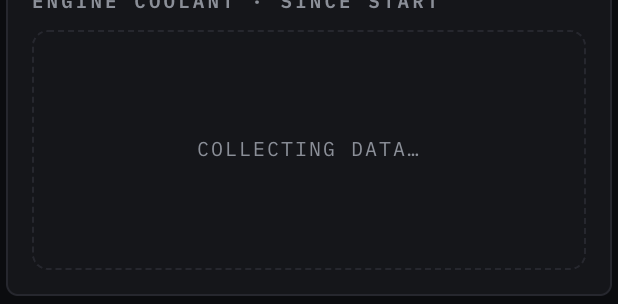
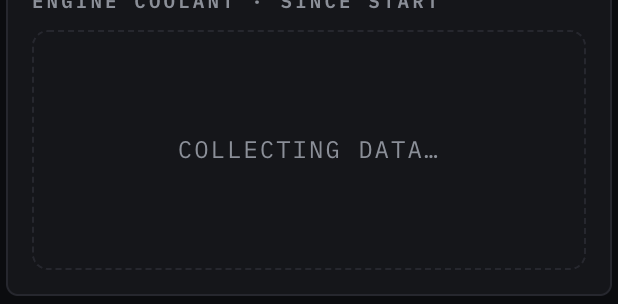
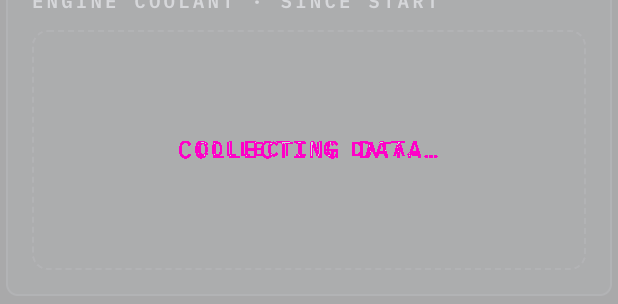
Rules behind it
- Foundation Typography: a component sets its text with a role or in em, so it follows the size class; a font size in pixels ignores it.
- Accessibility WCAG 2.2 SC 1.4.4 Resize Text: the text grows with the helm size class instead of staying at its pixel size.
ChangedTooltip sets its text in the type roles, so it grows at helm
Touches Tooltip, Typography
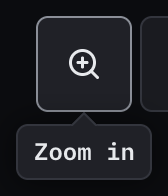
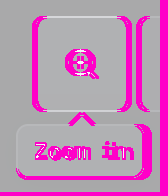
Tooltip set its text in px, which stays the same size at the helm size class while the type roles around it grow (the typography foundation: a font size in pixels ignores the size class). Its sizes now come from the roles: its text 11px → the caption role (12 px, 14 px at helm). The owner chose to snap each size to the nearest role (2026-10-24).
Rules behind it
- Foundation Typography: a component sets its text with a role or in em, so it follows the size class; a font size in pixels ignores it.
- Accessibility WCAG 2.2 SC 1.4.4 Resize Text: the text grows with the helm size class instead of staying at its pixel size.
ChangedTelemetry strip sets its text in the type roles, so it grows at helm
Touches Telemetry strip, Typography
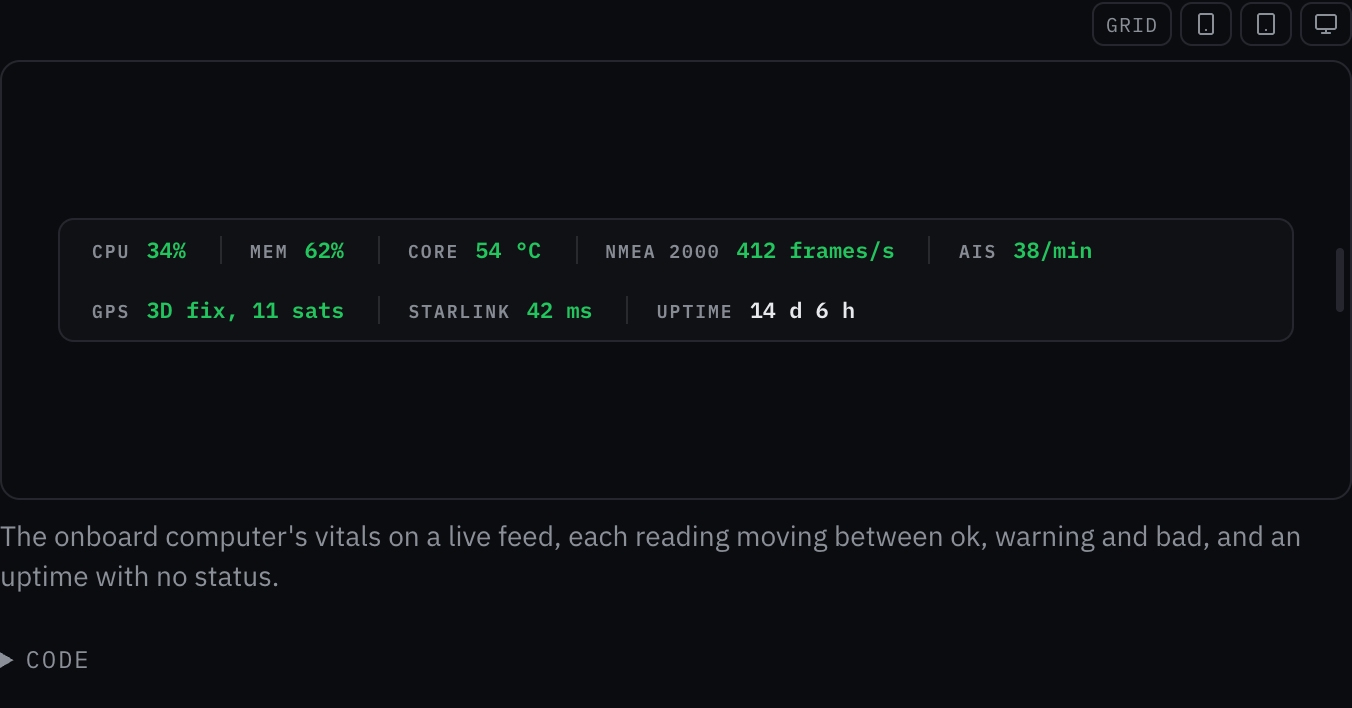
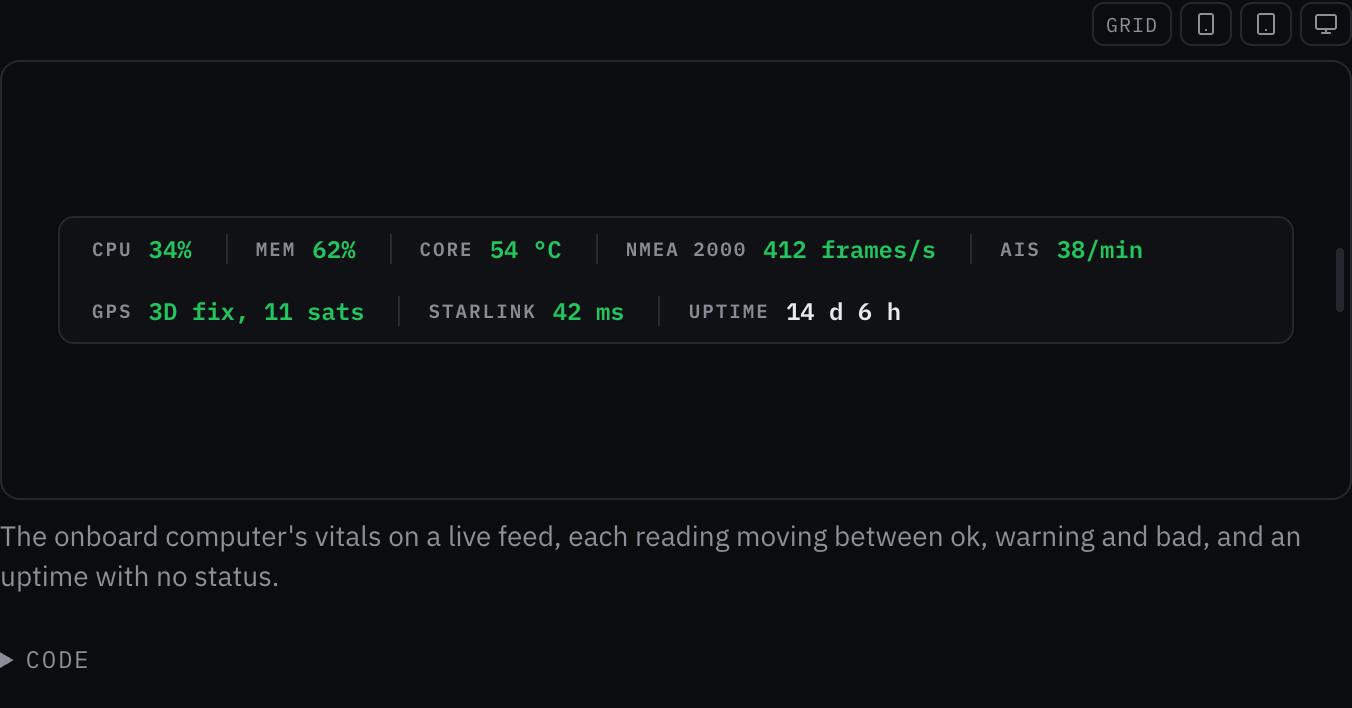
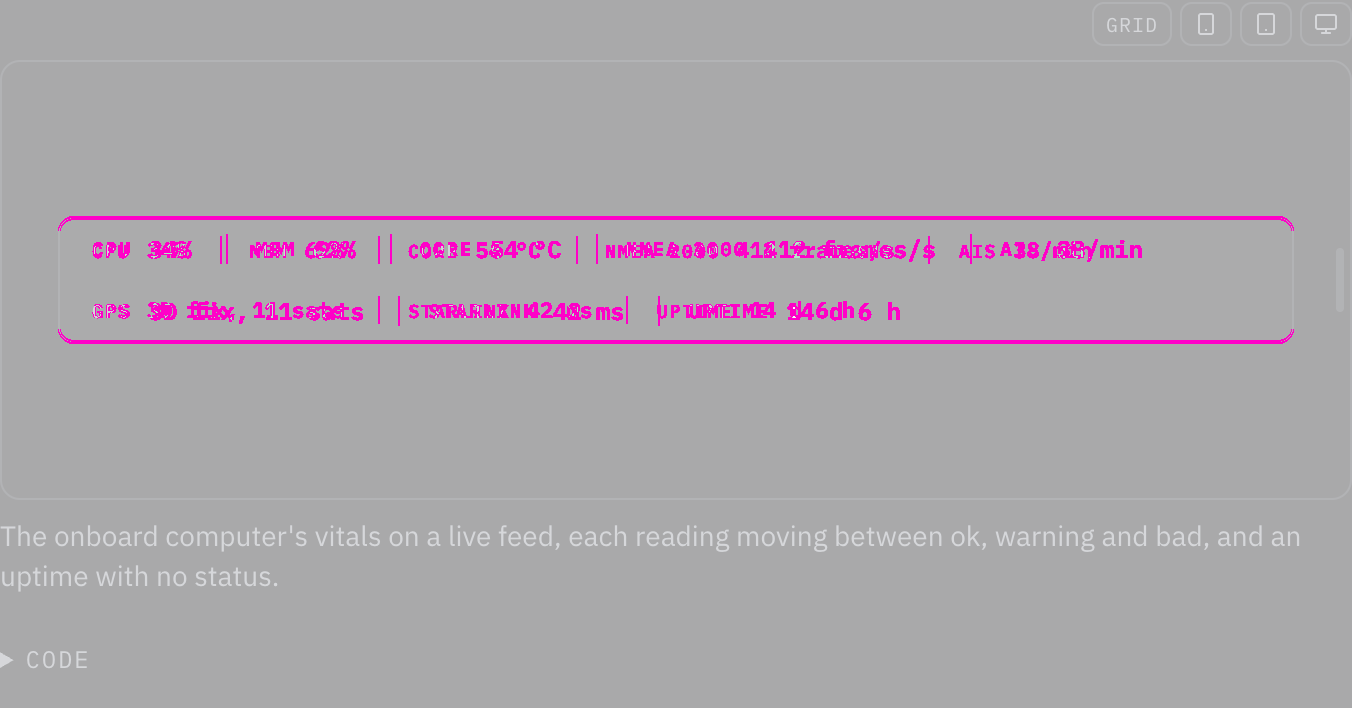
Telemetry strip set its text in px, which stays the same size at the helm size class while the type roles around it grow (the typography foundation: a font size in pixels ignores the size class). Its sizes now come from the roles: its text 11px → the caption role (12 px, 14 px at helm); its label 9px → 0.8em of its line, so it keeps its size beside the text it sits in. The owner chose to snap each size to the nearest role (2026-10-24).
Rules behind it
- Foundation Typography: a component sets its text with a role or in em, so it follows the size class; a font size in pixels ignores it.
- Accessibility WCAG 2.2 SC 1.4.4 Resize Text: the text grows with the helm size class instead of staying at its pixel size.
ChangedStatus strip sets its text in the type roles, so it grows at helm
Touches Status strip, Typography
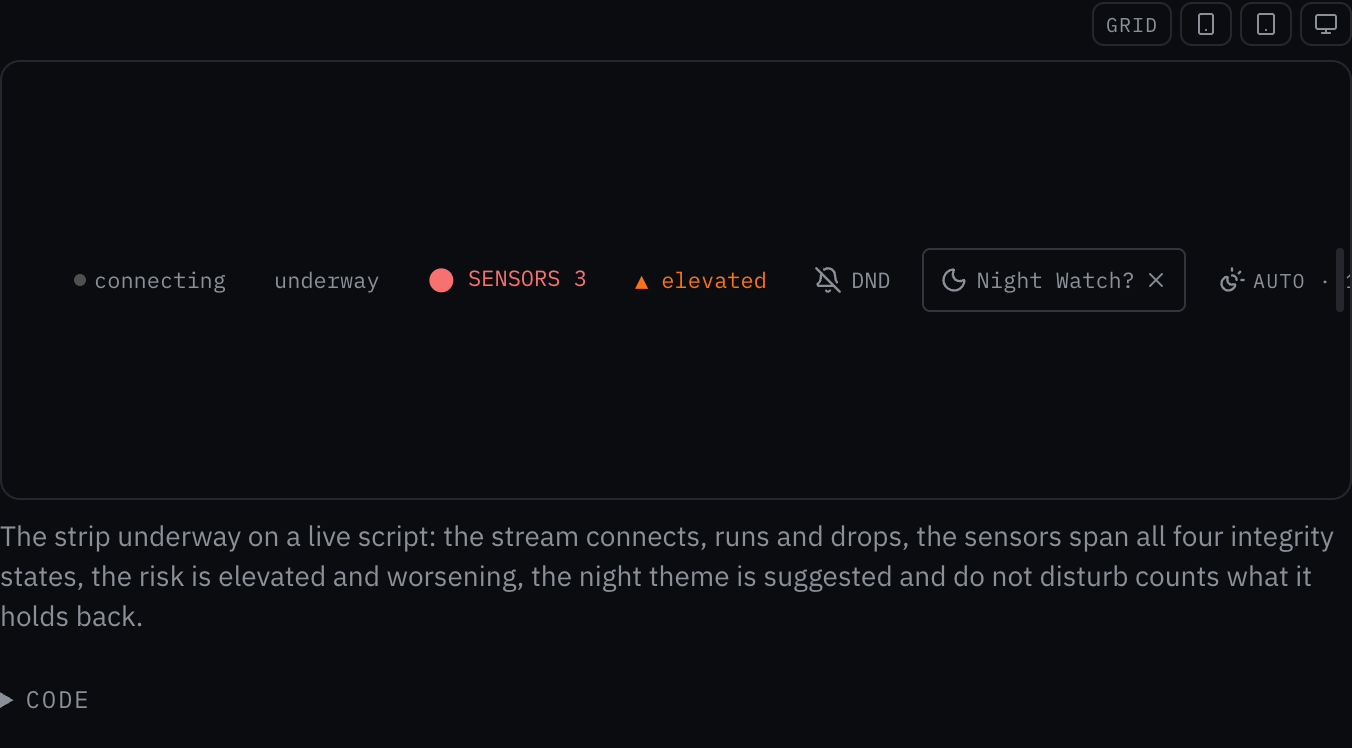
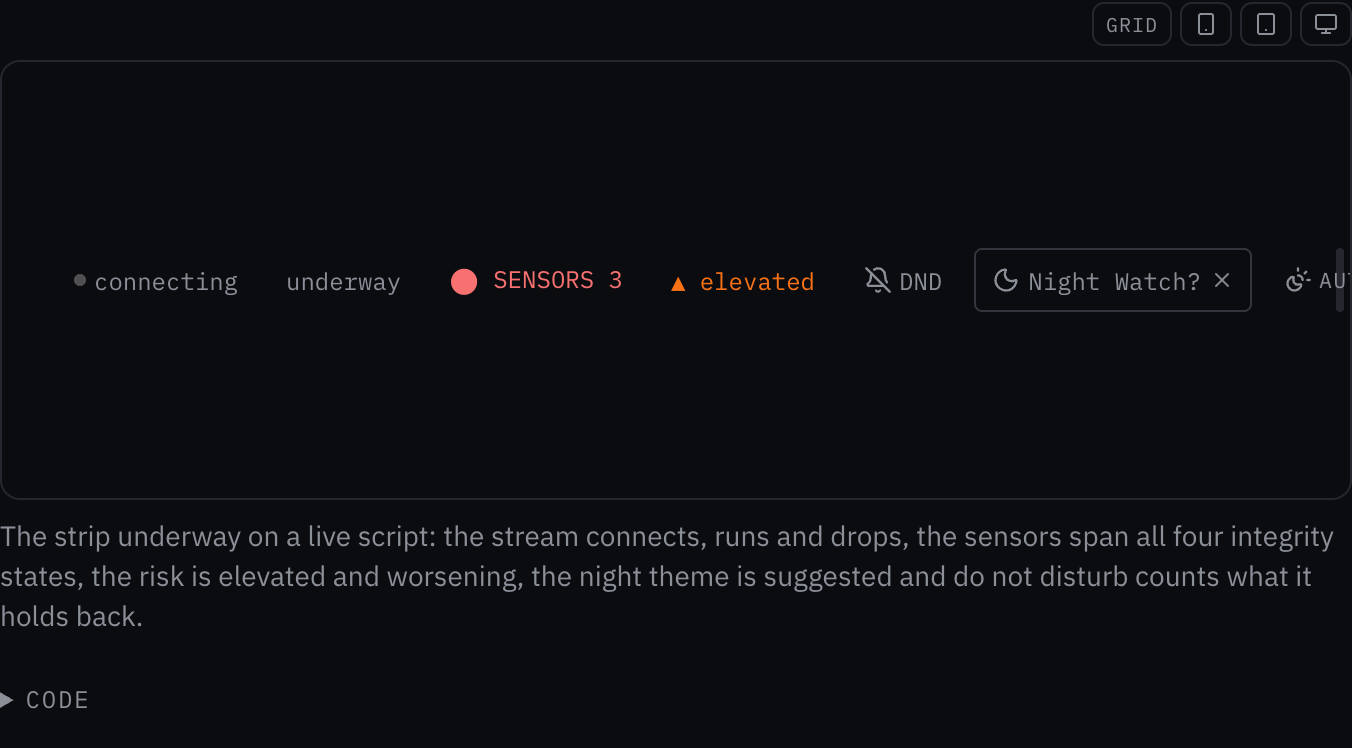
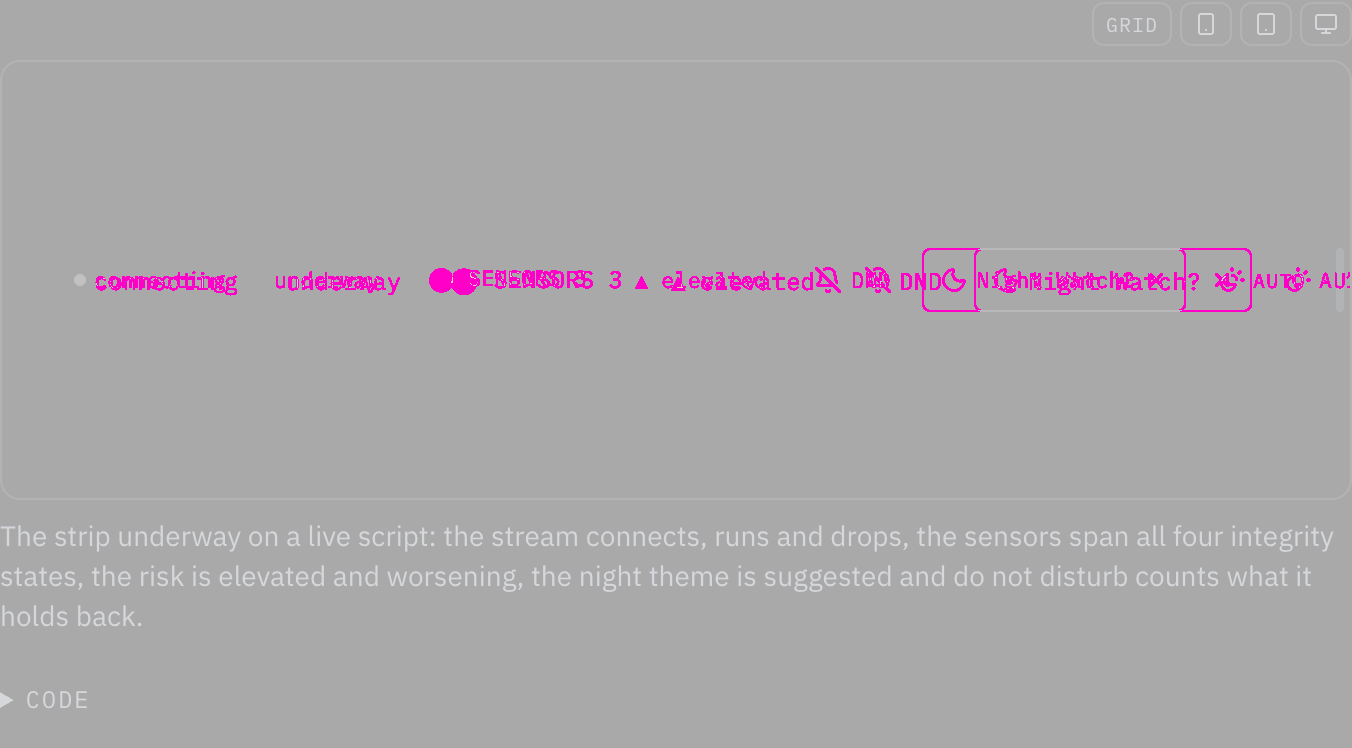
Status strip set its text in px, which stays the same size at the helm size class while the type roles around it grow (the typography foundation: a font size in pixels ignores the size class). Its sizes now come from the roles: its text 11px → the caption role (12 px, 14 px at helm); its auto 11px → the caption role (12 px, 14 px at helm); its brilliance 10px → 0.9em of its line, so it keeps its size beside the text it sits in; its tz 9px → 0.8em of its line, so it keeps its size beside the text it sits in; its sensor row 11px → the caption role (12 px, 14 px at helm). The owner chose to snap each size to the nearest role (2026-10-24).
Rules behind it
- Foundation Typography: a component sets its text with a role or in em, so it follows the size class; a font size in pixels ignores it.
- Accessibility WCAG 2.2 SC 1.4.4 Resize Text: the text grows with the helm size class instead of staying at its pixel size.
ChangedStartup modal sets its text in the type roles, so it grows at helm
Touches Startup modal, Typography
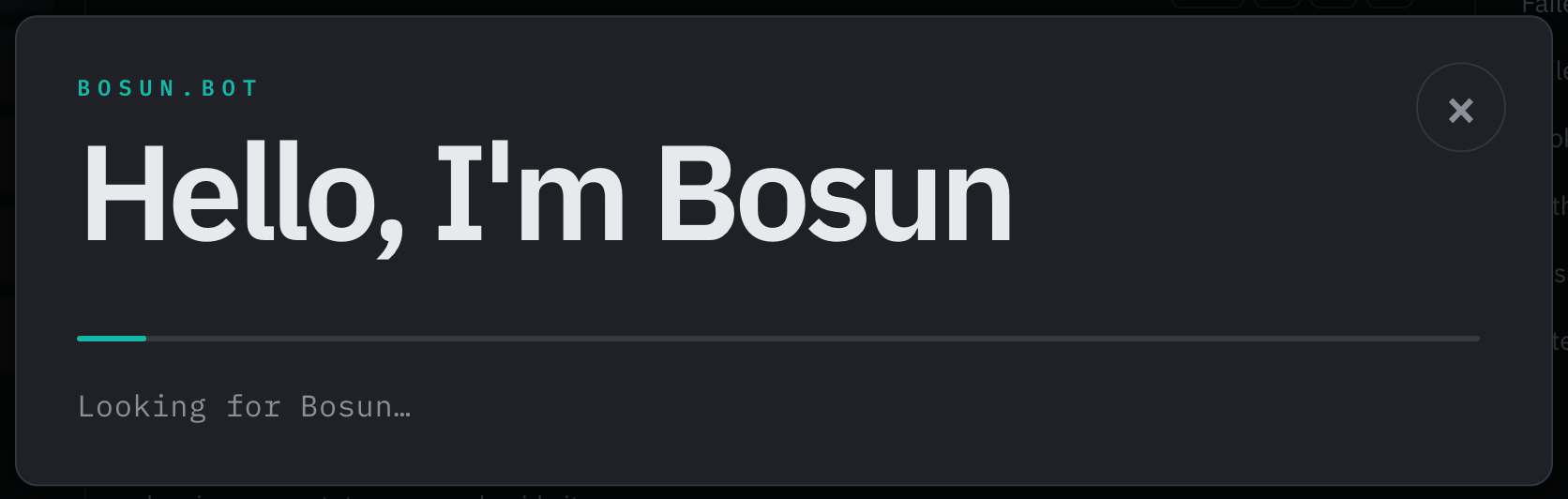
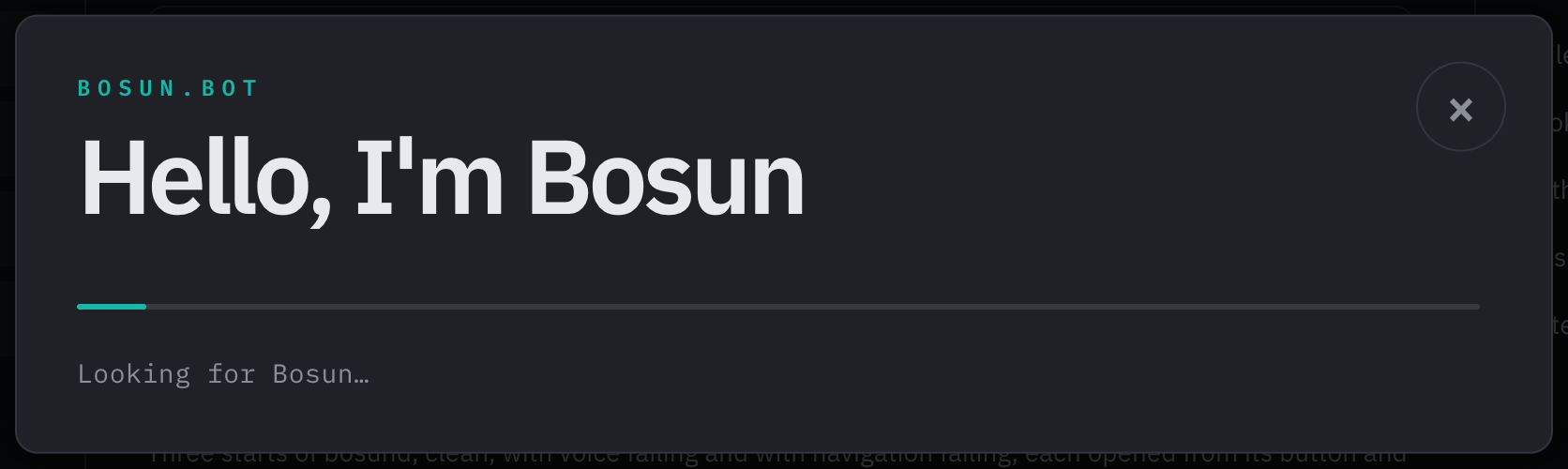
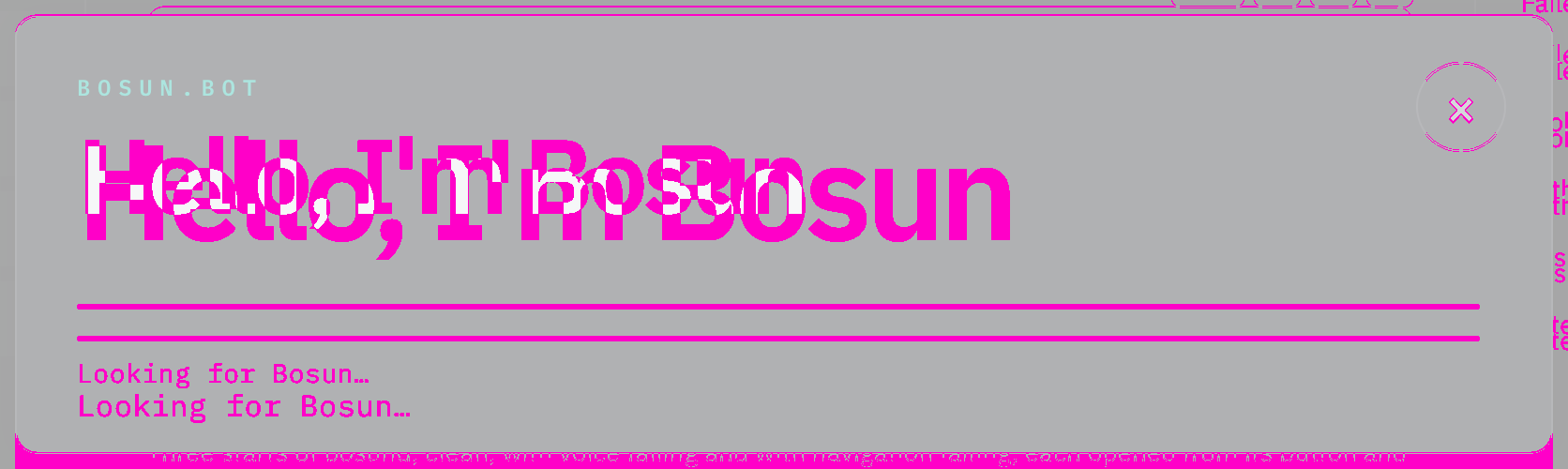
Startup modal set its text in px, which stays the same size at the helm size class while the type roles around it grow (the typography foundation: a font size in pixels ignores the size class). Its sizes now come from the roles: its title clamp(34px, 6vw, 72px) → the twice the page heading role (56 px, 64 px at helm); its label clamp(10px, 1.2vw, 12px) → the caption role (12 px, 14 px at helm); its close 30px → the page heading role (28 px, 32 px at helm); its steps clamp(12px, 1.5vw, 15px) → the body role (14 px, 18 px at helm); its step marker 11px → the caption role (12 px, 14 px at helm); its status clamp(12px, 1.6vw, 16px) → the body role (14 px, 18 px at helm). The owner chose to snap each size to the nearest role (2026-10-24).
Rules behind it
- Foundation Typography: a component sets its text with a role or in em, so it follows the size class; a font size in pixels ignores it.
- Accessibility WCAG 2.2 SC 1.4.4 Resize Text: the text grows with the helm size class instead of staying at its pixel size.
ChangedSetting control sets its text in the type roles, so it grows at helm
Touches Setting control, Typography
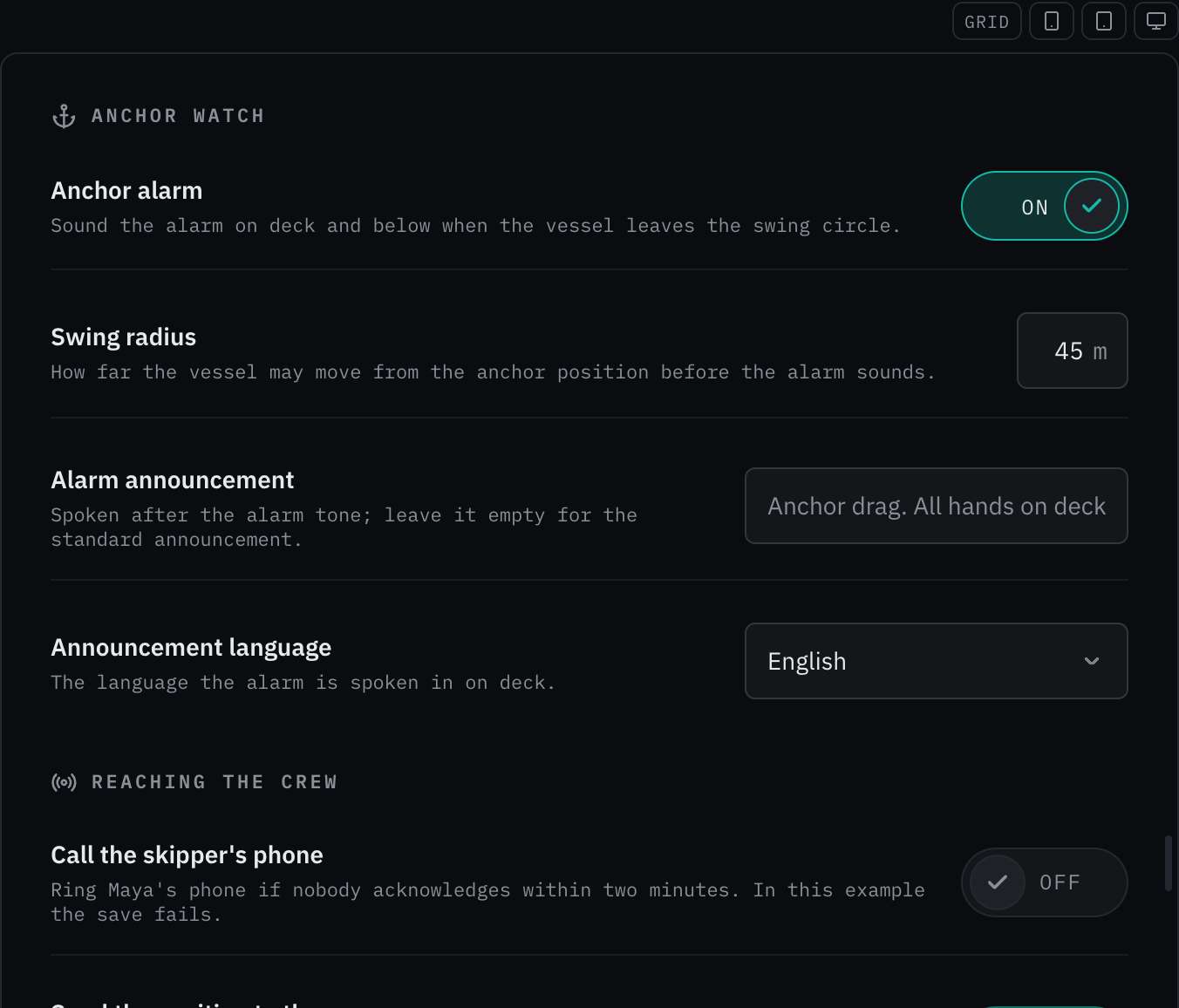
Setting control set its text in px, which stays the same size at the helm size class while the type roles around it grow (the typography foundation: a font size in pixels ignores the size class). Its sizes now come from the roles: its label 14px → the body role (14 px, 18 px at helm); its description 11px → the caption role (12 px, 14 px at helm); its pill label 12px → the caption role (12 px, 14 px at helm); its unit 11px → the caption role (12 px, 14 px at helm); its unit 14px → the body role (14 px, 18 px at helm); its saved 14px → the body role (14 px, 18 px at helm); its status 12px → the caption role (12 px, 14 px at helm); its chip 10px → the caption role (12 px, 14 px at helm). The owner chose to snap each size to the nearest role (2026-10-24).
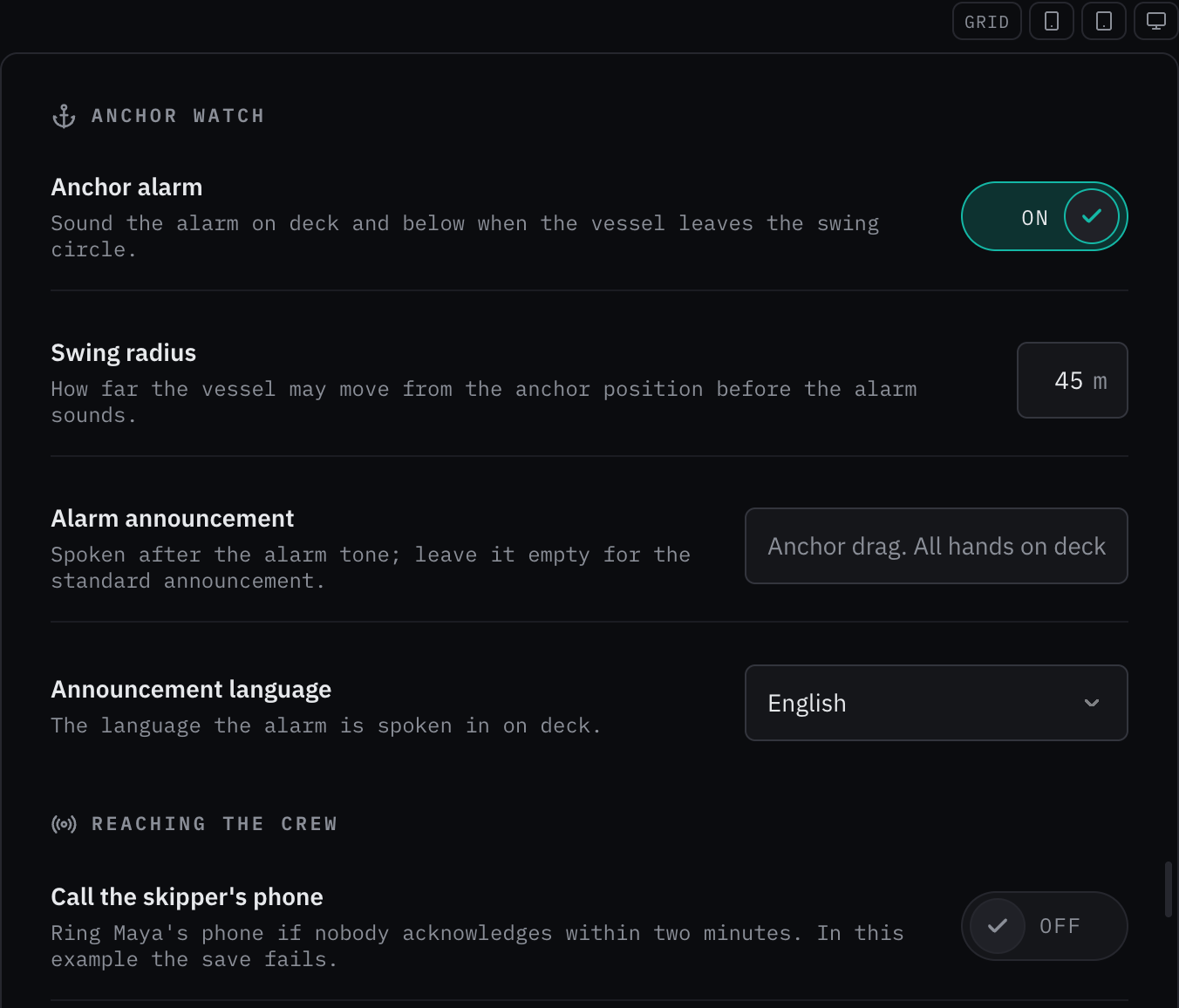
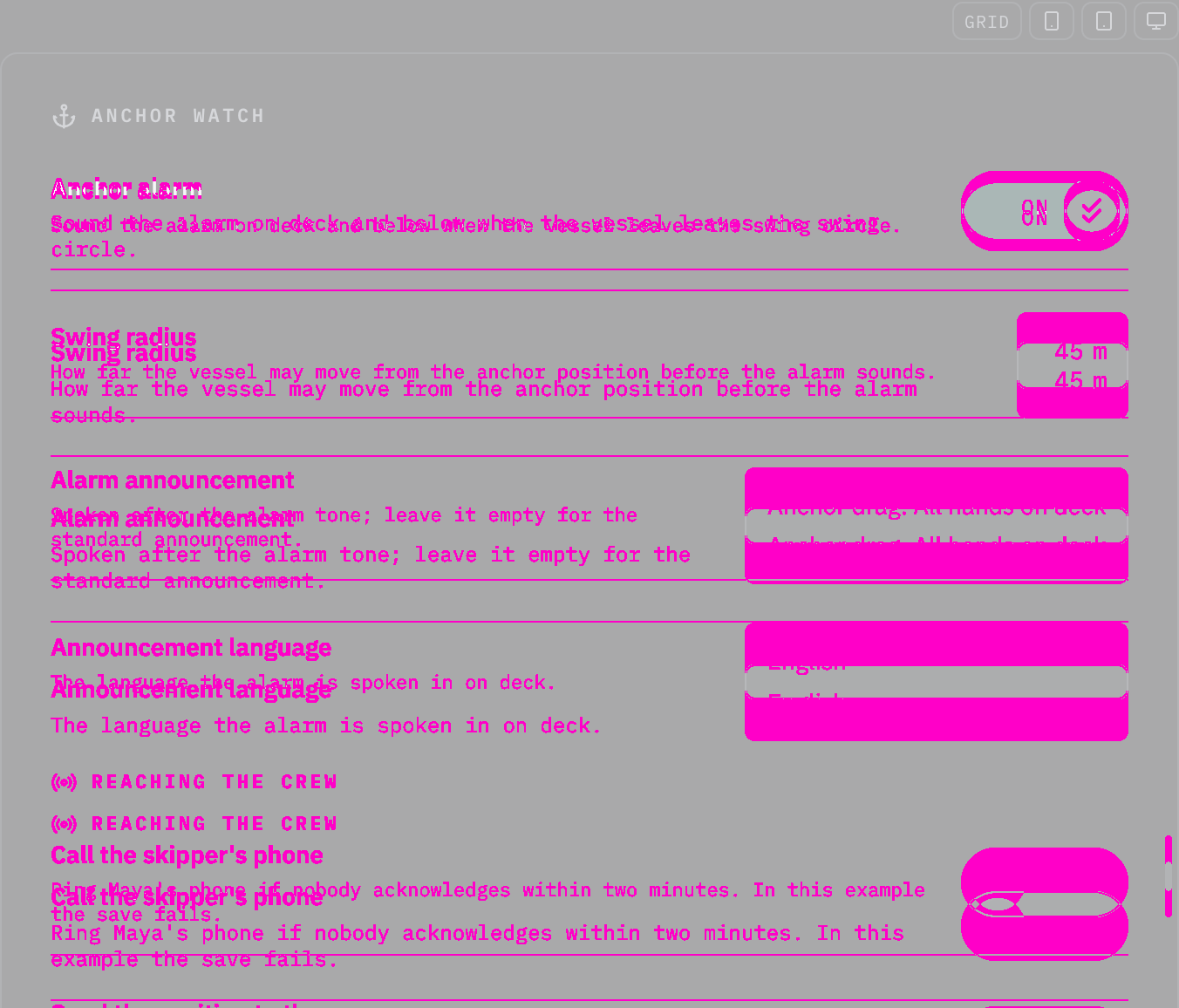
Rules behind it
- Foundation Typography: a component sets its text with a role or in em, so it follows the size class; a font size in pixels ignores it.
- Accessibility WCAG 2.2 SC 1.4.4 Resize Text: the text grows with the helm size class instead of staying at its pixel size.
ChangedSetting chips sets its text in the type roles, so it grows at helm
Touches Setting chips, Typography
Setting chips set its text in px, which stays the same size at the helm size class while the type roles around it grow (the typography foundation: a font size in pixels ignores the size class). Its sizes now come from the roles: its entry 11px → the caption role (12 px, 14 px at helm); its chips input 11px → the caption role (12 px, 14 px at helm). The owner chose to snap each size to the nearest role (2026-10-24).
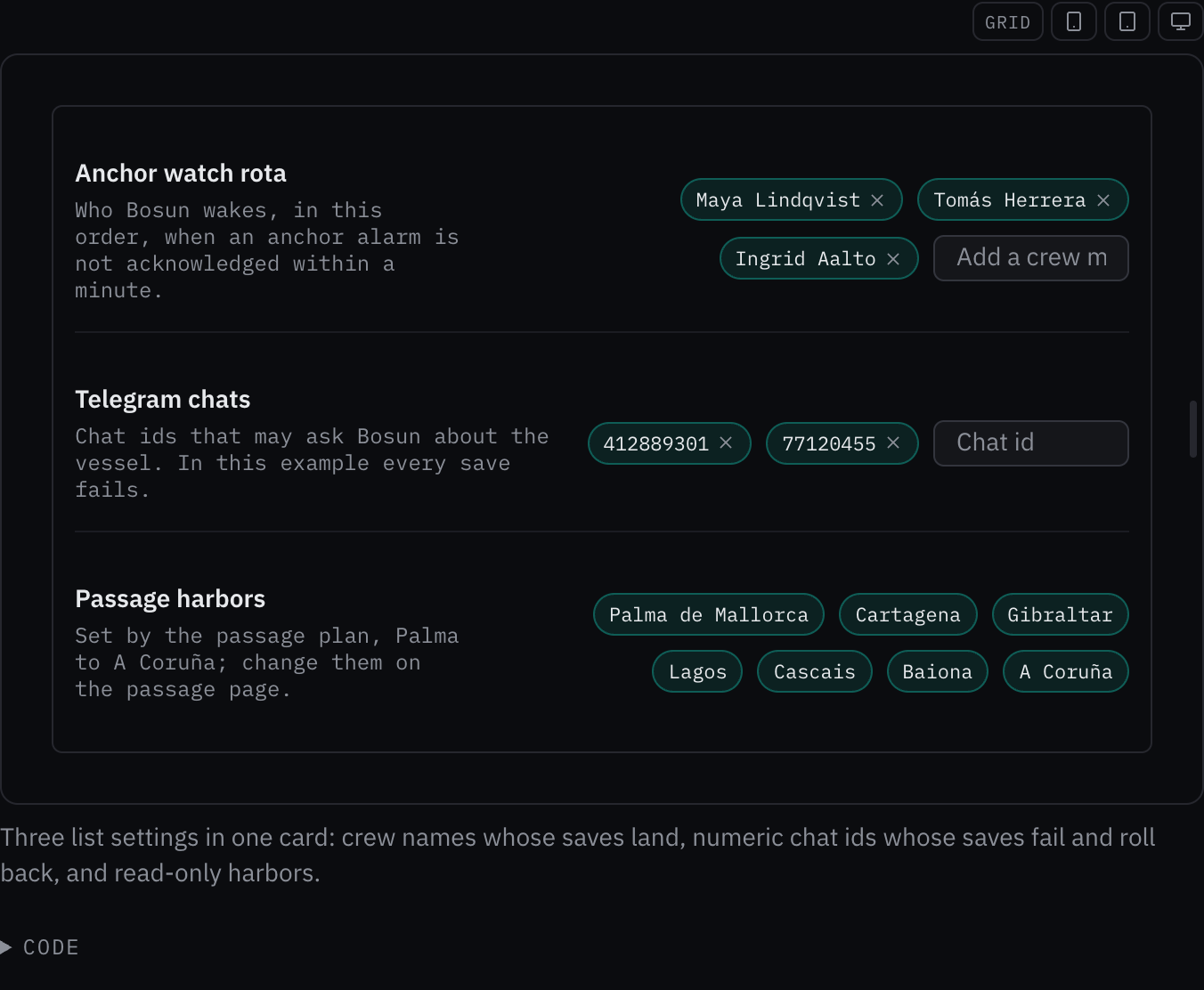
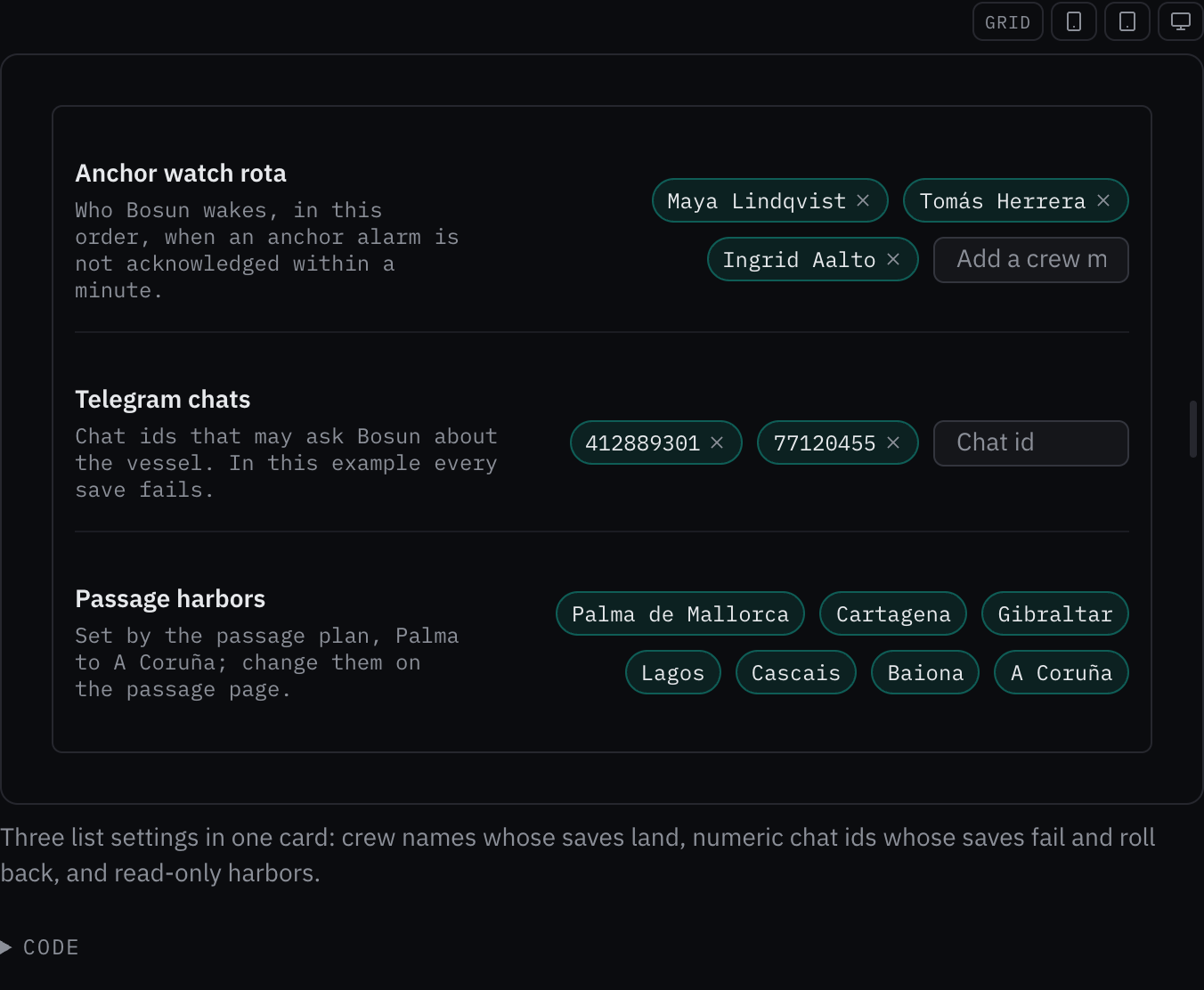
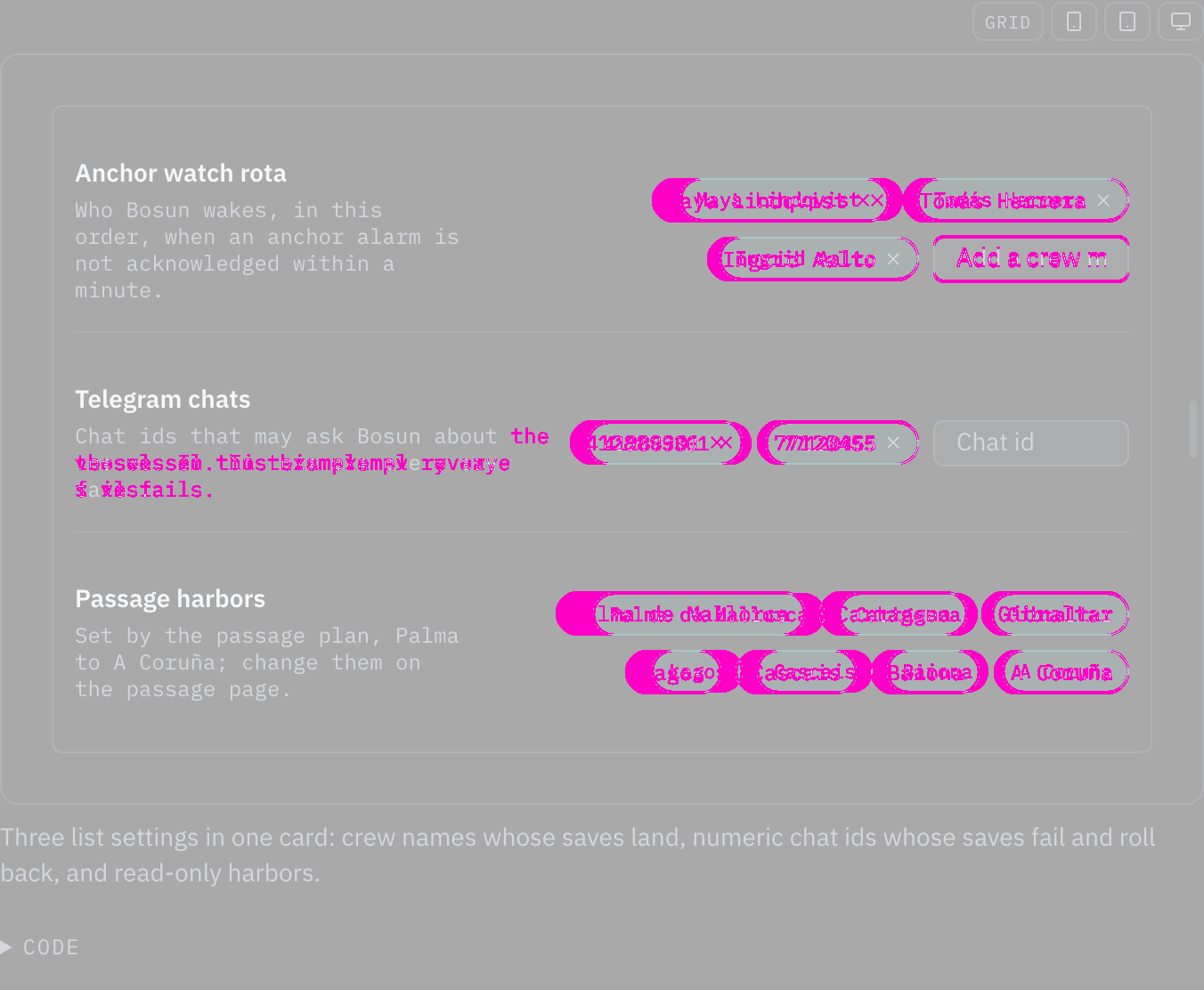
Rules behind it
- Foundation Typography: a component sets its text with a role or in em, so it follows the size class; a font size in pixels ignores it.
- Accessibility WCAG 2.2 SC 1.4.4 Resize Text: the text grows with the helm size class instead of staying at its pixel size.
ChangedSection divider sets its text in the type roles, so it grows at helm
Touches Section divider, Typography
Section divider set its text in px, which stays the same size at the helm size class while the type roles around it grow (the typography foundation: a font size in pixels ignores the size class). Its sizes now come from the roles: its label 10px → the caption role (12 px, 14 px at helm). The owner chose to snap each size to the nearest role (2026-10-24).
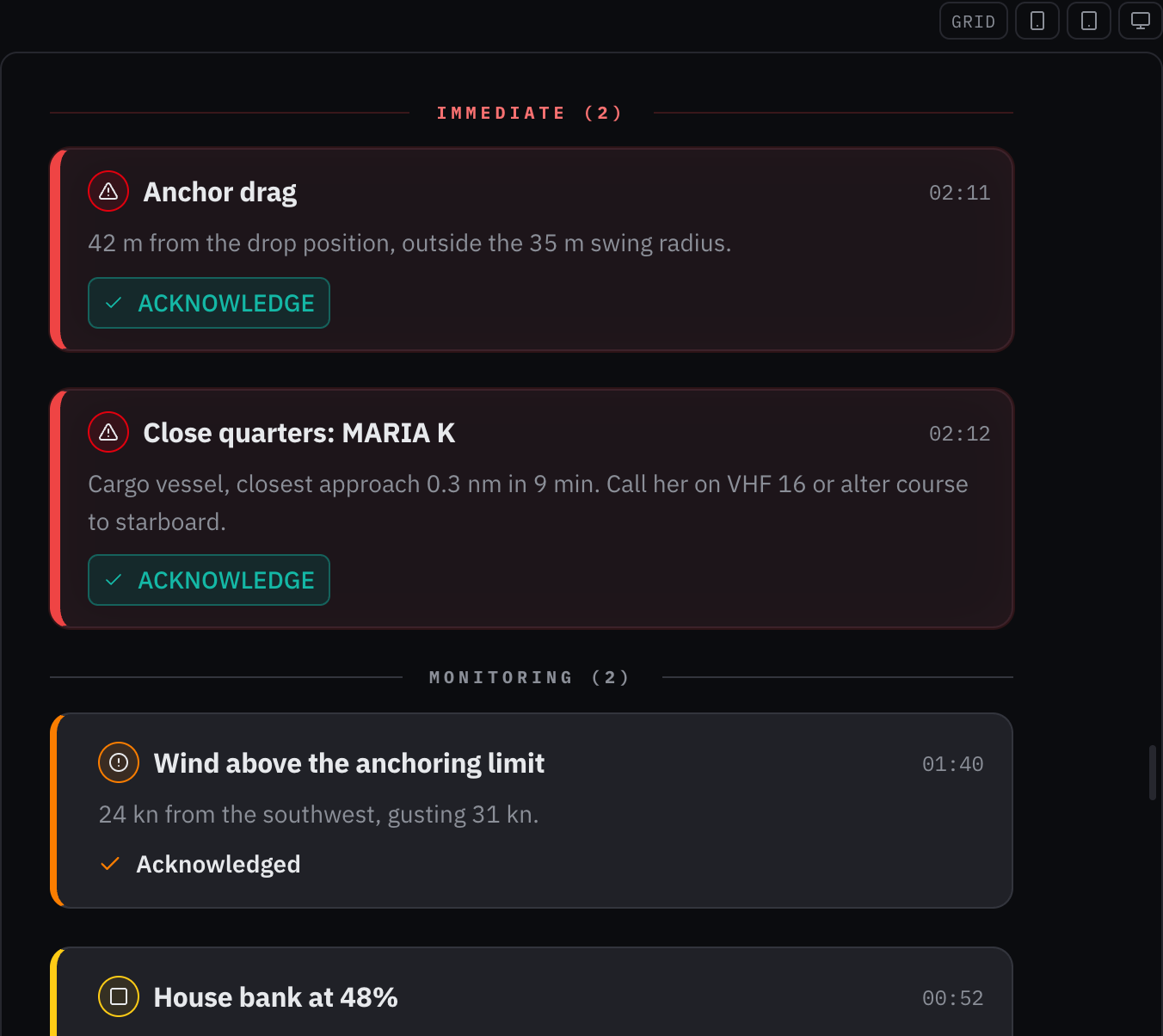
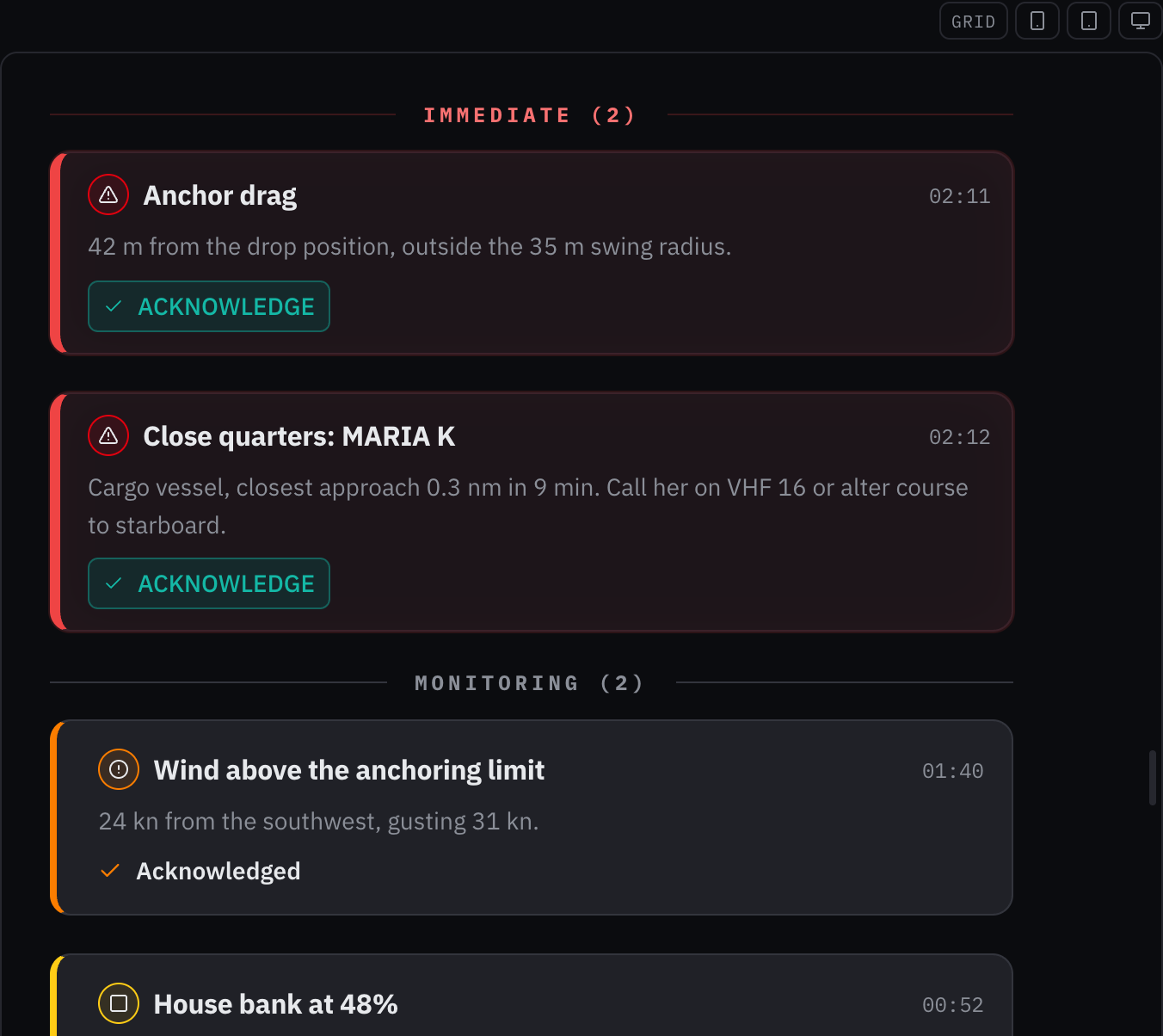
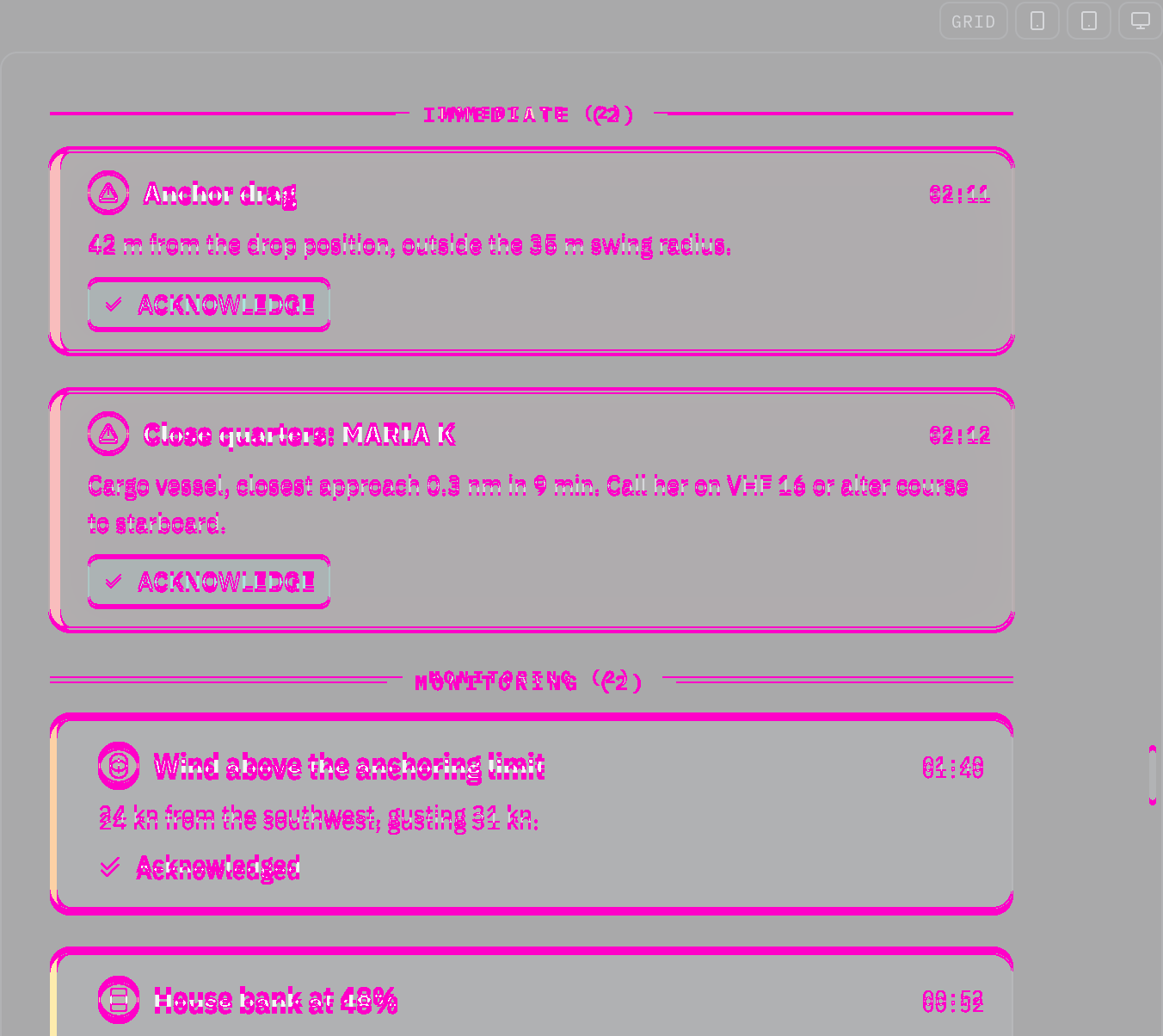
Rules behind it
- Foundation Typography: a component sets its text with a role or in em, so it follows the size class; a font size in pixels ignores it.
- Accessibility WCAG 2.2 SC 1.4.4 Resize Text: the text grows with the helm size class instead of staying at its pixel size.
ChangedReading sets its text in the type roles, so it grows at helm
Touches Reading, Typography
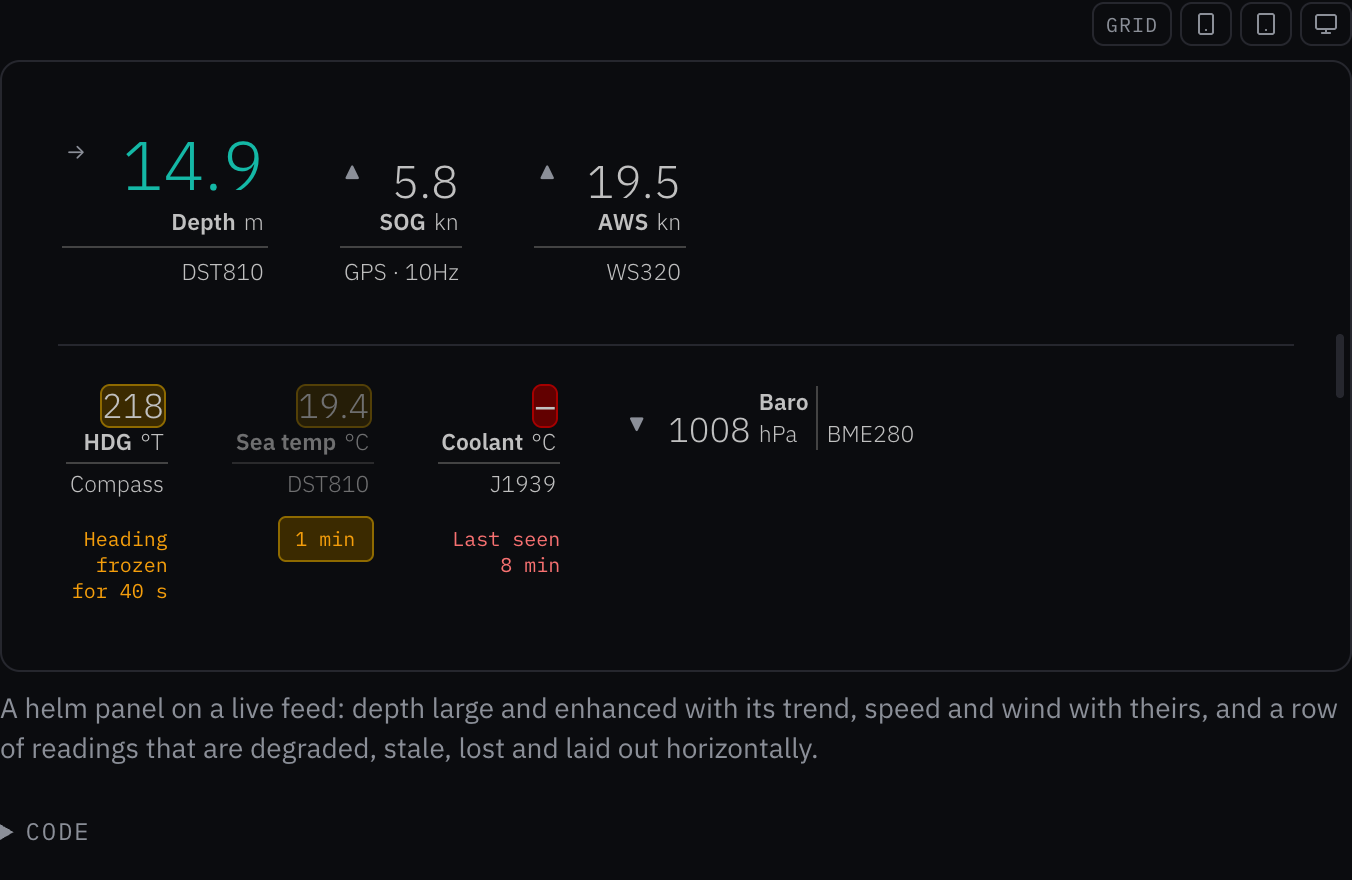
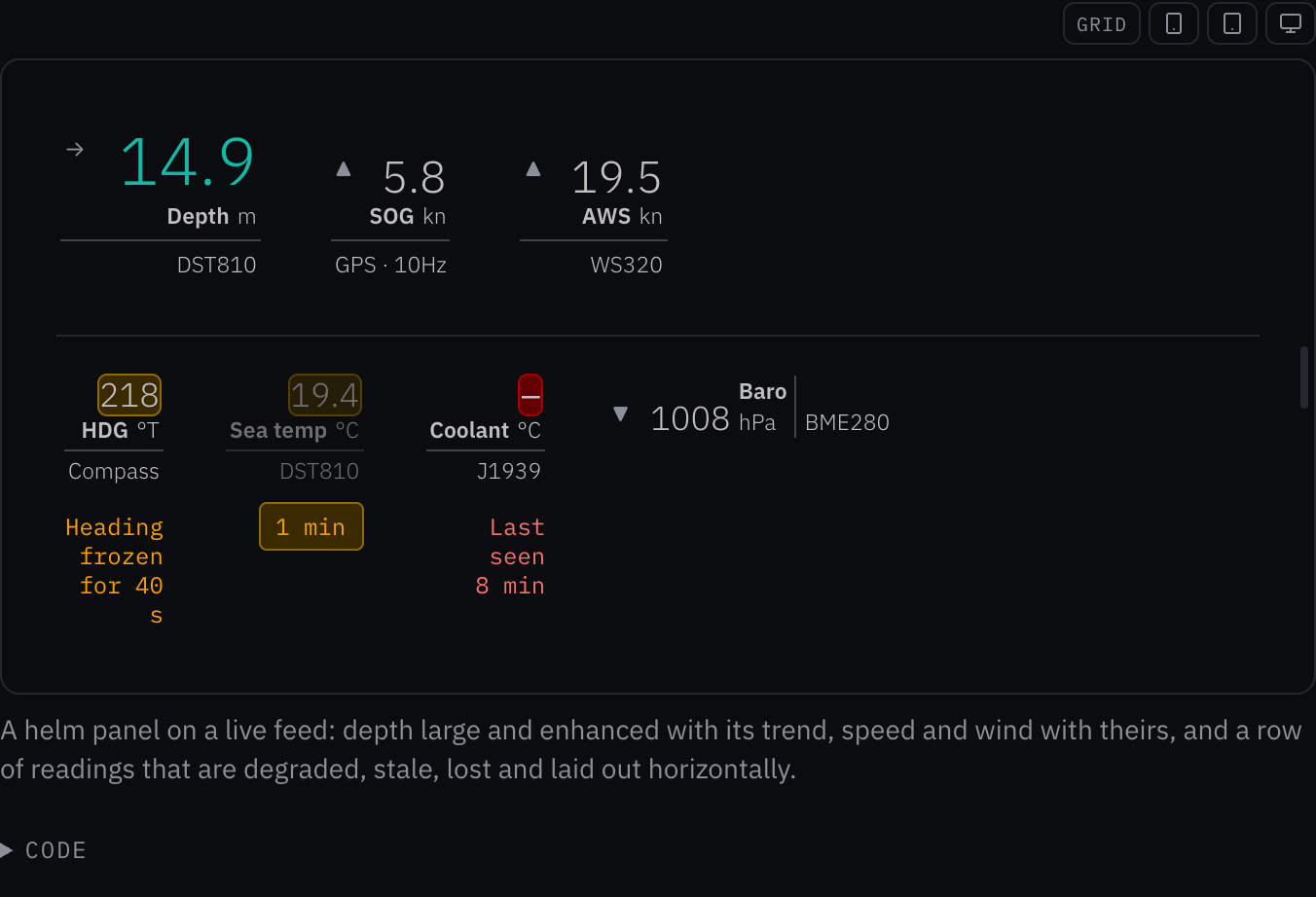
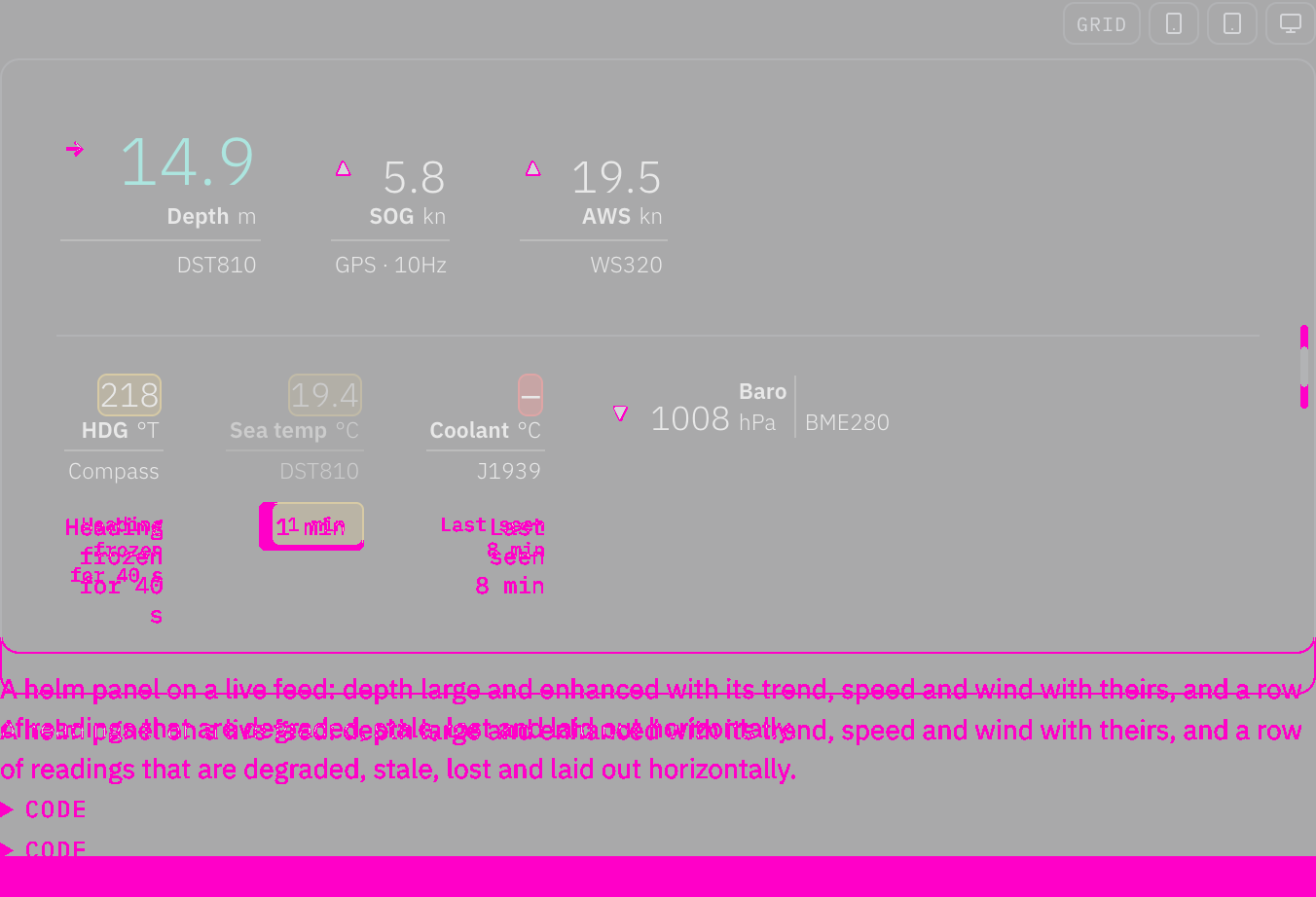
Reading set its text in px, which stays the same size at the helm size class while the type roles around it grow (the typography foundation: a font size in pixels ignores the size class). Its sizes now come from the roles: its trend 11px → the caption role (12 px, 14 px at helm); its age 10px → the caption role (12 px, 14 px at helm); its reason 10px → the caption role (12 px, 14 px at helm); its last seen 10px → the caption role (12 px, 14 px at helm). The owner chose to snap each size to the nearest role (2026-10-24).
Rules behind it
- Foundation Typography: a component sets its text with a role or in em, so it follows the size class; a font size in pixels ignores it.
- Accessibility WCAG 2.2 SC 1.4.4 Resize Text: the text grows with the helm size class instead of staying at its pixel size.
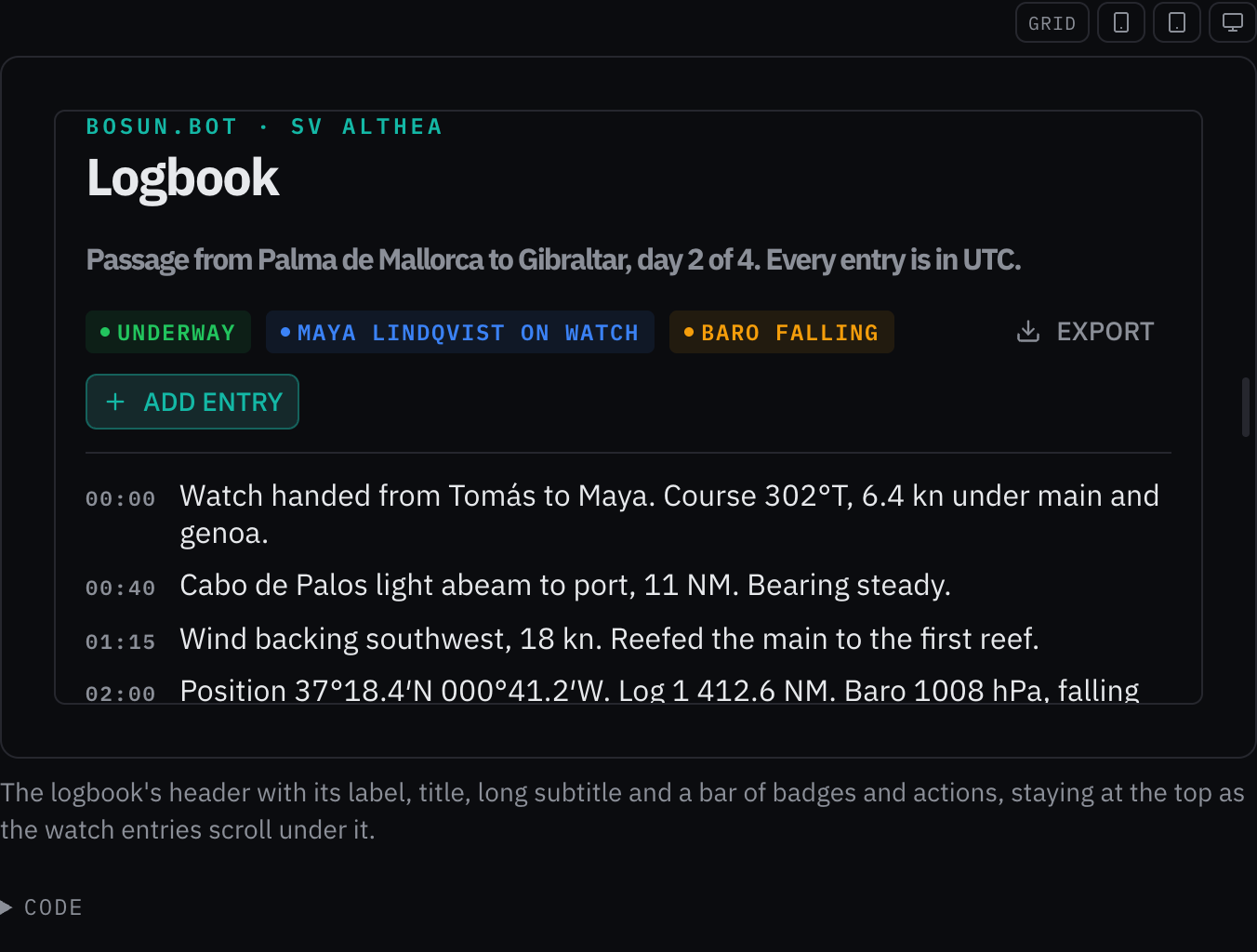
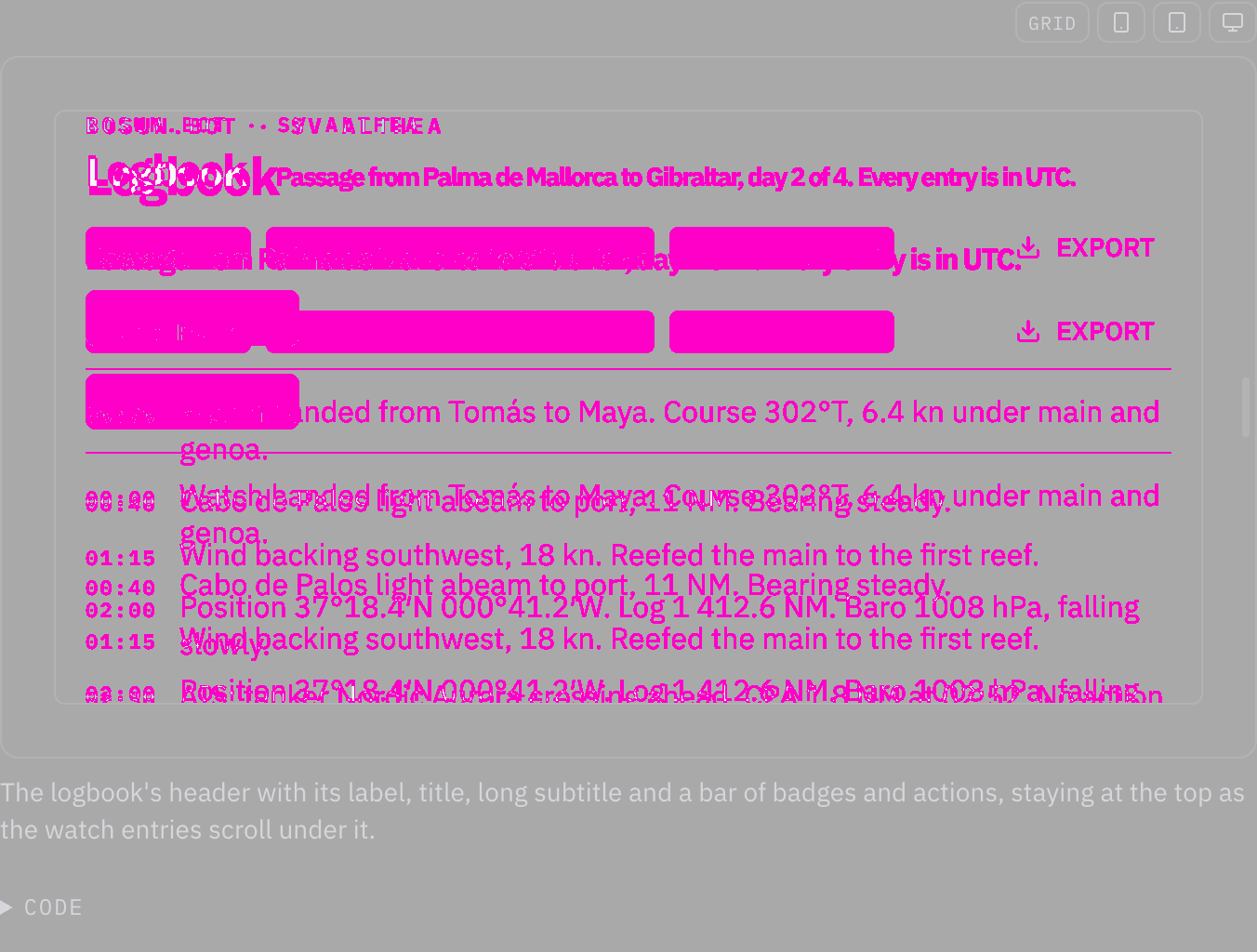
ChangedPage header sets its text in the type roles, so it grows at helm
Touches Page header, Typography
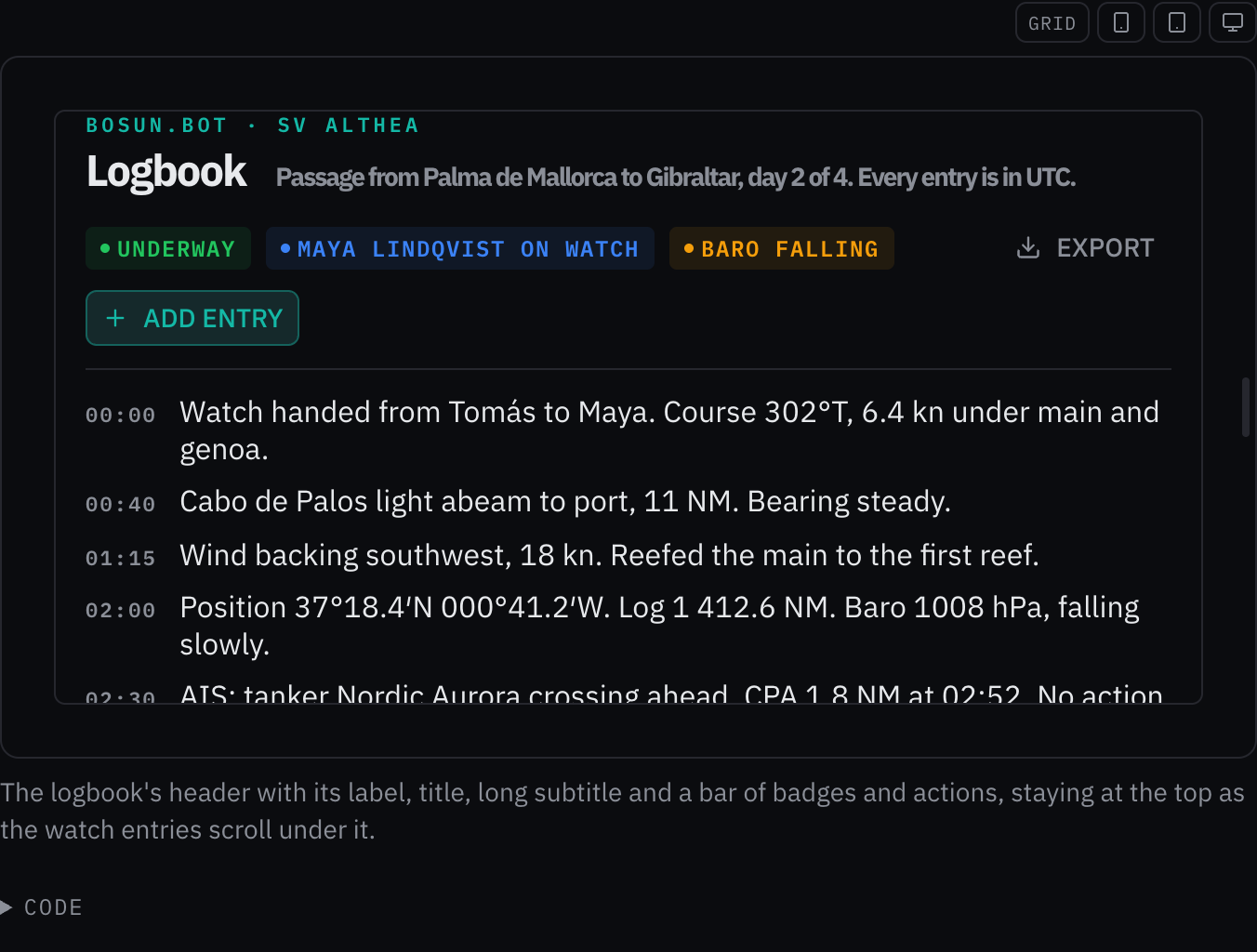
Page header set its text in px, which stays the same size at the helm size class while the type roles around it grow (the typography foundation: a font size in pixels ignores the size class). Its sizes now come from the roles: its eyebrow 11px → the caption role (12 px, 14 px at helm); its title clamp(22px, 3.5cqi, 32px) → the page heading role (28 px, 32 px at helm); its subtitle clamp(14px, 1.8cqi, 18px) → the reading body role (16 px, 20 px at helm). The owner chose to snap each size to the nearest role (2026-10-24).
Rules behind it
- Foundation Typography: a component sets its text with a role or in em, so it follows the size class; a font size in pixels ignores it.
- Accessibility WCAG 2.2 SC 1.4.4 Resize Text: the text grows with the helm size class instead of staying at its pixel size.
ChangedInstrument pill sets its text in the type roles, so it grows at helm
Touches Instrument pill, Typography
Instrument pill set its text in px, which stays the same size at the helm size class while the type roles around it grow (the typography foundation: a font size in pixels ignores the size class). Its sizes now come from the roles: its text 12px → the caption role (12 px, 14 px at helm); its trend 10px → 0.85em of its line, so it keeps its size beside the text it sits in. The owner chose to snap each size to the nearest role (2026-10-24).
No visible change in a still. At the default size class each size equals its role's, so the page looks the same; at helm the text grows with the roles.
Rules behind it
- Foundation Typography: a component sets its text with a role or in em, so it follows the size class; a font size in pixels ignores it.
- Accessibility WCAG 2.2 SC 1.4.4 Resize Text: the text grows with the helm size class instead of staying at its pixel size.
ChangedEntity list sets its text in the type roles, so it grows at helm
Touches Entity list, Typography
Entity list set its text in px, which stays the same size at the helm size class while the type roles around it grow (the typography foundation: a font size in pixels ignores the size class). Its sizes now come from the roles: its empty title 16px → the component heading role (16 px, 20 px at helm); its empty subtitle 12px → the caption role (12 px, 14 px at helm). The owner chose to snap each size to the nearest role (2026-10-24).
No visible change in a still. At the default size class each size equals its role's, so the page looks the same; at helm the text grows with the roles.
Rules behind it
- Foundation Typography: a component sets its text with a role or in em, so it follows the size class; a font size in pixels ignores it.
- Accessibility WCAG 2.2 SC 1.4.4 Resize Text: the text grows with the helm size class instead of staying at its pixel size.
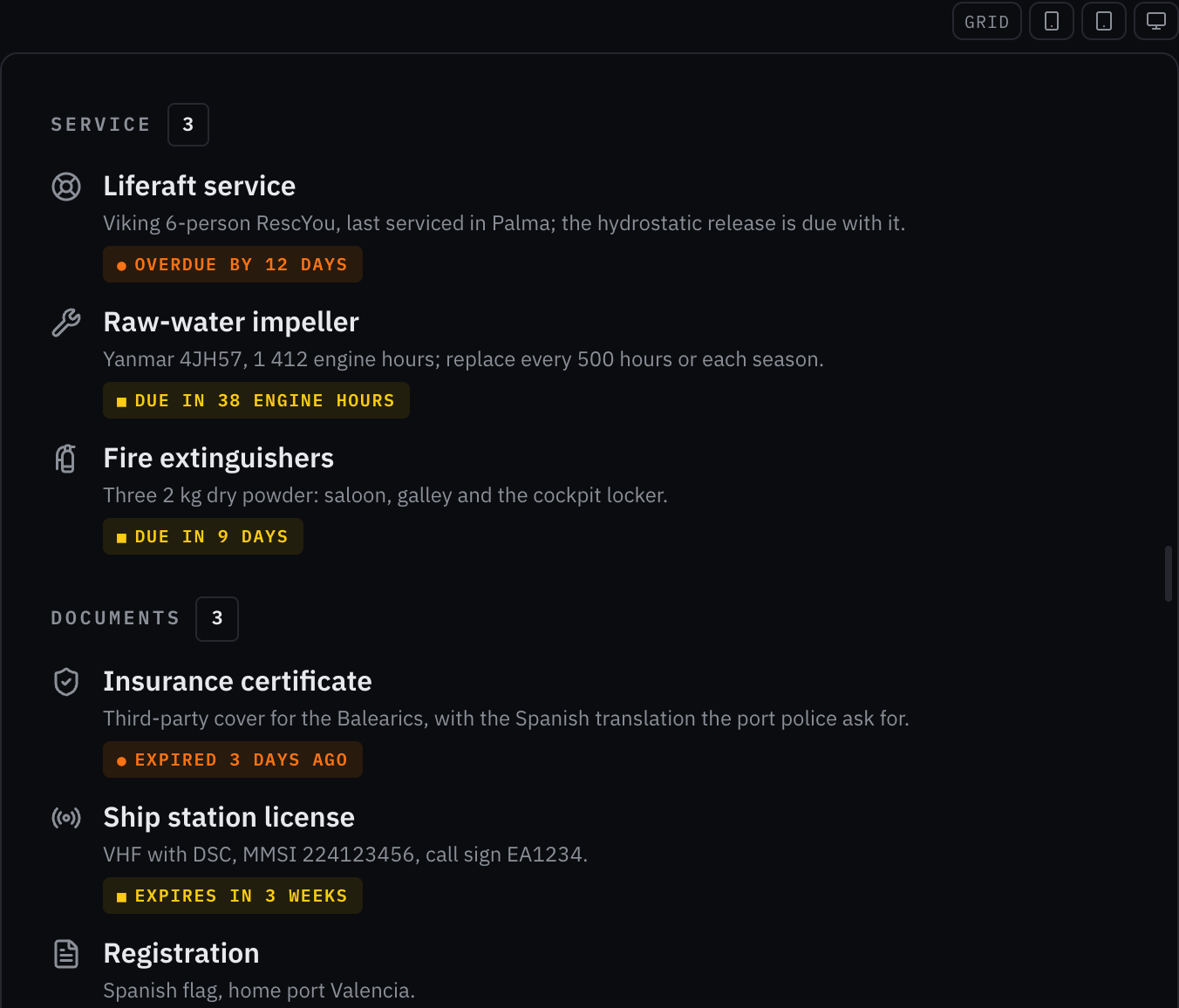
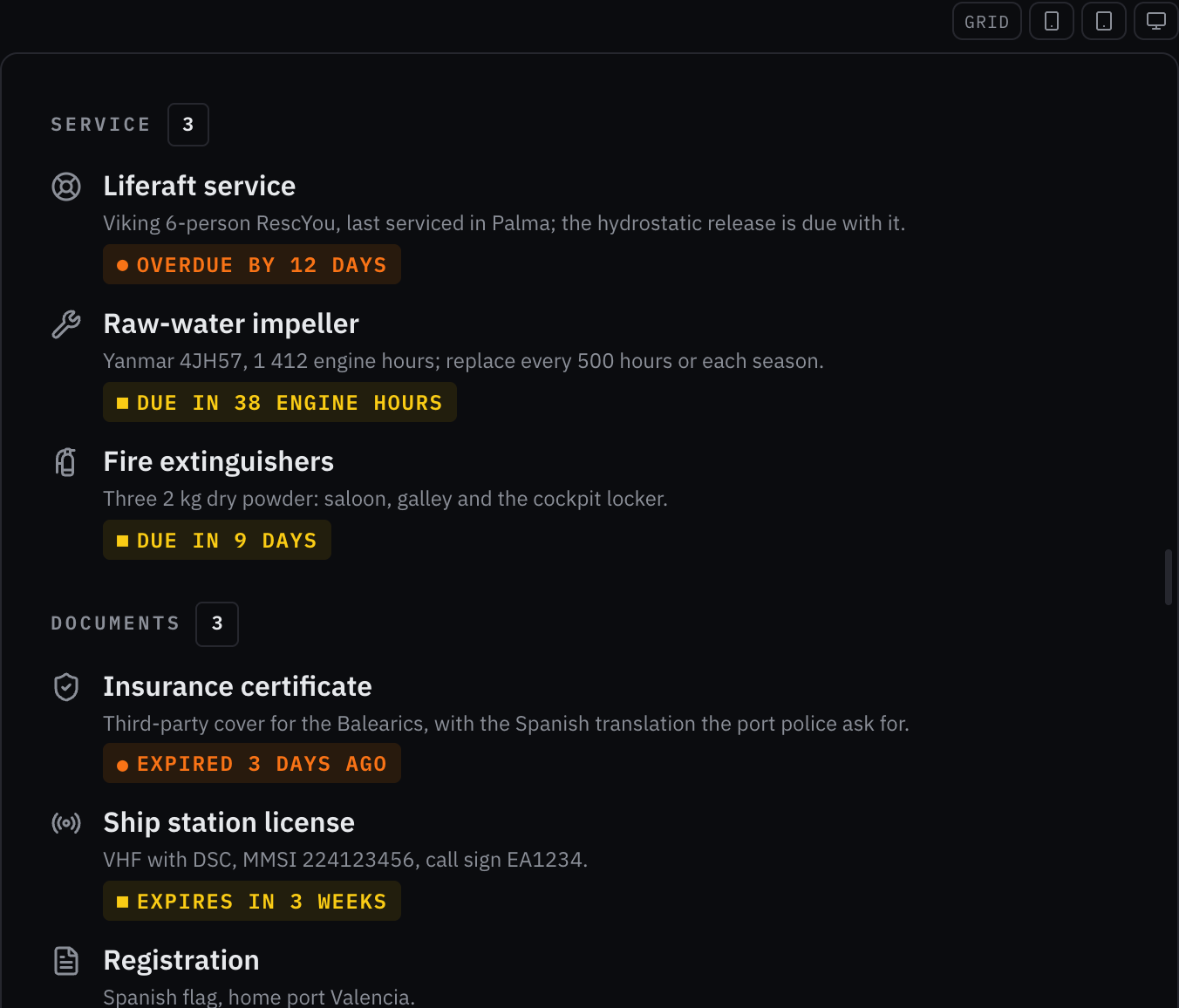
ChangedDue chip sets its text in the type roles, so it grows at helm
Touches Due chip, Typography
Due chip set its text in px, which stays the same size at the helm size class while the type roles around it grow (the typography foundation: a font size in pixels ignores the size class). Its sizes now come from the roles: its text 10px → the caption role (12 px, 14 px at helm); its shape 9px → 0.9em of its line, so it keeps its size beside the text it sits in. The owner chose to snap each size to the nearest role (2026-10-24).
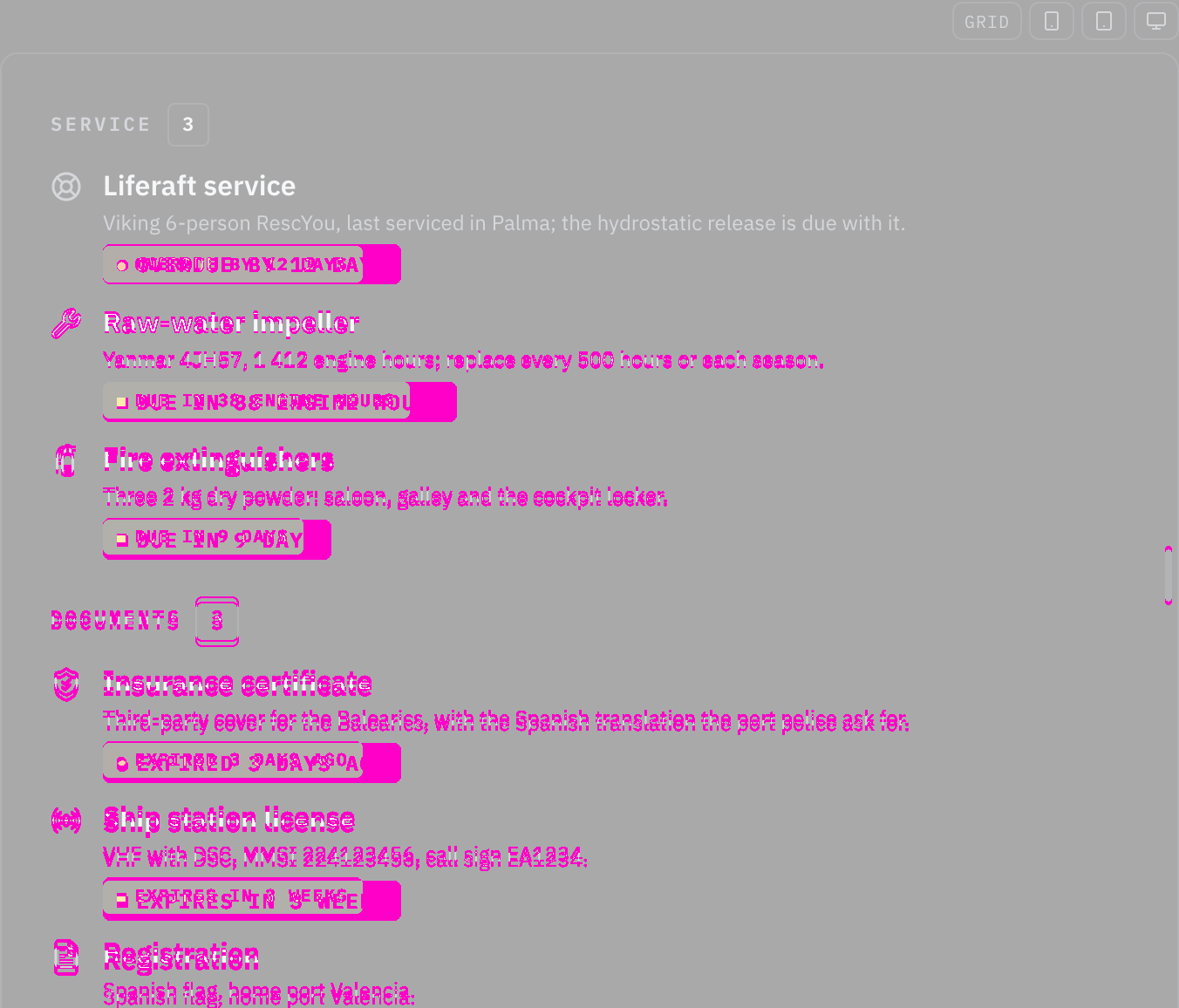
Rules behind it
- Foundation Typography: a component sets its text with a role or in em, so it follows the size class; a font size in pixels ignores it.
- Accessibility WCAG 2.2 SC 1.4.4 Resize Text: the text grows with the helm size class instead of staying at its pixel size.
ChangedData table sets its text in the type roles, so it grows at helm
Touches Data table, Typography
Data table set its text in px, which stays the same size at the helm size class while the type roles around it grow (the typography foundation: a font size in pixels ignores the size class). Its sizes now come from the roles: its th 10px → the caption role (12 px, 14 px at helm); its cell 13px → the body role (14 px, 18 px at helm); its sort order 9px → 0.8em of its line, so it keeps its size beside the text it sits in; its empty cell 13px → the body role (14 px, 18 px at helm); its range 11px → the caption role (12 px, 14 px at helm); its hit 13px → the body role (14 px, 18 px at helm); its columns toggle 11px → the caption role (12 px, 14 px at helm); its columns item 13px → the body role (14 px, 18 px at helm); its filter control 13px → the body role (14 px, 18 px at helm). The owner chose to snap each size to the nearest role (2026-10-24).
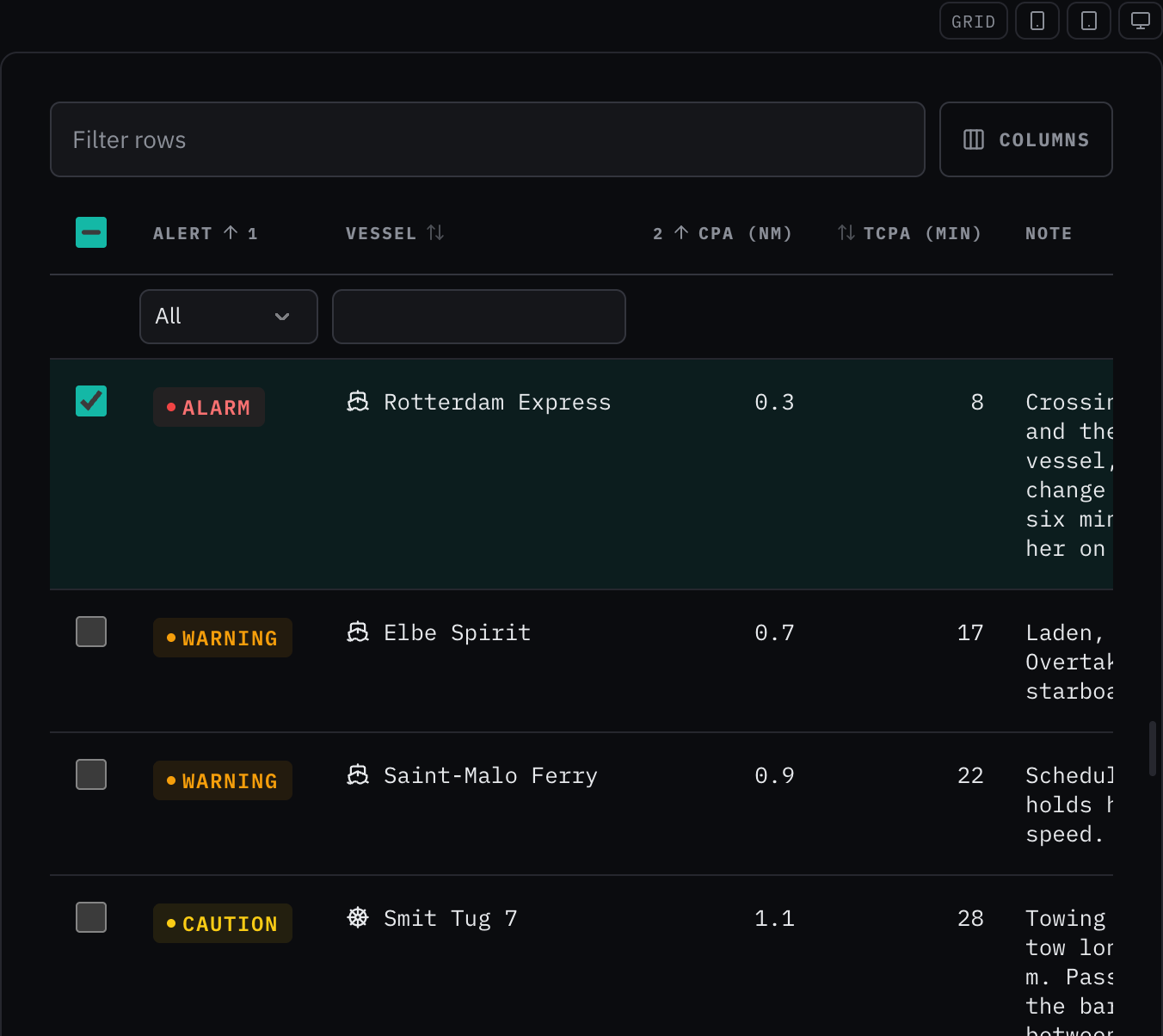
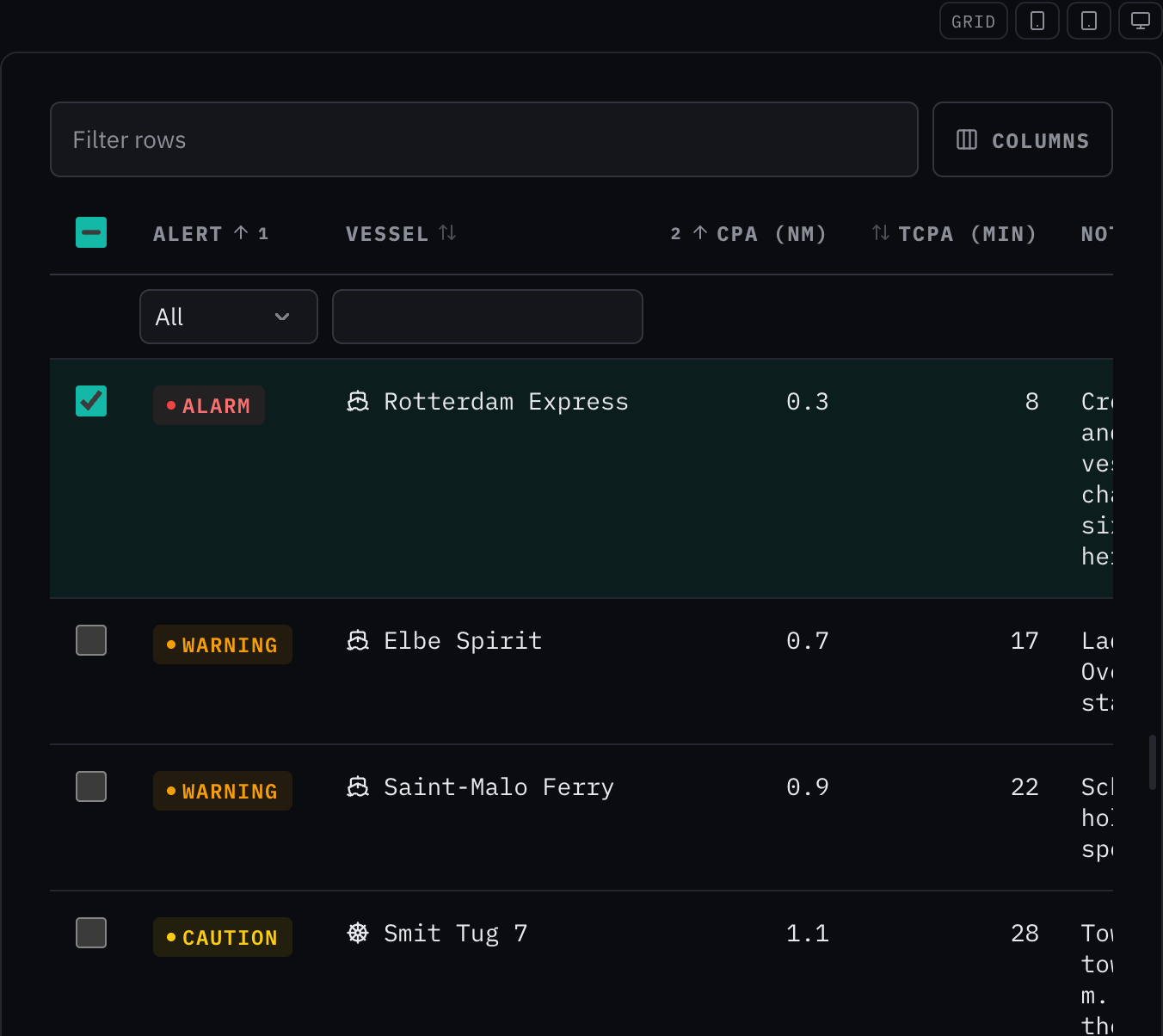
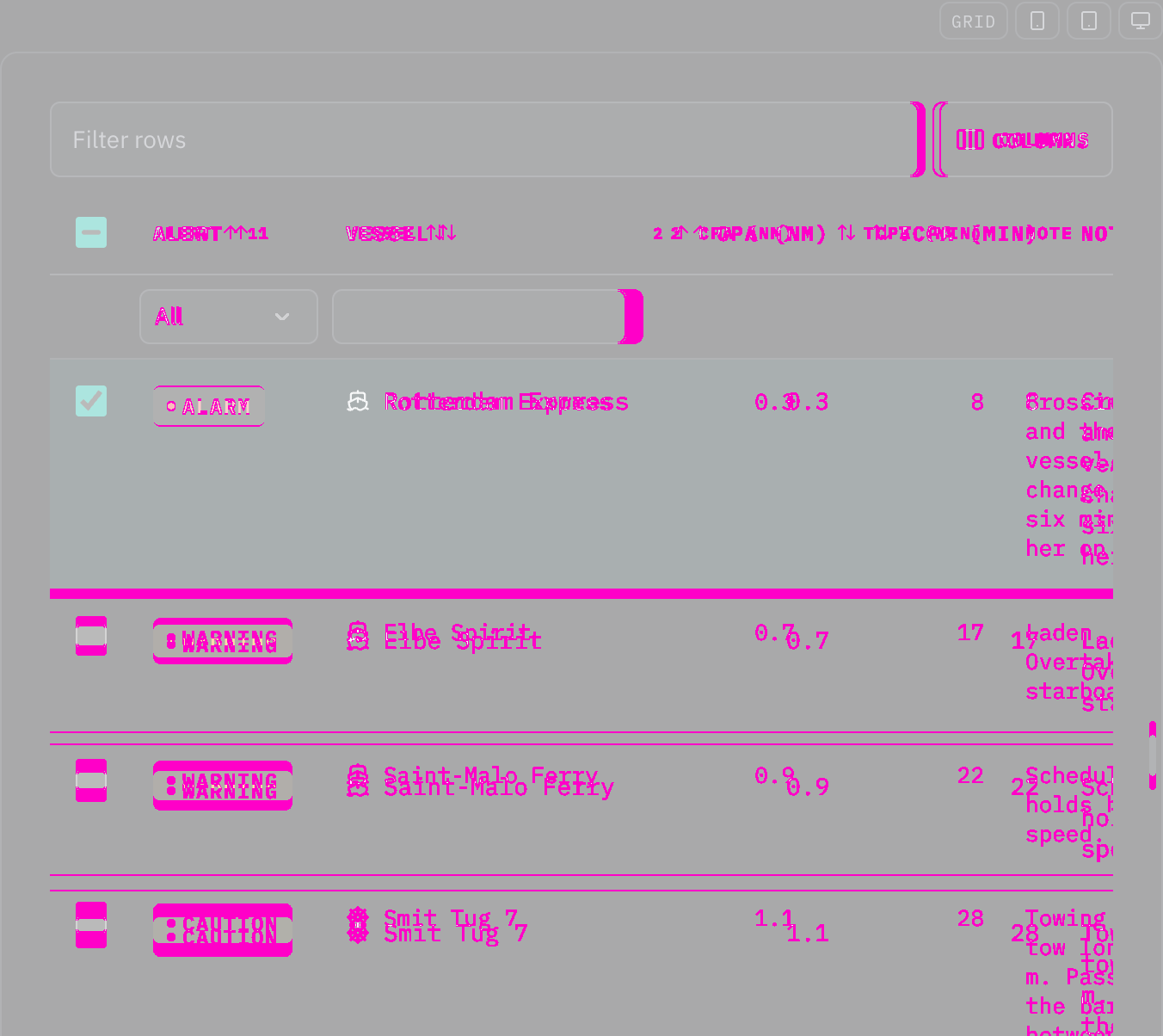
Rules behind it
- Foundation Typography: a component sets its text with a role or in em, so it follows the size class; a font size in pixels ignores it.
- Accessibility WCAG 2.2 SC 1.4.4 Resize Text: the text grows with the helm size class instead of staying at its pixel size.
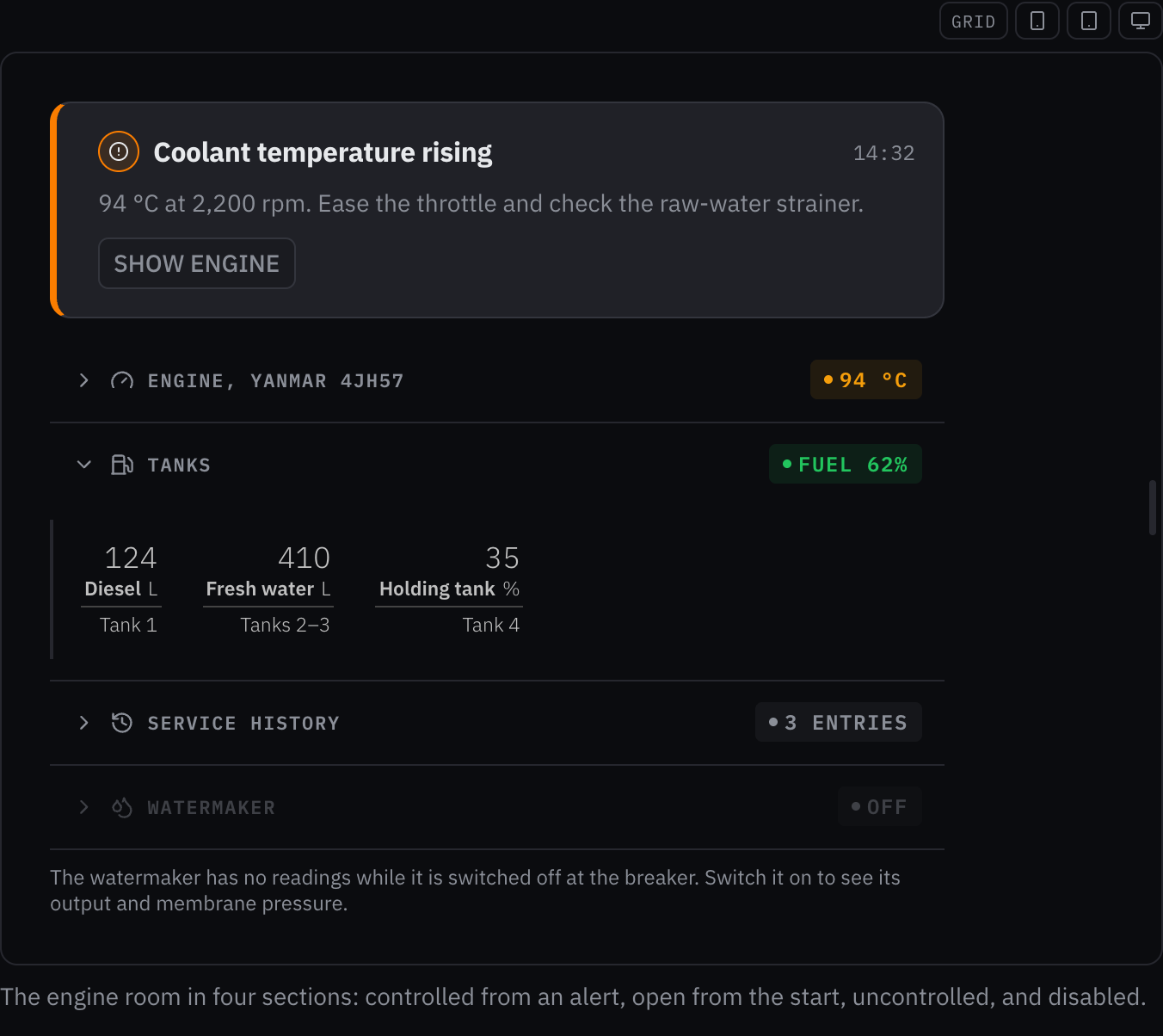
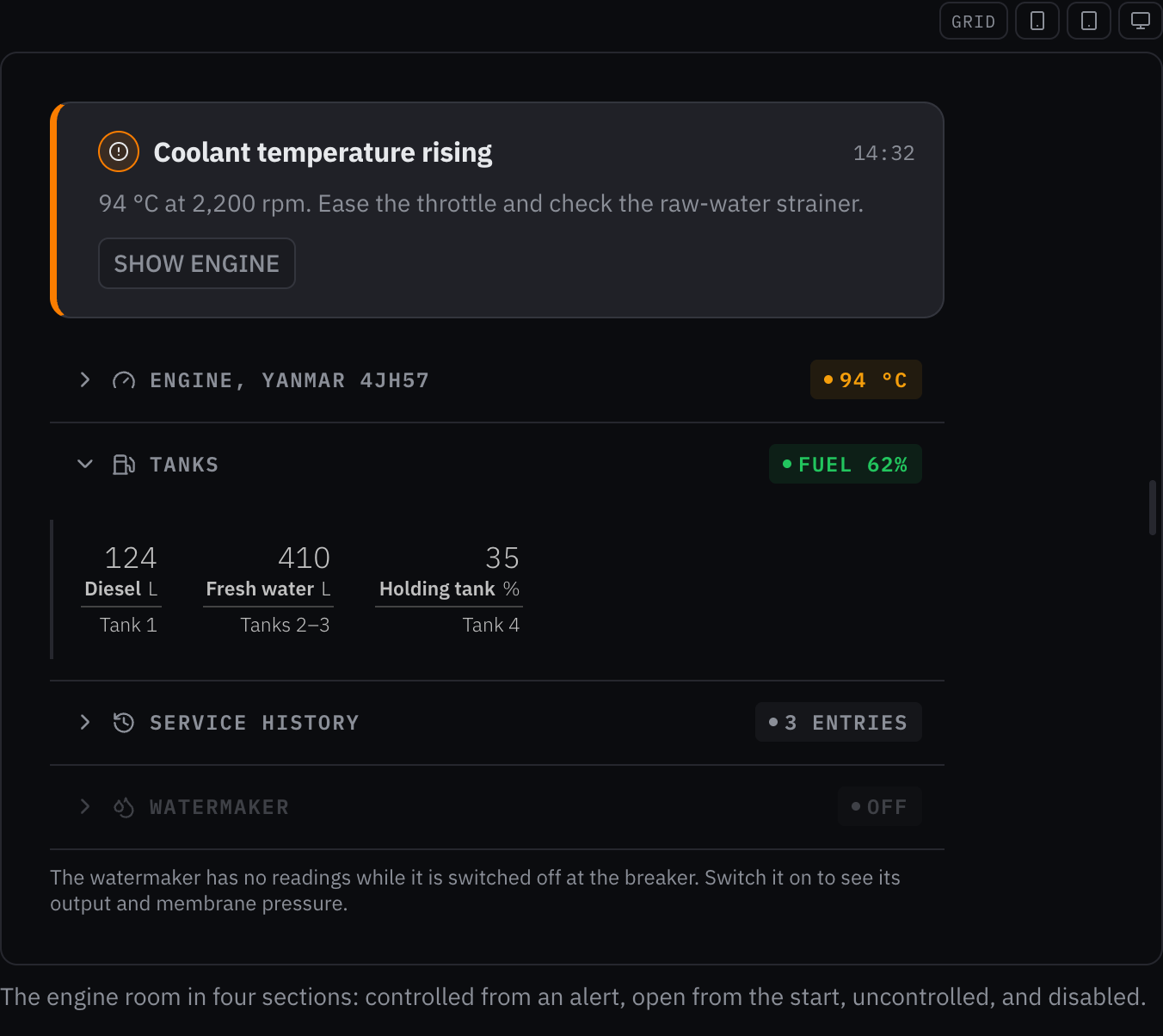
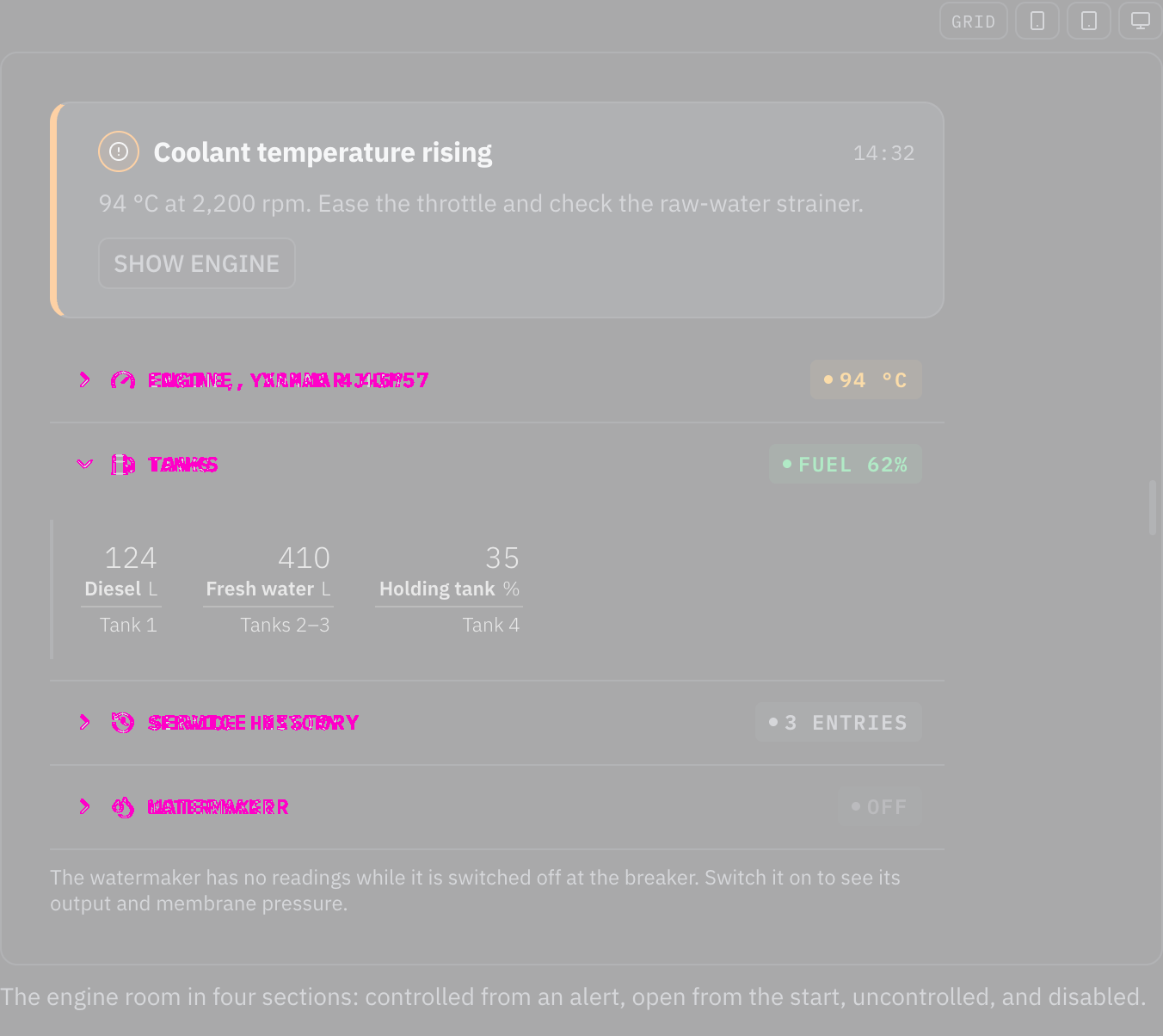
ChangedCollapsible sets its text in the type roles, so it grows at helm
Touches Collapsible, Typography
Collapsible set its text in px, which stays the same size at the helm size class while the type roles around it grow (the typography foundation: a font size in pixels ignores the size class). Its sizes now come from the roles: its text 11px → the caption role (12 px, 14 px at helm). The owner chose to snap each size to the nearest role (2026-10-24).
Rules behind it
- Foundation Typography: a component sets its text with a role or in em, so it follows the size class; a font size in pixels ignores it.
- Accessibility WCAG 2.2 SC 1.4.4 Resize Text: the text grows with the helm size class instead of staying at its pixel size.
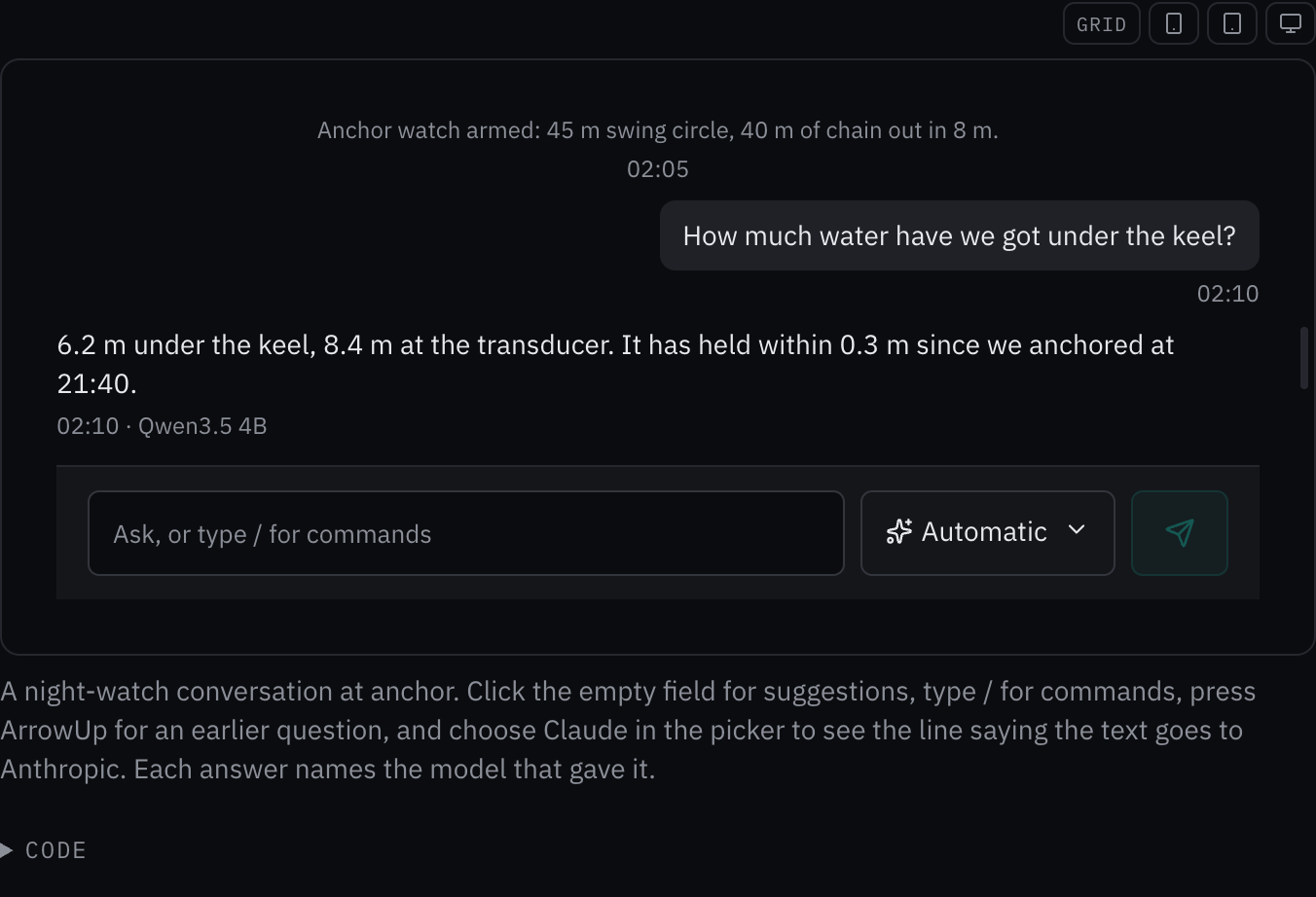
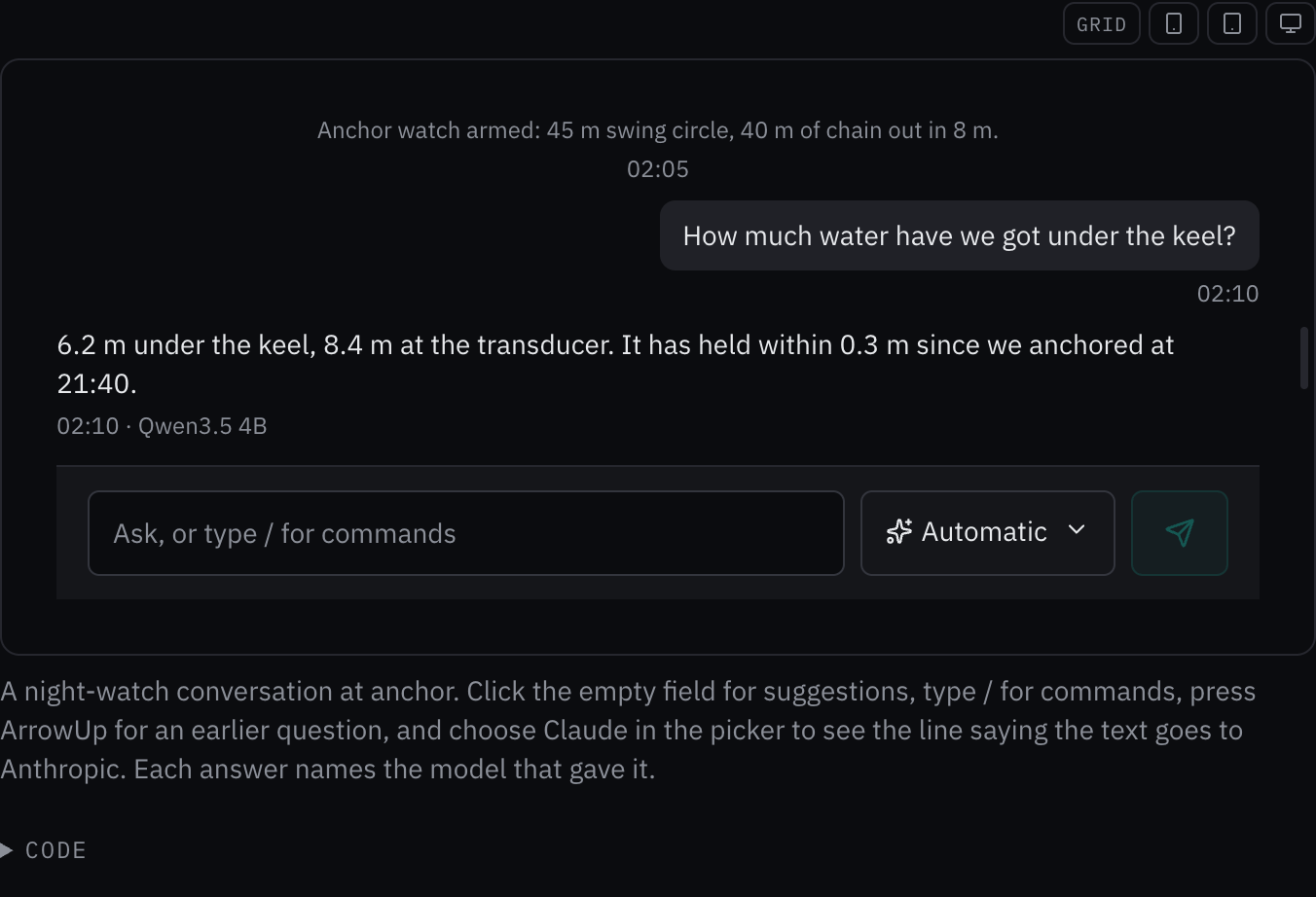
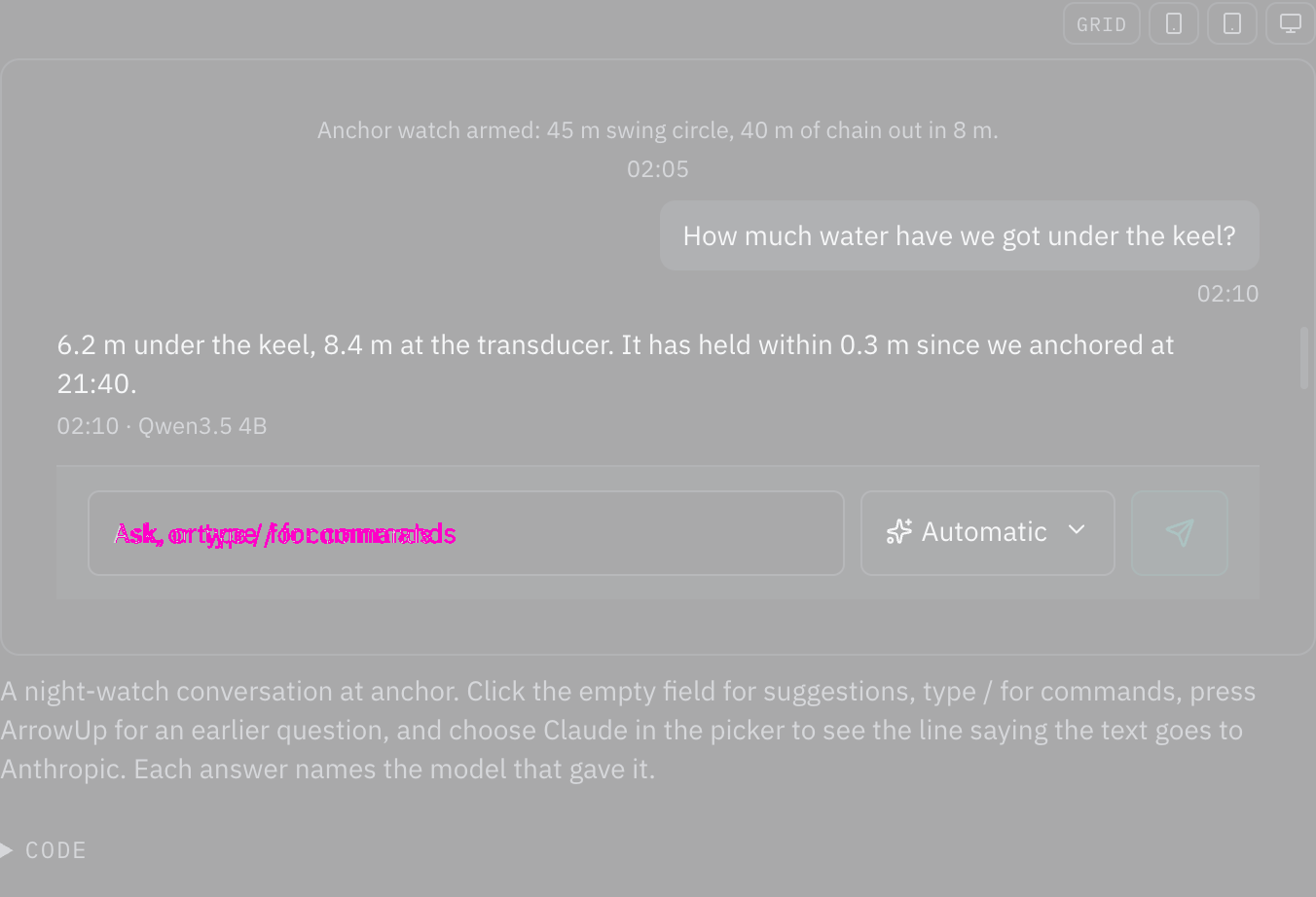
ChangedChat input sets its text in the type roles, so it grows at helm
Touches Chat input, Typography
Chat input set its text in px, which stays the same size at the helm size class while the type roles around it grow (the typography foundation: a font size in pixels ignores the size class). Its sizes now come from the roles: its field 14px → the body role (14 px, 18 px at helm); its field 13px → 1em of its line, so it keeps its size beside the text it sits in. The owner chose to snap each size to the nearest role (2026-10-24).
Rules behind it
- Foundation Typography: a component sets its text with a role or in em, so it follows the size class; a font size in pixels ignores it.
- Accessibility WCAG 2.2 SC 1.4.4 Resize Text: the text grows with the helm size class instead of staying at its pixel size.
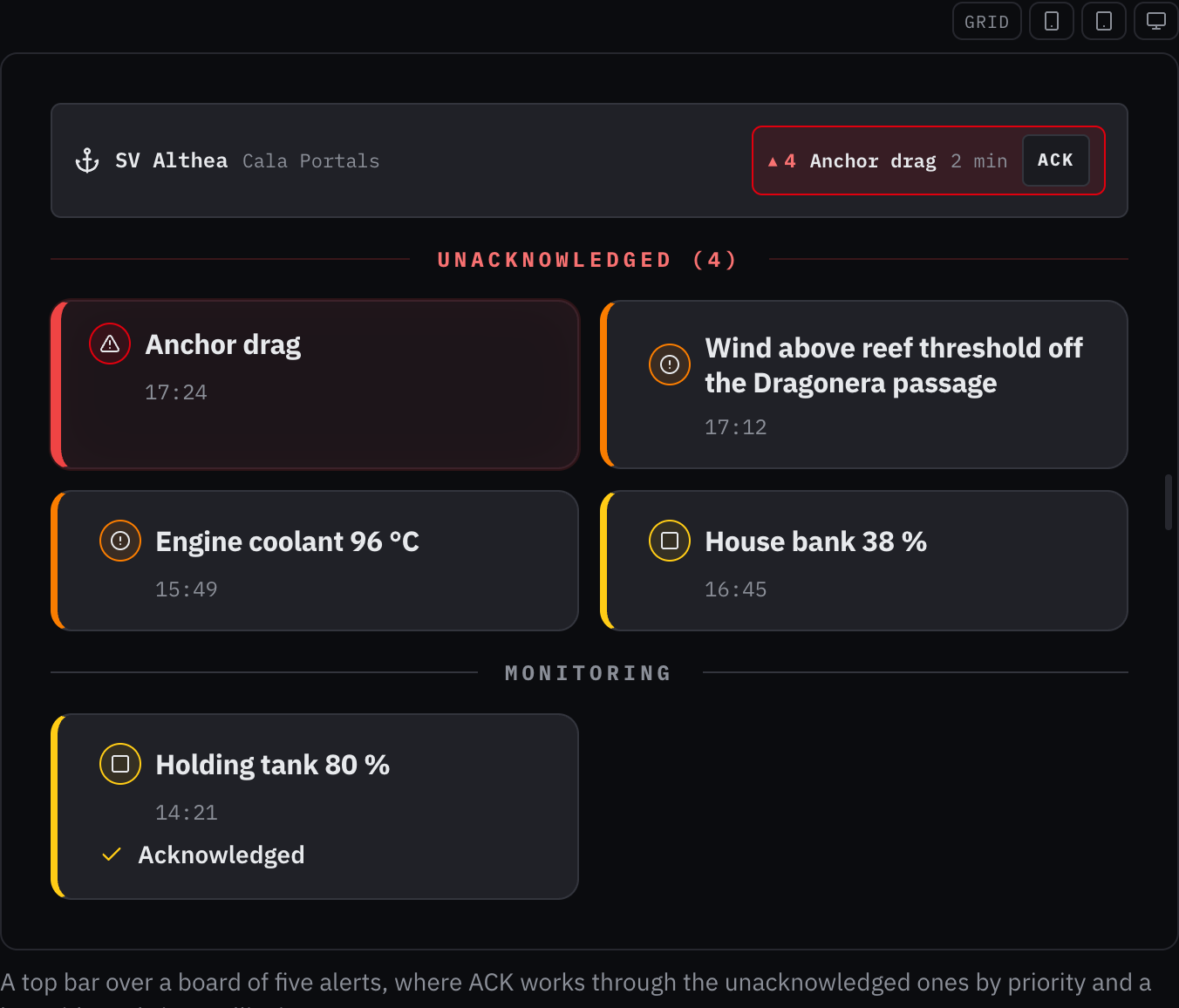
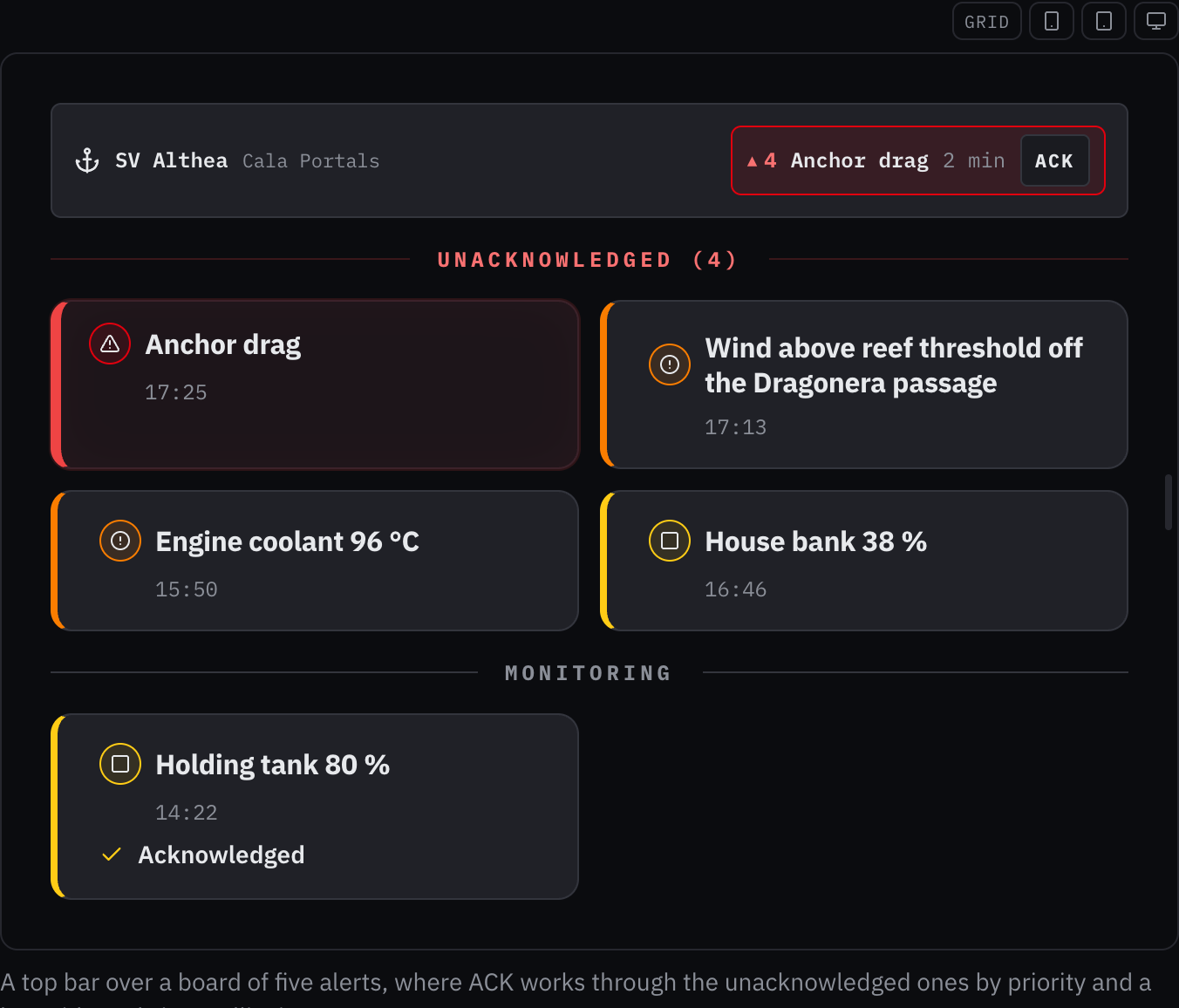
ChangedAlert zone sets its text in the type roles, so it grows at helm
Touches Alert zone, Typography
Alert zone set its text in px, which stays the same size at the helm size class while the type roles around it grow (the typography foundation: a font size in pixels ignores the size class). Its sizes now come from the roles: its active 11px → the caption role (12 px, 14 px at helm); its shape 9px → 0.8em of its line, so it keeps its size beside the text it sits in; its ack 10px → 0.9em of its line, so it keeps its size beside the text it sits in. The owner chose to snap each size to the nearest role (2026-10-24).
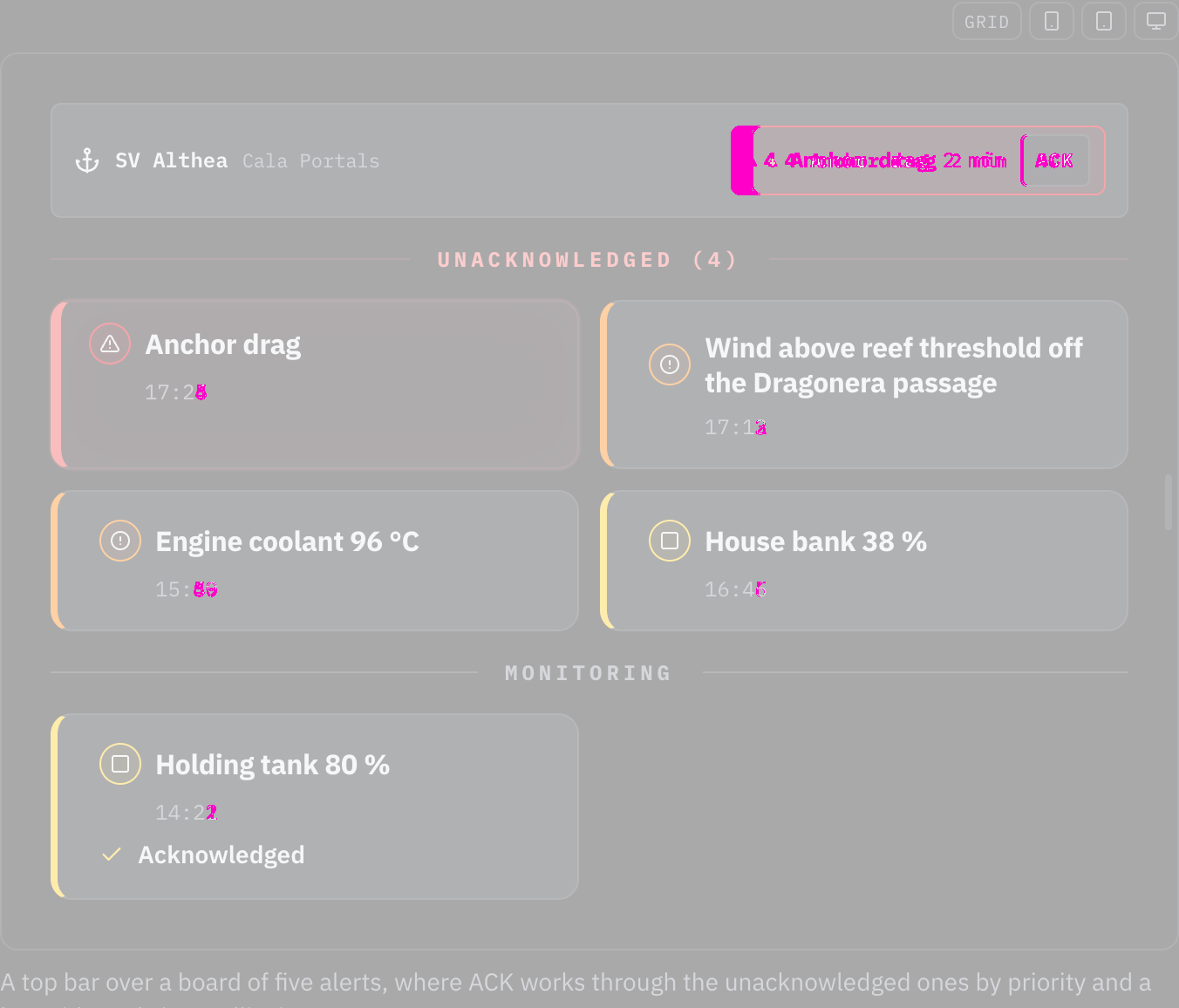
Rules behind it
- Foundation Typography: a component sets its text with a role or in em, so it follows the size class; a font size in pixels ignores it.
- Accessibility WCAG 2.2 SC 1.4.4 Resize Text: the text grows with the helm size class instead of staying at its pixel size.
ChangedAlert card sets its text in the type roles, so it grows at helm
Touches Alert card, Typography
Alert card set its text in px, which stays the same size at the helm size class while the type roles around it grow (the typography foundation: a font size in pixels ignores the size class). Its sizes now come from the roles: its head 9px → 0.75em of its line, so it keeps its size beside the text it sits in; its icon 12px → the caption role (12 px, 14 px at helm); its name clamp(15px, 2vw, 18px) → the component heading role (16 px, 20 px at helm); its time 11px → the caption role (12 px, 14 px at helm); its msg clamp(13px, 1.5vw, 15px) → the body role (14 px, 18 px at helm); its delivery 10px → the caption role (12 px, 14 px at helm); its advisory toggle 11px → the caption role (12 px, 14 px at helm); its step 13px → the body role (14 px, 18 px at helm); its step num 11px → the caption role (12 px, 14 px at helm); its stat value clamp(16px, 2vw, 22px) → the section heading role (20 px, 24 px at helm); its stat label 8px → the caption role (12 px, 14 px at helm); a coarse-pointer 12px on its advisory toggle, removed: a coarse pointer changes a target's size, never its text. The owner chose to snap each size to the nearest role (2026-10-24).
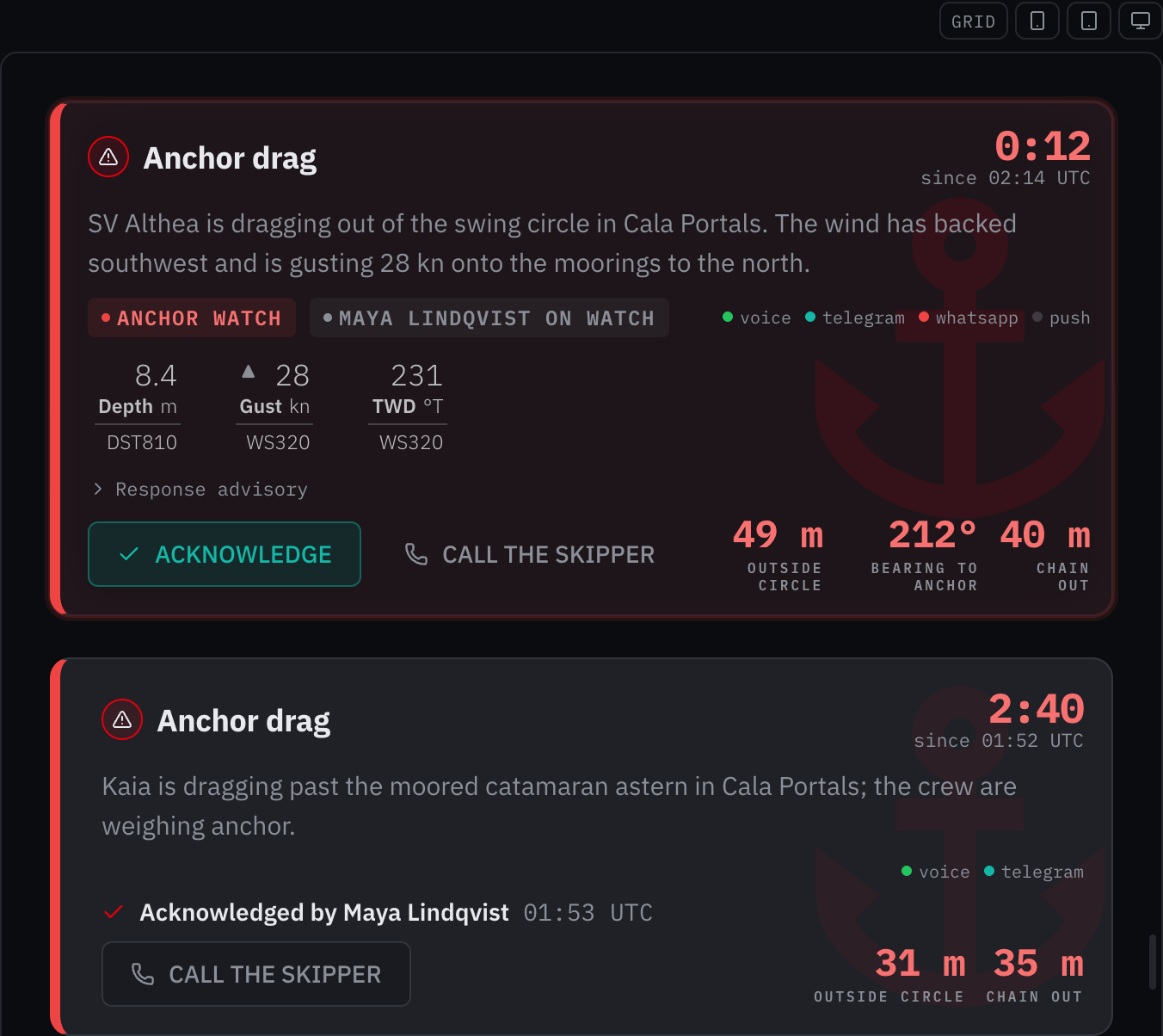
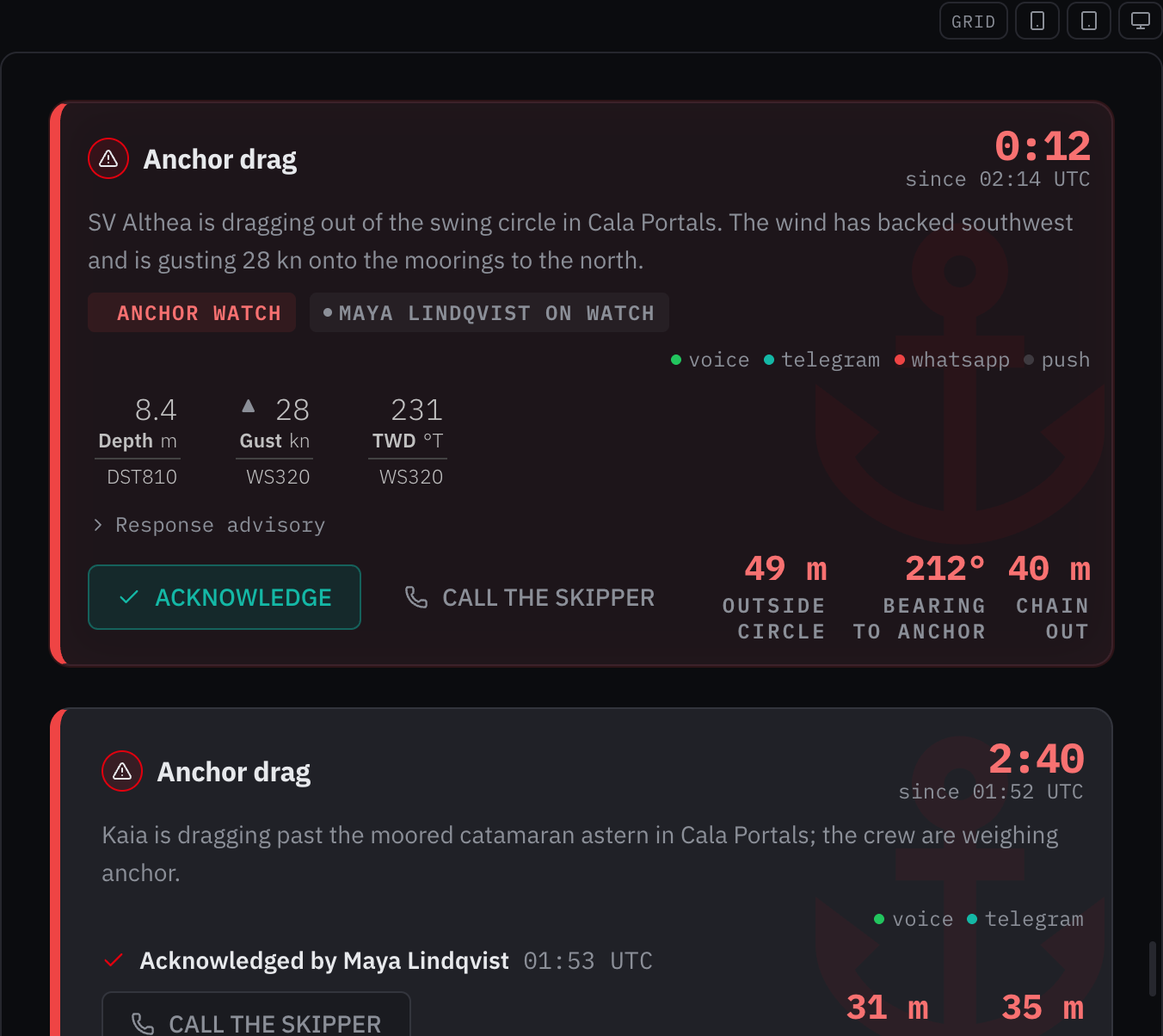
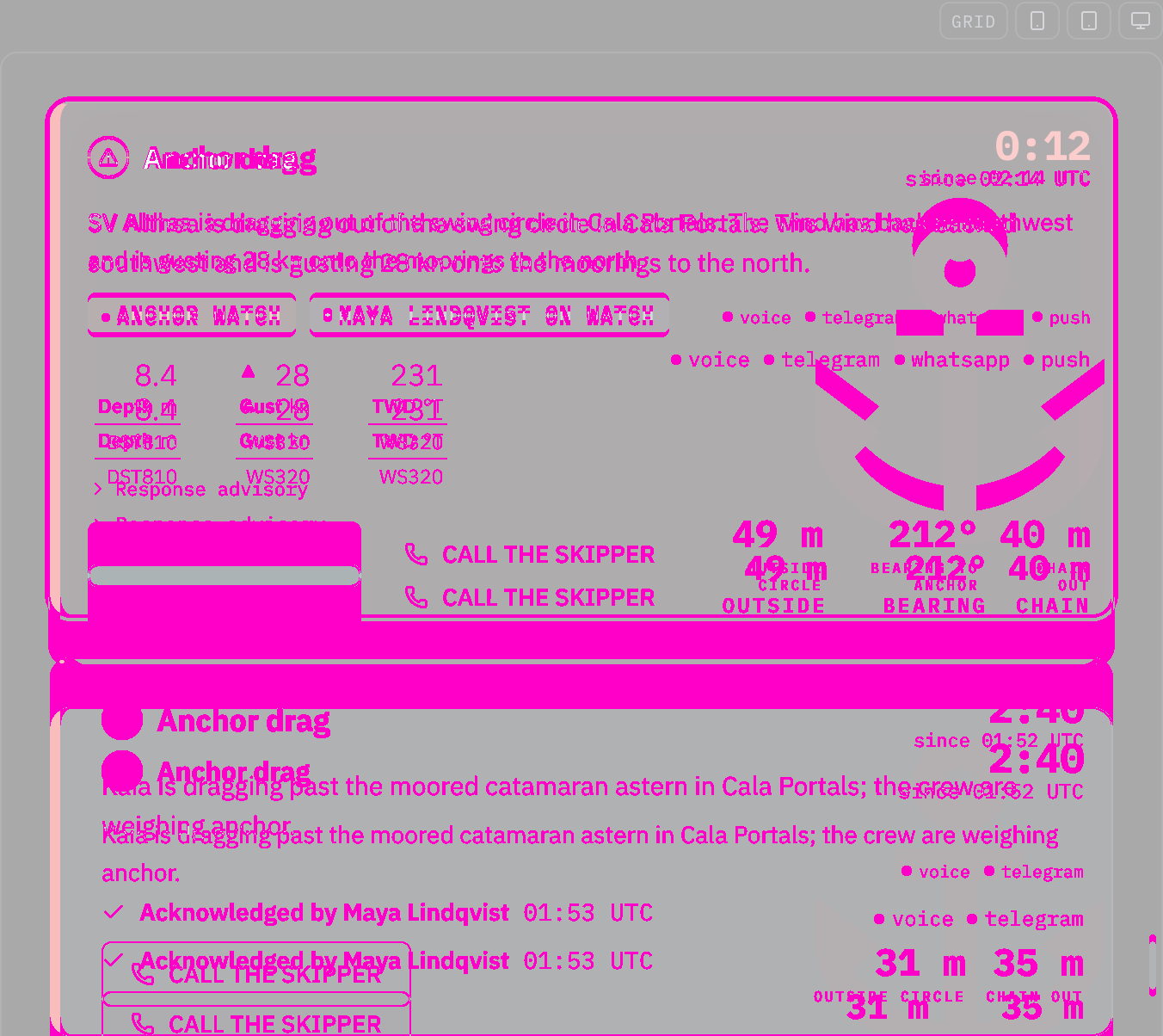
Rules behind it
- Foundation Typography: a component sets its text with a role or in em, so it follows the size class; a font size in pixels ignores it.
- Accessibility WCAG 2.2 SC 1.4.4 Resize Text: the text grows with the helm size class instead of staying at its pixel size.
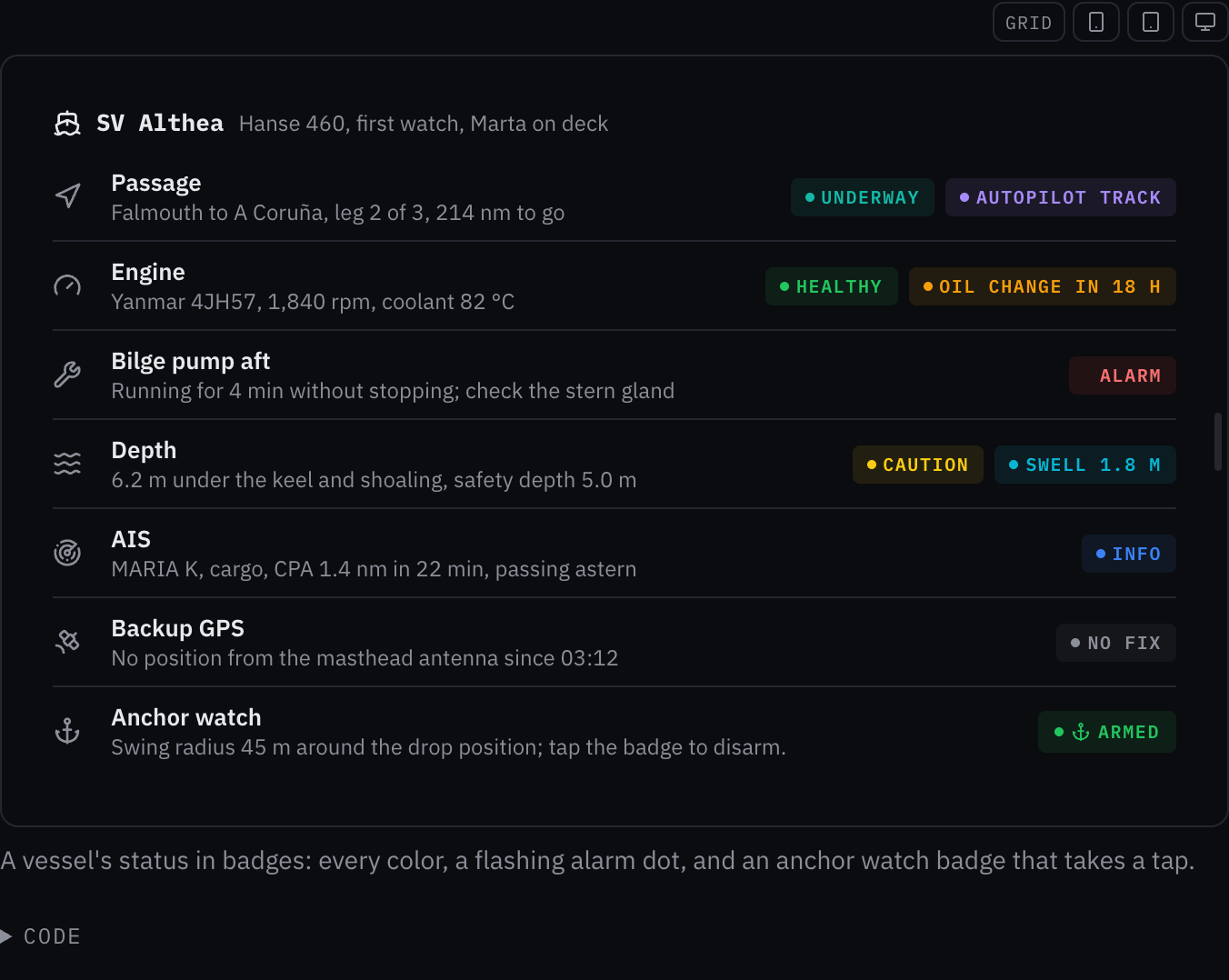
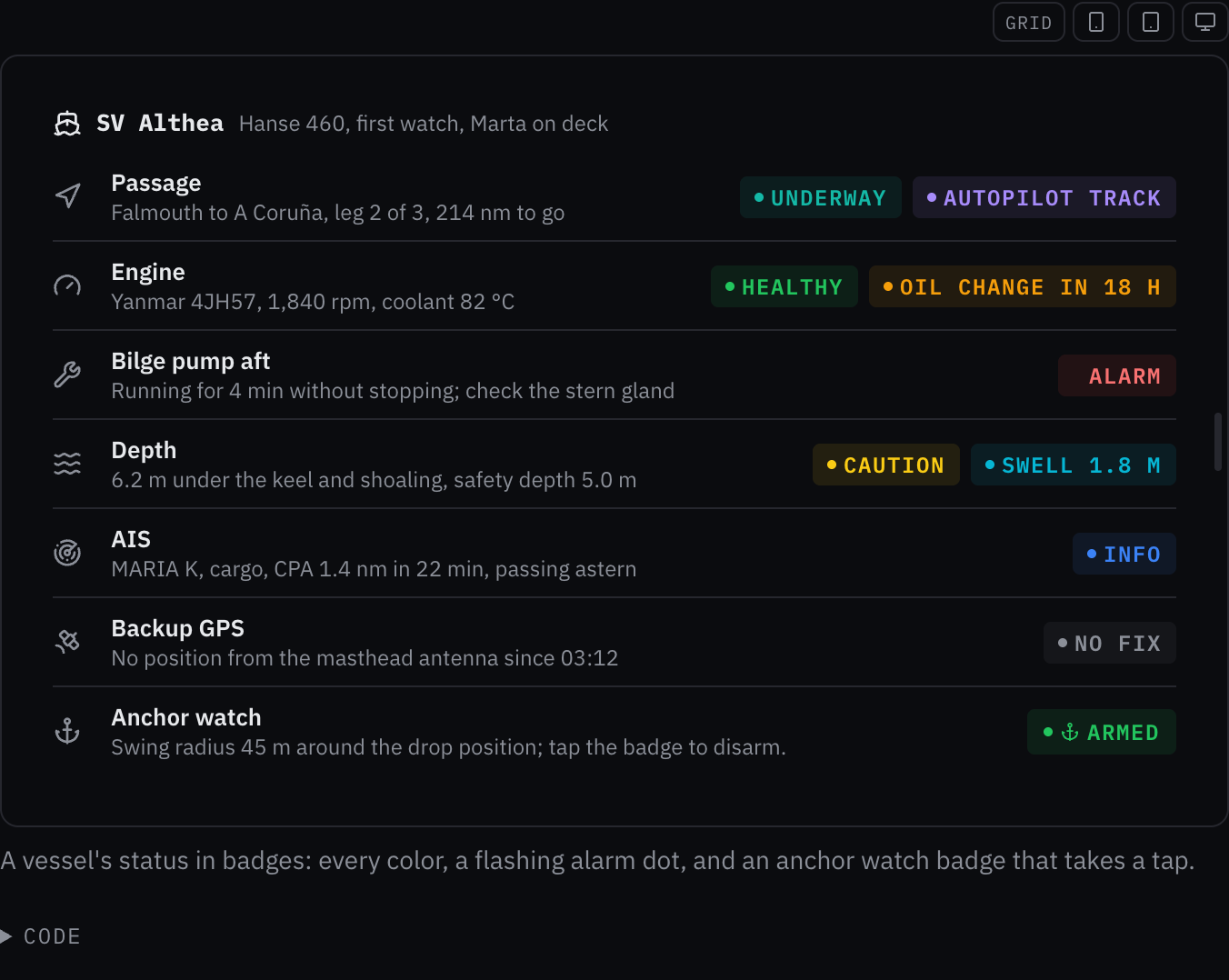
ChangedBadge sets its text in the type roles, so it grows at helm
Touches Badge, Typography
Badge set its text in px, which stays the same size at the helm size class while the type roles around it grow (the typography foundation: a font size in pixels ignores the size class). Its sizes now come from the roles: its text 10px → the caption role (12 px, 14 px at helm). The owner chose to snap each size to the nearest role (2026-10-24).
Rules behind it
- Foundation Typography: a component sets its text with a role or in em, so it follows the size class; a font size in pixels ignores it.
- Accessibility WCAG 2.2 SC 1.4.4 Resize Text: the text grows with the helm size class instead of staying at its pixel size.
FixedDesign craft says which labels are set in mono
Touches Design craft
The craft floor's type check names IBM Plex Mono for readings, units, codes and the small capital labels beside a value, and Plex Sans for prose and control labels, as the typography foundation and the label role set them.
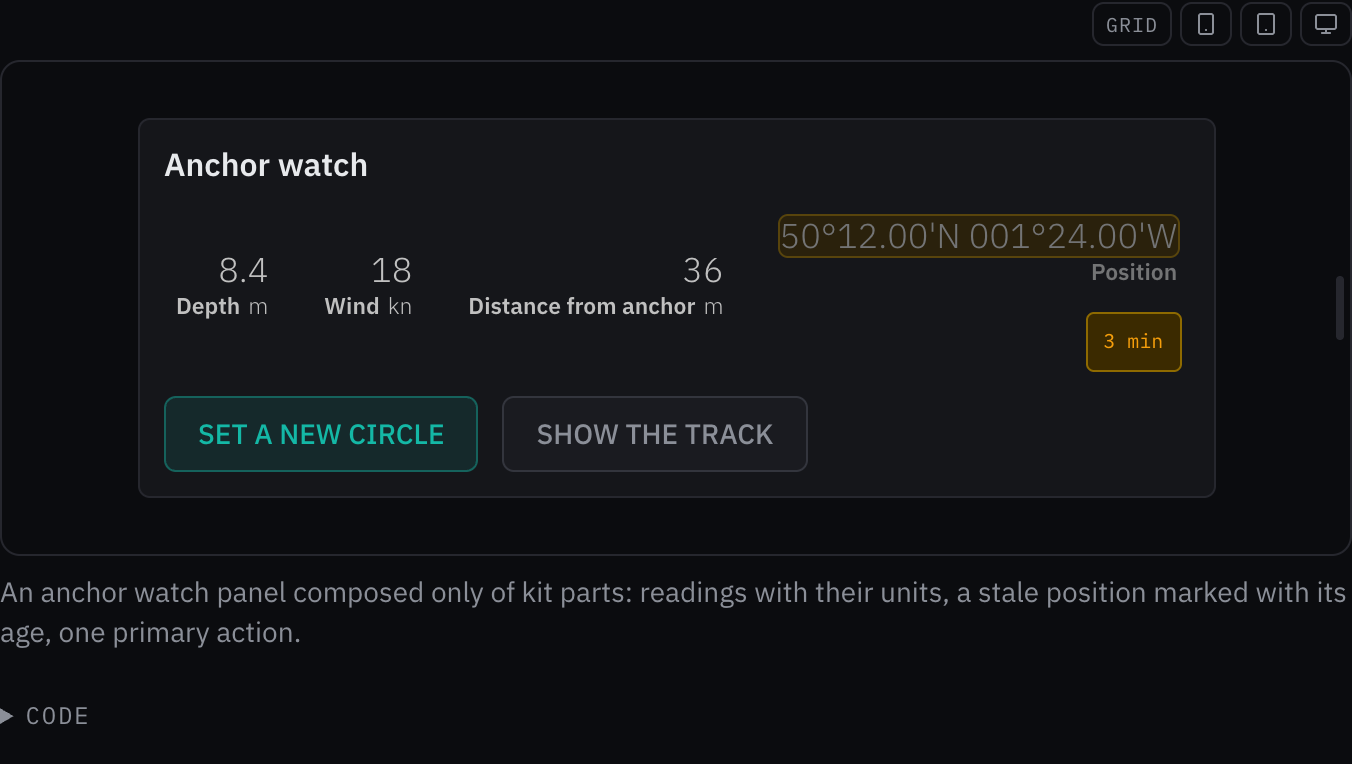
AddedA Design craft foundation: the order of the rules, the checks every change passes, what the kit refuses
Touches Design craft, Motion, Alarms and severity
The rules a screen follows were spread over the foundation pages, the maritime pages and the kit's notes, with nothing saying which one holds when two disagree or what every change is checked against before it ships. The page names the order (the bridge-display rules, then the foundations, then the kit's conventions, then design judgment), the three modes and the surfaces each covers, the checks of the craft floor, and the habits the kit refuses, with the kit's own forms where a common rule would conflict: the page header's eyebrow, the alert card's priority edge, Plex Mono for readings, real series in charts. It is adapted from impeccable's design guidance (Apache-2.0), which the designing-interfaces skill carries for agents.
Rules behind it
- Regulation IMO MSC.302(87) §7.3.3: designed with reference to the bridge alert rules the page puts first: only an unacknowledged alarm flashes, and red is the alarm's alone.
- Accessibility WCAG 2.2 SC 1.4.3 Contrast (Minimum): the craft floor's first check, in every theme.
- Foundation Motion: the floor's motion check is the motion page's: transform and opacity, interaction colors over the fast duration, fades kept under reduced motion.
FixedA compact InfoTip takes a press 48 px wide on a touch screen
Touches Popover
On a phone, a tablet or under a finger, the compact info button keeps its small look and takes a press 48 px wide across its own line, and no taller than the line, so a press between two lines of a dense column never opens the other line's explanation.
FixedEvery transition runs on the motion tokens
Touches Motion, Alert card, Setting control, Skeleton, Switch, Tabs, Input, Badge, Data table, Startup modal, Trace waterfall, Chat input
Every transition and animation in the kit takes its duration and its curve from the motion tokens; hover, press, focus and selection feedback may change color, background, border and shadow over the fast duration on the standard curve, as the motion page now says, and the saved chip fades over the slow duration after its hold.
FixedThe app shell folds its panels at once
Folding the navigation to its rail or shutting the side panel changes the shell's columns at once; it moved them over 200 ms, which laid the whole app out again on every frame.
FixedAn unacknowledged alarm badge flashes whatever its motion
A red badge marked unacknowledged flashes its dot until the alarm is acknowledged even with motion={false} or a preset, as the alert card and the alert zone do; motion chooses only how the badge enters, leaves and changes, and no other badge flashes whatever it asks.
FixedThe alert card's cause mark flashes with its frame
Touches Alert card, Motion
While an alarm is unacknowledged the faint cause icon behind the card is lighter in the shared clock's on phase and fainter in its off phase, with the frame's ring; it ran its own two-second swell, which drifted against the 800 ms alarm flash.
FixedFour components size their targets with the touch token
Touches Data table, Duration input, Event timeline, Wi-Fi network list
The data table's sort buttons, checkboxes, column choices and filters, the duration presets, the event timeline's filters and the Wi-Fi network rows take --target-touch-size, so they grow to 54 px at helm with every other target.
ChangedTouch targets grow at the helm size class
--target-touch-size is 54 px at helm, 18/16 of the default 48 px, as the text is, so every control that takes the touch size grows with the label it carries.
FixedReduced motion keeps the fades
Touches Motion, Task dialog, Popover, Menu, Select, Collapsible, Toast, Alert card
Under prefers-reduced-motion dialogs, popovers, menus, select lists, collapsible panels and toasts fade in and out as the motion page says, and nothing moves; the token reset had turned every animation and transition off, so they appeared and vanished at once.
FixedA tooltip fades under reduced motion
Touches Tooltip
Under prefers-reduced-motion a tooltip only fades in and out, over the same durations, so it still shows that it arrived; it moves nothing, where it appeared and disappeared at once.
FixedAIS target names on the chart keep the caption's size
Touches Nautical chart, Nautical chart symbols
An AIS target's name and its ▲ Dangerous word are drawn at the caption role's size on the screen however wide the chart is, where a phone's narrow chart shrank them with the drawing to about 5 px.
FixedInline can wrap, and the chart range's buttons do
Touches Inline, Chart range
Inline takes wrap, which lets its children go onto more lines where the row is too narrow; the chart range's five large buttons use it, so on a phone every one stays on the screen instead of off its edge or clipped by the chart panel.
FixedA reading's caption wraps inside it, whatever row it sits in
Touches Reading, Situation line
A degraded reading's reason and an invalid reading's last-seen line wrap inside the reading even in a row that keeps its items on one line, as the situation line does, so a caption never runs over the reading beside it or off the screen.
FixedA schedule's entries and their edges are touch targets
Touches Schedule
On a phone, a tablet or under a finger, a lane is tall enough that each entry, and each of the entries that share hours, is 48 px tall, and a movable entry's edges take a press 24 px wide.
FixedThe startup modal's close button is the touch size
Touches Startup modal
The round close button on the startup screen is 48 px, the touch target, where it was 44 px on every screen.
FixedThe brightness menu's Auto is a touch target
Touches Status strip
Under a finger the status strip's Auto (follow device) in the brightness menu is 48 px tall, as the strip's chips are.
FixedA quantity's unit button takes a 48 px press
Touches Quantity input
The unit button keeps its small chip and takes a press anywhere in a 48 px square around its middle, so changing kn to m/s on a phone is a full touch target.
FixedThe alert zone's alert name is a touch target
Touches Alert zone
On a phone, a tablet or under a finger, the alert's name, which opens the situation board, is one line as tall as the 48 px target beside ACK.
FixedA table's record rows and column choice are touch targets
Touches Data table
On a phone, a tablet or under a finger, a row that opens a record is at least 48 px tall, as a selectable row is, and the Columns toggle is the touch size.
FixedInline edit's buttons keep their press to themselves
Touches Inline edit
The pencil, Save and Cancel stand far enough from the title, the field and each other that each 48 px press area ends where its neighbor's begins, so a press at Save's edge saves and a press at the end of the field places the caret.
FixedA calendar's days are touch targets under a finger
Touches Date picker, Date range picker
Under a coarse pointer the calendar's days are 48 px tall and the panel widens to seven 48 px columns where the window has room, as on a 375 px phone; a 320 px phone takes the widest days its window allows.
FixedA calendar's month buttons are touch targets
Touches Date picker, Date range picker
On a touch screen the calendar's previous and next month buttons are 48 px targets, as the field's own buttons are; they had shrunk to their 20 px arrows.
FixedA leaving toast takes no press
Touches Toast
A toast is inert from the moment it starts leaving, so an Undo pressed during its exit cannot run after its close has made a deletion final.
ChangedThe trend chart page names a missing sample's field value
Touches Trend chart
The trend chart page and the maxGap description name a point's value and time, the fields TrendPoint has, where they still said v and t.
ChangedChart gap and span props take the kit's min and max names
Touches Trend chart, Line chart, Chart range
TrendChart and a chart series take maxGap, and ChartRange takes minSpan, in the short form the kit's other limits take (maxBytes, maxAddresses, minQueryLength).
ChangedSkeleton takes a testId
Touches Skeleton
Skeleton takes testId, which becomes data-testid on the placeholder, as every kit component's does; a skeleton without one carries no test id.
ChangedEntityList and SchemaForm take the crew's currency and rates as moneySources
Touches Entity list, Schema form
EntityList, SchemaEntityList and SchemaForm take the crew's own currency and the day's rates as moneySources, the name of the MoneySources type it holds, so the prop is not read as an amount of money.
ChangedChips takes its chips as items
Touches Chips
Chips takes items, the ChipEntry list it draws, so the prop is not read as the values a setting field edits, which SettingChips takes as values.
ChangedOne heading-level type for every component that takes a heading level
Touches Heading, Card, Section heading, Chart panel, Audio control, Empty state, Event timeline, Navigation list, Ship data
Heading exports HeadingLevel (h1 to h6) and NestedHeadingLevel (h2 to h6), and the card, section heading, chart panel, audio control, empty state, event timeline, navigation list and ship data take their headingLevel or level as NestedHeadingLevel; their props tables name the one type.
ChangedAlertCard takes figures; AudioControl takes captureFigures
Touches Alert card, Audio control
The alert card's values beside its actions are figures, each an AlertFigure, and the audio control's capture measurements are captureFigures (CaptureFigures): the props name what they hold, a figure with its label, in the words the pages already use for them.
ChangedExported types carry their component's name
Touches Tabs, Section divider, Event timeline, File input, Inline edit, IP address input, Hour meter input, Audio control
Types named for their component's parts left the component out (Tab, SectionVariant, TimelineEvent, FileItem, UploadResult, OtherChange, InputLevelScale) or read backwards (IpVersionAccepted, HourMeterText for a parse result); they are TabsOption, SectionDividerVariant, EventTimelineEvent and its kin, FileInputItem, FileUploadResult, InlineEditIncoming, AudioInputLevelScale, AcceptedIpVersion and TypedHourMeter.
ChangedA page header's small line above the title is eyebrow
Touches Page header
The line above the title was label, the name every other kit component gives its accessible name; it is eyebrow, as the report blocks call it.
ChangedA reading's detail takes ageText and reason
The reading detail took its age as written text under the name age, where a reading's age is ageSeconds, a number, and its integrity reason as integrityReason, where a reading's is reason; they are ageText and reason.
ChangedA tide curve's hours of darkness are nightSpans
Touches Tide curve, Situation line
The tide curve took its dark hours as night, a list of spans, where the situation line's night is a flag; the curve's prop is nightSpans.
ChangedA vessel profile draws its water with showWater
Touches Vessel profile, Vessel overview
The flag that lays the sea under the waterline was water, a noun for a switch; it is showWater, off by default as before.
ChangedA popover's close button is switched off with showCloseButton
Touches Popover
The flag for the popover's close button was closeButton, which named the part rather than whether it shows; it is showCloseButton, on by default, as the kit's other optional parts are show…
ChangedA sparkline marks its latest value with showLatest
Touches Sparkline
The mark on the most recent value was showDot, though on a bar plot it draws the latest bar at full strength rather than a dot; it is showLatest, beside showLow and showHigh.
ChangedA tide sample's moment is time
Touches Tide curve
A sample, an extreme and a point on the curve gave their moment as t; they give it as time, beside heightM.
ChangedA trend chart's points and props are named in words
Touches Trend chart
A point was { t, v }, the marker markerT and the tick count yTicks; a point is { time, value }, and the props are markerTime and yTickCount.
ChangedA status strip takes doNotDisturb and nightSuggested
Touches Status strip
The do-not-disturb state was dnd, an abbreviation, of type StatusStripDnd, and the Night Watch suggestion was suggestNight, a verb for a flag; they are doNotDisturb (StatusStripDoNotDisturb) and nightSuggested.
ChangedAsync suggestions wait for minQueryLength characters
Touches Combobox, Autocomplete
The number of characters typed before a suggestion request was minChars, an abbreviation; it is minQueryLength on the async combobox and autocomplete.
ChangedA pressure bar's oldest wait is given in epoch milliseconds
Touches Pressure bar
When the longest-waiting alert first fired was an ISO time where an alert's raisedAt and a status strip's lastEventAt are epoch milliseconds; oldestUnacknowledgedAt is epoch milliseconds too, and the wait reads the same.
ChangedEvery component's fixed now is epoch milliseconds
Touches Date and time input, Hour meter input, Time picker, Schema form
A fixed now, for examples and tests, was a number in the countdown, event timeline, tide curve and schedule, an ISO string in the date and time input and the hour meter input, an HH:MM string in the time picker and a Date in the schema form's default sources; all take epoch milliseconds, and the time picker reads it on its zone's clock.
ChangedNautical chart symbols live at nautical-chart-symbols
Touches Nautical chart symbols, Nautical chart
The nautical chart's symbols were in a chart-symbols folder and page, among the analytical chart family's chart-legend, chart-tooltip and chart-panel; the entry and the page are nautical-chart-symbols, beside the chart they draw on.
ChangedCard grid is the alert card grid
Touches Alert card grid, Alert card
The grid lays out alert cards and section dividers and gives them the list motion only they read, so its name and its page say so: CardGrid is AlertCardGrid at @bosunkit/components/alert-card-grid, drawn in .alert-card-grid, on the Alert card grid page, first in Layout.
ChangedAn alert zone's alert gives when it fired as raisedAt
Touches Alert zone, Alert list
The zone's alert took firstFiredAt, an ISO time, where an alert list item takes raisedAt in epoch milliseconds; the zone takes raisedAt in epoch milliseconds too, and its age reads the same.
ChangedLogo and pill group parts show unless switched off
Touches Logo, Instrument pill group
The logo's hideTagline and hideVersion and the pill group's labelHidden were on to hide a part, where the kit's flags for an optional part are show… (showValue, showGrid); they are showTagline, showVersion and showLabel, on by default, and false hides the part as before.
ChangedAbbreviations in names are written as words
Touches MMSI input, VHF channel input, NMEA offline notice, Nautical chart
The kit wrote most abbreviations as words (AisTargetRow, IpAddressInput, QrCode, YamlEditor) and a few in capitals (MMSIInput, VHFChannelInput, NMEAOfflineNotice, staticSVG); those are MmsiInput, VhfChannelInput, NmeaOfflineNotice and staticSvg, with their types and helpers (formatMmsi, isValidMmsi, readVhfChannel). Page titles and text keep MMSI, VHF and NMEA in capitals.
ChangedA chess board takes testId and ref
Touches Chess board
The board took neither the testId every kit component puts on its root nor a ref; it takes both, on the grid element.
ChangedSparkline, trend chart and chess board take their name as label
Touches Sparkline, Trend chart, Chess board
The three named themselves with ariaLabel where every other chart and component takes label; they take label, and the accessible name they build from it is unchanged.
ChangedMenus report a choice through onSelect
Touches Command palette, Action menu, Search input, Nav list
The command palette and search suggestions called back through onChoose, the nav list's account menu through onAction, and the action menu and command palette closed on closeOnChoose, where the action menu, context menu, create button and crew picker report through onSelect; all of them say onSelect and closeOnSelect.
ChangedThe docs pages link the task dialog and name components by their names
Touches Task dialog, Command palette, Navigation bar, Radio cards, Segmented radio group
Ten pages linked a Modal page that no longer exists, and pages called the command palette, navigation bar, radio cards and segmented radio group Command menu, Tab bar, Choice cards and Segmented control; the links go to the task dialog and the pages use the components' names.
ChangedAn app shell's phone navigation slot is navigationBar
Touches App shell, Navigation bar
The slot that holds a NavigationBar along the foot of a phone screen was tabBar, the component's old name, with data-tab-bar and shell__tab-bar beside it; it is navigationBar, with data-navigation-bar and shell__navigation-bar.
ChangedA context menu's entries are named as an action menu's
Touches Context menu, Action menu
The context menu's entry types were ContextMenuItemEntry, SeparatorEntry, SubmenuEntry and GroupEntry where the action menu's are ActionMenuCommand, Separator, Submenu and Group; the context menu's are ContextMenuCommand, ContextMenuSeparator, ContextMenuSubmenu and ContextMenuGroup.
ChangedAn instrument pill takes a priority and a stale flag, and Reading's trend words
Touches Instrument pill, Instrument pill group, Reading
The pill's status mixed alert levels (warn, critical) with data integrity (stale) under one name, in words of its own, and its trend said up, down and stable where a reading says rising, falling and steady; it takes priority (warning or alarm), stale, and a ReadingTrend, and draws its state from data attributes.
ChangedA chat input's suggestion press is suggestionBehavior
Touches Chat input
What pressing a suggestion does, fill or send, was suggestionAction, a name the kit keeps for a prop that takes an Action the component waits on; it is suggestionBehavior, of type ChatSuggestionBehavior.
ChangedA language picker takes the vessel's language as vesselLanguage
Touches Language picker
The vessel's language, marked "Vessel default" in the list, was defaultLanguage beside defaultValue, the language an uncontrolled picker starts on; it is vesselLanguage.
ChangedDepth actual's scale maximum is maxDepth only
Touches Depth actual, Dial frame
The deprecated instrumentRange alias of maxDepth is gone, and the examples that used it pass maxDepth; the page names the scale's default as the range ladder's first rung, 25 meters, where it said 10.
ChangedSelect is its named parts, starting from Select.Root
Touches Select, Chat input
Calling Select directly was a deprecated adapter that turned a cleared choice into an empty string, and every select example used it; the adapter is gone, the examples and the chat input's model picker use Select.Root, and their handlers take the null Base UI reports for no choice.
ChangedPanes export a props type for each part
The panes parts took the resizable-panels library's props types with no kit name, and Panel shared its name with the popover's internal panel; each part's props are exported as PanesGroupProps through PanesGridlineProps, and the popover's internal panel is PopoverPanel.
ChangedA weather bar's written sea state is seaStateText
Touches Weather bar
The summary line's sea state, text the caller formats, was seaState beside sea, the sea state object the detail draws; the text is seaStateText.
ChangedA schema form's field is a SchemaField
Touches Schema form, Form field, Entity list
The schema form exported its field's shape as FormField, the name of the form field component a page wraps an input in; the type is SchemaField.
ChangedThe QR code's join details are WifiCredentials
Touches QR code, Wi-Fi network list
The QR code's network name and passphrase were a WifiNetwork, the name the Wi-Fi network list gives a scanned network with its signal and security; the QR code's type is WifiCredentials.
ChangedA pressure bar takes its waiting alerts as unacknowledgedCount
Touches Pressure bar, Badge
The number of alerts waiting for an acknowledgement was unacknowledged, the name a badge gives the boolean that starts its alarm flash; it is unacknowledgedCount.
ChangedA field's supporting text is hint on every input
Touches Radio group, Checkbox, Slider, Scale picker, Radio cards
The radio group, checkbox, checkbox group, slider, scale picker and radio cards took the line under a field as description, where the outlined inputs and the YAML editor take it as hint and the schema form had to translate one into the other; they take hint. An option's own detail line keeps its name.
ChangedPagination holds its page as value
Touches Pagination
Pagination took page, defaultPage and onPageChange where the kit's controlled state is value, defaultValue and onValueChange, as steps, tabs and every input take it; it takes those.
ChangedA tooltip takes the priority of what it explains as priority
The prop that draws an alert-colored edge was tone, with values of its own ("neutral" where the kit's priorities say "none"); it is priority, of the kit's Priority type, and the tooltip's state attribute is data-priority.
ChangedA wizard step says who sets its pending state
Touches Wizard step
The pending prop's description said the button waits until "the Action resolves", but onNext returns nothing and the caller sets pending; the description says the caller sets and clears it around its own work.
ChangedA schema form saves through submitAction
Touches Schema form, Entity list
The form waits on what its save callback returns and shows a rejection, as an Action, but the callback was named onSubmit like an event handler; it is submitAction, as the kit names a prop that takes an Action (saveAction, acknowledgeAction).
ChangedA status strip sensor's age is ageSeconds
Touches Status strip
A sensor's seconds since its last reading was age, where a reading, the ship data trust panel and a situation reading call the same thing ageSeconds; the sensor summary takes ageSeconds too.
ChangedA file input's size limit is maxBytes
Touches File input
The limit was maxSize, in bytes by its doc comment only; it is maxBytes, so a caller cannot read it as megabytes.
ChangedProps that take milliseconds say so in their names
Touches Copy button, Audio control, Countdown, Event timeline
A length of time in milliseconds named its unit only in its doc comment, beside props that name theirs (ageSeconds, vectorMinutes); the props are resultDurationMs, peakHoldMs, cautionWithinMs, warningWithinMs and relativeWithinMs, and an audio capture's chunkMilliseconds is chunkMs, as its latencyMs neighbor writes it.
ChangedOne type names the clock a date or time is read on
Touches Date picker, Date range picker, Date and time input, Time picker, LLM status
The date picker's DateZone, the date and time input's DateTimeZone and the time picker's inline union were three names for "utc" or "local"; all three take ClockZone, and LLM status takes zone="local" where it took utc={false}.
ChangedA phone field's extension input is turned on with showExtension
Touches Phone input, Schema form
The flag was the kit's only one named with…; it is showExtension, as the kit names an optional part it draws (showValue, showGrid).
ChangedEscape puts a chess piece back
Touches Chess board
A picked-up piece was put back only by pressing its square again; Escape now puts it back too, and with no piece picked up it closes a dialog around the board.
ChangedEscape takes a tide curve's readout back to now
Touches Tide curve, Sparkline
A tide curve moved along with the arrow keys had no way back to the present but to step there; Escape now returns its readout to now, as a sparkline's Escape clears its point, and at now it closes a dialog around the curve.
FixedA read-only YAML editor lets the first Escape close its dialog
Touches YAML editor
The first Escape asks to leave the editor so that Tab stops indenting; read-only or saving, Tab already leaves it, and that Escape now closes a dialog around it at once.
FixedDropping a schedule's keyboard move leaves its dialog open
Touches Schedule
The Escape that drops an Alt-and-arrow move also closed a dialog around the schedule, where the Escape that drops a new slot did not; both now stop at the schedule, and the next Escape closes the dialog.
FixedAn entity list's shortcuts stay out of a dialog over it
Touches Entity list
N and / are the list's page shortcuts, and they also acted for a key pressed in an unrelated dialog over the page, opening a new record behind it; a key from a dialog the list is not in is now the dialog's.
FixedEmail and crew suggestions leave an input method's keys to it
Touches Email input, Crew picker
While an input method composed text, its Escape closed the suggestion list and its Enter could choose a suggestion; both fields now leave those keys to the composition.
FixedA search field with suggestions lets Escape close a dialog
Touches Search input
The field kept every Escape to itself, even with its suggestions closed and nothing typed, so a dialog around it could not be closed from it; the Escape that closes the suggestions stops there, the next one closes the dialog, and neither clears the query.
FixedA sparkline's Escape clears its readout without closing the dialog
Touches Sparkline
Escape on an interactive sparkline cleared the point being read and, on the same press, closed the dialog around it; it now stops at the readout, and a second Escape, with no point read, closes the dialog.
FixedEscape from a data table's row checkbox closes a dialog
Touches Data table
The checkbox cell stopped every key so its Space and Enter would not also press the row, Escape included, so a dialog could not be closed from a row's checkbox; the cell now keeps only Space and Enter.
FixedEscape cancels a change to a saved password
Touches Setting control
A setting row changing a saved secret showed Save and Cancel but ignored Escape, which closed the dialog around it with the change form still open; Escape now cancels the change as Cancel does, puts the focus back on Change password, and leaves the dialog open.
FixedEscape takes back a setting's unsaved edit
Touches Setting control, Setting chips
A setting saves itself when the crew leave it, and Escape left the edit in place, so the next Tab wrote it to the vessel; Escape now puts the saved value back in a setting field or row and drops an entry not yet added to setting chips, and with nothing to take back it closes the dialog around them.
FixedAn entity list asks before it closes a change to the selected records
Touches Entity list
Escape, Cancel or the close button on the "Change N entries" dialog dropped the choices made in it without a word; it now asks "Close without saving?" as the create and edit dialogs do, and keeps the choices on Keep editing.
FixedThe Escape that closes a combobox's list keeps what was typed
Touches Combobox, Schema form
A schema form's long choice list erased the crew's typed search when Escape closed its list, as the async combobox did until the fix of 23 October; every combobox now keeps it, and one holding a choice shows that choice again.
FixedEscape in a combobox or autocomplete never clears what it holds
Touches Combobox, Autocomplete, Schema form
With its list closed, an Escape emptied the field and its choice, and in a form with nothing chosen went on to close the dialog in the same press; it now leaves the text and the choice, and closes the dialog, and one that cancels an input method's composition does nothing else.
FixedThe phone extension example holds a number with a country
Touches Phone input
The marina office's number in the extension example was one no United Kingdom range has, so the example doubted it once the field was left; it is now a London number from Ofcom's range for drama, which the field names as a landline.
FixedA phone field keeps its height while the crew move in and out of it
Touches Phone input
The line doubting a number hid whenever the number took focus and came back when it lost it, so the field grew and shrank by a line each time the crew tabbed through it or moved to the extension; it now hides only while the crew change the number, and shows again when they leave it.
AddedA schema form draws a phone number's extension inside the phone field
Touches Schema form, Phone input
A text field marked with the tel-extension autofill token, in the group of a phone field, is now drawn as that phone input's extension and saved in its own field, so a marina office's number and extension are entered, pasted and filled together.
FixedA phone number too long for E.164 is not reported while the field names it
Touches Phone input
A number with more digits than E.164 allows showed its error but was reported and submitted as it stood, a number bosund refuses; the field now reports none until the number fits, as the other inputs do for text they do not take.
FixedThe first Escape in a combobox closes its list and keeps what was typed
Touches Combobox
Escape with the suggestions open closed them and also emptied the field, so the crew lost the query they were typing; the first Escape now closes the list only, and a second, with the list closed, clears the field, as the WAI-ARIA combobox pattern has it.
FixedA date and time field names a local time the clocks skip
Touches Date and time input
On the night the clocks go forward, 02:30 on the device's clock does not exist, and the field reported 03:30 while it still showed 02:30; it now reports nothing and says the time does not exist on that date, so the crew enter one before or after the change.
FixedA pasted timestamp gives the date it falls on, on the picker's clock
Touches Date picker, Date range picker
"2026-10-23T23:30:00-05:00" pasted into a UTC date picker gave 23 October, though that moment is 24 October in UTC; the date and range pickers now read an instant with its offset on their own clock, and a date of birth keeps the date as written.
FixedThe date, range and time pickers keep Tab inside their open popup, and have a Close button
Touches Date picker, Date range picker, Time picker
The three popups said they were modal (aria-modal="true") while Tab walked out of them: after the last button focus landed on the page body, then on the page behind, with the calendar still open. They now trap the focus, as the date picker dialog pattern does, and each has a Close button at the end of its last row, a way out for a touch screen reader, which has no Escape key. While a popup is open the page behind it is out of the accessibility tree, as a modal dialog's page is.
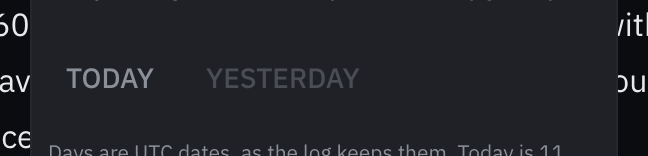
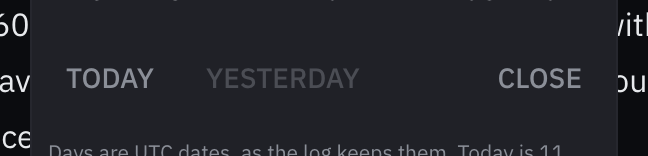
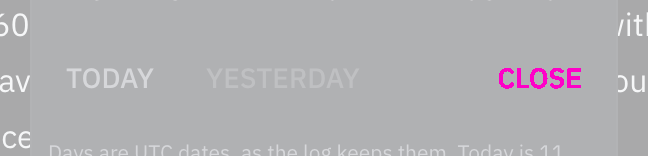
Rules behind it
- Accessibility WCAG 2.2 SC 2.4.3 Focus Order: Tab from the last button of an open popup went to the page body and then to the page behind it while the popup stayed open; it now moves among the popup's own controls.
- Convention WAI-ARIA APG, Date Picker Dialog: the calendar is a modal dialog: Tab and Shift+Tab stay in it, Escape closes it, and focus returns to the button that opened it.
AddedA signature can be typed as the name, from the keyboard alone
Touches Signature input, Schema form
The pad took ink from a pointer only, and the schema form offered nothing beside it, so a required signature blocked a crew member signing on the keyboard alone, with a switch or a screen reader. The box's keyboard button, "Type the name instead", puts an input for the name in the pad's place; the value is the name as SVG text marked data-signature="typed", so whoever reads the record tells a typed signature from a drawn one. The pen button draws again, a signature is one or the other, and a required one left empty asks for the name.

Rules behind it
- Accessibility WCAG 2.2 SC 2.1.1 Keyboard: a required signature in a form must be possible from the keyboard; the drawn path is the exception the criterion allows, so the field offers the typed name beside it.
- Accessibility WCAG 2.2 SC 2.5.1 Pointer Gestures: drawing is a path-based gesture; the typed name is the single-pointer and keyboard alternative.
FixedA pasted API key goes in without the spaces copied around it
Touches Password input
A secret copied with a space before or after it, as a key selected from a web page often is, was saved with the space, hidden behind the dots, and failed; a secret is now pasted trimmed, and a password of any other purpose keeps its spaces.
AddedA money field can take a refund, where the form allows one
Touches Money input, Schema form
A minus before an amount was always refused, so a refund or a correction could not be entered; with allowNegative, which a schema form sets for a field whose least value is below zero, "-12,50" is −12.50, and every other money field refuses a minus as before.
FixedA money field reads an amount written with its own currency's mark
Touches Money input
"€ 1.250,00", "1.250,00 €" and "EUR 12.50" copied from a receipt or an invoice were refused in a euro field; the field's own currency, by its code or its symbol, is now read at either end of the amount, and another currency's is still refused.
FixedA quantity field reads a value written with the unit it shows
Touches Quantity input
"12.5 kn" pasted into a knots field was refused for its unit; a value followed by the unit the field shows is now read as its figure, and one in another unit is still refused rather than converted.
FixedA money field reports no amount while its text is not one it takes
Touches Money input
Text the field could not read, or an amount with more decimals than its currency has, typed over a held €151,20 showed the problem but left €151,20 reported; the field now reports no amount until its text is one it takes.
FixedAn hour meter field reports no reading while its text is not one it takes
Touches Hour meter input
Minutes past 59 or text the field could not read, typed over a held reading, showed the error but left the held reading reported; the field now reports no reading until its text is one it takes.
FixedA quantity field reports no value while its text is not one it takes
Touches Quantity input
Text the field could not read, or a value outside its bounds, typed over a held quantity showed the error but left the held quantity reported; the field now reports no value until its text is one it takes.
FixedA bearing field reports none while its text is not a bearing it takes
Touches Bearing input
A bearing past 359, text it could not read or one from the other north typed over a held 090 showed the error but left 090 reported; the field now reports no bearing until its text is one it takes, as the date, time and duration fields do.
FixedA bearing field reads the º Spanish and Italian keyboards type for a degree
Touches Bearing input
"045º", written with the ordinal mark those keyboards give the degree key, was refused, though the position field reads it; it now reads as 045°.
FixedA VHF channel field reads a channel as a radio log or a marina's page writes it
Touches VHF channel input
"VHF 16", "Ch. 72.", "Ch:16", "CH-16" and "channel 16 (156.800)" were refused as no marine channel; the field now reads the VHF word, a mark after Ch, a closing full stop and a frequency in brackets.
FixedThe rest of an IP address pasted after its start joins it
Touches IP address input
Every paste into a list of addresses was set apart with spaces, so pasting 1.1 after a typed 192.168. gave "192.168. 1.1" and refused both; one piece pasted after part of an address now joins it, and a list, or an address after a whole one, is still set apart.
FixedDigits pasted into a half-typed phone number go in at the caret
Touches Phone input
Pasting "900 123" after a typed 07700 read the paste as a whole number and replaced the 7700; digits alone pasted into a number being typed now go in at the caret, as typed digits do.
FixedAn MMSI field takes the last digits of an MMSI pasted at the caret
Touches MMSI input
Every paste had to hold a whole MMSI, so pasting 456 after a typed 244 123, or over a selected group, changed nothing; a few digits alone now go in at the caret or over the selection, as typed digits do, while the whole stays within nine.
FixedAn MMSI field reads an MMSI grouped with thin spaces
Touches MMSI input
An MMSI copied from a French or Swiss document, its groups split by a narrow no-break space or a thin space, was refused; those spaces now group digits as a space does.
FixedA schema form's text field keeps a paste longer than its limit
Touches Schema form
The browser's length limit cut a paste at the field's limit without a word, so "Engine oil changed at 1234 h, filter too" was saved as "Engine oil changed a"; the text now stays whole, the count goes past the limit and the field says how long it may be.
FixedA position field reads a typographic minus and quotes
Touches Position input
A position copied from a word processor or a web page, with U+2212 for its minus ("39.4690, −0.3763") or opening quotes for its minutes and seconds (39°28‘08“N), was refused; those marks are now read as the minus and the minute and second marks.
FixedA position field says when Ctrl+V held no position
Touches Position input
Text the field could not read, pasted with Ctrl+V or a long press, left every segment empty with no word, where the paste button says why; the status line now names what the clipboard held, as the paste button does.
FixedA digit typed inside a full position field no longer pushes one out
Touches Position input
Typing 4 between the digits of 39° gave 34° and moved on to the minutes, and a 0 inside 12.345′ gave 10.345′ with the caret at the end; a full field now takes no digit typed inside it, keeps its own and the caret, and moves on only while the crew type at its end.
FixedA time picker reads 14:05 UTC, 1405Z and a log's ISO instant
Touches Time picker, Date and time input
A time copied from the log with its clock after it ("14:05 UTC", "14:05Z") or as an ISO instant was refused as unreadable; the field now reads its own clock's marks and turns an instant with an offset into its clock's time, and a time marked on the other clock is refused with a line that says which clock the field takes.
FixedSpace on a rating's focused star keeps it chosen
Touches Rating
The arrows choose a star as they move to it, and Space on it then cleared the rating, since the browser sends Space as a click and a click on the chosen star clears it; only a press with the pointer clears it now, and the keyboard clears with 0, Backspace or Delete.
FixedIn a seconds field, 1:30 is a minute and a half
Touches Duration input
Two numbers with a colon were always hours and minutes, so "1:30" typed into a timer or an alarm delay held in seconds was 90 minutes; in a seconds field they are now minutes and seconds, as a timer shows them, and 90 seconds.
FixedA duration field reports none while its text is not one it takes
Touches Duration input
Text the field could not read, or a duration past its limits, typed over a held 4 hr showed the error but left 4 hr reported; the field now reports no duration until its text is one it takes, as the date and time pickers do.
FixedA duration field's arrows step from what is being typed
Touches Duration input
With 1 hr held, typing "5 h" and pressing ArrowUp gave 1 hr 5 min, stepping from the held value and throwing the typing away; the arrows now step from a typed duration that reads as one, so it gives 5 hr 5 min.
FixedA duration field's Home and End move the caret when it has no limits
Touches Duration input
Home and End were taken as the spinbutton's jumps to the limits even with no limits set, and the arrows with no step, so the caret could not reach the start or end of the text; each key now goes to the text when the field has nothing for it to move to.
FixedThe crew picker keeps the active crew member in view
Touches Crew picker
With a long saved crew, the arrows moved the active row below the panel's edge without scrolling it, so the crew member Enter would choose could not be seen; the panel now scrolls to keep the row in view.
FixedThe phone field's country list keeps the active country in view
Touches Phone input
The arrows moved the active country past the bottom of the list without scrolling it, so after a few presses the country Enter would choose could not be seen; the list now scrolls to keep it in view.
FixedThe YAML editor can be left with Shift+Tab, and says how to leave it
Touches YAML editor
Shift+Tab never left the editor: the Shift press undid the Escape before it, and on a line with nothing to outdent the key was swallowed; Escape then Shift+Tab now moves focus back, Shift+Tab does on an unindented line, and a line under the editor says "To leave the editor, press Escape, then Tab."
FixedShift+Enter in an inline edit is a line break, not a save
Touches Inline edit
Enter saved with Shift held too, so an inline edit whose field is a text area could not hold a second line; Shift+Enter is now left to the field.
FixedInline edit puts the focus back on its pencil after a save or a cancel
Touches Inline edit
After Enter or Escape the focus went to the page itself, so a keyboard user had to Tab from the top again; it now returns to the pencil, as the inline edit pattern says it does.
FixedA schema form's list waits for an input method's Enter instead of adding half a word
Touches Schema form
The Enter that commits a word in a Japanese, Chinese or Korean keyboard added the unfinished word to a list field as a chip; keys the input method is composing with are now left to it.
FixedThe YAML editor waits for an input method's Enter instead of breaking the line
Touches YAML editor
The Enter that commits a word in a Japanese, Chinese or Korean keyboard inserted a new line and its indentation in the middle of the composition; keys the input method is composing with are now left to it.
FixedInline edit waits for an input method's Enter instead of saving half a word
Touches Inline edit
The Enter that commits a word in a Japanese, Chinese or Korean keyboard, or a phone's accented-letter picker, saved the rename with the word unfinished; keys the input method is composing with are now left to it.
FixedChat waits for an input method's Enter instead of sending half a word
Touches Chat input
With a Japanese, Chinese or Korean keyboard, or a phone's accented-letter picker, the Enter that commits a word sent the message with the word unfinished, and an arrow among the candidates stepped through the history; keys the input method is composing with are now left to it.
FixedA date and time field reports nothing while a part is missing
Touches Date and time input
Clearing the date of a held instant showed "Enter the date too." but left the instant reported, so a form saved a time nobody could see; the field now reports nothing until both parts make an instant within its bounds.
FixedA time picker reports no time while its text is not one it takes
Touches Time picker
Text the field could not read, or a time outside its bounds, typed or pasted over a held 08:00 showed the error but left 08:00 reported; the field now reports no time until its text is one it takes.
FixedA date range picker reports no range while its days do not make one
Touches Date range picker
A last day typed before the first, or a new first day chosen in the calendar and then left with Escape, kept the range held before reported while the field showed other days; leaving the field with days that are not a whole range it takes now reports no range.
FixedA date picker reports no date while its text is not one it takes
Touches Date picker
Typing "35/10/2026" or a date past the latest over a held date showed the error but left the held date reported, so a form saved a date the field no longer showed; the field now reports no date until its text is one it takes.
AddedPhoneInput takes an extension in an input of its own
Touches Phone input
A number that reaches a switchboard, such as a marina office, an agent or a yard, can have an extension, and the field had nowhere to put one: a pasted "ext 1" was dropped and a typed one joined the number's digits. withExtension adds an input for it after the number, marked with the crew's word for it (ext., Dw., poste, int., tst.), reported apart from the E.164 number through onExtensionChange and sent with a form under extensionName. A letter typed after the number moves the focus to it, and a paste of "07234 515226 ext 1", "x1", "Durchwahl 1" or a tel link's ;ext=1 fills both inputs. Without withExtension the field takes the number and its status line says the extension is not saved.

Rules behind it
- Accessibility WCAG 2.2 SC 1.3.5 Identify Input Purpose: the extension input carries autocomplete="tel-extension", the token HTML names for it, so a browser fills it from the contact and names its purpose.
- Convention RFC 3966, the tel URI: an E.164 number has no extension; a tel link writes it after the number as ;ext=, which the field reads into its own input.
FixedAn extension typed after a phone number no longer joins its digits
Touches Phone input
The field kept only the digits of what was typed, so "07234515226 ex 1" was saved as +4472345152261, a different number; letters now stop the reading, the number stays as it was, and the field says letters and what follows them are not saved.
FixedA pasted phone number is not a vessel's MMSI, a date or two lines joined
Touches Phone input
The field took the first run of digits in pasted text, so "MMSI 244123456, phone +31 6 12345678" gave +44244123456 and "23/10/2026 call 07700 900123" +4423102026; it now skips dates, times and numbers labelled MMSI or IMO, prefers a number in international form, and keeps to one line.
FixedDelete before a space in a phone number removes the digit after it
Touches Phone input
With the caret before a group space, Delete removed the digit before the caret, as Backspace does, so "7700 900123" became "7709 00123"; it now removes the digit after the space, "7700 00123".
FixedA pasted email address leaves the quotes and punctuation around it
Touches Email input
A paste of “mara@example.org” in typographic quotes, in guillemets or brackets, or at the end of "Write to mara@example.org!" kept those marks and was saved with them; the field now takes only the characters an address is written with.
FixedEscape in the YAML editor leaves its dialog open
Touches YAML editor, Schema form
Escape, the first step of leaving the editor with Escape then Tab, also closed the dialog the editor sat in, as when a schema form edits a record in one, losing the edit; the first Escape is now the editor's alone, and a second is the dialog's.
FixedEscape in the crew picker's list leaves its dialog open
Touches Crew picker
With the saved crew open, Escape closed the list and also the dialog the field sat in, losing the crew member being added; it now closes only the list, and the next Escape is the dialog's.
FixedEscape in an email field's suggestions leaves its dialog open
Touches Email input
With the suggested addresses open, Escape closed them and also the dialog the field sat in, losing the edit; it now closes only the list, and the next Escape is the dialog's.
FixedThe YAML editor no longer freezes on a Windows line ending inside brackets
Touches YAML editor
A carriage return inside a flow collection, as in a job definition saved with Windows line endings ("a: [b,\r\n c]"), sent the editor's scanner into a loop that froze the page; inside brackets it is now whitespace, as a newline is.
FixedA single file field keeps its file when a new one is refused
Touches File input
A field holding one file emptied itself before it checked the new one, so a refused paste, drop or pick removed a file already stored; the new file is now checked first, replaces the held one only when the field takes it, and is otherwise listed as refused beside it.
FixedA date range picker reads a pasted date as the date picker does
Touches Date range picker, Date picker
A pasted "05/04/2026" was read day first as 5 April, where the date picker refuses it because the day and the month could be either way round, and "23 Oct 2026" was refused; each end now reads a paste as the date picker does and says when a date's order is unclear.
FixedA pasted date is read from its day, month and year, not the words around it
Touches Date picker, Date of birth input, Crew picker
"ETA set to 23 October 2026" was read as 23 September, since "set" starts the Italian settembre, and "14:05, 23 October 2026" as 14 October; a month's name now counts only with the day beside it and the year beside that, so both read as 23 October.
FixedAn amount of 0,125 is too many decimals, not €125
Touches Money input
A lone separator before three digits counted as thousands even after 0 or after four digits, so "0,125" was read as €125 and "1234,567" as 1,234,567; thousands are grouped only after a first group of one to three digits other than 0, and the field otherwise says the currency's decimals.
FixedAn hour meter reading typed with grouping is refused, never read as decimals
Touches Hour meter input
In German "1.234" hours was read as 1,2 and in English "1,234" as 1.2, with no error unless a last reading made it look backwards; the field now refuses the mark its language does not write before decimals when exactly three digits follow it, and asks for the reading as the meter shows it.
FixedA quantity typed with grouping is refused, never read as decimals
Touches Quantity input
In German "1.250" liters was read as 1.25 and rewritten "1,25" without a word, and in English "1,234" as 1.23; the field now refuses the mark its language does not write before decimals when exactly three digits follow it, where it may group thousands, and asks for the figures again.
FixedA schema form's number field keeps a pasted decimal comma
Touches Schema form, Number input
A float field pasted "1,5" was shown and saved as 15; the form's number fields now read a paste as the number input does, so "1,5" is 1.5 and an ambiguous "1,234" leaves the field as it was.
FixedA number pasted with a decimal comma keeps its value
Touches Number input
The browser's number field dropped the characters it could not hold, so a pasted "4,2" became 42 and "1,234" or "12.5 kn" a number nobody pasted; a decimal comma is now read as the point, and a paste with grouping, a unit or a separator before exactly three digits leaves the field as it was.
FixedA bearing field refuses a bearing from the other north
Touches Bearing input
A true-north field took "045° M" as 045° T, dropping the variation without a word; it now refuses a bearing whose T or M names the other north and says to correct it for variation, in both a true and a magnetic field.
ChangedThe arrow keys and a tap move between a one-time code's boxes
Touches One-time code input
The field held its hidden caret after the last digit, so a wrong third digit could only be fixed by deleting the three after it, and Shift+Tab left the field where some expected it to step back a box. Left and Right now move the marked box, Home and End go to the first box and to the one after the last digit, and a tap on a box moves to it; a digit typed on a filled box takes its place and moves on to the next. Tab and Shift+Tab leave the field and come back in one press, as they do from every other field.
No visible change in a still. The change is in which box the keys and a tap reach; a still shows a marked box as it looked before.
Rules behind it
- Accessibility WCAG 2.2 SC 2.1.1 Keyboard: a mistyped digit in the middle of the code can be reached and retyped from the keyboard, not only by deleting back to it.
- Convention One field, one Tab stop: the boxes draw one input, so Tab leaves the code in one press and Shift+Tab comes back, as with every other kit field; the arrow keys move within it.
FixedA whole code pasted into a one-time code field takes the place of digits typed
Touches One-time code input
With 12 typed, pasting "482 913" from the message added the code after them and cut it at six digits, as 124829; a paste that holds the whole code now takes the place of what was typed, so the field holds 482913.
AddedOneTimeCodeInput draws a box for each digit of a code of a known length
Touches One-time code input, Border
An SMS code is usually six digits and usually drawn as six boxes, and the field drew one long input. With length={6} it draws six boxes over its one input: each box shows a digit, the box the next digit goes in is marked with a caret and carries the focus ring, and the field takes no more than six digits. A paste of "482 913", the phone's offer from the message and a password manager's fill still go into the one input, which is also what a screen reader reads; an input per box would break all of them. Without length the field takes a code of any length, and in the outlined appearance length only caps the digits.

Rules behind it
- Accessibility WCAG 2.2 SC 3.3.8 Accessible Authentication (Minimum): the code can be pasted or filled from the message it came in, never only typed digit by digit, so the boxes are drawn over one input.
- Accessibility WCAG 2.2 SC 2.4.7 Focus Visible: the focus ring is drawn on the box the next digit goes in, where the crew are typing.
- Foundation Border: each box is a field boundary, dashed in the text color when the code is invalid, with the focus ring outside it.
FixedA length typed in feet stays as typed
Touches Quantity input, Schema form
A draft or an air draft typed as 33 ft was saved as 10.06 m and then written back rounded up a second time, as 33.01 ft, a figure that would itself save as 10.07 m; the field now keeps the figure typed when it reads back as the value saved, and writes a saved value as the nearest figure that does, so 10.06 m reads 33.00 ft.
FixedA pane separator shows the focus ring
A separator reached with the keyboard only turned its 2 px line accent, which is also how it looks under the pointer; it now draws the focus ring around its whole touch target, as every focused control does.
FixedA vessel particular's label and value are a spacing step apart
Touches Vessel overview, Spacing
The gap between a particular's label and its value was 0.15em, off the spacing scale; it is now the scale's smallest step, --space-xs.
FixedThe instrument check takes its phone form at the kit's phone width
Touches Instrument check, Grid
The check moved each source's reading and verdict under its name on a screen up to 30em, a width the kit's breakpoints do not have; it now does so on a phone, up to 40em, where the other components take their phone forms.
FixedThe alert zone's failed-acknowledgement line grows with the size class
Touches Alert zone, Typography
The line that says an acknowledgement failed was written at 11 px whatever the size class; it is now 0.6875em, the same 11 px at the default size and larger at the helm.
FixedA duration of a thousand units or more is written without grouping, so the field reads it back
Touches Duration input, Countdown, Event timeline
A duration wrote its amounts with the language's thousands separator, "1,000 hr" or "1.000 Std.", and the duration field reads its own text back when the crew edit it, so adding "30 min" to a 1,000-hour service interval saved 1 hour 30 minutes; amounts are now written ungrouped, "1000 hr", as the formatting rules ask, and read back as written in all six languages.
FixedA file size just under a tenth of its unit reads the tenth below it
Touches File input
The file input rounded a size to a thousandth of its unit before flooring it to a tenth, so a limit of 10 MB less one byte read "10 MB" and a file of 630.59997 MB read "630.6 MB", more than it is; it now floors the tenths directly and they read "9.9 MB" and "630.5 MB".
FixedA depth or a height of tide just under a tenth of a meter reads the tenth below it
Touches Tide curve, Situation line
The tide curve and the situation line rounded a depth or a height to the millimeter before flooring it, so a value less than half a millimeter under a tenth read as that tenth, 2.9996 m as 3.0 m, more water than there is; they now floor the value itself, as bosund's DepthNum does, and 2.9996 m reads 2.9 m.
FixedAn entity list follows a change of the crew's language
Touches Entity list
The list loaded its schema and option lists once, so a caller that translates their text as it arrives, as ui/web does, kept showing the old language after the crew switched; the list now asks again in the new language, keeping the open record and what was typed.
FixedAn entity list keeps its records and the open record when a reload fails
Touches Entity list
A reload that failed, such as the one after a field saved on its own, replaced the whole list and the record being edited with one error line; the list now keeps the records it had and says why above them, and shows the error alone only when it has no records and no record open.
ChangedAn acknowledge button stays pending until the board shows the alert acknowledged
Touches Alert card, Alert zone, Alert list row
The card's, the zone's and the list row's buttons stopped waiting when bosund answered, before the board showed the acknowledgement, so a quick second press sent it again or, in the zone, acknowledged the alert that took its place; they now wait for the board, for at most 10 seconds after bosund's answer, and then say the board has not shown it and offer the button again.
ChangedThe alert card and the alert zone say when an acknowledgement failed
Touches Alert card, Alert zone
A refused or unanswered acknowledgement used to bring the button back with no word of why the alert was still there; the card now says "Couldn’t acknowledge this alert. It is still unacknowledged; try again." under its buttons, as the alert list row does, and the zone says so in its live region.
ChangedThe pressure bar page no longer lists ui/web's Acknowledge All as open
Touches Pressure bar
ui/web's Situation and Conning pages have no way to acknowledge every alert at once any more, so the page's Open callout keeps only the alert rate and the reason for overwhelmed.
ChangedReset in the status strip's brightness menu keeps the theme
Touches Status strip, Brilliance menu
Reset set brightness back to 50% and also switched the theme to the device's choice, so at night it left Night for whatever the device gave; it now resets the brightness alone and is named "Reset brightness", through the brilliance menu's new resetPalette prop.
AddedThe entity list shows what belongs to a record in its edit modal
Touches Entity list
detail draws what the page has about the open record above its form, such as a crew member's documents, which the list's own schema does not hold; a record being created shows none.
FixedThe alert zone keeps an alert's age on one line
Touches Alert zone
Where the zone was narrow, as on a phone or a wide window's crowded header, the age broke between its number and its unit, so "3 min" read as a 3 above a word; the number and its unit now stay together.
FixedMaritime inputs stay inside a narrow column
Touches Quantity input, Bearing input, VHF channel input, Hour meter input, Schema form
The quantity, bearing, VHF channel and hour meter inputs kept a 12em minimum width even in a column narrower than that, so four of them in a row of a schema form, such as a vessel's LOA, beam, draft and mast height, ran over each other and covered each other's units; each now shrinks to its column.
ChangedSchema forms read what a field holds from its schema tags
Touches Schema form, Scale picker, Bearing input, Quantity input, VHF channel input, Hour meter input
A bearing's north and sense, a quantity's rounding, a VHF channel's purpose, an hour meter and an observation scale come from bosund's reference, sense, rounding, purpose, component and scale tags, not from field names, so a log entry's sea state is the Douglas scale picker, a current's set reads "Towards east" and a draft typed in feet rounds up.
ChangedSchema forms draw an engine's hour meter as the hour meter input
Touches Schema form, Hour meter input
An engine's hours in a log entry, an engine log or the fleet record were decimal number fields, so 1234:30 off a clock-faced meter was typed 1234.30; they are the hour meter input, which reads hours and minutes as well and saves the tenth, while a duration in hours stays a number.
AddedHourMeterInput: an hour meter reading, checked against the one before it
Touches Hour meter input
Engine and generator hours (log/types.go:250, 467; fleet/types.go:554) were decimal number fields, so a meter that shows hours and minutes was typed 1234.30 for half past, and a reading below the last one or a slip of a digit was saved without a word. HourMeterInput reads decimal hours or hours and minutes, holds the tenth a meter shows, writes the hours run since the reading before it, and questions a reading that runs backwards or gains more hours than have passed, keeping it, since a new meter starts from zero.
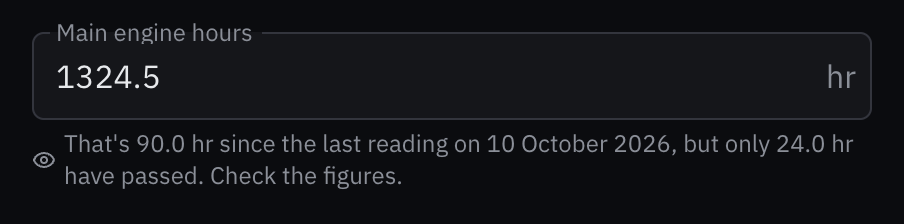
Rules behind it
- Regulation SN.1/Circ.243: hours are written with the symbol hr after the figure, the same in every language.
- Accessibility WCAG 2.2 SC 3.3.1 Error Identification: minutes past 59 or text the field cannot read is named in text; a reading that cannot be right is questioned in text that says why.
FixedThe date and time input spaces its required mark with the spacing scale
Touches Date and time input
The asterisk after a required group's name stood 0.2em from it, a length outside the spacing scale that the spacing foundation refuses; it stands the scale's smallest step from it.
ChangedSchema forms draw a latitude and its longitude as one position input
Touches Schema form, Position input
Every position bosund's schemas hold, a log entry's, a distress position, a man overboard mark, a waypoint, was two decimal-degree number fields; a latitude field and the longitude in its group are one position input, in degrees and minutes with its hemispheres and the vessel's position a press away, saving decimal degrees in each field.
ChangedSchema forms draw a VHF channel field as the VHF channel input
Touches Schema form, VHF channel input
A contact's and a harbour office's VHF channel were free text, which took 70 or 99 as readily as 72; the field named vhf_channel is the VHF channel input, which writes the channel's frequencies, refuses a channel that carries no voice and saves the designator.
ChangedSchema forms draw a length, a volume and a speed as the quantity input
Touches Schema form, Quantity input
A number field in m, L or kts, a vessel's draft and air draft, a tank, a wind limit, was a number input with its unit after it, so a draft typed in feet was saved as meters; it is the quantity input, whose unit button takes feet, gallons, km/h or m/s and saves the value in the schema's unit, and a field in another unit, NM among them, stays a number.
ChangedSchema forms draw a datetime field as the date and time input
Touches Schema form, Date and time input
A datetime field was the browser's datetime-local field, which showed no zone and on an English system a 12-hour clock, while the form read the typed time as UTC; it is the date and time input, read in UTC with UTC printed beside the time, saving the instant, and the field table lists the bearing input as well.
FixedThe date and time input keeps its height when it writes the instant out
Touches Date and time input
The line under the group appeared only once the time was taken, which happens as the crew leave the time field, so a press on Save straight after typing the time moved the button from under the pointer at mousedown and was lost; the line keeps its height, empty or not.
ChangedSchema forms draw a bearing field as the bearing input
Touches Schema form, Bearing input
A number field in degrees bounded 0 to 360, as the log bounds its courses and wind direction, was a number input with ° after it; it is the bearing input, °M for a field named for its magnetic reference, so the crew can type a point of the compass and step round the circle, and a field in degrees with other bounds or none stays a number.
AddedQuantityInput: a length, a volume or a speed in the crew's unit, held in the base unit
Touches Quantity input
bosund's schemas hold lengths in meters, volumes in liters and speeds in knots (fleet/types.go:133-201, ops/types.go:711, 876, 943), and their fields were number inputs with the unit as text, so a US skipper who typed a draft of 6.5, meaning feet, saved 6.5 m. QuantityInput takes the value in feet, gallons, km/h or m/s through a unit button after it, holds it in the base unit by the exact factors, says under the field what a value in another unit is saved as, and rounds it the way rounding says: down for a depth, up for a draft. A value the field wrote is never read back through its rounding again, so switching units or leaving the field twice does not move it.
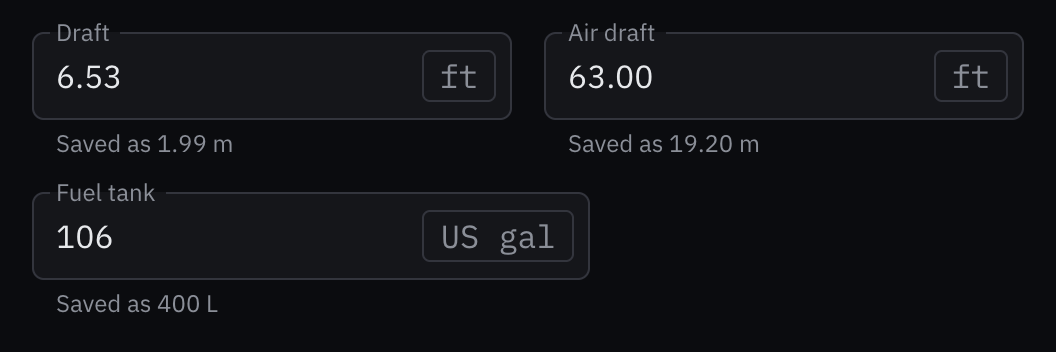
Rules behind it
- Regulation SN.1/Circ.243: units are written in its symbols where it lists them, m and kn, in the template after the number.
- Convention Depth never overstates the water: a converted depth or clearance rounds down, and a draft or an air draft rounds up, so neither makes the passage look safer than it is.
- Accessibility WCAG 2.2 SC 3.3.2 Labels or Instructions: the unit is written beside the value and read with it, and a value typed in another unit says what it is saved as.
AddedDateTimeInput: a date and a time read in one stated zone
Touches Date and time input, Date picker, Time picker, Date and time
An instant, the time of a log entry, a departure or a flight home, could be entered only through the browser's datetime-local field, which shows no zone and on an English system a 12-hour clock, while the form read the typed time as UTC. DateTimeInput groups the date picker and the time picker under one name, reads both in one zone that it prints beside the time, UTC by default or the device's own with its offset, and reports the instant in UTC once both parts are set and within its bounds, which are instants: max at the current time keeps an entry from recording the future. The date picker gains writeDate, so a group that writes the date out with its time does not write it twice.
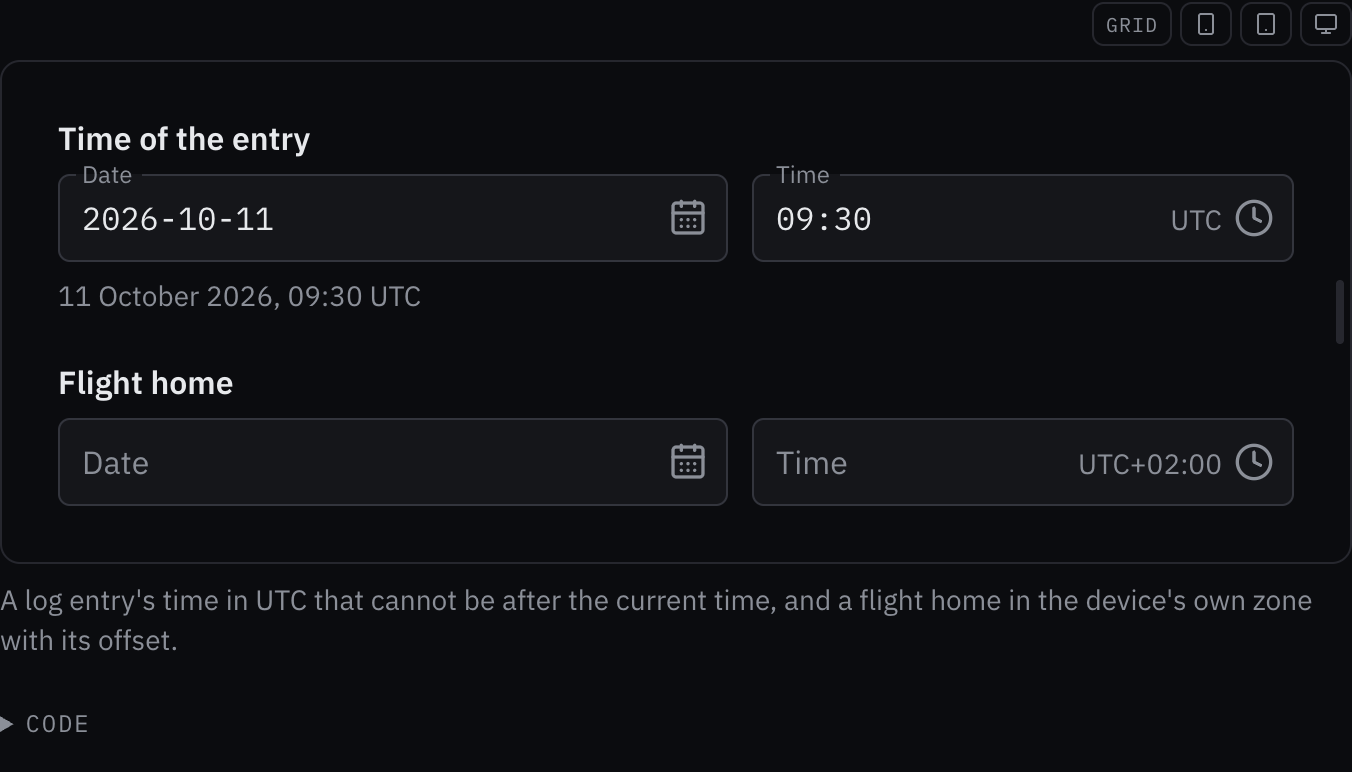
Rules behind it
- Foundation Date and time: every time carries its reference: the group prints UTC or the zone's offset beside the time and in the line under it.
- Accessibility WCAG 2.2 SC 3.3.2 Labels or Instructions: the zone the crew type in is written beside the time before they type, not only in what is stored.
AddedVHFChannelInput: a marine VHF channel with its frequencies
Touches VHF channel input
A contact's and a marina's VHF channel were free text of up to ten characters (ops/types.go:426, 972), which takes 70, a DSC-only channel, or 99, which does not exist, as readily as 72. VHFChannelInput reads a channel number, a four-digit simplex designator or its US letter form, and the UK marina channels, writes the designator and the channel's frequencies under it, says what the Radio Regulations set a channel aside for, refuses the channels that carry no voice and questions 16 as a working channel. The arrow keys step through the voice channels.
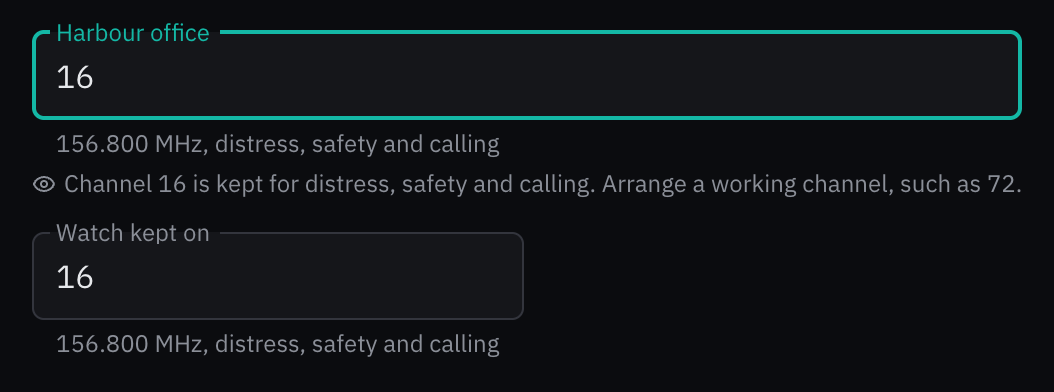
Rules behind it
- Regulation ITU Radio Regulations, Appendix 18; ITU-R M.1084: the channels, their frequencies, the four-digit simplex designators, and the channels set aside: 16 for distress, safety and calling, 70 for digital selective calling, 2087 and 2088 for AIS.
- Accessibility WCAG 2.2 SC 3.3.1 Error Identification: a channel that carries no voice, or text that names no channel, is named in text under the field.
AddedScalePicker: a Beaufort force, a Douglas sea state or the cloud cover in oktas
Touches Scale picker, Weather bar
The log's sea state was a select of eight words and its cloud cover free text (log/types.go:192, 201), and a wind force was a bare number, so nothing showed what a level stands for or checked it against the instruments. ScalePicker draws a scale's levels as a radio group, each with its code, its name in the crew's language and, for wind and sea, the range it stands for, from the same bounds bosund uses to turn a measured wind or wave height into a level. Arrow keys and a code's digits choose a level. With measured, the level the measurement stands for is marked, and a choice more than one away from it is questioned in an attention message without being refused.
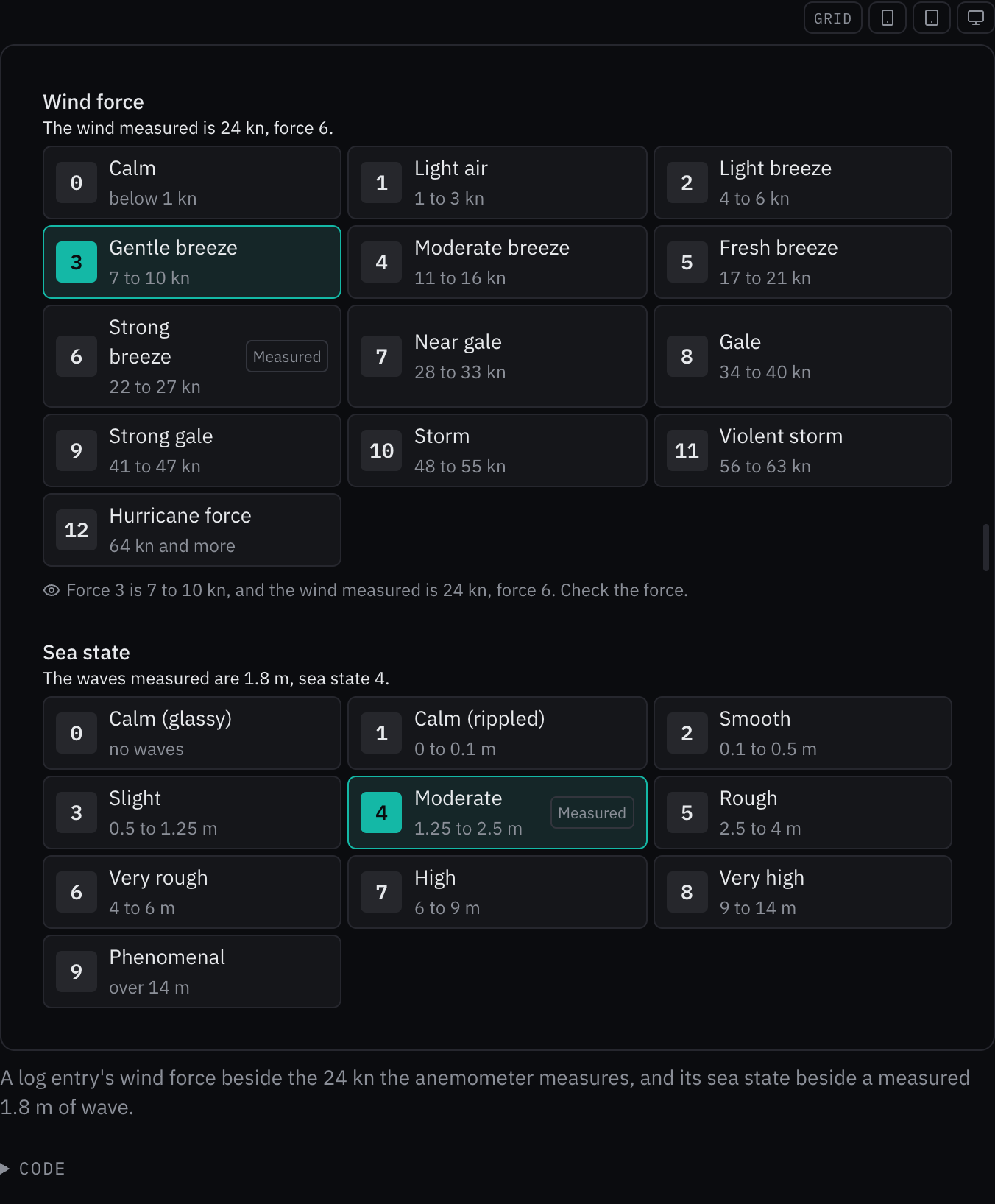
Rules behind it
- Convention WMO Codes 3700 and 2700: the sea states and the cloud cover codes are the WMO codes, a height on a bound belonging to the lower state, and the forces and their speeds are bosund's knotsToBeaufort bounds.
- Accessibility WCAG 2.2 SC 1.4.1 Use of Color: the chosen level is marked by its border and its filled code as well as the accent, and the measured level by a word.
- Accessibility WCAG 2.2 SC 3.3.1 Error Identification: a level far from the measurement is questioned in text that says what it stands for and what was measured.
AddedBearingInput: a bearing in degrees or as a point of the compass
Touches Bearing input
The log's wind, swell and current directions, a course and a bearing to a mark were number fields, which store 360 beside 000 for north, stop at 359 where the circle turns on to 000, write 045 as 45 and say nothing of which north. BearingInput reads degrees or a point of the compass, in the crew's language and in English, writes the bearing in three digits with °T or °M after it, steps round the circle with the arrow keys, writes the nearest point under the field in words (from or towards it with sense) and draws the bearing on a small rose, so a bearing with its digits swapped points visibly the wrong way.

Rules behind it
- Regulation SN.1/Circ.243: a bearing is written in three digits with its reference, °T or °M, as the abbreviations list writes them.
- Accessibility WCAG 2.2 SC 3.3.1 Error Identification: a bearing past 359 or text the field cannot read is named in text under the field, and the text stays.
- Convention WAI-ARIA spinbutton: the field is a spinbutton from 0 to 359 with its value read as degrees true or magnetic, stepped by the arrow and page keys.
AddedDateRangePicker: a range of days with date and span limits
Touches Date range picker, Date picker
A log export, a charter, a crew rotation and a yard period each take a range of days, which the kit could hold only as two date pickers that knew nothing of each other. DateRangePicker holds the first and the last day in one field, typed or chosen from the date picker's calendar in two presses, and reports the range only when it is whole and within its limits: min and max for the dates either end can fall on, and minDays and maxDays for the days it holds, both ends counted. The calendar disables every last day that would break a limit once the first is chosen, and a typed range that breaks one names the day that would fix it. The date picker's month grid moved into a module the two share, and draws a range.
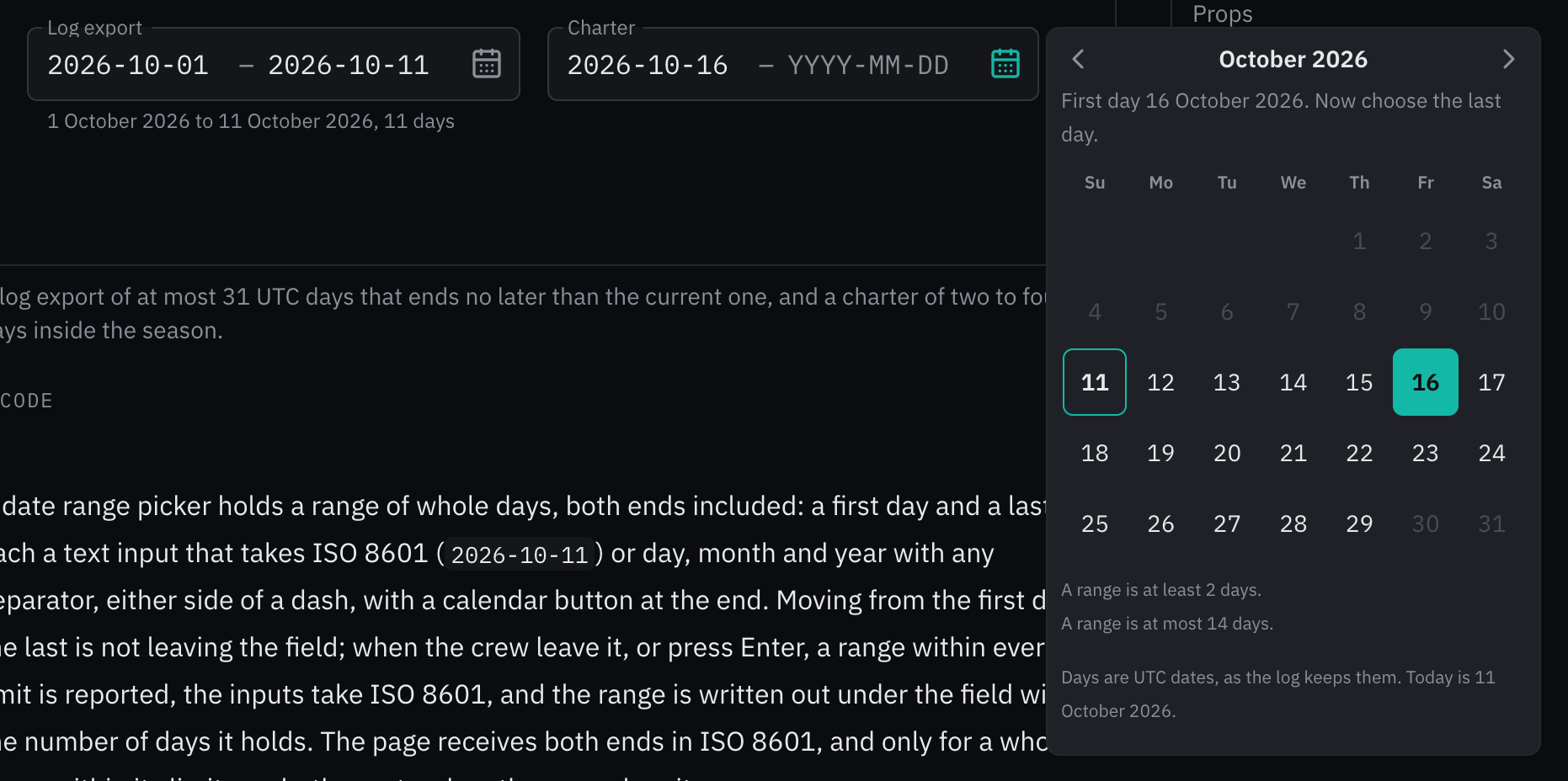
Rules behind it
- Accessibility WCAG 2.2 SC 3.3.1 Error Identification: a range the field cannot take names its problem in text and marks the input it is about, and a limit names the day that would meet it.
- Accessibility WCAG 2.2 SC 3.3.2 Labels or Instructions: the calendar says which end the next press sets and writes the limits under the grid, before the crew choose.
- Convention WAI-ARIA date picker dialog: the calendar is a dialog with a month grid, one focused day in the tab order, the range's days selected and the days the limits exclude disabled.
FixedReading: the status line keeps to the readout's column
Touches Reading, Data integrity
Under a Reading, the age badge, the degraded reason and the last-seen line ended at the readout's outer edge, 2 to 8 px past the end of its source and rule. A caption wider than the readout widened the whole reading, so a heading that turned degraded moved its value sideways and pushed the readings beside it. The captions also sat 5 px higher than the age badge in the same row. The status line now ends where the rule ends, at every size and direction. A caption wraps inside the readout's column, with a no-break space keeping an age's number with its unit and without the tracking set for capitals, and takes the badge's line box.
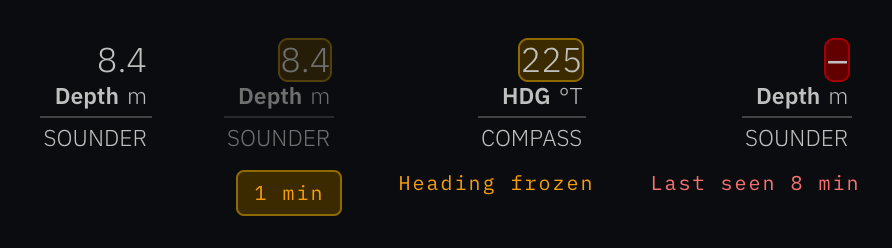
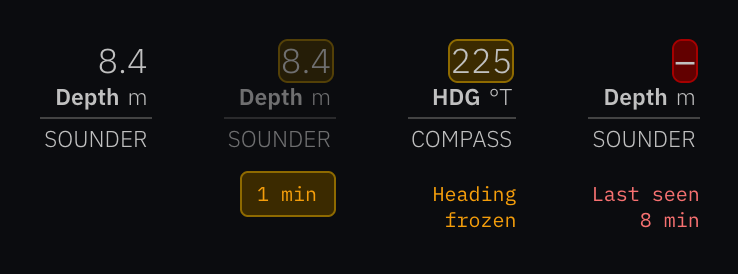
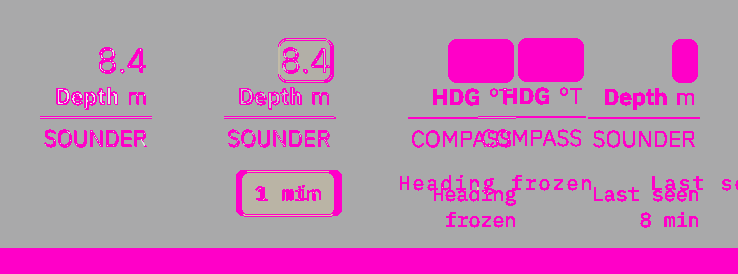
Rules behind it
- Foundation Data integrity: a reading that turns stale, degraded or lost keeps its value in place and shows its state under it; a value that moves when its state changes is harder to follow across a row.
- Convention OpenBridge readout: the readout draws its integrity marking as an outline so the value stays column-aligned across rows; the status line under it follows the same column.
FixedA reading's caption writes its age as the badge does, 8 min and not 8 MIN
Touches Reading, Data integrity, Date and time
The degraded and last-seen captions were set in capitals, which wrote a lost reading's age as "8 MIN" beside a stale badge's "1 min", and a capital M is the symbol for mega; they are in sentence case, their first letter a capital and the rest as written.
ChangedThe motion page flashes its alarms with the kit's alert list rows
Touches Motion, Alert list row
The page's hero and its flash specimen drew site mock rows flashed by keyframes on the page, beside a note not to copy them; they are the kit's AlertListRow, flashing on the shared blink clock, with their times in UTC.
ChangedA schedule entry shows the grabbing cursor while it is dragged
A movable entry showed the grab cursor before and during a drag, though the cursors page asks for grab, then grabbing during the drag; it shows grabbing while it is moved, and a foundation test holds the pair for every stylesheet.
ChangedThe status strip writes minutes as min
Touches Status strip
In English the status strip wrote a stale sensor's age and the time the stream has been down as "3m", "42s" and "2h", and "3m" beside a depth reads as three meters; it writes "3 min", "42 s" and "2 h", as the other five languages and the Reading badge do.
ChangedThe content guide lists Voice and tone and writes wind as the kit does
Touches Content, Feature discovery
The section cards left out Voice and tone, and the wind example wrote "14G22", a form neither the kit nor bosund writes; the cards list the page, the wind reads "14 kn, gusts 22 kn" as weather.bar.wind_gusts writes it, and the index and feature discovery say vessel where they said boat.
ChangedError messages show the NMEA notice, and say only a toast carries actions
Touches Error messages, NMEA offline notice
The page gave every error message a fix and a dismiss action, though a banner or a section message takes none, and said an error never uses red; it now gives actions to a toast only, shows the NMEA offline notice as its four parts in the kit, and states the data integrity red that notice takes.
ChangedSuccess messages name the toast's Undo countdown and track()
Touches Success messages, Toast
The page asked for a way back and a pending message without naming what the kit gives for them, and wrote times with no reference; it now names the toast's Undo countdown, the deletion made final in onClose, and track() for a task that is still running, with every time in UTC.
ChangedInfo messages write their times with UTC and allow an info toast
Touches Info messages
The page said an info message never pops up over the page, though info is a toast's default kind, wrote "2 h 05 min" and bare times; it now allows an info toast about something the crew just did, writes "2 hr 5 min" and every time with UTC, and says vessel.
ChangedThe empty state guide draws the kit's empty state and its four kinds
Touches Empty state, Empty state (component)
The content guide drew a site mock with three states, Empty, Blank and Unavailable, and showed a receiver that stopped reporting as an empty state; it now renders the kit's EmptyState with its kinds, empty, no-results, unavailable and done, says that a stopped source is an alert, that an empty state wears no message color, and writes ranges in NM.
ChangedInclusive writing names the alarm Man overboard and prints its times with UTC
Touches Inclusive writing
The page told writers to keep the standard alarm label but drew the alarm as "Person overboard", which no catalog writes, and showed times with no reference; the alarm reads "Man overboard", as alert.mob.title does in every language, and its times carry UTC.
ChangedDate and time describes the forms the kit and bosund write
Touches Date and time
The page showed bare times, ages such as "95 s old", abbreviated months, a relative time hidden behind hover and spoken times in UTC; it now prints every time with its reference, ages in one floored SN.1/Circ.243 unit, durations in the language's short units, the written date with months in full, the relative time beside the time, and the voice in the vessel's local time, and it settles the log's UTC and the site's locale clock.
AddedAppShell: a console mode with named splits
Touches App shell
The conning display and the night watch display stay on one view, but the shell drew them as an application screen, with a navigation column and a menu button that lead away from it. mode="console" draws the header and its alert zone, the page and the side panel, and no navigation, menu button or tab bar. splitPresets names the ways the screen divides between the page and the side panel; a segmented control at the header's end offers them, sets the panel's width as its splitter would, and checks the split in use.
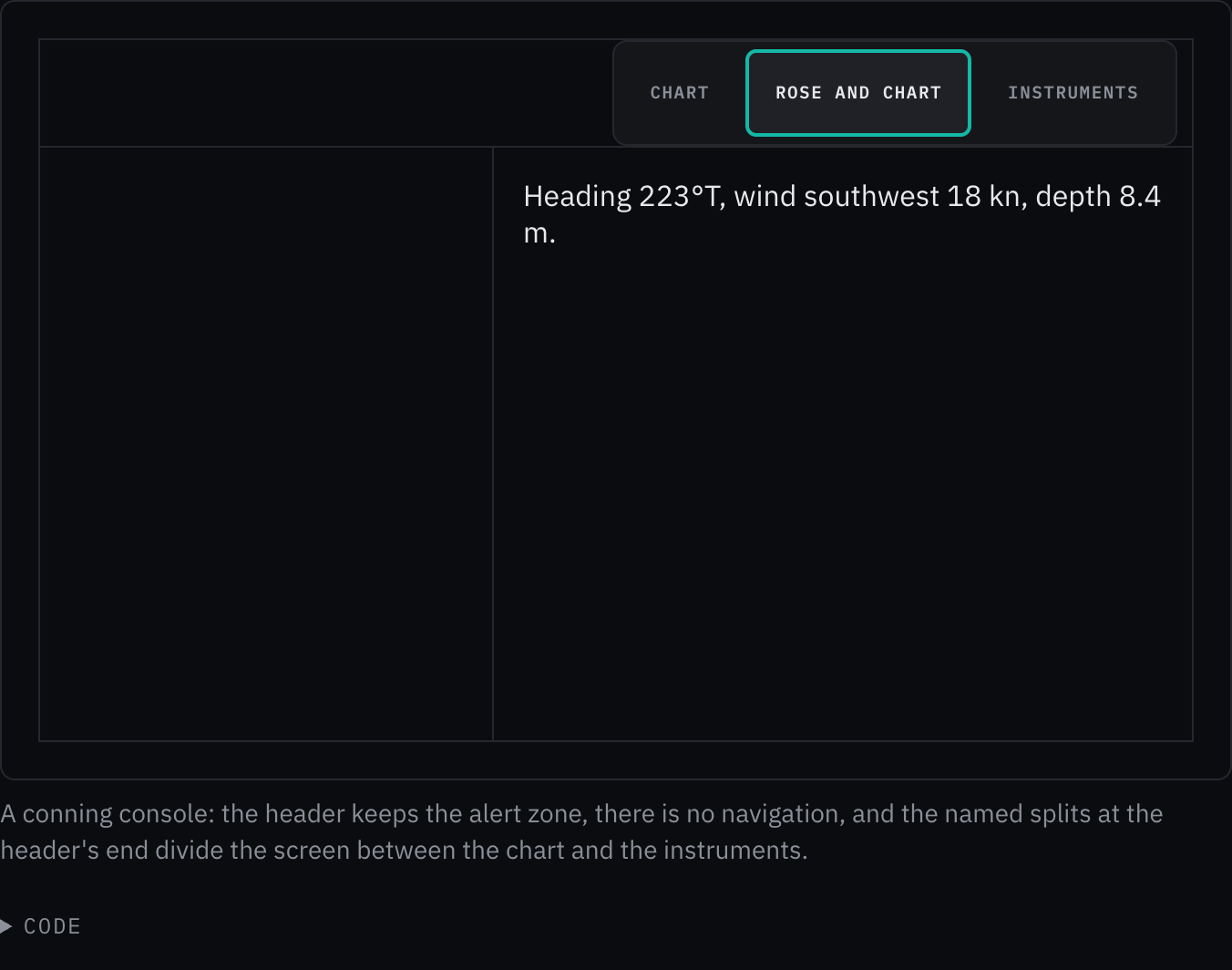
Rules behind it
- Foundation Alarms and severity: the alert zone is the top-level alert summary; a console keeps it in its header on the alert layer, as every other screen does, so an alert reaches the bridge whatever the console shows.
- Foundation Grid: the splits show only where the side panel stands beside the page, a shell wider than 68.75em.
ChangedA wizard's draft opens again on the step the crew left
Touches Schema form, Wizard step
A schema form laid out as a wizard kept a new record's typed values but opened again on the first step; it now keeps the step the crew were on and the steps they had reached, and shows the kept-draft notice with Start over, which goes back to the first step.
FixedA form's draft never keeps a password
Touches Schema form
A new record's draft, and the values a form keeps for the next record, wrote every field to the browser's storage, a password field's included, as plain text; they now leave out every field drawn as a password, which a restored draft opens empty.
AddedVesselMark: the vessel's mark as a kit component
Touches Vessel mark, Logos
The vessel mark existed only as markup: drawn by hand on the logos page and as a stylesheet rule in the web UI's sidebar. The kit now has it as VesselMark, in four sizes in em of the text around it, decorative beside the vessel's name and an image named by its label on its own. The logos page draws its specimens with it.

Rules behind it
- Foundation Logos: the vessel mark is the vessel in the accent on a tile tinted from the accent toward blue, with a hairline in the accent.
- Foundation Radius: its corners take steps of the scale, 6, 8 and 12 px, rather than a quarter of the tile.
ChangedThe schedule counts rest periods in every 24 hours that starts or ends with a rest
Touches Schedule
The rest rule counted the periods of rest only in the 24 hours from the start of each rest, so a split that showed in a window ending at a rest went unflagged; it now also checks every 24 hours that ends where a rest ends, without cutting a rest at the window's edge.
ChangedA screen that shows alerts offers no red-cored radar look
Touches Radar PPI
Red means alarm, so the plotter's red-cored echo palette and looks are for comparing with a chart plotter and never offered on a screen that shows alerts; the page states the rule in place of its open question.
AddedThe chat input's Automatic choice names the model that will answer
Touches Chat input
Given automaticModel, the model bosund's routing would send the next message to, the picker reads "Automatic · Qwen3.5 4B", so the crew know before they send which model answers and whether the message stays on board.
FixedA tooltip leaves on the exit curve, as every other overlay does
The tooltip's closing fade ran on the standard curve, where the motion foundation gives everything that leaves the exit curve; it now accelerates away like the popover, the menus and the dialog.
AddedA context menu shows a ⋯ button on a touch screen
Touches Context menu
A long press opened the context menu on a touch screen, but nothing showed that it would. Under a coarse pointer the area now shows a ⋯ button at its end, named by the menu's label, that opens the same commands anchored to it; under a fine pointer the button is not drawn.
No visible change in a still. The button is drawn only under a coarse pointer, which the site's pages, read with a mouse, do not have.
Rules behind it
- Accessibility WCAG 2.2 SC 2.5.8 Target Size (Minimum): the button is a 48 px target, and the commands it opens no longer hide behind a gesture.
ChangedThe data table page describes the held row order
Touches Data table
The page now says a live list holds its order while the crew are in the table, and its Open callout keeps only grouping and column resizing, which are not built yet.
ChangedA data table holds its row order while the crew are in it
Touches Data table
A live list re-sorted on every update, so a row could move from under the eye or the finger; while focus is in the table or the pointer over it, an update now leaves the rows where they are, a new row comes in at the end, and the order applies when the crew leave, while a sort or filter they set applies at once.
ChangedThe create button's arrows move through its tiles as a grid
Touches Create button
Up and Down moved through the tiles in reading order and Left and Right did nothing; now Left and Right move along a row and Up and Down a column, by the number of tiles the grid draws on a row, skipping a disabled tile.
AddedA refused copy offers the text, selected, to copy by hand
Touches Copy button
When the browser refused the copy, the button said "Could not copy" and left the crew with nothing to do. It now also shows the text beside it in a read-only field, selected and focused, with the keys that copy it (⌘C on Apple's platforms, Ctrl+C elsewhere), in the crew's language; the field stays until it loses focus.
No visible change in a still. The field appears only when the browser refuses the clipboard, which the site's pages, served with permission, never do.
Rules behind it
- Convention Messages: a failure says what to do next; here the next step is ready: the text is selected and the keys are named.
AddedThe ship data panel shows each value's age and trust
Touches Ship data, Reading, Data integrity
The panel's readouts carried no integrity, so a heading from a compass that had stopped looked as current as a live one. A value the caller gives its trust (integrity, age, reason, source) is now drawn as a reading, with its age, its integrity treatment and its reading detail, and a position the caller marks stale, degraded or lost says so under it. A value without trust keeps the plain readout, and a missing one its dash.
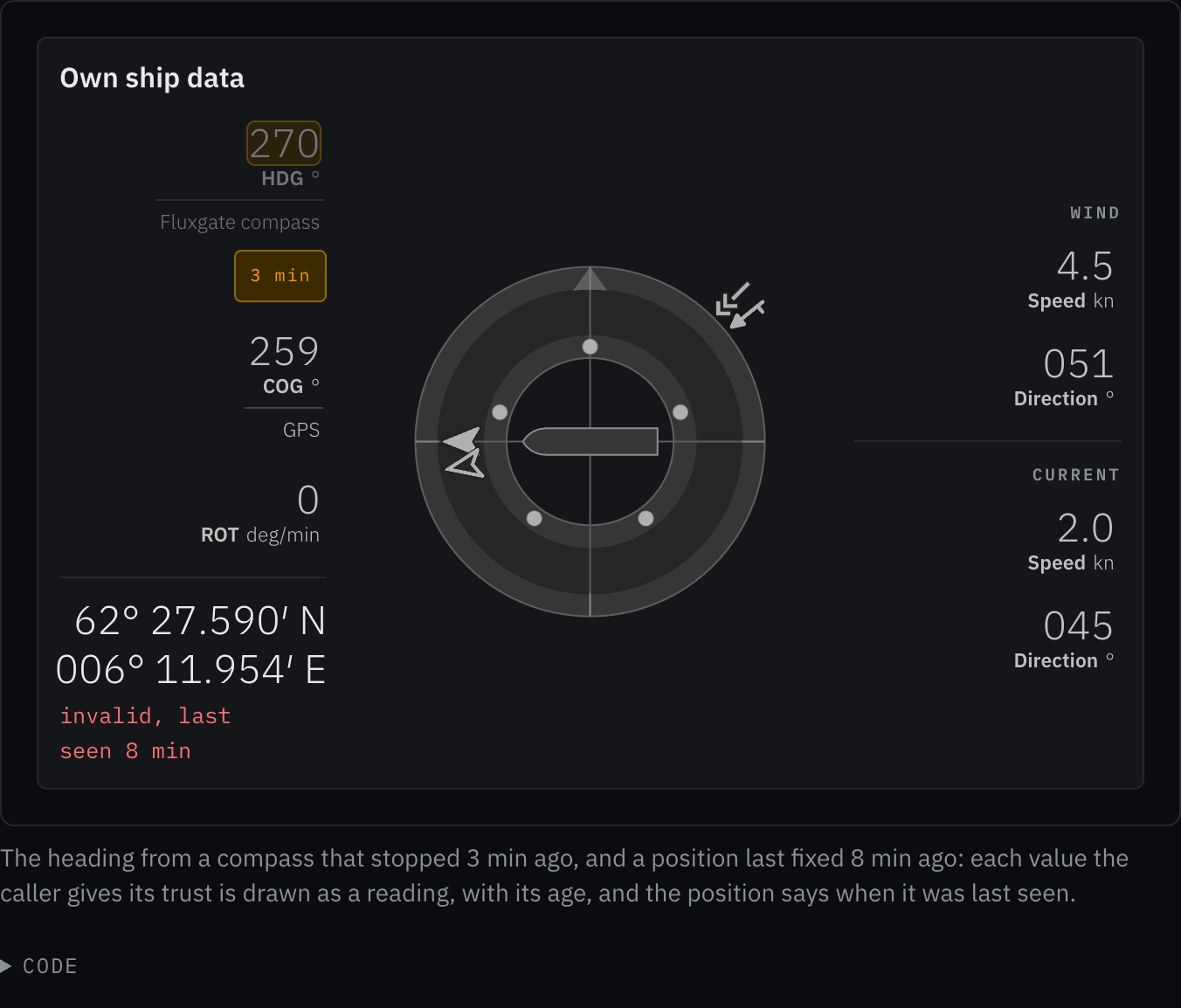
Rules behind it
- Regulation IMO MSC.191(79) §5.6: designed with reference to it: a value that has stopped updating or cannot be trusted is marked as such where it is shown.
ChangedA reading opens its source and trust from the value, for a tap as for a mouse
A reading's source, trend and trust were a native title on the reading, which a coarse pointer cannot open, so a gloved hand at the helm saw the value and the state badge but never the source. A reading with a source now wraps its value in the kit's reading detail: a resting mouse, a press or a tap opens a panel named by the source, with the state below it. The trend and the state stay on the reading and in its accessible name, and no title remains on it or its trend arrow. The reading detail's age is now optional.
No visible change in a still. The reading draws the same; what changes is what a press, a tap or a resting mouse opens on it, which a still cannot show.
Rules behind it
- Accessibility WCAG 2.2 SC 2.5.8 Target Size (Minimum): the detail opens from the value, a target a finger can press, where a native title opens for a resting mouse only.
- Convention Tooltips: nothing is revealed by a native title; a reading's provenance is the reading detail's job.
ChangedThe instruments' alert frame draws a warning steady
Touches Alert frame, Motion
The owner decided on 18 October 2026 that warnings do not flash, and the kit's alert rows and icons already drew them steady; the vendored alert frame, which readouts and tanks draw around a value, still flashed an unacknowledged warning on the slow tempo and a rectified one on the very slow tempo. It now draws a warning steady in every mode, a house deviation from OpenBridge.
No visible change in a still. A still picture cannot show a flash: the frame looks the same in every still, and only its blinking stops.
Rules behind it
- Foundation Motion: only an unacknowledged alarm or emergency flashes; a warning and a caution are steady.
ChangedThe open questions the owner answered are stated as rules
Touches Logos, Conning, Desktop, Site, Audio control, Iconography, Motion
Faint gradient tints mark identity surfaces (the vessel mark, the vessel overview, a report's header) and nothing else; the conning screen opens on the rose and the chart; the watch settings sit beside the AIS table and on Settings; the site takes the app's tokens and icons with a larger display scale and entrance motion; the reports render the kit's icons and the site copies their SVGs; and bosund is to gain an output mute that keeps the level.
ChangedMetric cards and chart panels take the scale's largest corner
Touches Card, Chart panel, Radius
A metric card's corner was 24px and a chart panel's 16px, both outside the radius scale, and the radius page kept them as an open question; by the owner's decision both take --radius-xl, 12px, as dialogs and alert cards do, and their two corner tokens are gone.
Rules behind it
- Foundation Radius: every corner takes a step of the scale; the largest, 12px, is for dialogs, cards and panels.
ChangedThe yellow stands clear of the amber in Day and Bright
In Day and Bright the house yellow sat 29 and 28 ΔEuv from the amber, so a caution badge's dot read as a second amber. It moves toward olive, #938400 in Day and #857f00 in Bright, 67 and 73 ΔEuv from the amber; the badge's label keeps its text step, which already reads at 4.5:1. The owner chose to separate them now rather than wait for the OpenBridge 2.0.0 palette. Dusk's pair measures 38 ΔE*uv and is unchanged.



Rules behind it
- Foundation Color: the amber and the yellow are told apart by hue; in the light themes they stand at least 40 ΔE*uv apart, which the kit's contrast test holds.
ChangedNight's dim and faint text is a stated exception to the contrast floor
Touches Color, Accessibility
Night's dim and faint text sits at 3.9:1 on black, and the pages listed it as open; it is now the one role held under 4.5:1, by the owner's decision, to keep the crew's dark adaptation, and it carries labels, never values.
ChangedThe adapter props are gone: each component takes its own names
Touches Tabs, Collapsible, Command palette, Setting control, Splitter, Component API
Tabs takes value, onValueChange and activateOnFocus (no active, onChange, activation or TabPanel; a panel is Tabs.Panel), the collapsible's region is CollapsiblePanel, the command palette returns focus through finalFocus, a setting toggle reports through onCheckedChange, and a splitter its last size through onValueCommitted.
ChangedSelect is composed from its own parts
Touches Select
The flat exports (SelectContent, SelectTrigger, SelectValue, SelectGroup, SelectLabel, SelectItem, SelectSeparator) and an item's textValue are gone: a list is Select.Portal, Select.Positioner, Select.Popup and Select.List, a group heading is Select.GroupLabel, and an item's typeahead text is its label. The chat input's model picker and the select page's examples are written that way.
ChangedAutocomplete and Combobox replace the ComboBox adapter
Touches Autocomplete, Combobox
ComboBox, which chose between free text and a held id with a freeText flag, and its page are gone: free text takes AsyncAutocomplete, a record takes AsyncCombobox with the record as its value, and the pages that linked the combo box link the one they mean.
ChangedTaskDialog is the dialog's only name
Touches Task dialog, Dialog
The Modal adapter (onClose(reason), initialFocusRef, returnFocusRef) and its second page are gone; the dialog's stylesheet, its tests and its examples sit under task-dialog, and a caller reads Base UI's reason from onOpenChange.
ChangedNavigationBar, RadioCards, SegmentedRadioGroup and CommandPalette are the only names
Touches Navigation bar, Radio cards, Segmented radio group, Command palette
The TabBar, ChoiceCards, SegmentedControl and CommandMenu aliases, which the package no longer exported, and their second pages are gone; each component's stylesheet, tests and examples sit under its own name.
ChangedNauticalChart is the chart's only name
Touches Nautical chart, Component API
The chart folder held a Chart alias the package no longer exported, the chart's stylesheet and tests, and a second page for the same component; the stylesheet, tests and examples now sit under nautical-chart, and the alias and the old page are gone.
ChangedA word or a number in an alert's color takes the color's text step
Touches Color, Accessibility, Badge, Alert card, Due chip, Status strip, Reading
The OpenBridge alert colors are fills, and as text they fall under 4.5:1: in Day the warning is 2.0:1 and the caution 1.2:1 on the page, in Bright 2.2:1 and 1.4:1, and the alarm 3.9:1 in Dusk. The palette's amber and yellow are under it in Day too. Each now has a text step, --red-text, --amber-text, --orange-text, --yellow-text, and --bk-alert-alarm-text, -warning-text and -caution-text for an alert's word or number, and PRIORITY_SPECS gives every priority a textToken. A badge's label, an alert card's step numbers and figures, the alert list row's priority word, the due chip, the countdown, the alert zone's count, the event timeline's priority word, the status strip's chips and risk, a reading's age and reason, and the telemetry and instrument pill values take them; shapes, borders, fills and icons keep the colors. Dusk keeps its own colors, which already read; Night's warning and caution are brighter as text. This is the owner's decision of 18 October 2026.
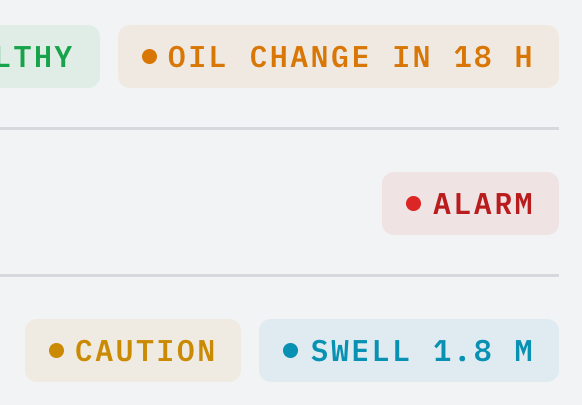
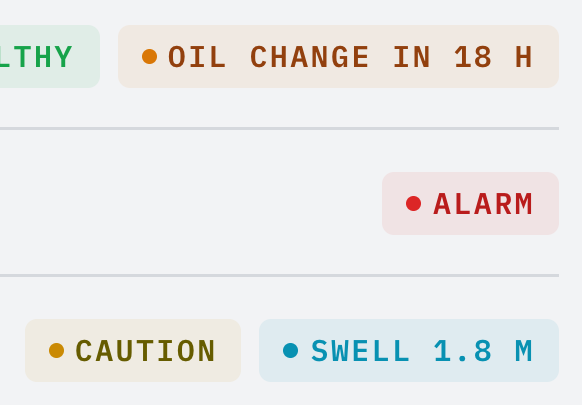
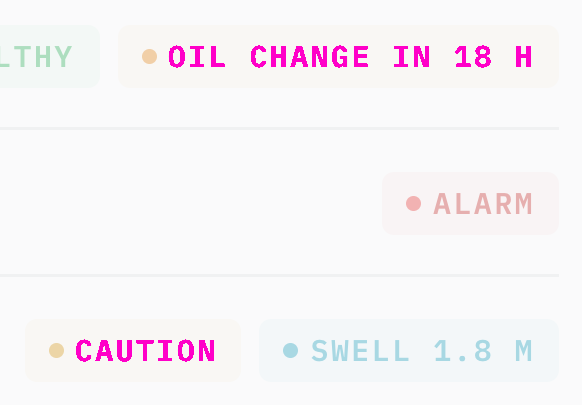
Rules behind it
- Accessibility WCAG 2.2 SC 1.4.3 Contrast (Minimum): text reaches 4.5:1 on its surface; each text step does on every surface in every theme, which the kit's contrast test holds.
- Foundation Color: the OpenBridge alert colors are fills; shapes, borders and icons keep them, and text takes the step.
FixedOpen questions the kit has already settled are stated as rules
Touches Toast, Popover, Error messages, Reports and docs
Four pages kept open what the kit already does: the banner, section and inline messages are built; a popover or list opened from a dialog or a toast opens above it; an error message's mark is neutral; and the documentation is a Fumadocs site, not mdBook. The pages now say so.
FixedWarning messages are attention messages, drawn with the kit's kinds and notification colors
Touches Attention messages, Content, Error messages, Info messages
The content guide had a warning message kind drawn in the alert warning color, which the kit does not have: a message's kinds are error, attention, info, success and discovery, and none wears an alert color. The page is now Attention messages, every specimen takes the kit's marks and colors (error and attention neutral, info and discovery in the accent, success green), its forecast example (an alert bosund raises) gives way to a route-timing one, and its confirmation quotes the entity list's own words.
FixedThe component API page drops the compatibility names nothing can import, and gives the prop conventions
Touches Component API
The page offered compatibility imports (Chart, TabBar, CommandMenu, Modal, ChoiceCards, SegmentedControl, ComboBox) and a migration list, but the package exports none of those paths; the names table now lists the canonical names alone, a section gives the conventions every component follows (display text, Action props, ref, testId, data-* state, className, motion), and an Open callout asks whether the unexported adapter folders and the deprecated props are deleted.
FixedThe foundations overview links the component API page
Touches Foundations, Component API
The overview had a card for every foundation in the sidebar but the component API; it now has all eighteen.
FixedThe logos page gives the logo's colors and the vessel mark's size as drawn, and marks the other gradients open
Touches Logos
The page said the logo's name is near-black or near-white, while it is the accent in every theme and only the tagline takes the text color, and gave the sidebar's vessel mark as 24px where the web UI draws 26px; it now says both as drawn, links the vessel overview, and asks in an Open callout whether the mark stays the one gradient now that the vessel overview and a report's header carry a tint.
FixedThe iconography pages size icons in em, as the kit does, and name the pinned OpenBridge package
Touches Iconography, OpenBridge icons
The size specimens gave the vessel application's fixed pixel sizes; they now show the kit's em sizes (1.375em in a navigation row, 1.8em in the tab bar) and the 48 px icon-only button, the pages name the pinned 2.0.0-next.128 package, the AIS tile shows the -iec target the page tells readers to use, and the Open icon-gap item gives the steps the kit uses.
FixedThe typography page states the capitals rule and why a component never sets a size in pixels
Touches Typography
The page called uppercase "a deliberate choice for particular content"; it now gives the rule the foundation test holds, capitals only for small mono labels and never for a sentence, a name, an alert's title or a heading, and says text takes a role or em so it follows the size class.
FixedThe spacing page gives the touch condition and how a portaled list sizes its choices
The page said a portaled menu applies the touch size to every choice whatever screen its trigger is on; a list in the page body is outside every screen container, so its choices take the touch size under a coarse pointer, and the page now says so, gives the 68.75em condition for buttons, tabs, switches, chips and fields, and names the metric card's inset role.
FixedThe grid page describes the kit's app shell, its forms by screen width, and the screen's height
The hero, the five layouts and the region table gave the vessel application's sidebar (a 52px rail, a 216px panel, a 900px window switch); the page now draws the kit shell (a 14em panel dragged between 11em and 24em or folded to a 4.5em rail, a 20em side panel, a tab bar or menu on a phone), adds the wider-than-phone condition and the bounds rule to the breakpoint table, says where the phone menu opens, and adds a section on height queries.
FixedThe elevation page draws the kit's current row and floating shadow, and lists every layer the kit stacks on
Touches Elevation
The raised row drew an inset hairline no kit selection has, and the hero's menu typed its own shadow; the row now takes --bk-selected-background with the accent on its icon, the menu --shadow-floating, and the layer table adds the header on the alert layer, the brightness menu above it and the lists that open over a dialog or a toast, with a note that Night's floating shadow is a 1px line.
FixedThe border page names the alert zone's alarm outline, the selection border and the invalid field's dashed border
Touches Border
The alarm outline is --alert-alarm-outline-color, a darker red than the alarm color in Day and Bright, drawn as a 2px ring that flashes until the alarm is acknowledged; the page now names it, adds the selection border --bk-selected-indicator, and says an invalid field's border is dashed in the text color.
FixedThe radius page gives each kit component's corner
Touches Radius
The table put buttons, inputs and the alarm row at 8px and badges fully round, which the kit drew before every corner took a scale step; it now gives buttons, inputs and the alert zone's row 6px, badges, chips and the ACK 4px, dialogs and alert cards 12px, and full rounding to switches, setting chips, progress bars, radios, dots and avatars, and marks the metric card's and chart panel's corners open.
FixedThe interaction states and cursors pages add the pending ACK, the touch condition and the kit's other cursors
Touches Interaction states, Cursors
The interaction states page now says when targets are touch-sized and that a pending control the crew will press again stays focusable, busy and inert to more presses, as the alert zone's ACK does; the cursors table adds the crosshair the charts and the signature pad use and the cell cursor of a schedule lane that takes entries.
FixedThe tokens page lists every stylesheet the kit's index imports
Touches Design tokens
The source table named six of the seventeen sheets index.css imports; it now lists all of them with what each owns, including the flash tempos, the stacking order, the breakpoints and the size classes, and says charts.css also holds the analytical series palette.
FixedThe themes and control styles pages name every overlay, the indent role and Night's amber controls
Touches Themes, Control styles
The themes page named six overlays as carrying their scope into the portal, where every kit overlay does, and called the indent role "inset"; the control styles page said the house control roles follow a red Night palette, where Night's accent, focus ring and selection are amber, and left out the selection and invalid-field tokens.
FixedThe accessibility page lists every color under the text floor, says when a target is touch-sized, and covers flashing
Touches Accessibility
The contrast list left out the accent in Day and Bright and the alarm in Dusk and Day, and the page said every target is 48 px whatever the screen; it now names every role under 4.5:1 and the readable accent step, says targets are touch-sized on a screen up to 68.75em or under a coarse pointer, and adds a section on flashing: only an alarm or an emergency flashes, 400 ms on and 400 ms off.
FixedThe color page names Night's amber, the integrity colors and the data series palette
Touches Color
The page called every theme's text neutral grey, said red and yellow belong to alerts alone while its own swatches gave them to stale and invalid readings, gave Night's dim text as 3.2:1 where the amber palette measures 3.9:1, and named a categorical palette it never showed; it now says Night is amber on black, gives the integrity roles their place beside the alert colors, shows the invalid reading's background, and draws the nine operational series colors.
FixedThe motion page states the flash tempos, the steady warning and the token names the kit uses
Touches Motion
The page said an alarm flashes on a 2-second cycle and a warning flashes on its own clock, and named flash tokens that do not exist; it now gives the fast tempo (400 ms on, 400 ms off) for an alarm or an emergency, steady warnings and cautions, the real --bk-flash-fast-* tokens, a durations table that matches the kit's exits, toasts and layout moves, the components with motion defaults, and an Open list with the unbuilt emergency takeover.
FixedThe site's alarm rows draw the kit's priority shapes, and no acknowledge key
Touches Accessibility, Border, Radius, Iconography, Alarms and severity
The alarm row the foundation pages draw is the site's own specimen, and it drew an alarm as a filled circle, a warning as a triangle and a caution as a small circle, so the alarm and the caution were both circles and neither matched the kit. Its shapes now come from PRIORITY_SPECS: ▲ alarm, ● warning, ■ caution. The ACK chip carried an "A" key no kit component or screen has; it is gone from the row and from the border and accessibility pages, and the radius page shows its key cap with /. The ACK is now 48 px tall, as the kit row's is, and a caution, which needs no acknowledging, shows none. On the accessibility page the warning and the caution take a wind and a battery icon for their cause in place of the anchor.
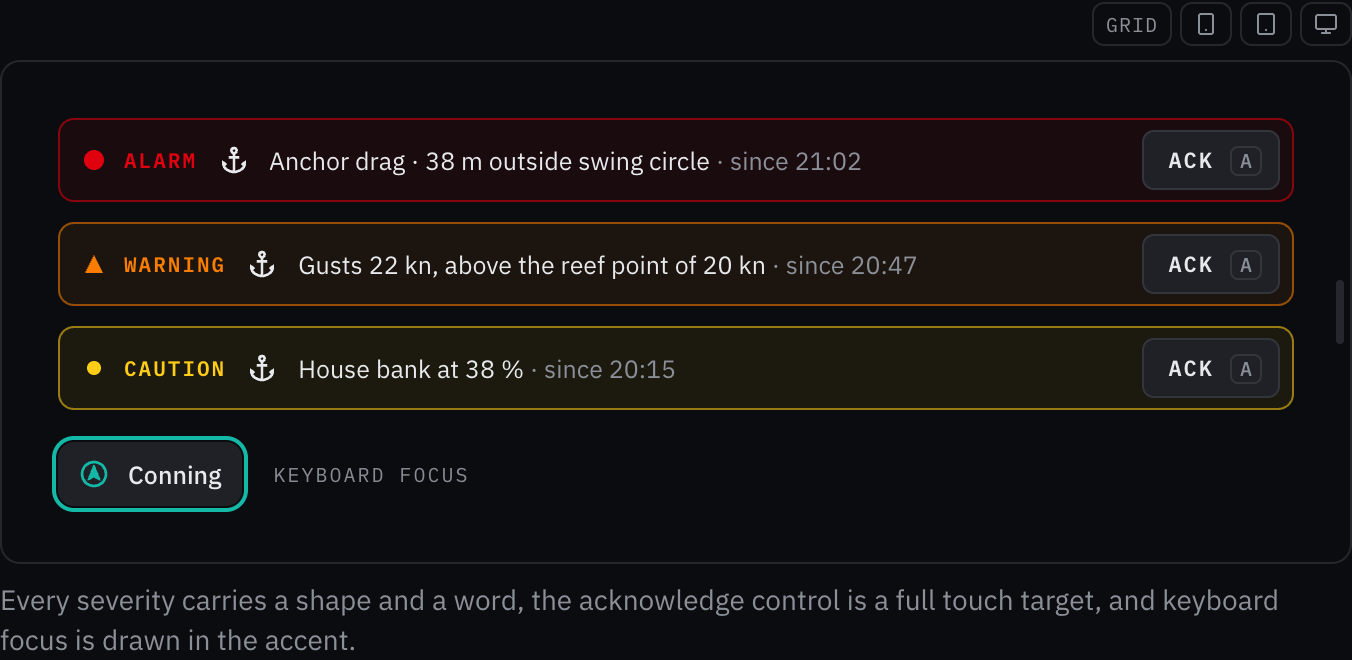
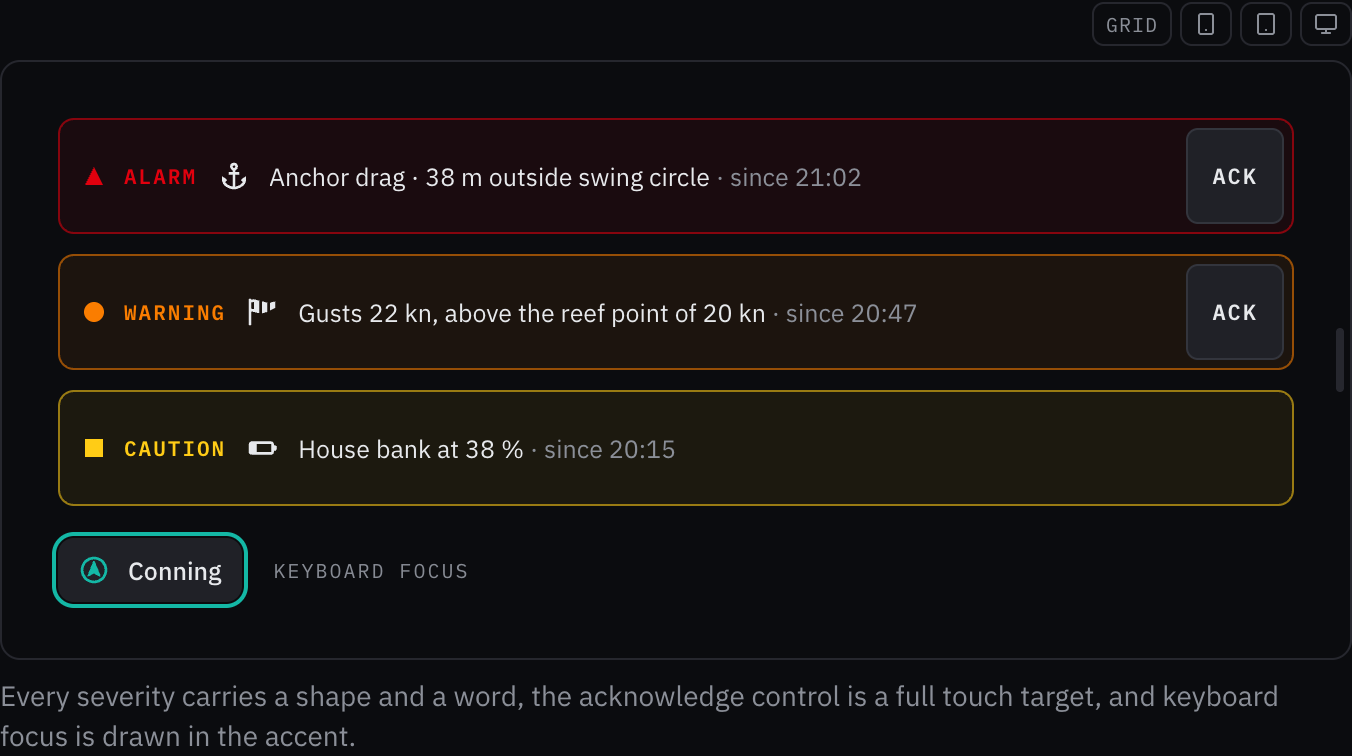
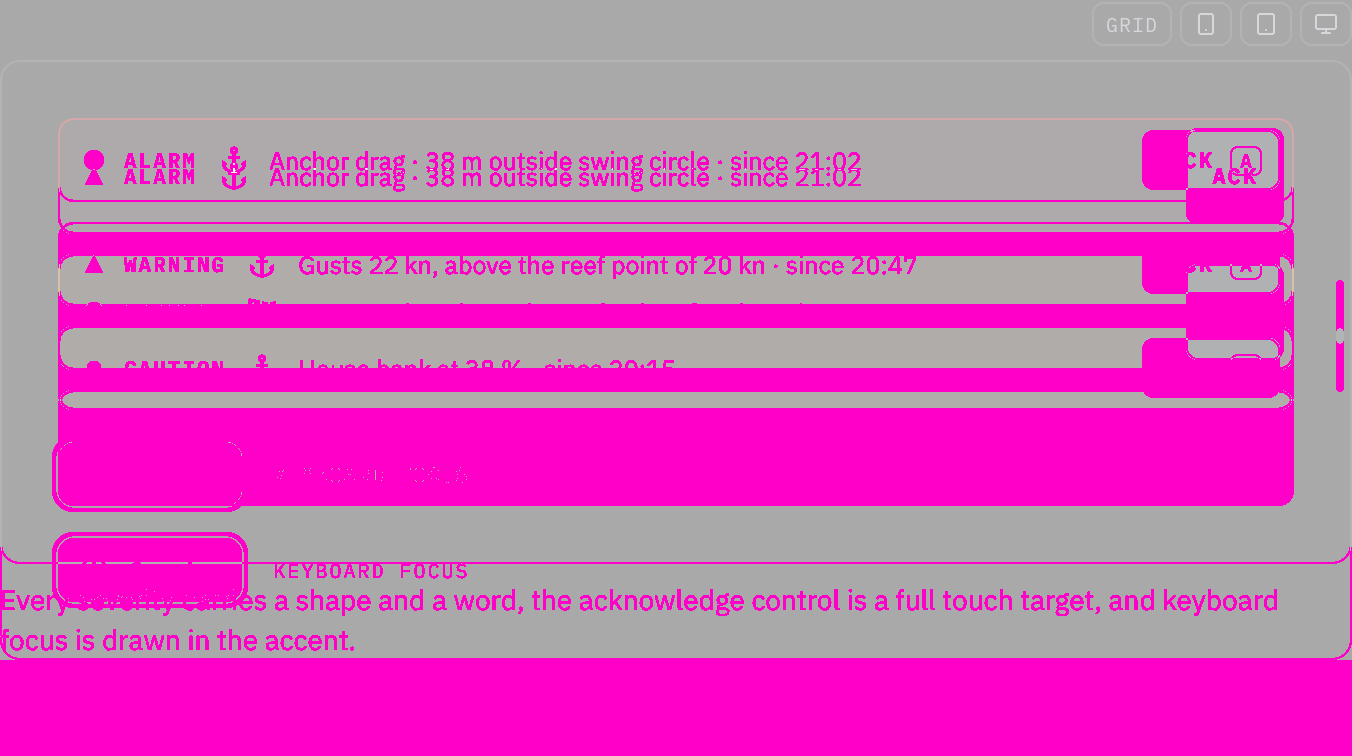
Rules behind it
- Regulation IEC 62923: the alert shapes are a triangle for an alarm, a circle for a warning and a square for a caution, as PRIORITY_SPECS draws them.
- Foundation Accessibility: the acknowledge control is a full touch target, 48 px, as the kit's alert row draws it.
FixedThe home page and the overview name every section and consumer the site has
Touches Overview, UI composition, Consumers
The home page gains UI composition and lists the WiFi portal and investor communications among the consumers, and the overview adds cards for instruments, UI composition, the WiFi portal, report types and investor communications, says the components render from the kit, drops the mdBook docs, the claim of no cards or shadows and an acknowledge key the kit does not have, and keeps open only what the foundation and consumer pages still mark open.
FixedThe outboard boat's examples draw boats at their draft with the motors down
Touches Outboard boat, Vessel profile
The outline's draft runs to the outboards' lower units, but the examples drew boats at the hull draft their builders print, so the motors were squeezed into the hull's depth; they now draw a Robalo R200, a Pursuit S 328 and a Boston Whaler 360 Outrage, whose catalog drafts are taken with the motors down.
ChangedThe motor yacht outline is traced from Beneteau's side view of the Gran Turismo 50
Touches Motor yacht, Vessel profile
The motor yacht outline was drawn by eye. It is now traced from Beneteau's side view of the Gran Turismo 50: the hull with its raked bow and swim platform, the hardtop over the deckhouse with its curved glass, three hull-window panels, and the pod drives that set the draft. No builder publishes a full side view of a flybridge yacht that could be traced, so the outline is a planing yacht under a hardtop, and flybridge yachts draw from it too. At the waterline the hull measures 13.94 m and the freeboard at the bow 1.86 m.
Before: A drawing made by eye: a flybridge motor yacht with a flared bow, a saloon window band, a flybridge with a hardtop on two posts, two hull windows, a swim platform, and a shaft, strut and propeller with a rudder.
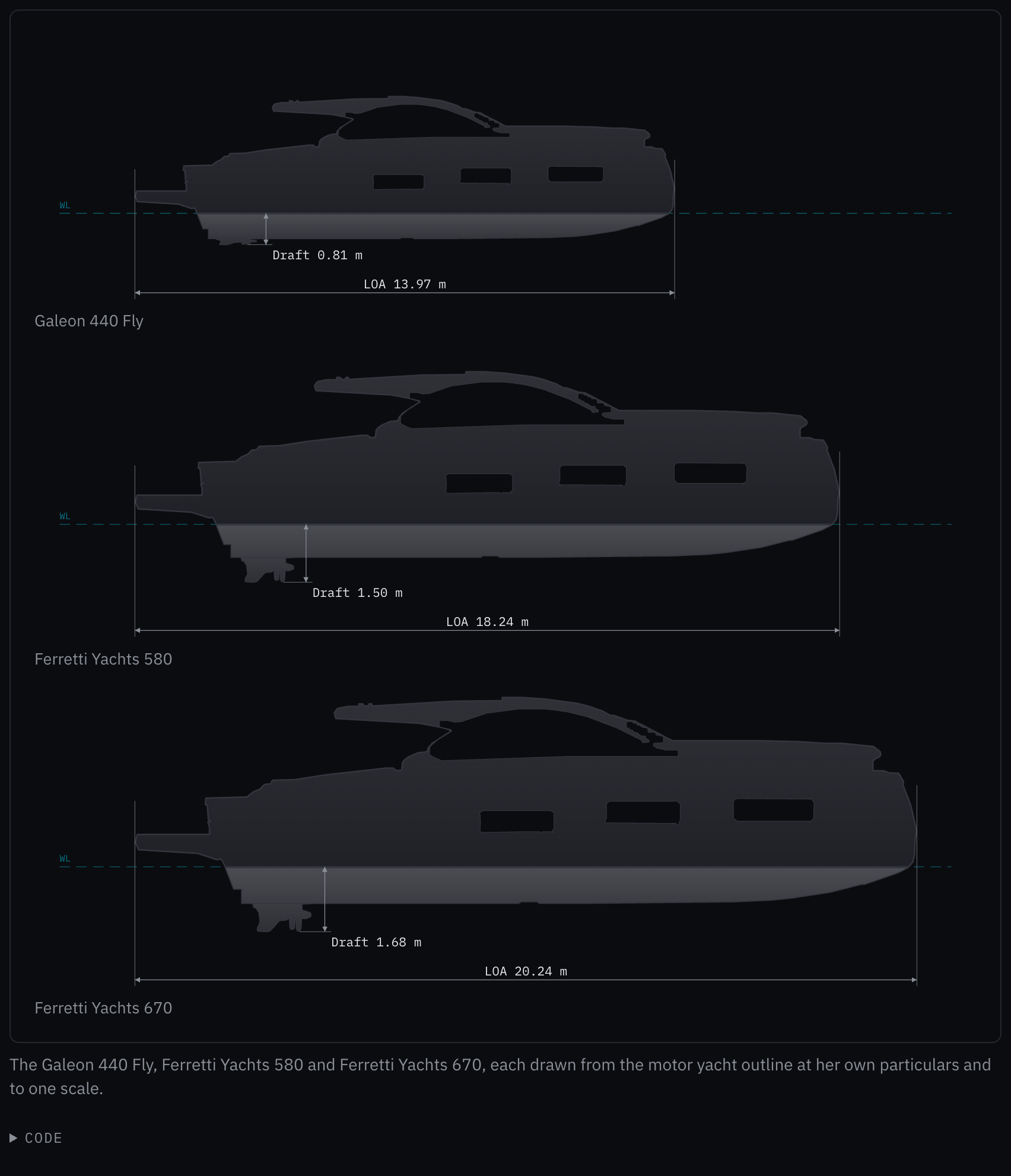
Rules behind it
- Convention Side elevation: a shape's outline comes from a published side elevation of a vessel of that shape, never drawn by eye; the trace keeps the outline and its windows, and leaves out the radar arch, the antennas and the rails.
- Convention Principal data (ISO 8666): the view is scaled to Beneteau's 15.95 m length overall from the swim platform to the bow, and its waterline set 1.18 m above the pods' foot, the published maximum draft.
ChangedThe cruising trimaran outline is traced from YACHT's drawing of the Neel 52
Touches Cruising trimaran, Vessel profile
The cruising trimaran outline was drawn by eye. It is now traced from YACHT magazine's side elevation of the Neel 52: the hulls with the stepped stern and the plumb bow, the deckhouse with its saloon windows and windscreen, the hardtop over the open cockpit on its post, the hull window, and below the boot stripe the canoe body, the fin keel, the saildrive and the spade rudder. The waterline falls at the top of the antifouling; there it measures 15.22 m and the freeboard at the bow 2.10 m.
Before: A drawing made by eye: a main hull with a plumb bow and a shorter float in front of it, a deckhouse with a long glazed saloon, a bimini on a post, and a pulpit with a short run of lifelines.
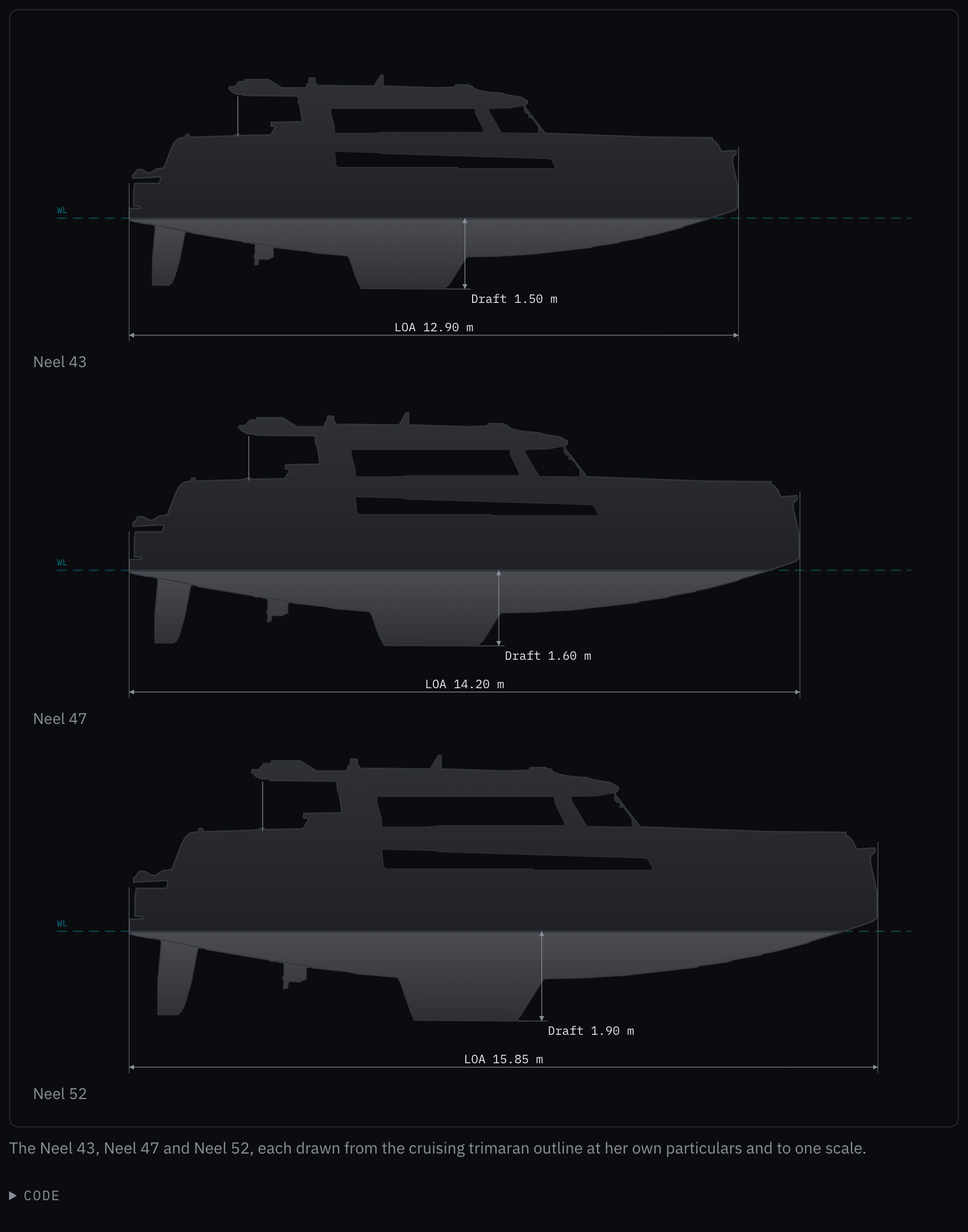
Rules behind it
- Convention Side elevation: a shape's outline comes from a published side elevation of a vessel of that shape, never drawn by eye; the trace keeps the outline and its windows, and leaves out the rig, the bowsprit and the flag.
- Convention Principal data (ISO 8666): the drawing is scaled to the 52's 15.98 m hull length from the transom to the stem, and its waterline set 1.90 m above the keel's foot, the published draft.
ChangedThe outboard boat outline is traced from Grady-White's drawing of the Canyon 336
Touches Outboard boat, Vessel profile
The outboard boat outline was drawn by eye. It is now traced from Grady-White's line drawing of the Canyon 336: the hull with its raked bow, the console under the T-top with the windscreen's two panes as its windows, and the twin outboards on the transom, whose lower units set the draft. The drawing has no waterline, so it is set at the builder's hull draft above the bottom; there the waterline measures 8.69 m and the freeboard at the bow 1.51 m.
Before: A drawing made by eye: a gunwale sweeping up to a flared bow, a console with its windscreen under a T-top on two posts, a bow rail, and one outboard on the transom.
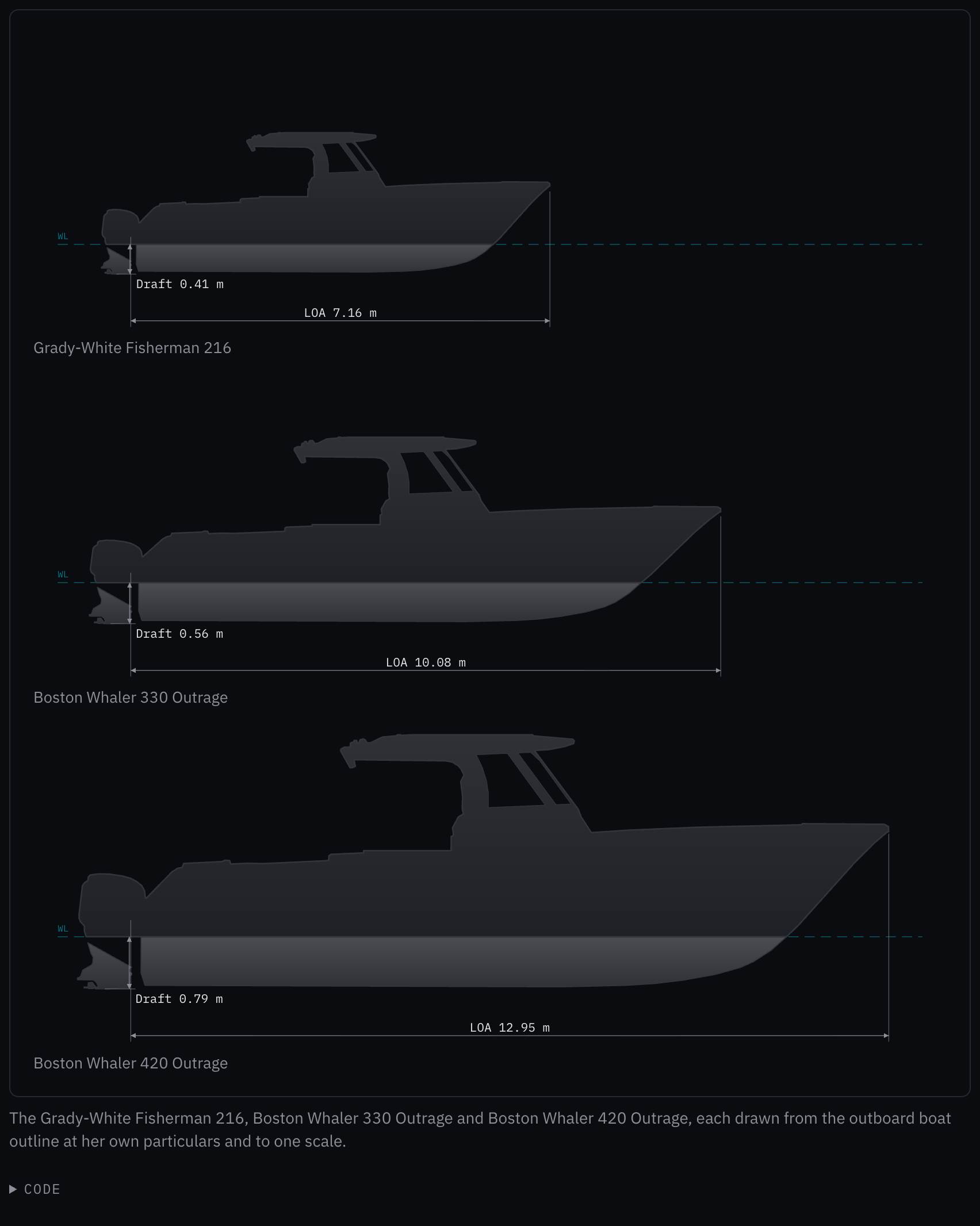
Rules behind it
- Convention Side elevation: a shape's outline comes from a published side elevation of a vessel of that shape, never drawn by eye; the trace keeps the outline and its windows, and leaves out the seats, the antennas and the rod holders.
- Convention Principal data (ISO 8666): length overall is measured without the engines: the drawing is scaled to Grady-White's 10.21 m centerline length from the transom to the bow, and its waterline set at their 0.66 m hull draft.
FixedA tooltip's arrow no longer jumps when the tooltip finishes opening
Touches Tooltip
While the label slid in, its motion made it the arrow's containing block, and once the motion ended Base UI's positioner was, so the arrow jumped by the border's width, a pixel along the edge and two across it; the label is now always the arrow's containing block, and the arrow stays where it opened.
FixedA tooltip's arrow joins its label, with no border across its base
Touches Tooltip
The arrow ended at the label's outer edge, so the label's border ran straight across its base and the arrow read as a separate shape stuck on; it now reaches a pixel into the label, over the border, and its two edges meet the border's line, on every side.
AddedThe vessel profile draws a trawler, traced from Nordhavn's drawing of the N41
Touches Trawler, Vessel profile
Trawlers and expedition yachts drew as a planing motor yacht. The trawler outline is traced from Nordhavn's own drawing of the N41: the high bow and the sheer sweeping down aft, the pilothouse, the saloon with its windows and portholes, the boat deck over the open cockpit on its post, and under the water the full keel running aft to the rudder and the propeller in its aperture. Scaled to the N41's 12.5 m, its waterline measures 12.25 m against the catalog's 12.19 m and its keel 1.55 m against 1.37 m.
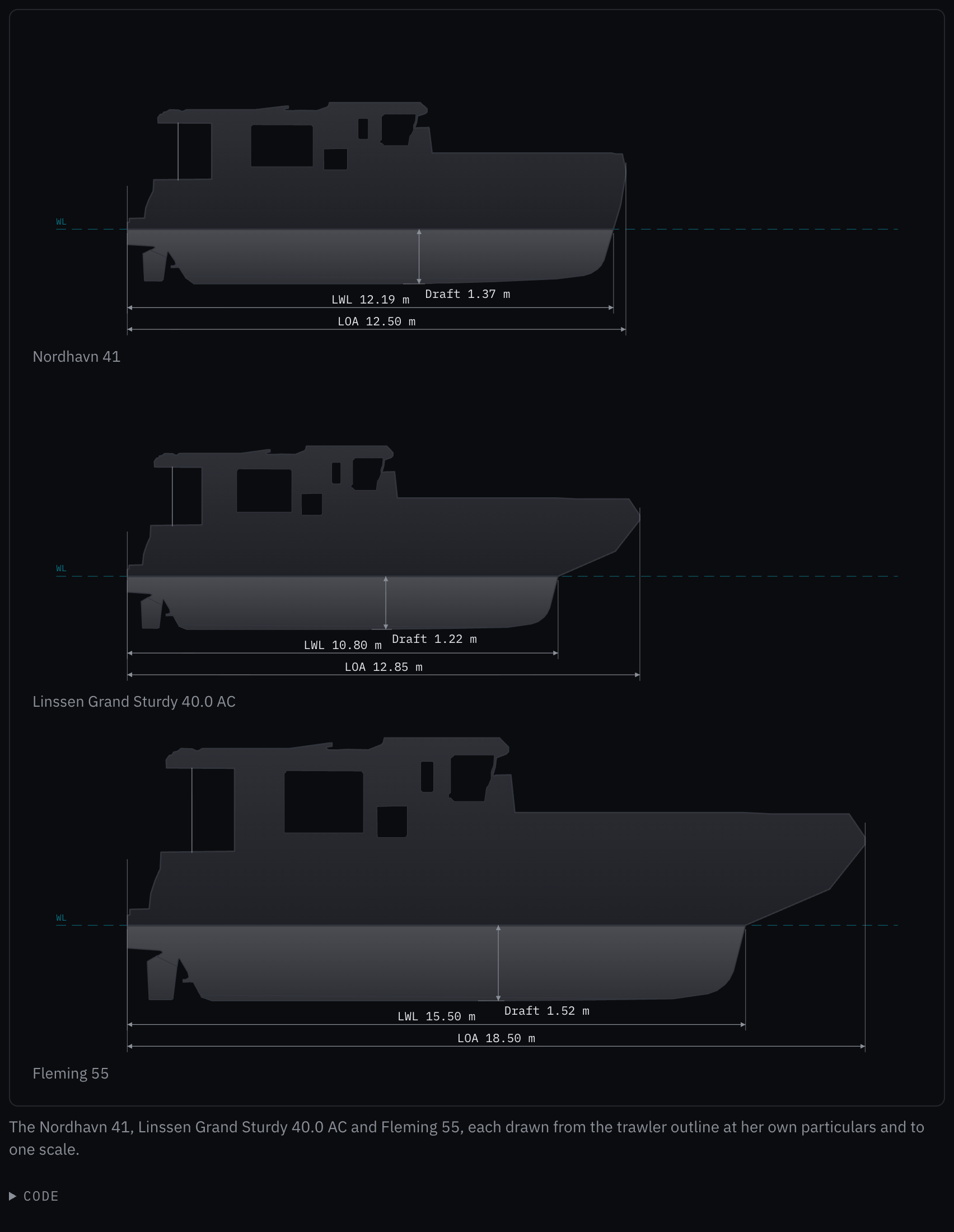
Rules behind it
- Convention Side elevation: a shape's outline comes from a published side elevation of a vessel of that shape; the trace keeps the hull, the superstructure and its glass, the stripes and the appendages, and leaves out the rails, the mast and the dinghy.
ChangedA traced outline keeps its outline and its windows, not the drawing's marks
Touches Vessel profile, Hanse, 2021 on, Cruising monohull, Sailing catamaran
The traced outlines carried every dark mark of their drawings (stripes, fittings, frames, logos) as glass or lines, which drew the hull full of gaps; each now keeps its outline and only the windows: dark shapes large, solid and compact enough to be glass.
ChangedThe sailing catamaran outline is traced from a published drawing of the Fountaine Pajot Elba 45
Touches Sailing catamaran, Vessel profile
The sailing catamaran outline was drawn by eye. It is now traced from YACHT magazine's side elevation of the Fountaine Pajot Elba 45: the hull with its windows and boot stripe, the saloon's glazing, the flybridge's hardtop over the open cockpit on its post, the swim steps, the canoe body, the low keel, the rudder and the drive. Scaled to the Elba's 13.41 m, the drawing's waterline measures 13.39 m against the catalog's 13.25 m and its keel 1.40 m against 1.25 m, which the outline's notes record.
Before: A drawing made by eye: a flat sheer, a boxy saloon with three window panels, a hardtop on a post, two hull windows and a low keel.
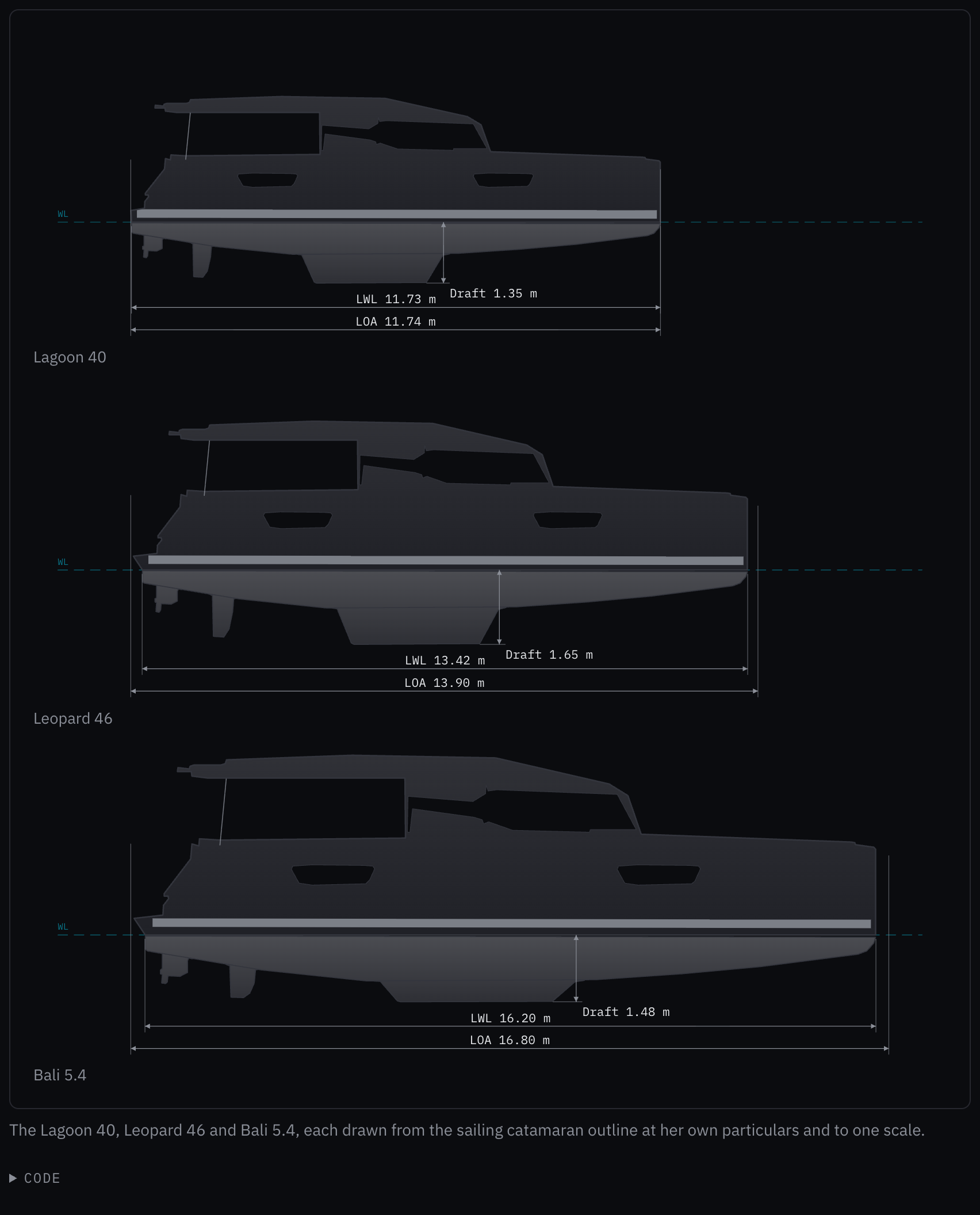
Rules behind it
- Convention Side elevation: a shape's outline comes from a published side elevation of a vessel of that shape, never drawn by eye; the open cockpit under the hardtop stays open, as it is seen from the side.
ChangedThe cruising monohull outline is traced from a published drawing of the Sun Odyssey 440
Touches Cruising monohull, Vessel profile
The cruising monohull outline was drawn by eye. It is now traced from YACHT magazine's side elevation of the Jeanneau Sun Odyssey 440: the hull with its raked transom and bow roller, three hull windows, the coachroof and its window band, the boot stripe, the canoe body, the fin keel with its bulb, the spade rudder, and the shaft with its strut and propeller. Scaled to the 440's 13.39 m, the drawing's waterline measures 12.39 m against the catalog's 12.00 m and its keel 2.13 m against 2.30 m, which the outline's notes record; each vessel's own particulars set hers through the stretch.
Before: A drawing made by eye: a sheer with a little rake at the stem, two hull windows, a simple coachroof, a T-shaped keel, a saildrive, stanchions and two lifelines.
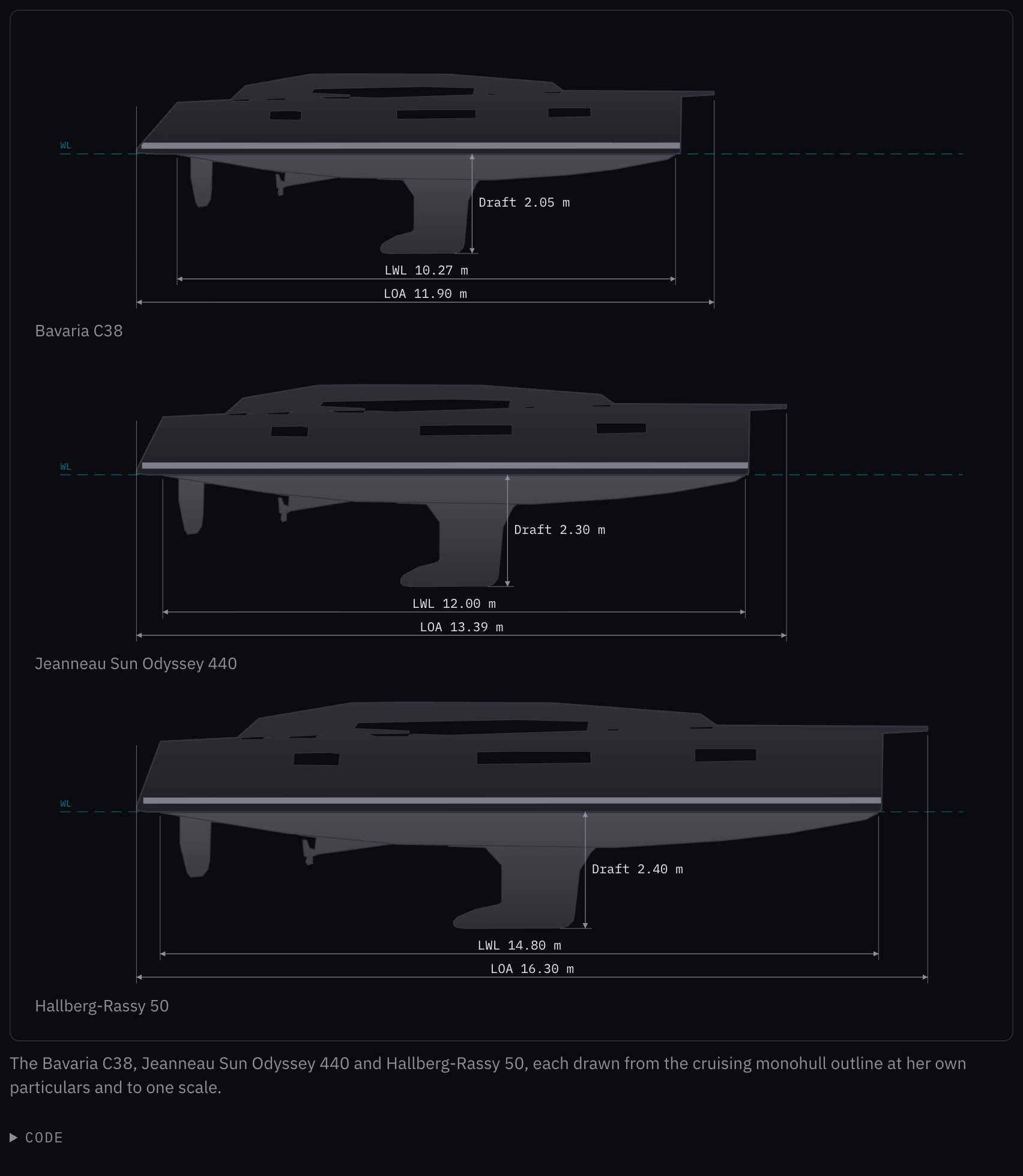
Rules behind it
- Convention Side elevation: a shape's outline comes from a published side elevation of a vessel of that shape, never drawn by eye; the trace keeps the hull, the coachroof and its glass, the stripes and the appendages, and leaves out the rails and the rig.
ChangedHanse's outline is traced from Hanse's own hull plan of the 460
Touches Hanse, 2021 on, Vessel profile
The Hanse outline was drawn by eye. It is now traced from the hull plan Hanse publishes for the 460: the silhouette from the plan's outline, the canoe body below the antifouling line with a straight line across each appendage's root, the keel, rudder and saildrive as drawn, the dark windows and coachroof band as glass, and the boot and sheer stripes as lines on the hull. The rails, the anchor and the shallow-keel option are left out. The reverse transom, the bow roller and the L-shaped keel are now the boat's own.
Before: A drawing made by eye after the 460's lines: a straight sheer, three hull windows, a simple coachroof, a T-shaped keel outline, stanchions and two lifelines.
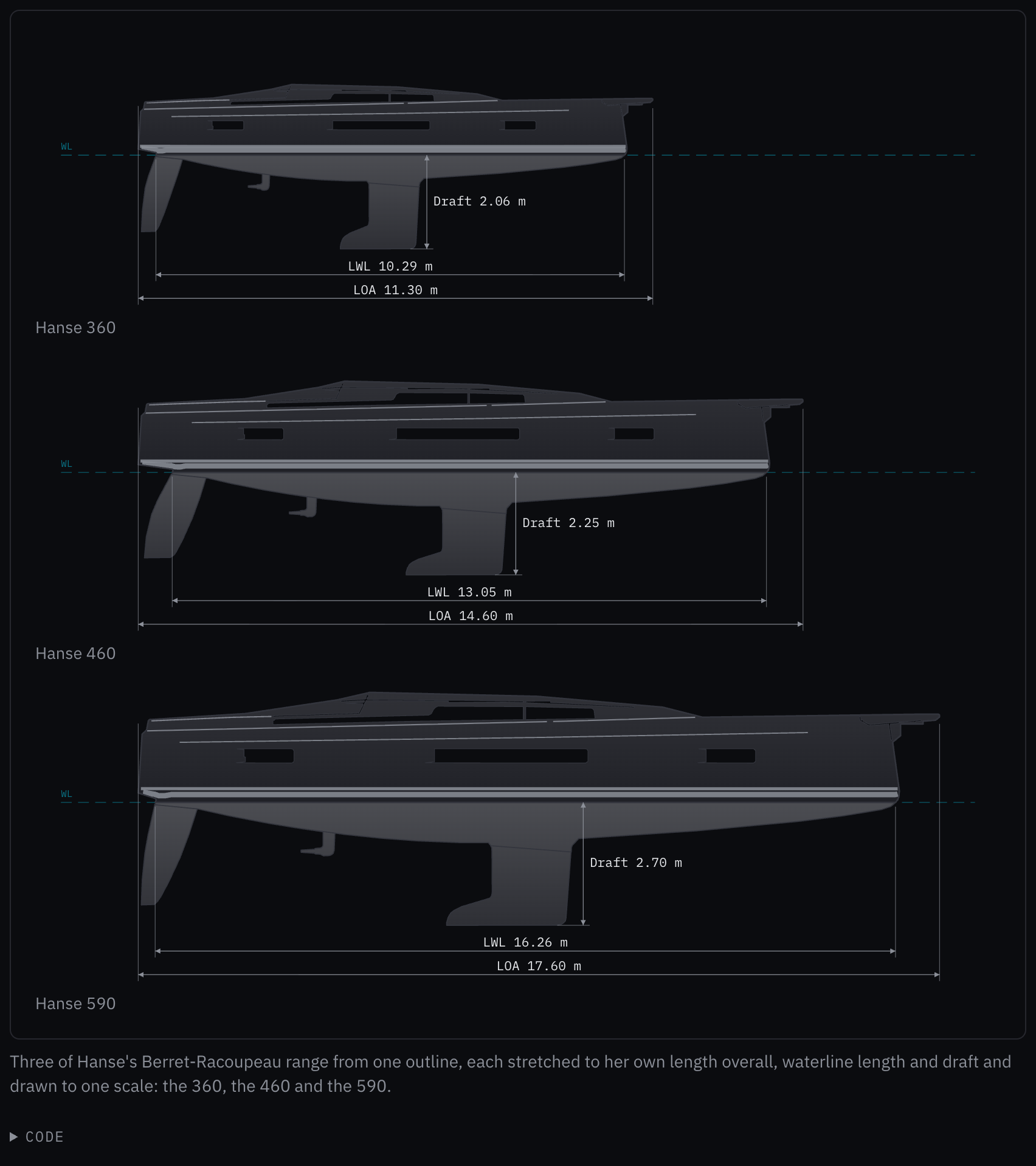
Rules behind it
- Convention Side elevation: a vessel's outline comes from her builder's published side elevation, never drawn by eye; the trace keeps the hull, the coachroof and its glass, the stripes and the appendages, and leaves out the rails and the rig.
- Convention Principal data (ISO 8666): traced at Hanse's 14.60 m length overall to the bow roller's tip, the hull measures 13.87 m against Hanse's 13.95 m and the draft 2.27 m against 2.25 m.
FixedThe weather bar draws forecast pressure as a forecast, after the record
Touches Weather bar, Sparkline
The pressure by the hour was one solid line whether its hours were measured or forecast, so a coming fall read as one already measured beside the 3-hour change; the record up to now and the new pressureForecastHpa are drawn apart, the forecast hours as the sparkline draws a forecast.
FixedA bar chart draws a zero as a thin bar, so it never looks like a missing value
Touches Bar chart
A missing value leaves a gap, as the page asks, but a zero drew no bar either, so the two looked the same; a zero in a grouped chart now draws a 2 px bar on the baseline. A stack keeps exact heights.
FixedAges are written 3 min, never 3m, the meter's symbol
Touches Reading, Alert zone, Instrument check
A reading's age and an alert's age were written 45s, 3m, 2h and 1h 25m, so beside a depth "stale, 3m old" read as a length; they now take SN.1/Circ.243's symbols, 45 s, 3 min, 2 h and 1 h 25 min, the same in every language.
ChangedAn unacknowledged warning is steady: only alarms flash
Touches Alert list row, Alert icon, Alarms and severity
The alert list row flashed an unacknowledged warning's icon on the slow clock, while the priority mapping, the alert card and the alert zone held it steady; by the owner's decision only an unacknowledged alarm or emergency flashes, and the alert icon takes steady for the rest.
FixedA stale instrument pill is dimmed and says it is stale; the alert zone's ACK waits for bosund
Touches Instrument pill, Alert zone, Data integrity
A pill whose reading had stopped kept its value in the full text color and changed only its small dot, so it looked and read like a current one; its value is now dimmed and carries "stale" for a screen reader. ACK in the alert zone is dimmed and busy until the acknowledgement is answered, and a second press sends nothing more.
FixedOn a phone the shell's navigation opens under the header wherever the page is scrolled
Touches App shell
The open navigation was a row in the page's flow between the header and the page, so with the page scrolled down the menu button opened it out of sight; it now stands under the header, over the page, and scrolls inside itself.
FixedThe telemetry strip is no longer read out on every reading
Touches Telemetry strip
The strip was a status region, so a screen reader read the whole strip out each time a reading changed and buried the alert zone's announcements behind it; it is now a plain row, read when the crew reach it.
FixedA trend chart's own time labels are in UTC and say so
Touches Trend chart
Without formatTime the axis wrote the browser's local time in the browser's locale with no reference, so "14:20" could be any zone; it now writes the time in UTC, in the crew's language, followed by "UTC".
FixedA sparkline's forecast spread keeps the value's digits and is never written narrower than it is
Touches Sparkline
With a caller's formatValue and no fractionDigits, a forecast of 3.6 m between 3.2 and 4.0 m was read out as "± 0", an interval read as certain; the spread now takes the digits the value is written with and rounds up, so it reads "± 0.4".
FixedThumb-sized targets for the LLM status chip and a chip's remove button on phones and tablets
Touches LLM status, Chips
On a screen up to 68.75em or under a coarse pointer, the LLM status chip in the status strip was 32 px high and a chip's remove button about 13 px square; both are now at least 48 px, as the strip's other controls and every touch-sized control are.
AddedInstrument check: what the box receives from every source, and what to check when it does not
Touches Instrument check, Reading
Commissioning had no way to show what the box receives: the WiFi portal's progress screen ran on timers. The instrument check is the setup step that does: a row for each source bosun reads, with where it comes from, its live value, and a verdict (receiving, stopped for how long, not received, listening, or not fitted). While a source is not receiving, its row says what to check; a count heads the list, of the sources receiving out of those fitted.
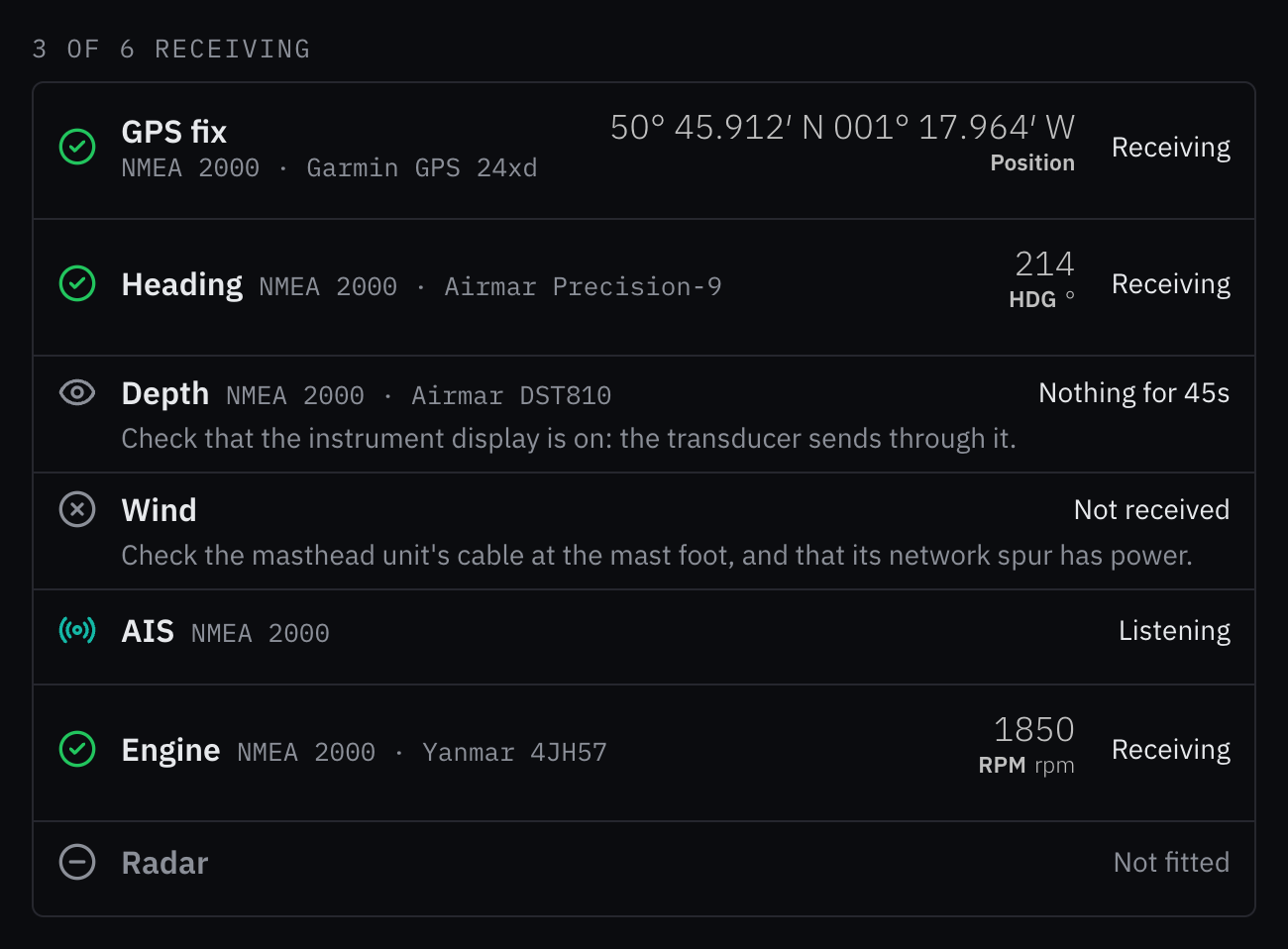
Rules behind it
- Foundation Messages: a source that is not sending during setup is a finding, not an alarm: the verdicts take the notification marks and colors, never an alert's shape or red.
- Regulation IMO MSC.191(79) §5.6: designed with reference to it: each source's live value is a reading, marked for its trust state, and the verdict is what the box sees, never a timer.
FixedShip data writes headings and directions as three-digit bearings with the degree sign
Touches Ship data
Heading, course and the wind's and current's directions were whole numbers with "deg", so 359.6° read 360 deg and 5° read 5 deg; they now read 000° and 005°, as the bridge writes a bearing.
FixedThe YAML editor's colored text and line numbers scroll with the document
Touches YAML editor
The text area's own glyphs are transparent over a painted copy that did not scroll, and the line numbers ran on past the field, so a document longer than the field showed lines 1 to 12 while the caret edited line 18; both layers now follow the text area's scroll, and the numbers stop at the field's last line.
FixedA dialog in the app shell opens below its sticky header, not under it
Touches App shell, Task dialog
Dialogs offset themselves by --app-header-height, which only ui/web's layout set, so in the kit's shell a full-screen dialog or the command palette drew its title and close button under the header; the shell now writes its sticky header's height there too.
FixedA shell header that scrolls away stays on the alert layer, so a dialog never covers its alert zone
Touches App shell, Alert zone
With stickyHeader={false} the header lost its place on the alert layer, so an open dialog's scrim covered the alert zone and a press on ACK closed the dialog instead; the header now keeps the alert layer whether or not it sticks.
FixedAn AIS target's CPA and TCPA are floored, never written as more than they are
Touches AIS target row
A closest point of approach of 0.96 NM was rounded to 1.0 NM and a TCPA of 4.6 minutes to 5 min, a target passing closer and sooner than written; both are now floored, as a depth is, while speed and course keep core/i18n's rounding.
AddedA reading can be text, such as a position in chart notation
Touches Reading
A Reading takes a value that is not one number as text, shown as written, with the same stale, degraded and invalid treatment as a number, and empty text counted as lost; a position is a reading like any other.
FixedThe own vessel with no heading and no course is two circles on the chart, not a hull pointing north
Touches Chart symbols
With neither a heading nor a course over ground the hull was drawn unturned, bow-up, which on a north-up chart states a heading of north; the position now takes IEC 62288's own-ship mark, two concentric circles, which states none.
FixedA trend chart's line stops at a missing sample and across a long gap
Touches Trend chart, Data integrity
The chart joined every sample, so three hours without data were drawn as a measured fall; a sample can now be missing (v: null) and maximumGap stops the line across a longer time between samples, each run drawing its own line and area.
AddedSituation line: the vessel's position, depth, speed and activity in one line
Touches Situation line, Reading, Vessel overview
The situation board wrote the vessel's position, depth, speed over ground and activity in a line of its own, with the depth rounded to a tenth, which can say there is more water than there is, and no value marked stale or invalid. The situation line sets them as the board's second element, under the vessel overview: the position in chart notation, the depth floored, the speed over ground to a tenth, each with its trust state, then what she is doing and for how long, and night. The position is a reading too, written as text, so it is marked as every value is.
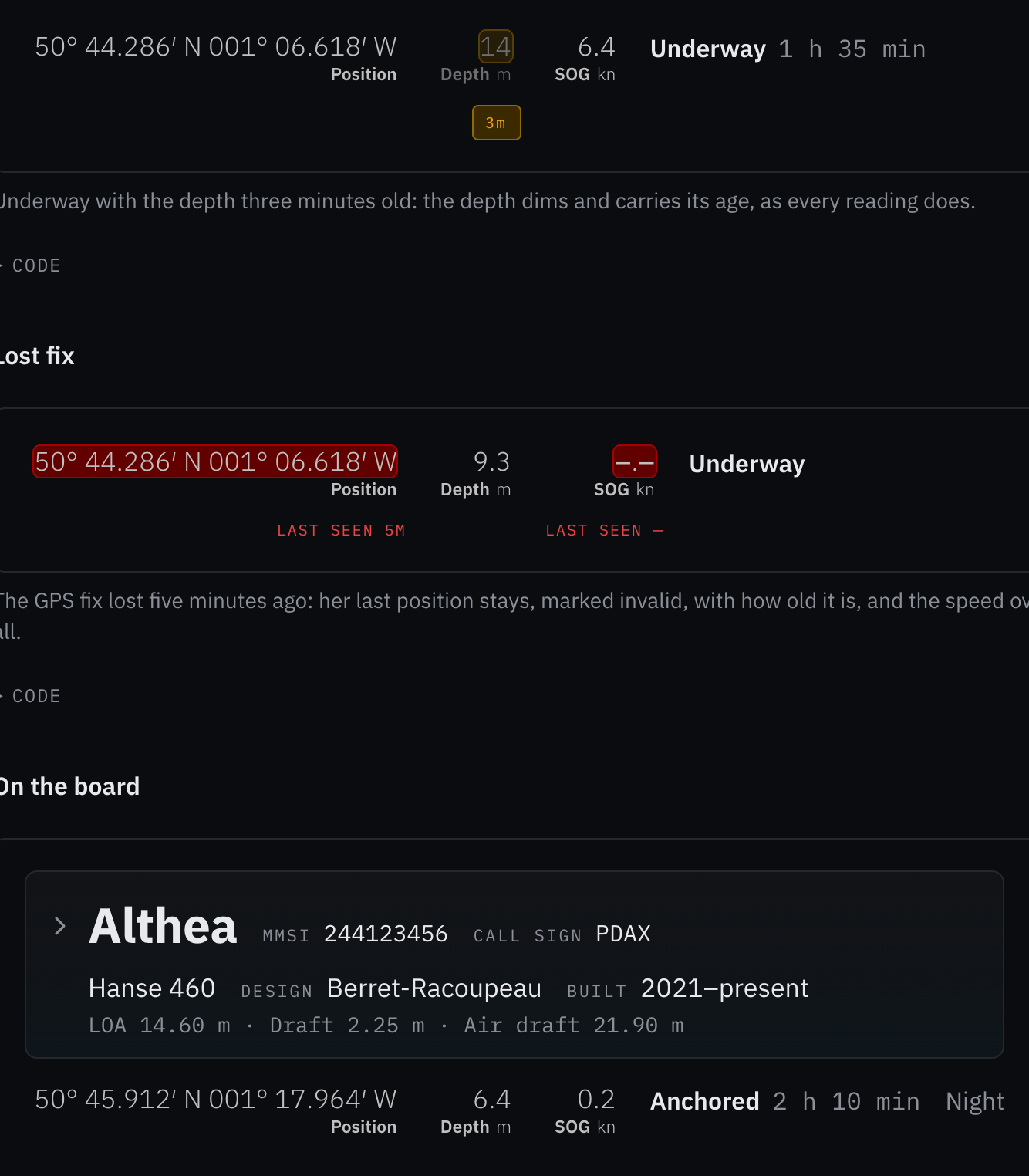
Rules behind it
- Regulation IMO MSC.191(79) §5.6: designed with reference to it: every live value shows its trust state; a stale one dims and carries its age, an invalid one keeps its last value and how old it is, and none is blank.
- Convention Depth floored: a depth shown never overstates the water: tenths below 10 m, whole meters above, both floored, as core/i18n floors a depth.
- Regulation SN.1/Circ.243: designed with reference to it: positions in chart notation, speed in kn, depth in m, SOG as the abbreviation.
FixedAn unacknowledged alarm in the alert zone flashes, in phase with every other alarm
Touches Alert zone, Alarms and severity
The zone holds the worst unacknowledged alert but drew an alarm or an emergency as a steady red tint; its ring now flashes on the shared alarm clock until the alert is acknowledged, also under reduced motion, as the alert card's frame does.
FixedA compass with no heading or course draws no vessel and no arrow, never one pointing north
The compass took a missing heading or course over ground as 0°, so a vessel whose heading sensor had dropped out was drawn bow-north with her HDG and COG arrows at 000° beside readouts showing a dash; an unset or non-finite heading now draws no vessel and no heading arrow, and an unset course no course arrow.
FixedThe vessel overview's lines start under her name, and its button covers her MMSI and call sign
Touches Vessel overview
The name's button kept the browser's smaller font, so the name and chevron were drawn at 13.33 px a size and the lines under them started a few pixels off; the button now takes the overview's font, the model and summary lines are indented once at that size, and the button holds her MMSI and call sign, so its hover and its target cover the whole line.
FixedA tooltip with no room on its side opens on the opposite side, never on the side next to it
Touches Tooltip
When neither the side asked for nor its opposite had the room, Base UI moved the label to the cross axis, so the flip example's label, asked for above, opened to the left of its button; the label now stays on its axis at the side with more room, and the example gives it room to open below.
ChangedThe NMEA offline notice says how long the data has been gone, what the page still shows and what to check
Touches NMEA offline notice, Data integrity
The notice now opens with OpenBridge's signal-failure mark and a heading, No instrument data, in the body type. Its
first sentence says how long nothing has arrived when the page passes quietSeconds (the youngest of bosund's
instrument_age_seconds), floored so it never says longer than it has been. The second says whether the readings
below are the last ones received or will appear when data returns, and the third what to check, instruments first.
The notice sets no margin of its own, and its style moved from inline values to a stylesheet on tokens.
Before: A red NMEA OFFLINE badge followed by one run-on paragraph in 11 px monospace, on a red tint with its own top margin: no time since the data stopped, and the check to make at the end of the same sentence run.
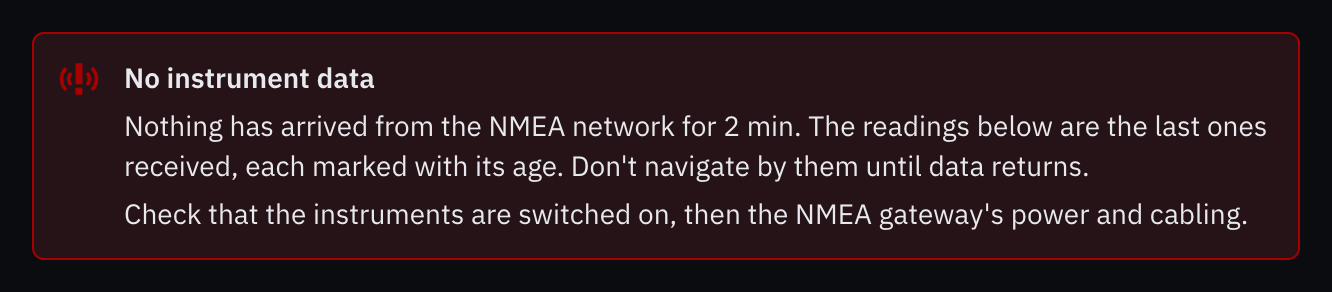
Rules behind it
- Regulation MSC.191(79) §5.6: a lost reading is marked red; the notice takes the red the data integrity page gives an invalid reading, as a border and its mark, over a tint of the surface.
- Foundation Error messages: what happened, what survived and what to do, each in its own sentence: nothing has arrived for 2 min; the readings below are the last received, with their age; check the instruments, then the gateway.
FixedHanse's outline is the Berret-Racoupeau range from 2021 on, not the 2016 range
Touches Hanse, 2021 on, Vessel profile
The outline drawn from the Hanse 460 was named "Hanse, 2016 on", credited to Judel/Vrolijk and said to draw the 315 to the 675; the 460 is Berret-Racoupeau's first Hanse (2021), so the outline is now HANSE_2021, "Hanse, 2021 on", drawing the 360, 410, 460, 510 and 590, and its range example draws the 360 where it drew the Judel/Vrolijk 315.
FixedThe vessel overview reads with its spaces and without its summary when unstyled
Touches Vessel overview
Without its stylesheet the overview ran each label into its value ("MMSI244123456Call signPDAX") and showed the closed summary under the open profile; the spaces are now text in the markup, and the summary is rendered only while the profile is closed.
AddedVessel overview: the vessel at the top of the situation board, closing to her name and particulars
Touches Vessel overview, Vessel profile, Collapsible
The situation board drew the vessel profile between its alerts, unlabeled, at a fixed size. The vessel overview is
its first element: her name in display type is the heading and the button that opens and closes her profile, her
MMSI and call sign on its line, and her model with its designer and years under it. Open, her profile is drawn in
the water from her outline at her own particulars, dimensioned, with her length overall, beam, draft, air draft and
displacement listed beside it on a wide board and under it on a narrow one. Closed, a line keeps her length overall,
draft and air draft. Its open state is the overview's own or the board's, through open and onOpenChange.
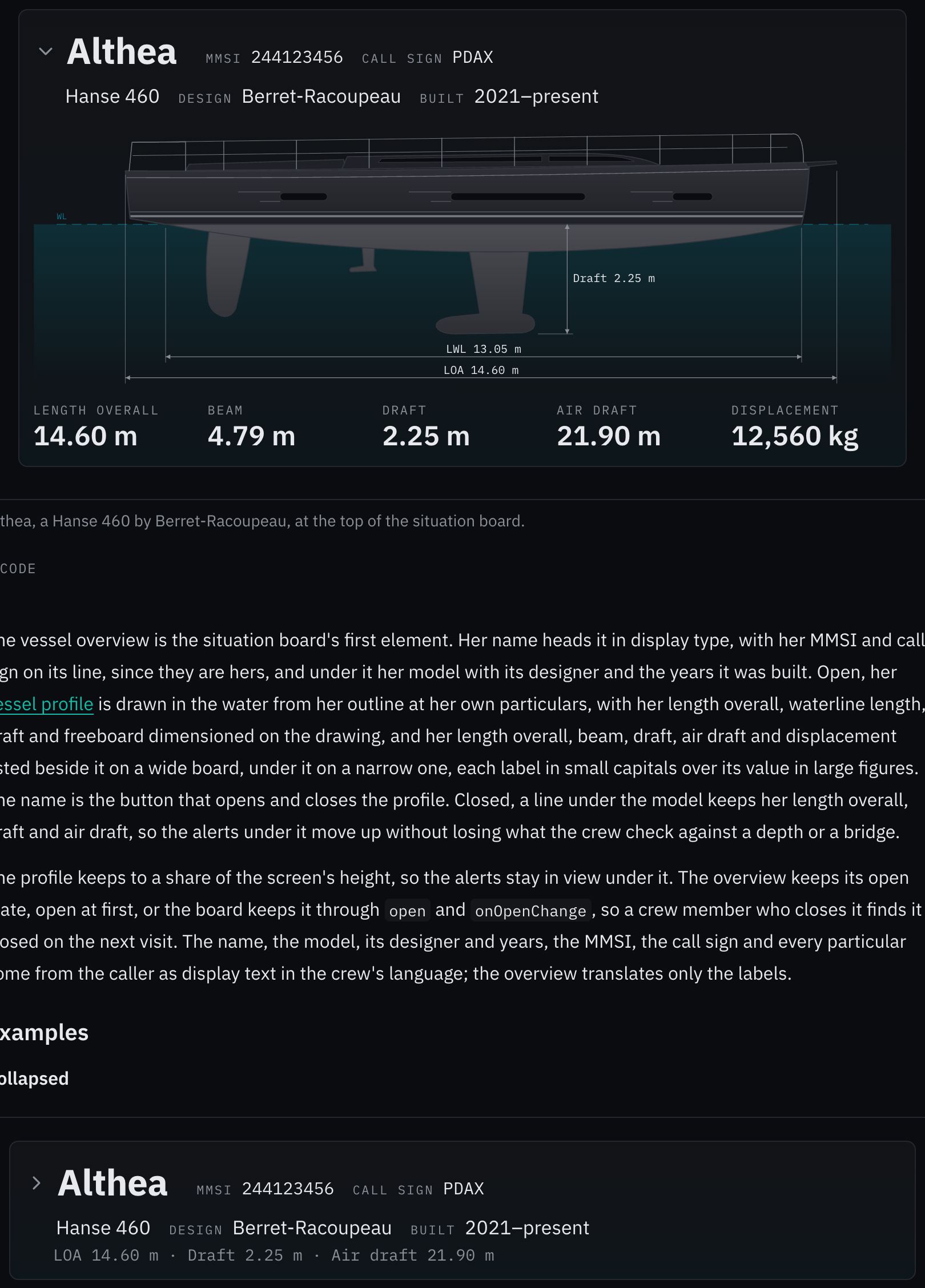
Rules behind it
- Convention Identity on the radio: a vessel is named on the radio by her name, her call sign and her MMSI, so the three stand on one line, apart from her model's facts.
- Foundation Typography: labels are small mono capitals in the dim text color, values larger in the text color with tabular figures, so the numbers line up and are read first.
- Regulation IMO MSC.191(79) §5.6: designed with reference to it: nothing safety-relevant hides when the overview closes; her length overall, draft and air draft stay on its line.
AddedThe vessel profile can lay the sea under her waterline
Touches Vessel profile, Vessel overview
Given water, the profile fills the frame under the waterline with a tint of the waterline's color fading toward its foot, behind the hull, so she sits in water; off by default, and the vessel overview turns it on.
AddedA vessel outline may draw lines on its hull, and a traced outline needs no strake
Touches Vessel profile
An outline can draw hull lines, such as a chine or a cove stripe, cut to the topsides; its strake is optional; and the frame's top clears the topsides too, so an outline traced whole, its superstructure part of its topsides, is never cut off.
ChangedThe vessel profile writes its dimensions larger and sets beam, air draft and displacement in a strip
Touches Vessel profile
The dimension labels were hard to read at the size the profile is drawn on a board: they are now 12 units, the freeboard's 10, with the rows under the keel spaced to suit. The particulars a side view without its rig cannot show are set in a strip under the length overall, as a drawing's title block sets them: a hairline rule, then each one with its label in small capitals over its value, aft to forward. The air draft joins the beam and the displacement there, since it is what the crew check against a bridge, and joins the drawing's accessible name.
Before: The dimensions were set at 10 units, the freeboard at 8; the beam and the displacement shared one dim line under the length overall, joined by a dot, and the air draft was not shown.
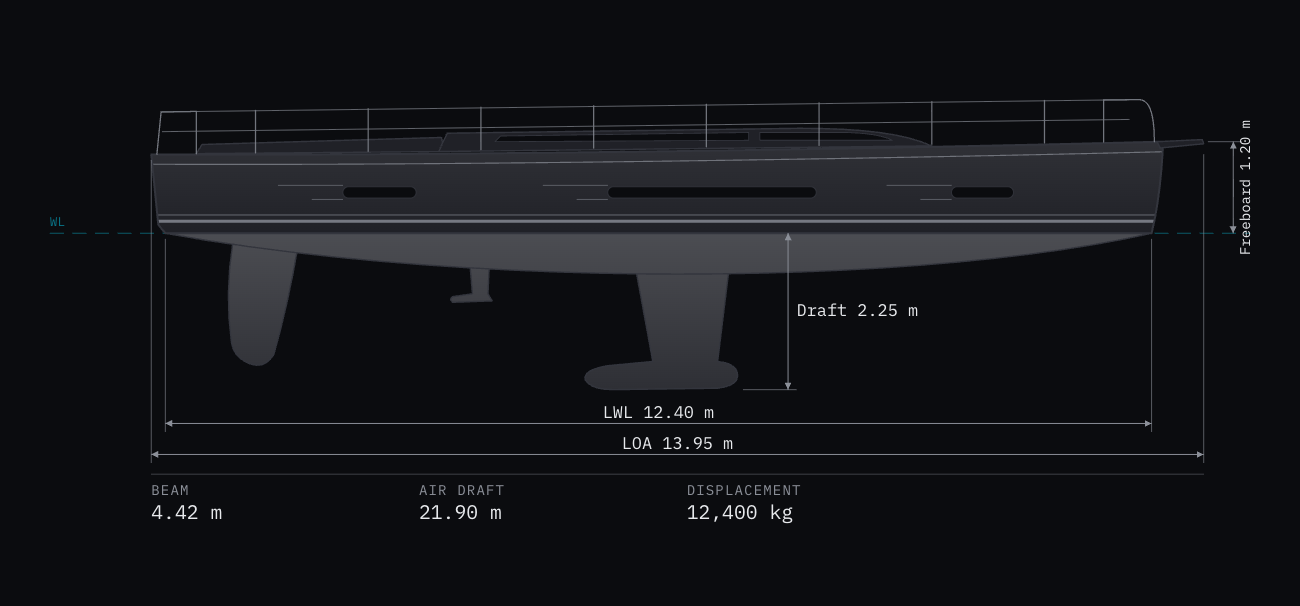
Rules behind it
- Convention Title block: a drawing's principal particulars that its view cannot show are tabulated beside it, each named over its value, rather than written into the drawing.
- Foundation Typography: the labels are small mono capitals in the dim text color and the values larger in the text color, so the eye finds the number first.
FixedA menu composed from its parts keeps its labels on one line, in one column, with the check before them
Touches Menu, Action menu
A label written as plain text in Menu.Item fell into the items' 1.25em mark column and broke after each word, with a Menu.CheckboxItemIndicator written after it laid over the text; every item now holds the mark column, so the label takes the label column, and both indicators sit in the mark column wherever they are written.
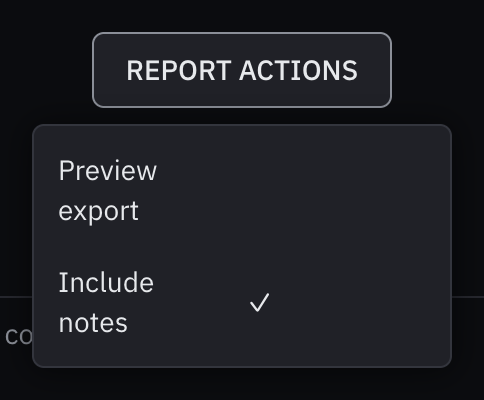
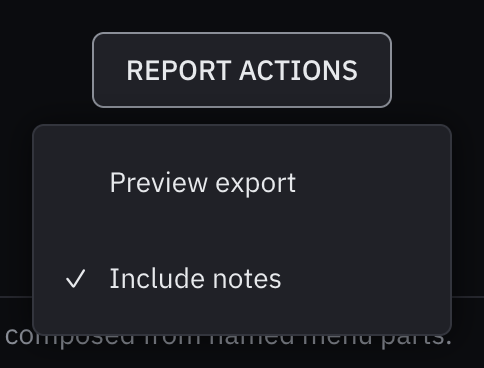
AddedA money input's currency list opens with the crew's own and the most traded currencies
Touches Money input, Select
A list of more than ten currencies now opens with a shortcut group: the crew's own currency (localCurrency) first,
then the most traded ones the list holds, and after a separator the others in the list's order. Each currency
appears once, so keyboard type-ahead and the selected mark find one option. A list of ten or fewer stays whole.
Before: One list of the 31 currencies bosund's rates cover, the euro first and the rest by code, so the US dollar sat 29th, near the end.
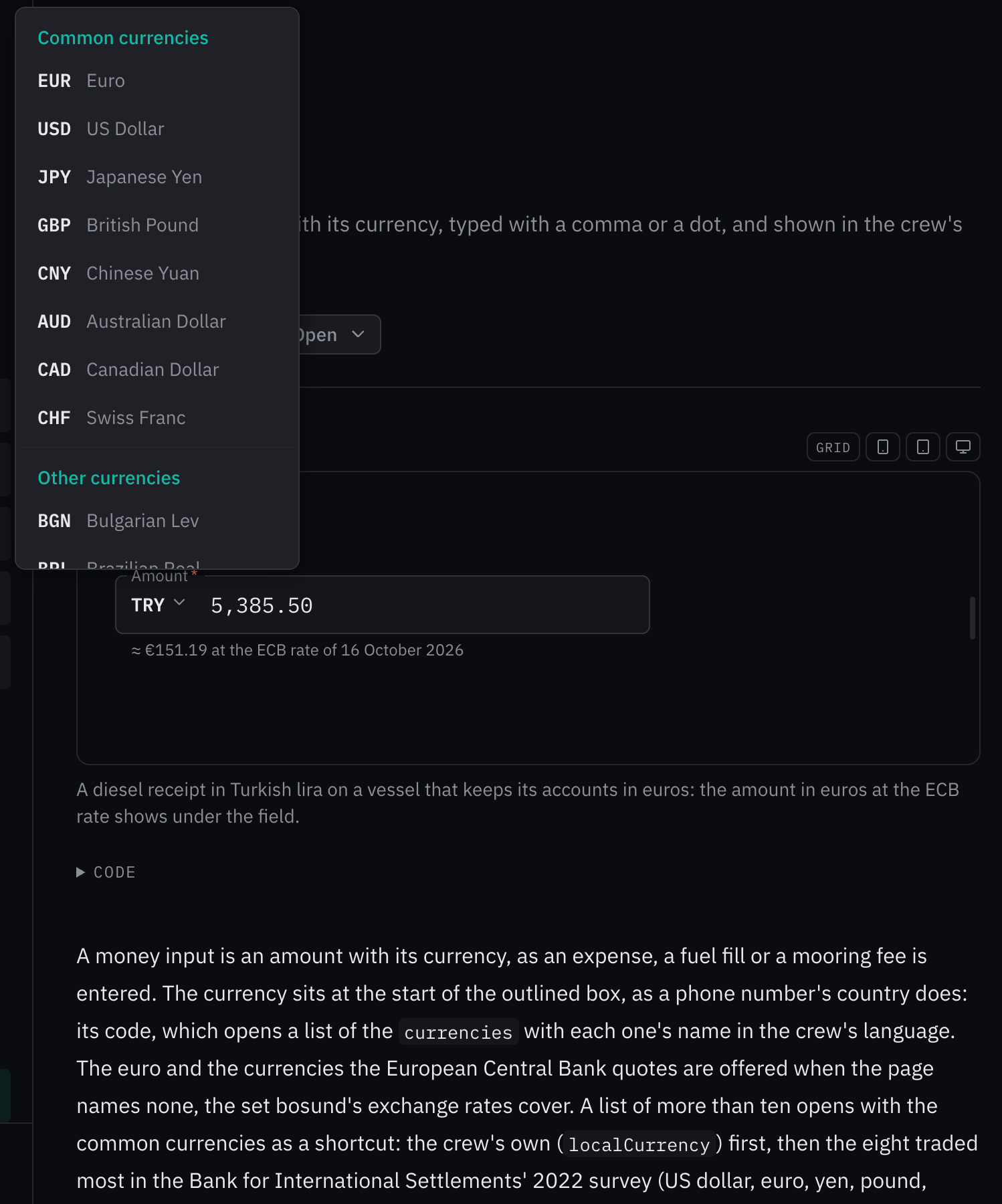
Rules behind it
- Convention BIS Triennial Central Bank Survey 2022: the common currencies are the eight with the largest share of foreign exchange turnover, in that order: US dollar, euro, yen, pound, yuan, Australian and Canadian dollars, Swiss franc.
- Accessibility WCAG 2.2 SC 1.3.1 Info and Relationships: each group is a named group, Common currencies and Other currencies, so a screen reader says which one a currency is in.
AddedThe vessel profile has a page for each outline
Touches Vessel profile, Cruising monohull, Sailing catamaran, Outboard boat, Motor yacht, Cruising trimaran, Hanse, 2021 on
Each outline has a page under the vessel profile's, showing the outline as drawn, dimensioned from its marked points, and three catalog vessels drawn from it to one scale; Hanse's range example moves to the Hanse page.
AddedThe vessel profile draws every hull shape: a monohull, a catamaran, an outboard boat, a motor yacht and a trimaran
Touches Vessel profile
Every vessel drew as a Hanse, whatever she was: a catamaran or a center console came out as a monohull with a fin
keel. The profile now has an outline for each hull shape the vessel catalog carries, each drawn once with the same
marked points, so any vessel stretches to her own particulars: a cruising monohull (CRUISING_MONOHULL); a sailing
catamaran, one hull with the saloon on the bridgedeck above it (SAILING_CATAMARAN); an outboard boat with a console
under a T-top, whose outboard's lower unit sets the draft (OUTBOARD_BOAT); a flybridge motor yacht, whose
propeller sets the draft (MOTOR_YACHT); and a cruising trimaran with its near float in front of the main hull
(CRUISING_TRIMARAN). A vessel steered by her outboard draws no rudder, and the frame's top now clears the highest
structure drawn, a hardtop or a saloon roof, not only the rails. Where the hull reaches down beside the draft's line,
as an outboard boat's does, the draft's label goes under the keel's foot so that it never sits on the hull.
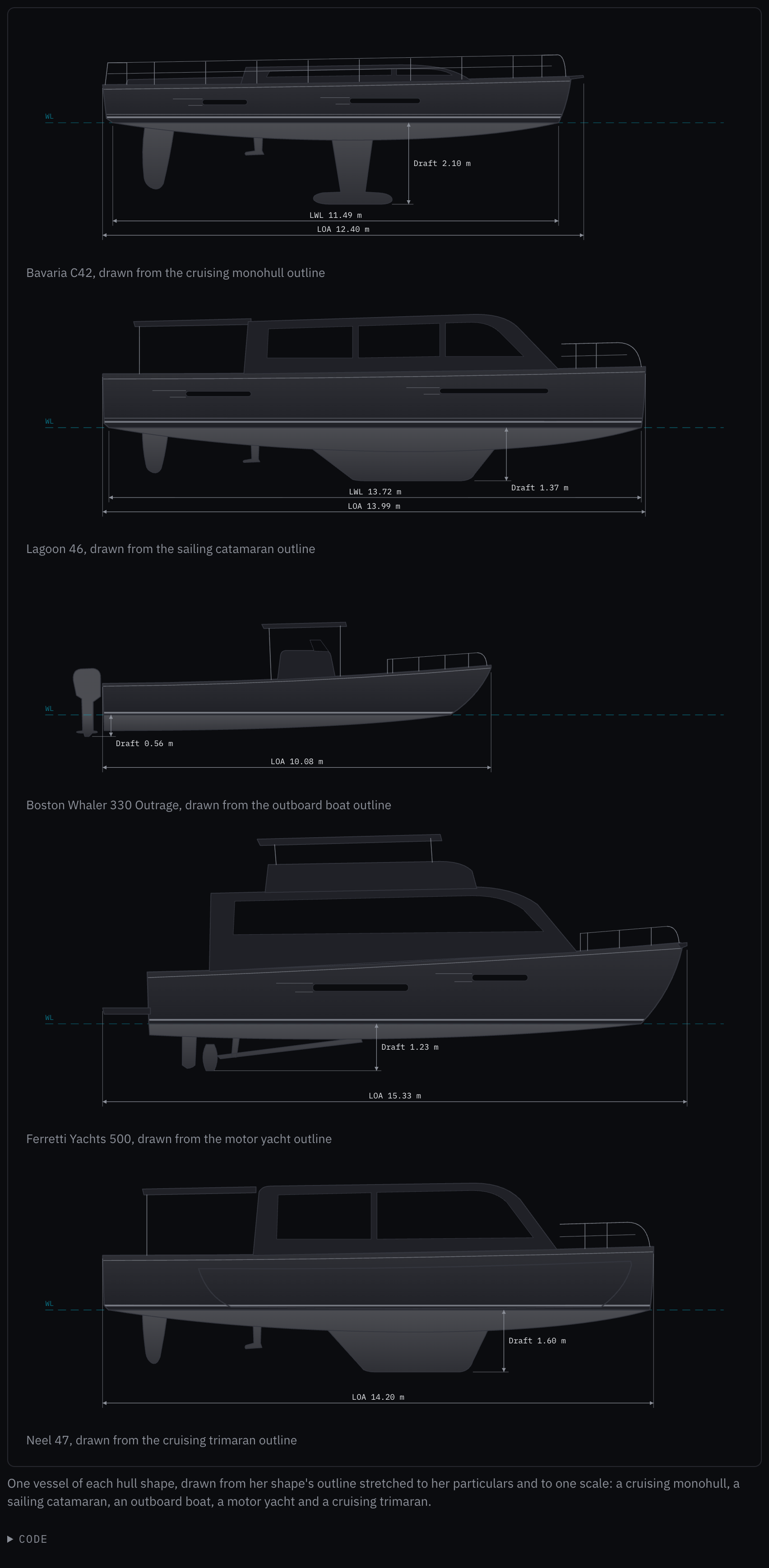
Rules behind it
- Convention Side elevation: every outline is drawn bow to the right, hull and deck without the rig, with the transom, the waterline's ends, the stem, the deck at the bow, the canoe body and the foot of whatever sets the draft marked on it.
- Convention Principal data (ISO 8666): the length overall excludes an outboard engine and includes a fixed swim platform, so the outboard boat's length ends at her transom and the motor yacht's at her platform's edge.
FixedA pasted MMSI is the labeled number, never a phone number written before it
Touches MMSI input
The paste reader took the first nine-digit run, so a Spanish phone number before the MMSI filled the field, and read a ten-digit phone number in groups ending in 0 as the NMEA 2000 form; a number labeled MMSI now wins, and the ten-digit form counts only written whole.
FixedA pasted NMEA sentence fills a position only where bosund trusts its fix
Touches Position input
A GGA with no fix or a simulated one, an RMC whose mode says it is not valid, a sentence whose checksum does not match, or a latitude marked W was read as a position; the field now refuses each, as bosund's decoders do, and the paste example carries its right checksum.
FixedA phone number loses the trunk prefix its own country dials, and keeps a 0 that is part of it
Touches Phone input
The field took off a leading 0 everywhere but four countries, so a Benin number lost its 0 and was saved wrong, while a North American 1 or a Russian 8 stayed; it now reads each country's trunk prefix from libphonenumber, and keeps a prefix that is part of the number.
FixedA time picker holds its hour and minute on one line
Touches Time picker
The lists scrolled only the focused hour into view, so a chosen 20:00 showed its hour on the third row and its minute, the first in its list, on the first. Both lists now hold their chosen option in the middle whenever the lists open or the focus moves, and half a list of padding above and below lets the first and the last option reach the middle.
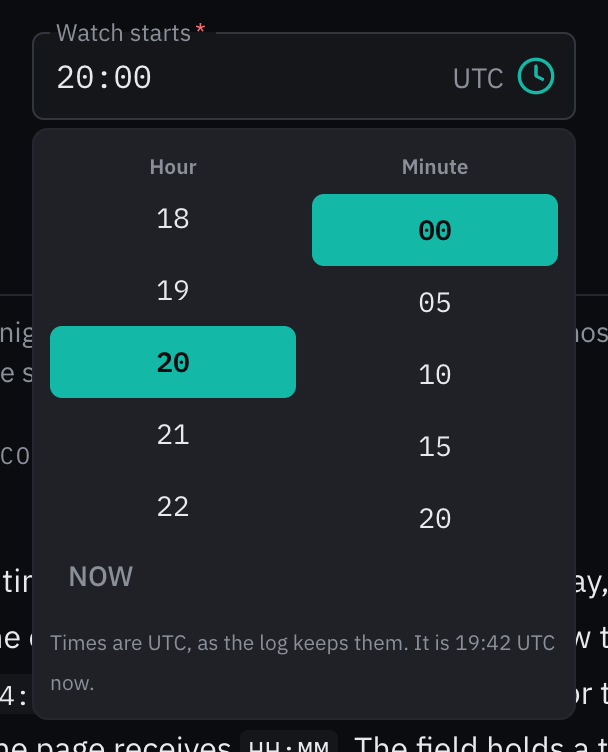
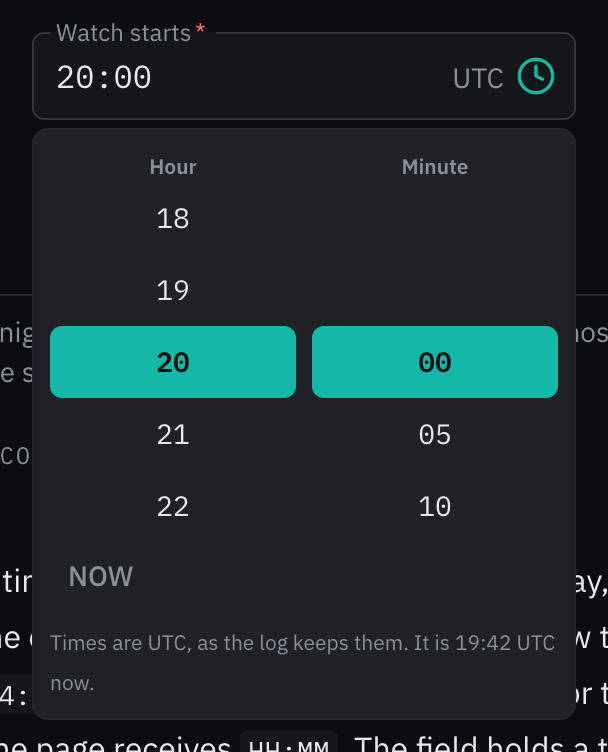
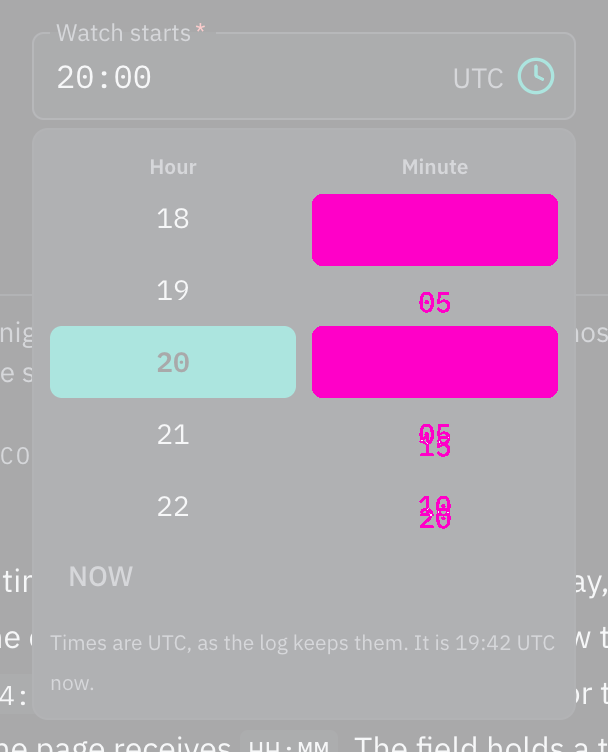
Rules behind it
- Convention One time, one line: the chosen hour and minute are one time, so they are read across one line, as on a wheel picker.
ChangedThe expense examples take their amount in a money input with its currency
Touches Entity list, Schema form, Money input
The entity list's expense examples drew the amount as a number with a € prefix; they now declare it as bosund's expense schema does, a money field with its currency, so the form draws the money input, and the schema form's prefix example shows Ch before a VHF channel instead of a currency sign.
ChangedThe vessel profile draws a range's outline, stretched to a vessel's particulars
Touches Vessel profile
The profile was one picture, so a 9.7 m and a 17.6 m vessel drew the same hull. It is now drawn from an outline: one
builder's range drawn once, hull and deck without the rig, with the points a naval architect dimensions marked on it
(transom, the waterline's ends, stem, bow fitting, deck at the bow, canoe body, keel's foot). Given proportions, the
vessel's particulars in meters, the outline grows to her length overall, her waterline length moves the waterline's
ends, her freeboard the deck at the bow and her draft the keel's foot, while the deck structures and rails keep the
range's proportions. A shorter waterline goes to the stern in the outline's own share: Hanse's is all of it, so the
plumb stem stays upright and the stern lifts. frameLength draws several vessels to one scale. Hanse's range from 2016
on is the first outline (HANSE_2016, listed in VESSEL_OUTLINES for the vessel catalog to name); the mast and stays
are gone from the drawing.
Before: One drawing in Hanse 460 proportions whatever the vessel, with the mast and stays leaving the top of the frame; dimension lines stood at fixed points, so a vessel's length and draft labeled a hull that was not hers.
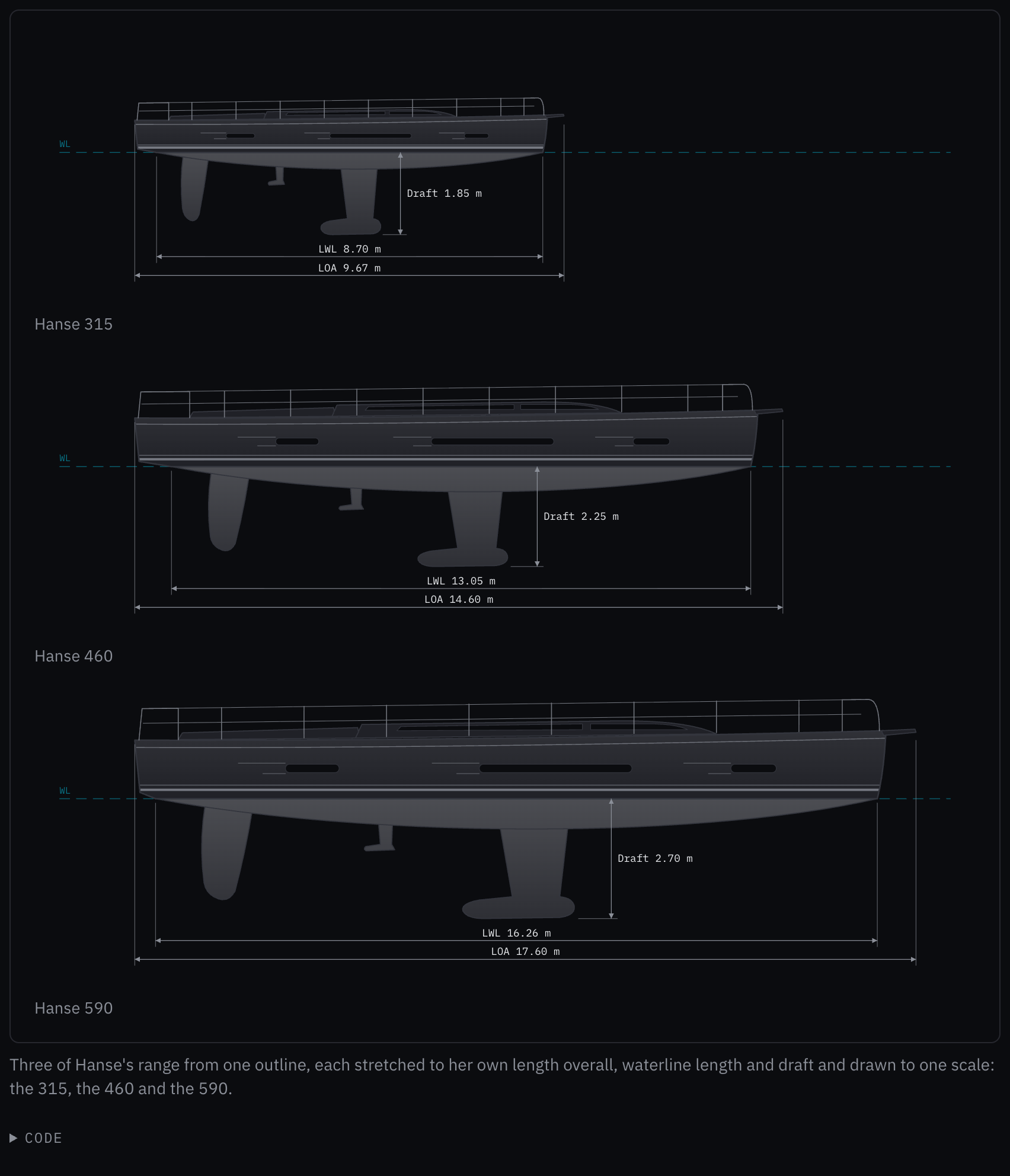
Rules behind it
- Convention Side elevation: a profile is dimensioned from the transom to the bow's furthest fitting for length overall, between the waterline's ends for the waterline length, and from the waterline to the keel's foot for the draft; the lines now attach to those points on the drawn hull.
- Convention Principal data (ISO 8666): ISO 8666 distinguishes the length overall, fittings included, from the hull length; a Hanse's stated length overall runs to the tip of its bow roller, so the outline ends there.
FixedAn empty form field with a prefix keeps its name clear of the prefix
Touches Schema form
An empty field with a prefix, such as a currency sign, set its name at rest over the prefix, so "€" and "Amount" overlapped; a field with a prefix now keeps its name on the outline, as a list does.
FixedA list in an outlined field shows one focus ring, not two
Touches Outlined field, Select
Focused from the keyboard, a list inside an outlined field drew its own ring, offset inside the field's thickened outline, so the field showed two boxes; the field's outline is now the only ring, as it is for a text input.
AddedIP address input: one address, or several as chips, each checked as it is added
Touches IP address input, DNS picker, Chips
The DNS picker's custom servers were a free-text field split on commas and spaces, checked only when the crew left it.
The IP address input holds one address, or with multiple several as chips, adds each as a space, a comma or Enter
ends it, and refuses by cause: not an address, the version the field refuses, one it holds, or more than
maxAddresses. IPv6 addresses are reported as Go's net/netip writes them, the form bosund stores. The DNS picker's
custom servers use it, and isIpAddress and the address splitting move from the DNS picker to it. Its reading is
fuzzed against the platform's address parser and the field under the interaction fuzzer.
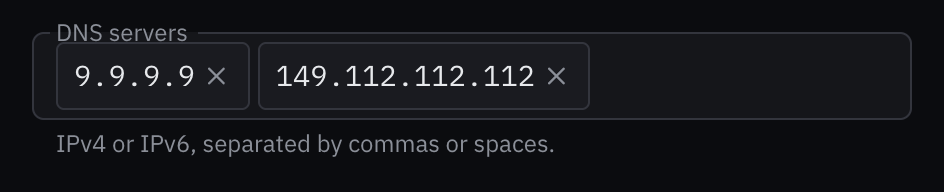
Rules behind it
- Foundation Content: an address the field cannot take is named with what to write: "dns.quad9.net isn't an IP address. Write it as 192.168.1.10 or 2001:db8::1."
- Convention Nothing wrong is reported: the field reports only addresses it can take; what is wrong stays typed, so a pasted list loses none of the good ones.
ChangedA file input's button reads Select File, and its examples take up to 100 MB
Touches File input
The choose button reads Select File (Select Files for several) as written, not in capitals, the outline stays solid while the field takes files, and the examples take files up to 100 MB.
ChangedA file input stacks its drop area and lists its files under its outline
Touches File input, Outlined field
The drop area set its prompt beside the button on one line ("Drag files here, or CHOOSE FILES") inside a solid
outline, and listed the files inside the outline too, each with a bare ✕. The area now stacks a file mark, the prompt
as a heading, the limits and the button, centered, inside the field's outline; the files sit under the outline, each
with a framed trash button (✕ stays for stopping an upload), and a refused or failed file is framed in red as an
invalid field is. OutlinedField gains after, content under its outline before its error or hint.
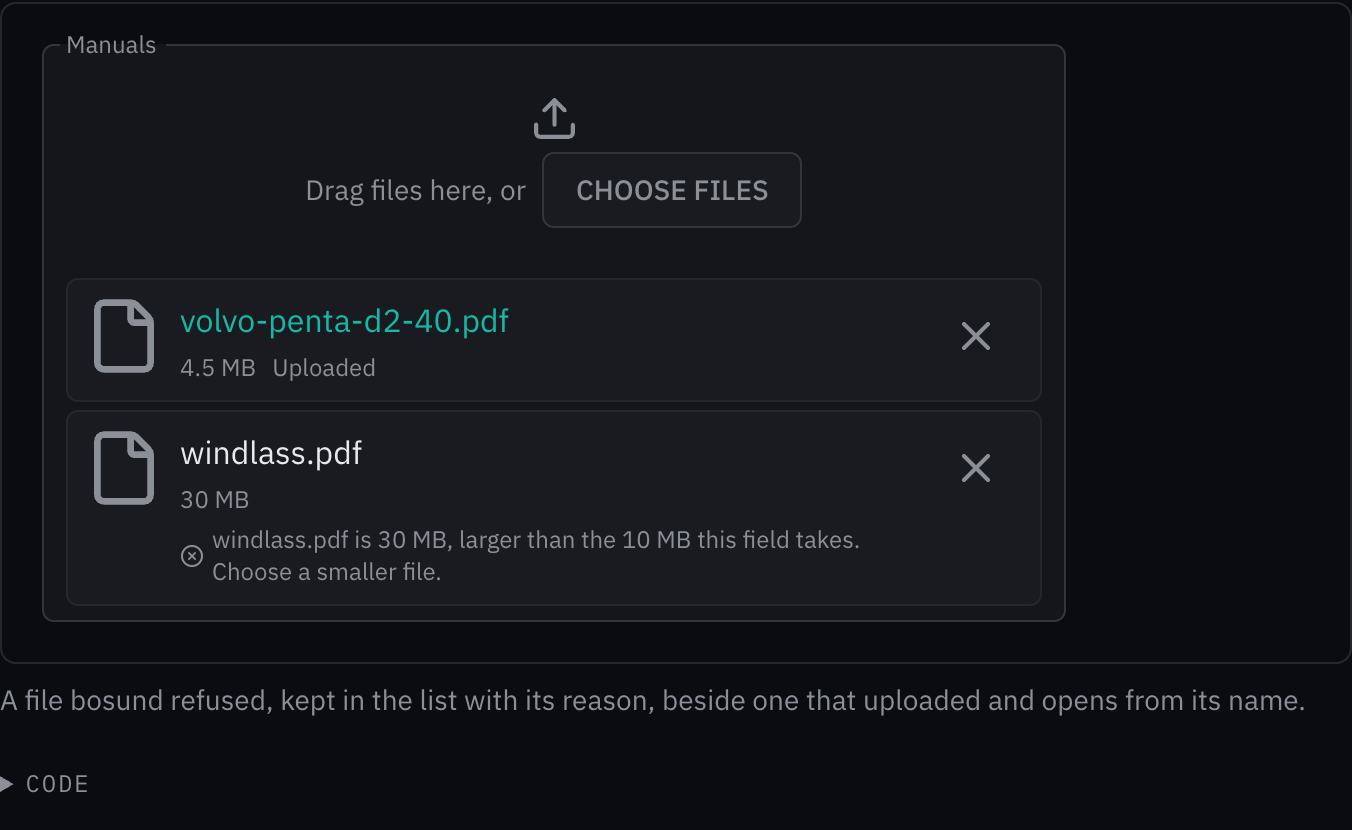
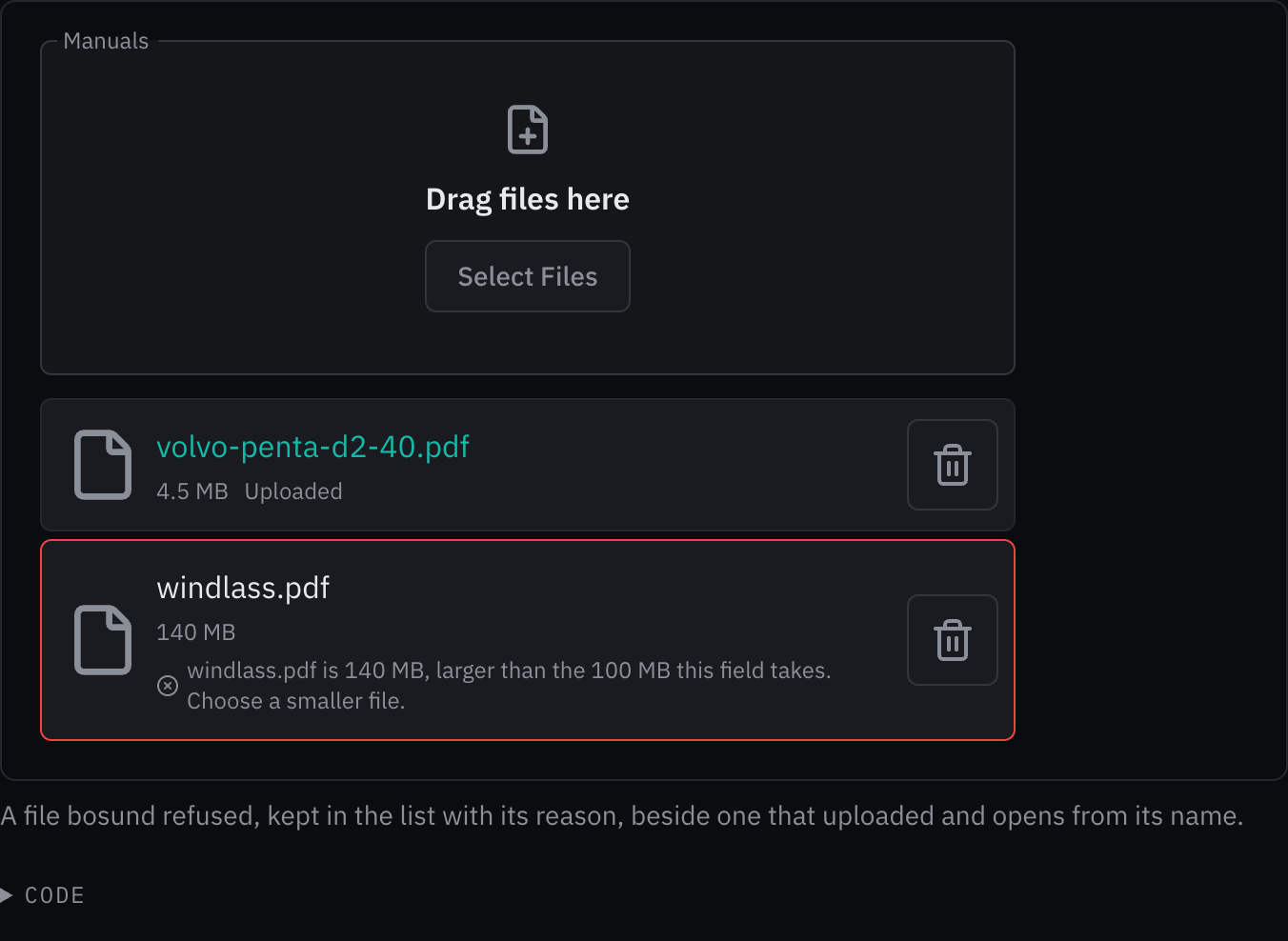
Rules behind it
- Foundation Typography: what to do is set in the component heading role over the caption-sized limits, so the prompt reads first.
- Foundation Outlined field: the outline stays solid while the field takes files: a dashed outline is a read-only field's.
AddedA phone number names its kind and country, and a number no country has is doubted
Touches Phone input
A whole number now names its kind and the country it belongs to under the field: Mobile, United Kingdom; Landline, Guernsey for a +44 number in Guernsey's ranges. Once the crew leave the field, a number no country with its calling code has is doubted by its cause: too few digits, too many, a length no number has, or no number starting this way. The doubt is a quiet line, never an error: libphonenumber's patterns age, and a vessel that has not updated for months must still be able to save a number from a range opened since. The patterns are 28 KB gzipped and load in a chunk of their own once a field holds a number.
Before: The field checked only E.164's shape, at most 15 digits: any digits in any country were taken without a word, and nothing said whether a number was a mobile, a landline or a premium-rate line.
Rules behind it
- Convention libphonenumber: validity, kind and the cause of a doubt are its isValidNumber, getNumberType and isPossibleNumberWithReason at v9.0.41, ported over number-patterns.ts.
- Foundation Content: a doubt says what is wrong and what to do, and that the number can still be saved: "Too few digits for a +44 number. Check it; you can still save it."
ChangedAn outlined field's trailing icon stands as far from the right edge as its text does from the left
Touches Outlined field, Time picker, Date picker, Password input
A trailing icon (the time picker's clock, the date picker's calendar, the paste and reveal buttons) stood about 7 px
from the field's right edge while the text stood 12 px from the left, and the browser's own time field, now drawing
the same clock, left it 15 px. The end slot's right padding is --space-sm in place of --space-xs; with the
button's 2 px around its icon and the icon's own margin, the last icon's ink stands 12 px in. The controls reserve
the wider slot by measuring it, as before.



Rules behind it
- Foundation Spacing: the end slot's padding is a spacing token, --space-sm, so the last icon's ink sits at the field's --space-md inset.
ChangedA native time or date field shows the kit's clock or calendar
Touches Time input, Time picker, Date picker, Outlined field
The time input, the time picker's native mode and the schema form's date and time field are the browser's own fields, and Chromium drew its own small, bright clock or calendar in them, unlike the time and date pickers' 20 px Lucide icons in the dim text color. The browser's picker button keeps its job, opening the browser's picker, and now draws the kit's clock (or, in a date, date and time, month or week field, the calendar) at the same size and color. Safari and Firefox draw no such button on a desktop, so nothing changes there.



Rules behind it
- Foundation Iconography: generic controls use Lucide, and one concept always uses the same icon: a time field shows the same clock whether the kit or the browser draws its picker.
ChangedA phone number is grouped the way its country writes it
Touches Phone input
The three-digit groups matched no country's convention, so a crew member checking a number against the one on a card or a phone had to read it digit by digit. The field now groups the national digits by the formats of Google's libphonenumber for the country's calling code: 7345 615225 for a UK mobile, 20 7946 0958 for London, 6 39 98 12 34 in France, 202-555-0123 in the United States. Five territories libphonenumber has no format for (Ascension, the Falklands, Kiribati, Saint Helena, Tokelau) show the digits as typed rather than an invented grouping.
Before: Every country's national digits were grouped in threes, a last single digit joining the group before it: a UK mobile read 770 090 0123 and a Dutch one 612 345 678.
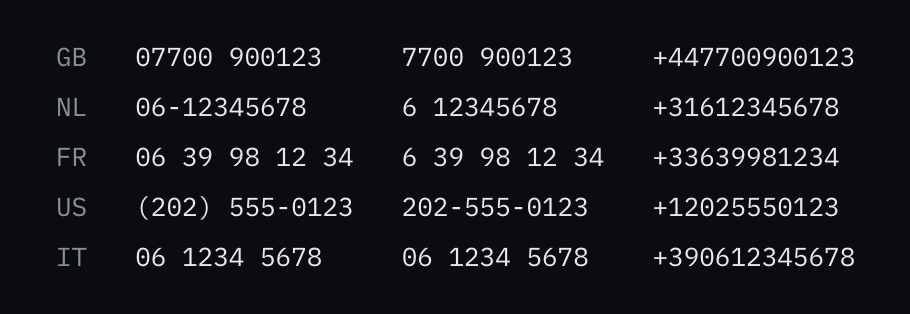
Rules behind it
- Convention libphonenumber: the groupings are its formats at v9.0.41, international form first, generated into number-formats.ts; a number being typed is filled into a template as its AsYouTypeFormatter fills one.
- Foundation Content: a number reads as the crew write it at home, so it can be checked against a card or a phone at a glance.
FixedA time picker narrows with its column, its clock's target inside the field
Touches Time picker
The clock button's 48 px target reached 20 px past the field's right edge when a reference stood before it, which widened the column the field sat in; it now reaches left over the reference, and the hero's fields narrow to 160 px.
AddedTime picker: a time typed as the crew say it, or chosen from hour and minute lists driven by the keys
Touches Time picker, Schema form, Time input
A time field was the browser's own, whose popup on a desktop could not be driven by the keys. The time picker is
an outlined field that reads a time as the crew type it (14:30, 1430, 14h30, 2:30 pm) and opens hour and minute lists
under a clock button, with min, max, minuteStep, Now on the UTC or the device's clock, and timeReference
printed beside the time. With a finger it is the browser's own time field, whose wheels suit a touch screen;
picker chooses one everywhere. The schema form's time fields use it, with the field's unit as the reference.
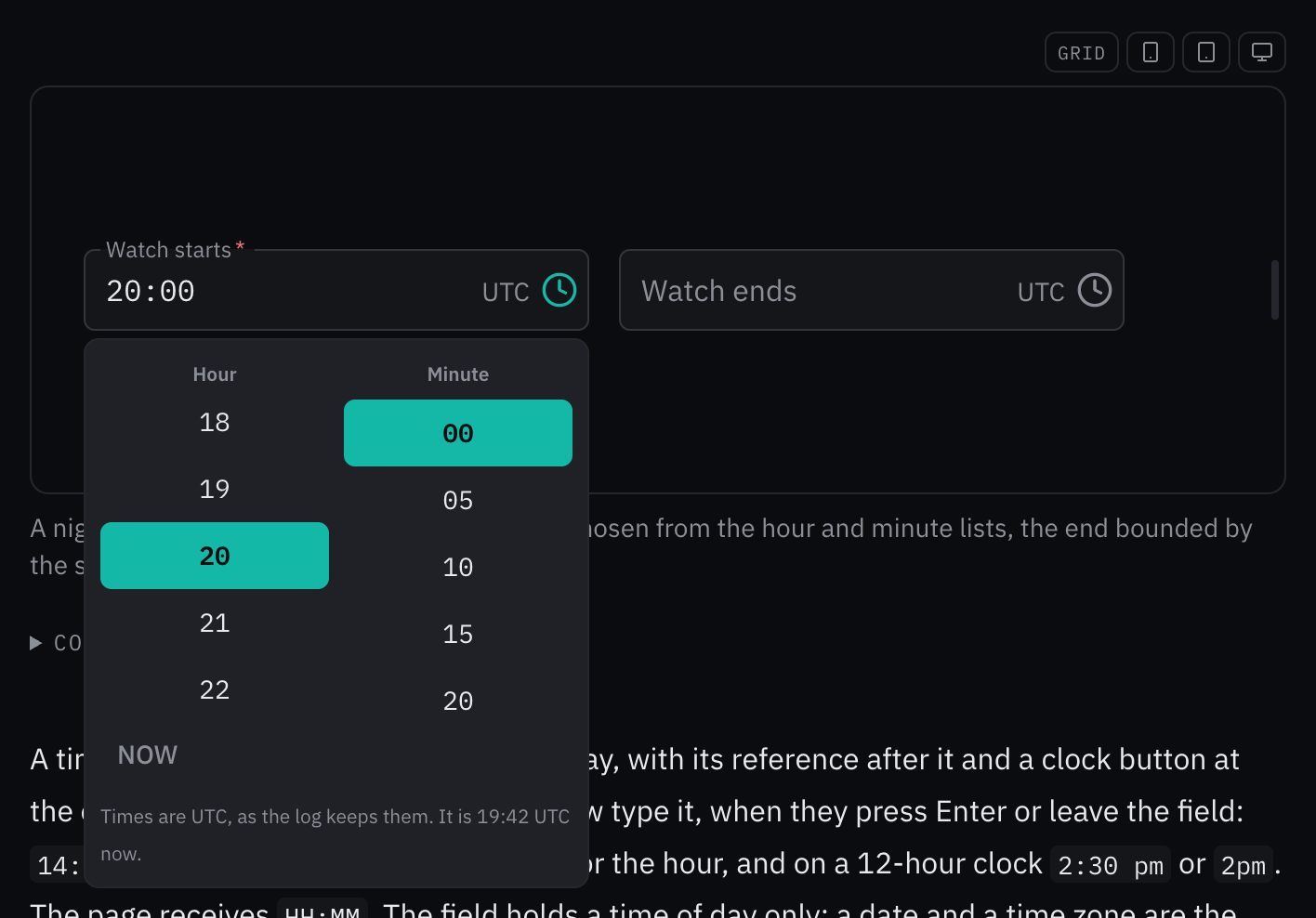
Rules behind it
- Accessibility WCAG 2.2 SC 2.1.1 Keyboard: the hour and minute lists are driven by the arrows, Home, End, Page Up, Page Down and typed digits; the browser's own time popup could not be reached by the keys.
- Foundation Content: a time is printed with its reference, and a time the field cannot take is named with how to write it: "Couldn't read that time. Write it as 14:30 or 1430, or choose it from the list."
FixedA phone number's country code stands on the line of its calling code
Touches Phone input
The country button centered GB and +44 apart, so the smaller code's baseline sat about a tenth of its size above the calling code's; the two now share a baseline.
FixedA phone number's country list puts the country whose code the crew type first
Touches Phone input
Typing uk listed Ukraine, whose name holds it, before the United Kingdom, so Enter chose Ukraine; a country whose ISO code, or a code ISO 3166-1 reserves for it such as UK, matches the search now leads the list.
ChangedA countdown drawn as a chip is a due chip
A countdown's chip and a due chip had the same purpose, a time that has come or is coming in a list row or a card,
but separate styles, so they looked like different things. appearance="chip" now renders a DueChip with the
countdown's timer as its label, and the countdown's own chip styles are gone. DueChip gains a none treatment, its
neutral colors with no shape, for a moment not yet near; its label takes markup, so the countdown keeps its timer
role and <time> element; and changeKey sets what its fade follows, which a countdown sets to its treatment.



Rules behind it
- Foundation Alarms and severity: the chip carries the caution ■ and warning ● shapes with their colors and never flashes, since a time left is not an alarm.
- Foundation Motion: the chip fades only when its treatment changes, so a tick each minute does not move it.
AddedWiFi network list: choose the networks the vessel joins, with each one's details, password and DNS
Touches WiFi network list, Signal strength, DNS picker, Password input
Only the setup portal could list WiFi networks, with its own list. The WiFi network list shows the networks in range with their signal, band and security, merges the access points that share a name, and opens a chosen network's details, its password field, its DNS and what can be done with it: connect, disconnect, forget, or let the vessel join it by itself. A network that does not broadcast its name is joined by typing it.
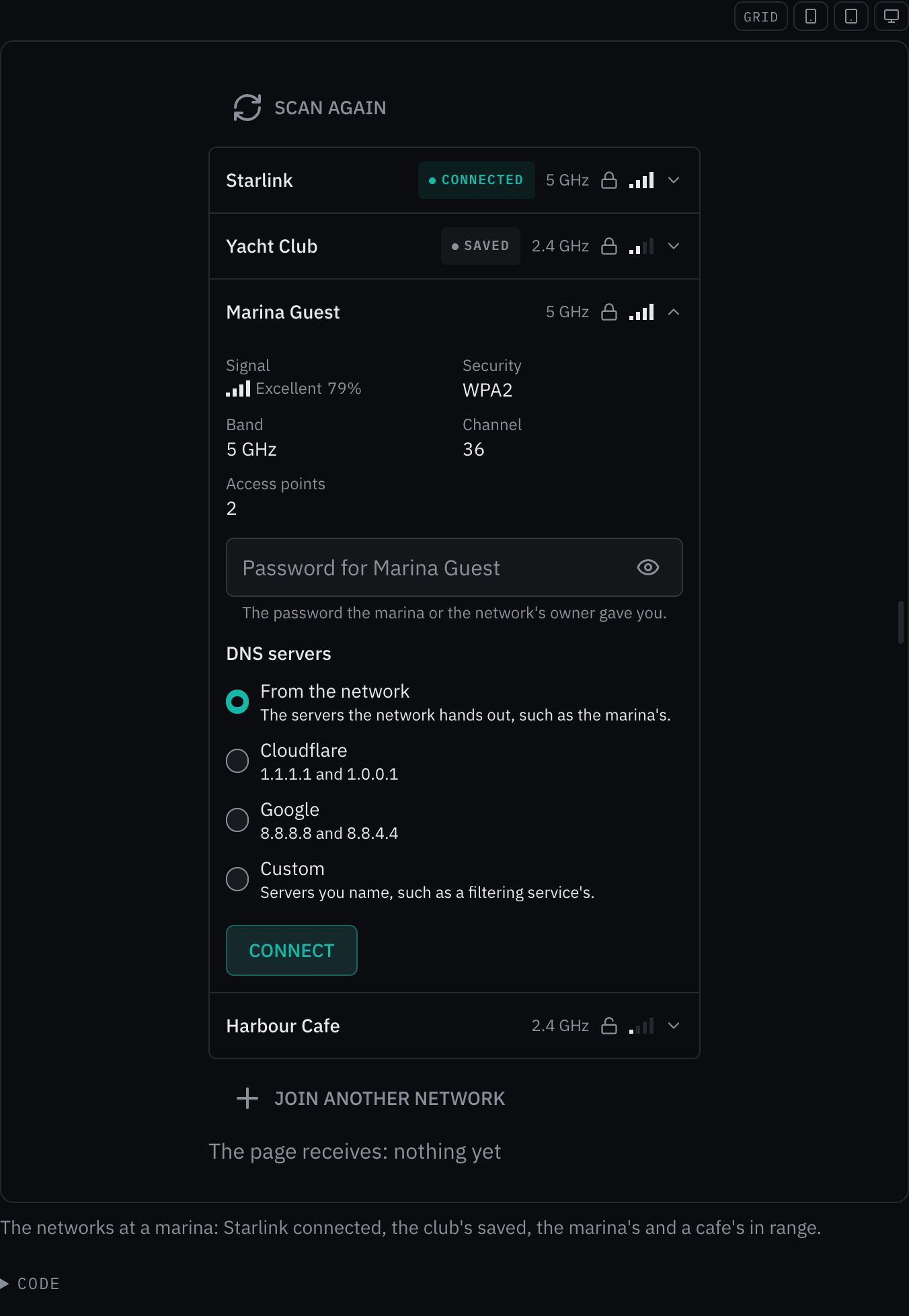
Rules behind it
- Foundation Content: a key in the wrong format says what is wrong and to check the one the crew were given, since they did not choose it.
- Convention One rule for a WiFi key: the field checks a key by the rules bosund's core/passwordpolicy applies, so nothing is sent that NetworkManager would refuse.
- Accessibility WCAG 2.2 SC 4.1.3 Status Messages: a connection is announced without moving focus, and a refusal is read with the password field.
AddedDNS picker: the network's servers, Cloudflare, Google or custom addresses
Touches DNS picker, Radio group
The setup portal chose the vessel's upstream DNS with its own controls. The DNS picker offers the same four choices for any network, each with its addresses, and checks custom servers as IPv4 or IPv6 addresses before it reports them.
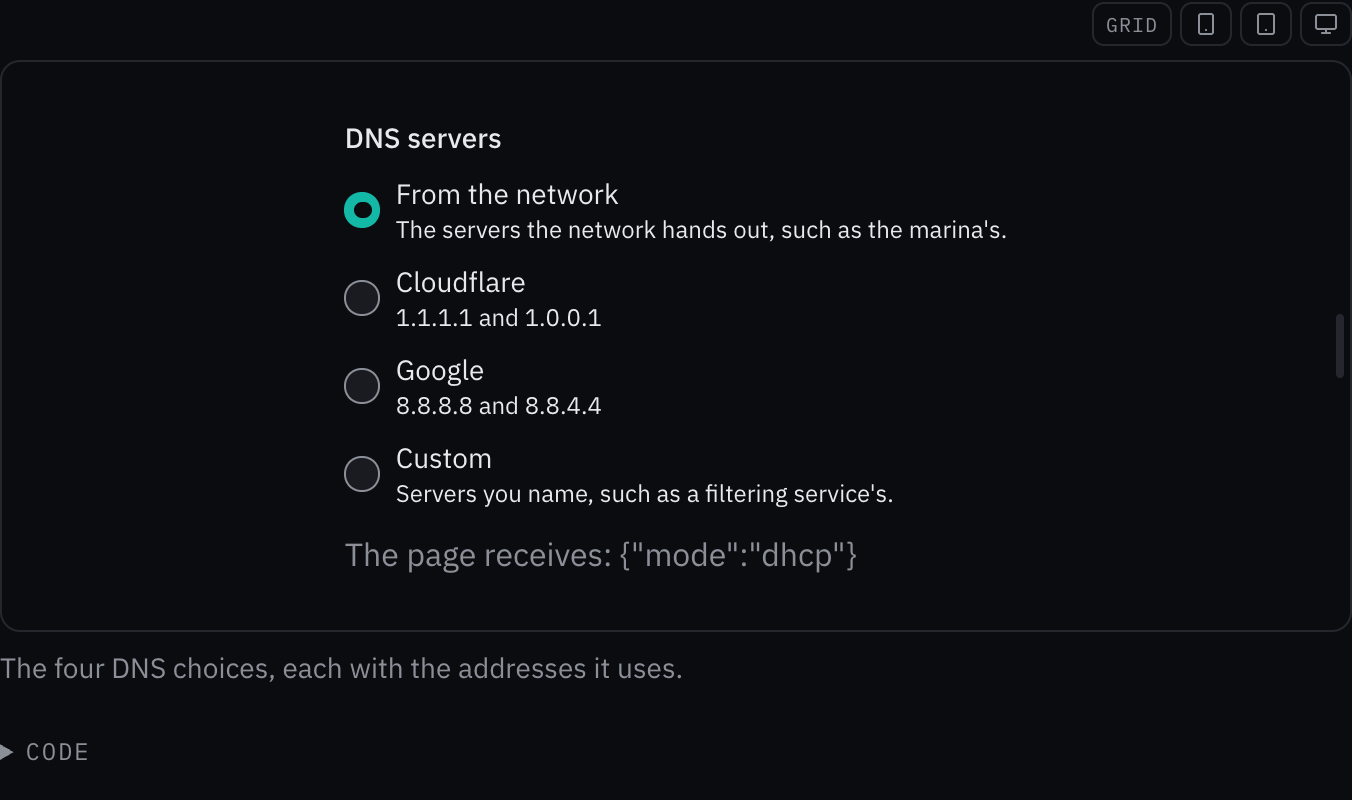
Rules behind it
- Foundation Content: each choice says the addresses it uses, and a wrong custom address is named in the message with an example of a right one.
- Accessibility WCAG 2.2 SC 3.3.1 Error Identification: the address that is not an IP address is named in text under the field.
AddedSignal strength: a signal as bars, in words and as a value
Touches Signal strength, WiFi network list
The setup portal drew a WiFi network's strength with its own bars in the success green, and nothing else in the kit drew a signal. The signal strength takes NetworkManager's 0 to 100 or an RSSI in dBm, lights one bar for each quarter of the range so the bars and the word agree, and can write the word and the value beside them.
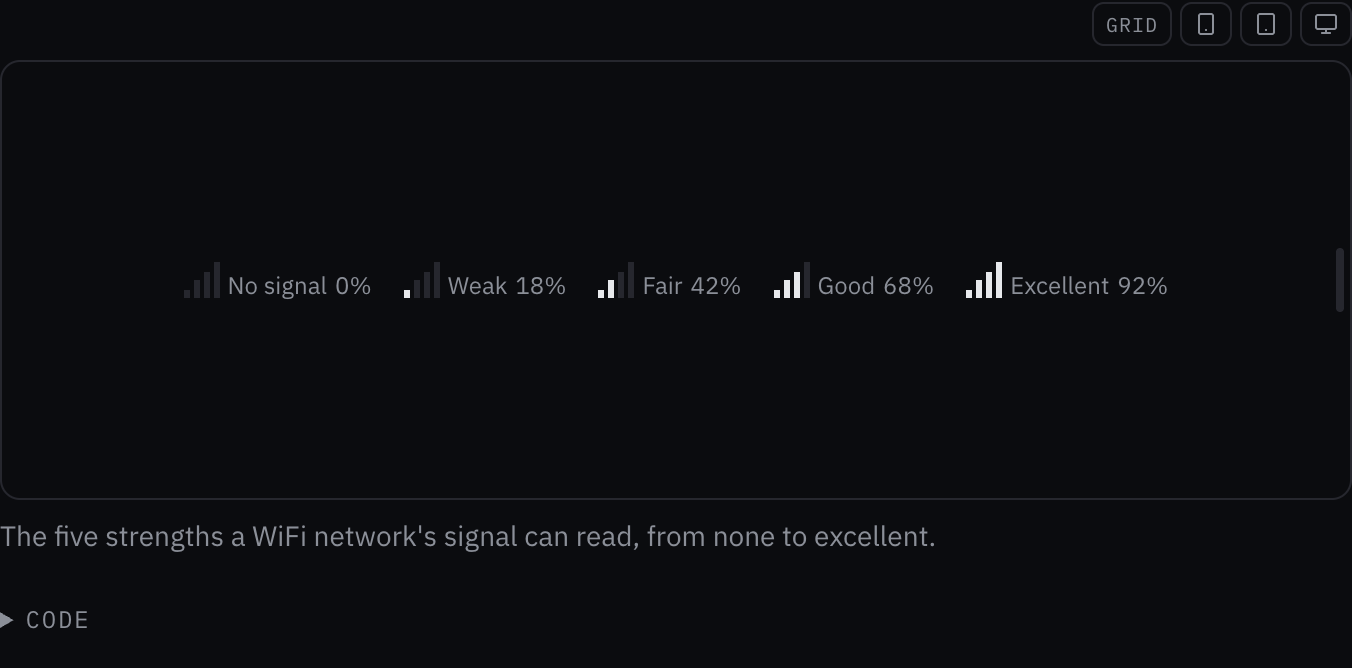
Rules behind it
- Convention Red means alarm: a weak signal is not an alert, so the bars take the text color, never an alert color.
- Regulation IMO MSC.191(79) §5.6: no reading draws empty bars and says Unknown, never zero.
- Accessibility WCAG 2.2 SC 1.1.1 Non-text Content: the bars are one image named by the strength in words and as a value.
AddedA Mermaid diagram's nodes and lines open tooltips, popovers and dialogs
Touches Mermaid, Tooltip, Popover, Dialog
A diagram was a picture: a reader who wanted to know what a box or an arrow stood for had to look for it in the
prose. Given details, keyed by a node's id or a line's ends, each part gets a clear target that opens a tooltip on
hover or focus, a popover beside it on a press, or a dialog for longer text, through the kit's own overlays. The
targets sit beside the drawing rather than inside it, so the diagram keeps its image role and its description, and
they follow the drawing when it is expanded or the page is resized. Mermaid's own click handlers stay off under its
strict security level.
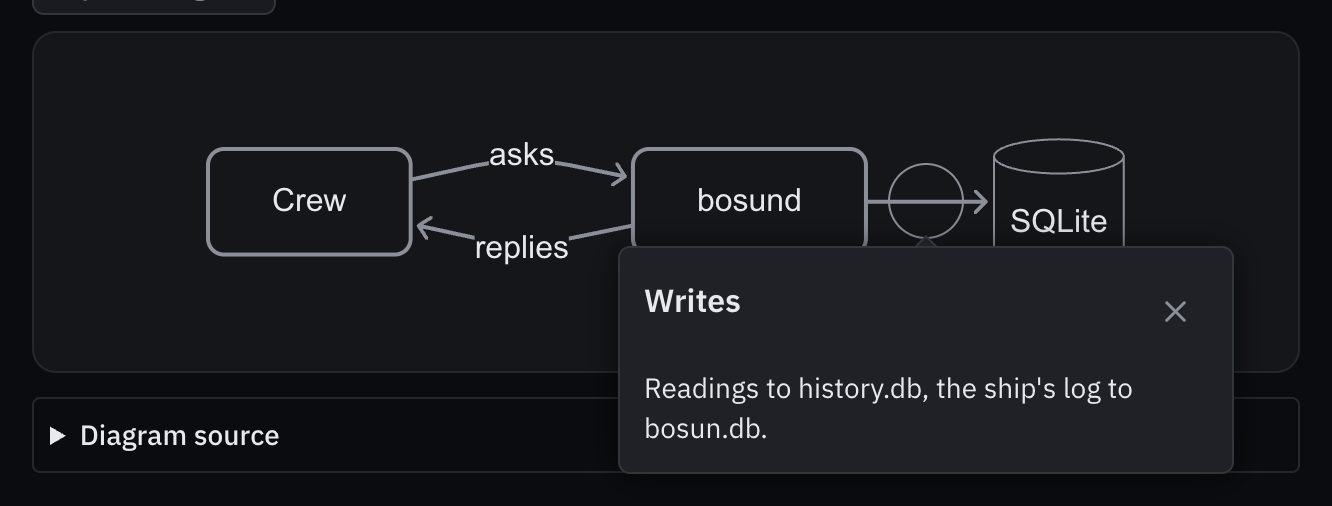
Rules behind it
- Accessibility WCAG 2.2 SC 2.1.1 Keyboard: each target is a button in the order of the keys, so every detail opens from the keyboard as from the pointer.
- Accessibility WCAG 2.2 SC 1.4.13 Content on Hover or Focus: a tooltip opens on focus as on hover, through the kit Tooltip, which stays while the pointer is over it and closes on Escape.
ChangedA chat message is laid out as a chat assistant lays one out
Touches Chat bubble, Chat input
Every message was a bubble with a colored bar down its left side, the crew's tinted and Bosun's grey, each a log region of its own, so a screen reader met a stack of logs. As a chat assistant does it, the crew's message now sits in a bubble at the end of the column, Bosun's answer is plain text across it at a readable line length, and a system notice is centered in the caption type. Under a message a line carries its time and an answer's actions (the caller's icon buttons), shown on focus or hover, on a touch screen and on the latest answer. An answer still arriving shows a caret that does not blink. Each message is an article named by its author; the conversation around it is the log.
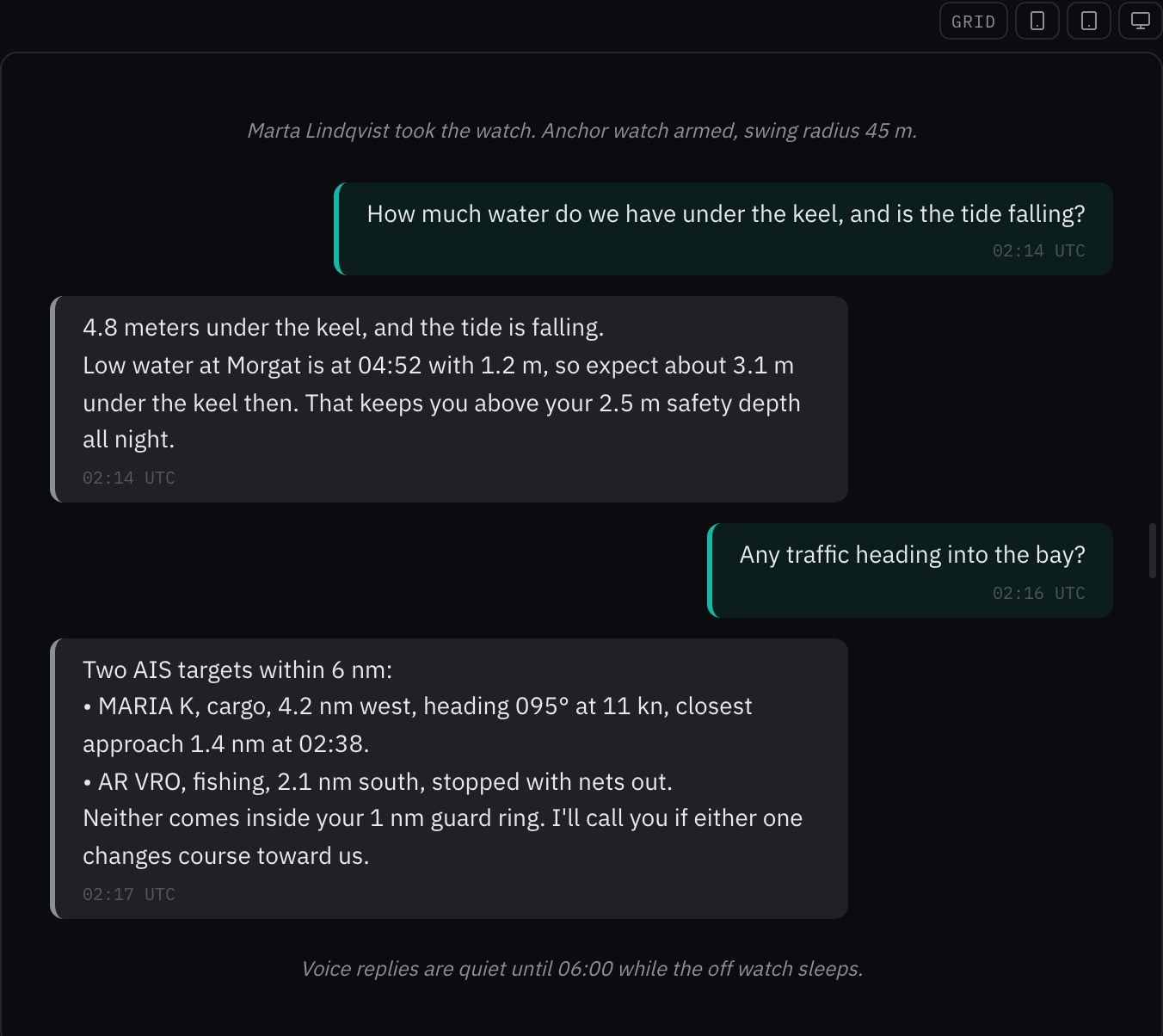
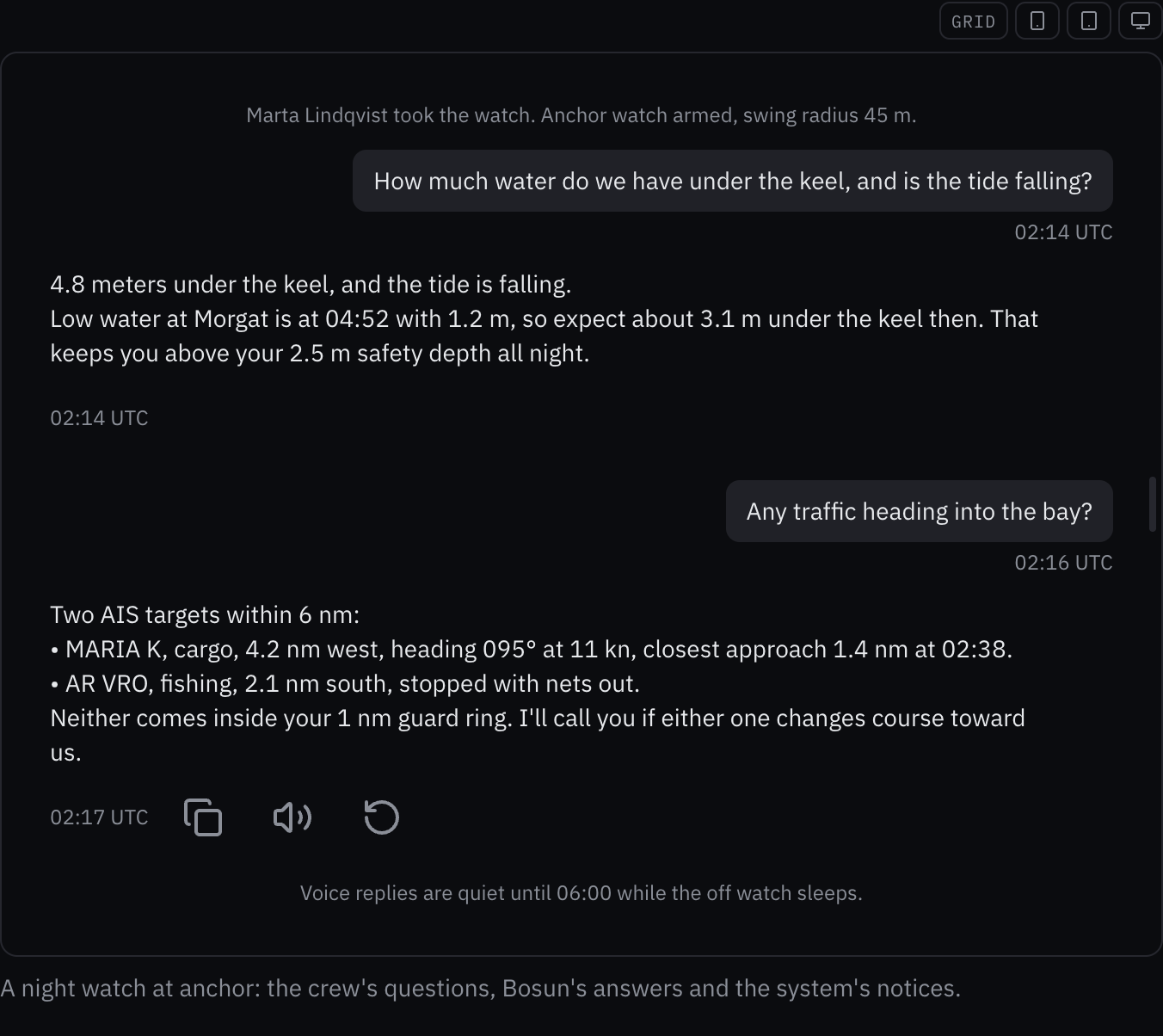
Rules behind it
- Accessibility WCAG 2.2 SC 4.1.3 Status Messages: the conversation is the log, so each message is announced once as it arrives, and an answer still arriving is busy.
- Accessibility WCAG 2.2 SC 1.4.1 Use of Color: who wrote a message is told by its side and shape, a bubble for the crew and plain text for Bosun, not by a colored bar.
- Foundation Typography: messages take the body type and the time and notices the caption type, where the bubble wrote 14, 12 and 10 px.
ChangedReadouts line up on their page, and a lone label reads on its value's line
Touches Readout
The readout page opened on a crowded panel. The heading, speed and depth readouts now stand in three equal columns with their feet on one line, so their sources read across; the horizontal rows start on one edge under a rule; the low-integrity wind row is framed once; and the note floors the depth to tenths, as depth is always written. In the instrument, a horizontal readout's label with no unit takes the unit's place at the foot of its column, so "Standby Radar" reads on one line where the label stood raised above the value.
Before: The three vertical readouts sat in a flex row spread with space-around, so the compass's, the GPS's and the echosounder's names fell on three different lines; the wind row framed its source in a second low-integrity box inside its own; the panel typed 16 and 28 pixel gaps and a 10 pixel radius; the depth note wrote its value with toFixed; and a horizontal readout with a label and no unit raised the label to the top of the row, beside a value set at its foot.
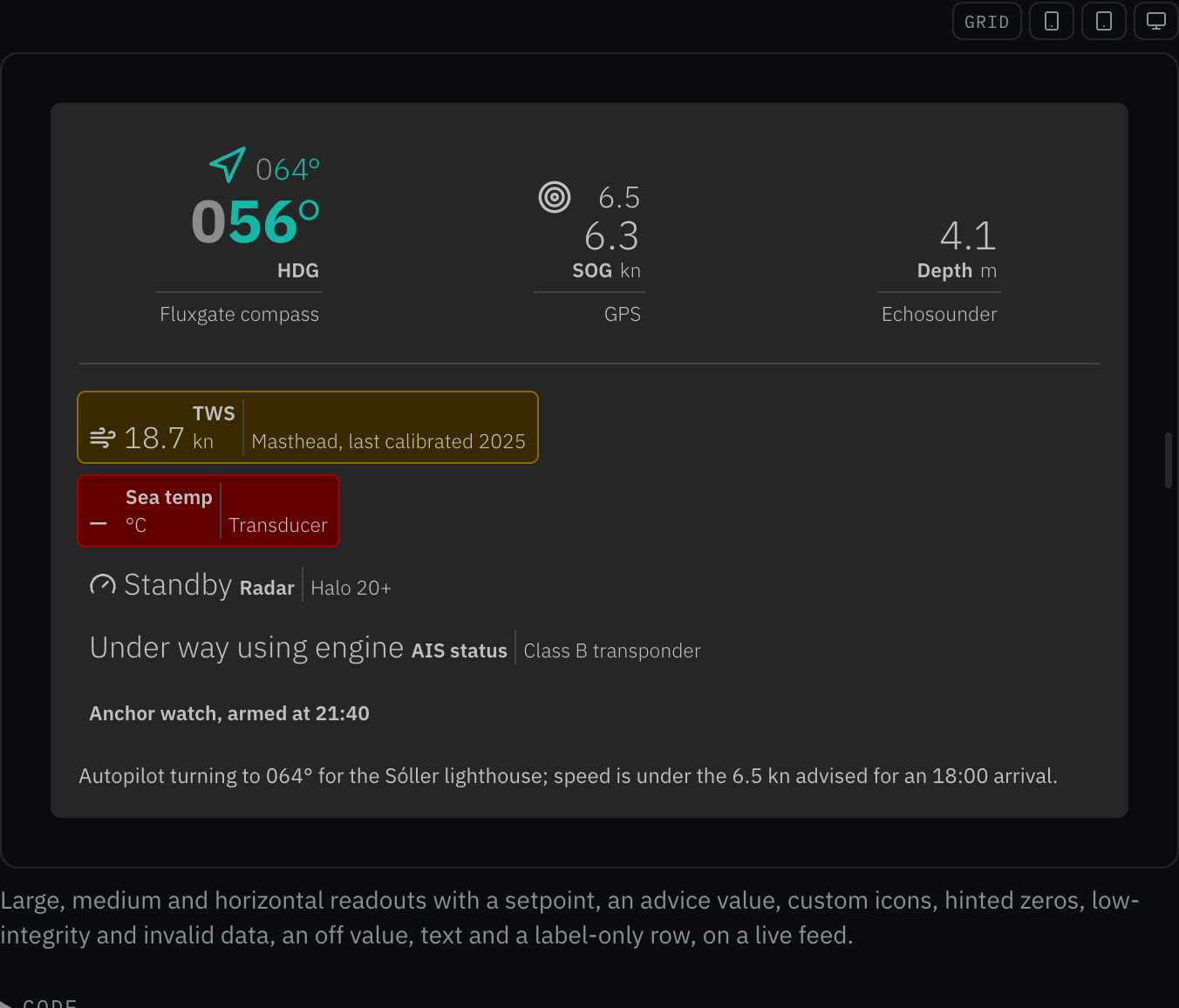
Rules behind it
- Foundation Spacing: the panel and its two groups take the spacing and radius tokens.
- Foundation Data integrity: the note floors the depth to tenths, so it never shows more water than there is.
ChangedEvery component and instrument page has an icon in the sidebar
Touches Components, Instruments, Iconography
The sidebar's lists of components and instruments were text with a few icons among them, so a page was found only by reading. Every page now names an icon in its frontmatter, and the navigation's icon registry grows from 36 to 198 names: 166 Lucide icons for controls, layout, charts and forms, and 32 OpenBridge icons for alerts, AIS targets, the nautical chart, the radar, tide, depth, wind, current, swell, buoys, beacons, the harbour and the vessel.
Before: Ten of the 151 component pages, none of the 35 instrument pages and four of the five maritime pages had an icon, so the sidebar's long lists were text with a few icons scattered through them.
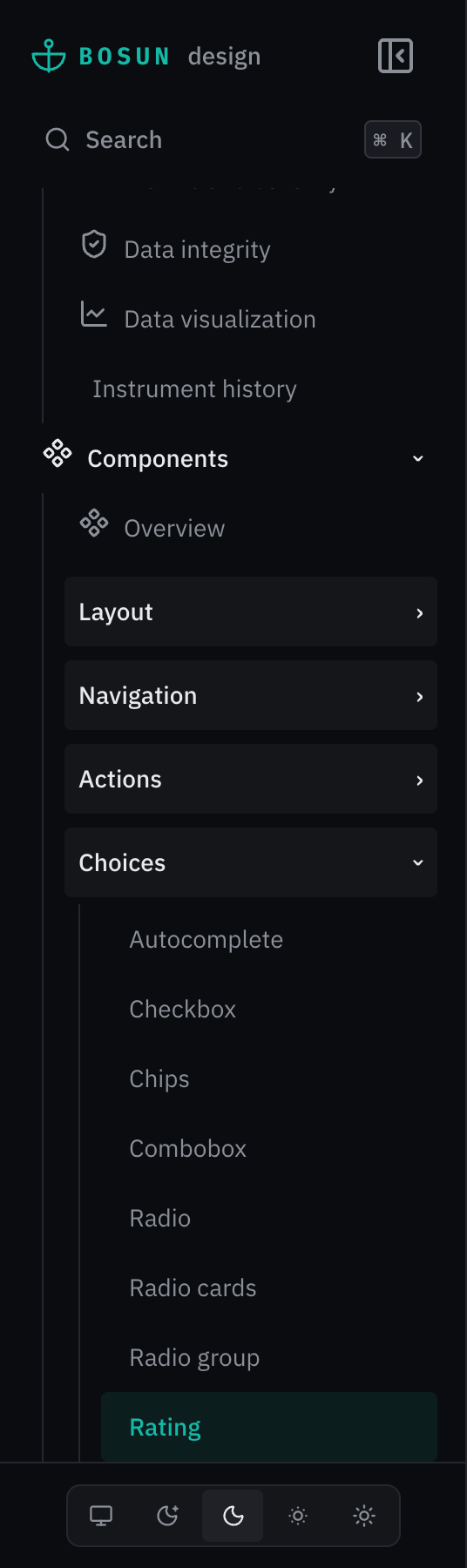
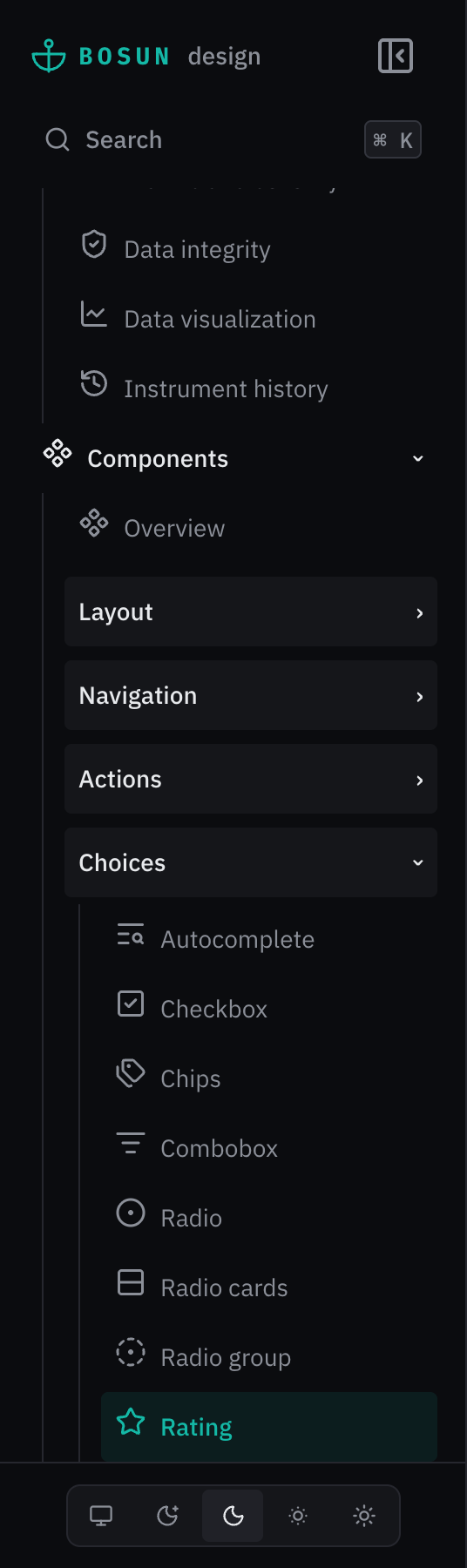
Rules behind it
- Foundation Iconography: generic controls take a Lucide icon and maritime concepts an OpenBridge one, never both for one concept.
- Accessibility WCAG 2.2 SC 1.1.1 Non-text Content: the icons are decorative beside the page names, which stay the entries' names.
ChangedA segmented control rings the whole chosen segment
Touches Segmented control
The chosen segment carried a 2 px line along its foot, an inset shadow that the segment's rounded corners bent up at each end, and its fill barely differs from the track. The mark is now a 2 px ring inside the whole segment, sliding between options with motion and drawn on the chosen option without it.
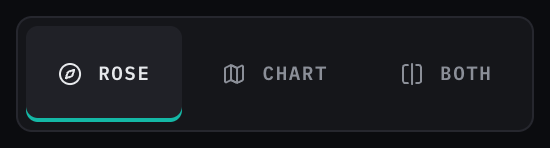
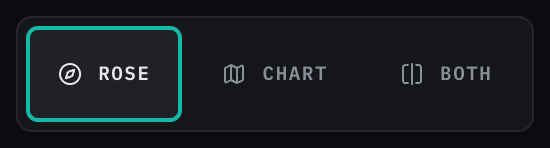
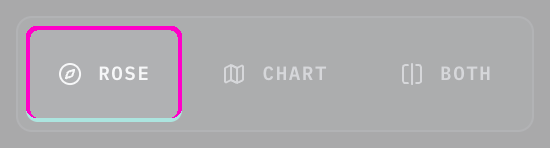
Rules behind it
- Accessibility WCAG 2.2 SC 1.4.11 Non-text Contrast: the chosen segment is told by a 2 px ring in the selected-indicator color on all four sides, not by its fill alone.
- Foundation Color: the ring takes the selected-indicator token where the line took the accent directly.
ChangedTide curve: relative times for the high and low waters and the gate
Touches Tide curve, Countdown
Reading a tidal gate meant subtracting the time now from a window's start. With relative the curve says whether the
gate is open and when it closes or next opens, and how long until or since each high and low water, written as the
countdown writes it.
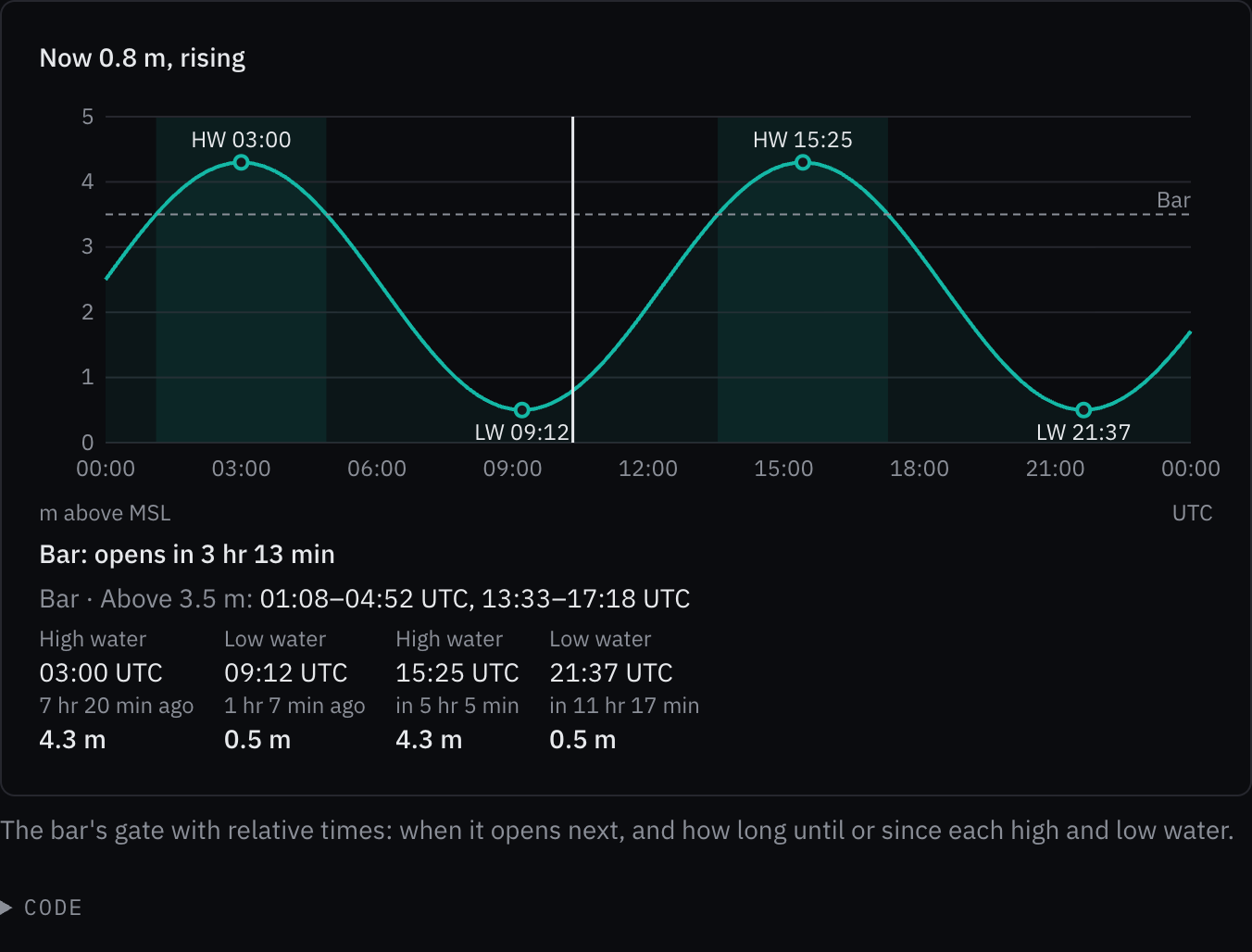
Rules behind it
- Foundation Content: a relative time is floored as the countdown floors it, and the time with its reference stays printed beside it.
- Accessibility WCAG 2.2 SC 4.1.2 Name, Role, Value: the slider's value names the relative time with the time, height and trend.
ChangedEvent timeline: relative times, actions on hover and focus, tooltips and filter chips
Touches Event timeline, Action menu, Tooltip
A log read hours later asked the crew to work out how long ago each entry was, and an entry offered nothing to do with it. Each entry can now say how long ago it was beside its time, show its actions (two as icon buttons, the rest in a menu) under the pointer or with focus, write its moment in full in its time's tooltip, and draw its source and tags as chips; a row of filter chips shows the entries that match any pressed chip.
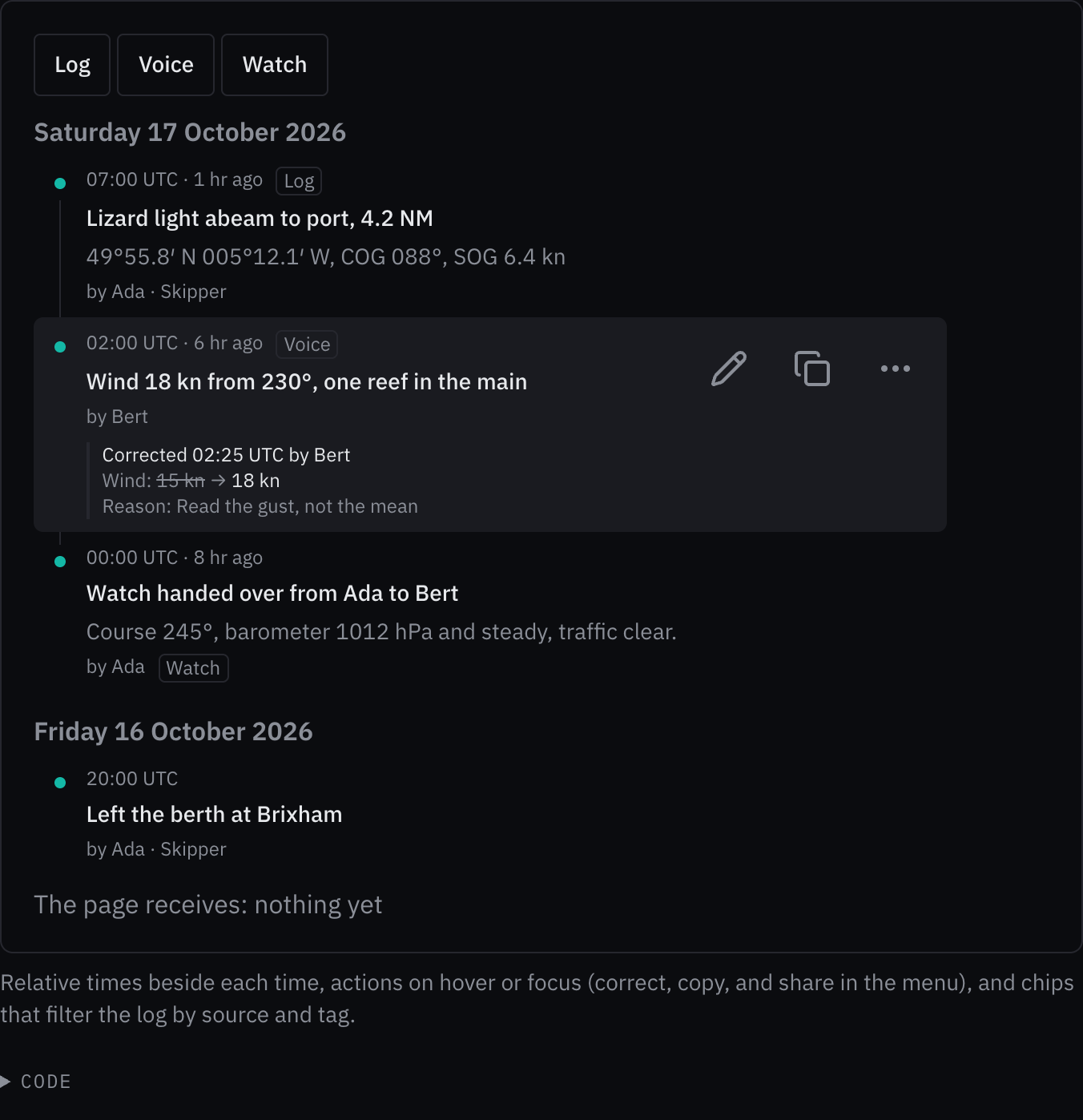
Rules behind it
- Foundation Content: a relative time is floored and sits beside the time, which keeps its reference.
- Convention Nothing safety-relevant only on hover: an entry's actions show under the pointer and with focus in the entry, always on a touch screen, and are reachable by keyboard throughout; the time's tooltip repeats what the day heading and the time say.
- Accessibility WCAG 2.2 SC 2.5.8 Target Size (Minimum): each action is an icon button with a 48 px target, named by its label, and the filter chips are 48 px tall on a touch screen.
FixedA segmented control keeps its track's padding and border on every page
Touches Segmented control
The choice groups' rule reset the track's padding and border to 0 when its stylesheet loaded after the segmented control's, so the chosen segment touched the track's edges; the track's own rule now outranks it in any load order.
AddedThe vessel profile can be dimensioned as a naval architect's drawing
Touches Vessel profile
A vessel's page showed her particulars in a table beside a profile that carried none of them. Given dimensions, the
profile draws them as a naval architect's drawing does: length overall from the transom to the stem and length at the
waterline under the keel, the draft beside the keel from the waterline to its foot, the freeboard ahead of the bow, and
the beam and displacement on a line underneath. The drawing does not change; the frame grows downward to hold the
lines, the dimensions join the accessible name, and the labels are in all six languages.
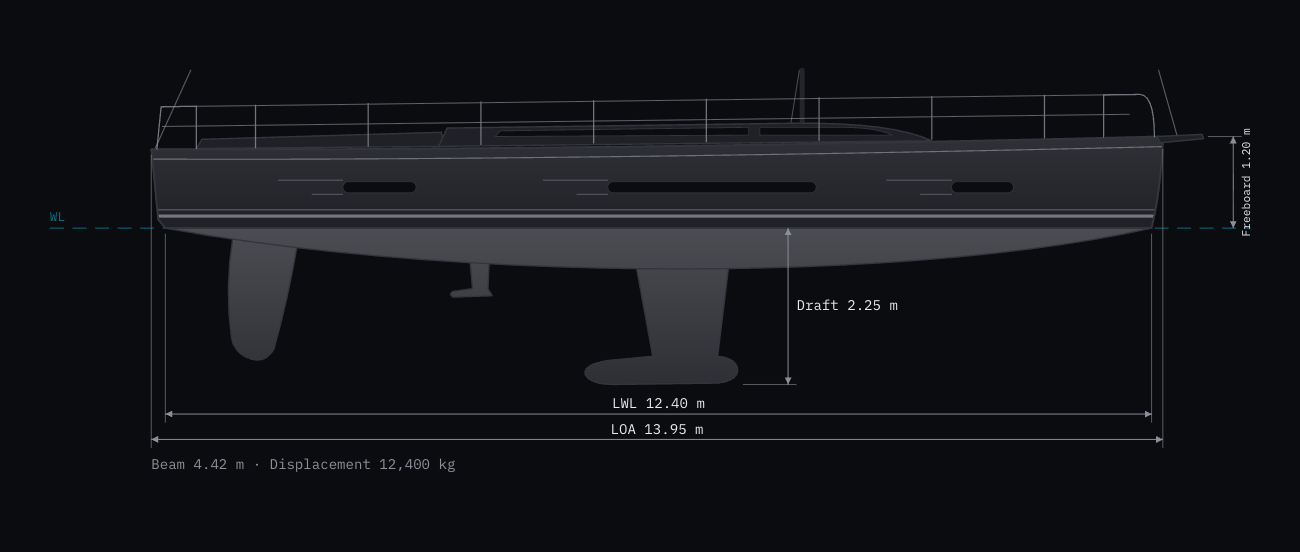
Rules behind it
- Convention Naval architecture drawing: dimension lines end in arrowheads between extension lines that leave a gap at the hull, each labeled with its particular.
- Regulation SN.1/Circ.243: each value is written by the caller with its unit, as the kit leaves formatting to the caller.
ChangedThe vessel profile is drawn as a yard's side elevation
Touches Vessel profile
The profile is the picture at the head of a vessel's page, and it looked like a placeholder. It is now drawn on the lines of a yard's side elevation: a straight sheer rising to a plumb stem, a near-vertical transom with the rubbing strake and a twin boot stripe, three hull windows led in by fine lines, a low coachroof with its window band, the cockpit coaming, stanchions with two lifelines between pushpit and pulpit, a bow roller, and the mast and stays leaving the frame. Below the water an L-shaped fin keel with its bulb aft, a saildrive and a raked spade rudder share one shading that darkens toward their foot, drawn under the canoe body so their roots disappear into it. Each drawing gets its own gradient ids.
Before: A rounded silhouette with the bow to the left: soft ends, six portlights on the topsides, a short fin with a separate disc for its bulb, a thin rudder, one teal stripe at the waterline, and every line in low contrast, so it read as a dark blob in the dark themes.
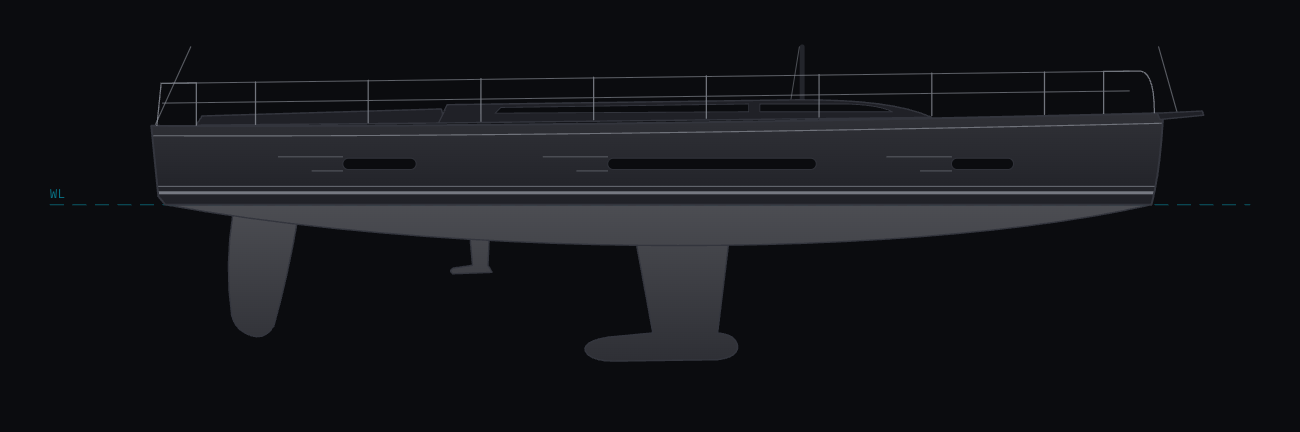
Rules behind it
- Foundation Color: every fill and stroke is a token; the glass takes light-dark() of two tokens, so it is dark in all four themes, and the hex fallbacks are gone.
- Convention Side elevation: a yacht designer draws the profile bow to the right, with the boot stripe at the waterline and the appendages below it.
FixedTwo short lists on a form row split it in half, in line with the rows around them
Touches Schema form
A row of two short lists, such as Hull and Propulsion, gave its spare columns to the second, a third beside two thirds, so its edges missed those of the rows above; a short row whose fields all widen now splits evenly when the row divides without narrowing one.
FixedA switch that is on leaves the same gap beside its thumb as one that is off
Touches Switch
The thumb of a switch that was on stopped 4 px from the track's end while an off thumb sits 2 px from its start, so the two looked set differently; both now leave 2 px.
AddedEvent timeline: what happened, when and by whom, corrections against what they correct
Touches Event timeline, State timeline
The log, the alert history and the watch handovers had no shared way to show what happened over time. The event timeline sorts and groups entries by day, shows who recorded each and where it came from, and shows each correction against the entry it corrects with the value first recorded struck through, so a corrected record never reads as if it had always said the new value.
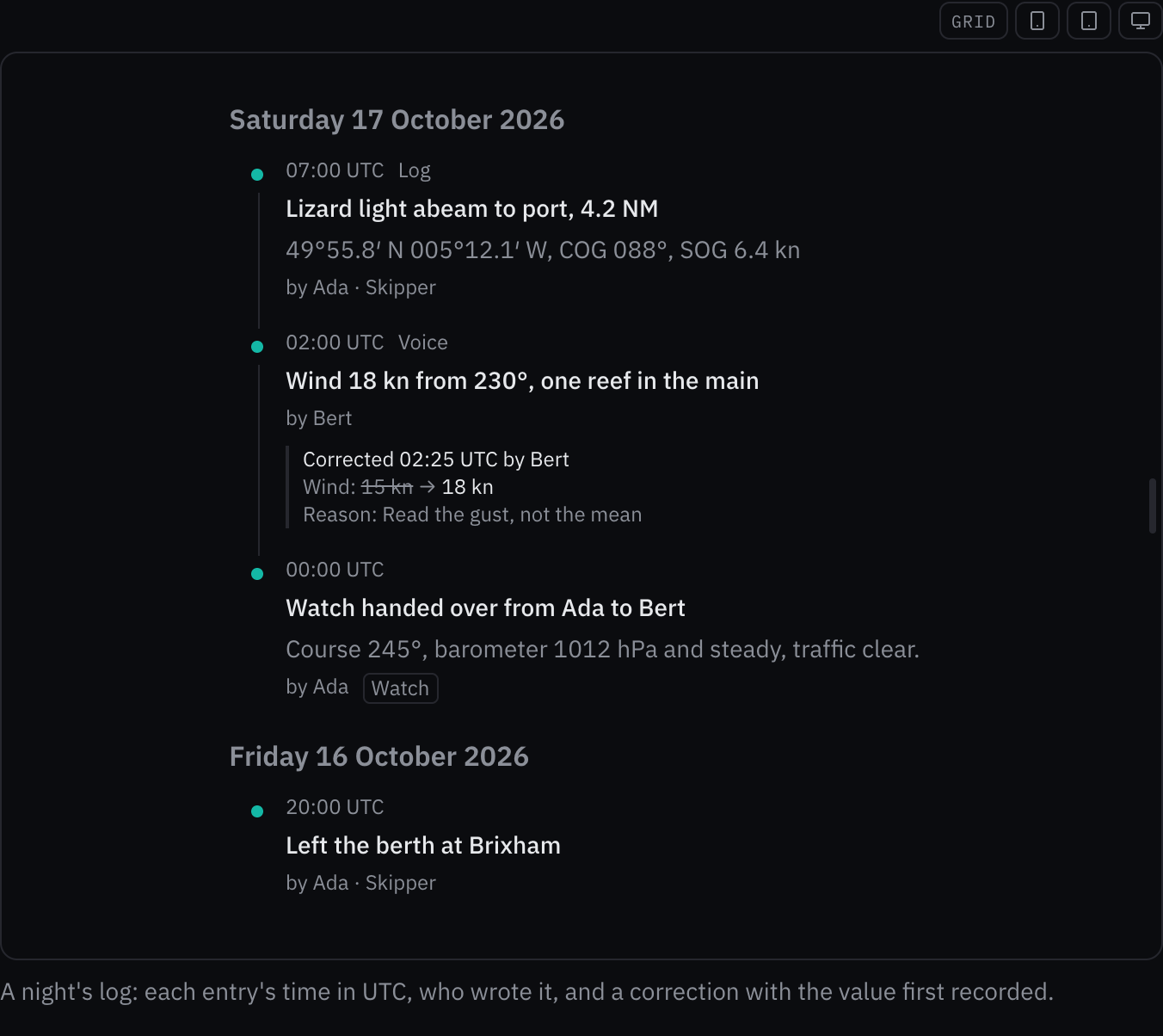
Rules behind it
- Regulation IMO MSC.302(87) §9.15: an alert history lists each alert with its time, priority and when it was acknowledged and cleared, and never flashes.
- Regulation IEC 62923: an alert in the history carries its priority's shape and word as well as its color.
- Foundation Content: every time is printed with its reference, and each day has a heading in the crew's language.
- Accessibility WCAG 2.2 SC 1.3.1 Info and Relationships: entries are an ordered list under day headings, and a correction is read as one sentence naming the field and both values.
AddedFile input: files chosen, dropped, pasted or photographed, checked and uploaded
Touches File input, Outlined field
Nothing in the web UI could attach a file, though bosund stores documents, photos and manuals. The file input takes
them by button, drop, paste or a phone's camera, checks each one's type, size, count and first bytes before it is
taken, and with the caller's upload action sends it with progress, a way to stop it and a retry. Thumbnails are read
into data: URLs, which the web UI's Content-Security-Policy allows.
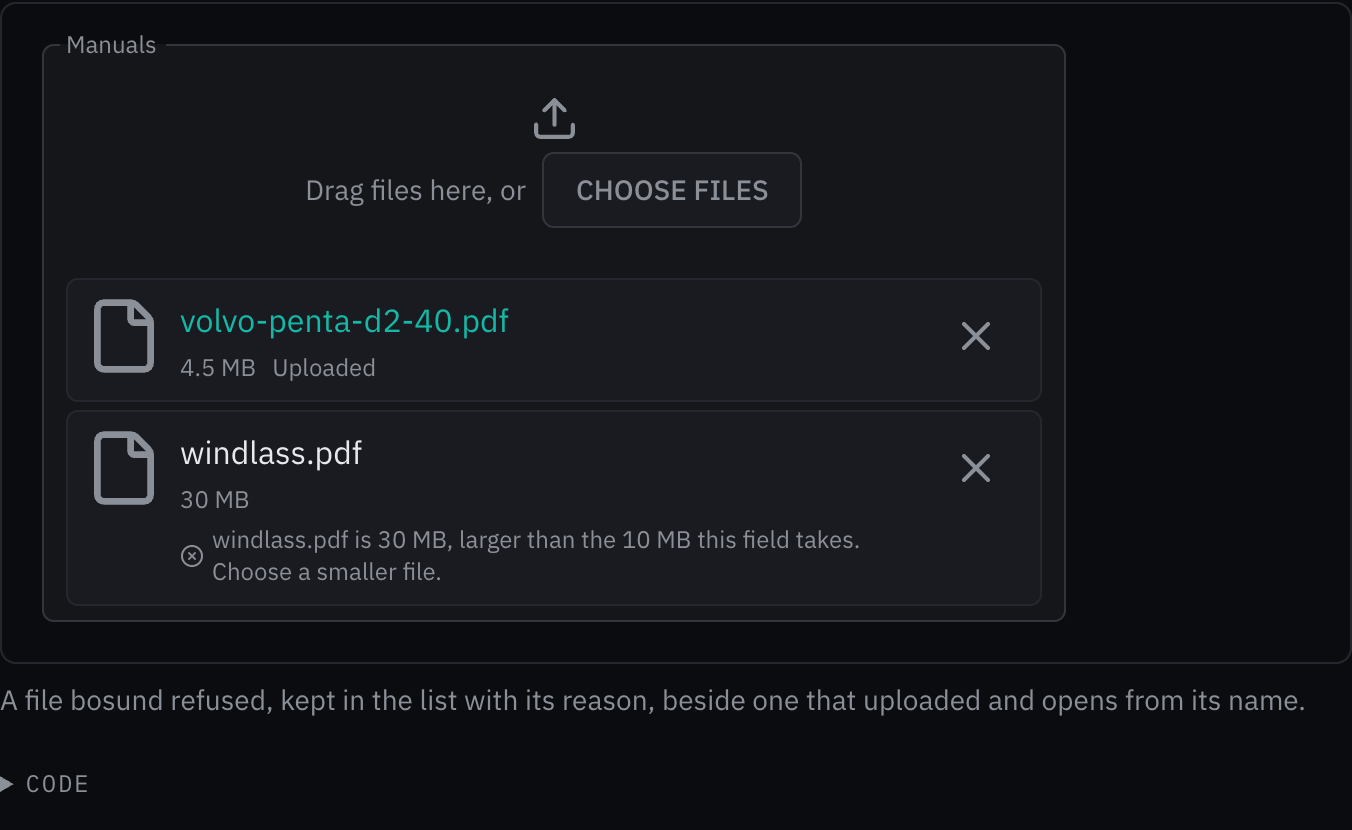
Rules behind it
- Foundation Content: a refused file says what is wrong with it and what to choose, and stays in the list until the crew remove it.
- Accessibility WCAG 2.2 SC 2.5.7 Dragging Movements: dropping a file has a single-press alternative, the choose button, which the field's name labels.
- Accessibility WCAG 2.2 SC 4.1.3 Status Messages: an upload's end, success or failure, is announced without moving focus, and its progress is a named progress bar.
AddedTide curve: the predicted tide, its high and low waters, and the windows above a height
Touches Tide curve, Trend chart
The tides page drew its prediction with a generic trend chart that knew neither the datum nor high and low water. The tide curve marks and lists them, reads the height now and whether it rises, adds the tide to a charted depth, shades night, and for a bar or a gate shades and lists the windows when the tide is above the height it needs.
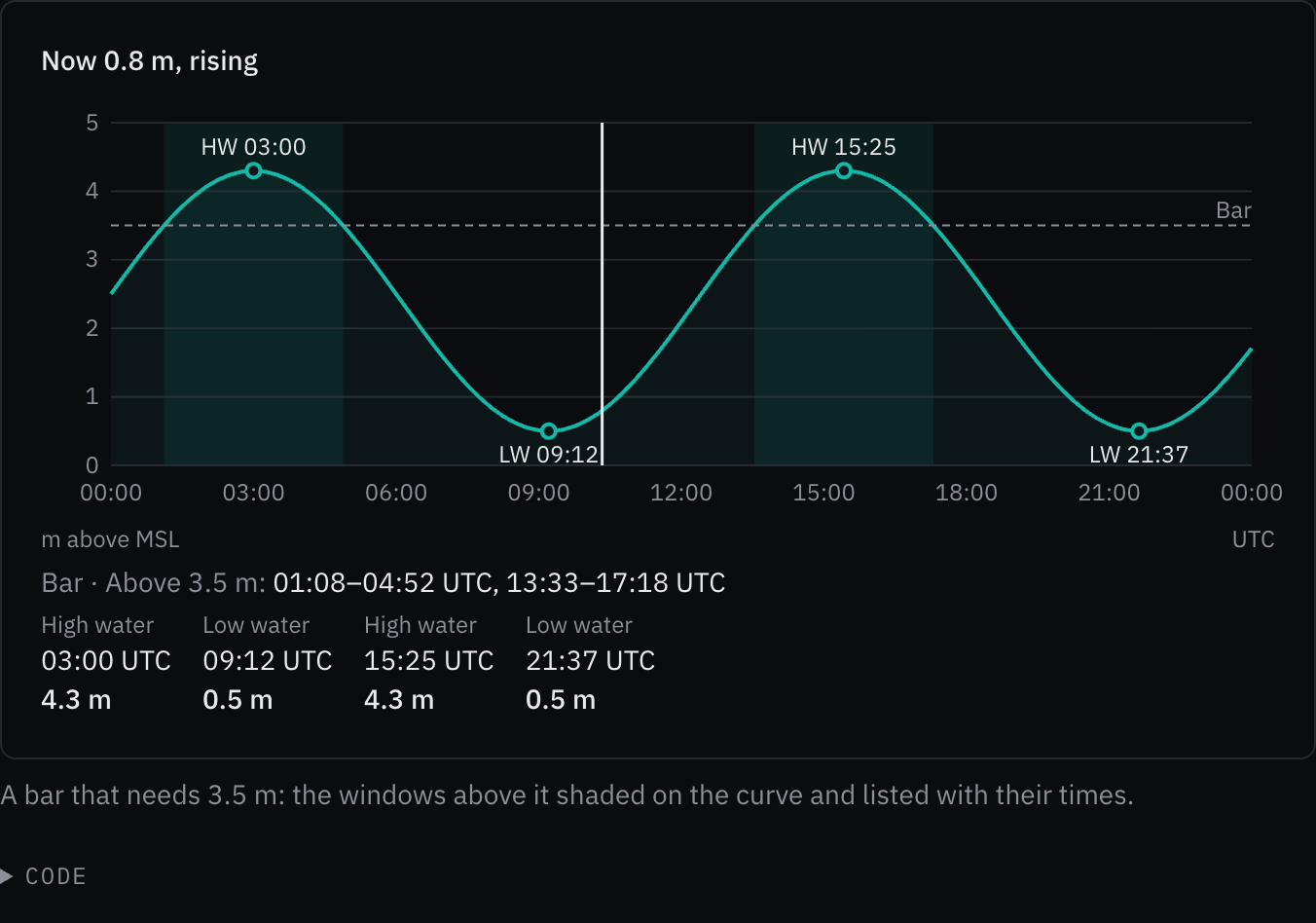
Rules behind it
- Foundation Data visualization: the curve is the data color, and the datum and the time reference are printed on the chart.
- Convention Depth floors: every height of tide is floored to a tenth of a meter and every depth as core/i18n floors one, so nothing reads as more water than predicted.
- Regulation SN.1/Circ.243: heights in m and times with their reference.
- Accessibility WCAG 2.2 SC 1.1.1 Non-text Content: the curve is explored with a slider a screen reader hears as time, height and trend, and the high and low waters are a list.
AddedCountdown: the time left until a moment, floored, never flashing
The passage plan's decision points each computed their own countdown on a page-wide timer. The countdown keeps its own clock, waking only when its text changes and sleeping while the page is hidden; it floors so it never promises more time than there is, takes the caution or warning treatment as the moment nears, and can count up once it has passed.
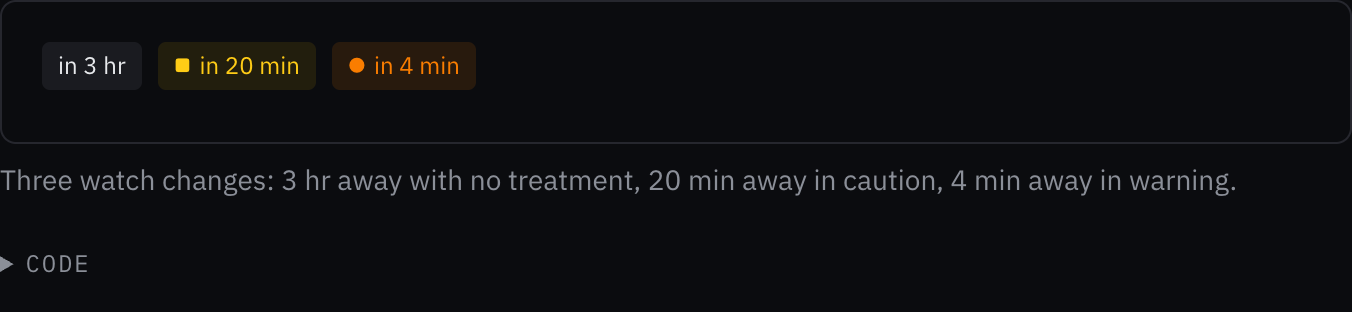
Rules behind it
- Regulation IEC 62923: the caution and warning treatments carry their shapes, ■ and ●, as well as their colors.
- Regulation IMO MSC.302(87) §7.3.3: a countdown is not an alert, so it never flashes; only an unacknowledged alarm or warning does.
- Accessibility WCAG 2.2 SC 4.1.3 Status Messages: the countdown is a timer a screen reader is not interrupted by, and the moments the caller names are announced once.
AddedA schedule marks a change of the ship's clock and prints each time in the reference of its moment
Touches Schedule
On passage the ship's clock is advanced or retarded at a set time, and a schedule printed every time with one
reference. Given clockChanges, each change draws a dashed line down the lanes with its words on the axis, and every
time is printed with the reference in force when it falls: an entry, a refusal, a new slot and the now line. An
entry across the change gives each end its own reference ("12:00 UTC+1–17:00 UTC+2"), and since times are instants
the watch keeps its true length of four hours.
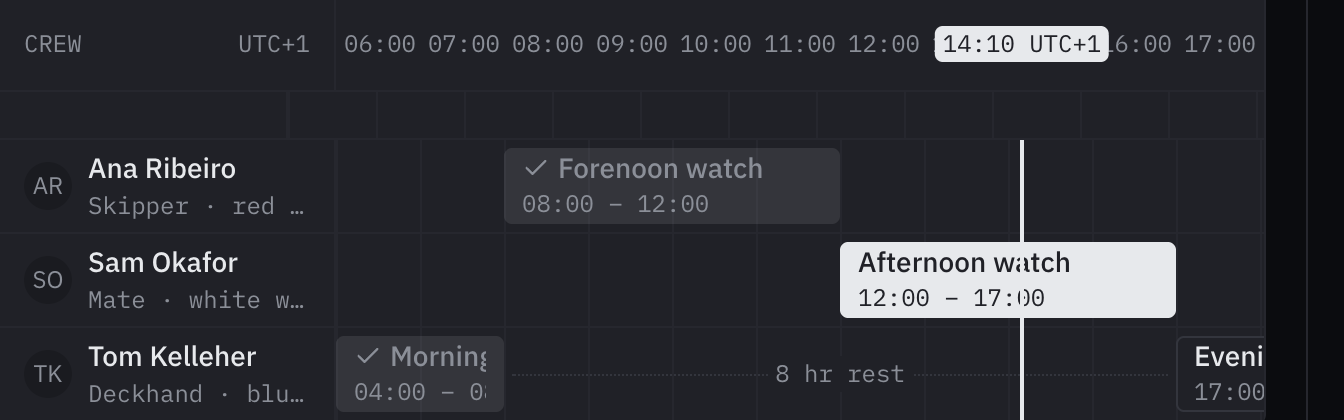
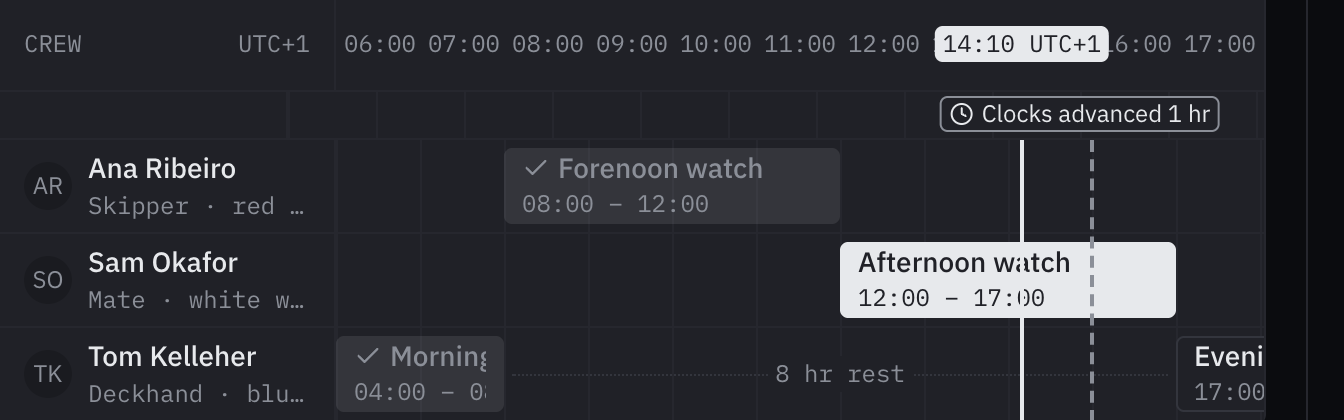
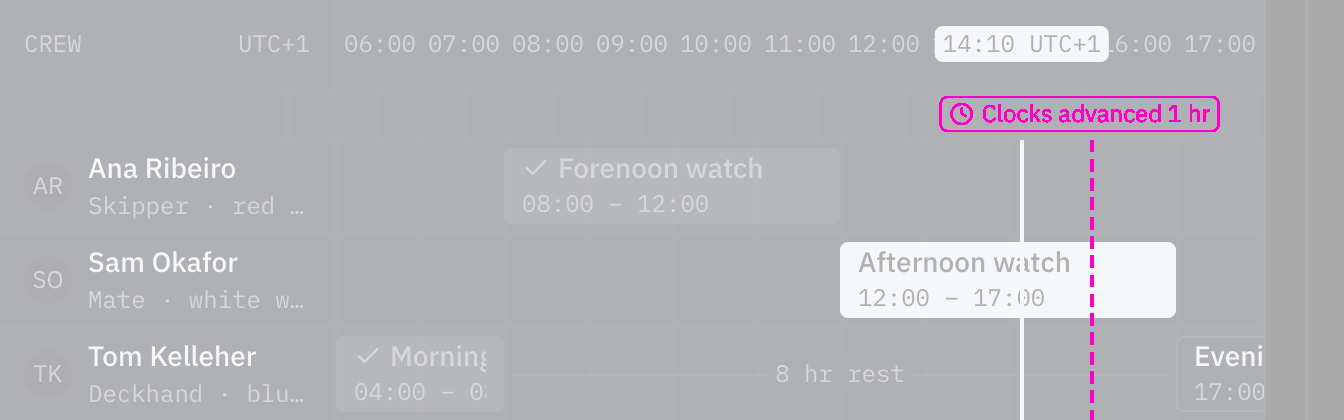
Rules behind it
- Regulation SN.1/Circ.243: every time is printed with its reference, and a watch across the change gives each end its own.
- Accessibility WCAG 2.2 SC 1.4.1 Use of Color: the change is drawn as a dashed line with a clock mark and words, apart from the solid now line.
AddedDuration input: how long something lasts, typed as the crew say it
Touches Duration input, Schema form
Watch lengths, alarm delays and service intervals were plain numbers in a unit the crew had to know. The duration
input takes "4h30", "4:30", "1,5 h" or "2 Std 15 Min", writes the value back in its fields, steps it by keys or
buttons, and offers presets; in a schema form a number field tagged component=duration with a unit of time draws it.
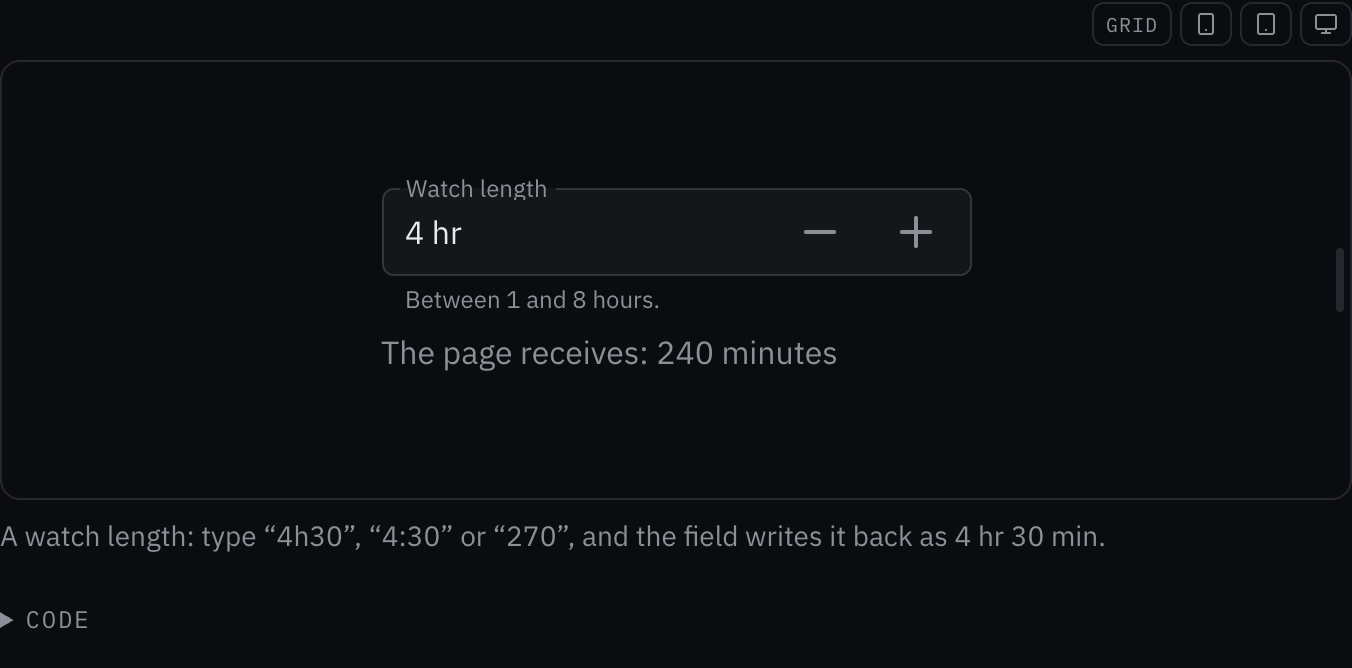
Rules behind it
- Foundation Content: a duration is read as the crew say it in any of the six languages and written back in the language's own units.
- Regulation SN.1/Circ.243: units are written in their abbreviations, and the smallest is floored so a duration never says more time than it holds.
- Accessibility WCAG 2.2 SC 4.1.2 Name, Role, Value: the field is a spin button whose value a screen reader hears in words, and each step button is named by how far it moves.
AddedEmpty state: what a list or a page shows when it has nothing, and the next step
Touches Empty state, Data table
Six pages wrote their own "No … yet" line, each in its own style, and a search that matched nothing said so to sighted crew only. The empty state is one block: a mark for why there is nothing (nothing recorded, nothing matched, the data cannot be shown here, nothing left to do), the line saying what is empty, why, and the next step as a button.
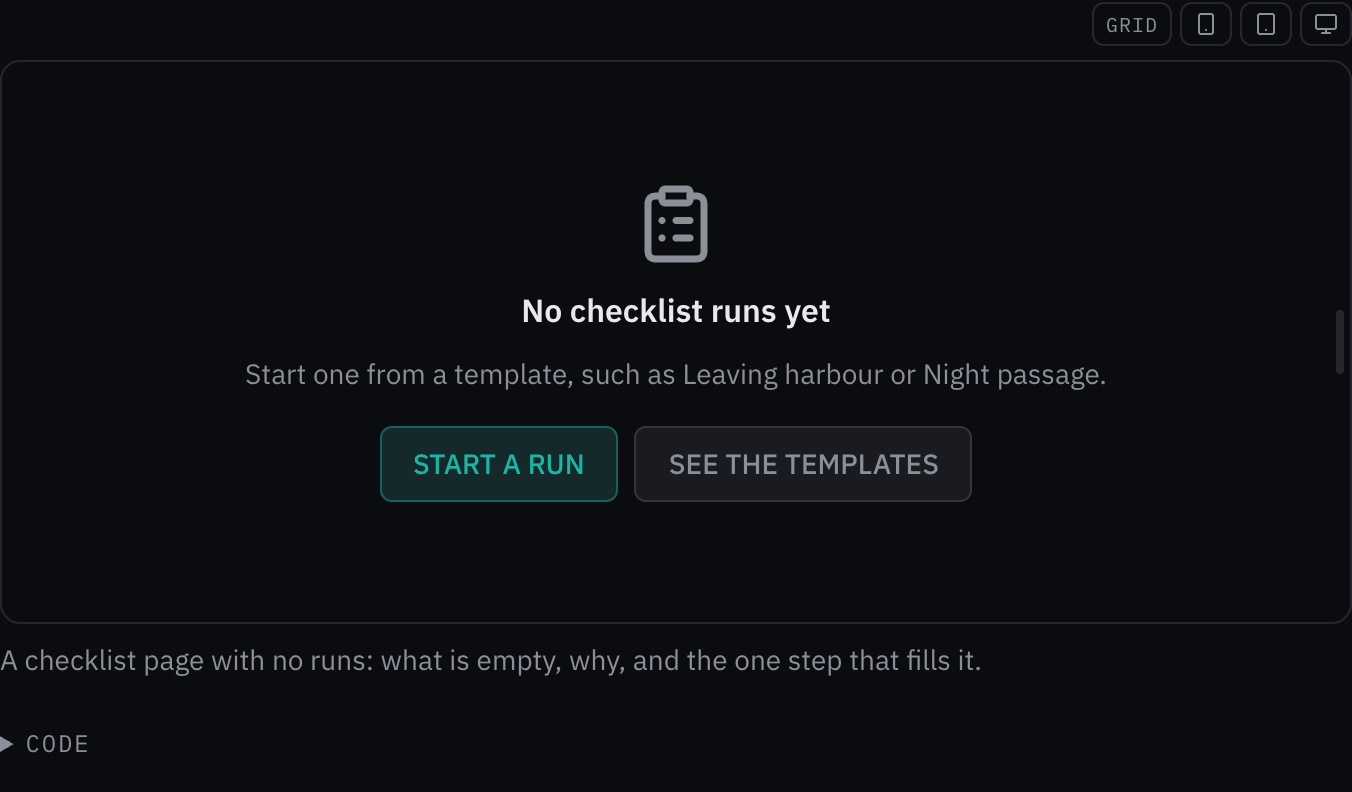
Rules behind it
- Foundation Content: an empty state says what is empty, why, and what to do next, in the crew's terms.
- Convention Red means alarm: an empty log is not an error, so the state wears no message or alert color; only a done state takes the success green on its mark.
- Accessibility WCAG 2.2 SC 4.1.3 Status Messages: a state that appears in the place of search results is read out politely without taking focus.
AddedA schedule checks each crew member against the rules on hours of rest
Touches Schedule
The schedule could warn about one short gap (minRest) but not about the rest counted over a day or a week, which
is what the rules on hours of rest measure. Given restRule, each lane is checked over every 24 hours and 7 days
that overlap the range: the least rest in each, how many periods the day's rest is split into and the longest of
them, and the longest work between two rests. A lane that meets the rule says so under its name; one that breaks it
lists each limit with the caller's durations, such as "7 hr rest in 24 hours, under 10 hr". The arithmetic lives in
rest-hours.ts, tested on its own.
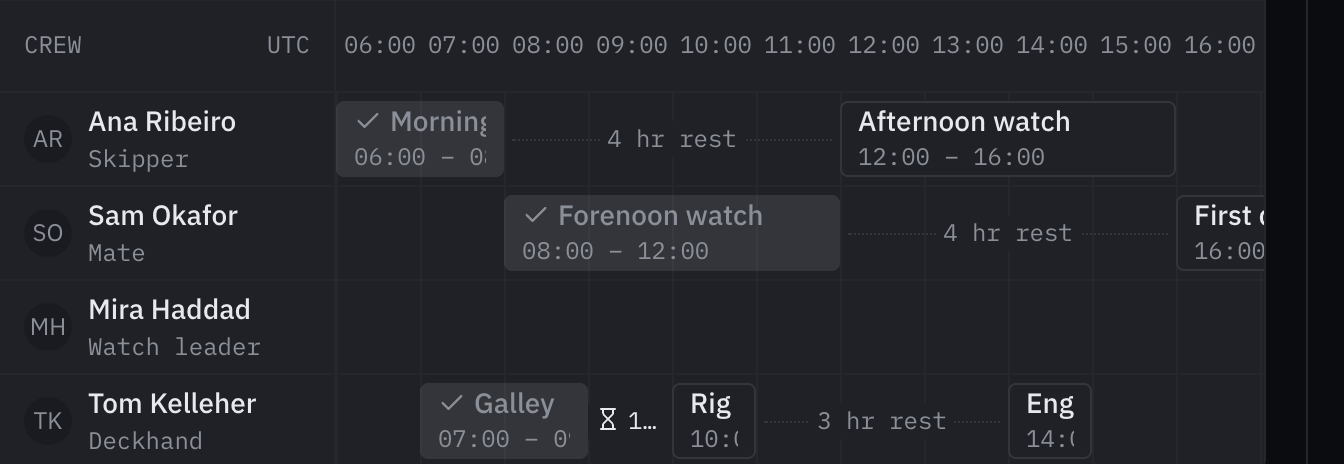
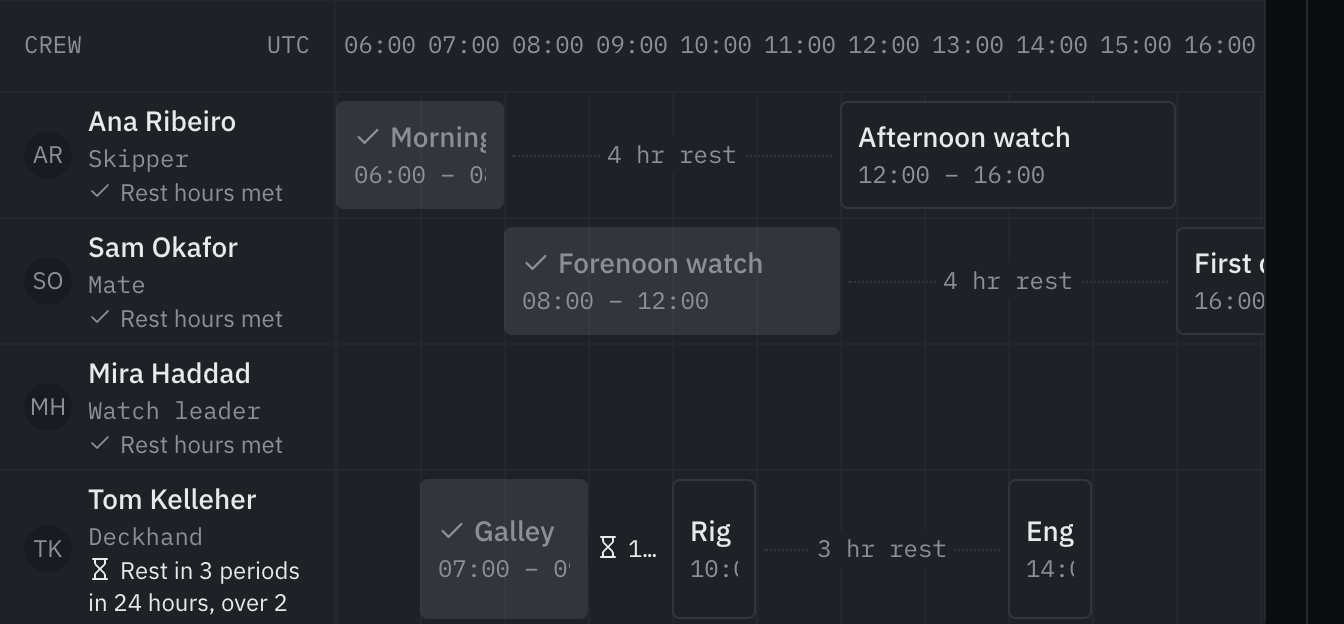
Rules behind it
- Regulation ILO Maritime Labour Convention, 2006, Standard A2.3 §5–6: the limits the rule checks: 10 hours of rest in any 24 and 77 in any 7 days, in no more than two periods, one of at least 6 hours, with no more than 14 hours between them.
- Accessibility WCAG 2.2 SC 1.4.1 Use of Color: a broken limit is told by its hourglass and its words, a met rule by a check.
AddedThe crew create a schedule entry from the keyboard with New entry
Touches Schedule
Creating an entry needed a pointer: a drag or a click on an empty part of a lane. Given onCreate, New entry in the
head places a slot one step long from the quarter hour of now in the first lane that takes entries and focuses it.
The arrow keys move it, Shift with them changes its end, Up and Down change its lane, and each step is read out.
Enter hands it to onCreate, Escape drops it, and focus goes back to New entry. Its words are in all six languages.
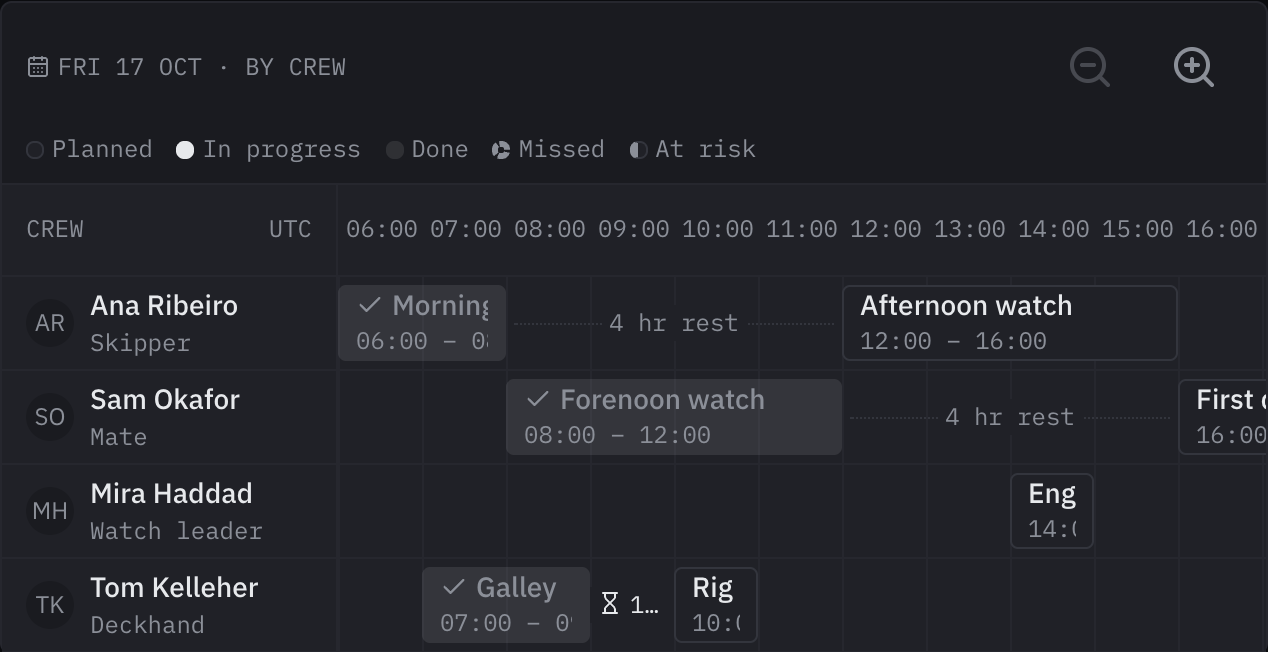
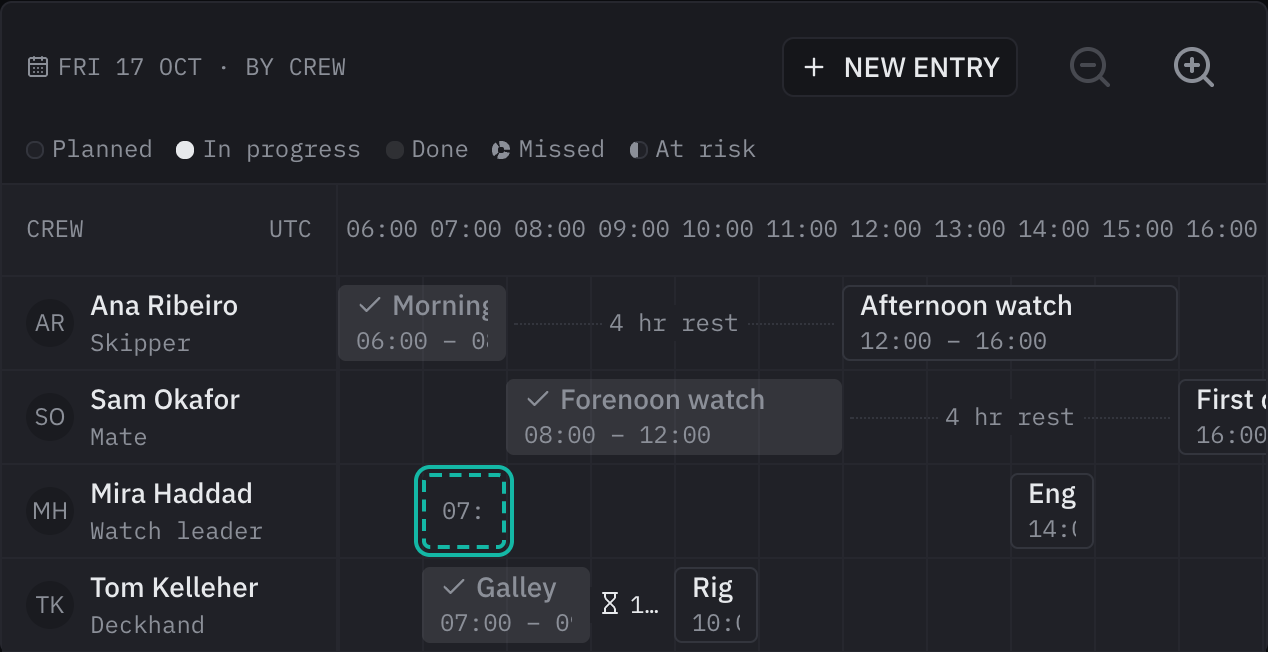
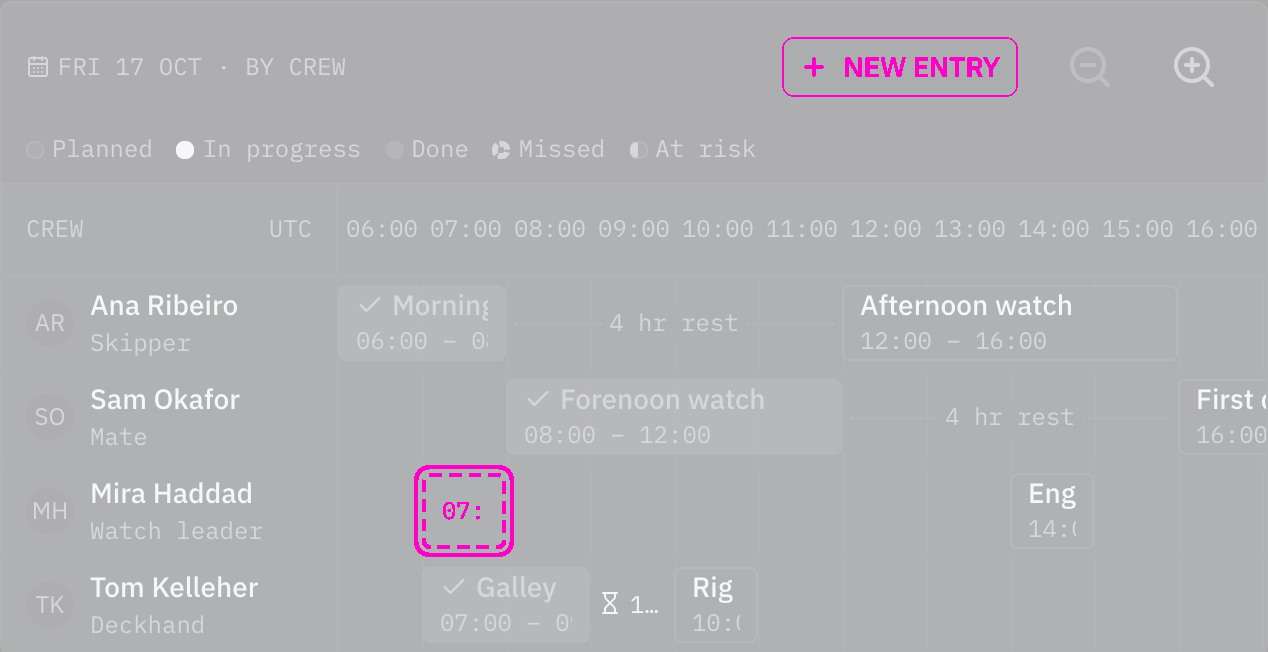
Rules behind it
- Accessibility WCAG 2.2 SC 2.1.1 Keyboard: an entry can be created without a pointer: New entry places a slot the arrow keys move and Enter creates.
- Accessibility WCAG 2.2 SC 4.1.3 Status Messages: each step reads out the slot's hours with their reference and its lane.
ChangedOn a touch screen a schedule's entry moves only after a long press
Touches Schedule
A swipe that starts on an entry scrolls the rota instead of moving the watch; a finger held still on the entry for 0.4 s picks it up, ringed, and its next moves drag it.
AddedA schedule shows overlapping entries and short rest, and refuses a move onto taken hours
Touches Schedule
Two entries in one lane on the same hours were drawn on top of each other, so one hid the other, and nothing stopped
a move that gave a crew member two watches at once or left them an hour's rest. Overlapping entries now take a band
of the row each, with a layers mark, and are named as overlapping each other. A move onto hours another entry in the
new lane holds is refused before changeAction is asked, with the reason in the crew's language; allowOverlap
lets it through where work can run side by side. Given minRest, a gap shorter than it is drawn solid with an
hourglass, and the entry after it is named as having a short rest before it.
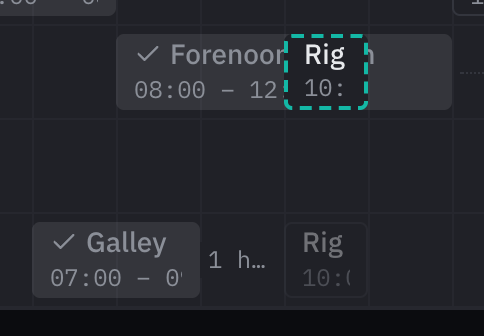
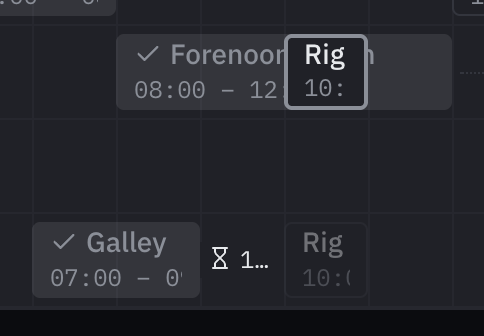
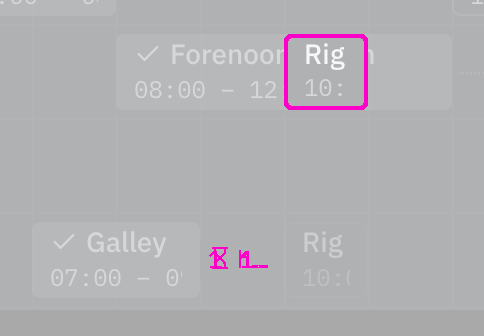
Rules behind it
- Accessibility WCAG 2.2 SC 1.4.1 Use of Color: an overlap is told by its band and layers mark, short rest by a solid line and an hourglass, the refused ghost by a solid outline; none by color alone.
- Accessibility WCAG 2.2 SC 4.1.3 Status Messages: a refused move is an alert naming the entry already there and its hours.
- Regulation SN.1/Circ.243: the refusal gives the other entry's hours with their time reference.
AddedThe crew mark hours on a schedule's lane for a new entry
Touches Schedule
A new watch or job could only be added outside the schedule, with its hours typed in. Given onCreate, dragging
across an empty part of a lane marks every quarter hour (moveStep) the drag touched, with a ghost showing the
hours, and a click marks one step from the quarter hour clicked in. The schedule hands the lane and hours to the
caller, which opens its own form to name the entry. A lane with a note, such as a crew member off sick, takes no new
entries.
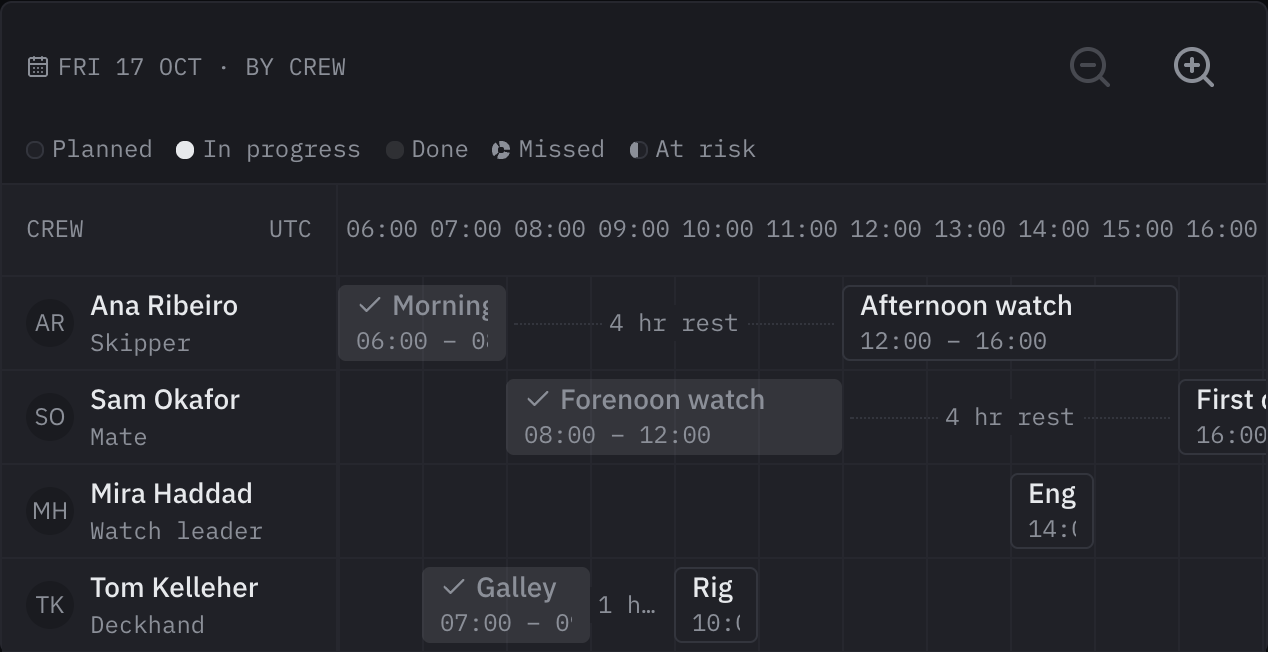
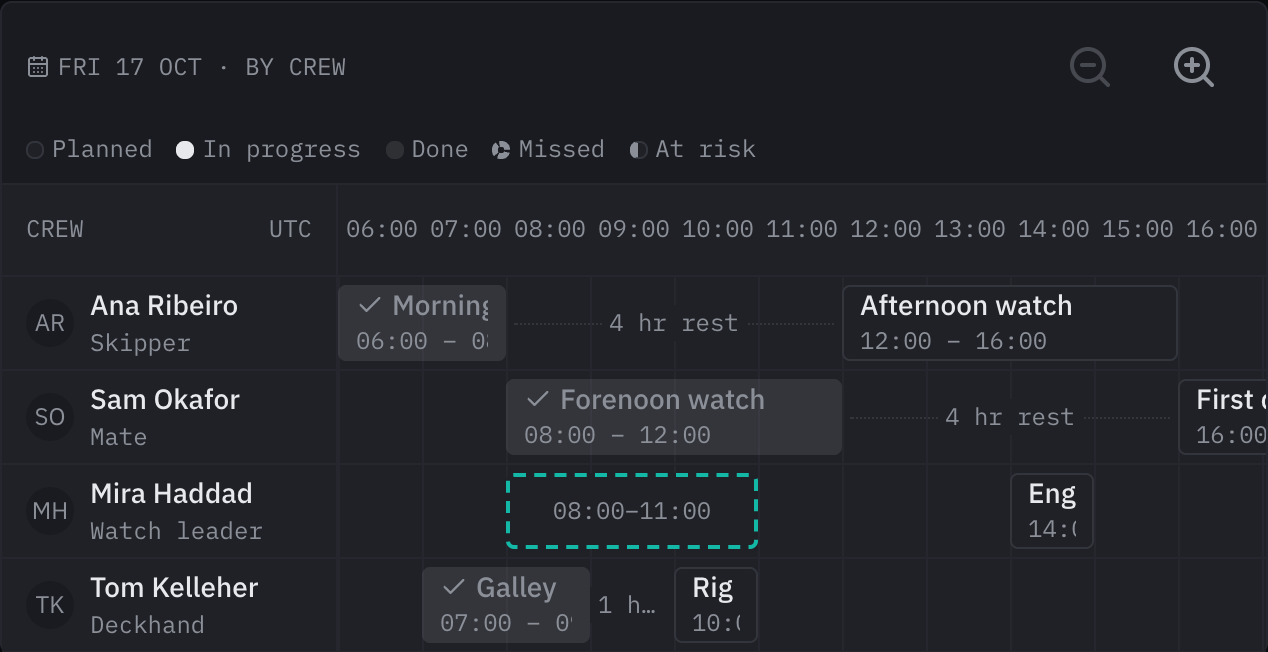
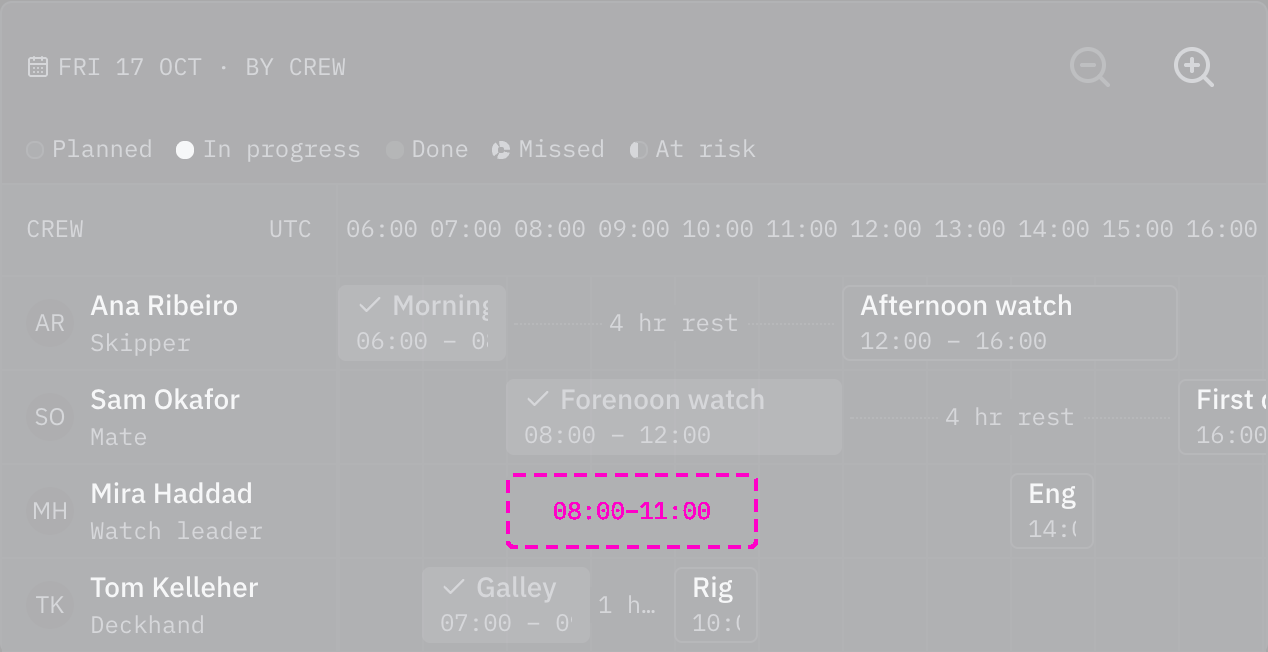
Rules behind it
- Accessibility WCAG 2.2 SC 2.5.7 Dragging Movements: a single click marks a slot one step long, so a new entry needs no drag.
- Foundation Component API: the schedule hands the slot to `onCreate`, and the entry appears only when the caller passes it back.
AddedThe crew move and resize a schedule's entries, by pointer or keyboard
Touches Schedule
A schedule could only be read: a watch that had to move to another crew member, or end later, was changed somewhere
else. Given changeAction, an entry dragged along its lane moves its hours, dragged onto another lane goes to that
crew member, and its edges change its start and end, each snapped to moveStep. The same moves work with Alt and the
arrow keys, announced step by step. While the save is pending a ghost shows the new hours; a refusal puts the entry
back and shows the reason. An entry marked locked, such as a watch already stood, does not move.
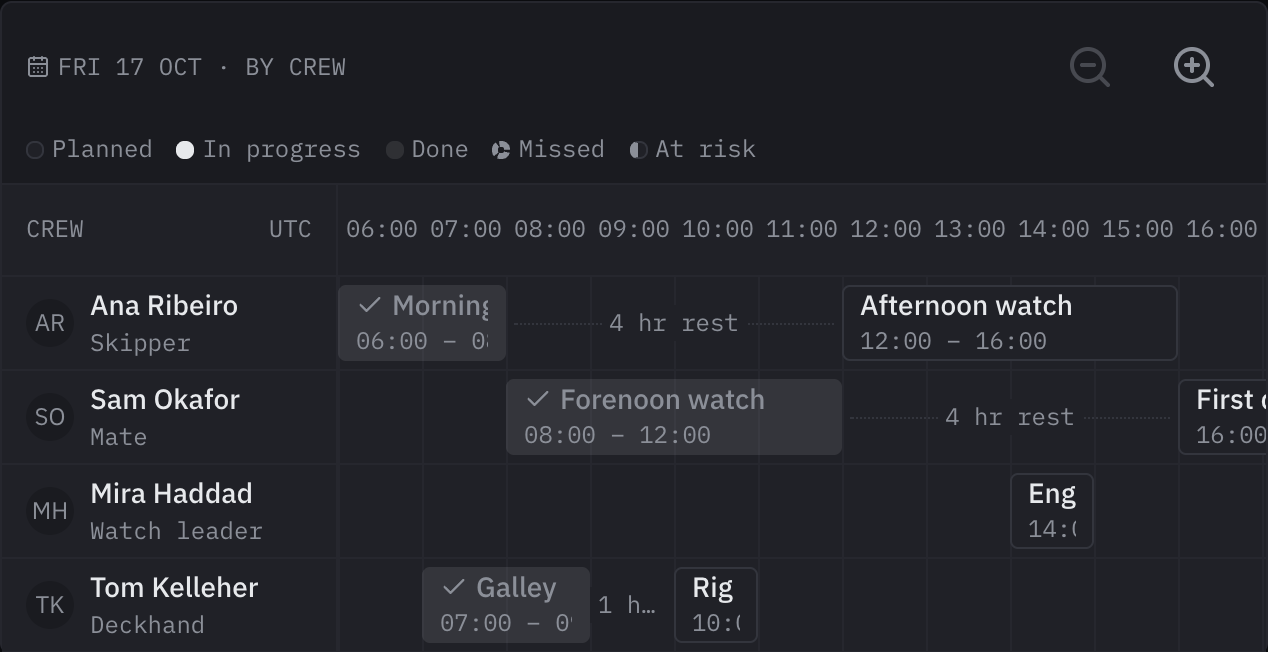
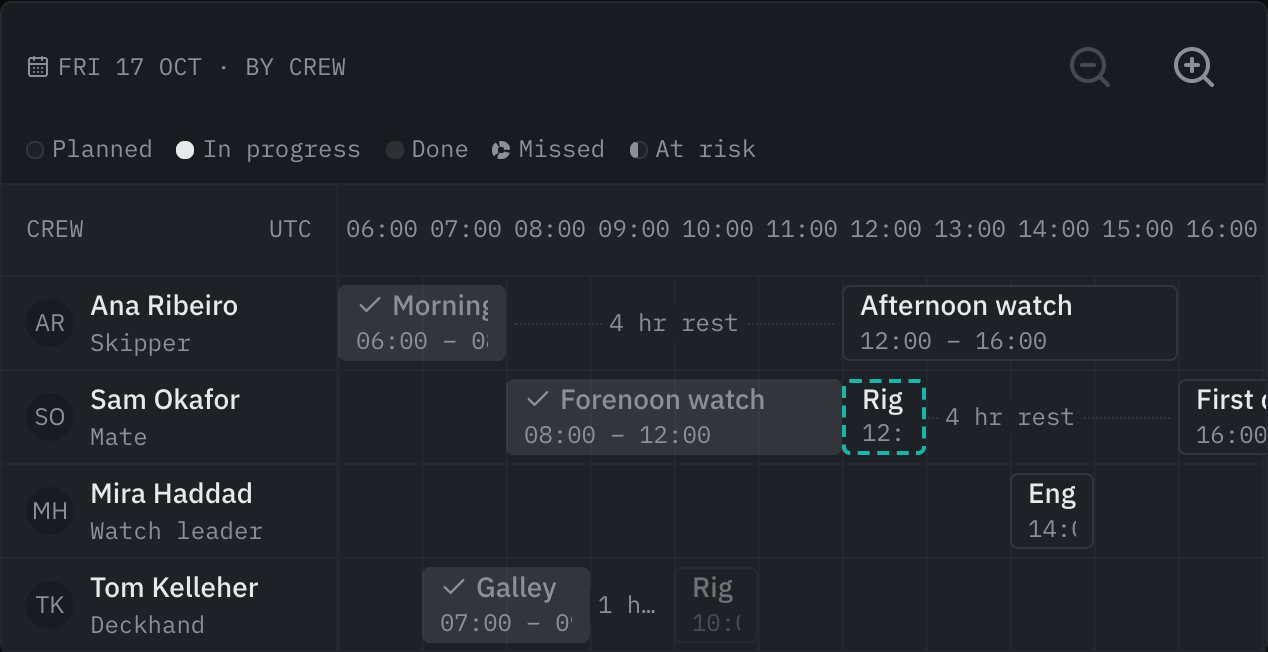
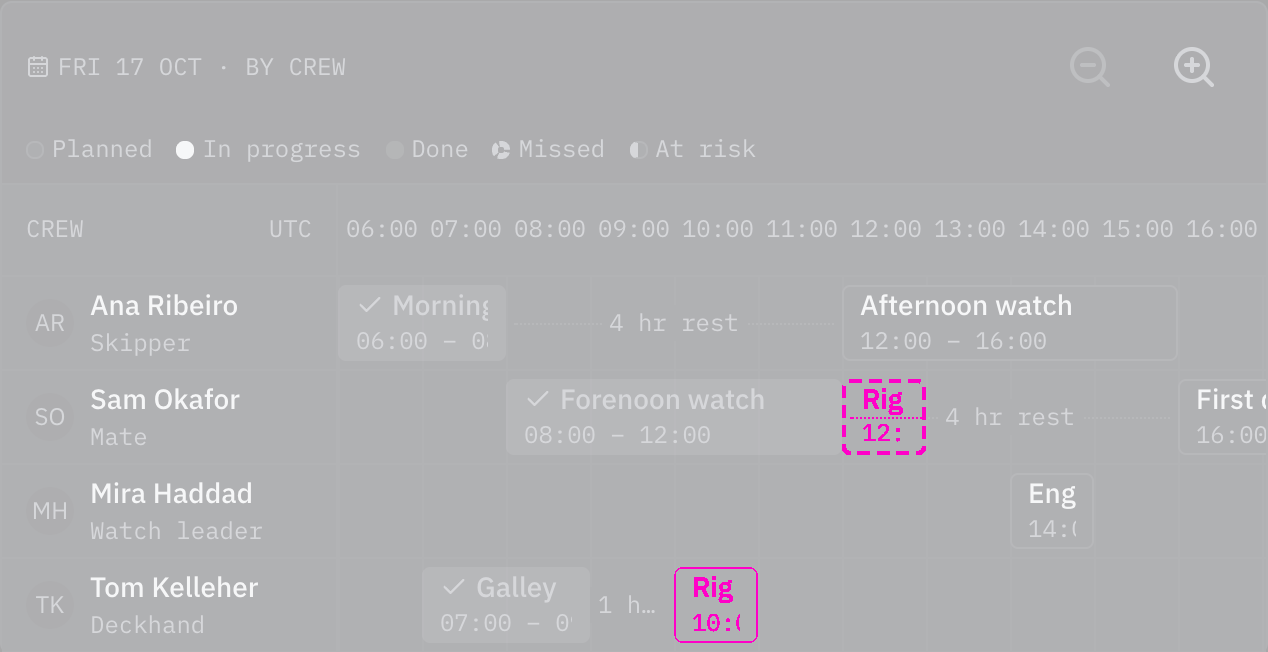
Rules behind it
- Accessibility WCAG 2.2 SC 2.5.7 Dragging Movements: every drag has a keyboard path without dragging: Alt with the arrow keys moves an entry, its end and its lane.
- Accessibility WCAG 2.2 SC 4.1.3 Status Messages: each keyboard step announces the new hours and lane, and a refused change is an alert with its reason.
- Foundation Component API: the change goes through `changeAction`, and the entry moves only once the caller passes it back saved.
AddedA schedule moves between days and zooms its hours
Touches Schedule
A schedule showed one day at one scale: an hour of a crowded watch could not be read more closely, and the crew
could not move to tomorrow's rota from the schedule itself. Zoom in and Zoom out widen and narrow the hours in two
steps, keeping the same time in the middle of the view. Given onNavigate, Previous day, Today and Next day ask the
caller for another day, which works out the new range in the vessel's day. The controls are named in all six
languages.



Rules behind it
- Accessibility WCAG 2.2 SC 1.4.10 Reflow: zooming widens the hours inside the schedule's own scroll area, so the page never scrolls sideways.
- Accessibility WCAG 2.2 SC 4.1.2 Name, Role, Value: each control is a button named in the crew's language, and a zoom that can go no further is disabled.
ChangedThe newest toast stands at the screen's edge, and every toast shows
Touches Toast
A new toast appeared farthest from the edge the stack is anchored to, on top of a stack at the bottom, so the newest
message was the one the eye reached last, and a toast closing at the edge moved the whole stack. Only three showed
by default, and a fourth waited out of sight to appear seconds later. The newest toast now stands nearest the edge,
at the bottom for a stack at the bottom and at the top for one at the top, and the older ones glide away from the
edge to make room. Every toast shows by default, a stack taller than the screen scrolling; limit still sets how
many show, with the toasts that wait for the crew always among them.
No visible change in a still. The change is in the order toasts arrive and how many stay; a still of three toasts in either order shows only that one is reversed. The toast's tests pin the order at both placements, the toasts making way, and five toasts showing.
Rules behind it
- Foundation Motion: the toasts already showing glide aside over the medium duration on the standard curve as a new one rises at the edge.
- Regulation IMO MSC.302(87) §7.3.3: a toast is not an alert, so every one stays readable rather than some being held back unseen.
FixedThe toasts that stay move into a leaving toast's place while it slides out
Touches Toast
A leaving toast's place stayed empty while it slid out, and the others moved in only once it was gone, two motions with a gap between; they now glide into its place as it slides out, in one 200 ms motion, and stay there when it is removed.
AddedSchema forms and lists draw money, rating and signature fields
Touches Schema form, Entity list, Money input, Rating, Signature input
bosund's component=money (with currency_field), rating and signature draw those inputs in a schema form, the expense amount and its currency as one money input and a place's or contact's rating as stars; a list shows a money column as the amount with its currency and a rating column as its stars, and passes the crew's own currency and the day's rates to its forms.
AddedRating: steps out of five, or of another icon
Touches Rating, Radio group
A place's holding or a marina had no rating control, and an average no picture. The rating is a row of steps on Base UI's radio group: the pointer previews, a press or a typed digit chooses, a press on the chosen step clears, and the arrow keys move through the steps. Read-only, it is one image named by its value, so an average such as 3.7 fills part of a step.
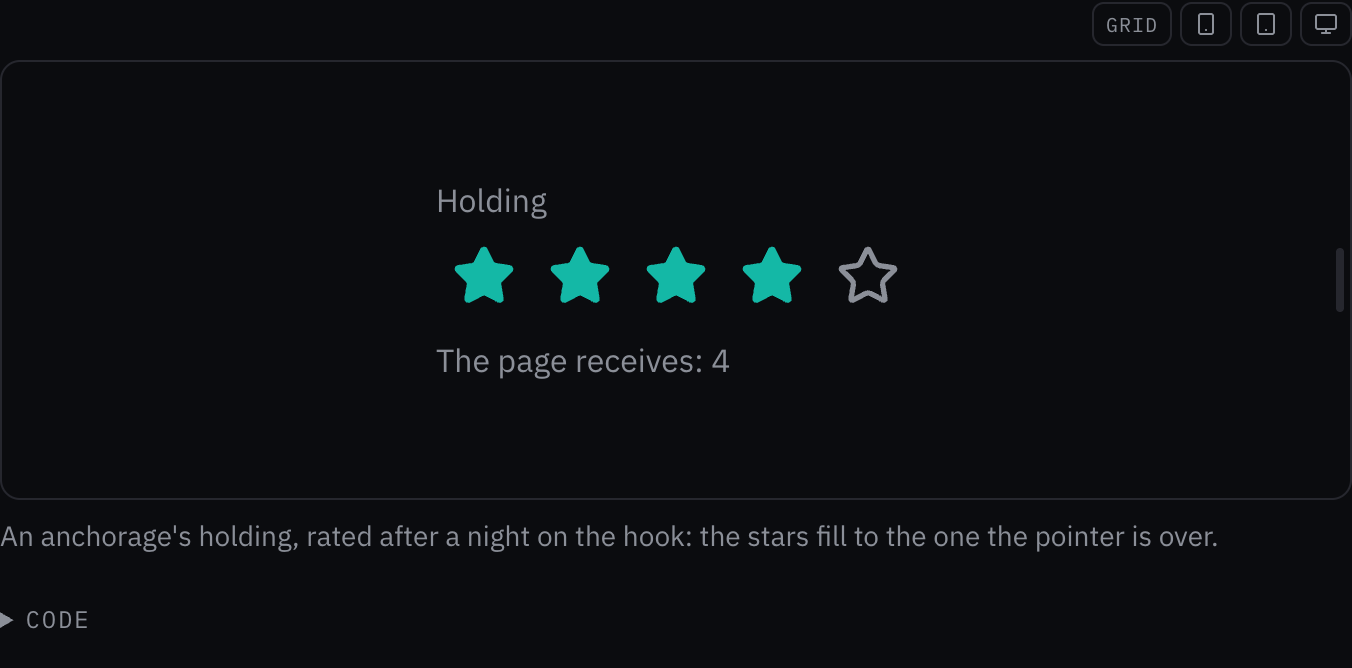
Rules behind it
- Accessibility WCAG 2.2 SC 4.1.2 Name, Role, Value: each step is a radio named by its value out of the most, and a read-only rating an image named by its value.
- Accessibility WCAG 2.2 SC 2.5.8 Target Size (Minimum): each step takes the press over a 48 px target whatever size its icon is drawn at.
AddedA schedule lays out a day of the vessel's rota against the clock
The kit had no way to show a rota: who stands which watch, which jobs fall when, who is off. Schedule lays out one
day, one lane per crew member or piece of equipment, each entry where its hours fall with its title and hours. The
hours run across the top with their reference; now is a line down every lane; the time between two entries in a
lane, such as rest between watches, is written on a dotted line; a lane can carry a note in place of its entries,
and a summary sums the day up. An entry is named in full and, given renderDetail, opens its detail in a popover.
On a narrow screen the hours scroll sideways while the lanes' names stay put.
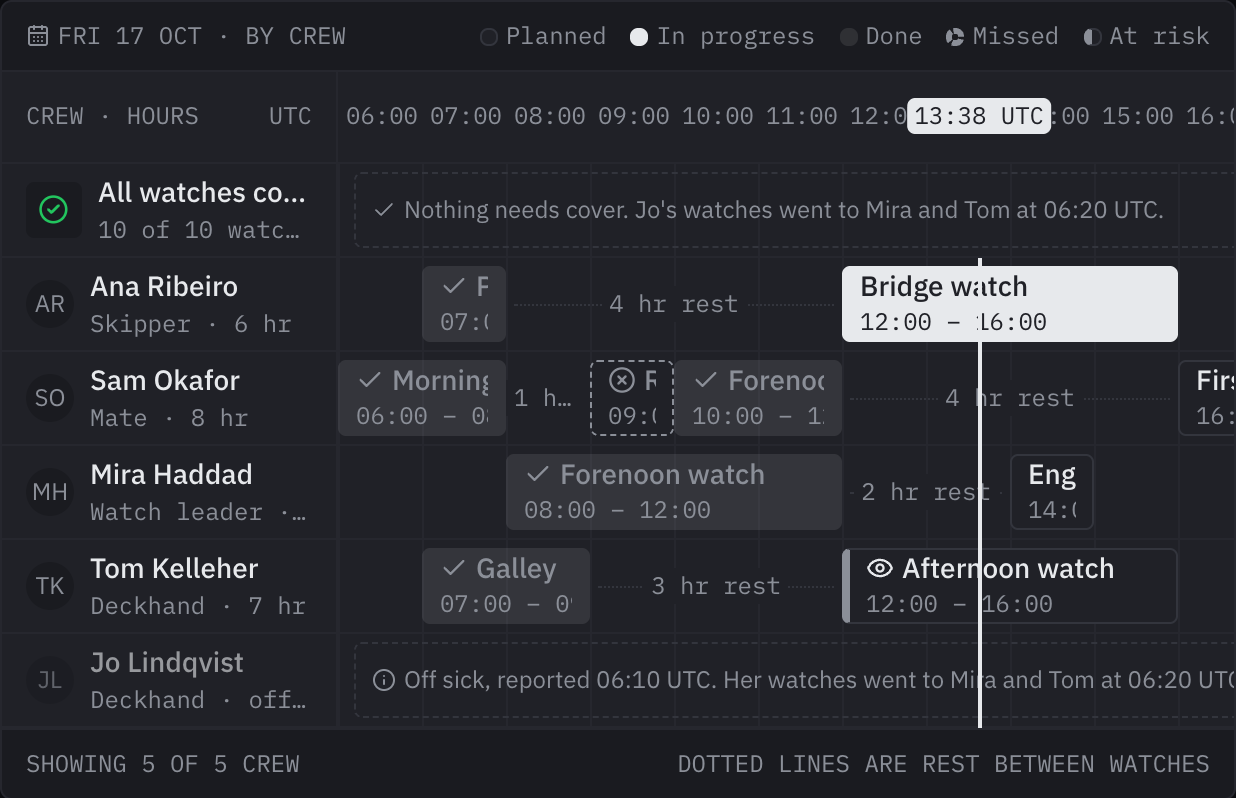
Rules behind it
- Regulation SN.1/Circ.243: every time on the schedule is given with its reference, on the axis, the now line and each entry's name.
- Regulation IMO MSC.302(87) §7.3.3: a missed or at-risk entry is not an alert: no state takes an alert color or flashes.
- Accessibility WCAG 2.2 SC 1.4.1 Use of Color: each state is told by its shape and mark: outlined, filled, muted with a check, dashed with a cross, thick-edged with an eye.
- Accessibility WCAG 2.2 SC 2.1.1 Keyboard: the entries are one stop for Tab and the arrow keys, Home and End move between them as in a grid.
AddedSignature input: a signature drawn with a finger, a stylus or the mouse
Touches Signature input, Outlined field
A watch handover, a delivery or a guest's waiver had no way to be signed on the screen. The signature input is a
pad in an outlined box with a line to sign on: each stroke is smoothed and kept as SVG path data, so the value is a
standalone SVG of a few kilobytes in the page's ink color. Undo, redo and clear sit at the box's end, with Ctrl+Z
and Ctrl+Shift+Z on the pad; pointerTypes can limit drawing to a stylus.
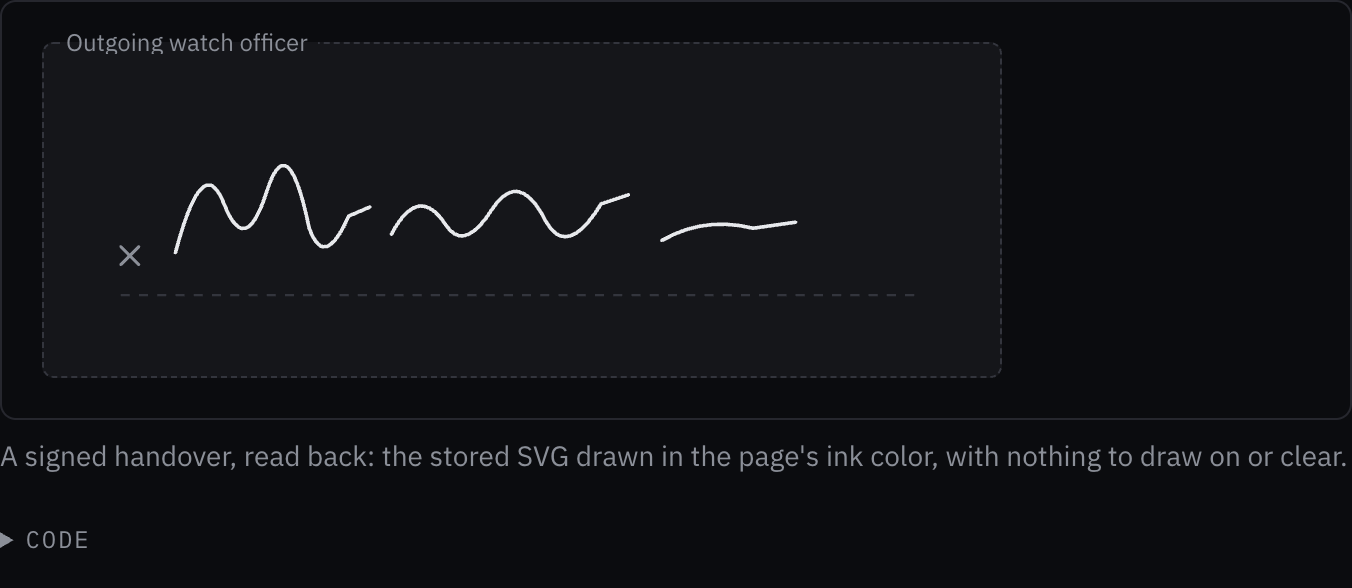
Rules behind it
- Accessibility WCAG 2.2 SC 4.1.2 Name, Role, Value: the pad is a group named by its label and described as signed or not signed, and its undo, redo and clear buttons are named.
- Accessibility WCAG 2.2 SC 2.5.7 Dragging Movements: a signature is drawn by dragging, which the criterion allows where the path is essential; the page offers another way, such as a typed name, beside the pad.
AddedMoney input: an amount with its currency, shown in the crew's own
Touches Money input, Outlined field
An expense or a fuel fill was a plain number beside a separate currency, so "151,20" on a German keyboard was refused and a receipt in lira said nothing of its cost in the vessel's own currency. The money input puts the currency at the start of the field, takes the amount with either separator, writes it back the crew's way, and, given the ECB rates bosund holds, shows the amount in the crew's own currency under the field with the day of the rates.
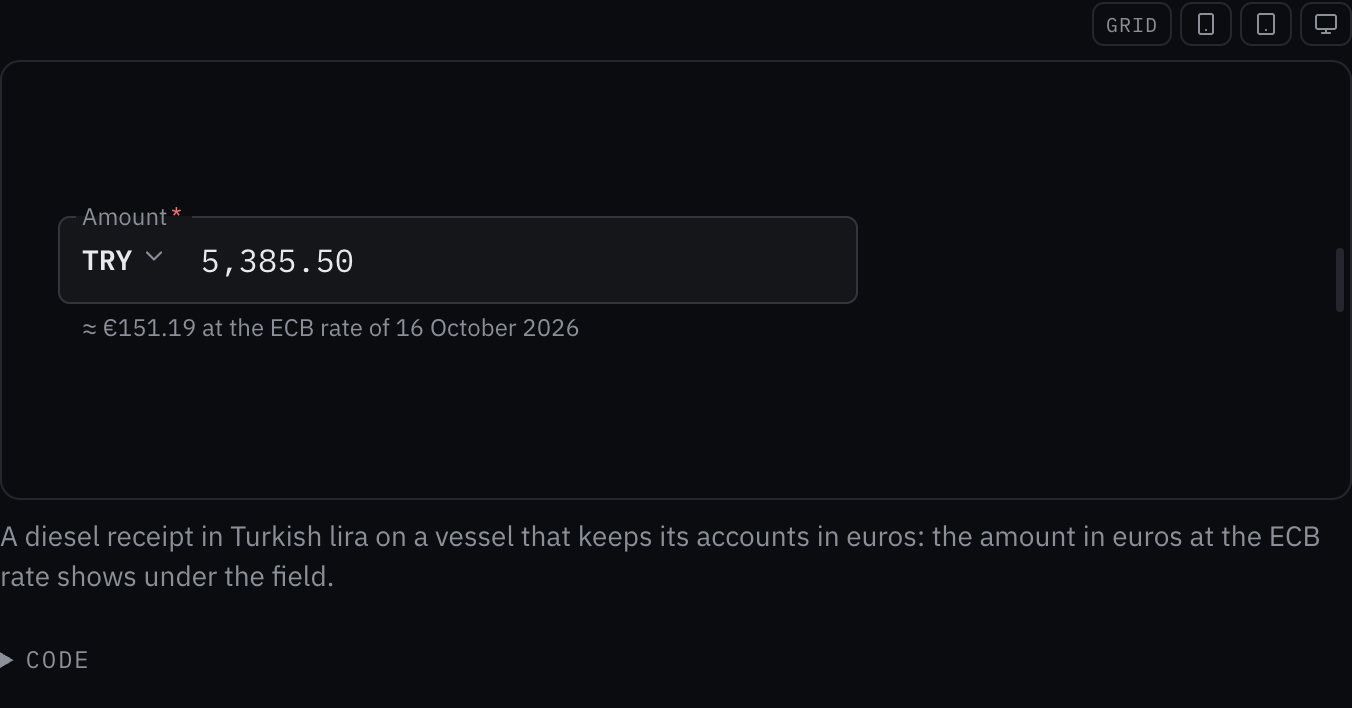
Rules behind it
- Foundation Content: an amount is read as the crew type it, with a comma or a dot before the cents, and written back the way their language writes it.
- Accessibility WCAG 2.2 SC 3.3.1 Error Identification: an amount the field cannot read is named in text under it, with how many decimal places the currency has.
FixedA toast that waits for the crew keeps its place however many arrive
Touches Toast
Three brief toasts shown after one that stays until dismissed pushed it out of sight until they left, since the limit took the newest whatever their kind; a toast that waits for the crew (persistent, an error or attention message, a running task) now always shows, and the brief ones take the places left, newest first, with the older ones waiting.
ChangedInline edit's buttons sit small to the right of the title
Touches Inline edit
The pencil sits to the right of the title, centered on it, and the pencil, save and cancel are drawn small, each with its 48 px touch target kept around it, so the controls no longer outweigh the title or push the content below down a row.
AddedTwo typed digits make a year of birth
Touches Date of birth input
"93" typed on the year is 1993 and "20" is 2020, or 1920 when minAge makes 2020 too recent: the latest year ending in the two digits that the bounds allow, with four digits still making any year; in the open year list, two digits jump to that year.
ChangedA toast is swiped away to the right only
Touches Toast
A toast took a swipe down (up at the top) as well as to the right, but on a touch screen the browser kept vertical drags for scrolling, so only a mouse could swipe down; it now takes a swipe to the right only, the same under a finger and a mouse, and a stack taller than the screen still scrolls.
FixedA date of birth's month takes its number in the list and its name on the segment
Touches Date of birth input
In the open month list, "3" or "03" jumps to March and "12" to December, as the names did; on the month's segment, letters type its name in the crew's language, "ma" for March and then "y" for May.
ChangedA toast's action buttons take the small size under a mouse
Touches Toast, Split button
A toast's actions were always 48 pixels tall, heavier than the kit's own buttons on a desktop and taller than a one-line toast needed; they now take the kit's small size under a mouse, the split button and its menu button included, and the touch target under a finger.
AddedToday and Yesterday in the date picker
Touches Date picker
Under the calendar's month, Today and Yesterday choose those days in one press, in the picker's zone, each disabled when min or max excludes it.
ChangedA toast's actions stand on a row under its text, and its dismiss button on the title's line
Touches Toast
A toast's actions took a column beside its text, between the text and the dismiss button, which squeezed the text into a narrow column, and the title sat higher than the controls beside it. The actions now stand on a row of their own under the text, starting at the title's edge, so the text keeps the toast's width. The dismiss button is centered on the title's line: the toast's top padding grows to half the difference between the touch target and the title's line height when that is more than the padding, and the button is drawn up exactly that far, so it never covers the toast's border. At the end it reaches the padding's edge, so its icon sits about as far from the edge as the kind's mark does. A countdown with no action keeps its seconds on the title's line.
Before: The actions stood in a column between the text and the dismiss button, so a saved route's description wrapped in 180 pixels and a running export's title wrapped on a phone; the title sat 6 pixels above the controls' middle, and the dismiss icon 28 pixels from the right edge against the mark's 21 from the left.
Rules behind it
- Foundation Spacing: the toast keeps one padding on every side, and the dismiss button is drawn into it only as far as centering it on the title takes.
- Accessibility WCAG 2.2 SC 1.4.10 Reflow: at a phone's width the text takes the toast's width, and the actions wrap onto their own row.
FixedA focused day of birth's ring holds its first digit
Touches Date of birth input
The day's digits start at its segment's edge, with the label's text, and its focus ring began a step inside them, cutting the first digit; the day's ring starts a step before its edge.
FixedA field's panel opens above a dialog
Touches Date picker, Date of birth input, Phone input, Email input, Crew picker
The calendar, the date of birth's lists, the countries, the email suggestions and the saved crew opened behind a dialog the field sat in, such as the entity list's edit modal; each panel's positioner carries the overlay scope, so inside a dialog it takes the layer above it.
FixedA toast past the limit waits out of sight with its time held
Touches Toast
A toast beyond the provider's limit was drawn though it could not be pressed, and its time ran, so an Undo could run out before it was ever usable; it now waits out of sight with its timer held and gets its whole time, countdown included, once a toast in front of it leaves.
AddedTyping jumps through a date of birth's open list
Touches Date of birth input
With the day, month or year list open, the crew type to jump to a choice: "1" then "4" to the 14th, "ma" to March, "1979" to the year, matched without accents in the crew's language; a pause of a second starts a new search, and Enter chooses as before.
AddedA toast follows a running task and turns into its result
A long task, such as an export, had no toast of its own: the caller showed one when it started and another when it
ended, and the first stayed or left on a timer that knew nothing of the task. toast.track(task, { running, done, failed }) shows the running toast with a spinner as its mark and no timer, then replaces it in place with the
result, whose timer starts then. Cancel is an action on the running toast; when an action closes it, the result is not
shown, while a running toast the crew dismissed comes back with the result. A toast replaced in place now also takes
the provider's default timeout when its new options name none, instead of keeping the old toast's.
Rules behind it
- Foundation Motion: the spinner is the one loop the motion rules let past besides the alert flash, and it stops under reduced motion.
- Accessibility WCAG 2.2 SC 4.1.3 Status Messages: the running toast and its result are announced through the toast region, and the running toast is marked busy.
FixedA table with row checkboxes centers a one-line row
Touches Data table, Entity list
A row with a checkbox is as tall as the checkbox's 48 px target, and its text sat at the top with the space below it; a one-line row's text now sits in the middle of that height with the checkbox level with it, and a wrapped row still reads from the top.
FixedA suggestion field draws one frame
Touches Outlined field, Schema form
A schema form's suggestion field (a port, an agent) drew the kit input's own border and focus ring inside the outlined box, because .input:focus outweighed the outlined field's reset; a compound reset now removes the input's frame, focus ring, invalid border and touch height whatever order the stylesheets load in.
AddedA toast's title links to what the message is about
Touches Toast
A toast about a record gave no way to reach the record: the crew had to find the saved route or the restored entry
themselves. href makes the title a link to it, underlined in the title's color, through the provider's link
component for a path inside the application, and following it closes the toast.



Rules behind it
- Accessibility WCAG 2.2 SC 2.4.4 Link Purpose (In Context): the link is the message's own title, so its name says what it opens.
AddedA toast says where its message comes from in a footer
A toast had no place to say where its message came from or since when, so that went into the description, mixed with
what happened and what to do. footer adds one line under a rule at the toast's foot, in the small dim type of a
card's footer, lined up with the title and the description past the kind's mark: the source and the time, such as
"Shore link, down since 13:12 UTC".
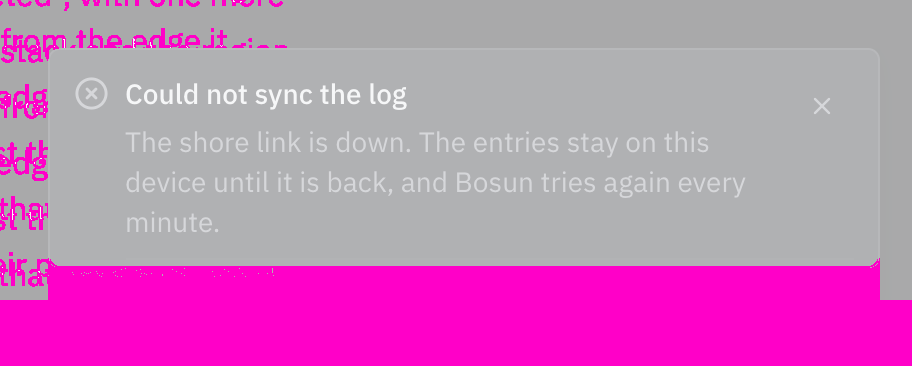
Rules behind it
- Regulation SN.1/Circ.243: a time in the footer is written with its reference, UTC.
- Foundation Typography: the footer takes the caption role a card's footer takes, dim, so it reads after the title and the description.
AddedA record says who changed it last and when, and what it held before
Touches Entity list
A record's modal showed its values with nothing about how they came to be, so a changed watch, phone number or
amount could not be traced to a person or a time. The schema's history (bosund's ops audit trail, for crew,
guests, contacts, expenses and places) gives the modal a line above the form, "Changed by Maya Lindqvist, 14:02
UTC", and Show previous values lists each field the last change set with its value before and after, written as the
list writes values. The list asks for the history when the modal opens and again after a save.
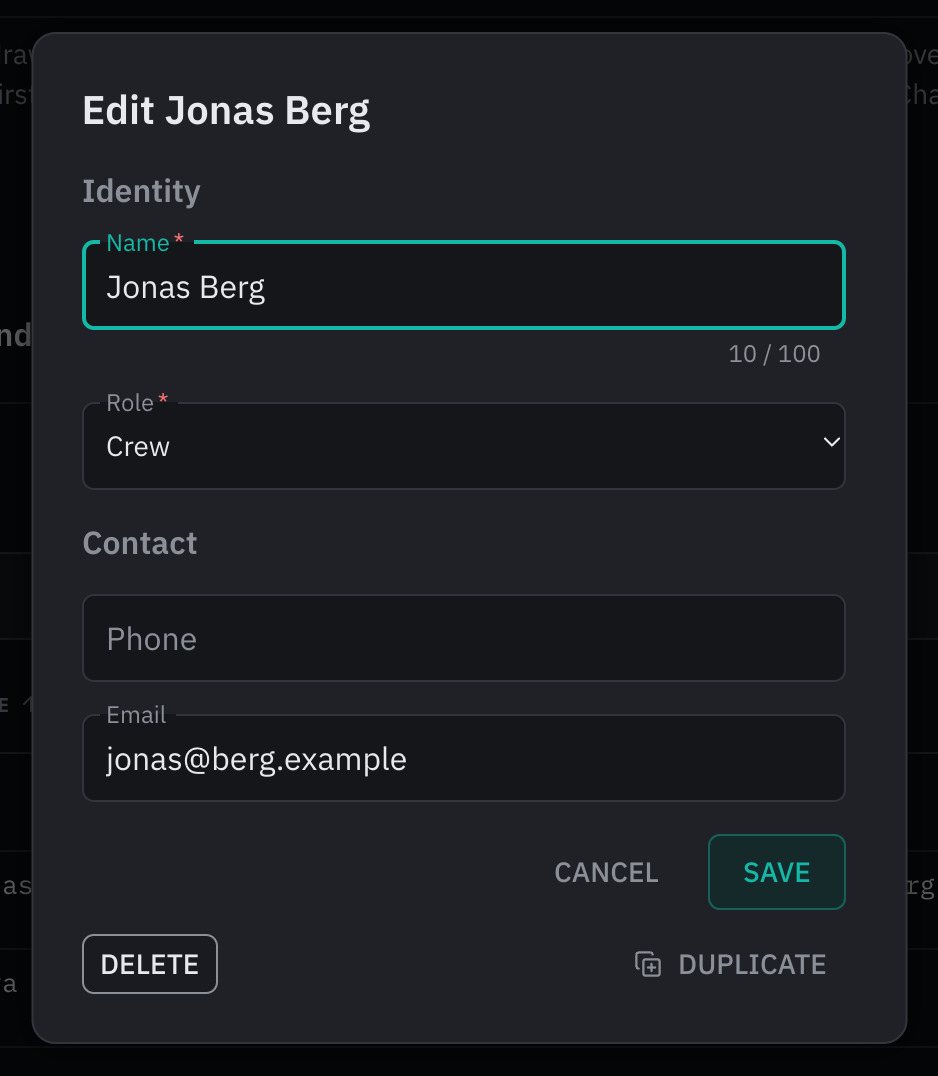
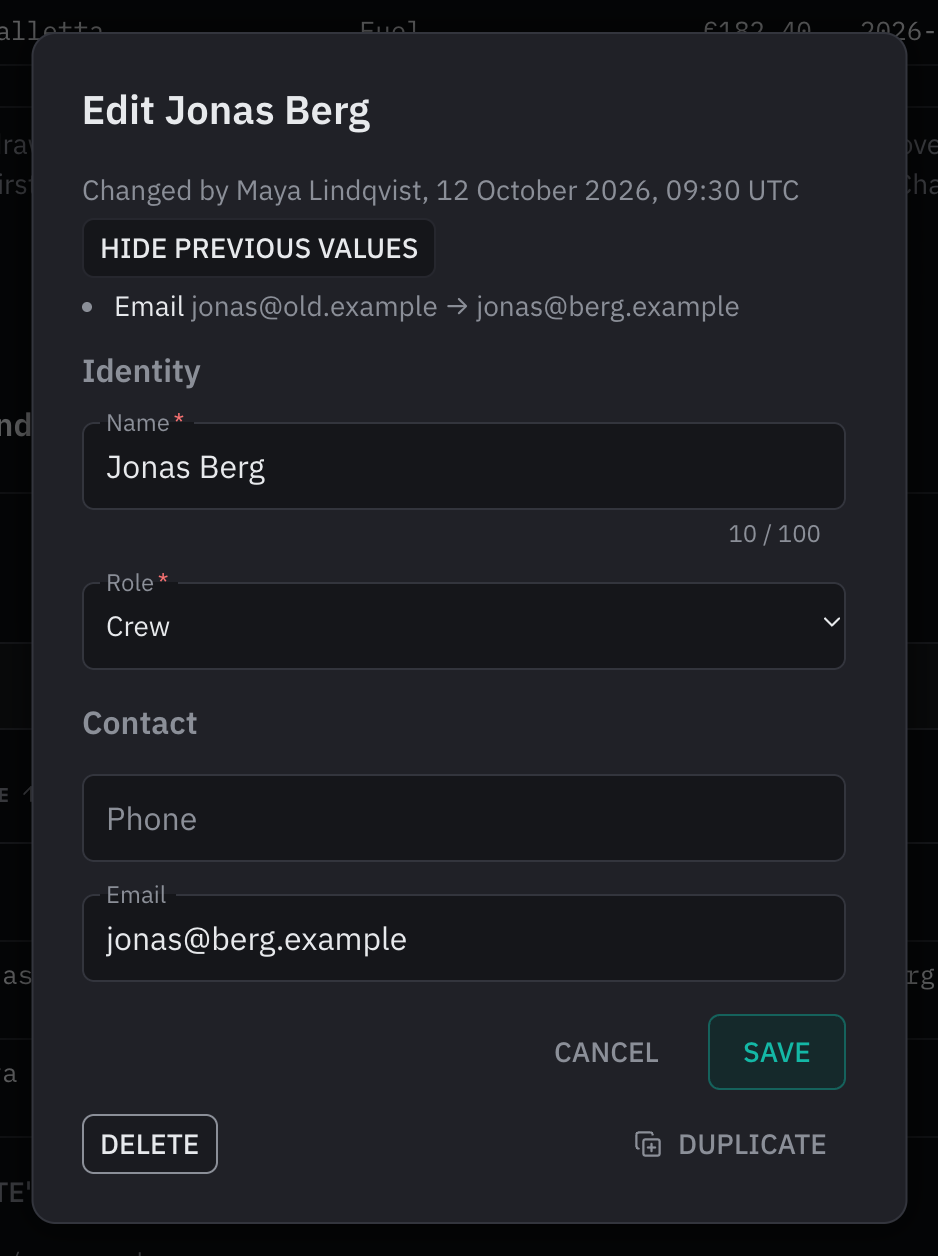
Rules behind it
- Foundation Date and time: the change reads on the 24-hour clock in UTC, by the time alone today and with the date written out by the crew's language before then.
- Accessibility WCAG 2.2 SC 4.1.2 Name, Role, Value: Show previous values reports whether the list is open (aria-expanded), and the list is named Previous values.
ChangedA leaving toast slides out, and the others glide into its place
A toast left with a 120 ms fade and a four-pixel drift, too short to see, and the toasts that stayed jumped into its place when it was removed. A toast at the end of the screen now slides out past the screen's edge while it fades over the medium duration on the exit curve, and one in the middle shrinks a little as it fades. The toasts that stay glide from where they were to their new places over the medium duration on the standard curve, measured on the screen so a stack anchored at the bottom glides too. The region at the end of the screen reaches the screen's edge, its toasts held off it by its padding, so a leaving toast is cut off only at the edge, and it no longer shows a horizontal scrollbar while one slides. Under reduced motion a toast only fades and nothing glides.
No visible change in a still. The change is motion while a toast leaves, which a still picture cannot show; the toast's tests pin the slide, the fade under reduced motion and the glide.
Rules behind it
- Foundation Motion: an exit moves by transform and opacity on the medium duration and the exit curve, a layout move slides over the medium duration on the standard curve, and under reduced motion only opacity changes.
AddedA new record starts from the schema's defaults: the time, the position, the skipper, the last value
Touches Schema form, Entity list
Every new record started empty, so an expense was dated by hand, a man-overboard mark typed from the plotter and the
skipper's name retyped on every voyage. bosund's default tag gives a field its starting value: a literal of the
field's type, now (the UTC date, time or date and time), position.lat and position.lon, skipper, or last,
the value saved with the last record. The form fills them on a new record from defaultSources and lastValuesKey
and counts them as unchanged, so an untouched form neither asks before it closes nor keeps a draft. The entity list
finds the skipper in the fixed vessel's crew and takes the position from the page.
No visible change in a still. The values show only in a new record's form, opened from Add, and no example's schema carries a default; the schema form's and the list's tests pin each token.
Rules behind it
- Accessibility WCAG 2.2 SC 3.3.7 Redundant Entry: a value the crew gave the last record, or that the vessel already knows, is filled in rather than typed again.
- Foundation Date and time: a time filled in is the current time in UTC, as every time the crew read is.
ChangedA toast's actions and dismiss button stand on one row
Touches Toast
A toast's action sat centered against its text while the dismiss button stayed at the top, so a toast with a description showed them at two heights; every control now starts at the dismiss button's top and is as tall as it.
AddedKeys for the entity list and the schema form
Touches Entity list, Schema form, Data table
N opens a new record and / moves to the list's search while no modal is open and nobody is typing, Ctrl+S (Command+S) saves a schema form as Enter does, and the Add button, the search and Save name their keys in aria-keyshortcuts; DataTable takes searchRef and searchKeyShortcuts for the search field.
AddedAn entity list acts on ticked rows, duplicates a record and asks before it discards changes
Touches Entity list, Toast, Schema form
A list could act on one record at a time, a record like another had to be typed again, and a modal closed by Escape
or outside it lost what the crew had typed. The table's rows take a checkbox when the schema allows delete or edit;
the ticked rows show how many are selected, with Delete, which removes them together behind one Undo, and Change…, a
form of the schema's choice fields that sets the same value on each with a PUT, undone the same way. Duplicate opens
a new record filled from the one being edited, without its id. Closing a form that holds changes asks "Close without
saving?" with Keep editing and Discard. A new record's form keeps its draft per entity and fixed values and offers
Save and add another. useUndoToast (with onUndoable) holds a delete until its toast leaves without Undo, so the
request never goes while Undo is still on the screen.
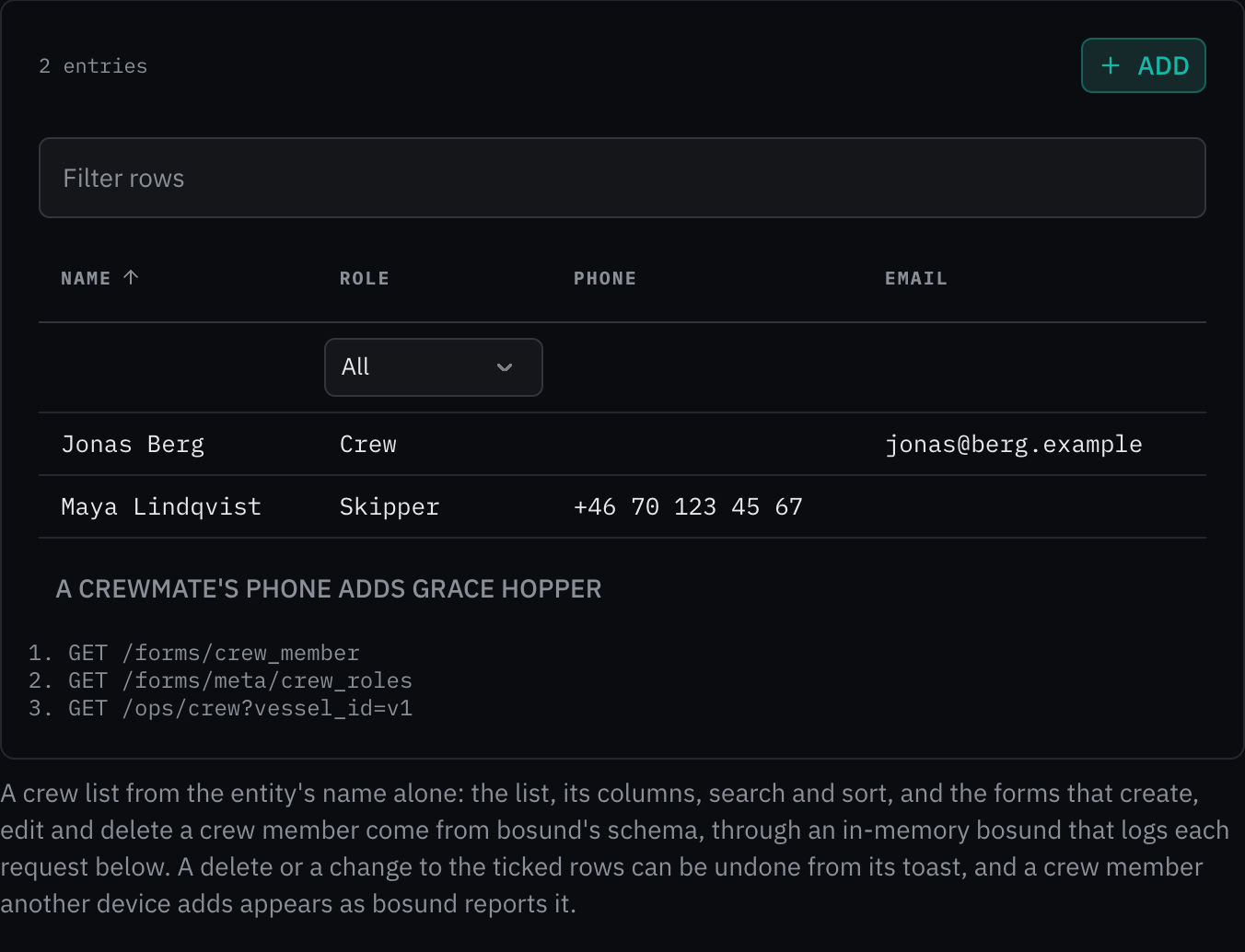
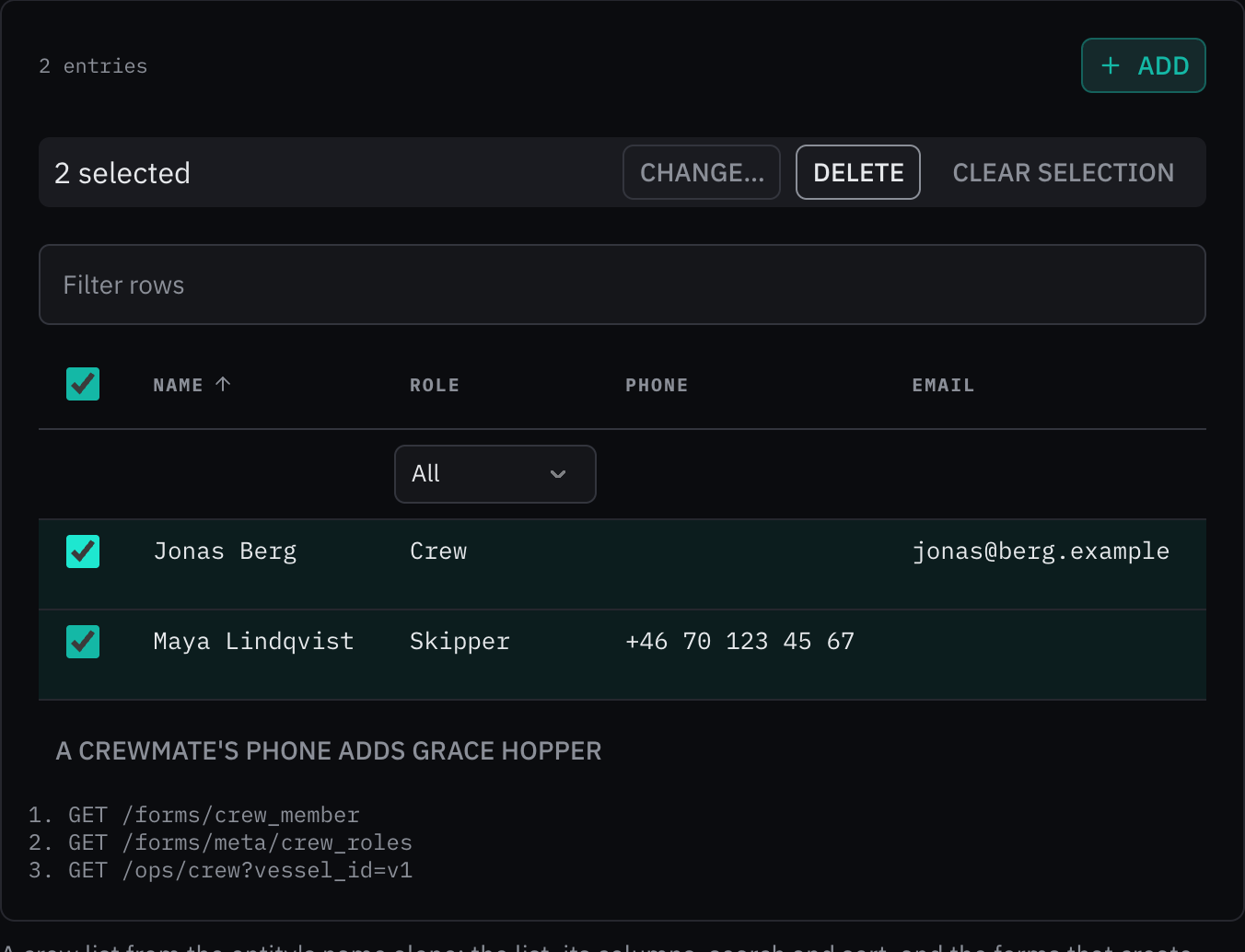
Rules behind it
- Accessibility WCAG 2.2 SC 3.3.4 Error Prevention: a delete or a change to several records can be undone, a delete with no Undo is confirmed, and a form holding changes asks before it closes.
- Foundation Content: the toast and the question say what happened and what the crew can do: "Deleted 2 entries." with Undo, and "Close without saving? Your changes will be lost."
ChangedA repeated toast shows its count as a badge and stacks edges under itself
Touches Toast
A message that repeated while on the screen showed its count as "×3" in dim code on a line of its own between the title and the description, easy to miss and gone from the title's row, and nothing marked the moment it came again. The count is now a badge after the title, on its row, that grows and fades in once on each repeat. The toast stacks one edge under itself for its second showing and two from its third, so a message that keeps coming reads as a small pile without a copy being stacked, and it keeps room below for its edges.
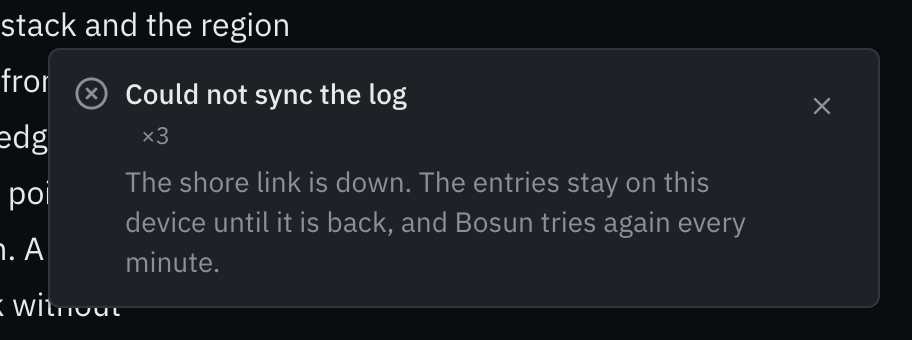
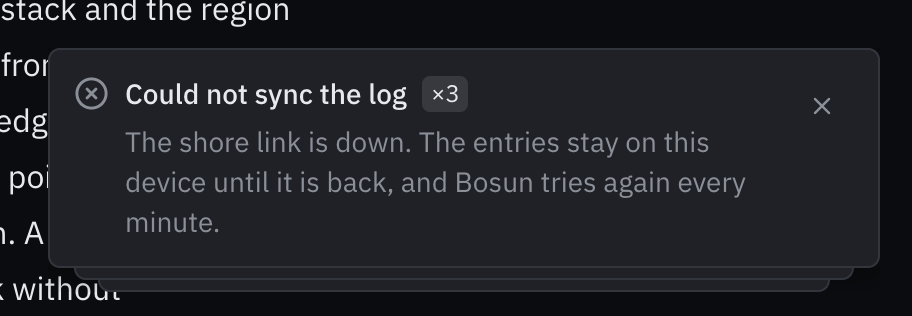
Rules behind it
- Foundation Motion: the badge grows and fades in once per repeat by transform and opacity on the medium duration, never loops, and only fades under reduced motion.
- Regulation IMO MSC.302(87) §7.3.3: a toast is not an alert: a repeat neither flashes nor takes an alert color, however often the message comes.
AddedA schema form starts a new record from given values
Touches Schema form
defaults fills a new record's form, as a duplicated record's values without its id, while the form still creates: no field saves on its own, Save and add another is offered, the values count as unchanged, and no draft is kept.
AddedA toast takes several actions, each with an icon, behind one split button
Touches Toast, Split button, Action menu, Elevation
A toast took one action, as a label with no icon on a short text button, so a message with two useful follow-ups had
to drop one, and Undo did not look like Undo. actions now lists what the crew can do, each with a label and an icon
drawn before it. The first is the toast's button; the others open from the menu of a split button around it, named by
the provider's moreActionsLabel, so a toast keeps one row of controls. The menu opens over the toast stack (the
overlay scope marks it data-over-toast, which lifts the dropdown and tooltip layers above the toast's), a press on it
no longer starts the toast's swipe, and the toast holds its timer while the menu is open. Every action is a touch
target as tall as the dismiss button. The split button gains icon, adornment (the countdown's seconds), size and
textCase, and the action menu's positioner carries the scope's stacking attributes, which lift a menu opened in a
dialog above it as well. actionLabel and onAction are gone; the entity list's delete toast passes actions.
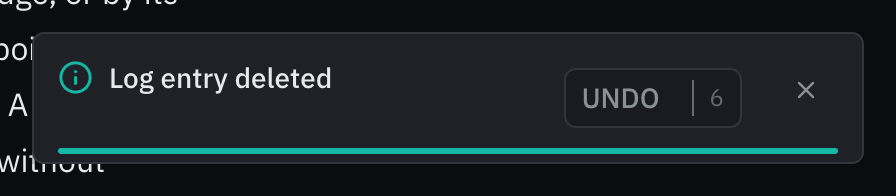
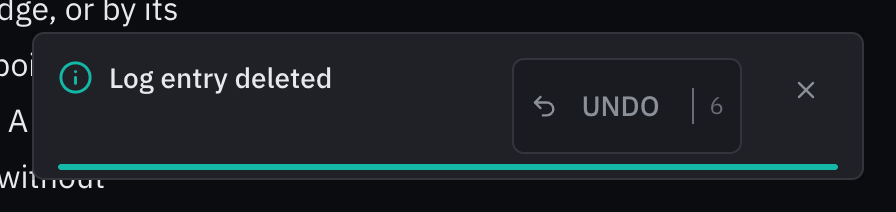
Rules behind it
- Accessibility WCAG 2.2 SC 2.5.8 Target Size (Minimum): each action is a target as tall as the dismiss button beside it, and the menu button is square at that size.
- Foundation Elevation: an overlay opened from a toast stacks on a layer above the toast's, through the layer tokens, below the dimmer and the alert layer.
- Regulation IMO MSC.302(87) §7.3.3: a toast is not an alert: its actions never carry an alert's priority color, and nothing the crew need to act safely lives in its menu.
AddedSchema form drafts, unsaved changes and Save and add another
Touches Schema form
A new record's form closed half-filled lost what the crew had typed, a dialog could not tell whether its form held
changes, and adding several records meant reopening the form for each. Given draftKey, a new record's values are
kept in the browser until saved and the form opens again from them, saying so, with Start over; onDirtyChange
reports when the values start or stop differing from those the form opened with; and addAnother offers Save and add
another, which saves with { another: true } and empties the form for the next record.
No visible change in a still. Each shows only while a form is used: a draft when a form opens again, the unsaved-changes report when values change, and the next record's empty form after Save and add another; the schema form's tests pin all three.
Rules behind it
- Accessibility WCAG 2.2 SC 3.3.4 Error Prevention: what the crew typed into a new record survives the form closing, and a dialog can ask before it discards changes.
ChangedSchema form fields help as the crew type
Touches Schema form
A wrong call sign or an overlong name was reported only at Save, after the crew had moved on, and a long form gave
no sign of which tabs still needed something. A field is now checked as the crew leave it, once they have typed in
it, and checked again as they type while it shows a message, so the message goes as soon as the value is right; an
empty field they move past says nothing until Save, and the kit's own inputs keep their own messages. A text field
with a max_length counts its characters in its hint line. A tab or wizard step whose required fields are filled,
with nothing to fix, is marked done.
No visible change in a still. Each shows while the crew fill the form: a message as they leave a wrongly typed field, a count as they type, a check mark once a tab's required fields are filled; the schema form's tests pin all three.
Rules behind it
- Accessibility WCAG 2.2 SC 3.3.1 Error Identification: a wrong value is named when the crew leave its field, and the message clears when they fix it.
- Accessibility WCAG 2.2 SC 3.3.2 Labels or Instructions: a field with a limit says how much of it is used, read with the field as its hint.
AddedA toast counts down the time its Undo is offered
Touches Toast
A toast that offered Undo after a deletion gave no sign of how long Undo would stay, and the caller had no point at
which to make the deletion final. countdown now shows the time left: the seconds after the action's label, in figures
of fixed width, and a bar along the toast's foot that shortens each second. Both stop while the pointer or focus is on
the stack or the window is in the background, as the toast's timer does. onClose runs once when the toast leaves
without its action pressed, by its timer, its dismiss button or a swipe, which is where the deletion is made final.
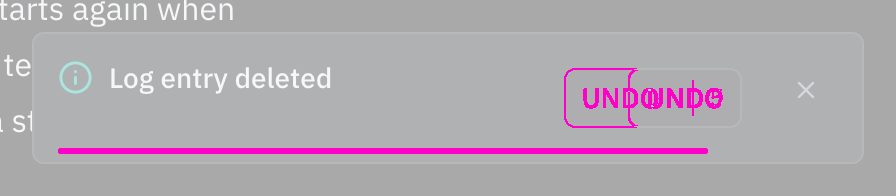
Rules behind it
- Accessibility WCAG 2.2 SC 2.2.1 Timing Adjustable: a time limit is shown, and stops while the pointer or focus is on the toast, so the crew can take the time they need.
- Foundation Motion: the bar moves only by transform on the medium duration, steps once a second, and steps without sliding under reduced motion.
FixedA repeated toast restarts its timer
Touches Toast
A toast shown again with its key while on the screen kept its first timer unless the repeat named a timeout, so a message repeated on the provider's default timeout left as early as its first showing would have; every repeat now starts the timer again.
AddedA copy button in a read-only schema form field
Touches Schema form, Copy button
A read-only field the schema marks copyable (bosund's copy tag) shows its value with a copy button inside its box, which copies the value as stored, such as an MMSI's nine digits.
AddedUndo a delete from its toast, and follow changes made elsewhere
Touches Entity list, Toast
A delete asked once and then removed the record for good, and a list showed only what it had loaded, so a crew member
added from another phone appeared only after a reload. Given onDeleted, useEntityList now deletes without asking:
the record leaves the list at once, the request waits out six seconds, and Undo sends nothing (or, once the request
went, creates the record again); useDeleteToast shows Deleted {label}. with Undo. Given subscribe, the list
applies bosund's change reports: a record saved joins or replaces its old self when it belongs to the page's fixed
values, a record deleted leaves. The records live in a store read through useSyncExternalStore.
No visible change in a still. Both happen after the page opens: the Undo toast after a delete, and a record that arrives from another device; the Wired to bosund example shows both, and the hook's tests pin them.
Rules behind it
- Accessibility WCAG 2.2 SC 3.3.4 Error Prevention: a delete can be reversed: Undo brings the record back, and before the request goes nothing is sent.
- Convention One record, every screen: a record saved or deleted on one screen or device shows on every list open on it.
AddedAn entity's list and forms from its name: useEntityList and SchemaEntityList
Touches Entity list, Schema form
A page that listed records wrote the list's URLs, its columns and its save and delete requests by hand, and the
columns drifted from the fields bosund serves. useEntityList(entity, { request, fixed }) now builds the list's props
from bosund's schema: the records from its collection (placeholders filled from fixed, the other fixed values as
the query), a create with POST, an update with PUT and a delete with DELETE to its item, then the records again,
and the form's choices, conditions, suggestions and record names from bosund's form endpoints. SchemaEntityList
draws it, with a placeholder while the schema loads. Requests go through the page's request, so the kit itself
makes none, and a request that never reached bosund says so.
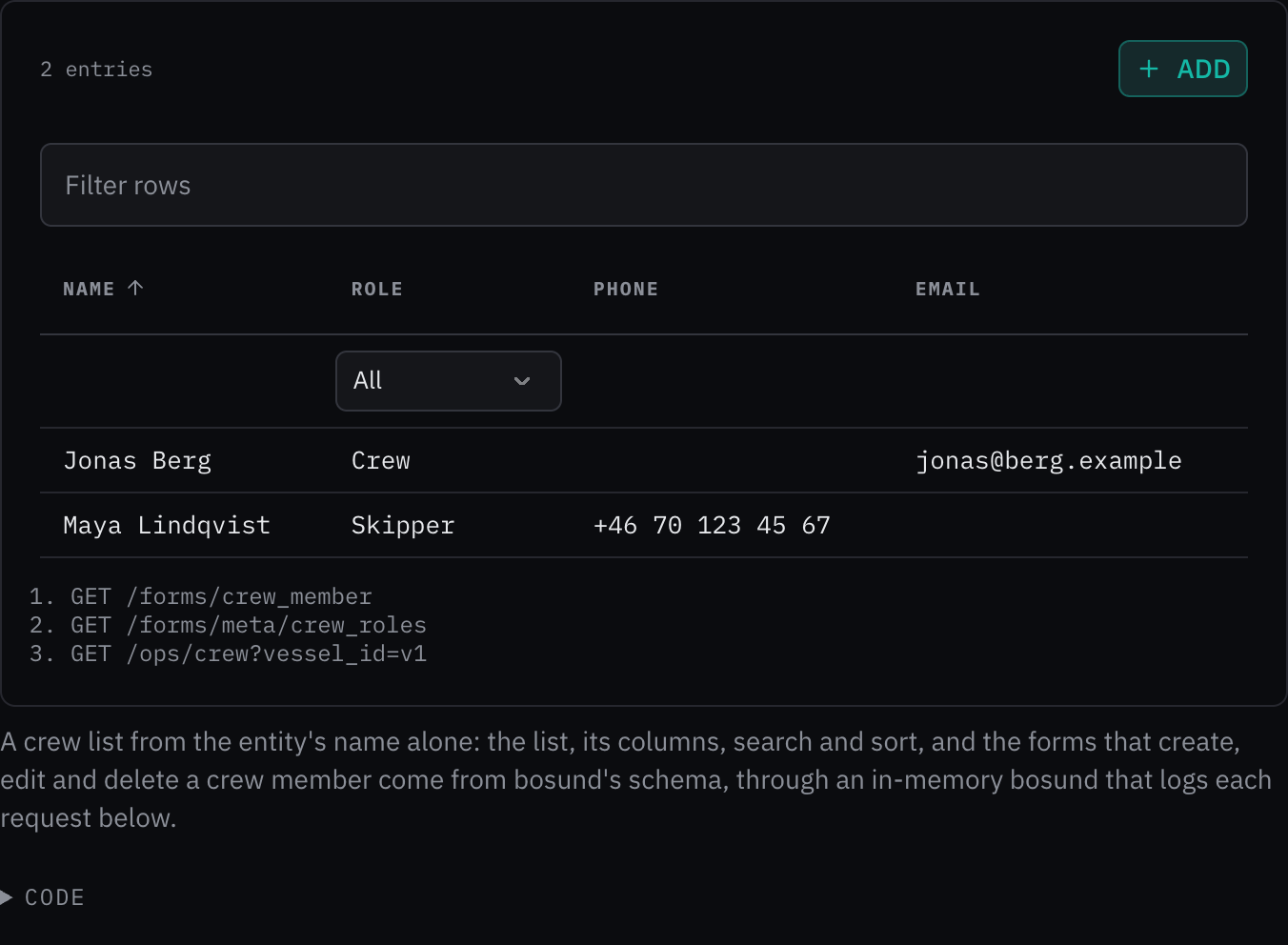
Rules behind it
- Convention One definition per entity: the record's struct tags and its RegisterConfig in bosund describe its fields, its list and where it lives; a page names the entity and nothing else.
- Accessibility WCAG 2.2 SC 4.1.3 Status Messages: a list that cannot load says so in an alert: bosund unreachable, or the list that could not load.
AddedSchema form fields ask for the kit's inputs
Touches Schema form, Entity list, Slider, Radio cards, Checkbox, Date of birth input
The schema could not ask for most of the kit's inputs, and the form ignored much of what the schema said: a date's
bounds, a slider's marks, a list of choices, the text under a group. The schema and the form are now extended both
ways. A field's component asks for a slider (with its step, marks and a soft_max limit), a checkbox, two to
five segments, cards with a sentence per choice, chips for a list of words (up to max_items), a password input, the
YAML editor or the date of birth input (also chosen by autofill=bday); a list field with choices is a checkbox
group; a date takes min_date and max_date; a text area grows to max_rows; a group's description shows under
its heading, its tab and its wizard step. Each takes the width it needs. The entity list takes a column's
column_width, wrap and column_hidden, offers a column picker when the schema asks, and passes the phone's
country and the layout to its forms. bosund serves all of these from its form tags.
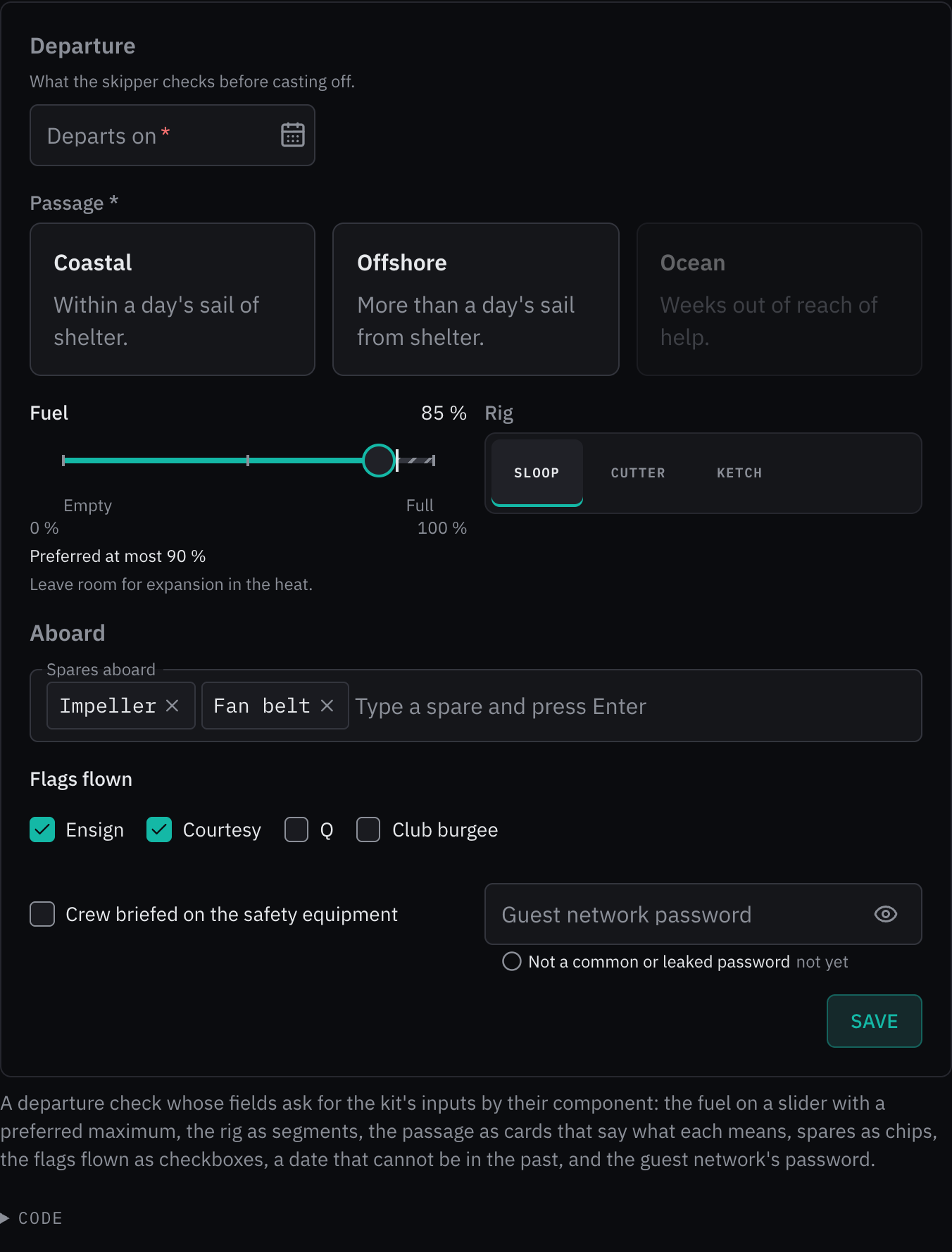
Rules behind it
- Foundation Component API: a field asks for the kit input that fits its value, and the form passes it what the schema says of the value.
- Accessibility WCAG 2.2 SC 1.3.5 Identify Input Purpose: a field's autofill names its purpose to the browser, which fills a name, an address or a date of birth.
ChangedEvery schema form field drawn outlined
Touches Schema form, Outlined field, Input
The form drew its maritime inputs (MMSI, phone, email, date) outlined, with the name on the box's edge, and every other field plain, with its name on a line above the box, so one form mixed two looks and each plain field spent a line on its name. Every field now draws outlined: the name on the box's top edge, the description and help as the box's hint, the error in its place, and a prefix and unit inside the box, read after the value. Lists, combo boxes, text areas and times sit in the outlined box as its control; the outlined field gains the text area's reset. A switch has no box and stands with its name beside it. The outlined field and input pages say when each is used: a form's fields outlined, a single field outside a form plain.
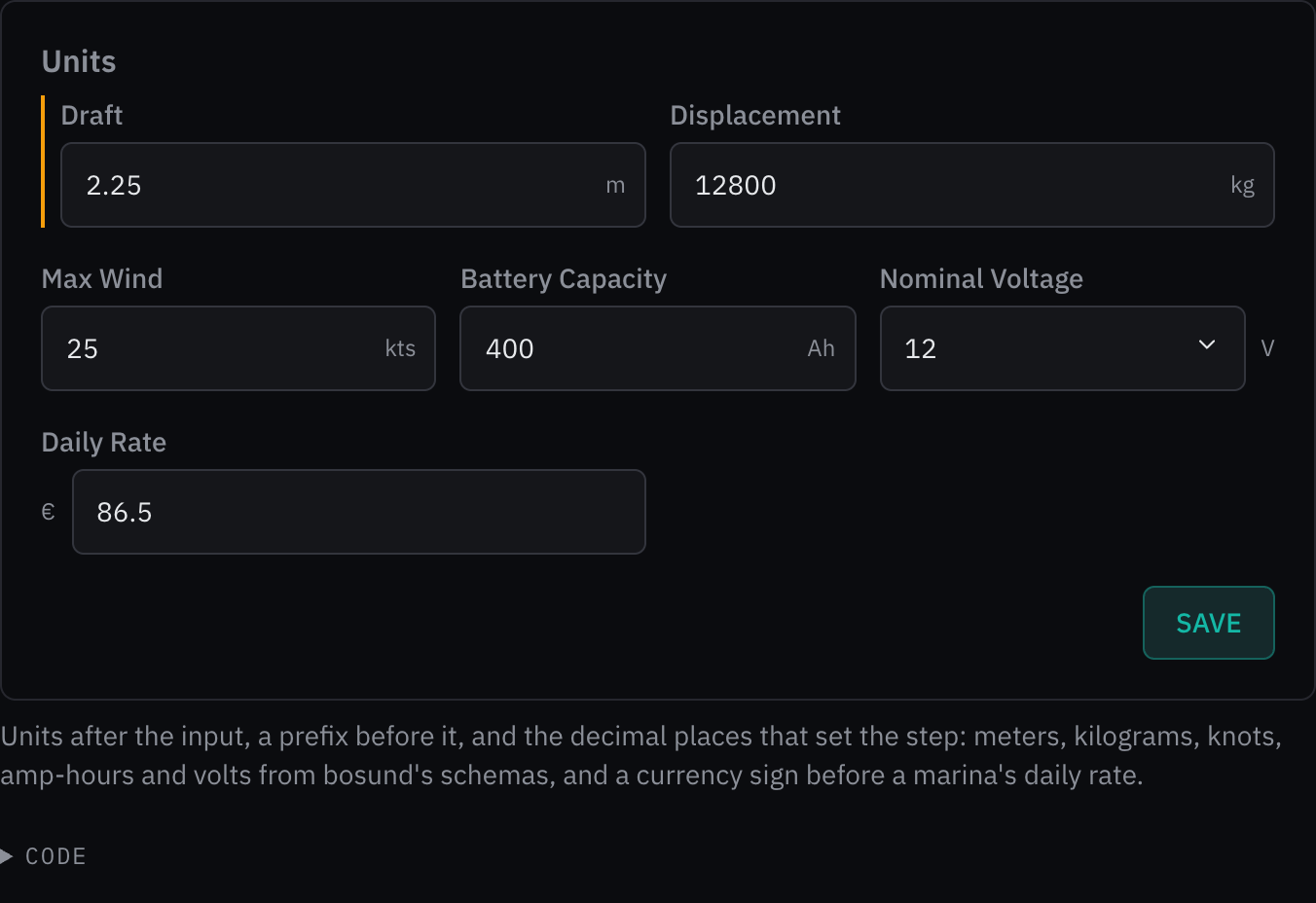
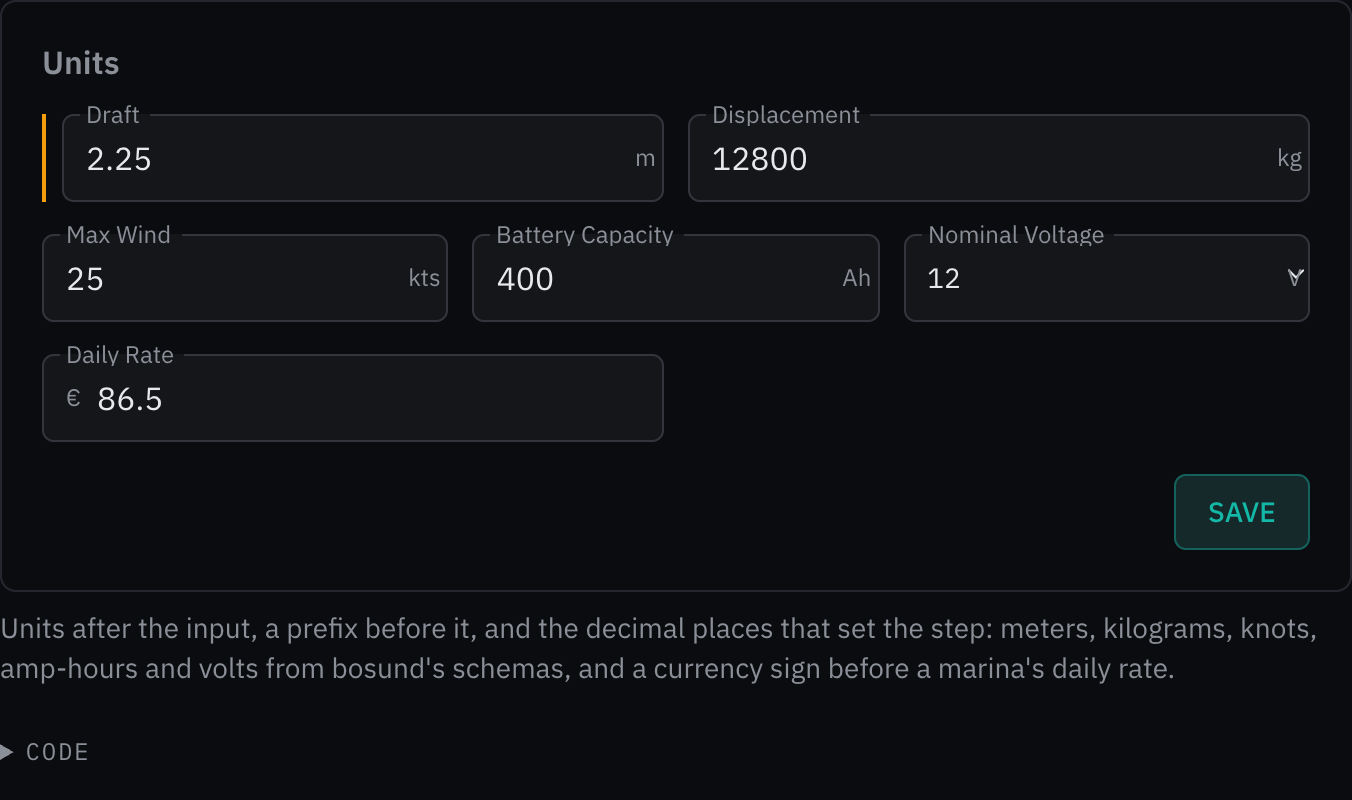
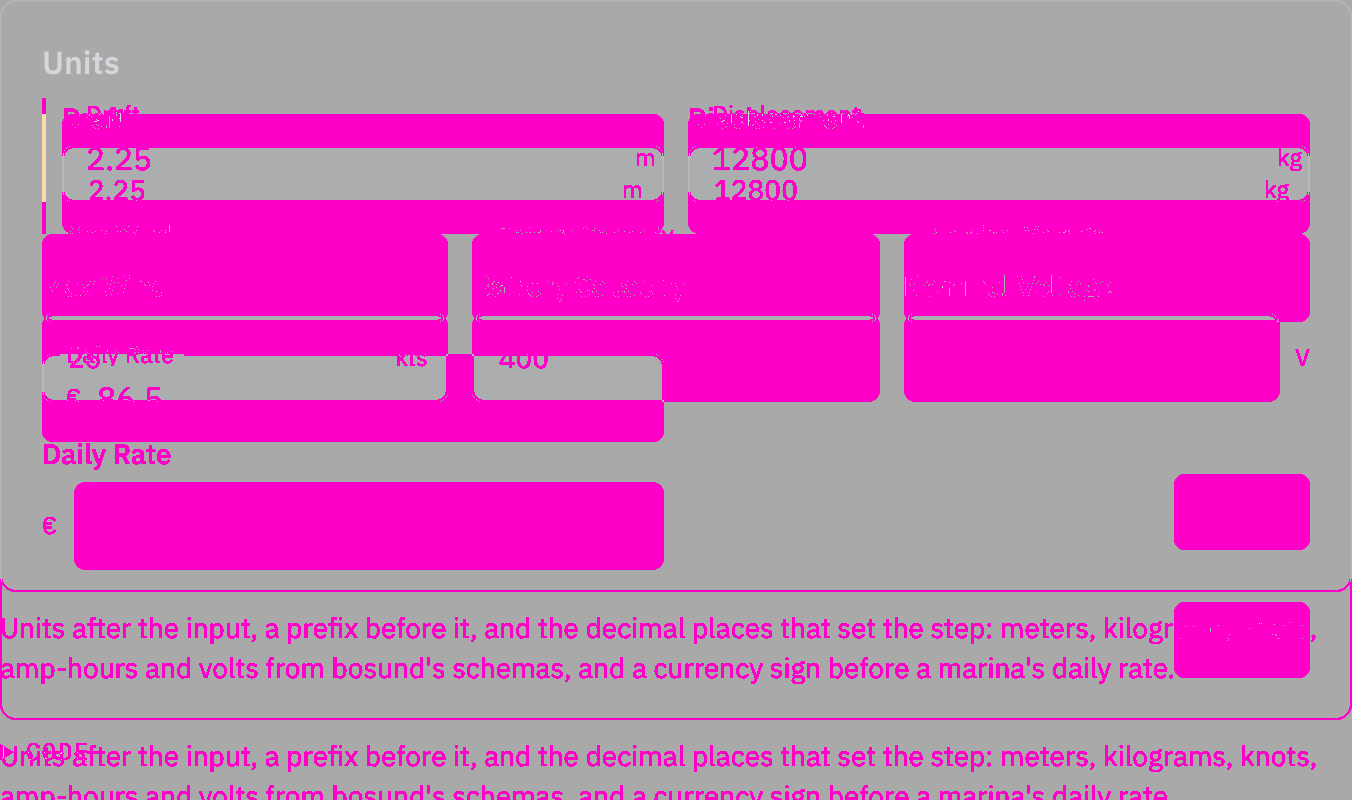
Rules behind it
- Foundation Component API: the outlined appearance shares the field's labeling and validation; a form uses one appearance throughout.
- Accessibility WCAG 2.2 SC 1.3.1 Info and Relationships: each name is a label for its control, and the unit, the hint and the error are read after the value.
AddedAn entity list drawn from its schema, and a delete that asks first
Touches Entity list, Data table, Schema form
A list's columns were written by hand for every page, the list could not be searched or opened sorted, every list
offered Add, edit and Delete whatever bosund allowed, and Delete deleted at the first press. The schema now carries
the list: the fields marked as columns, sortable, filterable and searchable, the record's label and title field, the
sort the list opens with, and the actions the crew may take. With no columns, the entity list builds its table from
that metadata and shows each value as the crew read it: a choice by its label, a number with its prefix, unit and
decimal places, a time in UTC. Delete asks once, naming the record. The schema form also passes a field's autofill
to the browser, so it can offer a name, an email address or a phone number.
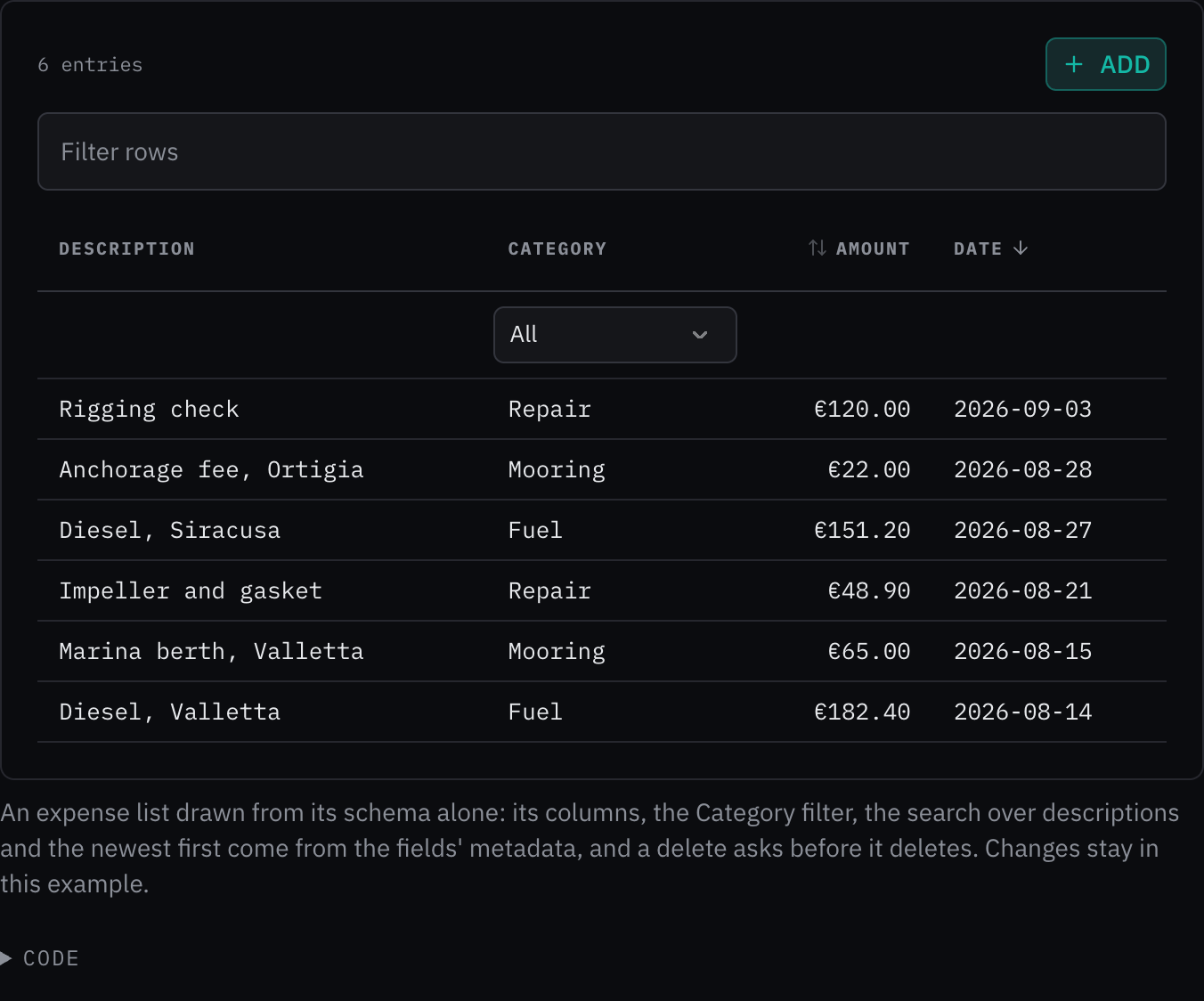
Rules behind it
- Regulation SN.1/Circ.243: a date and time in a list cell is written with its reference, UTC, and a value with its unit.
- Accessibility WCAG 2.2 SC 3.3.4 Error Prevention: a delete names the record and asks once before it deletes it.
AddedSchema form tabs, panes and a wizard
Touches Schema form, Tabs, Steps, Wizard step
A form of eight groups ran several screens tall, the crew scrolling past contact and medical details to reach the
field they came to change. The schema's layout, or the form's layout prop, now arranges the groups. A form of four
or more groups and sixteen or more fields draws each group under a tab; on a form 48em wide or more with five or
more groups, the tabs stand in a column beside the fields. wizard walks the crew through a record they are creating,
a step per group, each checked before the next, with Back keeping what was typed and Save on the last step; a record
being edited opens in tabs instead. A refused save opens the tab or step of the first field to fix, and a tab or step
with fields to fix says how many.
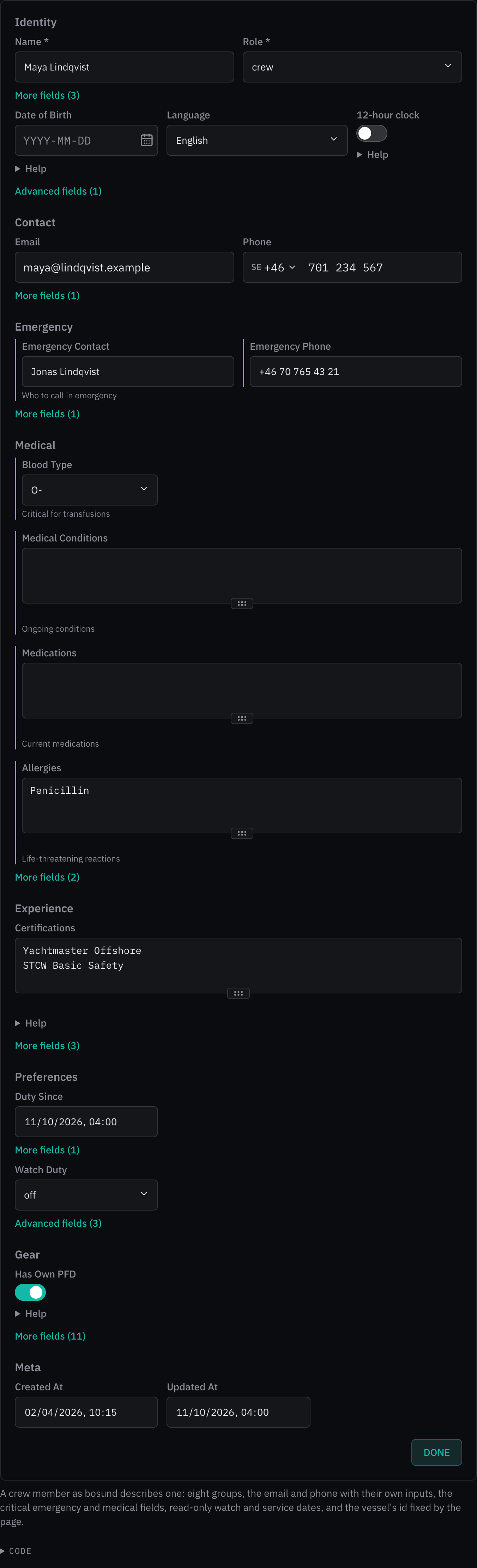
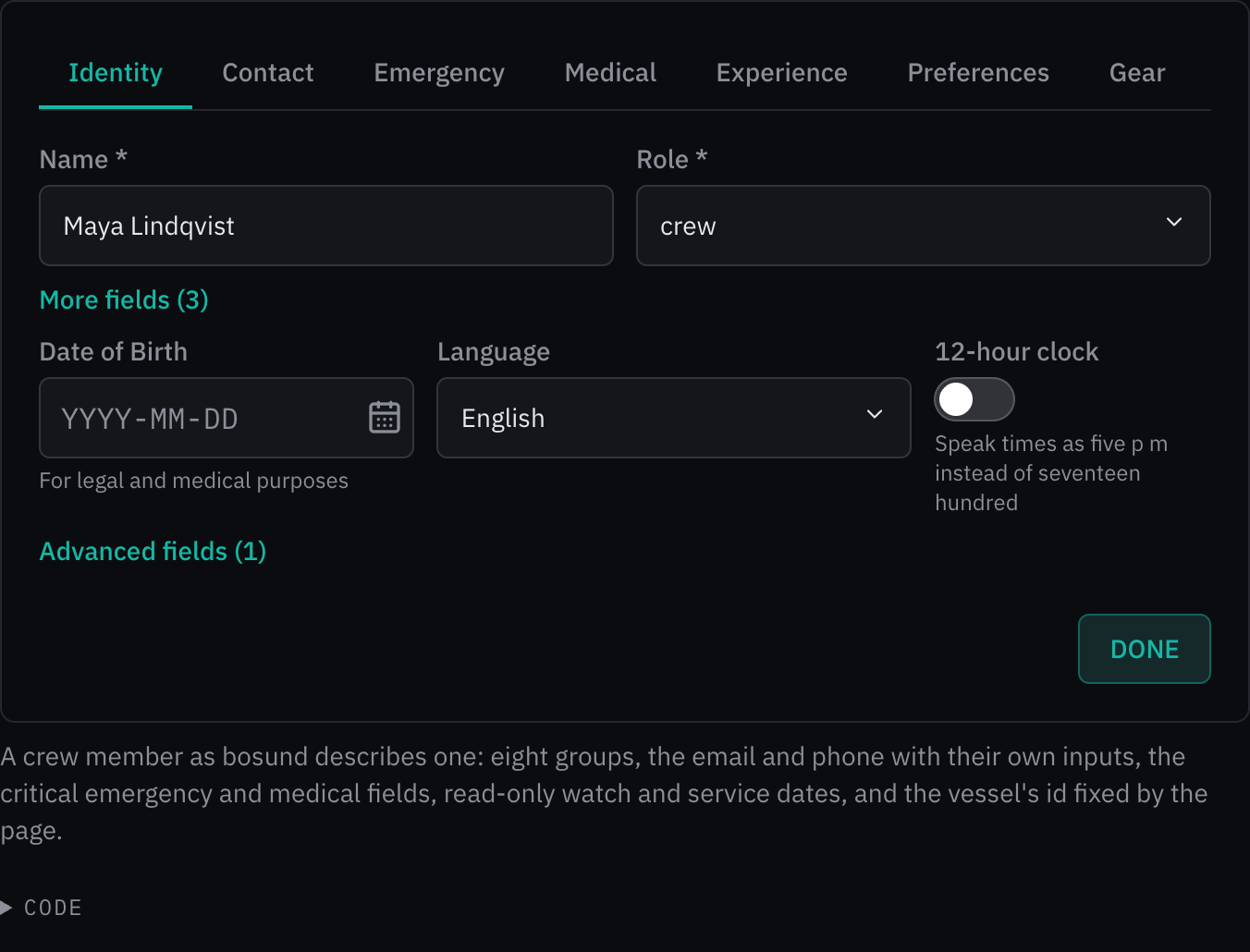
Rules behind it
- Accessibility WCAG 2.2 SC 3.3.1 Error Identification: a refused save opens the tab or step of the first field to fix and moves the focus to it, and every tab or step with fields to fix says so in words.
- Accessibility WCAG 2.2 SC 2.4.6 Headings and Labels: each tab and step is named by its group, and the wizard says which step of how many the crew are on.
ChangedSchema form help is shown under its field
Touches Schema form
A field's help sat behind a "Help" disclosure unless its schema set help_visible; it is now always shown under the field with its description, since help the crew have to open is help they do not read.
ChangedA small change takes a one-line changelog entry
Touches Changelog
A change a reader does not need to compare or weigh, such as a wording fix or a spacing adjustment, may now be an entry of its title, the pages it touches and one sentence, without rules or pictures.
ChangedSchema form choices, numbers and times on the kit's inputs
Touches Schema form, Select, Combobox, Number input, Time input
The form drew its lists as the browser's native select, its numbers as bare number fields with the unit beside them, and its times as plain inputs, so it looked unlike every other kit form. A list is now the kit's select, with "—" to clear it unless the field is required; a list of more than ten choices is a combo box that narrows to what the crew type, with a line saying so when nothing matches. A number is the kit's number input with its unit inside the field, and a time the kit's time input.
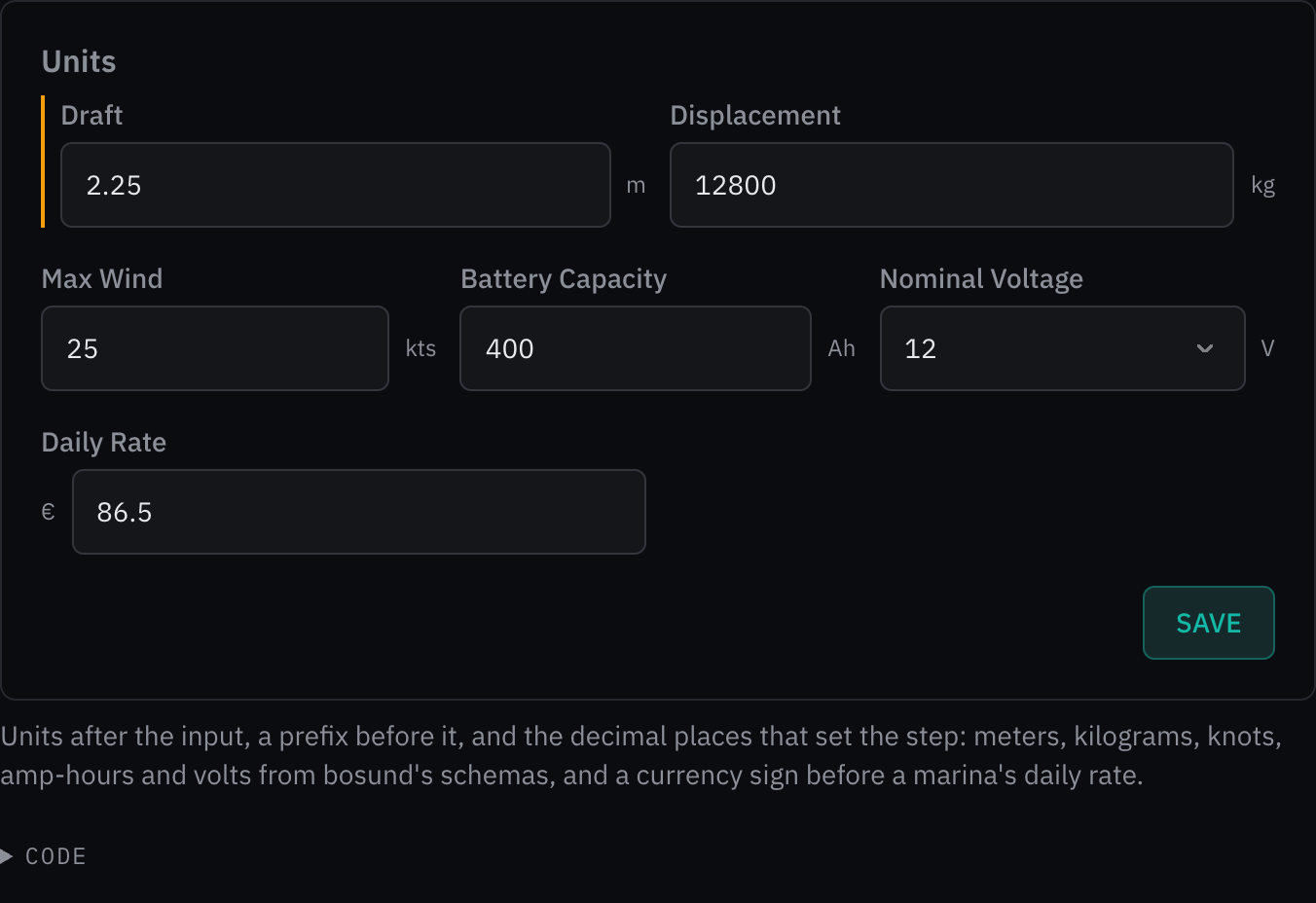
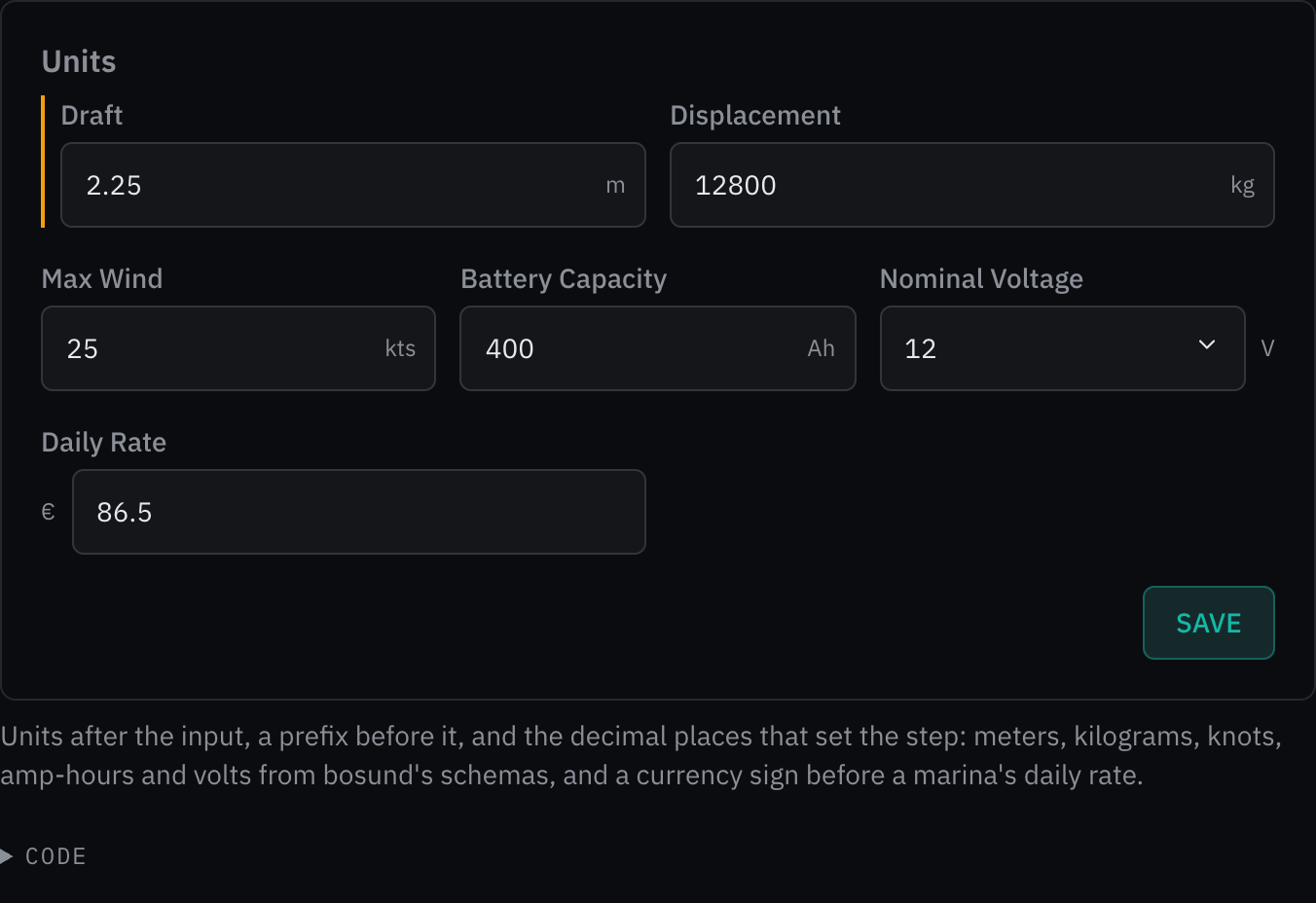
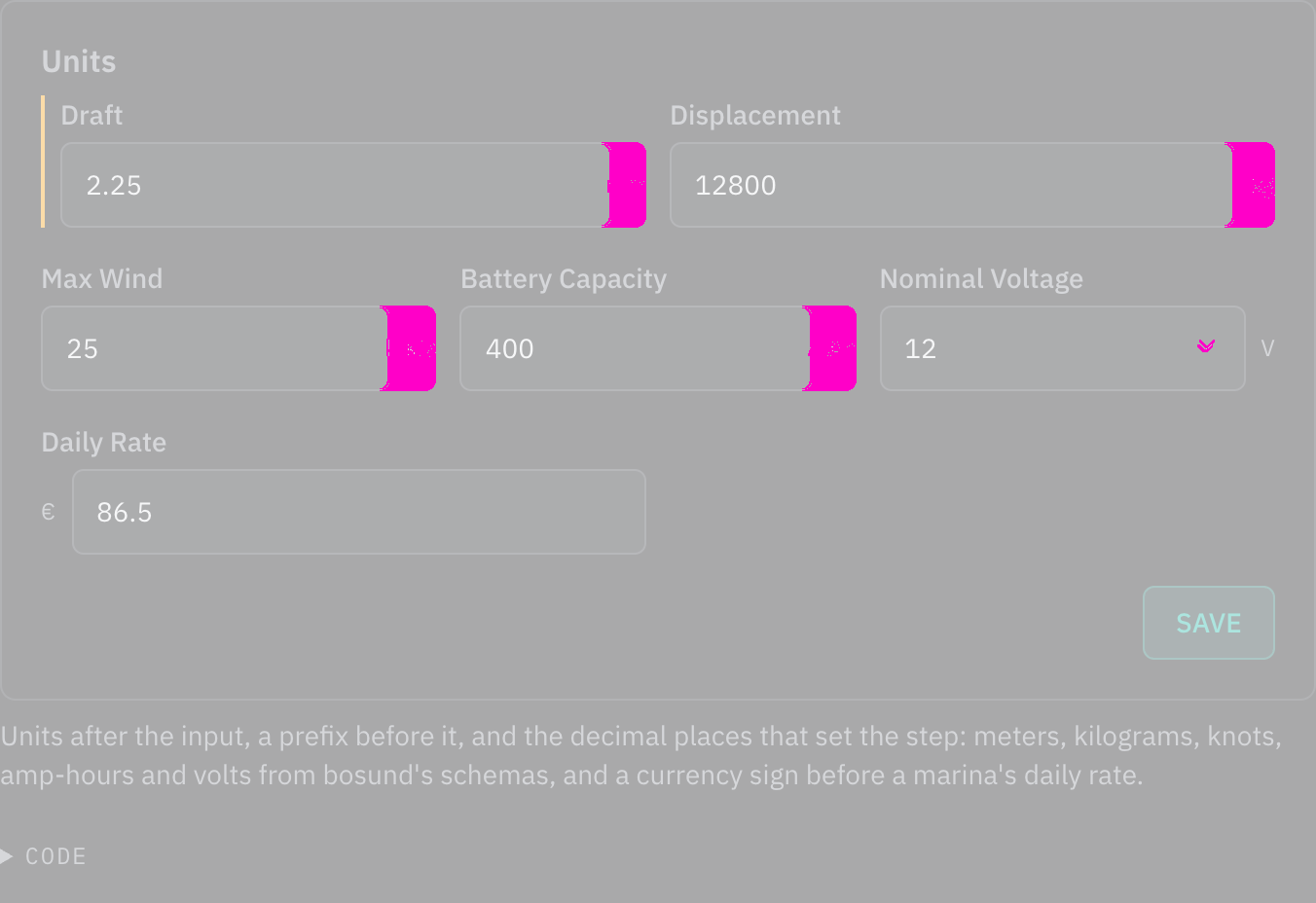
Rules behind it
- Regulation SN.1/Circ.243: a number's unit is written inside its field, after the value, and read with it.
- Accessibility WCAG 2.2 SC 1.3.1 Info and Relationships: the unit is tied to the input through aria-describedby, so it is read after the value.
FixedA list opened inside a dialog opens above it
Touches Select, Task dialog, Elevation
Lists, menus and popovers portal into the page body and stack on the dropdown layer, which is below the modal
layer. One opened from a field inside a dialog, such as a select in the entity list's edit dialog, opened behind the
dialog, and a press on an option landed on the field under it. A dialog now marks its content, an overlay opened
from there carries data-over-modal, and the layer tokens lift that overlay's dropdown layer one step above the
modal's.
No visible change in a still. No example on the site opens a kit list inside a dialog yet; the schema form's choices become the kit select in the next change, and the select test pins that an option inside a dialog takes the press.
Rules behind it
- Foundation Elevation: every overlay stacks on a layer token; an overlay opened from a dialog stacks above that dialog.
- Accessibility WCAG 2.2 SC 2.4.11 Focus Not Obscured (Minimum): an option the keyboard or pointer moves to is drawn above the dialog, not under it.
ChangedSchema form fields in rows by what their values need
Touches Schema form, Grid
Every field took the full width of the form unless its tag said half or a third, so a two-digit number, a switch and a date each filled a row, and a form of thirty fields ran several screens tall. A field now takes the share of twelve columns its value needs: a quarter for a switch, a number or a time, a third for a date or a short list, half for a name or a contact, the row for long text. A row of several fields that ends short widens its last text field to end square. A required field is always drawn, whatever its priority, and a group with no primary field draws its secondary ones instead of a heading over "More fields". The form measures its own width, so in a dialog it stacks as it would on a phone. Group labels, which bosund writes in lower case from the group's id, start with a capital.
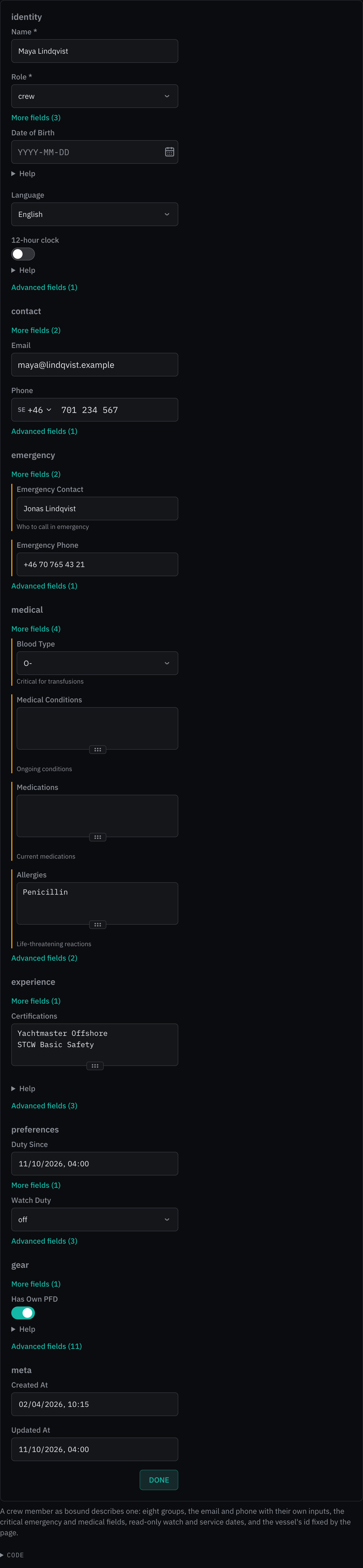
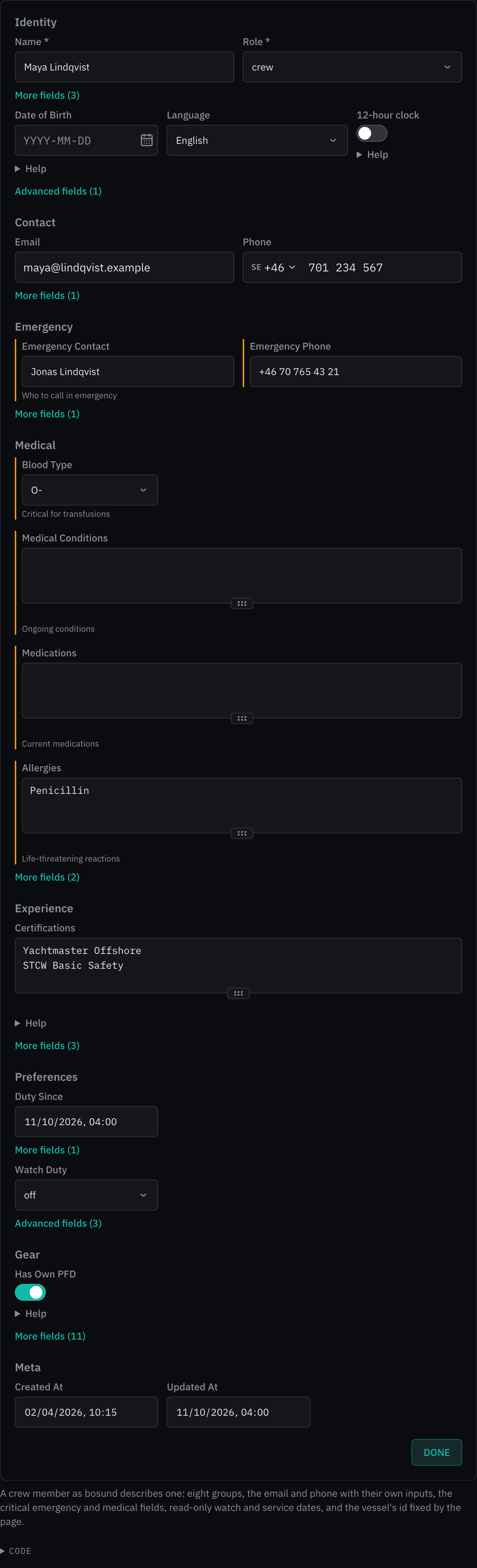
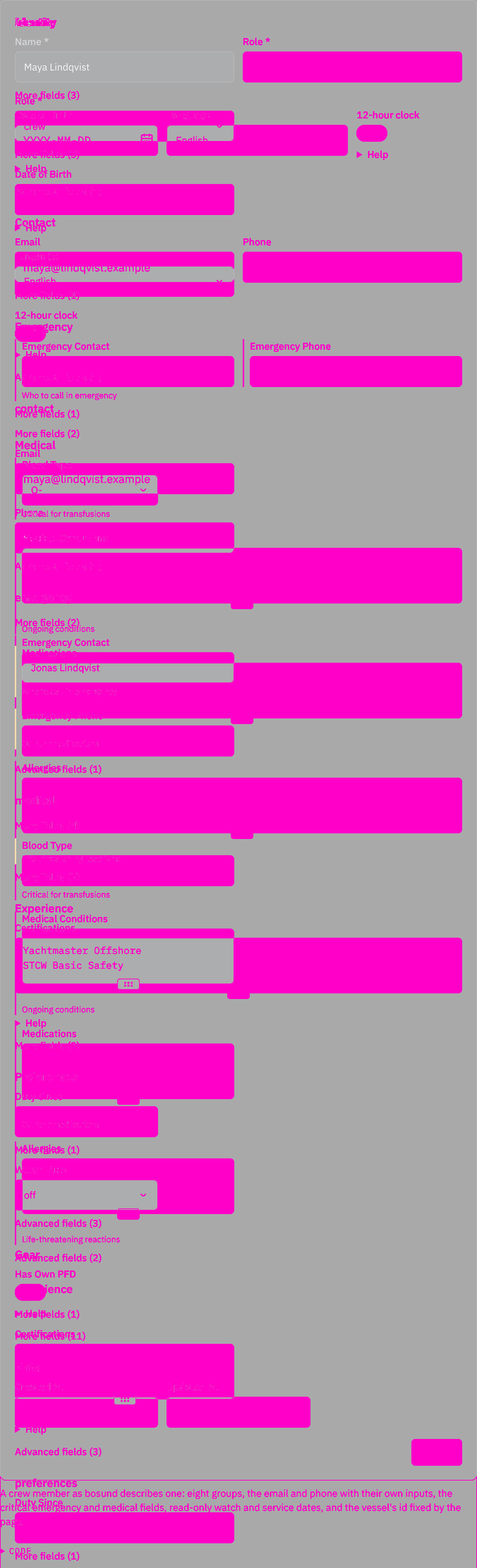
Rules behind it
- Foundation Grid: fields sit on a twelve-column grid inside their group, in their order.
- Accessibility WCAG 2.2 SC 1.3.2 Meaningful Sequence: rows fill in the schema's order; no field is moved to fill a gap, so reading and focus order stay the schema's.
- Accessibility WCAG 2.2 SC 1.4.10 Reflow: a form narrower than 36em puts a field on a row of its own, or two quarter fields together.
AddedA beam slider for every radar look
Touches Radar PPI
Each look drew its sweep at one fixed strength: the Ice beam could be too faint on a bright desk and the Tactical wedge too strong over the echoes. A Beam slider under each radar example now sets the sweep from 0 to 200 % of the look's own, in steps of 10 %, for the tail, wedge, beam or comb of whichever look is chosen. At 0 % the sweep is not drawn at all; the light of a sweep is its opacity, so above 100 % it gives more light, up to full, in the same color. A look without a sweep shows the slider disabled and says why.
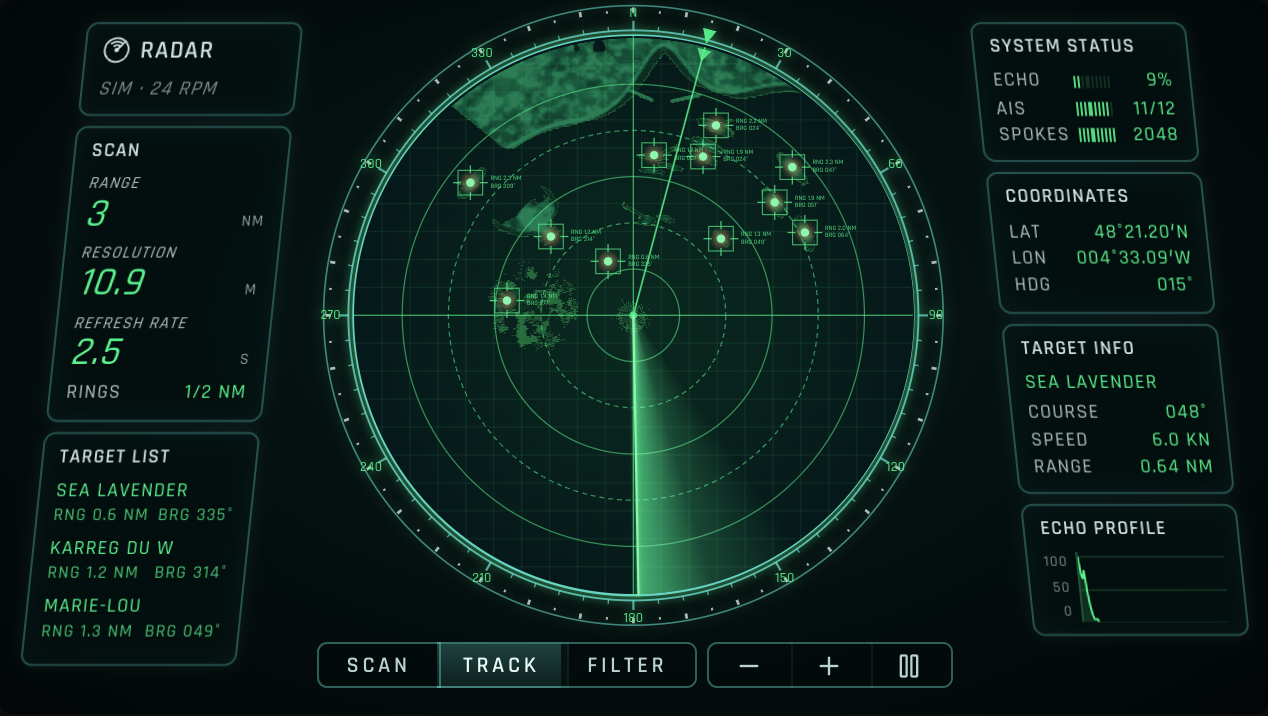
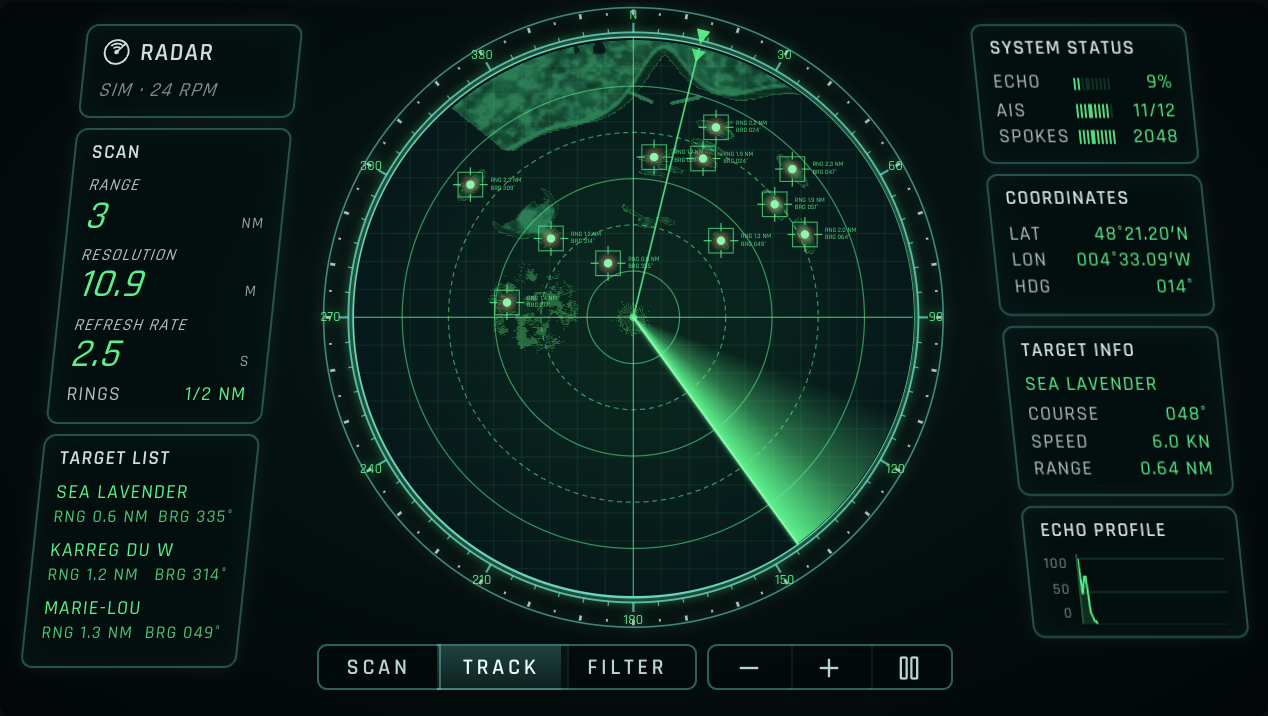
Rules behind it
- Foundation Color: the slider changes how much light the sweep gives, never its hue; each look keeps its one color.
- Accessibility WCAG 2.2 SC 2.1.1 Keyboard: the slider moves by arrow keys, Page Up and Down, Home and End, and is named Beam with its value in percent.
AddedRange units on the radar rings
Touches Radar PPI
A ring's range was a bare number, and the unit was written only in the settings in a corner or on the bezel. A "Units on rings" switch under each radar example now writes NM after every ring's range, in type smaller than the number so the figures still lead. Until the switch is used, the look decides: the Chart look, which labels its north arm alone, writes the unit, as it did; the others leave it to the settings.
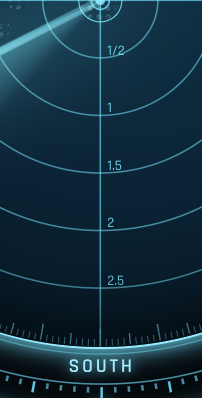

Rules behind it
- Regulation SN.1/Circ.243: the nautical mile is written NM.
- Accessibility WCAG 2.2 SC 4.1.2 Name, Role, Value: the switch is named by its visible label, "Units on rings".
ChangedRadar examples out of view hold their radar
Touches Radar PPI
The radar page runs six simulated radars, and each made 819 spokes a second whether it was on screen or not. On the development server that held the page to about 8 frames a second, and the sweeps moved in jumps. A plotter screen now tells its controls whether it is in view, and an example holds its radar while it is not, as its pause button does; scrolled back, it carries on from where it stopped. With one or two radars running, the page draws at the display's frame rate.
No visible change in a still. A held radar is one nobody can see; what changes is the frame rate of the radars in view, which a still cannot show.
Rules behind it
- Foundation Motion: motion runs where it explains something to someone looking; a radar scrolled away explains nothing.
ChangedThe simulated radar sweeps each spoke faster
Touches Radar PPI
The radar examples simulate a radar in the page, and filling a spoke took about 83 µs: six radars on the page at 24 rpm took most of the main thread. Each nearby vessel's beam weight, glint, sidelobe and course were worked out again for each of a spoke's 512 samples, and every sample measured its distance to both breakwaters and to the rain shower. They are now worked out once a spoke, and a sample measures a breakwater or the shower only in the stretch of range where the spoke can pass near it. A spoke takes about 60 µs.
No visible change in a still. The spokes are the same bytes as before, checked over 65,536 spokes on four range scales; only the time to make them changed.
Rules behind it
- Convention A simulation stands in for the radar: the examples feed the picture the frames a radar would send, so a faster simulator changes nothing a screen draws.
FixedThe radar sweep turns smoothly between frames
Touches Radar PPI
bosund sends a radar frame every 40 ms, and at 24 rpm the antenna turns 5.8° in that time. The scope looks drew the sweep at each frame's last spoke, so the beam jumped 5.8° at a time, 25 times a second. The sweep now turns at the display's own frame rate: it keeps the rate the frames report, turns toward where the latest frame says it is, a little faster when behind and slower when ahead, and stops when the frames stop. The sweep layer is turned by its style alone, without rendering the page again.
No visible change in a still. The defect is the sweep's motion, a jump every 40 ms, which no still can show; the sweep motion tests pin the step size, the turn across north and the stop when frames stop.
Rules behind it
- Foundation Motion: the sweep moves by transform alone, and it moves because the antenna turns, not to draw attention.
ChangedIce radar scope faces the viewer
Touches Radar PPI
The Ice look drew its scope in perspective, leaning back and turned to one side as a display seen from a seat. That squeezed the picture into an ellipse, so the range rings stopped being circles and a mile on the north arm was shorter than a mile on the east. The scope now faces the viewer, round, in the same gunmetal bezel. Round, the bezel is taller than the ellipse was, so the scope is drawn smaller to keep its bearings on the screen, and the display keys stand in a column down the left edge, as the zoom keys do on the right, clear of the bezel.
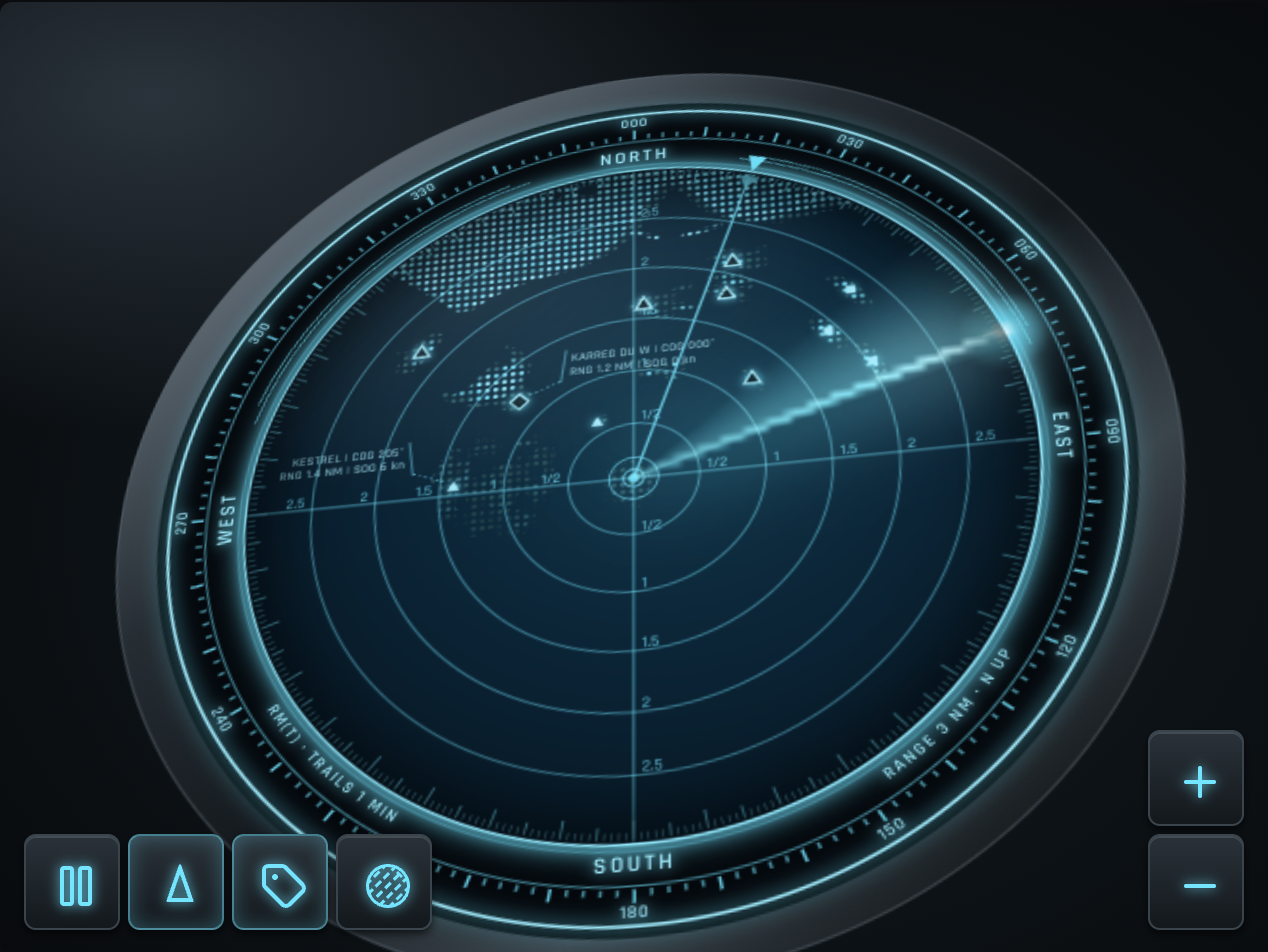
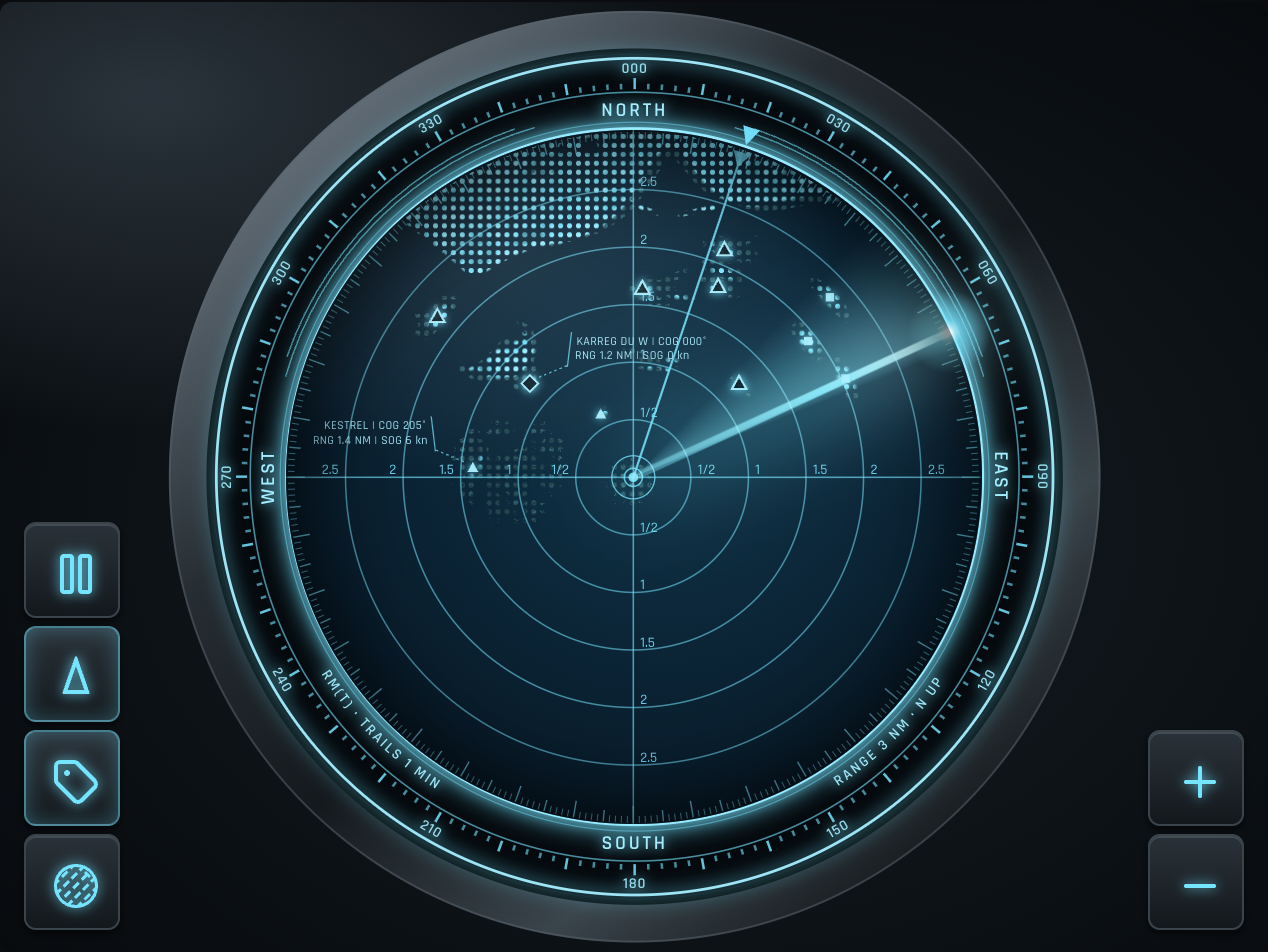
Rules behind it
- Convention A radar picture is round: a plan position indicator draws range to the same scale on every bearing, so its rings are circles and a mile measures the same in every direction.
ChangedIce and Tactical radar looks drawn closer to their references
Touches Radar PPI
Compared side by side with their reference pictures, the two looks lacked what the references draw outside and over the picture. Ice now sits in a gunmetal bezel, tilted back and turned to one side as a display seen from a seat. A dark band carries the cardinal points and the screen's settings in Rajdhani. A scale is ticked inward from the glowing rim. The beam blooms toward the rim and flares where it meets the glass, and a reflection crosses the glass. Targets are small symbols by AIS class, and only the four nearest carry their particulars, each where it covers no other label or target. The buttons are console keys. Tactical's wedge now fades from its bright leading edge and lights the echoes under it. Its land is drawn dim under a faint grid, and its targets are boxed glowing dots. Its panels lean and set pale titles over green values, and the echo profile has a scale. Its controls are a slim bar of tabs under the scope.
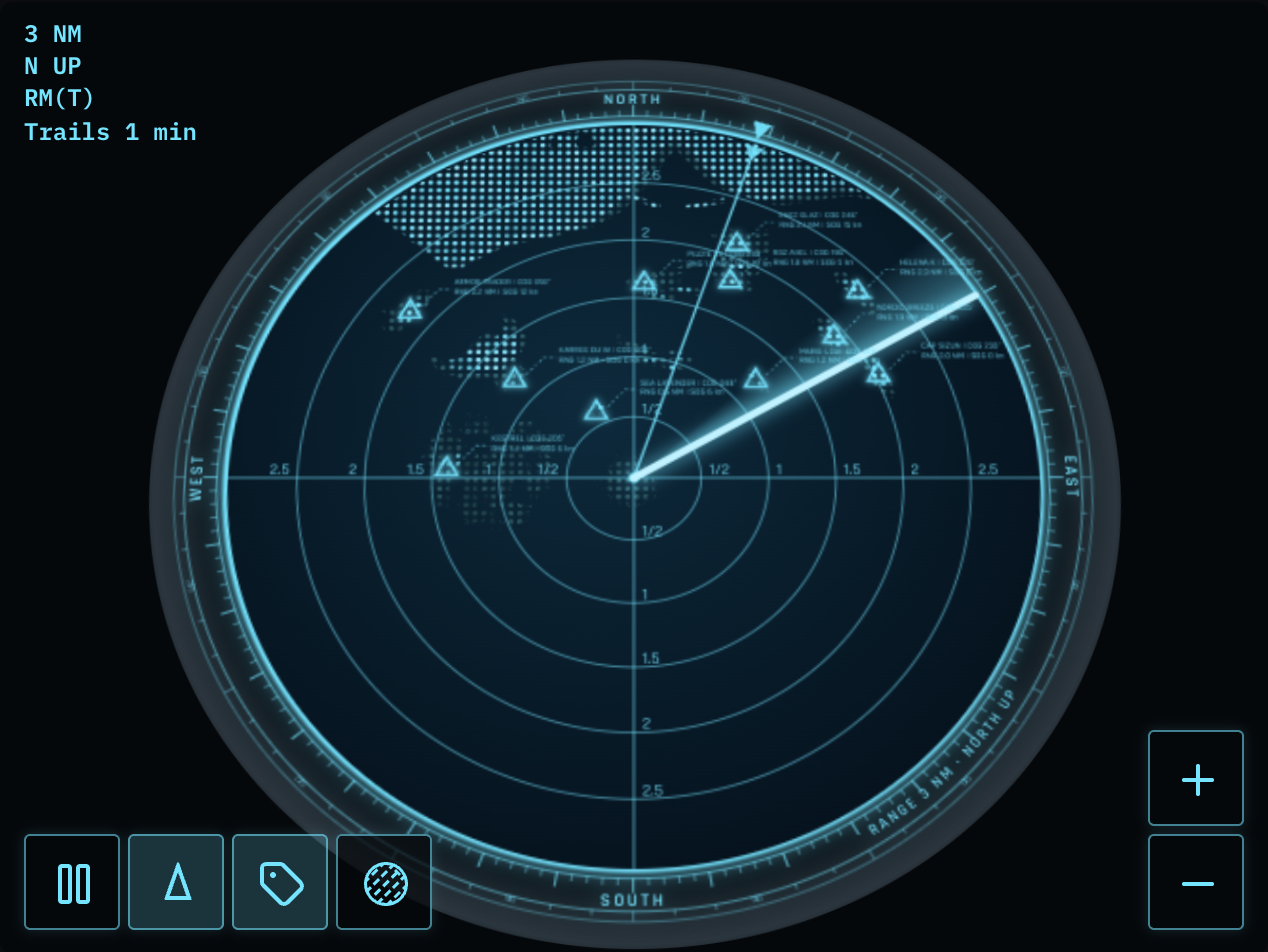
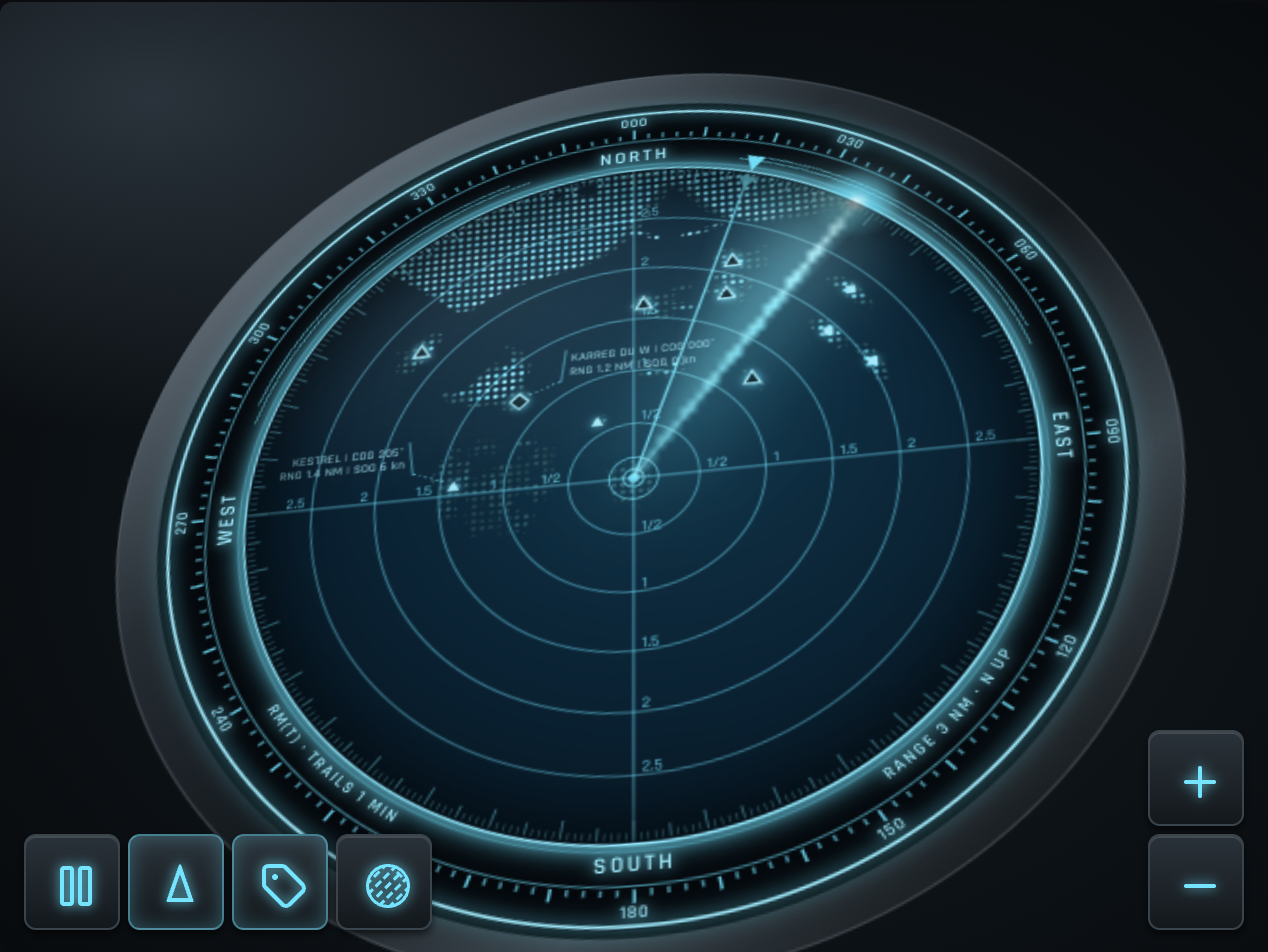
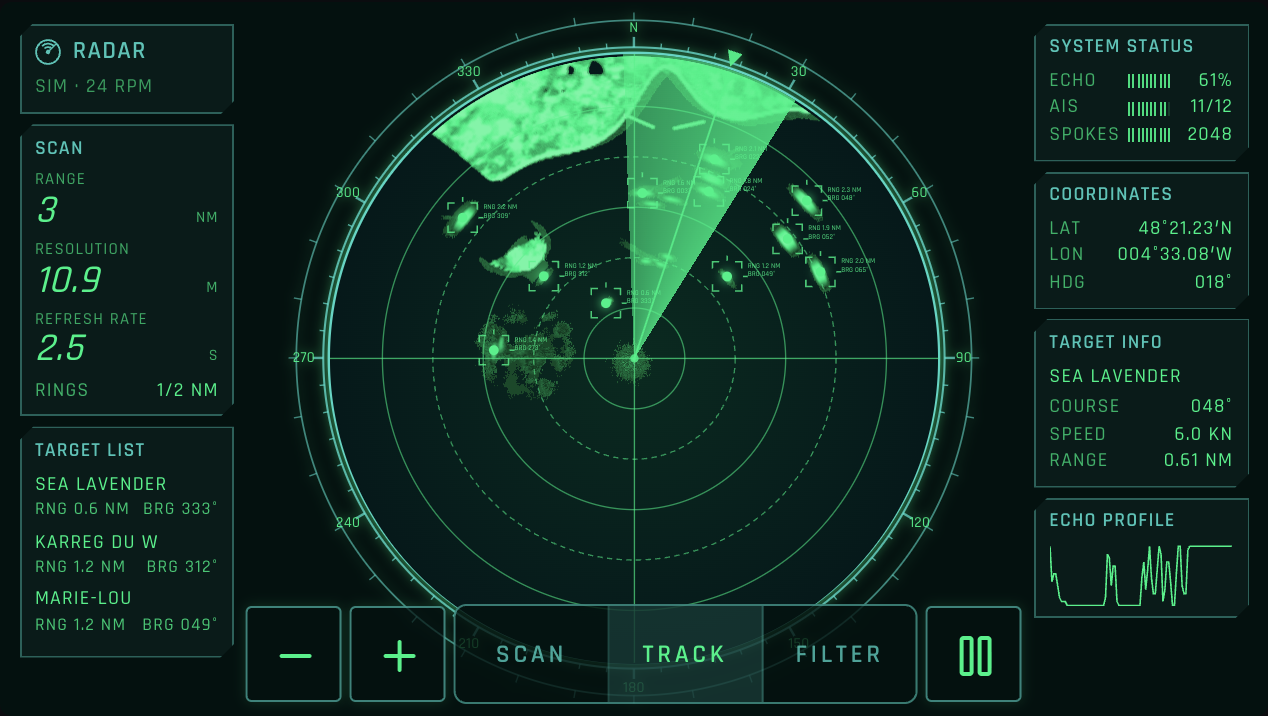
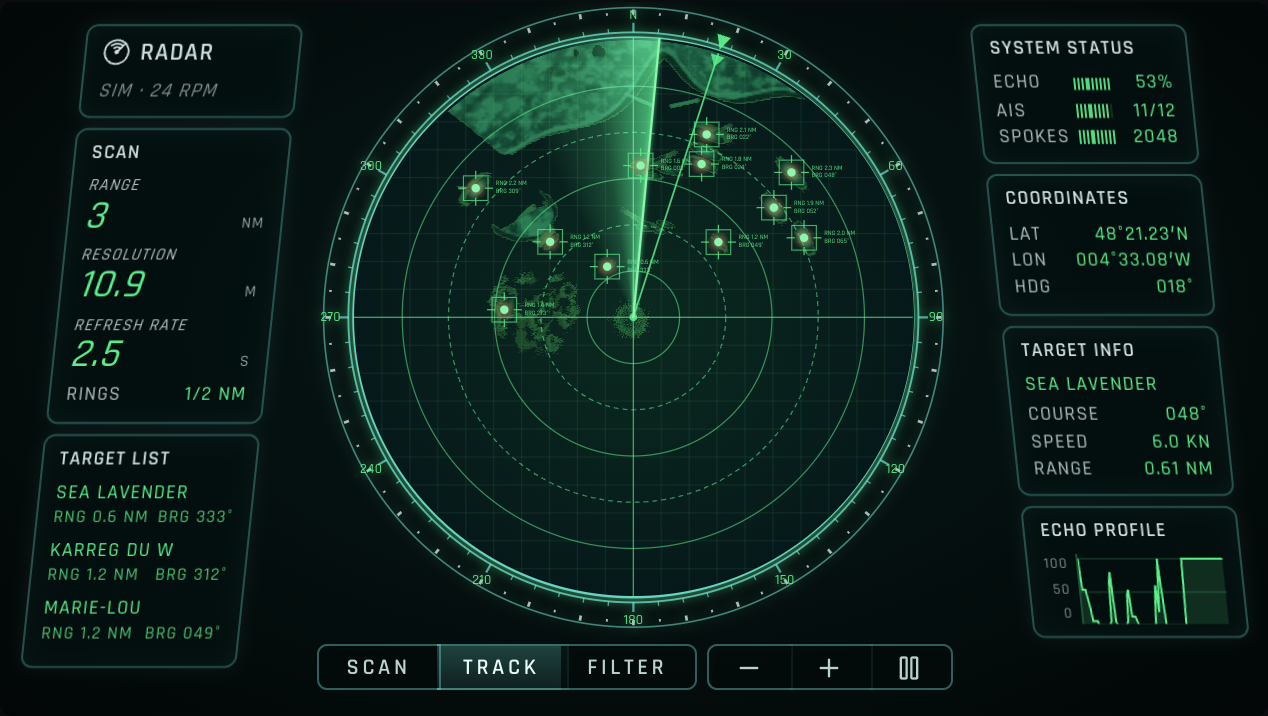
Rules behind it
- Foundation Color: the looks stay in their one hue; no red is added.
- Regulation SN.1/Circ.243: courses and bearings in the labels and panels in three digits.
- Accessibility Named controls and regions: designed with reference to WCAG 2.2 1.3.1, 4.1.2 and 2.5.8: the Tactical panels are regions named by their titles, every tab and key keeps a name and a 48 px target, and the settings a console writes along its bezel stay in the page as text.
AddedRadar scope looks, AIS targets and display controls on the radar page
Touches Radar PPI
A picker on each example switches the look: the plotter's own, or Tactical, Ice, Chart, Phosphor, Sonar, Target, Red glow or Amber, each built after a reference picture and drawing its own echo colors, ink, face, bezel, crosshair or grid, sweep, glow, target symbol and panels. The sweep follows the bearing of the latest spoke. The AIS targets from the simulated scanner are drawn at their reported positions in the look's symbol, with labels; the Tactical and Chart looks add panels with the range, resolution, own ship's position, the target list and the echo profile. Buttons pause the scan, show the targets and their labels, and filter rain and clutter; Tactical offers them as Scan, Track and Filter. The HUD looks letter in Rajdhani (SIL Open Font License), which the site serves from public/fonts. The Scope looks example shows the chosen look's reference picture beneath it: stock previews, kept on the page for comparison only.
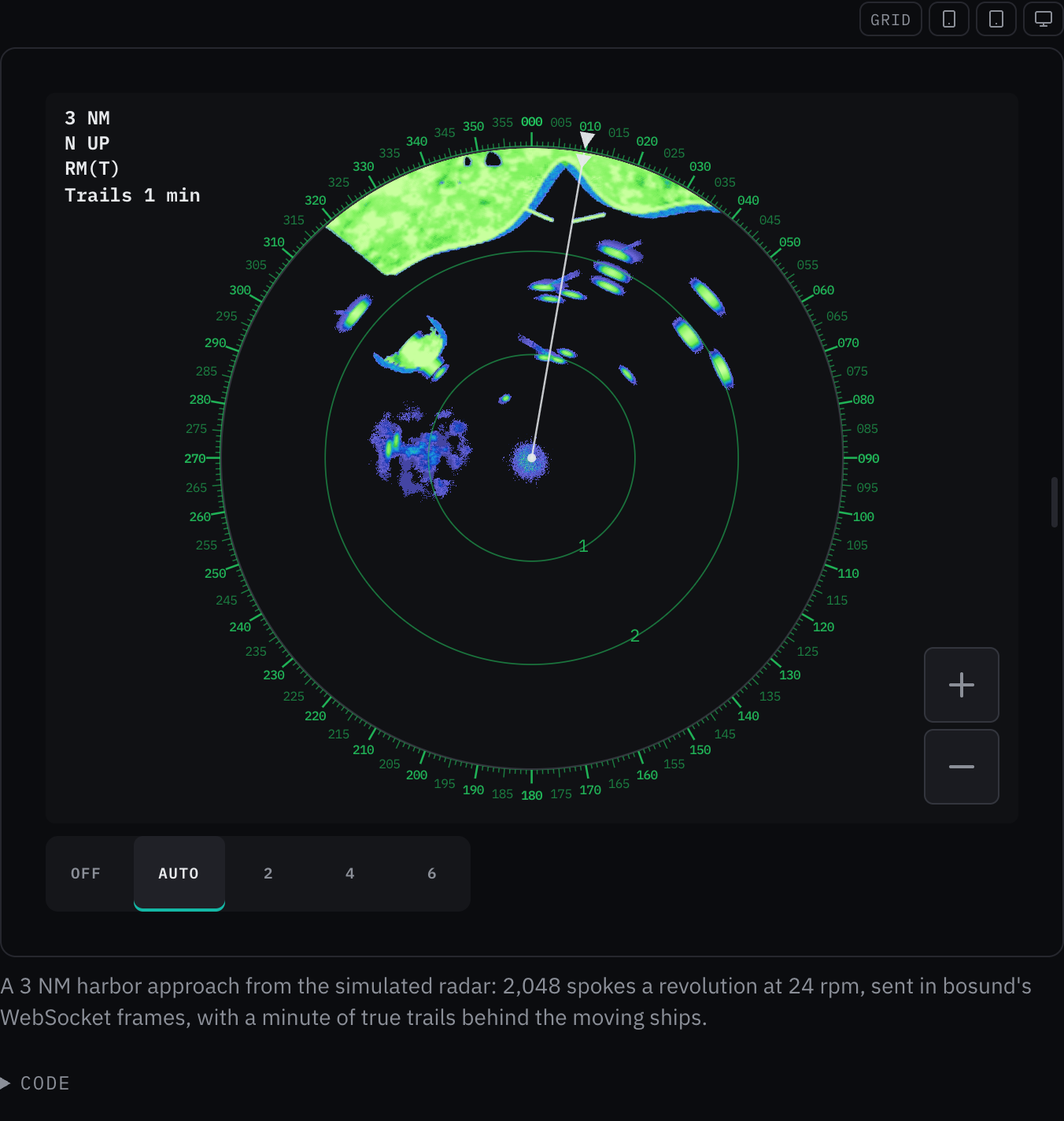
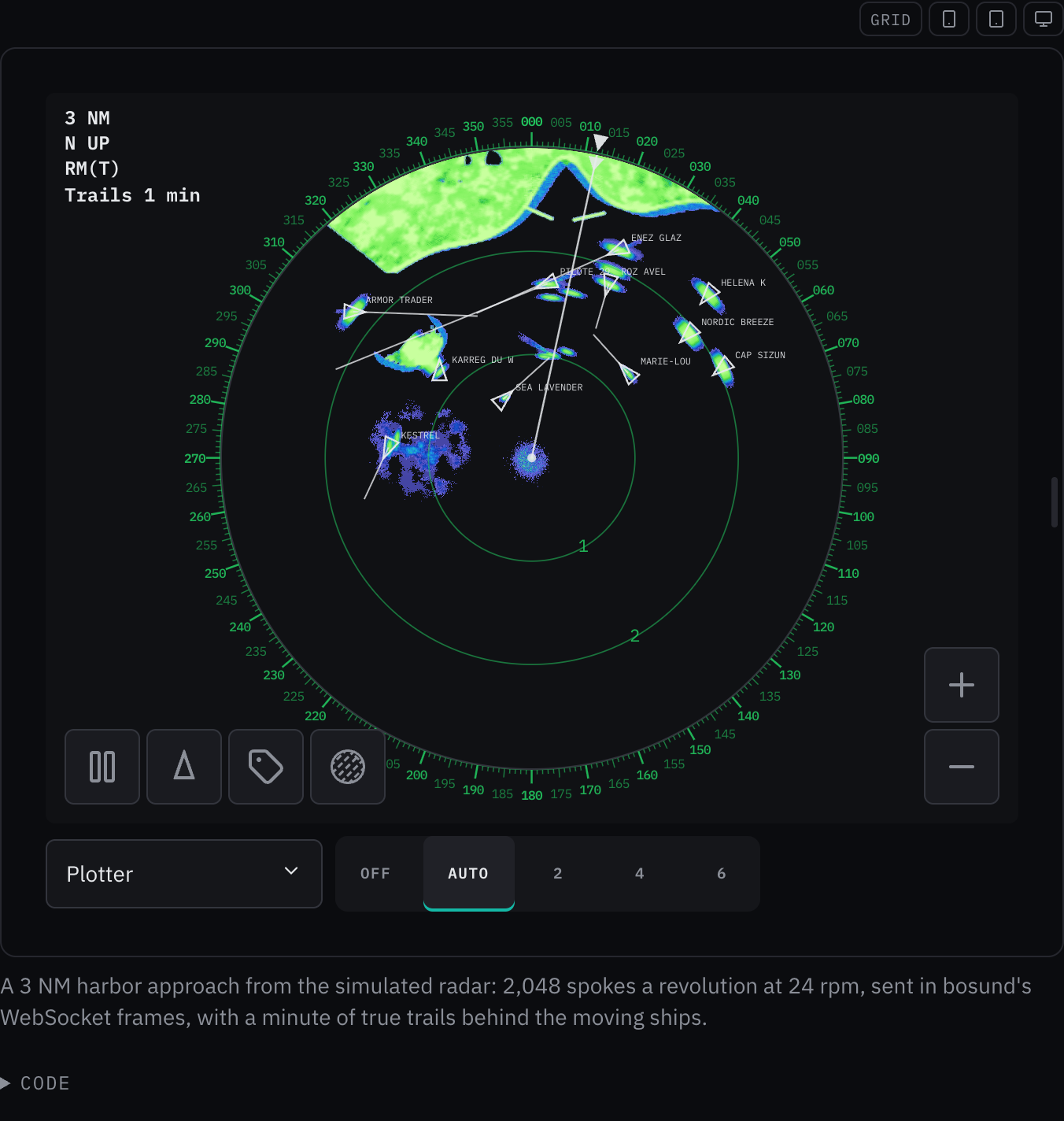
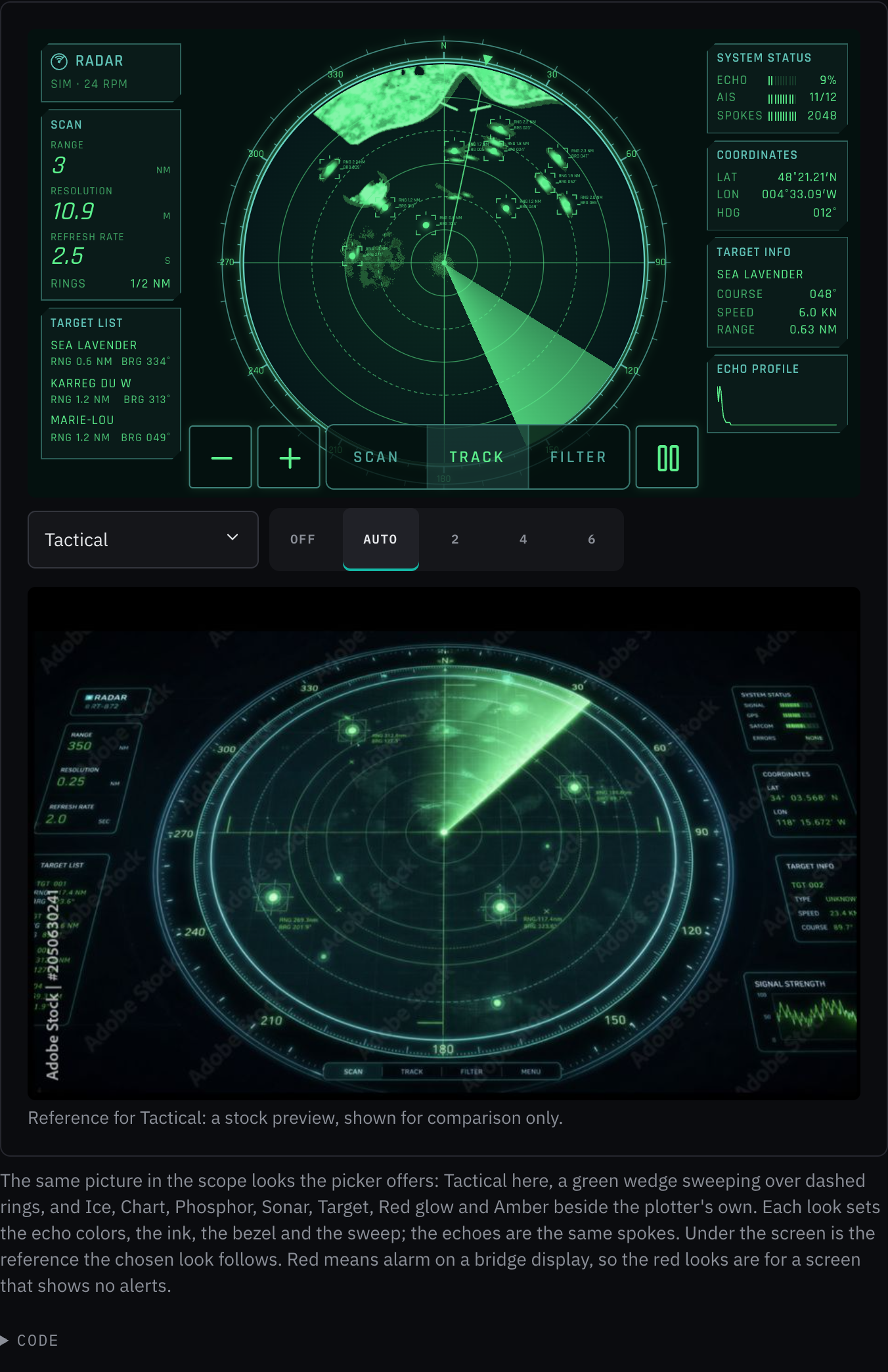
Rules behind it
- Foundation Color: red means alarm, so the red looks are opt-in and the default look stays the plotter's.
- Regulation IEC 62288: an AIS target is drawn as a triangle along its heading with a course vector, as the plotter look draws it.
- Regulation SN.1/Circ.243: bearings in three digits and positions in chart notation in the panels.
- Accessibility Named controls: designed with reference to WCAG 2.2 4.1.2 and 2.5.8: every screen button has a name and a 48 px target, toggles report aria-pressed, and the display modes are a named radio group.
ChangedThe simulated radar carries more traffic, AIS and a racon
Touches Radar PPI
The examples' scene now has a container ship on the offshore route, three ships at anchor east of the fairway, a tug towing a barge, a fast RIB without AIS, yachts racing off the island (one without AIS), and a racon on the west cardinal mark that answers Morse K for 20 s in every 40. Vessels run along their courses and back, so the scene never runs ashore, and own ship turns at the top of the approach. The scanner reports AIS for the vessels that carry it at the intervals ITU-R M.1371 sets, from the position at each report, so a report lags the echo between reports as it does on a real screen.
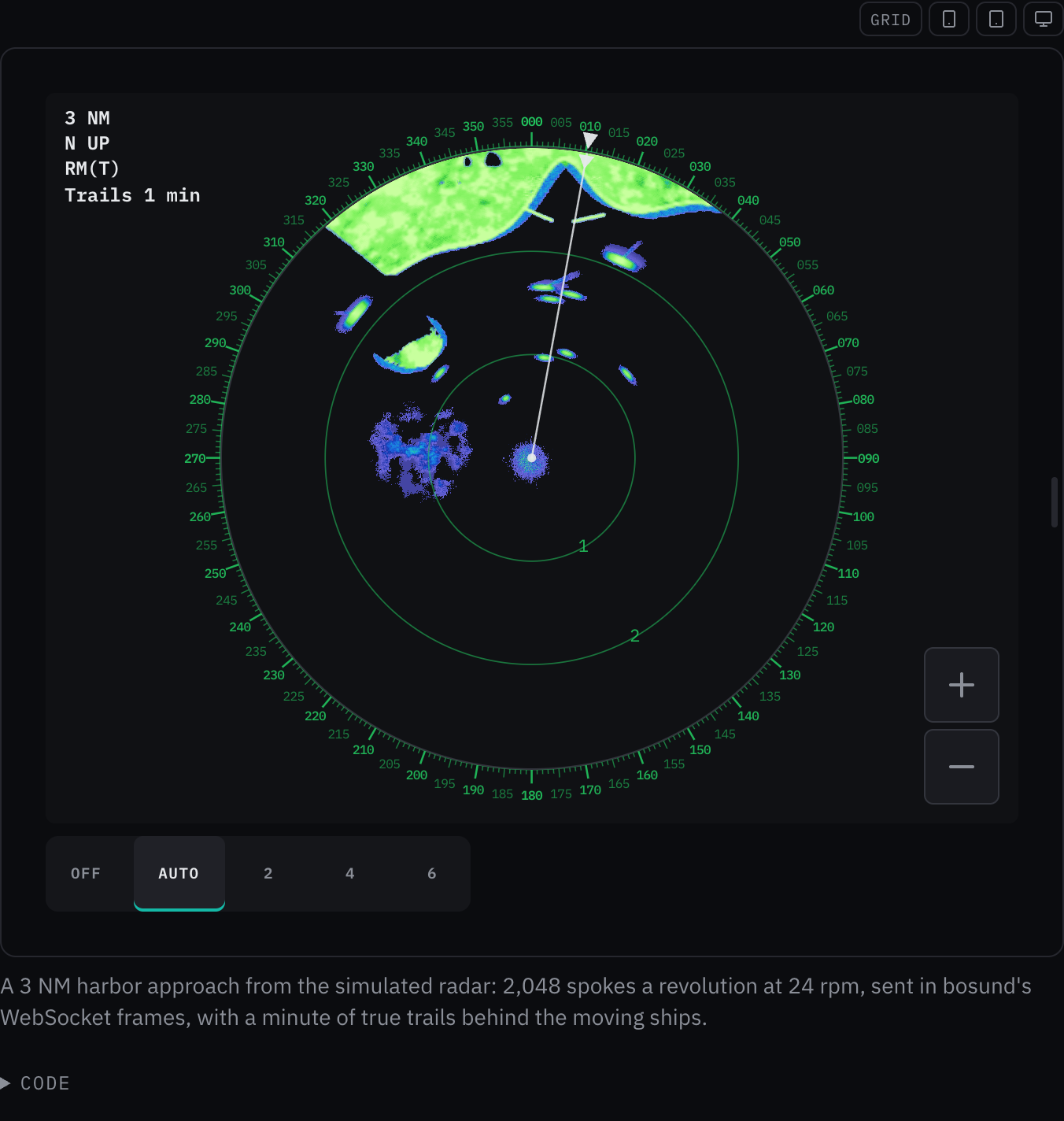
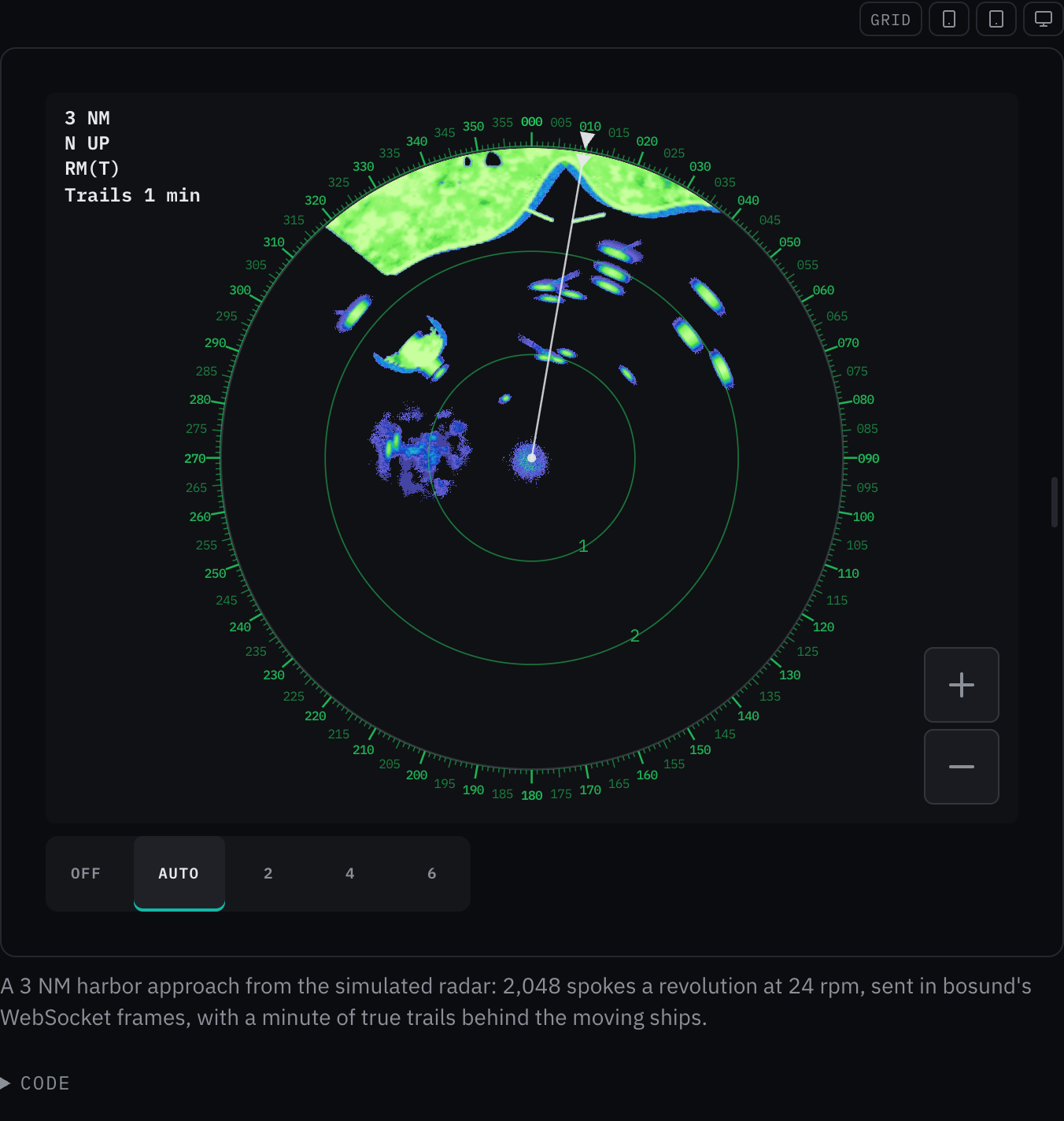
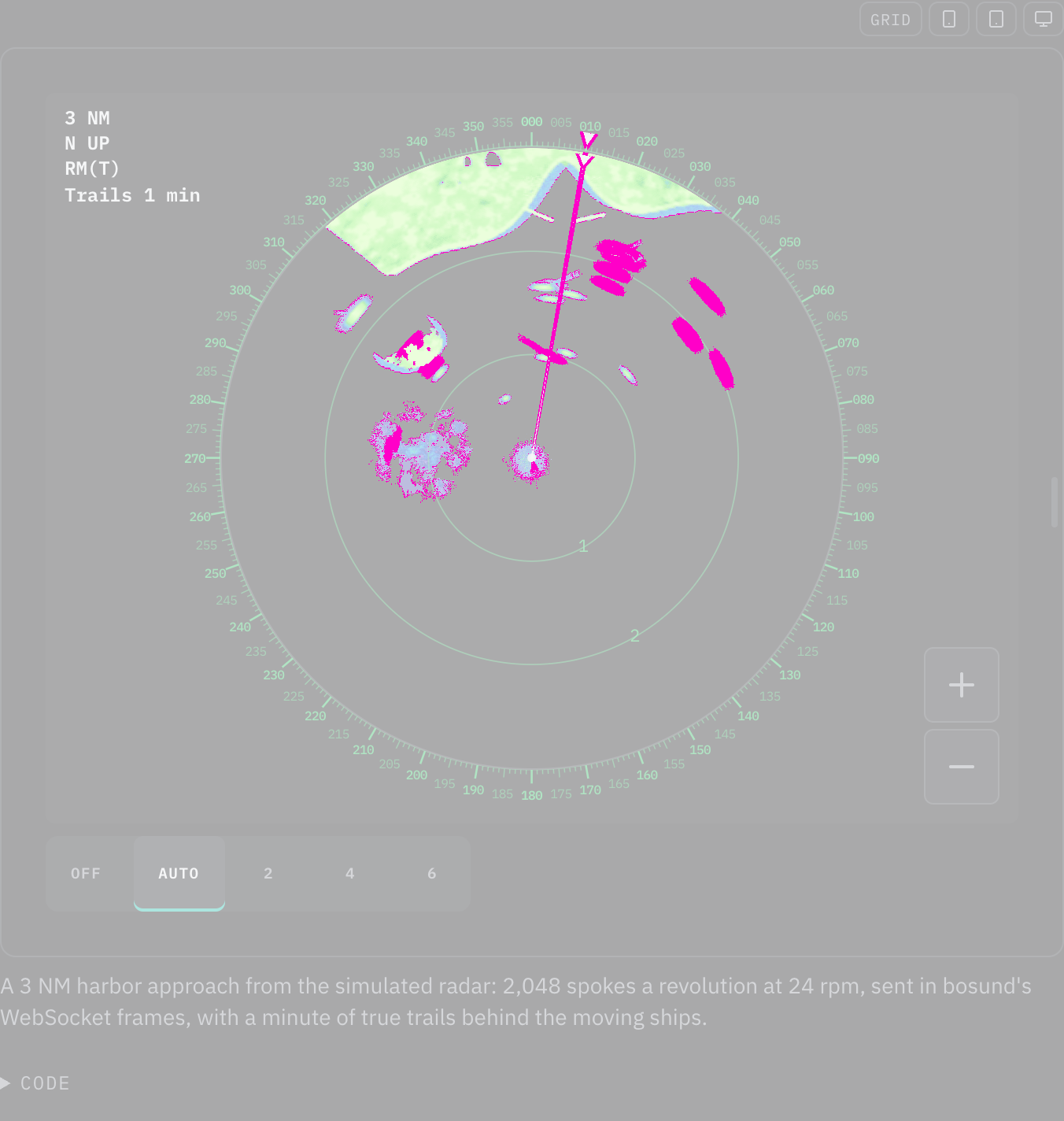
Rules behind it
- Convention AIS reporting intervals: a class A ship reports every 10 s up to 14 kn, 6 s up to 23 kn and 2 s above, every 3 minutes at anchor; class B every 30 s; an aid to navigation every 3 minutes, as ITU-R M.1371 sets them.
AddedRadar picture: halftone echoes, and water and rim a screen can set
Touches Radar PPI
halftone draws the echoes through a grid of round dots, as a stylized display shows land and targets; it is a
look and a bridge screen keeps it off. The picture's water and rim read --radar-ppi-background and
--radar-ppi-border before the theme's --bg2 and --border-bright, so a screen around it can give the picture
its own surroundings.
No visible change in a still. No example on the page uses either yet; the scope looks that use both come with a later entry. The new tests pin both.
Rules behind it
- Foundation Themes: the picture keeps the theme's water and rim unless the screen around it sets its own.
AddedZoom buttons, a range-ring selector and a bearing scale outside the radar picture
Touches Radar PPI
Each example is a plotter's radar page with a zoom in and a zoom out button, stepping the range scale through 1/8, 1/4, 1/2, 3/4, 1, 1.5, 2, 3, 4, 6 and 8 NM, and a selector for the range rings: off, the plotter's choice for the scale (three on a scale of three times a power of two, four otherwise, two on 1/8 NM), or two, four or six. The simulated scanner switches scale in place, so the scene carries on and the next frame is swept on the new scale; its terrain now reaches past 8 NM. The bearing scale sits outside the picture: a tick every degree, longer every 5° and 10°, and every 5° numbered in small three-digit figures, upright however the scale turns heading-up, with own ship's heading marked on the rim.
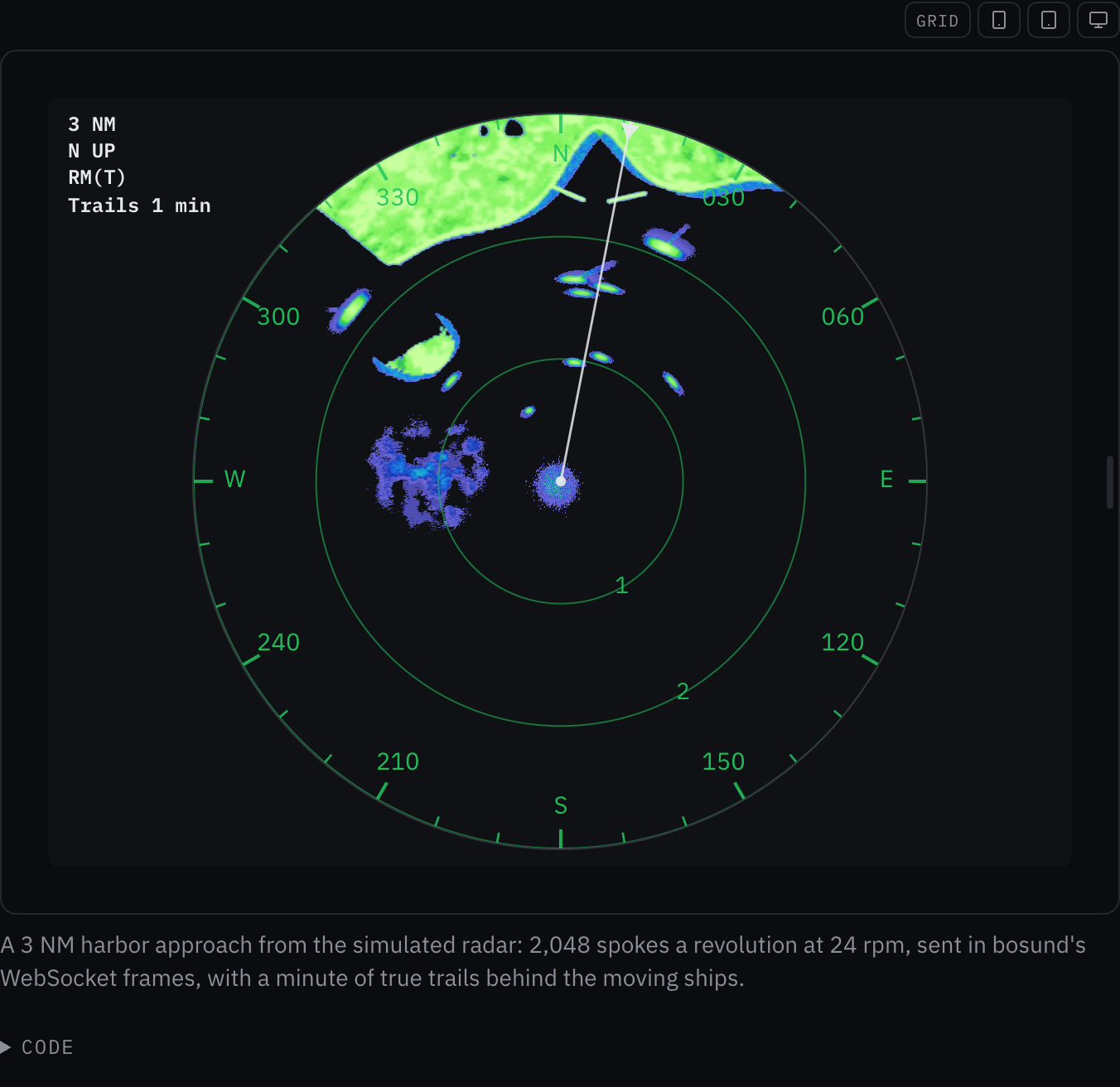
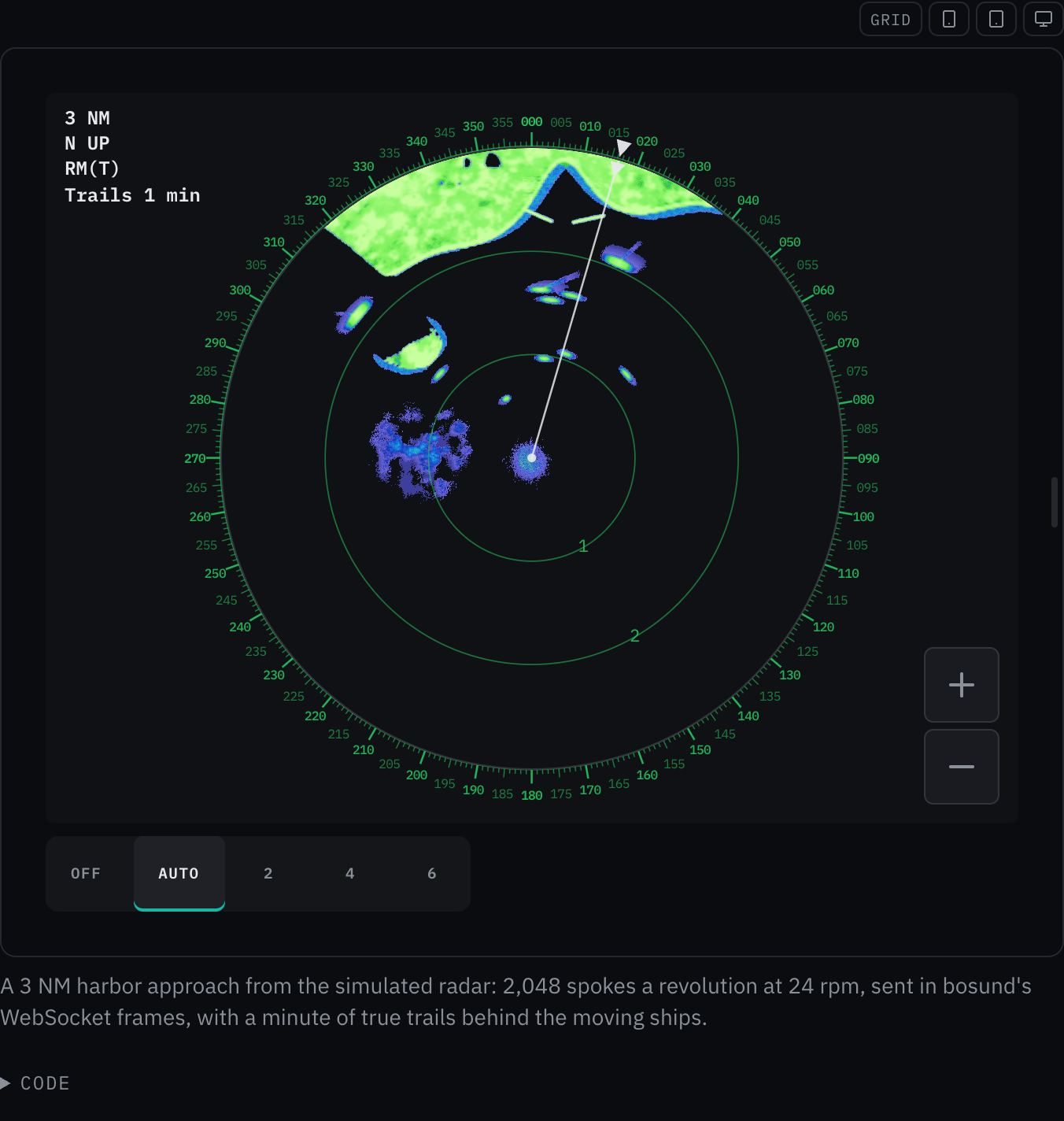
Rules behind it
- Regulation SN.1/Circ.243: the range scale in NM, with fractions of a mile as the plotter writes them.
- Accessibility Target size: designed with reference to WCAG 2.2 2.5.8: the zoom buttons are the kit's icon buttons, at the kit's touch-target size, each named by its label.
- Convention The plotter's radar page: range in and out step through the plotter's scales, 1/8 to 8 NM, and the rings divide each scale into steps a fraction or a whole number can label.
ChangedThe radar picture follows the theme
The picture's water is transparent in every palette, so it lies on the component's own background, the theme's,
rather than on black. With no palette the echoes follow the theme around the picture: RADAR_PALETTE_GREEN on a
dark theme, the new RADAR_PALETTE_DAY (a pale blue fringe round a dark green core) on a light one, and
RADAR_PALETTE_NIGHT on Night, checked four times a second so a theme change reaches the picture at once. Both
renderers draw from RGBA palette tables; between water and a color only the alpha ramps, so an echo's edge fades
into the background. The example screen and marks take the theme's background, green and text colors.
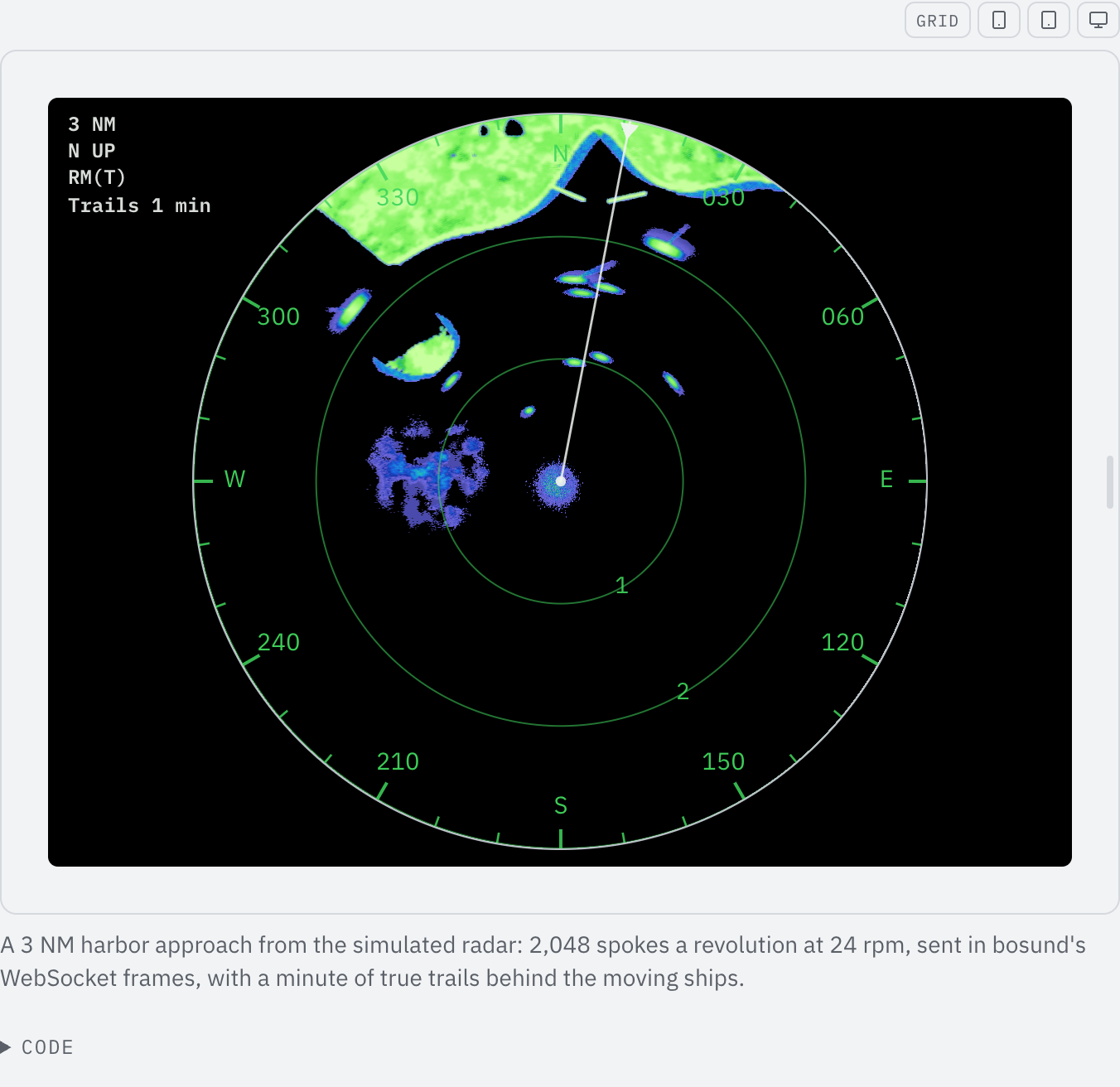
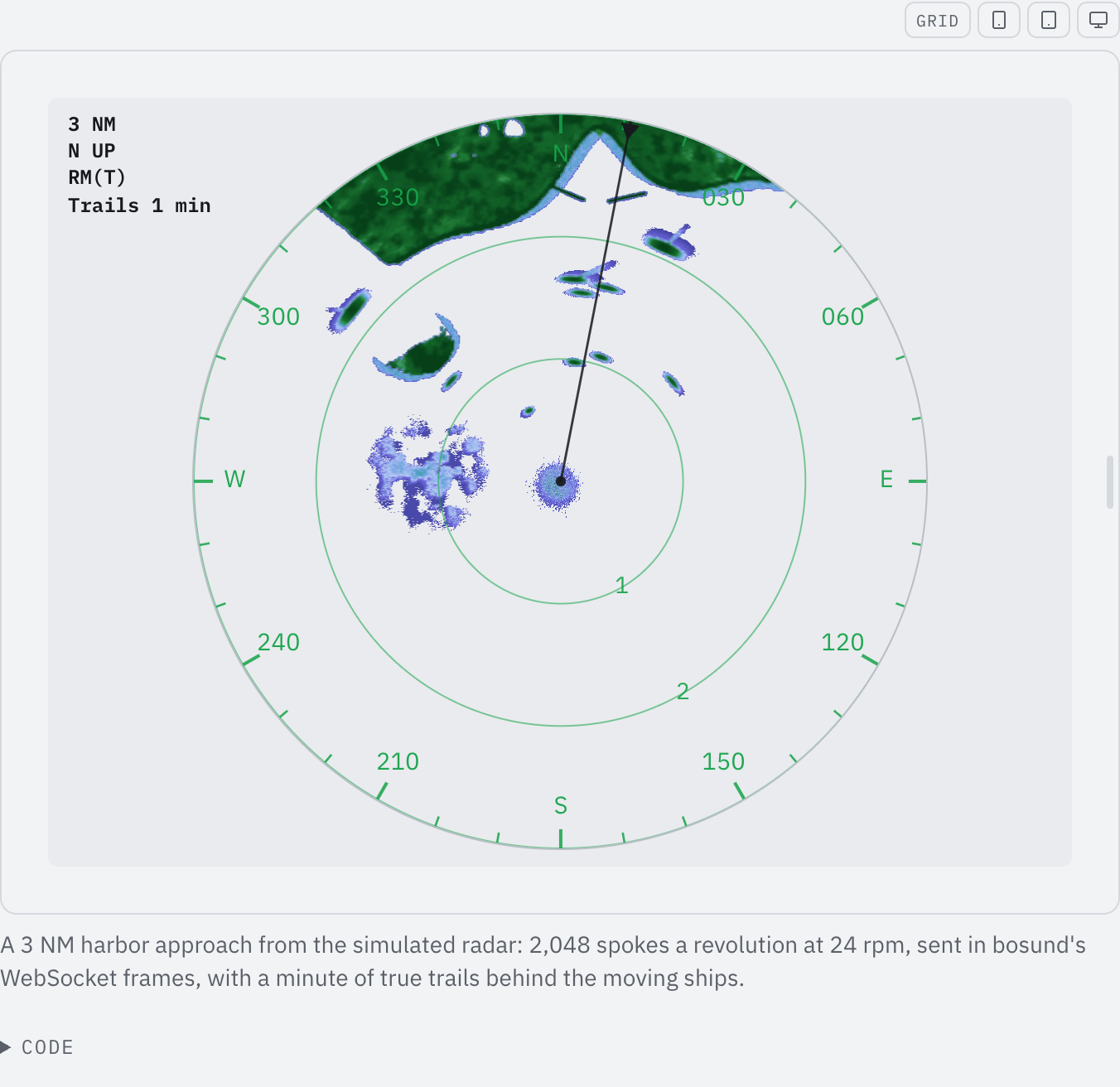
Rules behind it
ChangedThe radar picture moves: a simulated scanner in bosund's frame format, drawn on the GPU
Touches Radar PPI
The examples run a simulated Navico scanner that writes bosund's radar WebSocket frames: 2,048 spokes a revolution
at 24 rpm, 512 samples in sixteen levels, north-referenced angles. decodeRadarFrame reads them, refusing a frame
whose length, angle, heading or range is wrong, and the picture takes the spokes it returns. The scene has a coast
with radar shadow behind its hills, an island, five ships under way with wakes, buoys, breakwaters, a drifting
rain shower, sea clutter, the main bang and now and then another radar's interference, with own ship steaming
north at 7 kn. The picture is drawn on WebGL2 by default, with the CPU renderer where the browser has none; the
sweep line is gone, since the plotters draw none. The intensity buffer has 2,048 bearings, one per spoke. The
palettes are banded, so the weak levels fringe each echo, and a plotter palette with the Zeus3S's red cores is
offered for a display that shows no alerts. The example marks draw the plotter's graticule and the page is a
plotter screen with its settings at the top left, larger than before.
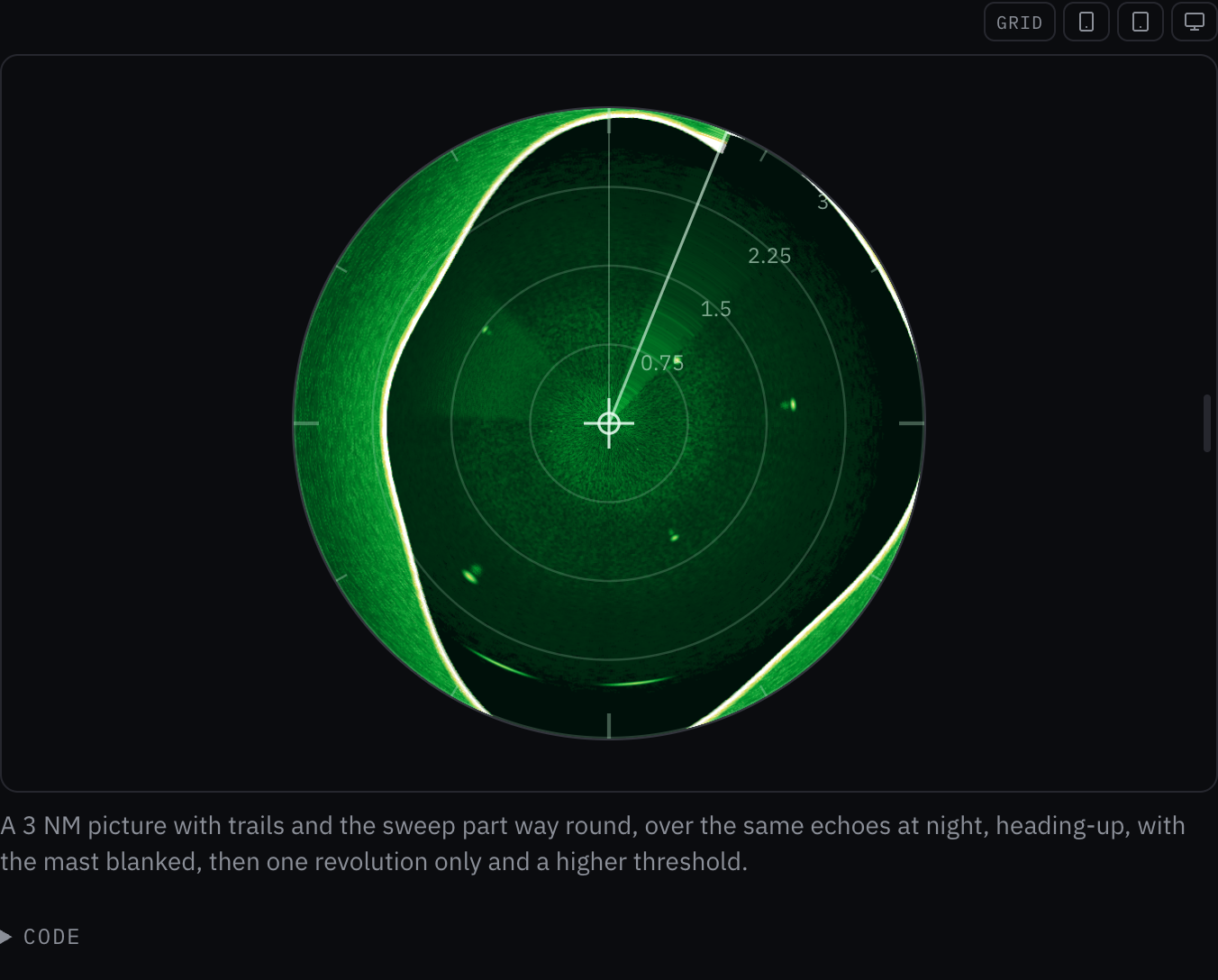
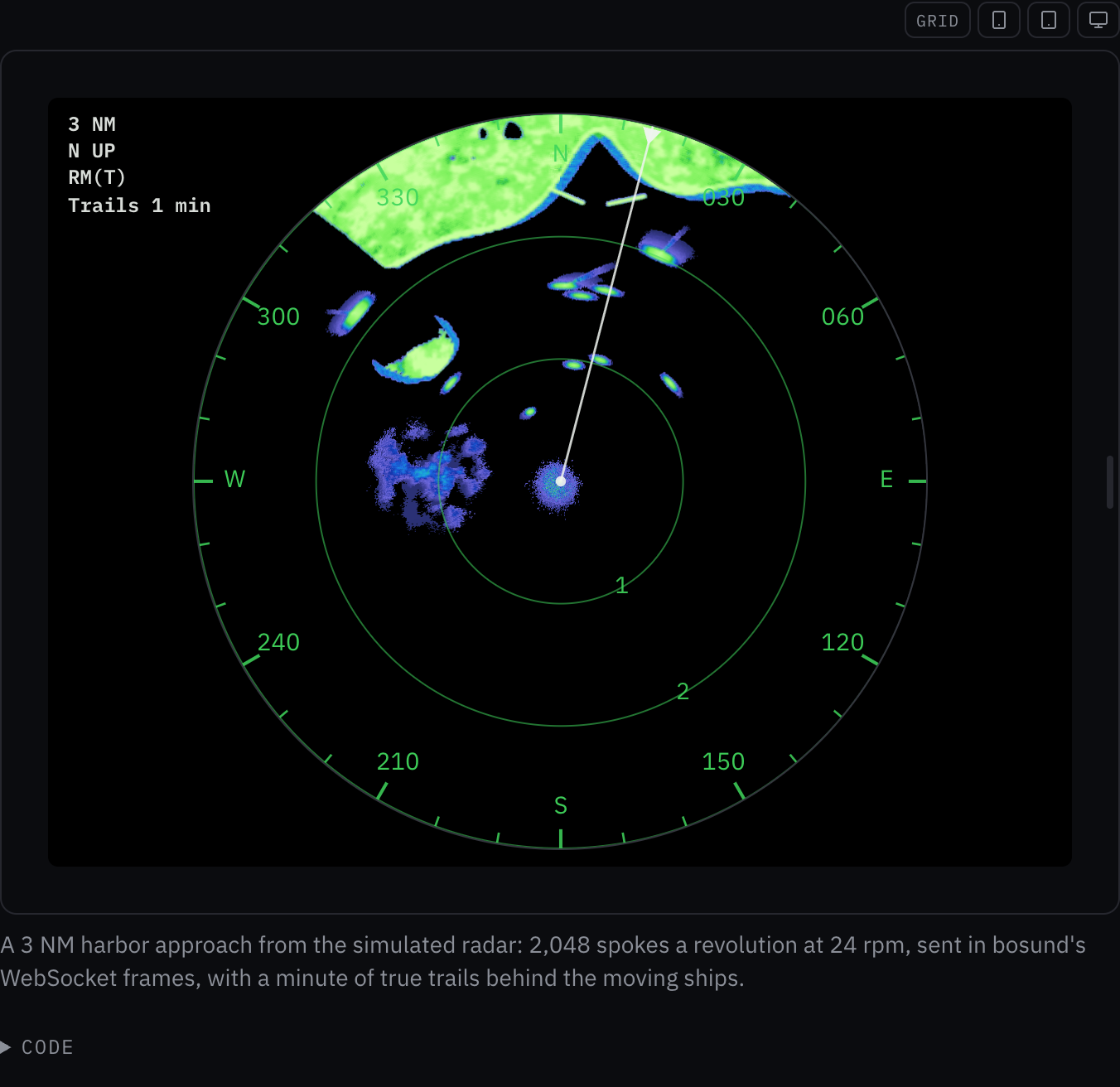
Rules behind it
- Foundation Color: red means alarm, so the default echo palettes have no red and the plotter's red-cored palette is a separate choice.
- Regulation SN.1/Circ.243: the range scale in NM, the orientation as N UP or H UP and the motion as RM(T) or RM(R), as the screen's settings show them.
- Convention The plotter's radar page: black water, echoes fringed in the weak levels round a solid core, thin green rings with their ranges, a bearing tick every 10° and a label every 30°, a white heading line, as a B&G Zeus3S draws a HALO picture.
AddedTrue-motion radar trails, and trail lengths in seconds
Touches Radar PPI
trails takes off, relative or true. Relative trails are the plotter's own aged echo and show how a target
moves relative to own ship. True trails are radar_pi's: a grid over the picture, fixed to the ground and moved with
own ship (ownShip), in which each cell remembers how long ago it held an echo; a trail is drawn only where the
echo has gone, in its own colors (trailPalette, blue by default), so a fixed mark leaves none however own ship
moves. trailSeconds gives how long a trail lasts, the way the plotters offer it, and replaces the per-second
fraction. The WebGL2 renderer runs the true trail as a third pass with the age in 16 bits, so a ten-minute trail
still ages in whole steps; the blanking uniform is declared for the eight sectors it carries.
No visible change in a still. No example on the page uses true trails yet, and the existing examples keep the trail lengths they had, now given in seconds, so the page looks the same; the moving scene that shows both kinds of trail comes with the next entry. The true-trail tests pin the behavior on both renderers.
Rules behind it
- Convention Trails as the plotters offer them: off, relative or true; a trail length in seconds, from 15 s to 10 minutes or continuous, as radar_pi offers them.
- Regulation IEC 62288: true and relative motion are distinct presentations of the same picture, and a trail says which one it is.
FixedA relative radar trail is gated on the echo that set it
Touches Radar PPI
The threshold was applied to the latest echo at each bearing, so when the sweep repainted a bin with anything weaker than the threshold, such as the noise floor every bin carries, the trail behind a target vanished. The texels now carry the firmware's four channels: the latest echo, the shown intensity, the original intensity that set it, and the fraction of an 8-bit step the aging has not yet taken. The threshold applies to the original, so a trail lasts until it has aged out.
No visible change in a still. The documentation's scene sends the same echoes every revolution, so a repaint is never weaker than the trail it falls on and the page looks the same; the relative-trail test pins the case on both renderers.
Rules behind it
- Convention The firmware gate: a trail is limited by the original intensity that set it and displays its aged intensity, as the Zeus3S SpokeCommitProgram does.
FixedWithout trails, the radar picture keeps each bearing's last echo
Touches Radar PPI
With trails off the picture showed only the spokes of the latest frame: bosund's WebSocket sends the spokes swept since the previous frame, about a sixtieth of a revolution, so the picture was a thin wedge behind the sweep. Each frame now says which bearings it covered, and a bearing it did not cover keeps the echo it had, on both renderers.
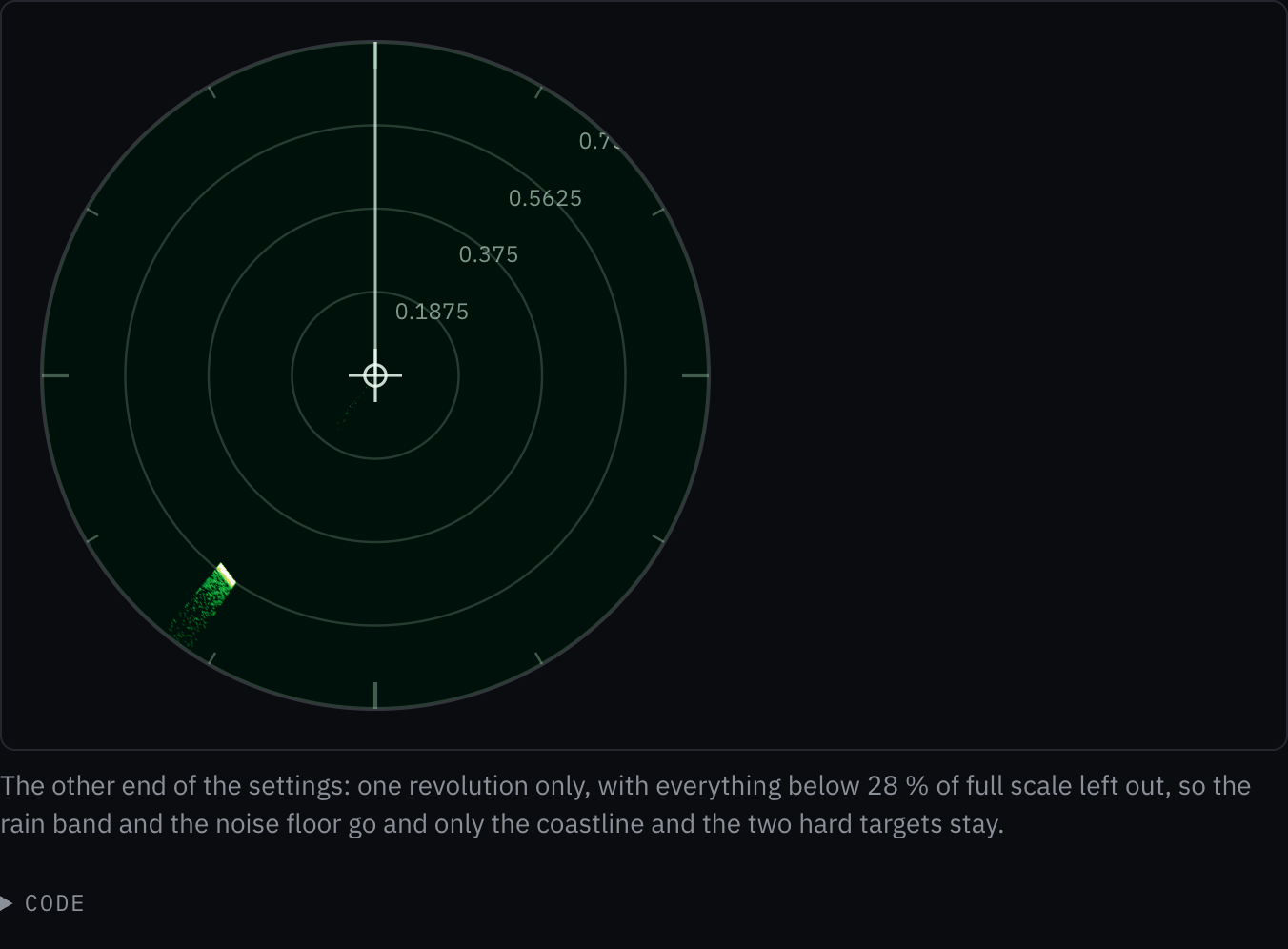
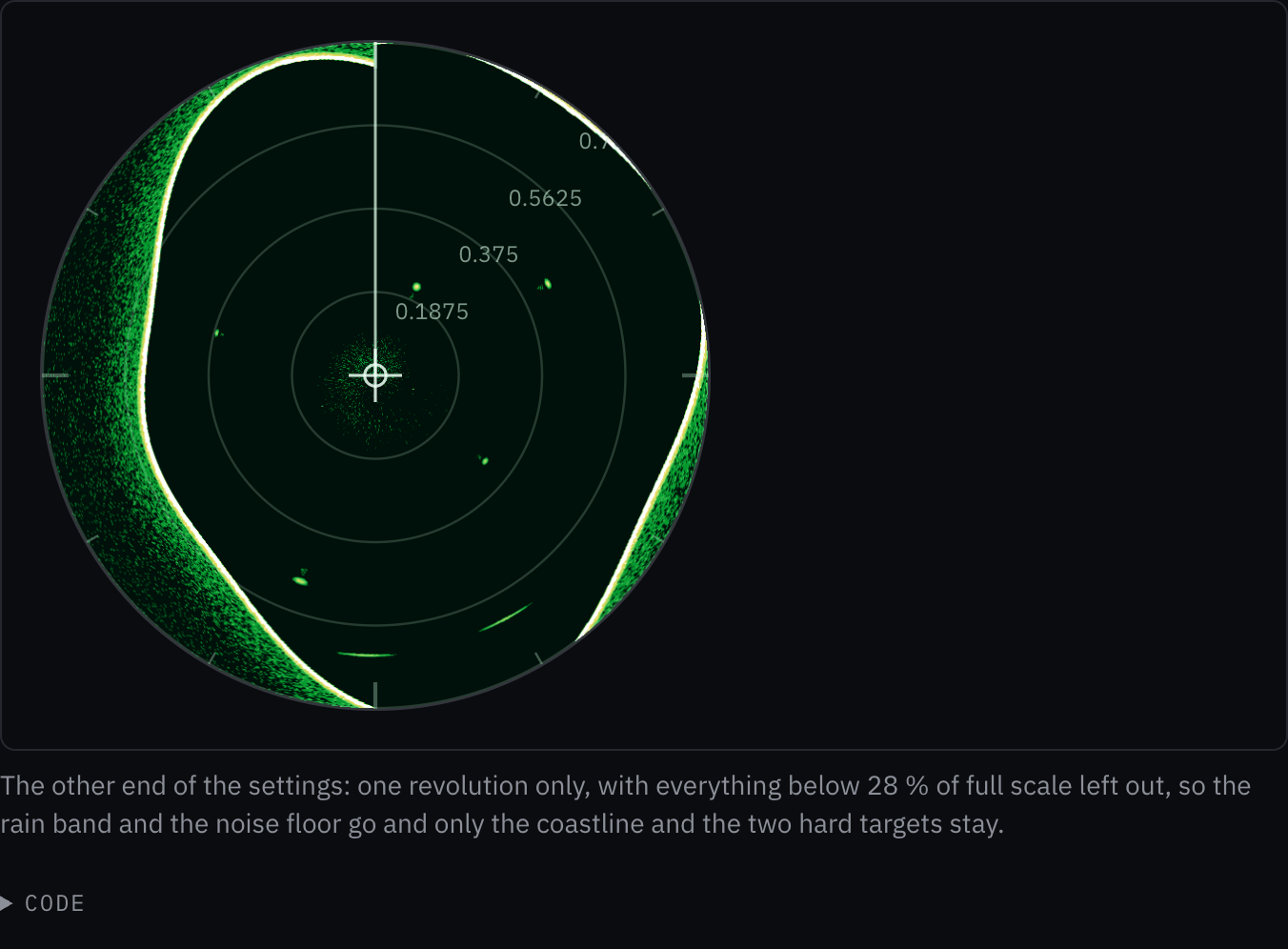
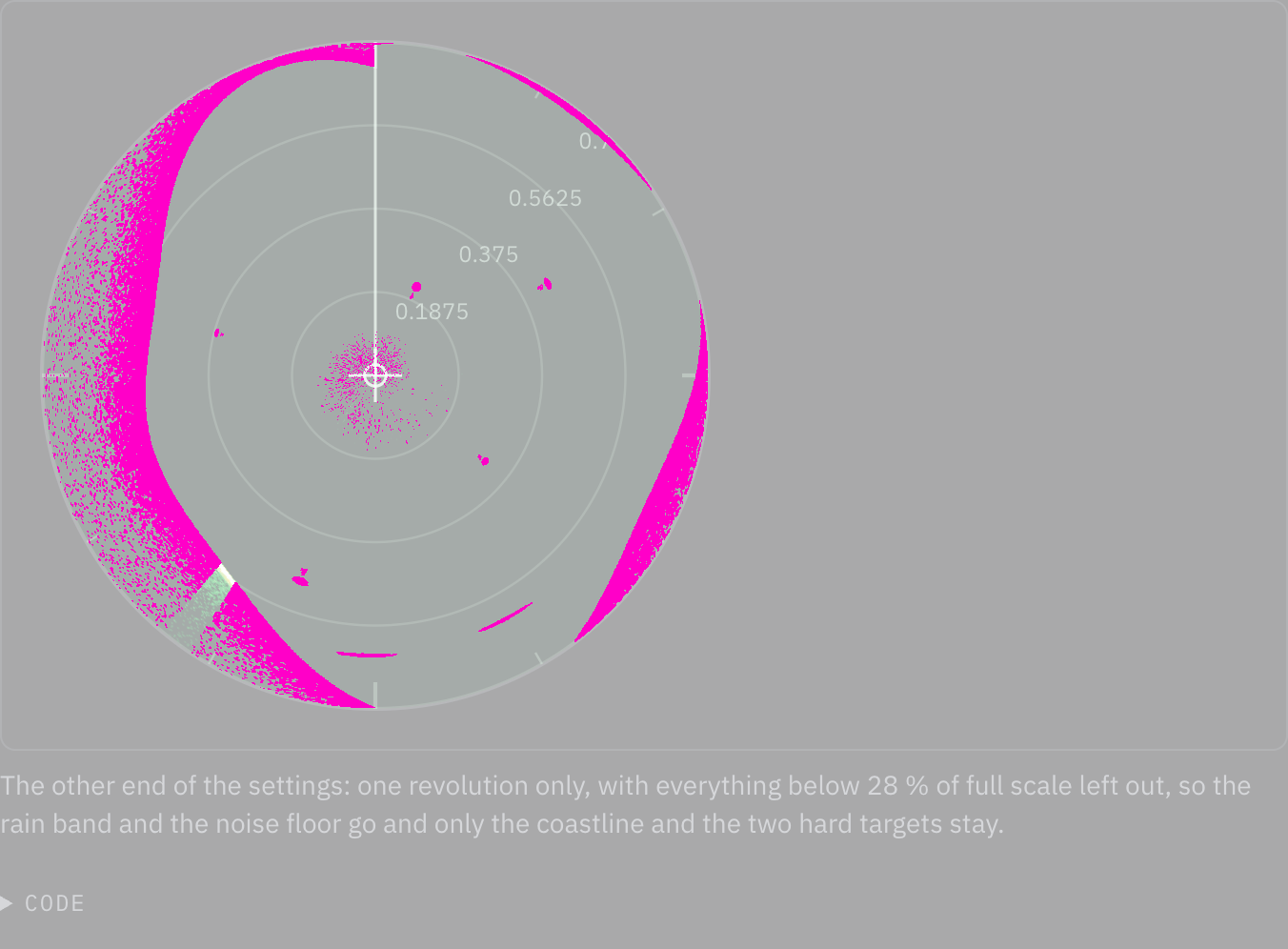
Rules behind it
- Convention A picture is a revolution: each bearing shows what the sweep last found there until the sweep comes round again, with or without trails.
FixedA radar range change starts the picture again
Touches Radar PPI
The picture kept its echoes and trails when rangeNm changed, so for the rest of a trail every echo from the old
scale was drawn at the wrong distance: an echo received at 2 NM on the 3 NM scale showed at 4 NM on the 6 NM one.
A range change now clears the echo buffer and both renderers' trail buffers, and the next frame starts an empty
picture.
No visible change in a still. The defect is what remains on screen in the moment after the range scale changes, which no still of a page on one range can show; the range test pins it on both renderers.
Rules behind it
- Convention Echoes at their range: an echo is drawn only on the range scale it was received on, as radar_pi resets its spokes on a range change.
FixedRadar spokes are north-referenced, as bosund sends them
Touches Radar PPI
The spoke's angle was read as bow-relative and the whole picture was turned by the current heading for north-up.
bosund's radar WebSocket sends north-referenced angles, because its spoke ring adds the heading when the spoke
arrives, so the picture was turned twice; and every echo still on screen swung with each yaw, wherever the vessel
was heading when it was received. The spoke field is now angle, north-referenced: the picture stores each echo at
its true bearing, north-up draws it as stored, heading-up turns it by the heading, and blanking sectors are measured
from the bow.
No visible change in a still. The documentation's scene is defined by true bearing and does not move, so a before and after of it would show the same picture turned by its fixed 22° heading and say nothing about a vessel that turns. What changed is where an echo stays while the heading changes, which the bearing tests pin on both renderers.
Rules behind it
- Convention One bearing reference: a spoke angle means what bosund means by it: 12-bit, clockwise from north, with the heading added at reception, as radar_pi does.
- Regulation IEC 62288: north-up is a stabilized presentation: an echo keeps its true bearing while own ship yaws.
FixedA radar frame that crosses north is drawn where its spokes are
Touches Radar PPI
The picture held each spoke until the next one in its frame, but it found the next one by sorting the frame's spokes by bearing. When the sweep crossed north inside a frame, sorting put the last spoke before the gap across the wrap, and that spoke was painted up to 64 bins, about 22°, past where the radar sent it. The spokes now hold in the order the radar swept them, with the step measured round the circle.
No visible change in a still. The smear lasted only the frame in which the sweep crossed north, one twenty-fifth of a second a revolution, so a still of the page shows it only by chance; the test that draws such a frame pins it on both renderers.
Rules behind it
- Convention Echoes at their bearing: a spoke stands in for the bins up to the next spoke the radar sent, measured in sweep order and round the circle, never across the wrap at north.
ChangedComponent names and composition follow their actual behavior
Touches Component API, Field, Dialog, Combobox, Autocomplete
NauticalChart, NavigationBar, CommandPalette, RadioCards, SegmentedRadioGroup and TaskDialog describe their roles explicitly. Menu, Dialog, Field, Select, Tabs, Autocomplete and Combobox offer named parts. Input exposes string change events, field recipes share labeling and validation, selections accept custom children, and callbacks use value, checked and open conventions. Existing imports remain compatibility adapters. Documentation examples use canonical APIs, and props tables read exported contracts for compound parts.
No visible change in a still. The migration preserves the existing visual roles. The public names, props, composition, keyboard behavior and generated API reference carry the change.
Rules behind it
- Convention Name behavior: destination navigation, panel tabs, text suggestions and item selection have distinct names and state contracts.
- Accessibility Preserve primitive semantics: Base UI parts retain labels, event details, cancellation, focus management and render composition.
- Convention One implementation: deprecated names adapt to canonical components; recipes share primitives instead of duplicating interaction code.
ChangedError breakdown inspects and highlights individual failure segments
Touches Bar chart, Chart tooltip
The error-breakdown example uses item inspection with a token-colored active segment outline. Its tooltip displays only the hovered failure category, exact count and percentage. ChartTooltip exposes Recharts' shared inspection option while retaining the chart root's default when unset and omitting the shared cursor for item inspection. Item tooltips can extend below a compact plot so they do not cover its selected mark. The complete breakdown remains visible in the ranked rows and source table.
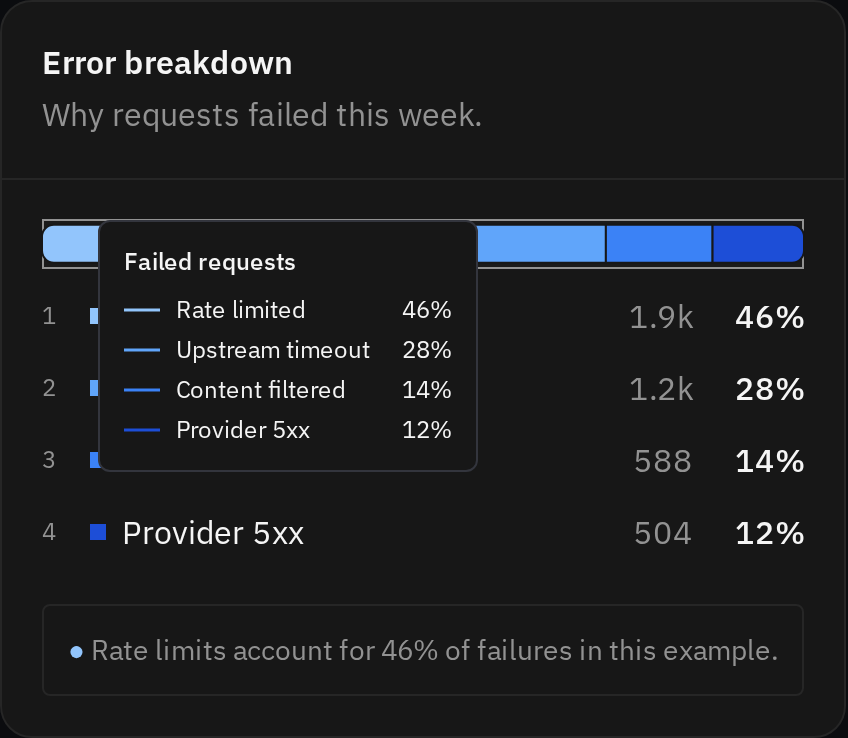
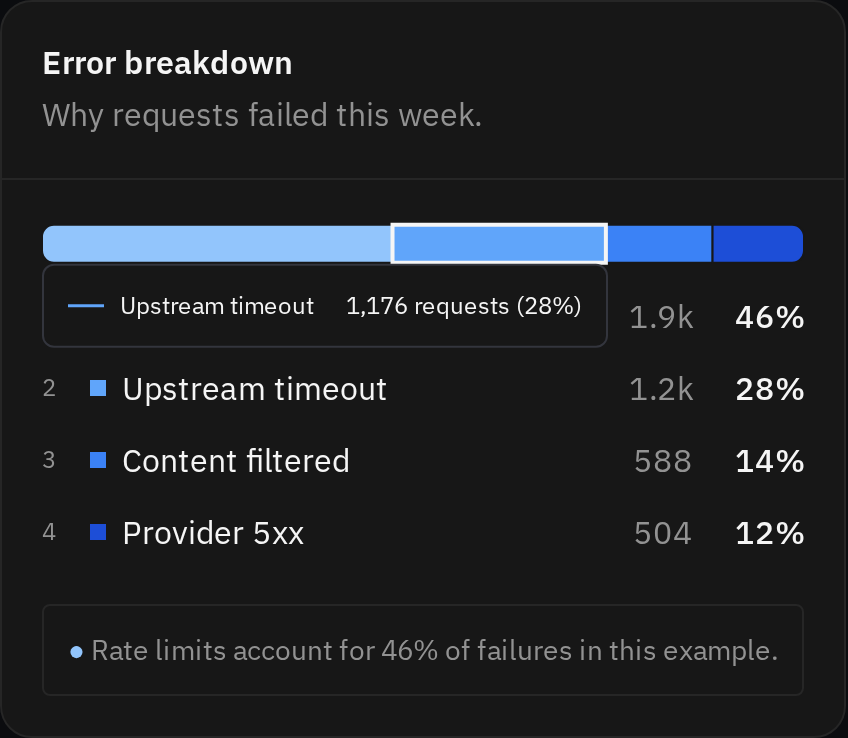
Rules behind it
- Convention Inspect the selected mark: an individual failure segment exposes its own category, count and share; shared axis inspection remains the default for comparisons.
- Accessibility Evidence without hover: ranked rows and the source table retain the complete counts and percentages.
AddedIndependent and exclusive selections have shared controls and native form behavior
Touches Checkbox, Radio group, Interaction states
Checkbox and CheckboxGroup cover independent choices and select-all; RadioGroup covers one choice from a visible set. Groups include descriptions, errors, native field names and wrapping horizontal layouts. Interactive examples demonstrate mixed selection, validation, disabled values, submission and reset.
Rules behind it
- Foundation Interaction states: checked, mixed, disabled, read-only and invalid states have explicit meanings.
- Accessibility Names and keyboard access: visible labels name controls; descriptions and validation are associated separately, and label rows use the shared touch target.
- Convention Caller-owned changes: selection requests do not persist records; controlled values follow the caller and uncontrolled choices follow native form reset.
AddedAction menus and split buttons share secondary commands and persistent choices
Touches Action menu, Split button, Navigation list, Kbd
ActionMenu offers commands, descriptions, shortcut hints, groups, submenus, checkboxes and radio choices. SplitButton pairs a primary command with a separately named alternatives menu. The navigation account control uses the shared menu. Examples keep confirmation and result handling in the caller.
Rules behind it
- Foundation Typography: commands, supporting details and keyboard hints use their own type roles.
- Accessibility Keyboard and focus: menus support typeahead, nested keyboard navigation and focus return; choices remain announced as checkbox or radio items.
- Convention Overlay scope: menus and submenus carry the opening presentation scope and remain on the dropdown layer.
AddedAnalytical reference charts and metric cards share a sampled blue palette and drawing roles
Touches Line chart, Bar chart, Chart container, Chart panel, Card, Sparkline
Line-chart examples show daily P50, P95 and P99. Custom Recharts compositions through ChartContainer show a latency distribution with a P95 marker, exclusive failure shares, and model cost versus response time. The analytical series palette and ChartPanel appearance reproduce the reference's blue family and quiet dark framing. Card's metric appearance uses a large supplied value and an anchored comparison footer. Sparkline accepts a thin bar width, muted context color and an explicitly selected interval; a missing selected observation remains missing. Numeric bar axes also support controlled histogram windows.
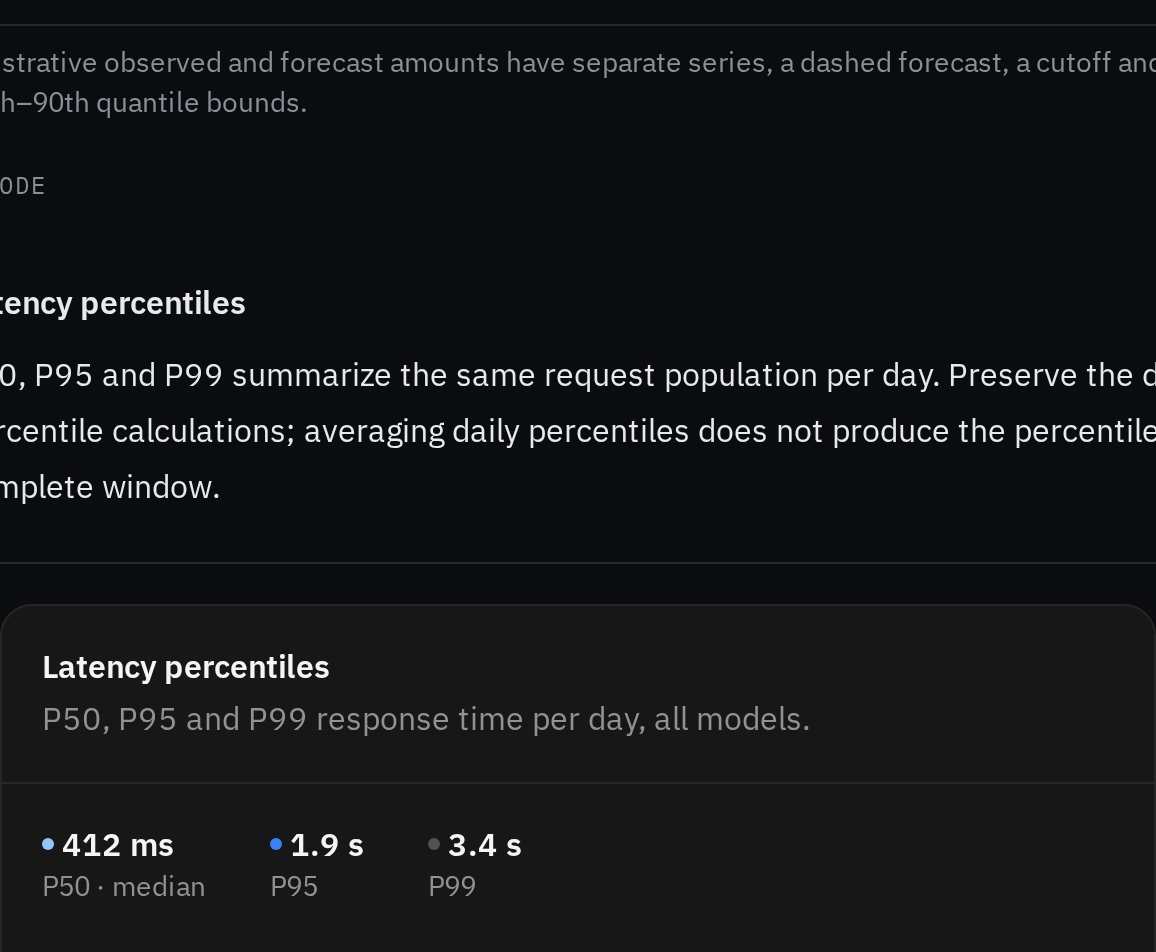
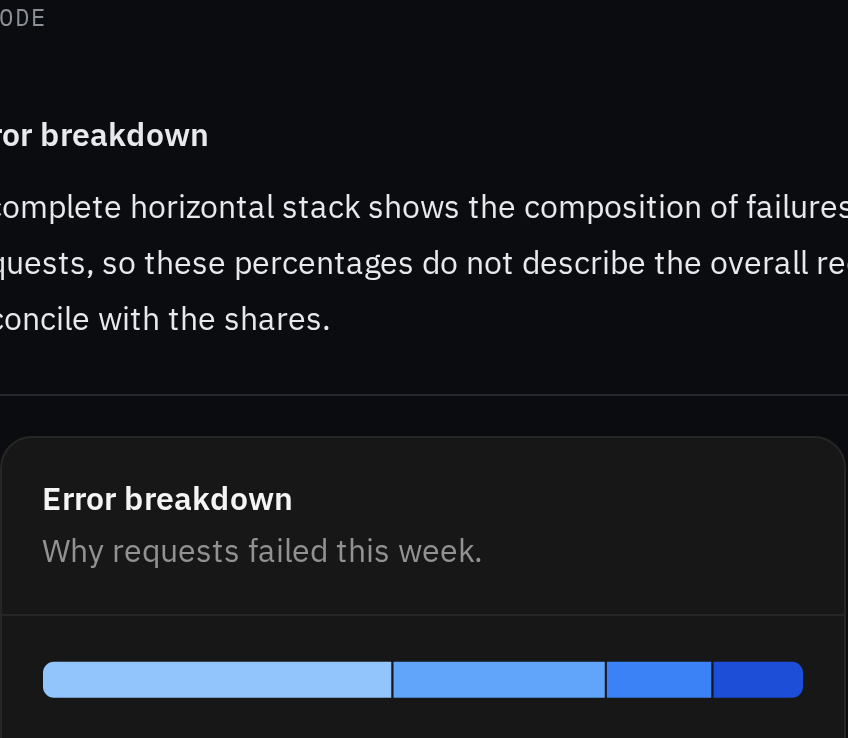
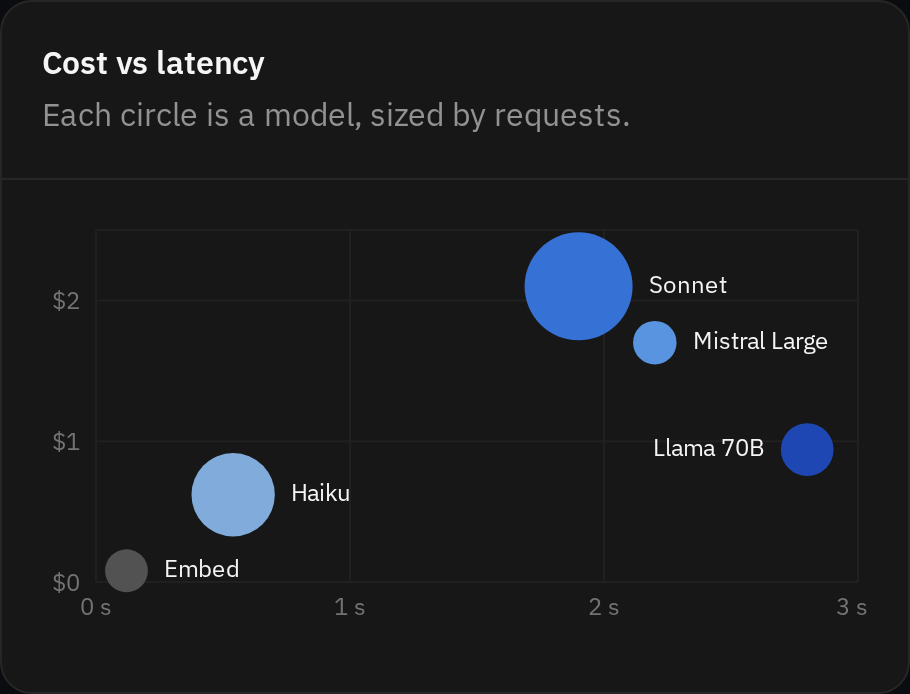
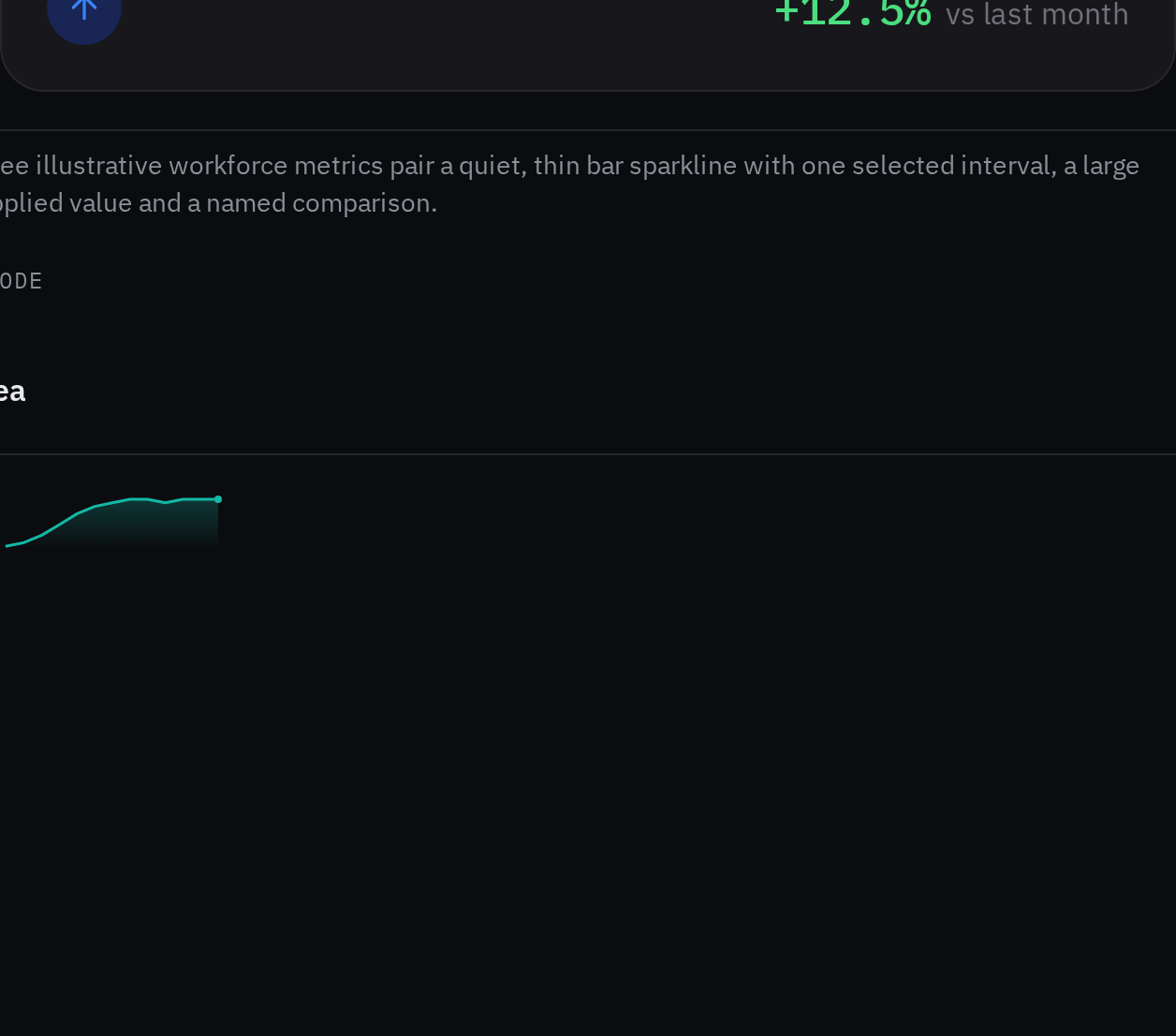
Rules behind it
- Foundation Shared visual roles: the sampled reference palette, dark surfaces, insets, type and metric geometry live in token source.
- Convention Caller quantities: fixtures supply their formatted values; charts perform no request aggregation, percentile calculation or signal filtering.
- Accessibility Inspectable evidence: names, exact counts and source tables retain meaning beyond color and hover.
AddedNavigation covers hierarchy, collections, workflows and account identity
Touches Navigation, Breadcrumbs, Pagination, Steps, Command menu, Navigation list, App shell
Breadcrumbs disclose long paths, Pagination supports local state and real URLs, Steps exposes explicit progress, and CommandMenu supports grouped search, loading, empty states and drill-down. NavUser shows identity and account actions in a panel or rail; the app shell provides a persistent navigation footer. Navigation groups use a larger gap than individual rows, and secondary destinations can include descriptions. Interactive examples cover browser history, form validation, account actions and a responsive three-region workspace. The overview explains how the patterns combine, while existing tab and wizard guides link their responsibilities.


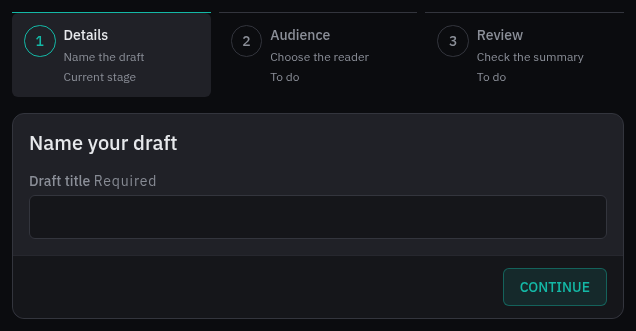
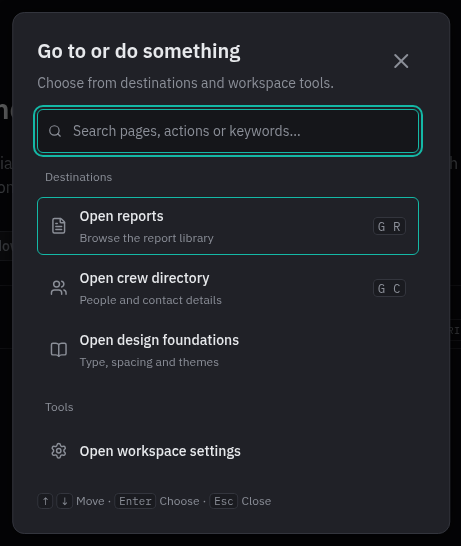
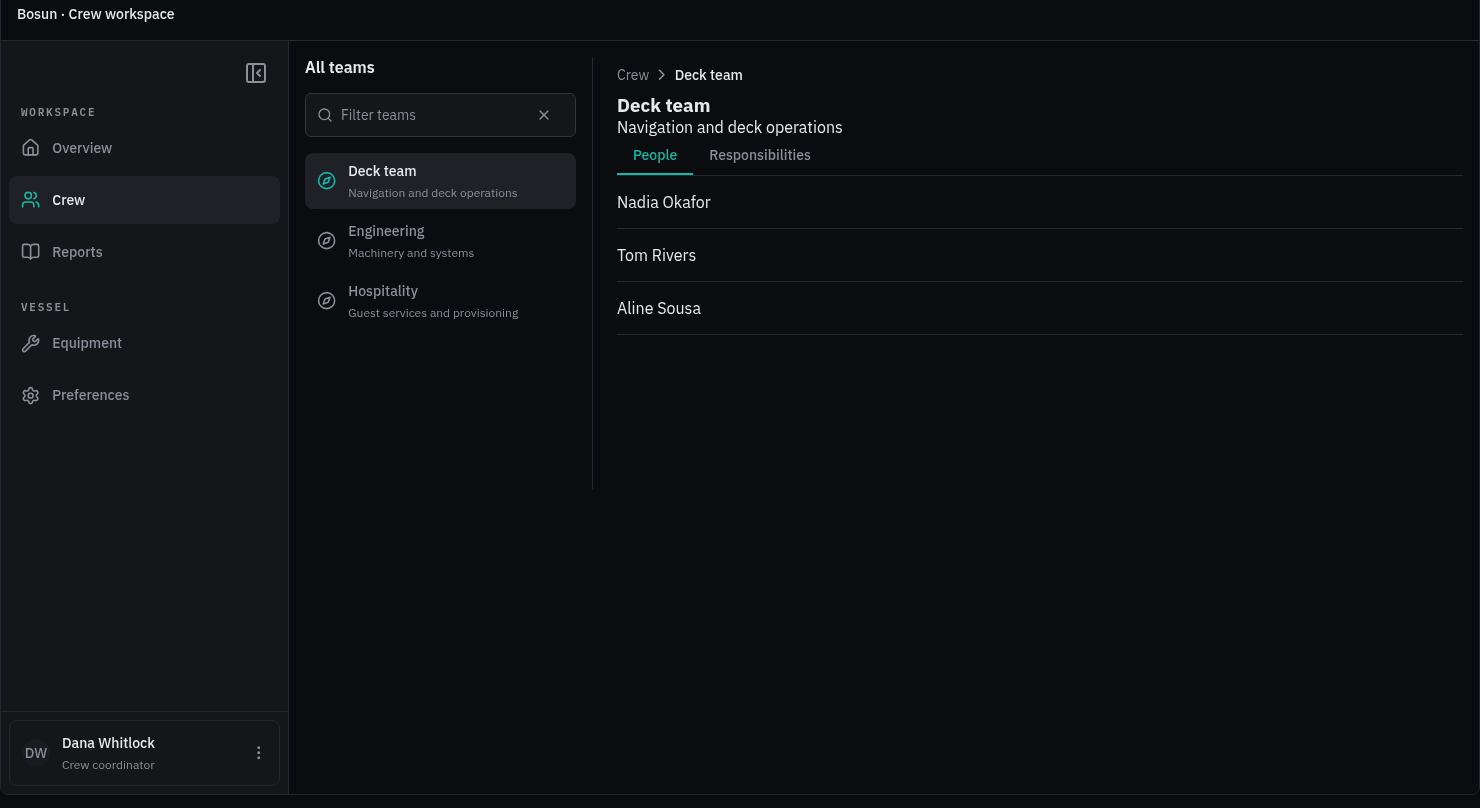
Rules behind it
- Foundation Spacing: group, row, column and content insets use separate shared roles; row targets retain their touch size.
- Accessibility Navigation semantics: destinations retain real links, pages and steps expose current state, and menus support named keyboard interaction and focus return.
- Convention State ownership: callers own routes, account actions, data loading and workflow validation; components expose explicit display state and requests.
ChangedModal supports task sizes, dismissal policies and focused workflows
Touches Modal, Design tokens
Modal offers five sizes, top placement, body or whole-dialog scrolling, supporting footer content and an optional named close button. Dismissal requests identify their source; callers can configure Escape and backdrop behavior and block dismissal during a pending action. Focus targets support entry and return. Interactive examples cover layout choices, protected drafts, validation, saving, retry and long content.
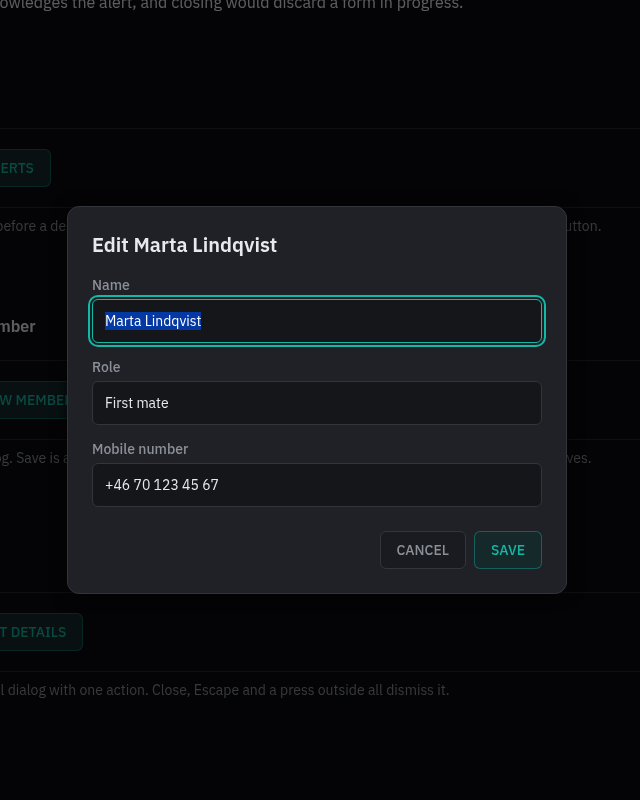
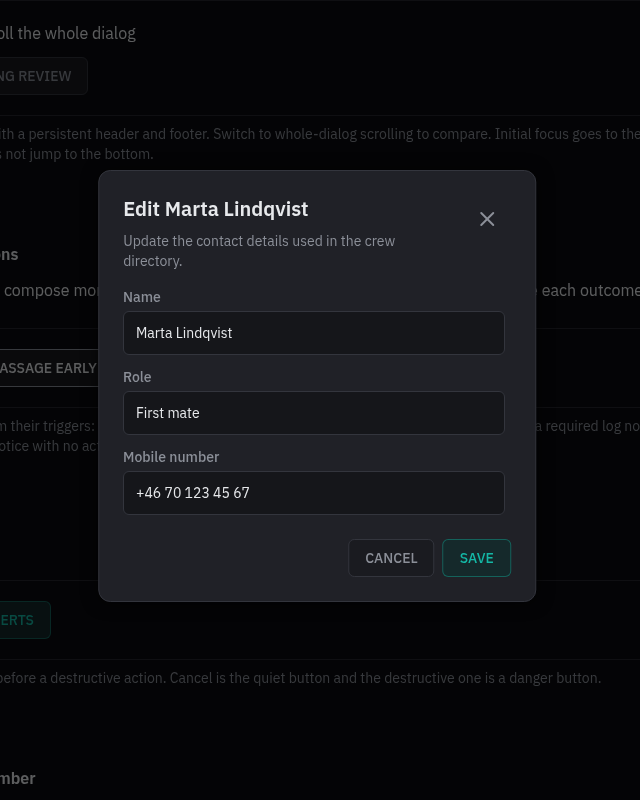
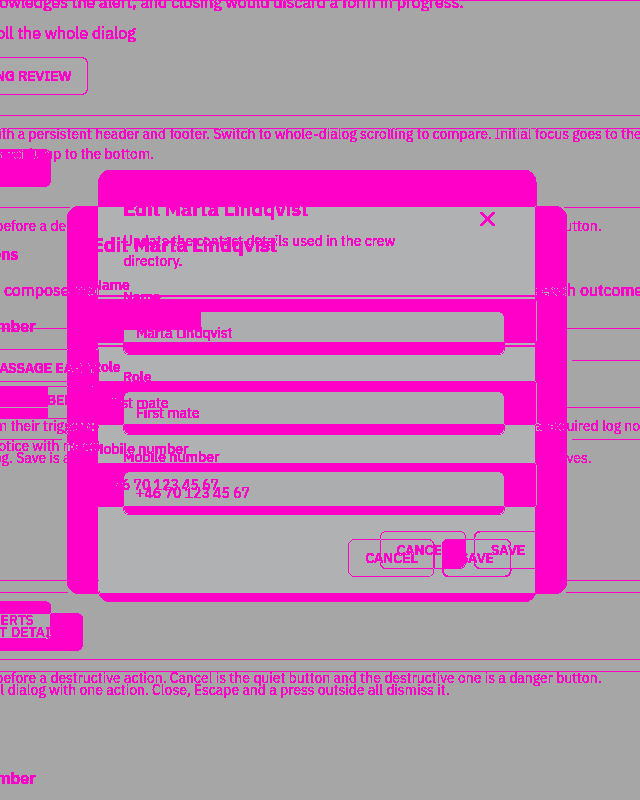
Rules behind it
- Foundation Spacing: modal widths, viewport insets and content gaps use shared roles.
- Accessibility Focus and dismissal: the dialog has a visible name, an optional description, a contained focus loop and a return destination.
- Convention Controlled tasks: callers decide whether to accept dismissal and retain drafts through validation or save failures.
ChangedDesign pages explain usage, data contracts and report delivery
Touches Border, Number input, Instruments, Alarms and severity, Reports and docs
The page review expands foundation decisions, component usage and instrument integration guidance. Numeric, time and chip pages include additional live specimens. Alert guidance uses shared list and lifecycle components and distinguishes their attention behavior. Consumer pages explain report structure, exports and adoption; typography, spacing, priority ordering and depth-reference descriptions follow the implemented contracts.
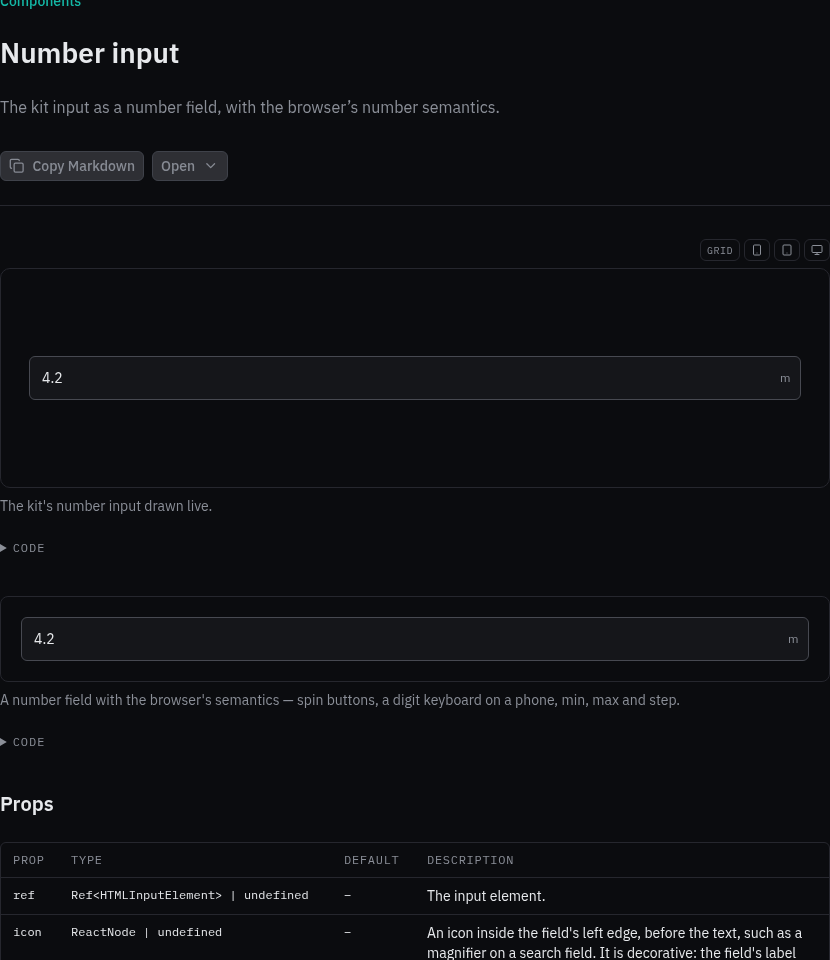
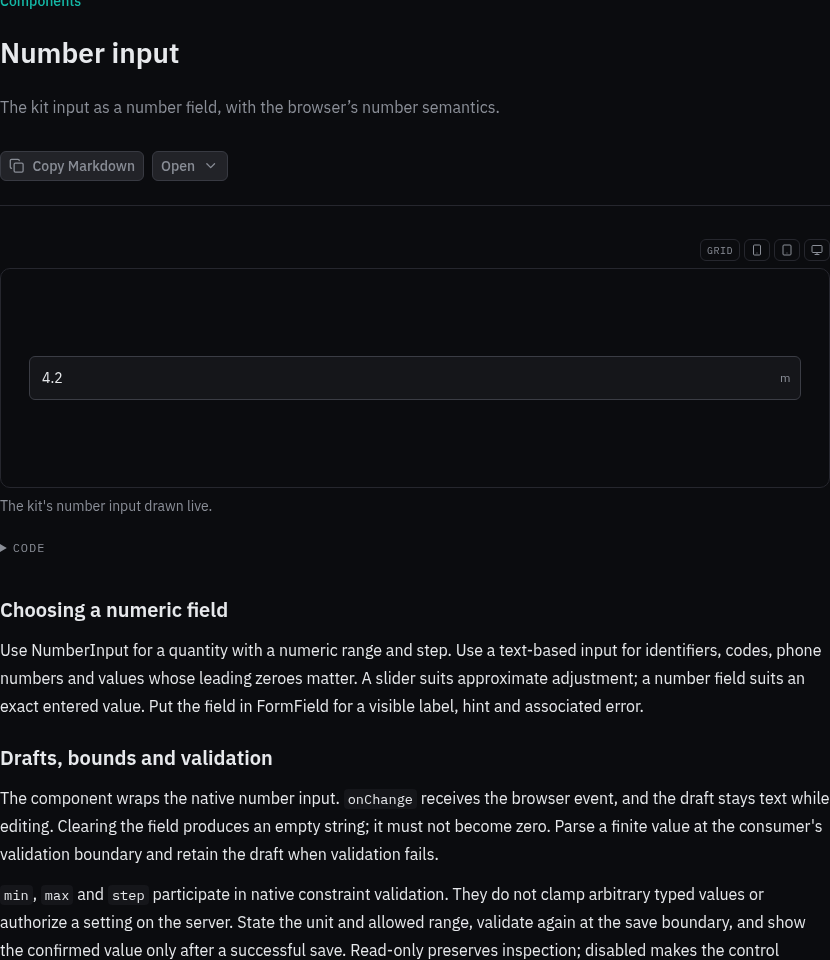
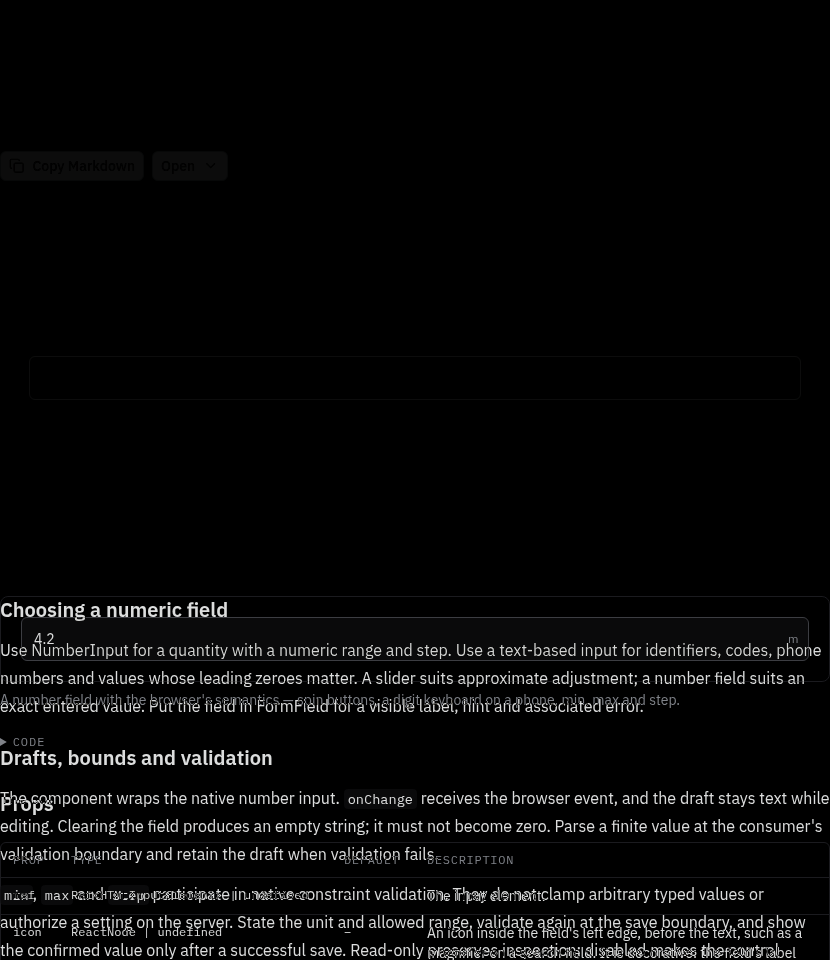
Rules behind it
- Foundation Design tokens: shared roles distinguish interface controls, reading content and diagram presentation.
- Convention Explicit data contracts: a presentation component does not determine sensor validity, confirm a command or configure an alert service.
- Accessibility Usable examples: labels, source context, keyboard access and nonvisual explanations accompany the drawing.
AddedDirectional, paired and state charts share controlled windows and persistent summaries
Touches Scatter chart, Polar chart, State timeline, Chart range, Chart legend, Bar chart, Instrument history
ScatterChart plots independent pairs, PolarChart preserves numeric angular spacing, and StateTimeline clips explicit intervals with unknown periods. ChartRange provides controlled pan, zoom and follow-live requests. Line and area plots share synchronized inspection, bounded continuity and drag range requests. A line can draw the shortest circular increments while retaining original inspection values. Charts accept a persistent, caller-formatted summary bubble with a selectable corner. The history guide documents protected transport, source discovery, processing provenance, directional aggregation, state validity and consumer loading.
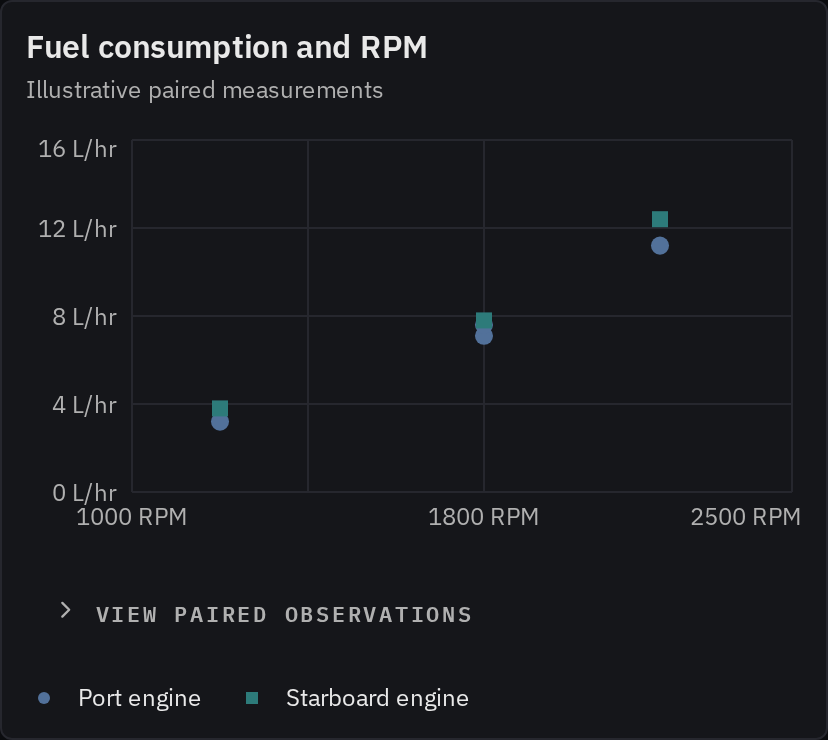
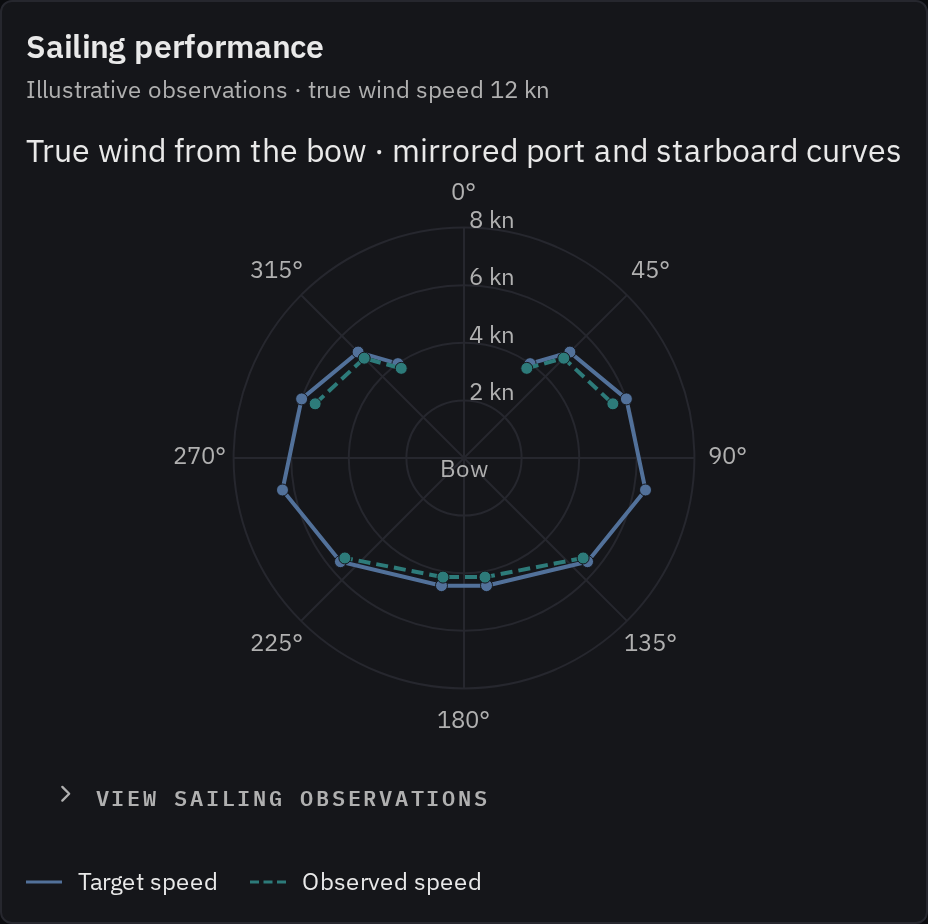
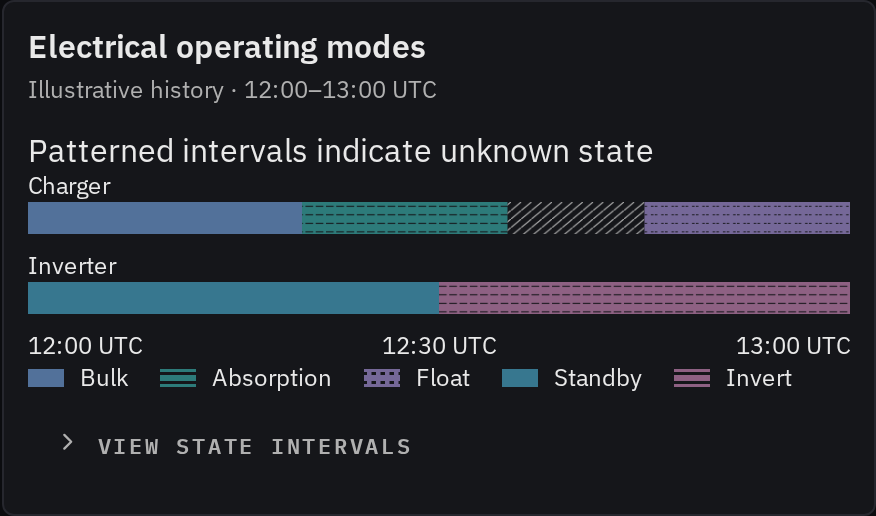
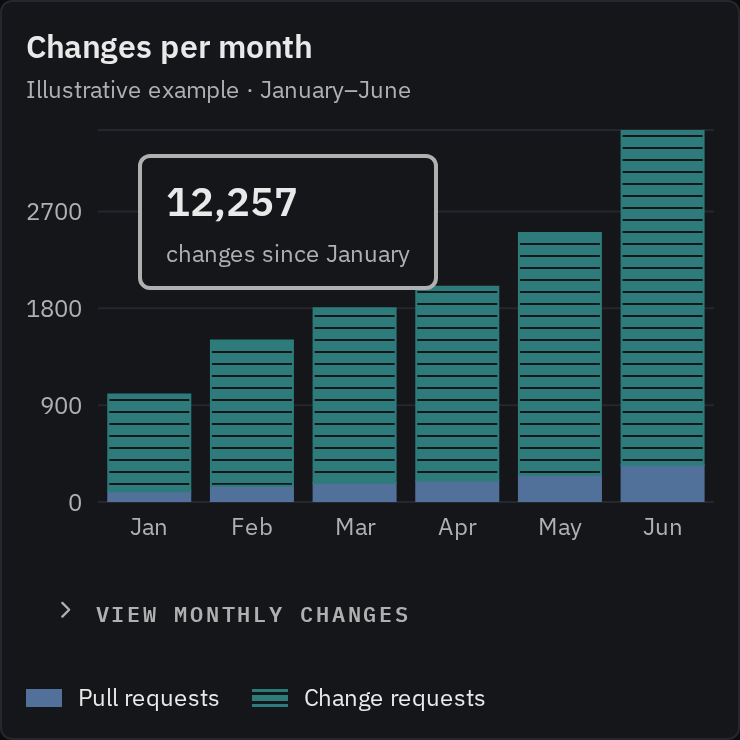
Rules behind it
- Foundation Data visualization: spacing, comparison basis, missing observations and state validity remain explicit.
- Accessibility Inspection without hover: source tables, named range controls, persistent summaries and state descriptions expose the evidence without pointer hover.
- Convention Historical instrument data: the Go adapter bounds history and forecast requests; application wiring validates and cancels range loads while charts take props.
ChangedDesign tokens explain document and diagram roles from source to export
Touches Design tokens, Mermaid
The foundation names the CSS source and generated output, documents reading and diagram typography, and distinguishes template measure from the site layout. Live specimens and a four-theme matrix show diagram roles and independent scopes. Guidance covers editorial color, SVG styles, Markdown and email exports, and role changes. Mermaid's navigation and guide describe its general purpose; report examples remain available.
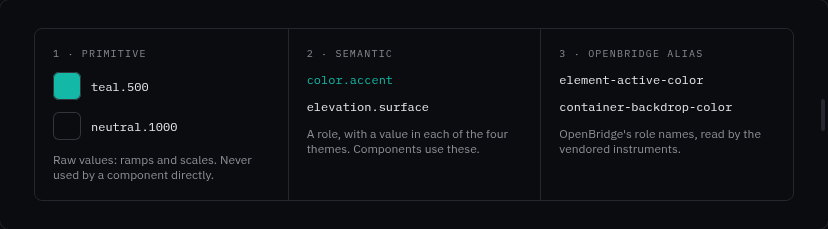
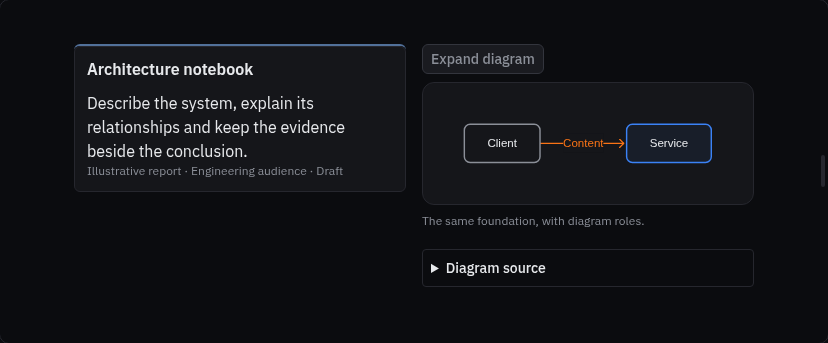
Rules behind it
- Foundation Design tokens: use actual shared roles, resolve renderer values in their local scope, and keep authored geometry in content.
- Convention Group by purpose: diagrams serve interfaces, documentation and reports, so Mermaid belongs with charts and displays.
ChangedReport diagrams share a reference-inspired renderer and fit the documentation layout
Touches Mermaid, Report blocks, Report metadata
The report flowchart renderer adds rounded boxes, neutral groups, service styling, open arrowheads and left-aligned group headings. Optional connection classes compile with the current theme without introducing CSS-variable syntax that Mermaid cannot parse. Authored connection styles retain precedence. Multiline HTML labels are parsed as HTML, avoiding partial SVGs caused by XML line-break errors. Optional complete geometry preserves the reference's arrangement with editable Mermaid content; ordinary diagrams keep automatic layout. Missing placements fail visibly rather than dropping a node. Label typography is isolated from the kit's generic label class. Component examples fit the documentation column and keep “On this page” visible. Desktop preview provides the larger canvas. The before image records the preceding renderer; the after includes the architecture example.
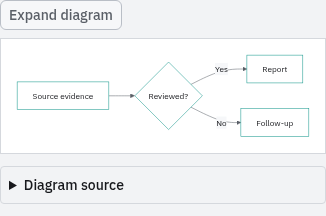
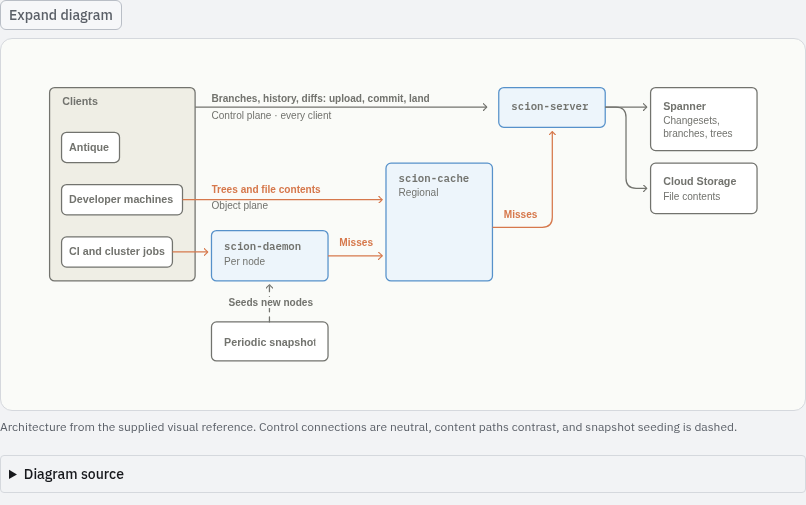
Rules behind it
- Foundation Themes: diagram roles use a quiet paper palette in Day and scoped foundation colors in the other themes.
- Convention Readable relationships: connection labels and line patterns preserve meaning independently of color; source remains editable.
ChangedReport context and follow-through have distinct visual forms
Touches Report metadata, Report blocks
Report metadata groups category identity, an optional issue reference, status and distribution badges, audience, publication details, tags and expandable source evidence. The reports library maps category icons and accents from its validated frontmatter. Decision records show rationale and ownership; milestone timelines distinguish achieved, current and planned checkpoints; action lists keep owners, deadlines and source task links together. Wide documentation pages show a desktop report canvas with metadata across the header and planning blocks side by side. Both sites share the components and preserve their static data in search and Markdown exports. The metadata before picture is captured from the preceding production build; the after includes the expanded example.


Rules behind it
- Foundation Typography: compact context uses body, label and caption roles without enlarging the report title.
- Convention Evidence and state: editorial color does not imply approval; proposed work, unknown facts and publication-time task state remain explicit.
AddedArea and pie charts retain uncertainty, complete totals and source values
Touches Area chart, Pie chart, Instrument history, Line chart
AreaChart supports overlapping and stacked amounts; PieChart supports pie and donut compositions. Missing parts suppress a pie and incomplete stacks retain gaps. LineChart and overlapping AreaChart accept typed intervals whose bounds appear in inspection and source tables. Context emphasis makes a raw comparison trace subordinate to the filter output, while preserving its observations. The history guide records stream selection, forecast quantile mapping and the proposed asynchronous-window integration; no transport or filter runs inside the kit.
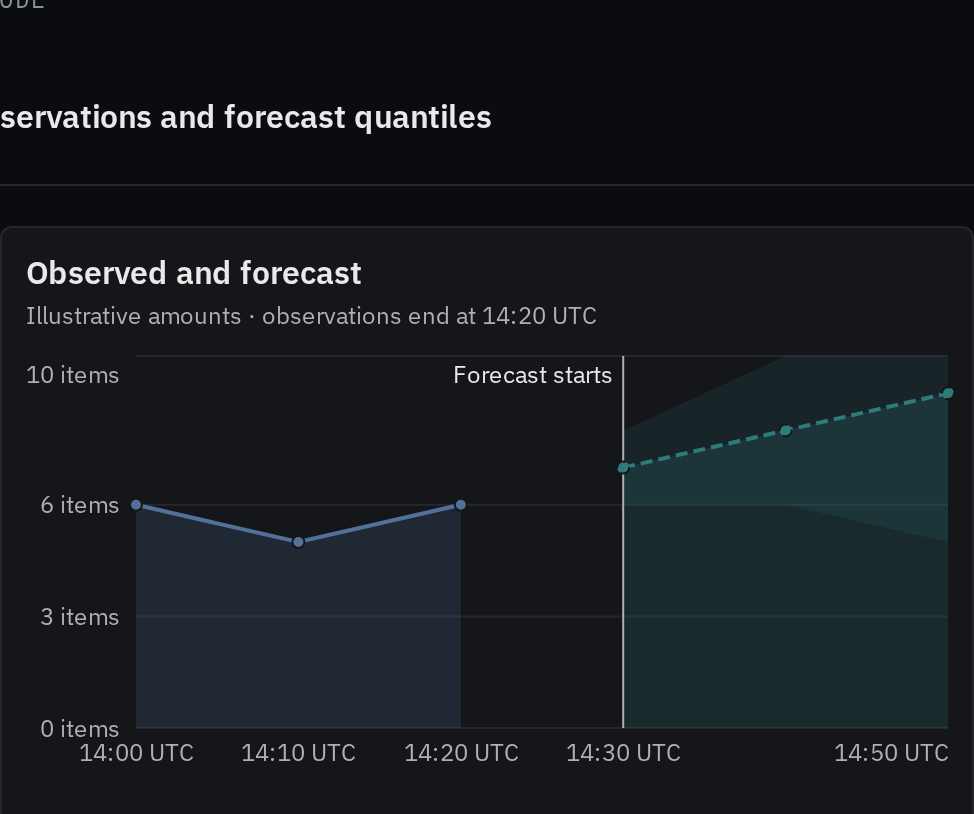
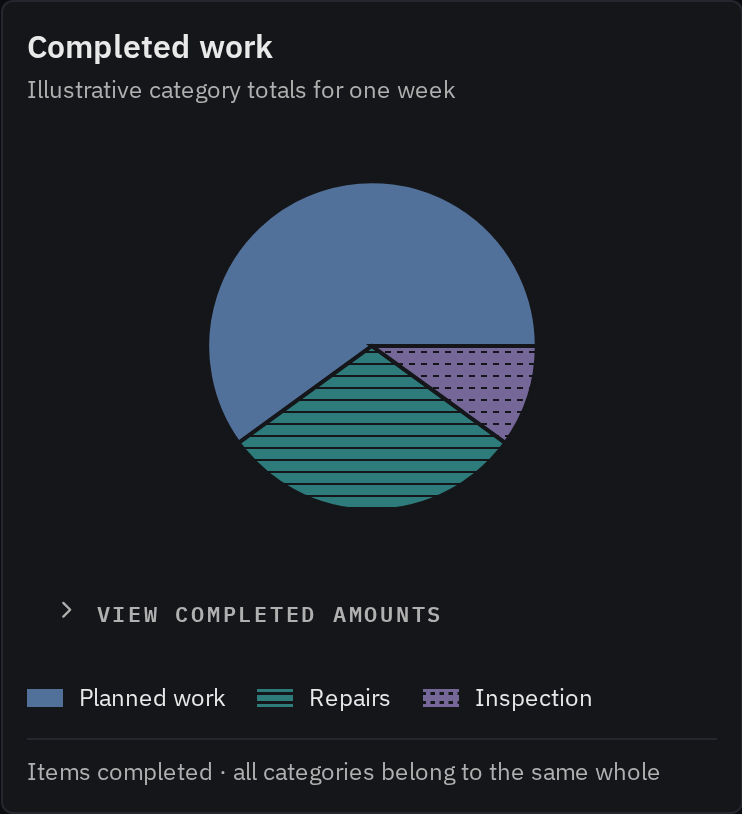
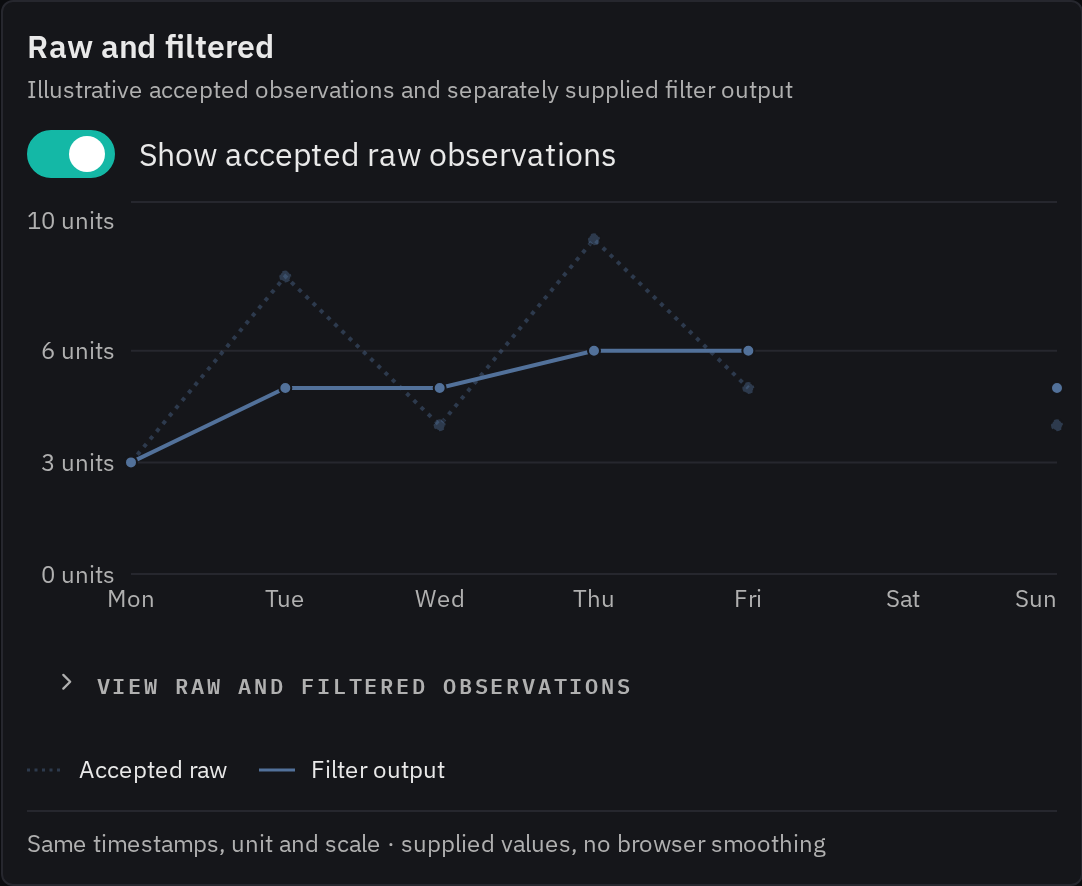
Rules behind it
- Foundation Data visualization: filled amounts start at zero, missing parts do not form an apparent whole, and uncertainty has an explicit meaning.
- Accessibility Inspection without hover: keyboard inspection and source tables expose observations, missing values and interval bounds with caller display text.
- Convention Historical instrument data: raw, exact filtered and current streams retain their source semantics; forecasting and asynchronous retrieval stay on the vessel and in consumer wiring.
AddedReport components and diagrams share the design system
Touches Report blocks, Mermaid, Report metadata, Report figure
Bosunkit owns report metadata, facts, metric strips, panels, notes, processes, commit rows, figures and Mermaid. Editorial accents, icon-led metric cards and process stages add visual variety. Highlight and quote blocks give conclusions and sourced observations a clear place in a report, using theme-aware foundation colors. Live component pages include usage guidance, source examples and generated props. Both sites register the same MDX components and Mermaid fence transform. Lazy diagram rendering preserves source, handles errors and serializes scoped themes so adjacent diagrams cannot exchange palettes. The reports library retains its content and routing.
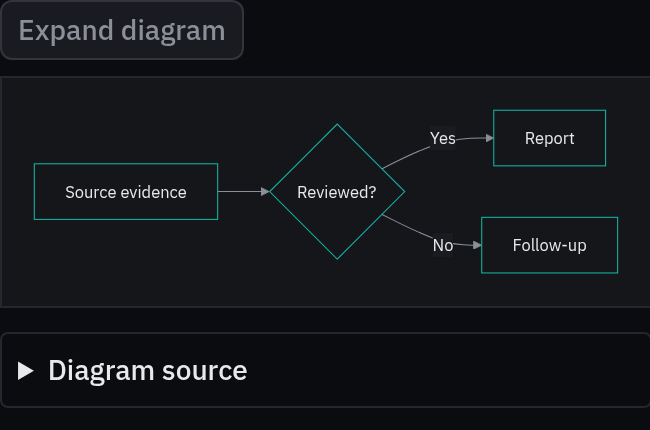
Rules behind it
- Foundation Themes: diagrams resolve semantic tokens from their nearest presentation scope.
- Convention Shared components: documentation and reports consume the same component source and styles.
AddedAnalysis charts share series definitions, token styling and accessible source tables
Touches Line chart, Bar chart, Chart panel, Chart container, Chart tooltip, Chart legend
Line and bar charts use a typed numeric series registry for labels, palette slots, patterns and value formatters. Grouped, stacked and horizontal bars keep zero visible; line charts retain missing-data gaps and numeric time spacing. A responsive container supports direct Recharts composition through a private theme adapter, and a drawing-agnostic panel holds controls, legend and source information. Public examples use illustrative data.
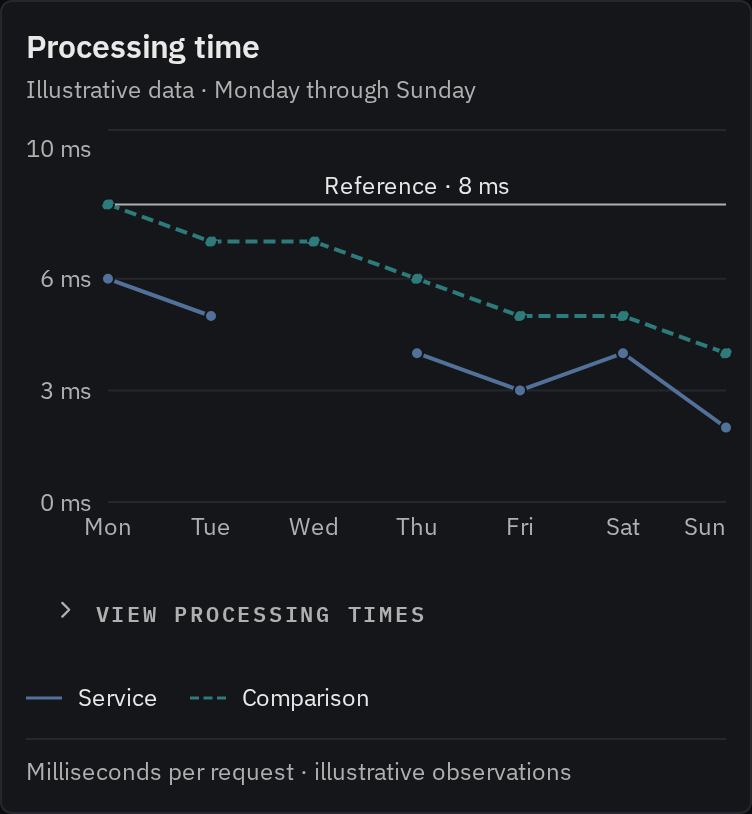
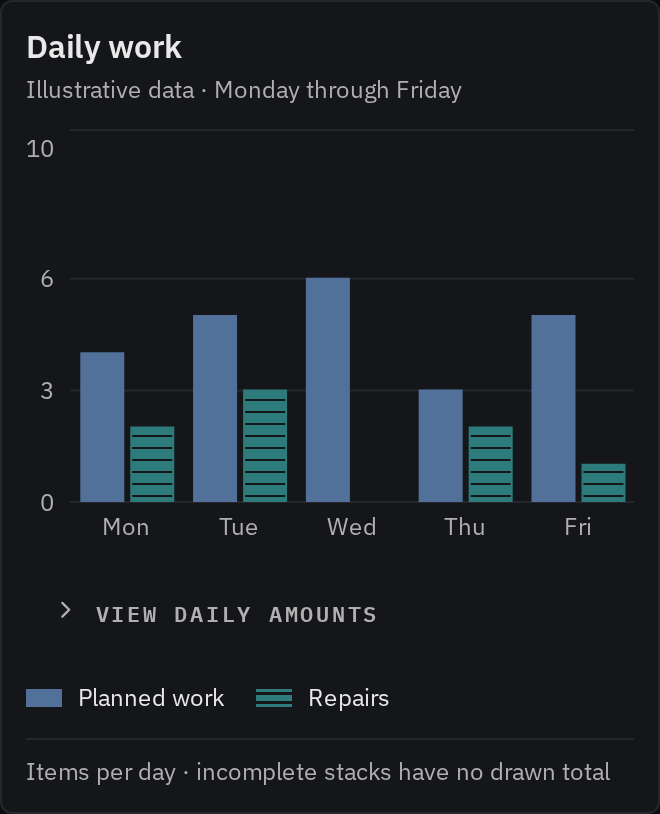
Rules behind it
- Foundation Data visualization: bar baselines include zero, filtering preserves comparison scales, and incomplete stacks have no apparent total.
- Accessibility Inspection without hover: keyboard inspection, named source tables, series labels and mark patterns make observations available beyond color and pointer hover.
- Convention Quantity formatting: the caller formats observations, axis ticks and category headings; missing measurements never become zero and values never interpolate.
AddedReport types share metadata and editable MDX starters
Touches Report types, Reports and docs
Eight forms cover daily commits, weekly progress, features, technical deep dives, audits, benchmarks, plans and investor updates. Each has a live outline, evidence guidance and an MDX download. Classification labels describe distribution intent; access control belongs to the report host. Agent notes identify the canonical sources and keep private investor content out of public starter files.
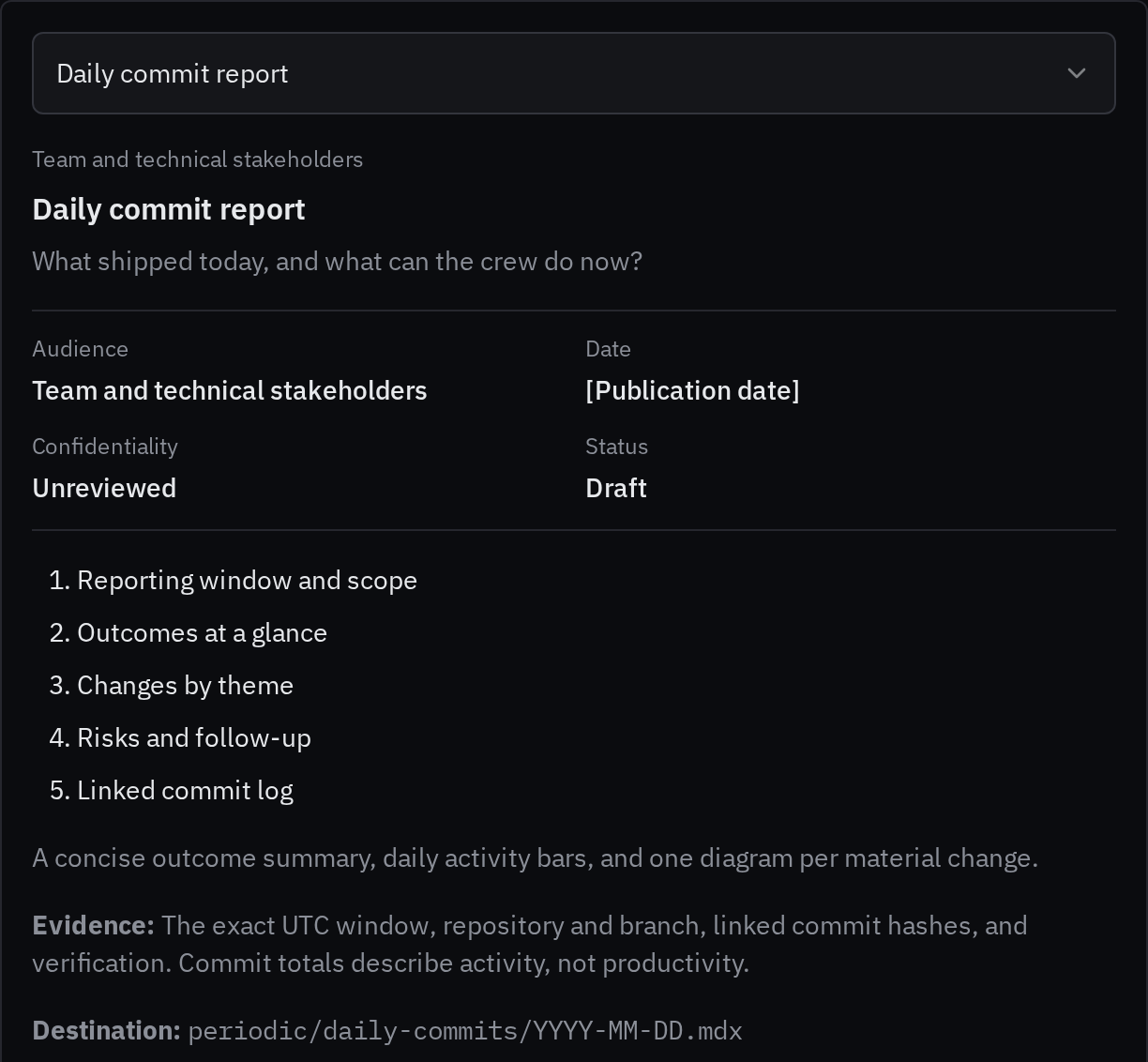
Rules behind it
- Foundation Content: reports start with the reader’s question and a supported outcome.
- Convention Report metadata: title, description, audience, date, category, tags, confidentiality and status accompany every report; unknowns stay explicit.
AddedReport charts combine summaries, comparable sparklines and larger plots
Touches Data visualization, Report types
Live examples cover a multi-metric summary, a table of comparable trends, daily bars with a switchable trailing mean, and stacked composition bars. Guidance explains chart selection, zero baselines, derived metrics and source evidence. Example values are clearly marked as illustrative.
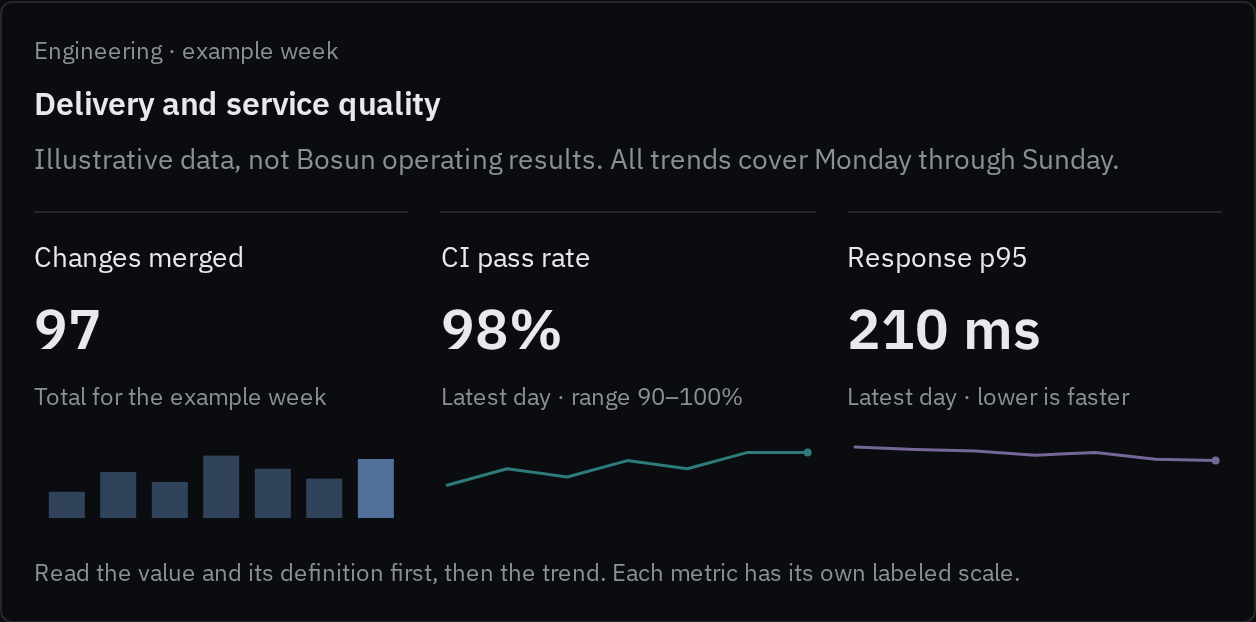
Rules behind it
- Foundation Themes: series use categorical data roles across all four display themes.
- Convention Comparable evidence: shared scales, explicit time windows, missing-data gaps and source tables make trends interpretable.
FixedPage navigation follows the article and the active section
Previous and Next follow the sidebar order and sit beneath the article, with directional arrows and full link targets. The table of contents uses Fumadocs anchor tracking on desktop and mobile. Its own scroll container reveals the current entry without scrolling the page or adding motion.
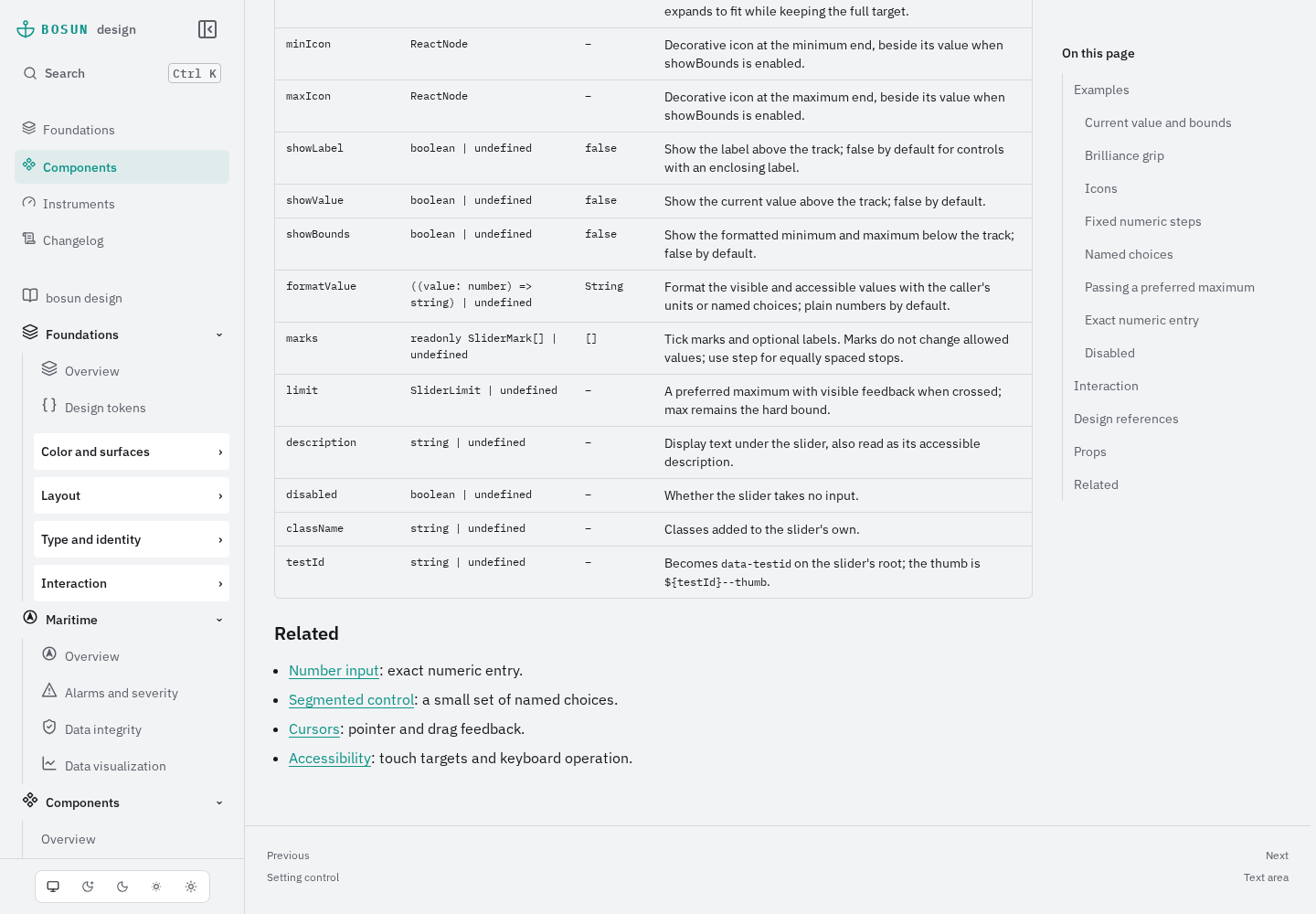
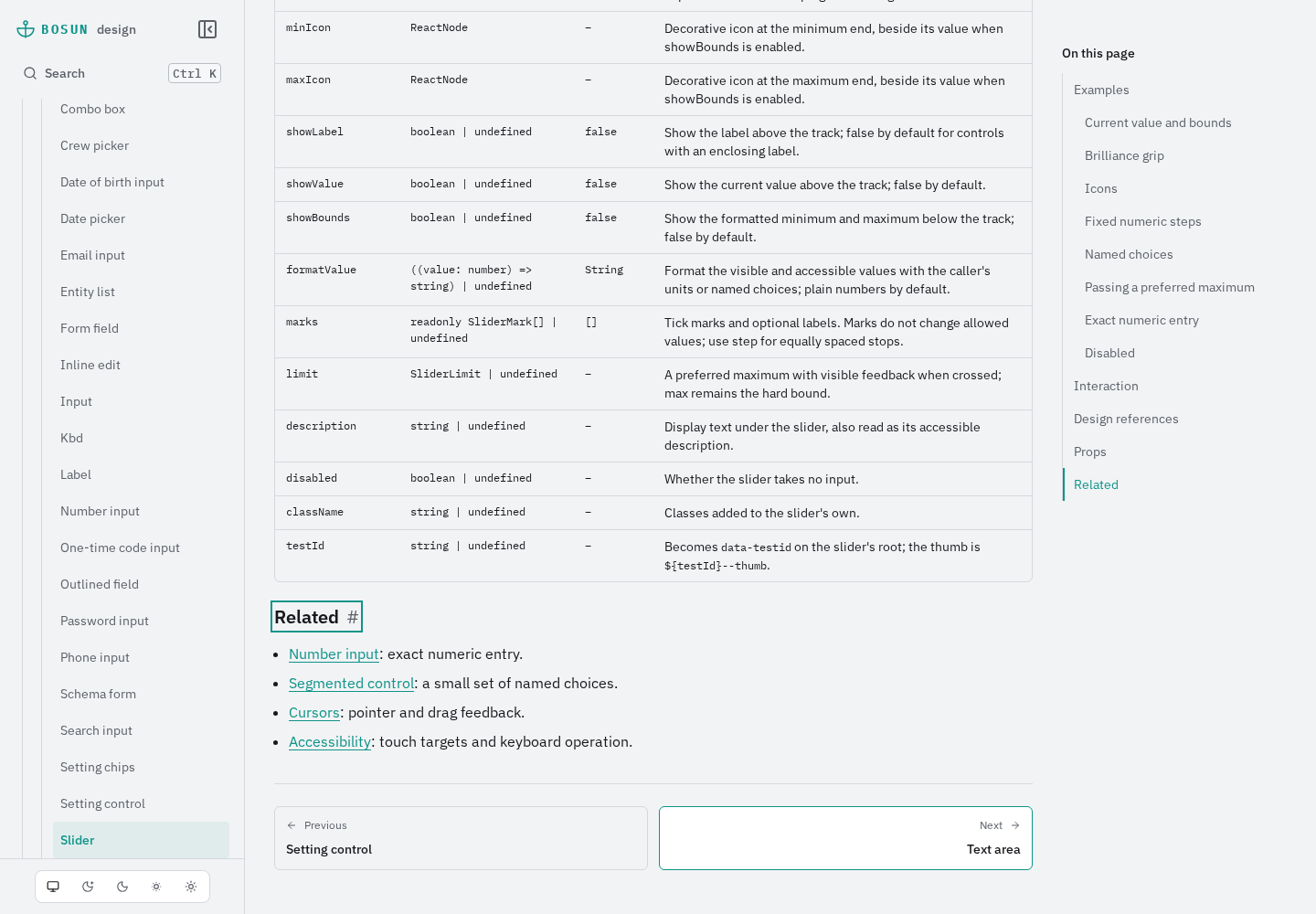
Rules behind it
- Foundation Typography: navigation labels and destination titles use explicit caption and label roles.
- Accessibility Current location: the table of contents tracks scrolling, exposes the active section, and keeps it visible without moving the article.
AddedInvestor reports and emails have reusable Bosun templates
Touches Investor communications
Four templates cover quarterly reports, shareholder emails, fundraising briefs and personal outreach. Each has HTML and plain-text downloads; the live gallery previews the actual generated file. The quarterly versions share an editorial source with a founder's note, metrics, explanation, product and team updates, risks and requests. Email uses inline styles and fallback fonts; reports embed IBM Plex. Placeholder facts prevent a starter from presenting invented performance or accounting claims. Email-client delivery testing remains pending.
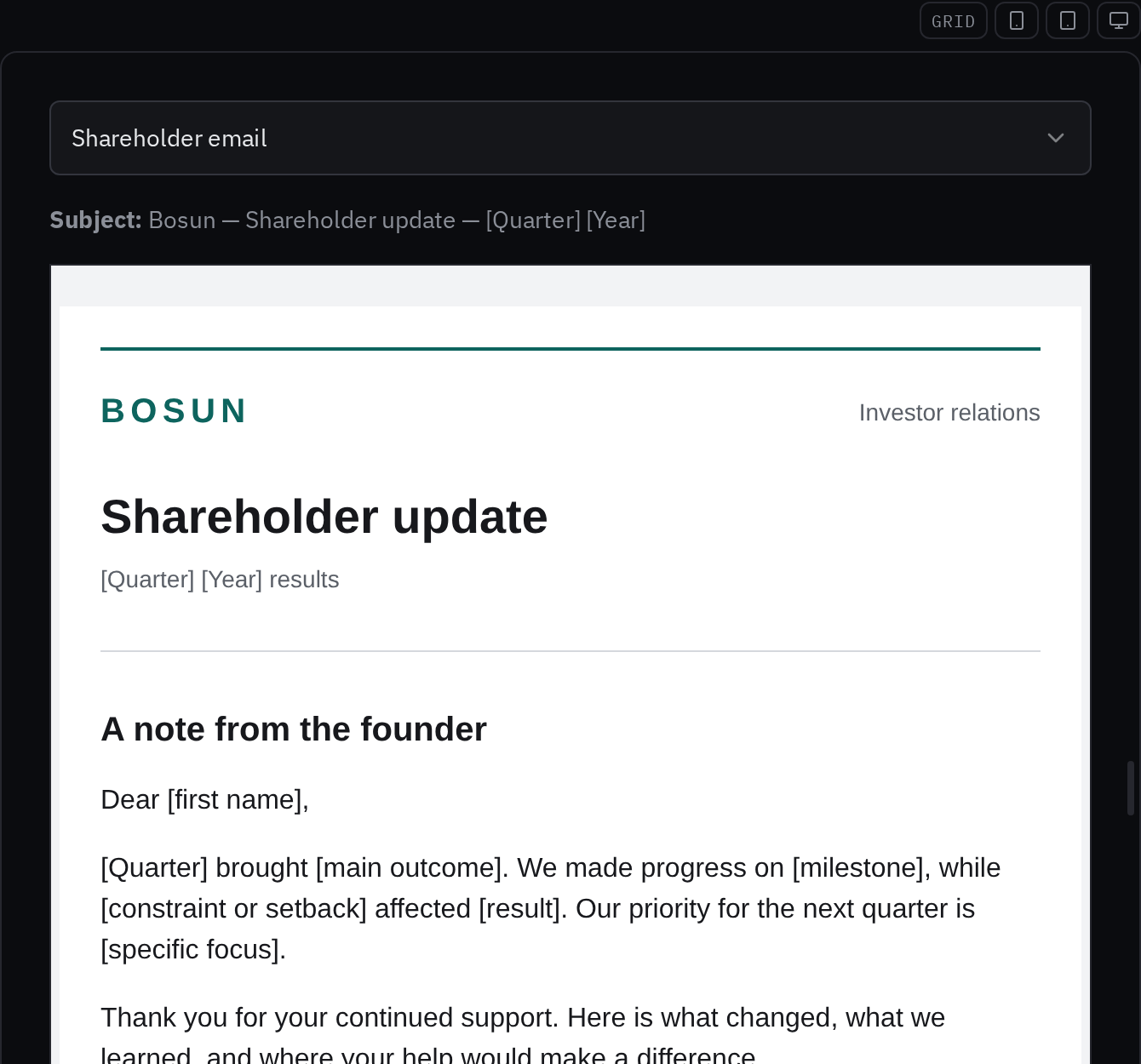
Rules behind it
- Foundation Typography: reports and emails use existing reading roles and a measure suited to their format.
- Convention Comparable reporting: metric definitions, periods and sources accompany figures; plans and estimates remain distinct from actual results.
AddedPresentation layouts share Bosun's foundations and an offline starter deck
Touches Presentations, Typography
The presentation consumer page defines eight layouts, their content, safe margins, themes and chart/source guidance. The gallery offers a layout picker, Day and Dusk, safe-area guides and speaker notes. An editable HTML starter embeds its fonts and screenshot and provides keyboard navigation and one slide per printed page. Native PowerPoint export remains pending. The MDX page uses a relative component import so the development server resolves it correctly.
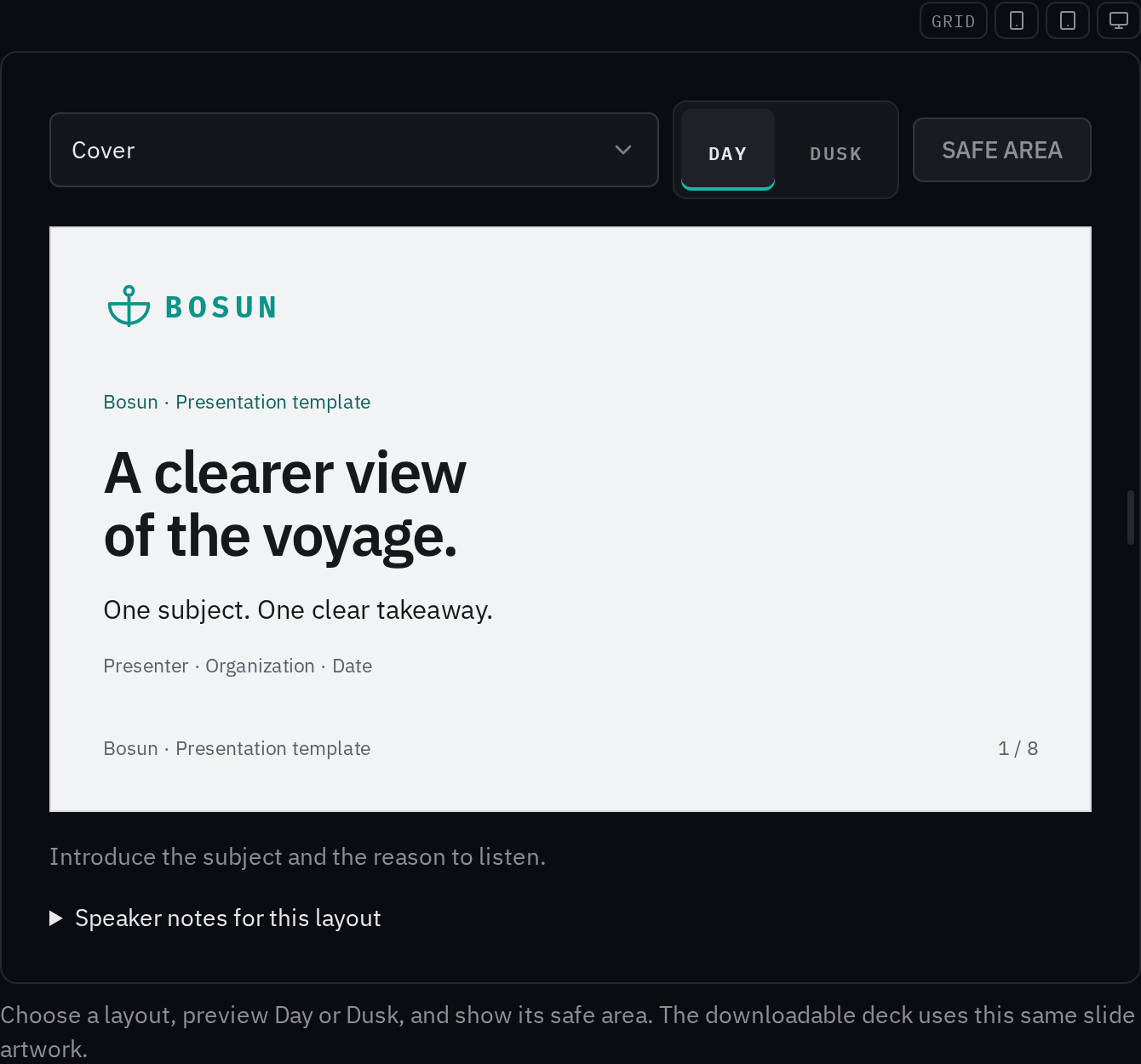
Rules behind it
- Foundation Typography: slide roles use IBM Plex at a presentation scale independently of UI and helm type.
- Convention Shared artwork: the live gallery and downloadable HTML deck render the same layout source and token geometry.
FixedLanguage examples fit their frames and navigation sections have clear groups
Touches Language picker, Instruments, Foundations, Logos
The language example's scope wrapper shrank to the header's intrinsic width, squeezing its traffic rows. The width now belongs to the outer example frame. Sidebar section labels become keyboard-operable disclosures, with the active page's section open and an Overview link for each folder. Foundations groups color and surfaces, layout, type and identity, and interaction in both the sidebar and overview. The home intro uses the shared logo.
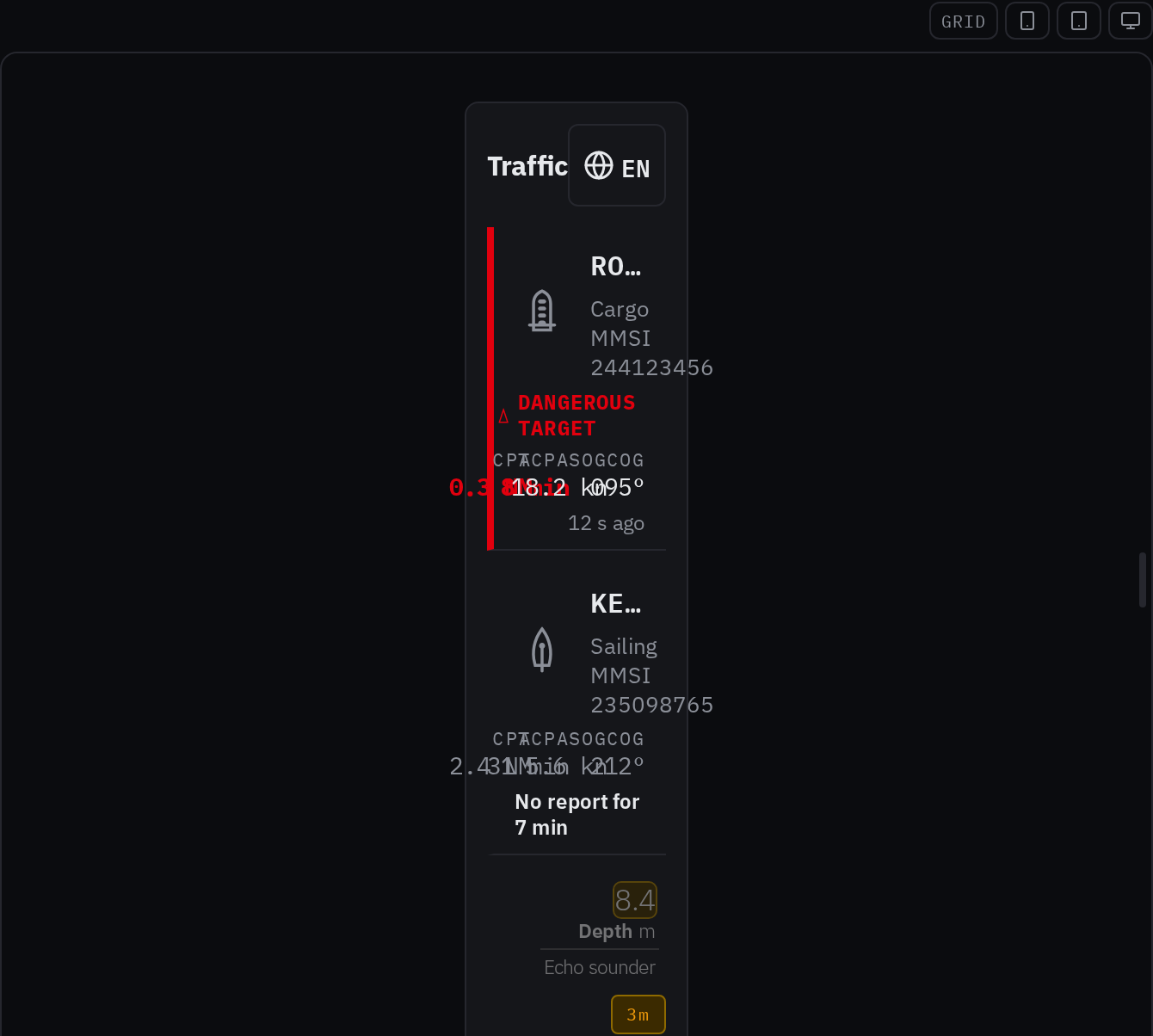
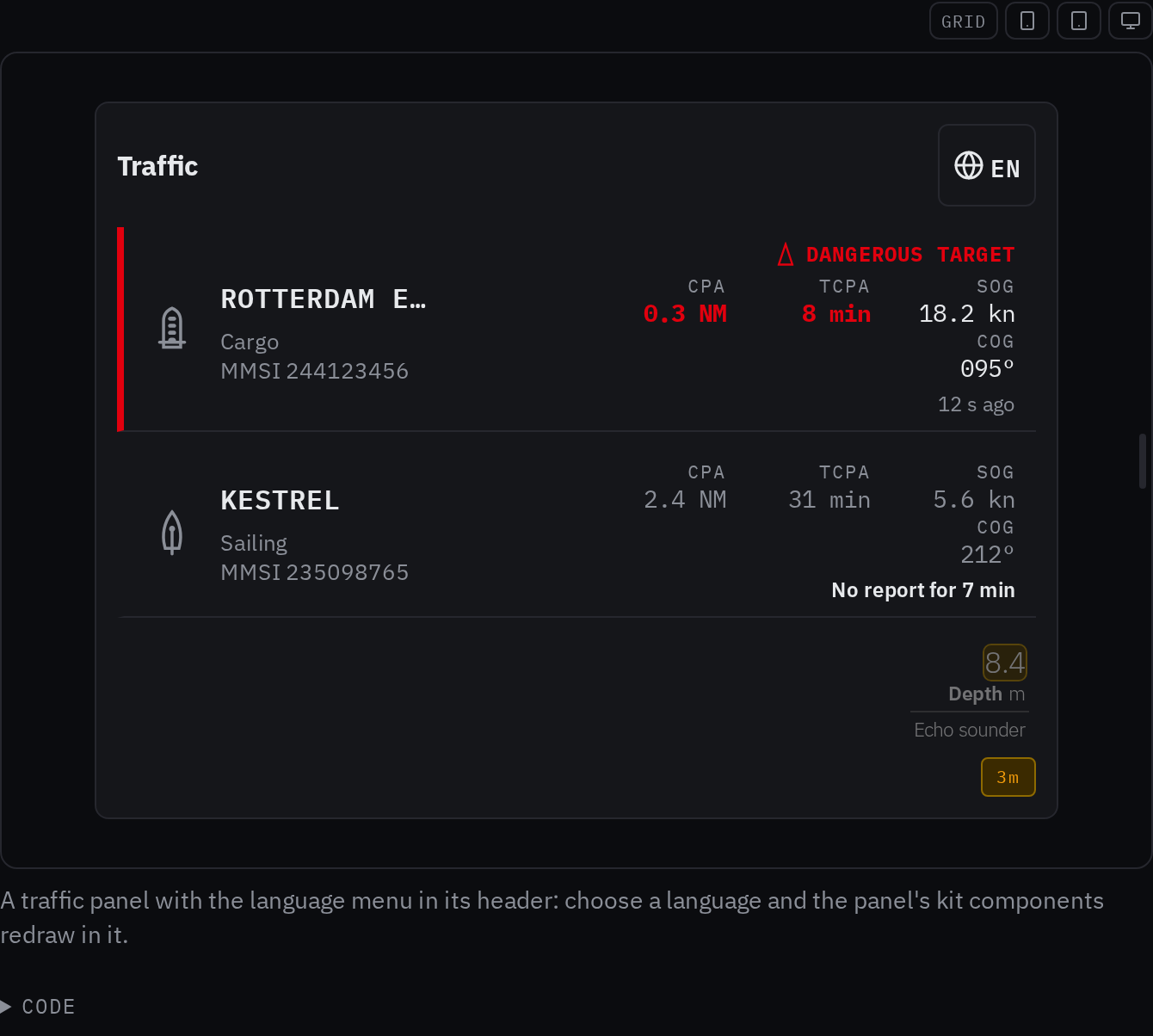
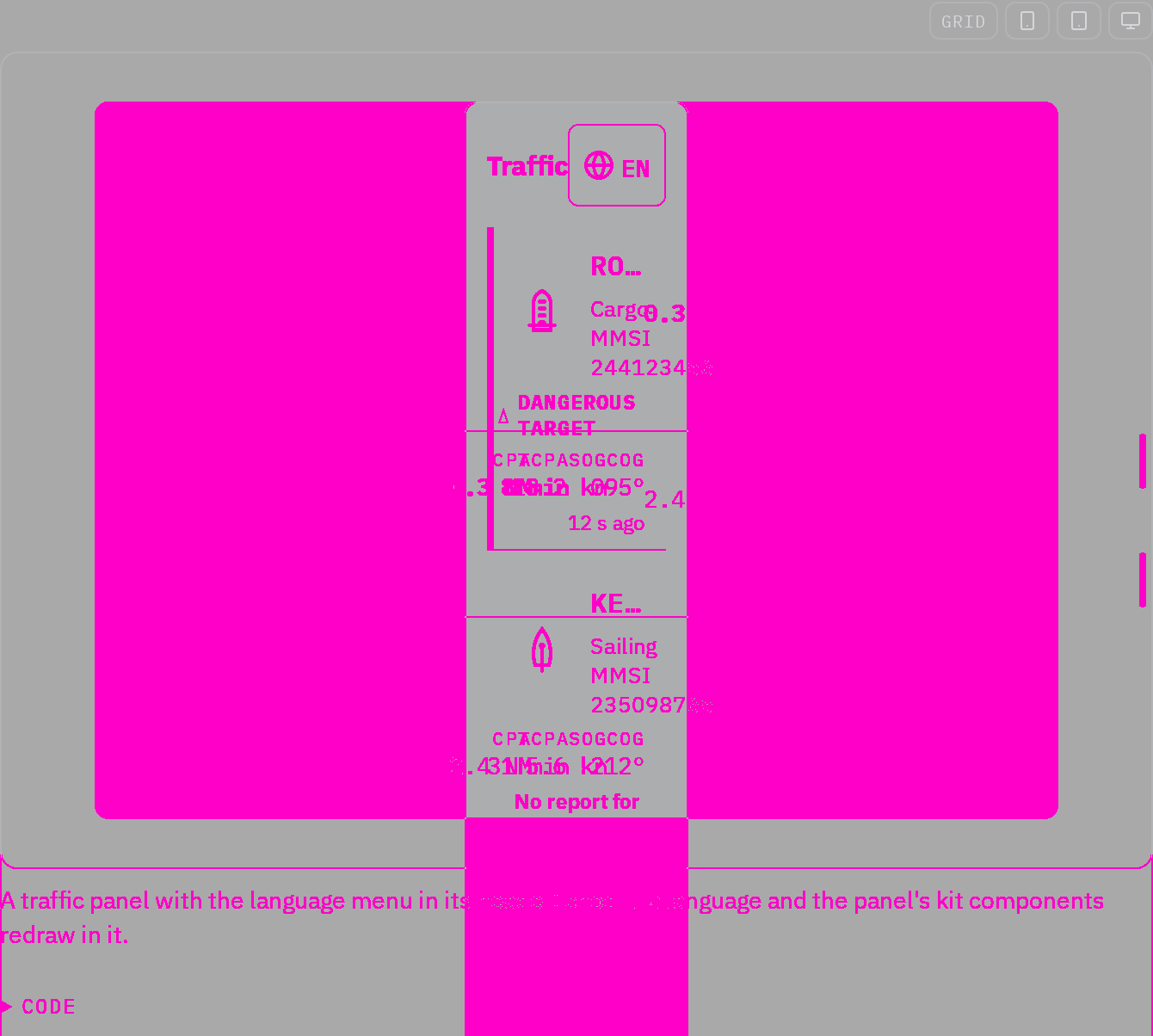

Rules behind it
- Foundation Spacing: containers own available width and navigation groups remain visually distinct.
ChangedCore controls use shared foreground, focus and field-state roles
Touches Control styles, Input, Select, Switch
Buttons, input and select borders, navigation choices and menu focus share semantic roles. Primary action text uses a darker teal in Day and Bright to remain readable on tinted button backgrounds. Input and select invalid borders use a neutral dashed cue with a separate focus ring. Switches expose keyboard focus and a disabled treatment while retaining their checked state. The Night interface stays red, and raised-pressed palettes retain their existing treatment. Browser checks cover actual primary-button contrast and combined control states.
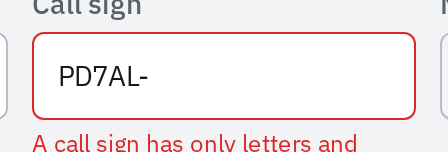
Rules behind it
- Foundation Interaction states: focus remains visible alongside selection or invalid state, and ordinary validation does not use alert priority colors.
FixedDocumentation controls keep their own typography and borders
Touches Button, Typography
The document reset overrode component styles because its top-level CSS layer came after every kit sublayer. Buttons inherited larger body text and lost their label weight, foreground and border. Document styles now occupy kit sublayers between reset and components, so the existing label role and presentation size apply. A browser check verifies the actual document cascade in all four themes at default and helm sizes.
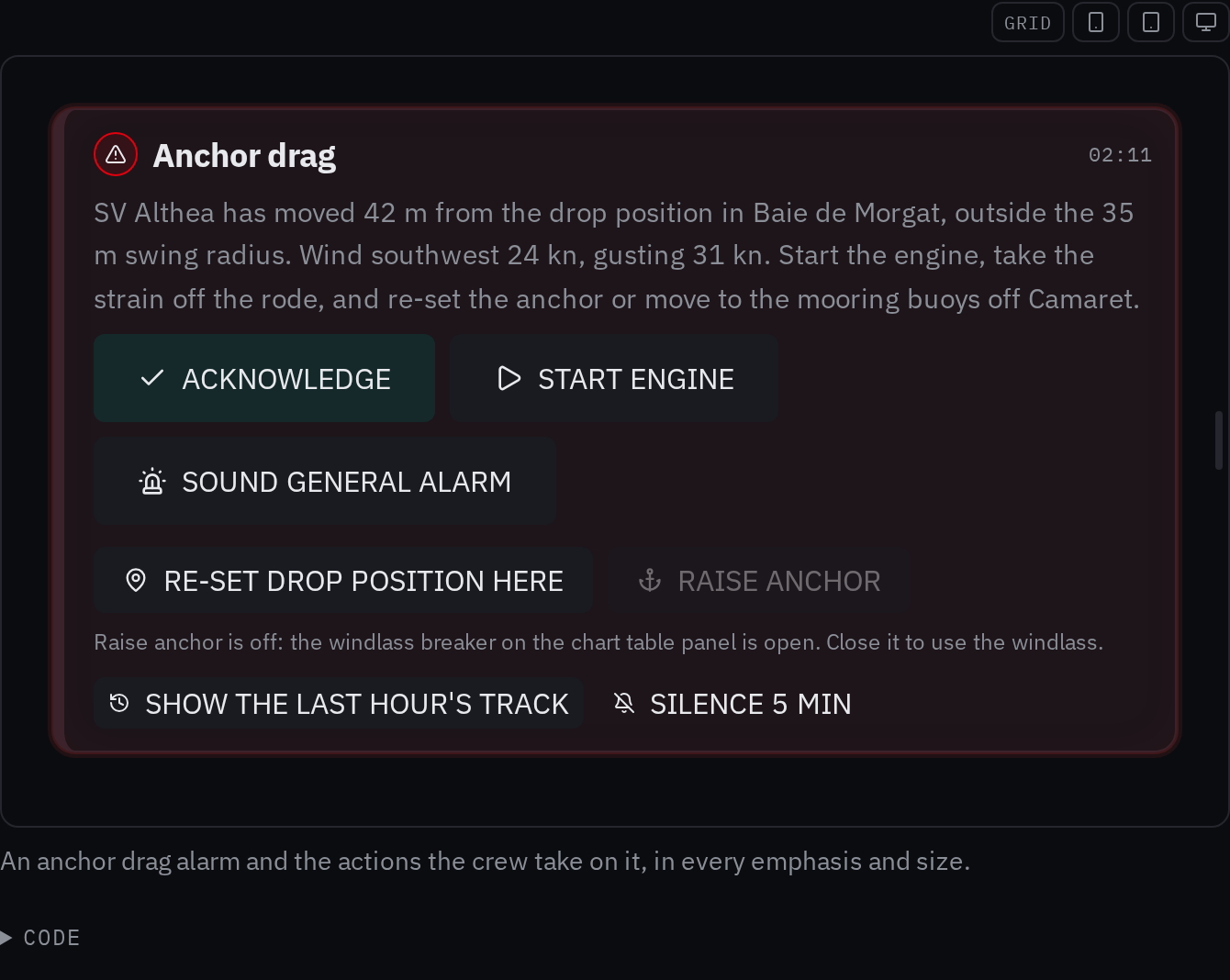
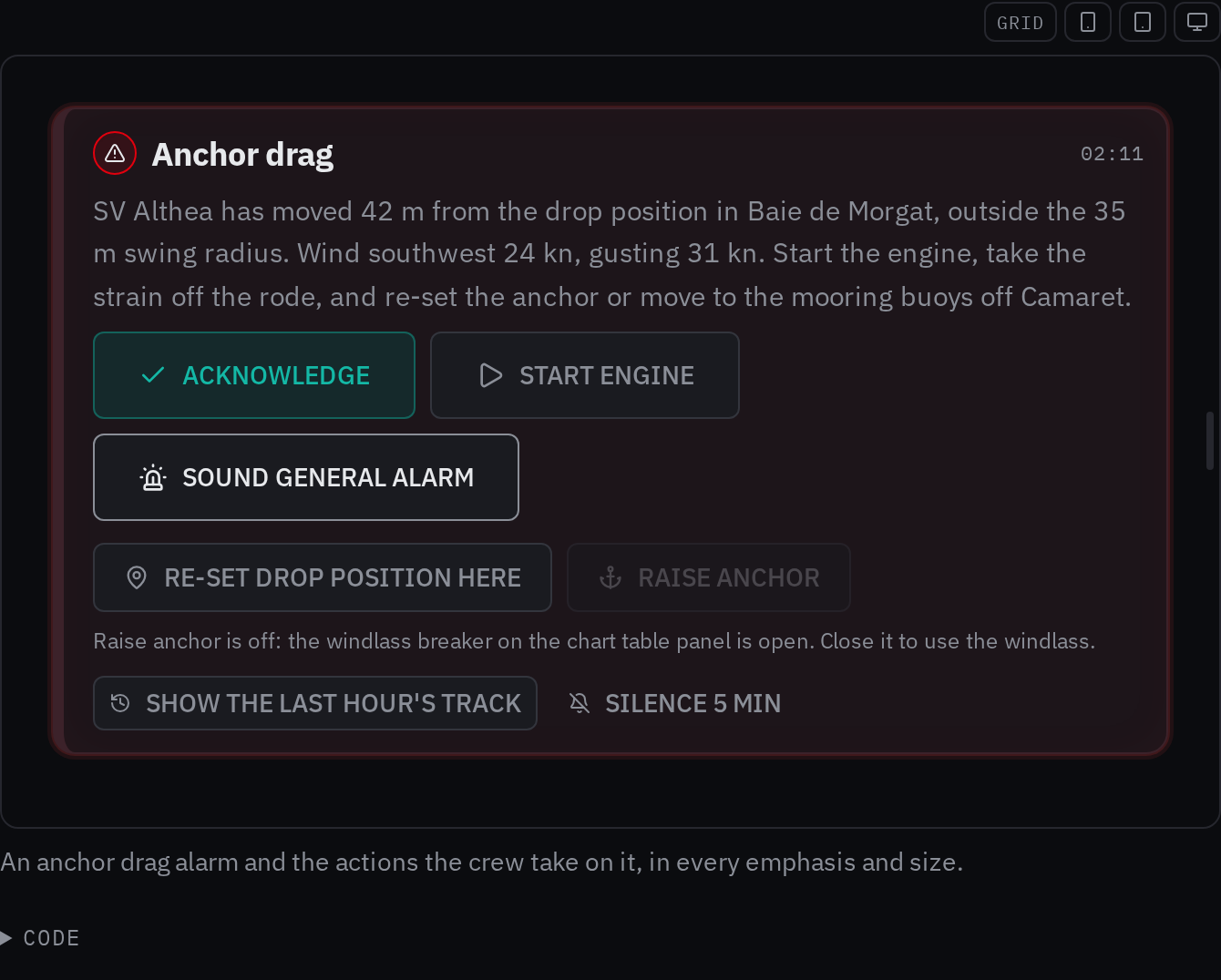
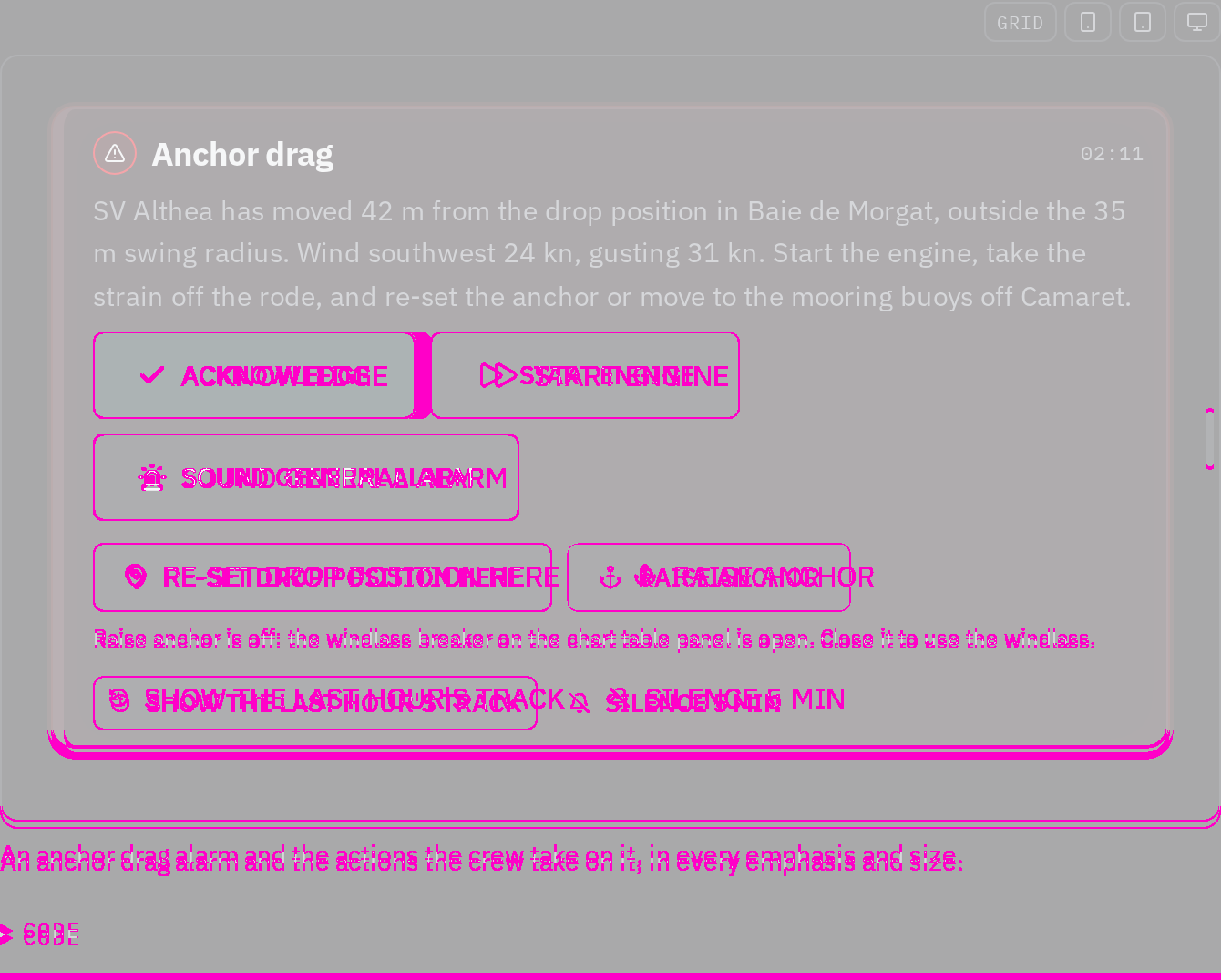
Rules behind it
- Foundation Typography: components select their text roles independently of the surrounding document.
FixedSelect lists, dialogs and tooltips keep their local presentation
Touches Themes, Select, Modal, Tooltip
The three portals inherited the page root, so a locally themed control could open an overlay in another palette. They now use the same scope attributes as the shared popover. The Themes page demonstrates the list, dialog and tooltip in a local Day region, and browser tests cover all four themes with a scoped size and language.
Rules behind it
- Foundation Themes: an overlay retains the theme, size class and language of the region that opens it.
AddedControl styles and interaction states have live foundation pages
Touches Control styles, Interaction states, Themes
Control palettes now define enabled, hover, pressed, activated, focused and disabled backgrounds and borders for the documented styles, including integration navigation. The aliases use shared surfaces and outlines, and selected and notification fills have text pairs checked in all four themes. The new pages explain style versus state, keyboard focus, state precedence and the limits of token coverage. Themes adds live scope and popover examples, accurate shared priority marks, automatic selection and reset guidance. Both theme explorers default to Page theme; Night keeps its red interface palette. Documentation token tables now read the kit's actual stylesheet cascade.
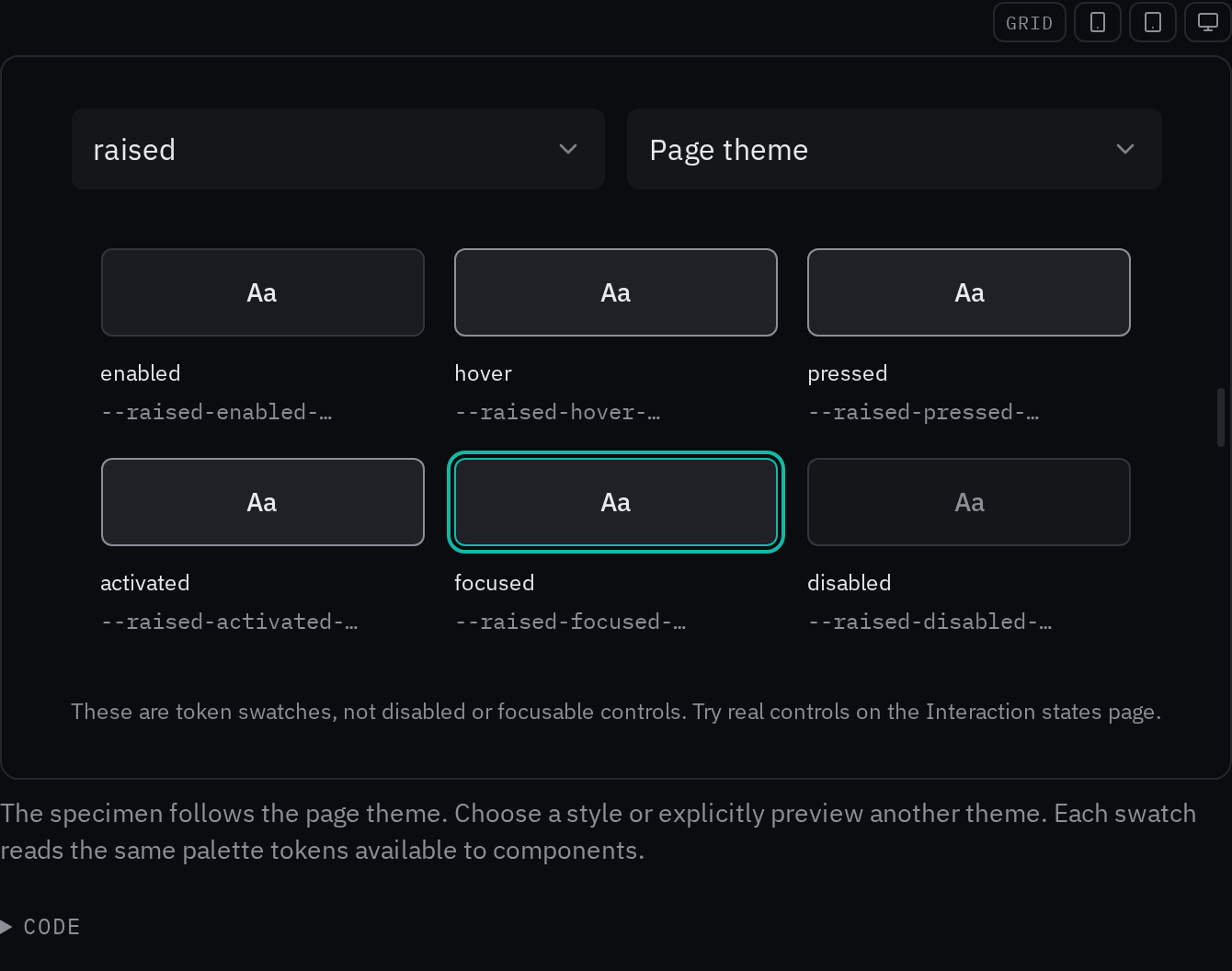
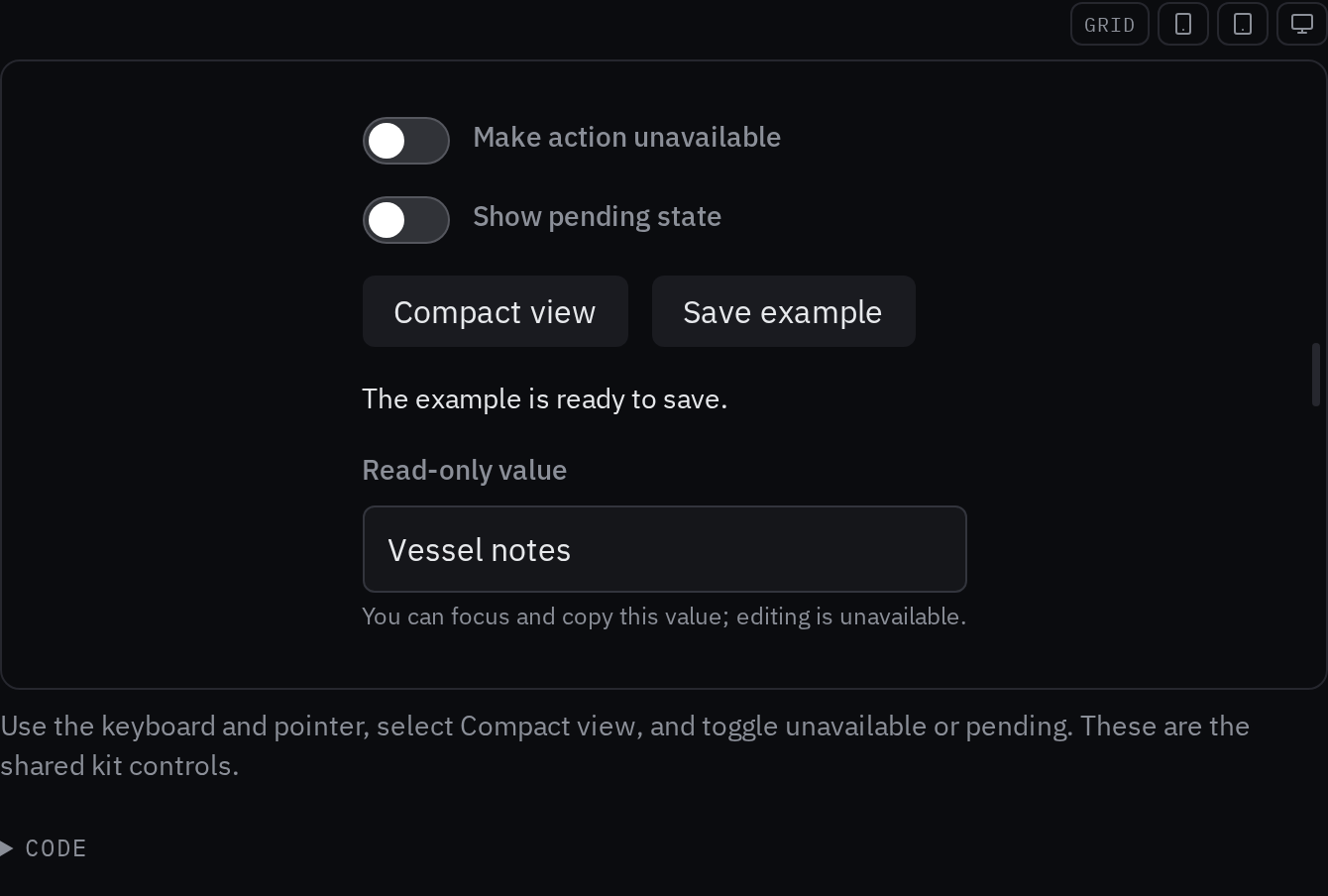
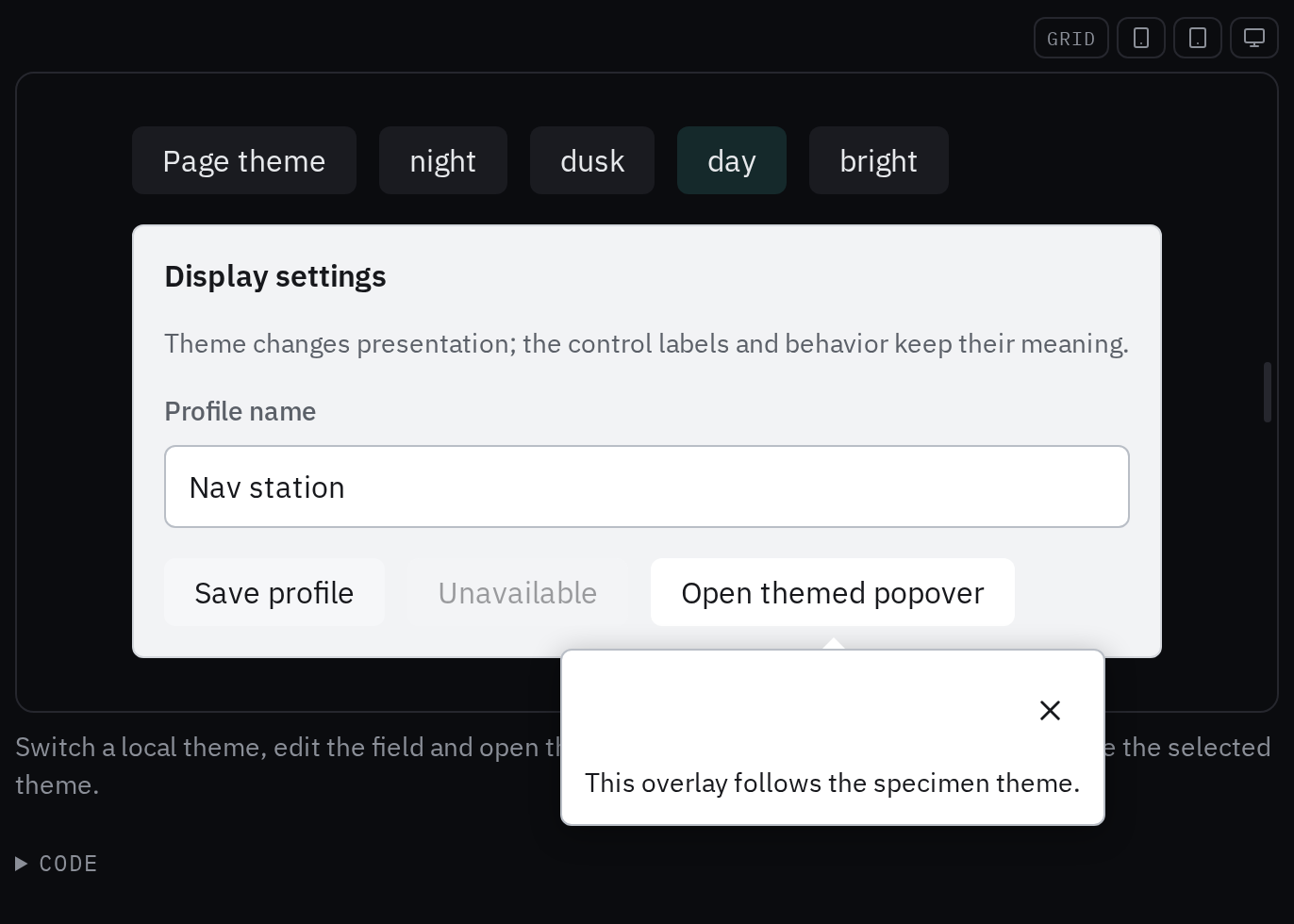
Rules behind it
- Foundation Color: control emphasis and notification colors stay separate from alert priority, with paired text colors for strong fills.
- Foundation Interaction states: selection, focus, pending and availability have distinct meanings and keyboard behavior.
- Foundation Themes: theme aliases resolve within each presentation scope; examples inherit the page until an explicit local choice is made.
ChangedThe documentation shell uses scoped CSS and Bosunkit controls
Touches Components, Spacing
Tailwind and Fumadocs UI have been removed from the design workspace. Fumadocs Core and MDX continue to provide content, navigation data and static search. The shell keeps the sidebar layout and centered home page, with Bosunkit search inputs, dialogs, keyboard hints and copy controls. Page and example styles use scoped CSS and the kit reset, preventing utility selectors from overriding live components. The five-choice theme row is centered in the sidebar and keeps its keyboard selection. The Bosun logo anchors the top left, and the home page has a decorative, theme-aware chart background. Client route discovery is included in the static build, so navigation needs no manifest server.



Rules behind it
- Convention Component-owned styles: document styles use namespaced selectors and prose excludes live specimens, so host utilities cannot change a component layout.
- Foundation Spacing: page sections, navigation and captions use the shared spacing scale.
FixedReadout block icons stay centered beside their values
Touches Readout block
Tailwind's block utility overrode the readout's internal flex layout, placing marker icons above or below the value's center. A namespaced body class isolates that layout and keeps small icons centered beside larger digits.
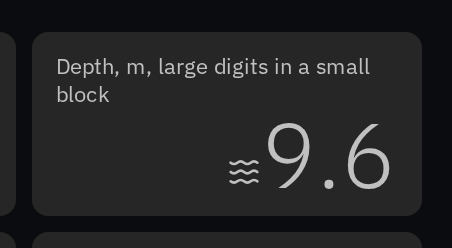
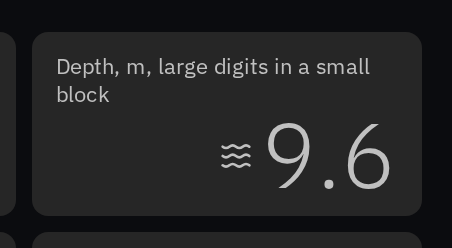
Rules behind it
- Foundation Spacing: the component owns the alignment of related parts, independently of utility classes on the host page.
AddedSliders share the brilliance grip, support icons and offer a menu reset
Touches Slider, Brilliance menu, Status strip
The menu's separate native range is now the shared Slider with its brilliance variant. Optional icons sit beside the label, inside the thumb and at either endpoint, shown in an anchor-swing radius example. Reset restores 50% brightness and the automatic theme, with a configurable brightness baseline. The status strip uses that reset and preserves its hold-for-full-brightness action. The standalone example demonstrates the same behavior.

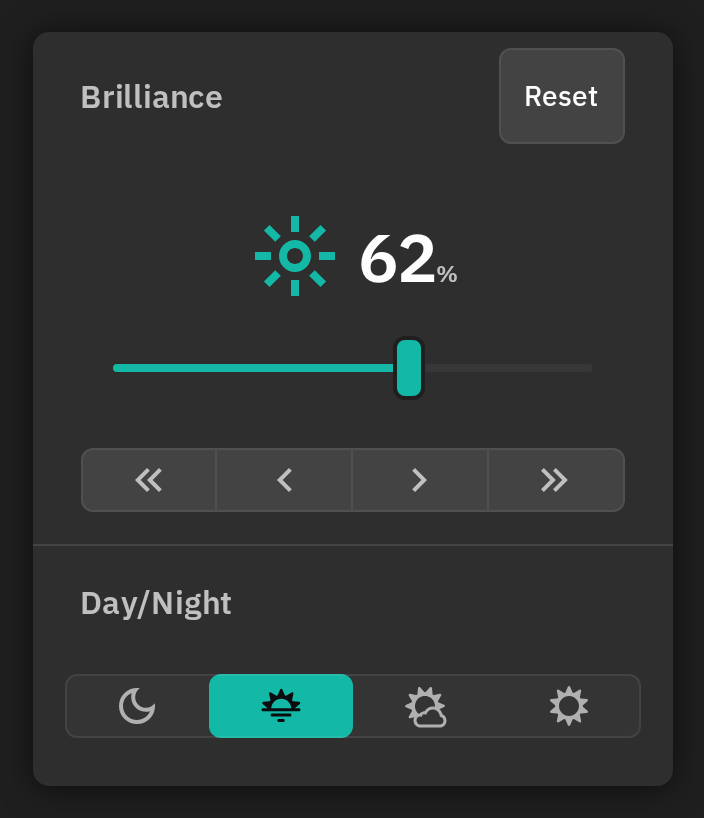
Rules behind it
- Foundation Accessibility: both grips keep a full touch target, a named input and keyboard operation.
- Foundation Themes: Reset restores Auto, which follows the system light or dark setting; the brightness control remains undimmed.
AddedA button switches navigation between panel and rail
Touches Navigation list, App shell
The example's Rail choice hid labels without reducing its column width. NavListToggle now folds the column as well as changing the list's form, and AppShell offers the same button on desktop. The example scrolls under a reachable toggle, restores the chosen panel width, and uses the shared label typography. Standalone examples give the rail a narrow column and let side-by-side specimens wrap. Counts retain their priority shape without a second generic badge dot.
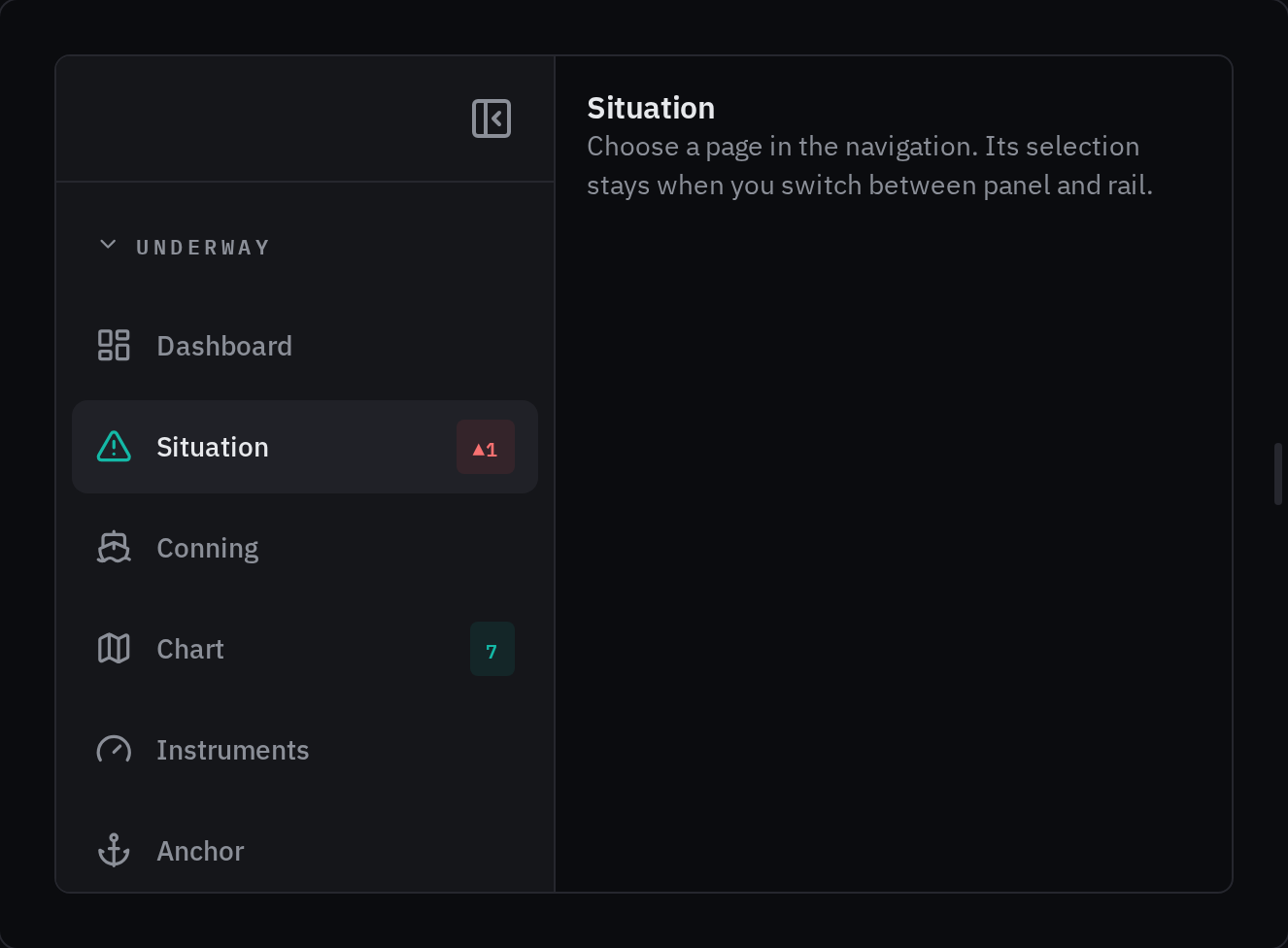
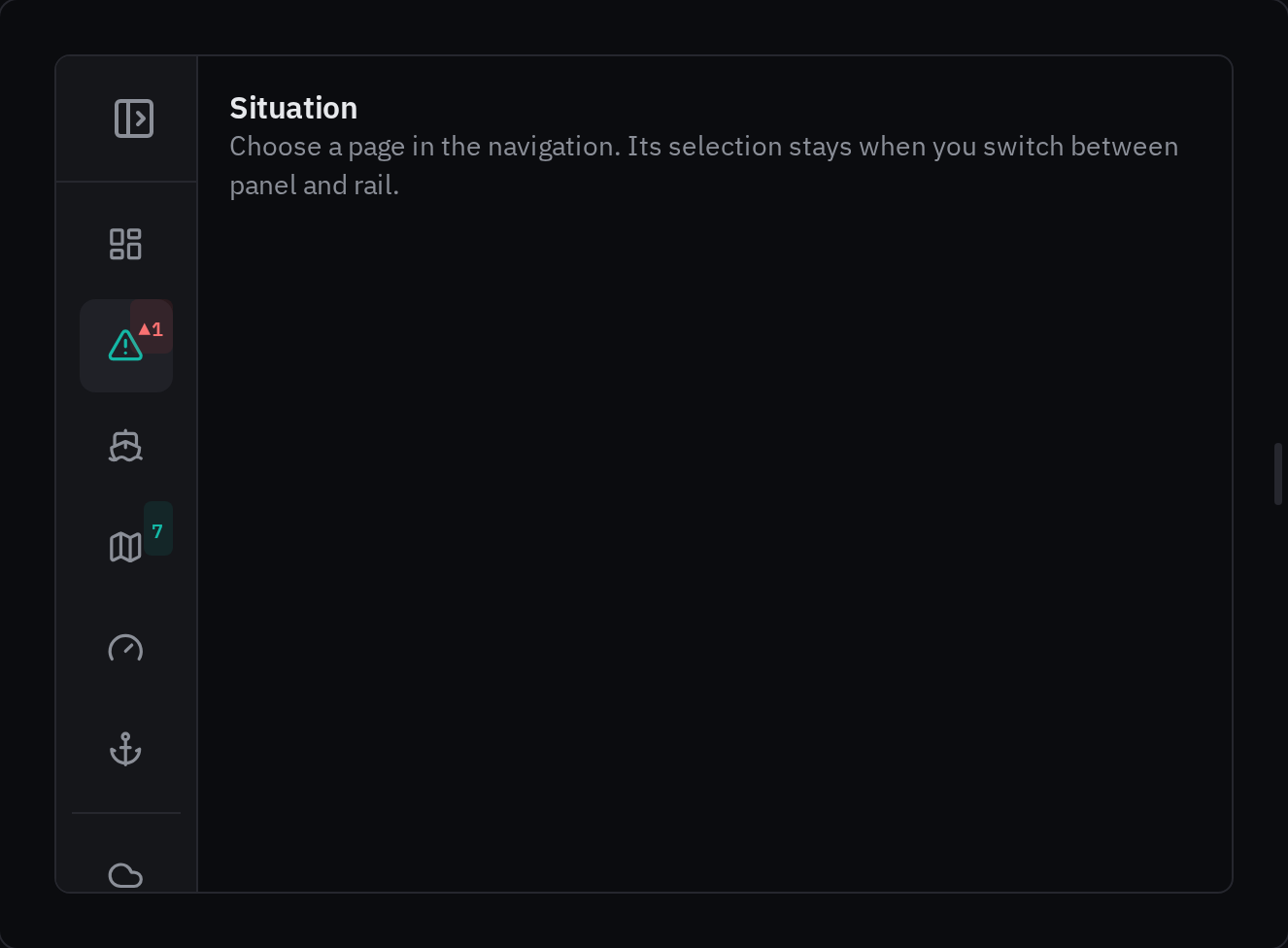
Rules behind it
- Foundation Accessibility: the button has a touch target, keyboard operation, a translated name and an expanded state.
- Convention Navigation state: the button and splitter share one fold state while preserving panel width, selection and closed groups.
FixedSetting labels align with compound fields
Touches Setting control
The guest Wi-Fi label was centered beside the entire password, checklist, QR code and Save stack. Compound rows now align their labels with the first field. MMSI, position and secret fields share that layout, and saved-secret summaries retain the same column width when editing starts. At narrow widths the controls fill the row below their labels, removing the varying indents caused by fixed field widths.
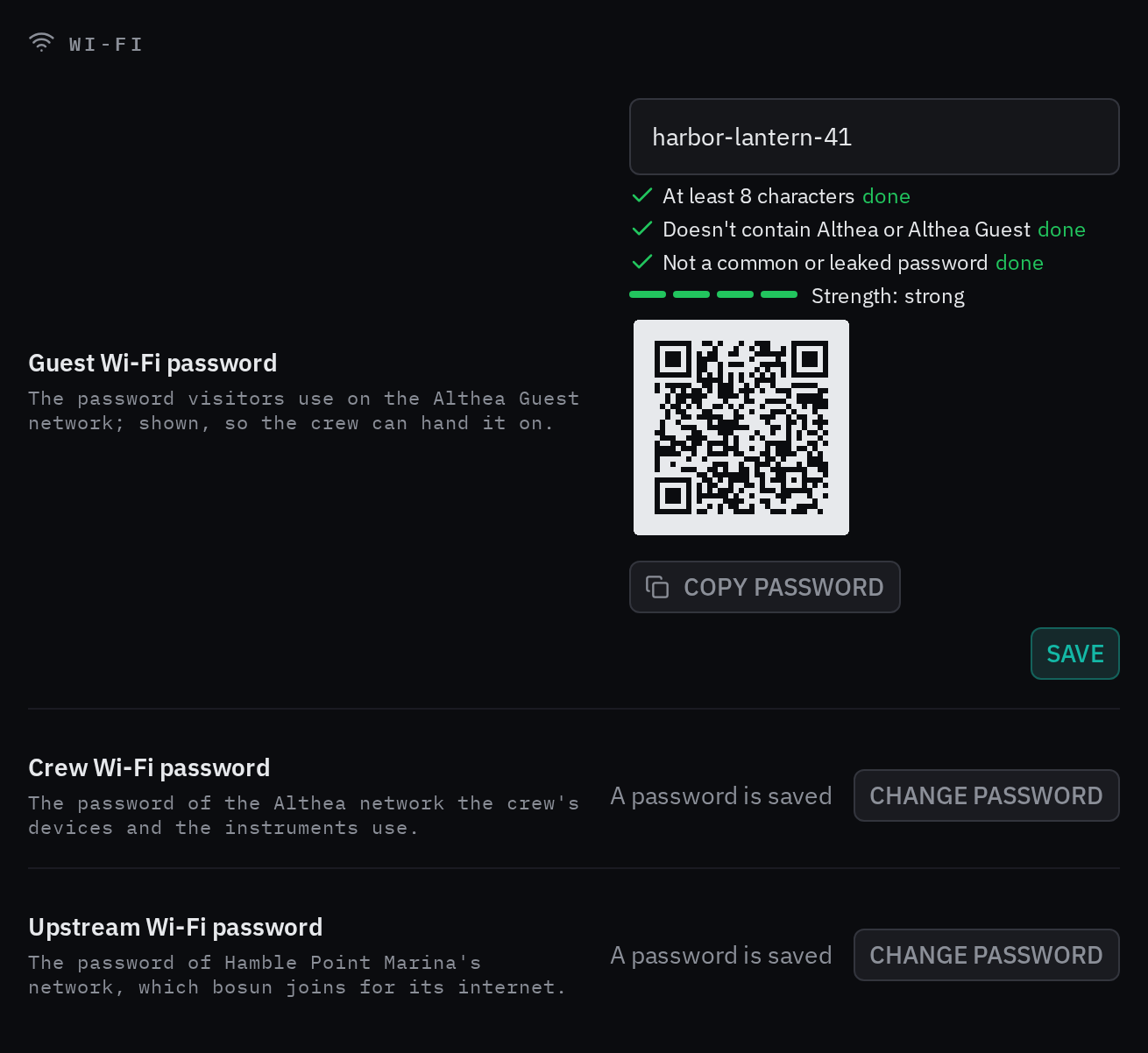
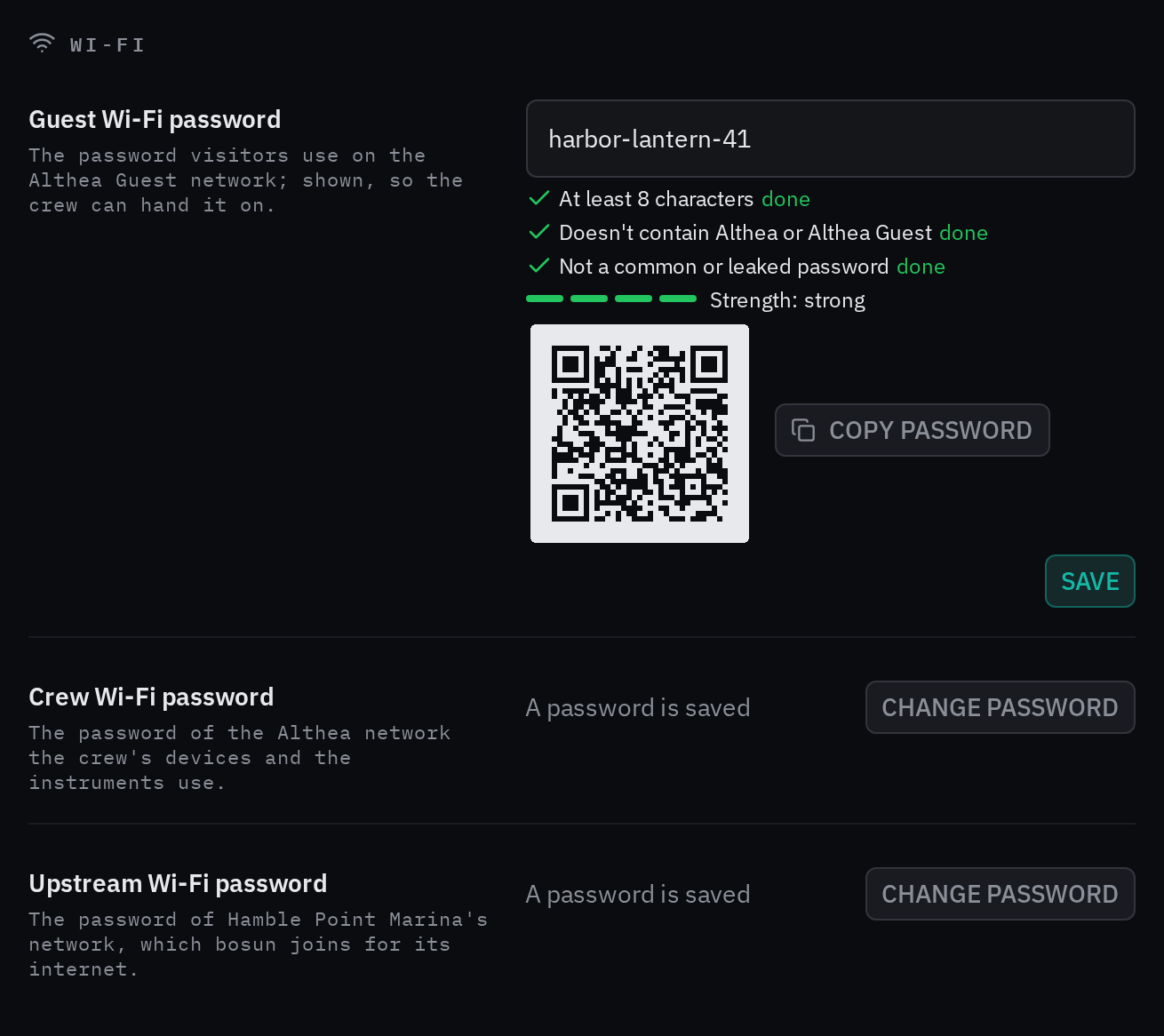
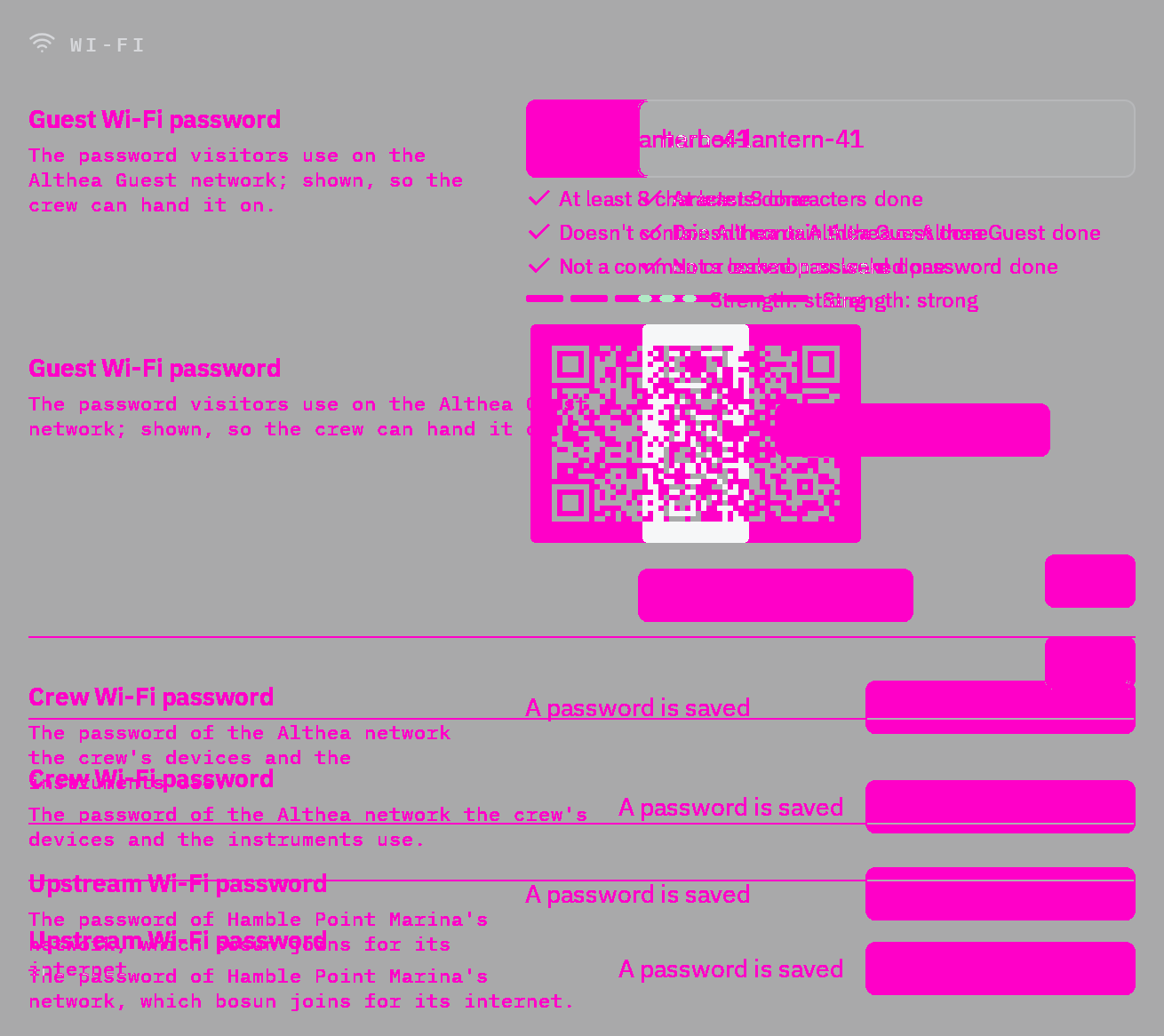
Rules behind it
- Foundation Spacing: the row owns the alignment of its label and control; related guidance stays with its field.
- Accessibility WCAG 2.2 SC 1.4.10 Reflow: compound controls fill the available row when the columns stack.
ChangedSliders show their values, stops and preferred limits
Touches Slider
The visible thumb occupied the whole touch target, while its layout reserved only the track's height. A smaller circle now sits inside a full-height, inset target. Optional labels, bounds, value formatting, marks and a preferred maximum describe the selected value. Working examples cover display options, fixed steps, named choices, limit crossing, exact entry and disabled controls. Release callbacks let a caller distinguish dragging from a committed input without claiming a setting has been saved.

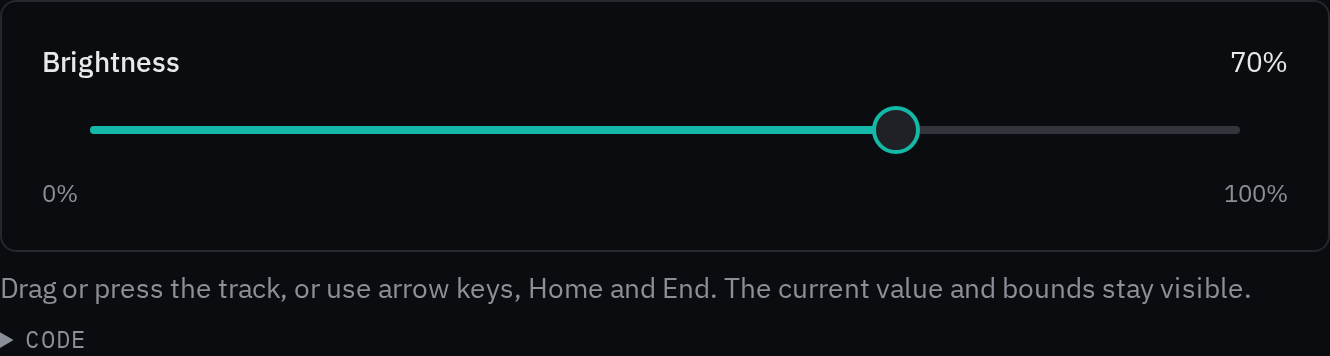
Rules behind it
- Foundation Accessibility: the visible handle retains a full touch target and keyboard operation.
- Convention Slider bounds: a preferred maximum can be crossed; the hard bound remains enforced.
AddedCursors foundation
The logo's arrow behavior now belongs to a shared foundation. The page documents action, text, resize, drag, help, disabled and pending cursors, with a live example that opens details and accepts text. It explains native disabled behavior, keeps cursor rules in components, and links from the foundation index, sidebar and Logo page. A pointer icon identifies the foundation in navigation.
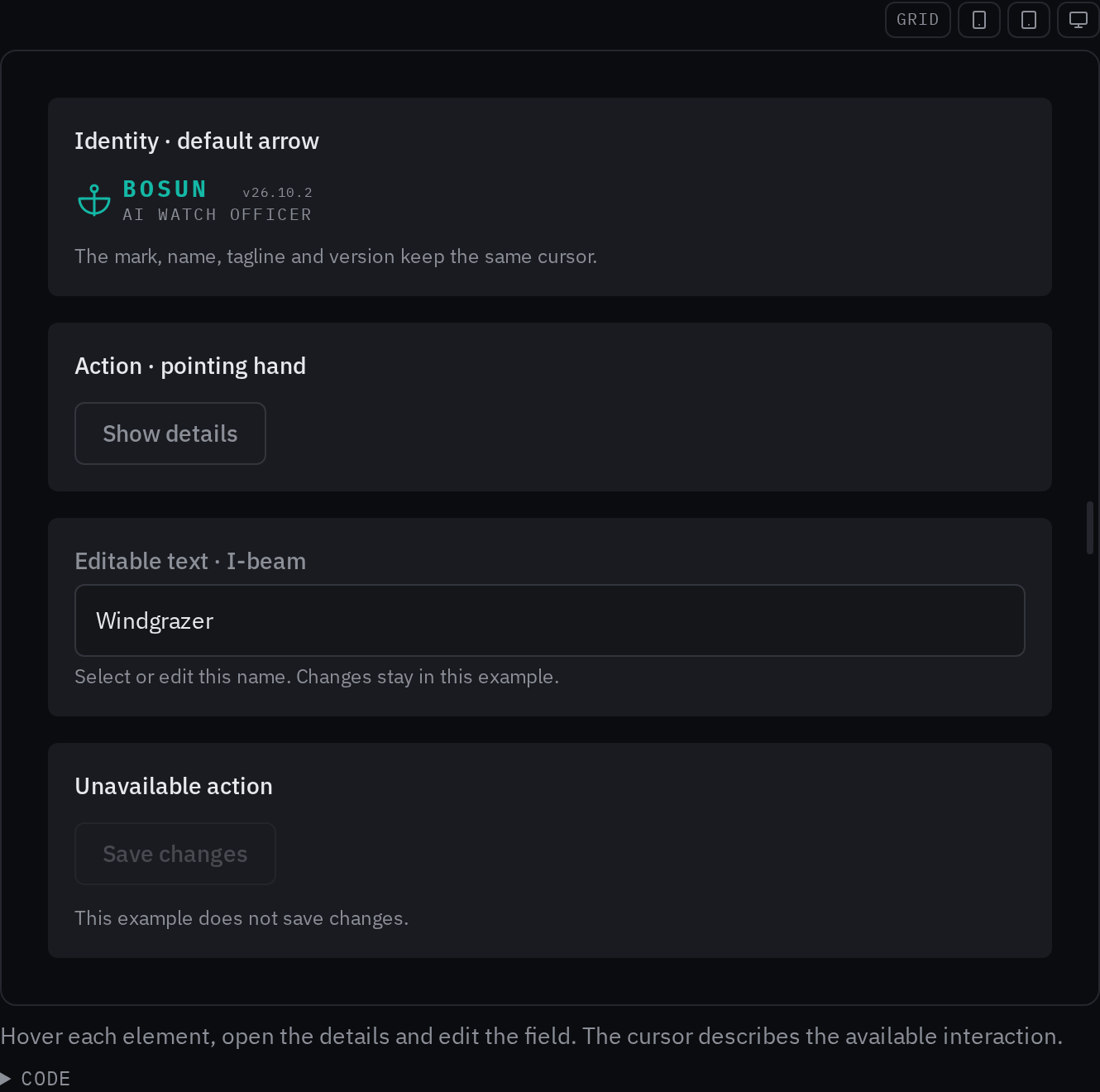
Rules behind it
- Foundation Cursors: the cursor reflects the interaction available on its target.
- Accessibility WCAG 2.2 SC 2.1.1 Keyboard: actions remain available without a mouse.
FixedThe logo keeps the default cursor
Touches Logo
The browser's automatic cursor changed over the logo's text. The mark, name, tagline and version now keep the default arrow cursor, in both the kit and the web UI.
No visible change in a still. The browser cursor stays an arrow over the mark and text; page screenshots do not capture the native cursor.
Rules behind it
- Foundation Logos: the mark and wordmark read as one identity.
FixedEntity list examples complete their actions
Touches Entity list, Schema form
Several examples displayed Add, Save and Delete controls with empty callbacks. The examples now hold their own records, open and close their forms, and apply successful creates, edits and deletes to the table. Loading can finish, a load failure can retry, and all category choices are available. Each list sits in one full-width container so its toolbar and loading placeholder use the same width as its table. The page explains the opening example's deliberate save and delete rejections.
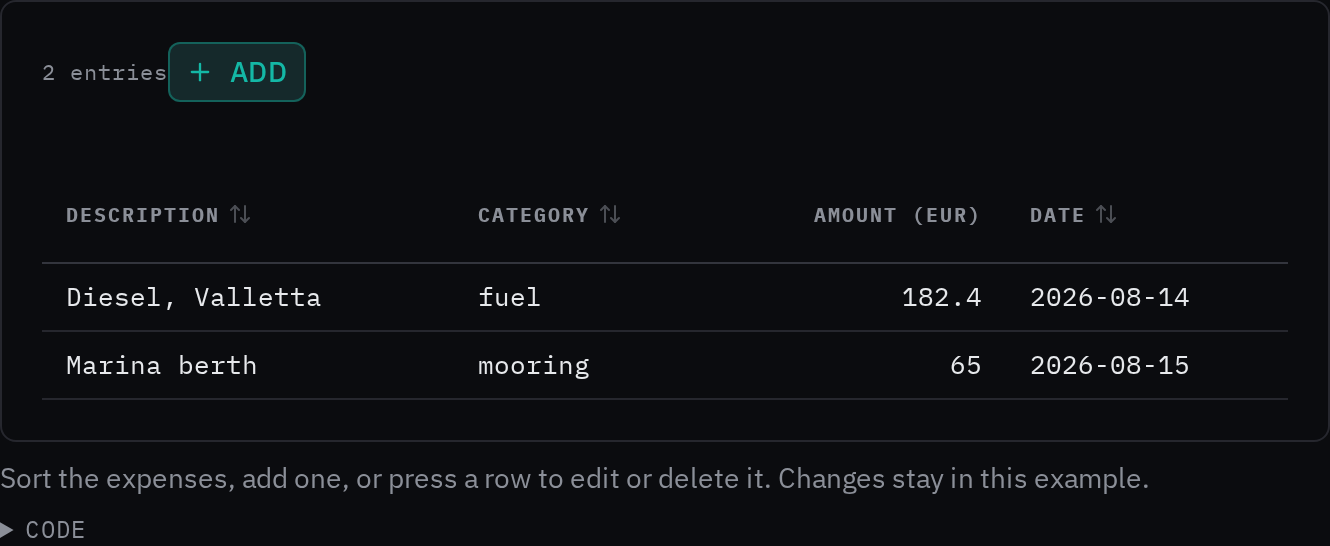
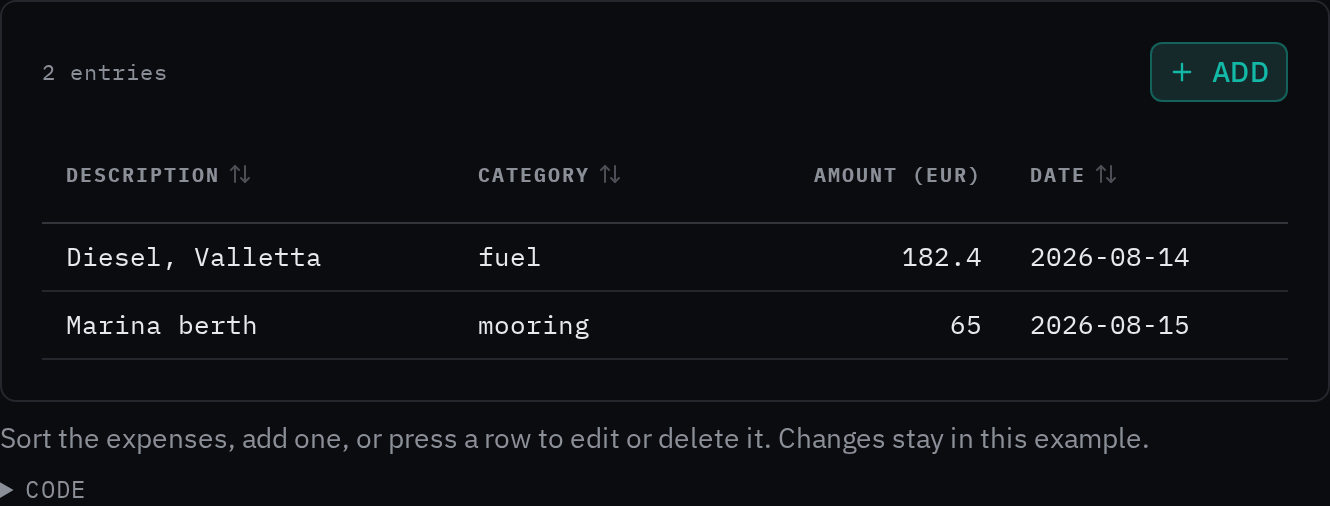
Rules behind it
- Foundation Spacing: one container owns the layout of a related group of controls.
- Foundation Error messages: an error explains what happened and provides a way forward.
ChangedOutlined fields share their surrounding surface
Touches Outlined field, Date of birth, Crew picker
The grey field fill in Bright made the floating label's cutout look like a white patch. Outlined fields now share their surrounding surface throughout the label and body, on pages and inside cards in every theme. The label is centered on the border, and date-of-birth dividers stop inside the box, clear of its title. The transparent treatment also removes the fill mask and its layout measurements.
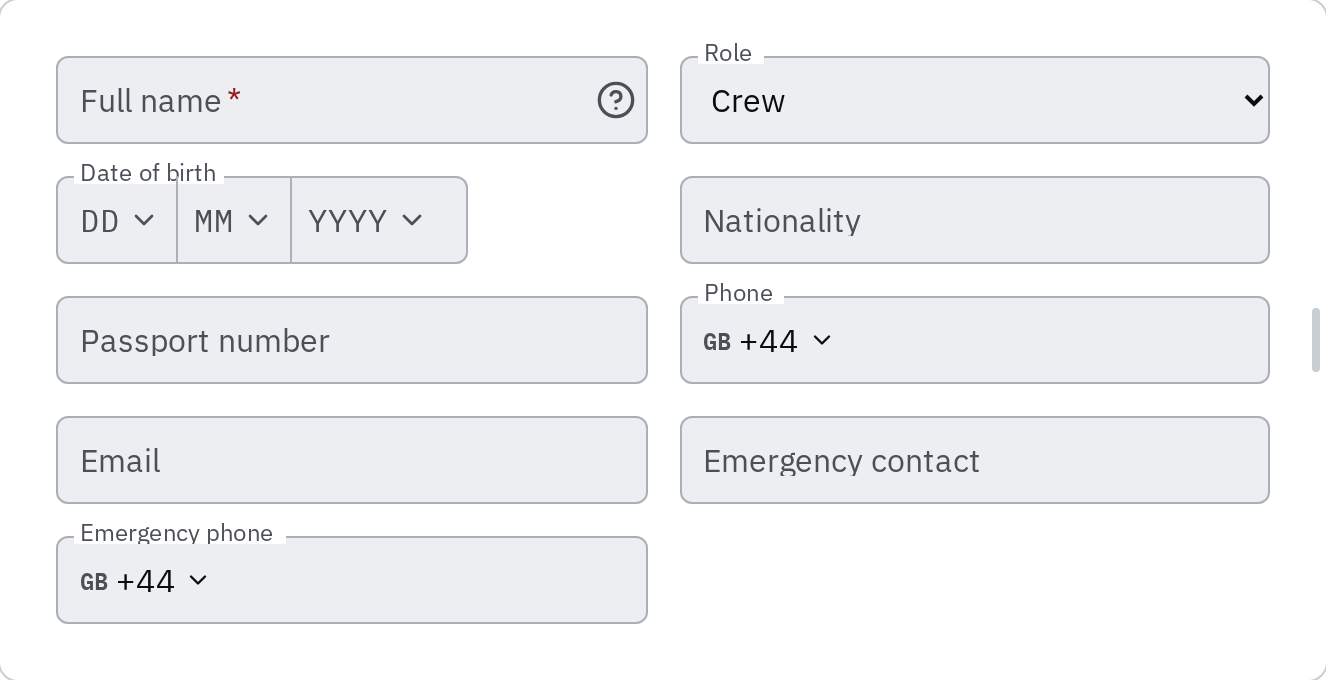
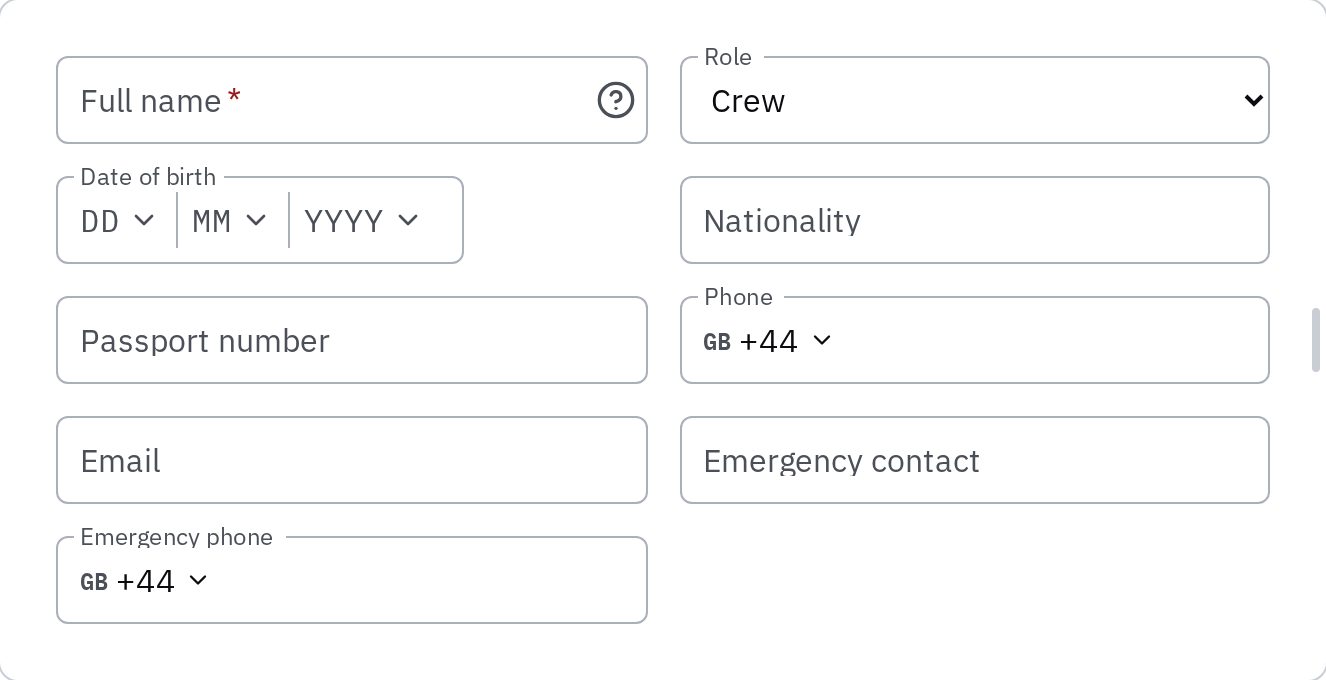
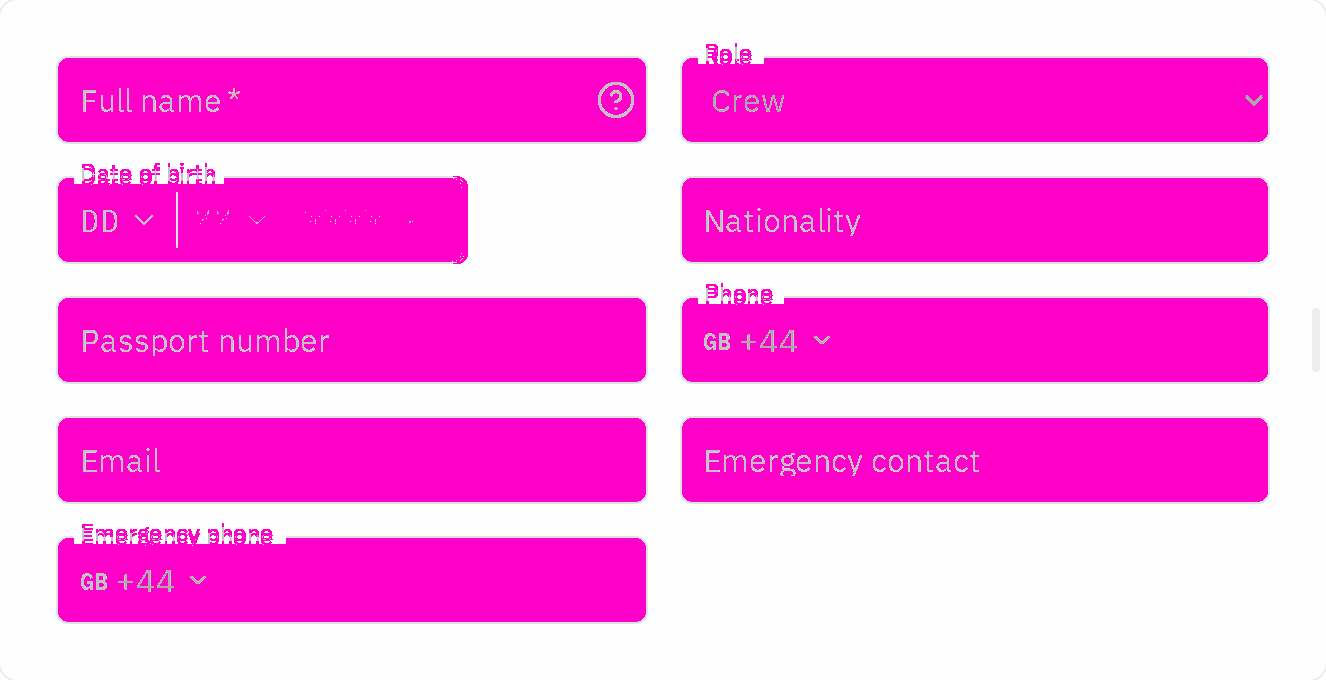
Rules behind it
ChangedSpacing recipes connect the foundation to component layouts
Touches Spacing, Form field, Chat input
The page listed a scale without enough guidance for choosing it, while components used literal and font-relative layout distances. Recipes now explain field groups, cards, actions, responsive gutters and geometry exceptions. An adjustable card layout and a working target example show the rules in use, reading values from the kit tokens. Component padding, margins and gaps use the scale, and strict CSS and inline-style checks prevent new arbitrary distances. Chat fields and send buttons also share the model picker's touch minimum.
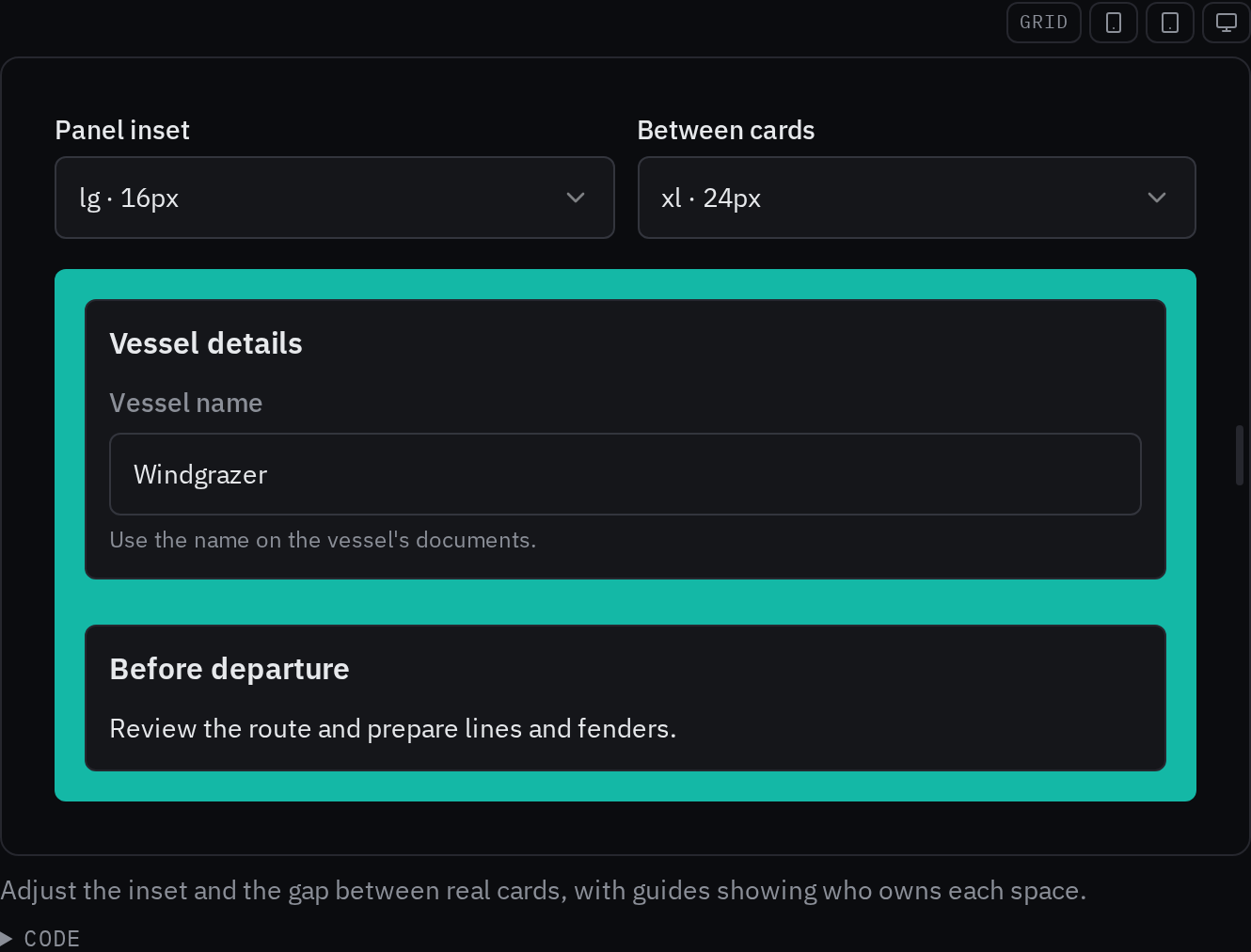
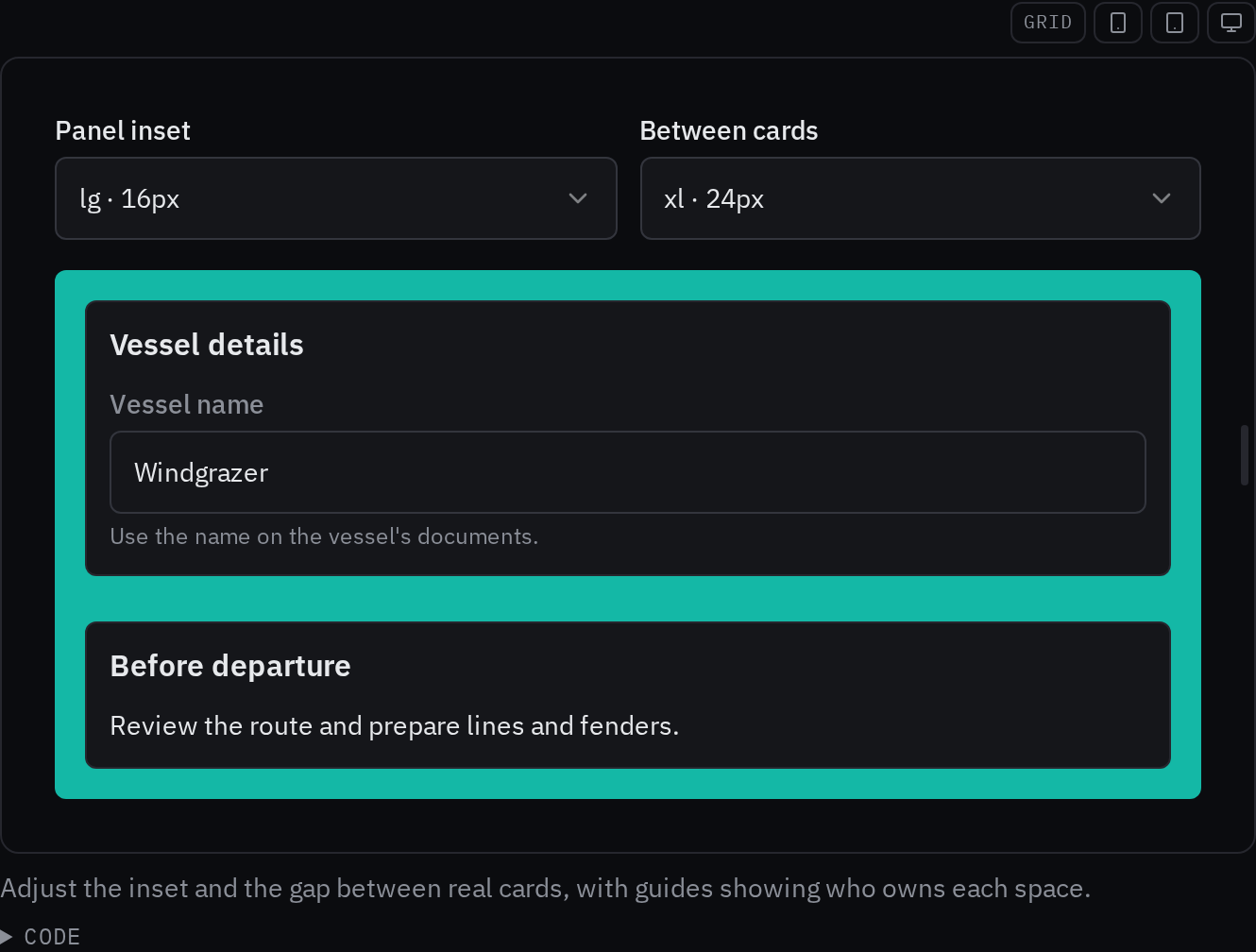
Rules behind it
- Foundation Spacing: layout gaps and insets use the six-step scale, with one owner for each space and separate touch-target sizing.
FixedNested boxes own their padding
Touches Box
Private padding variables inherited into nested boxes. A child without padding gained its parent's inset, and inherited axis overrides could defeat a child's explicit padding. Each box now resets those variables before applying its own props. The example shows a small child inset beside an unpadded child.
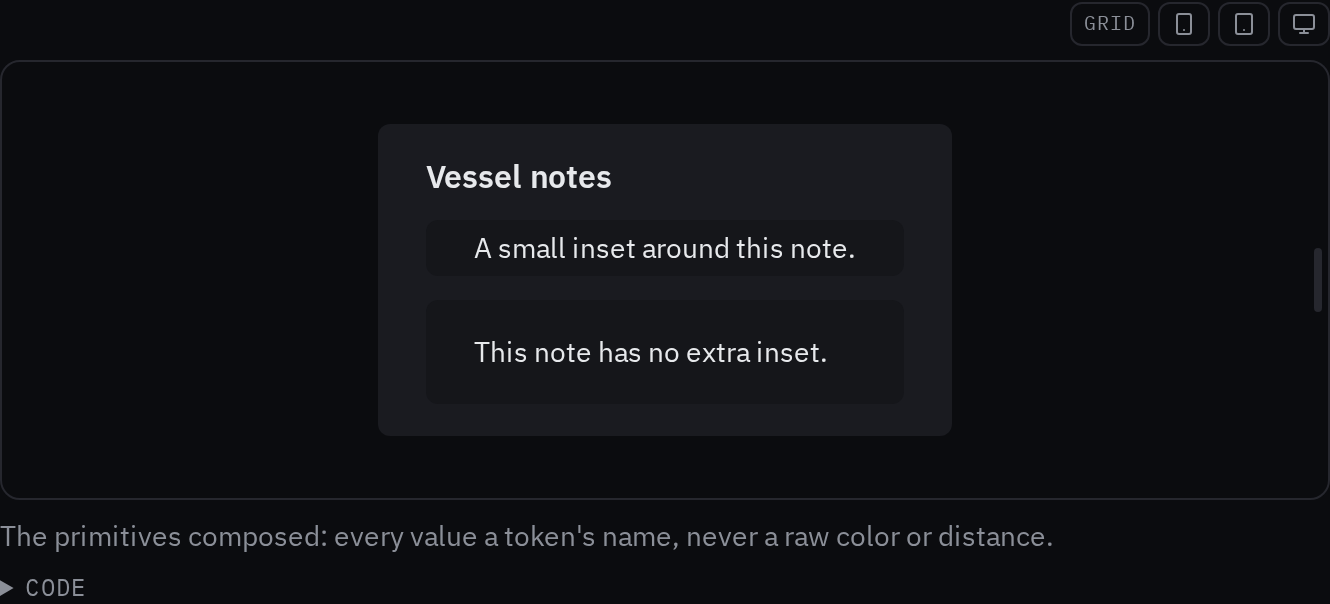
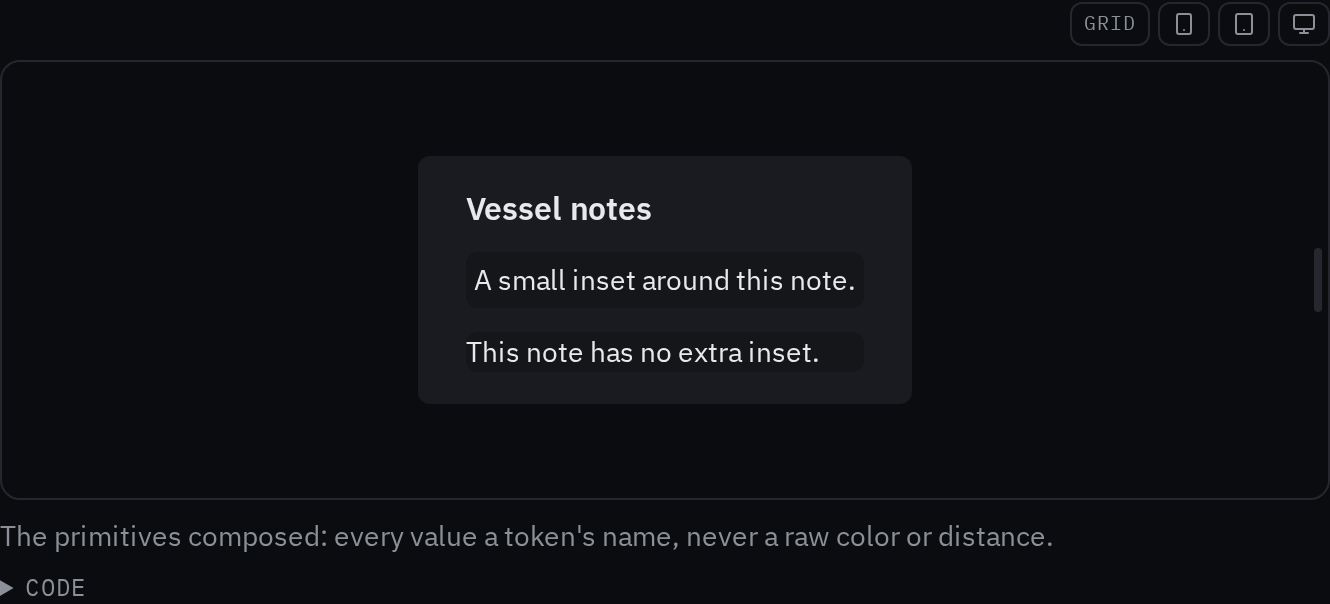
Rules behind it
- Foundation Spacing: container insets and the gaps between siblings have separate owners.
FixedSelect choices have full touch targets
Touches Select
The select trigger grew for a coarse pointer while its portaled choices kept compact rows. Each choice now has the shared minimum touch height, with its content centered, so opening the list preserves tappable rows.
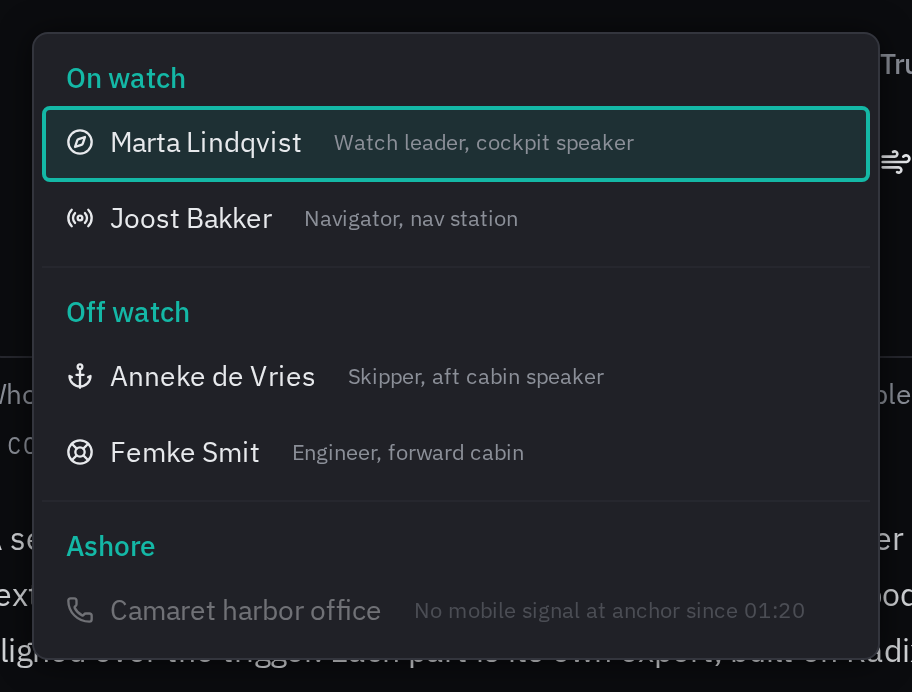
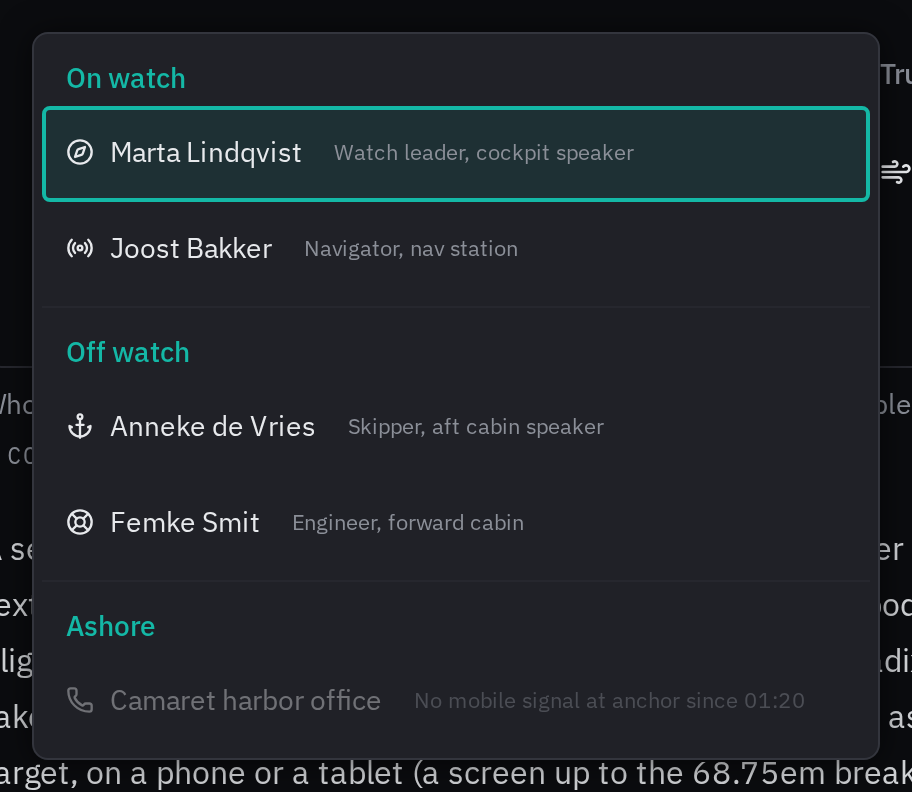
Rules behind it
- Foundation Touch targets: a touch target uses the shared minimum even when the visible content is smaller.
ChangedHeading roles are independent of document levels
Touches Heading, Typography
Heading sizes followed the HTML level and multiplied the parent text size. A compact panel could require an oversized title or an incorrect heading level. The optional visual variant now selects a shared typography role while the level keeps its semantic meaning; default roles also stay independent of parent text.
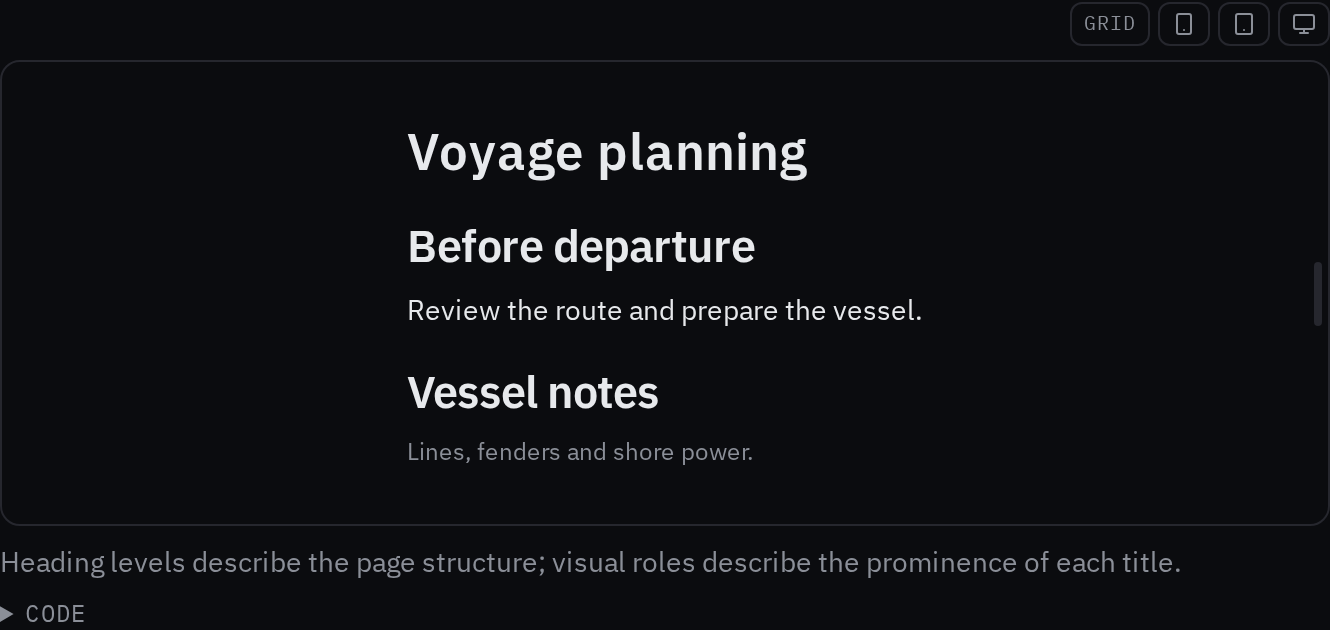
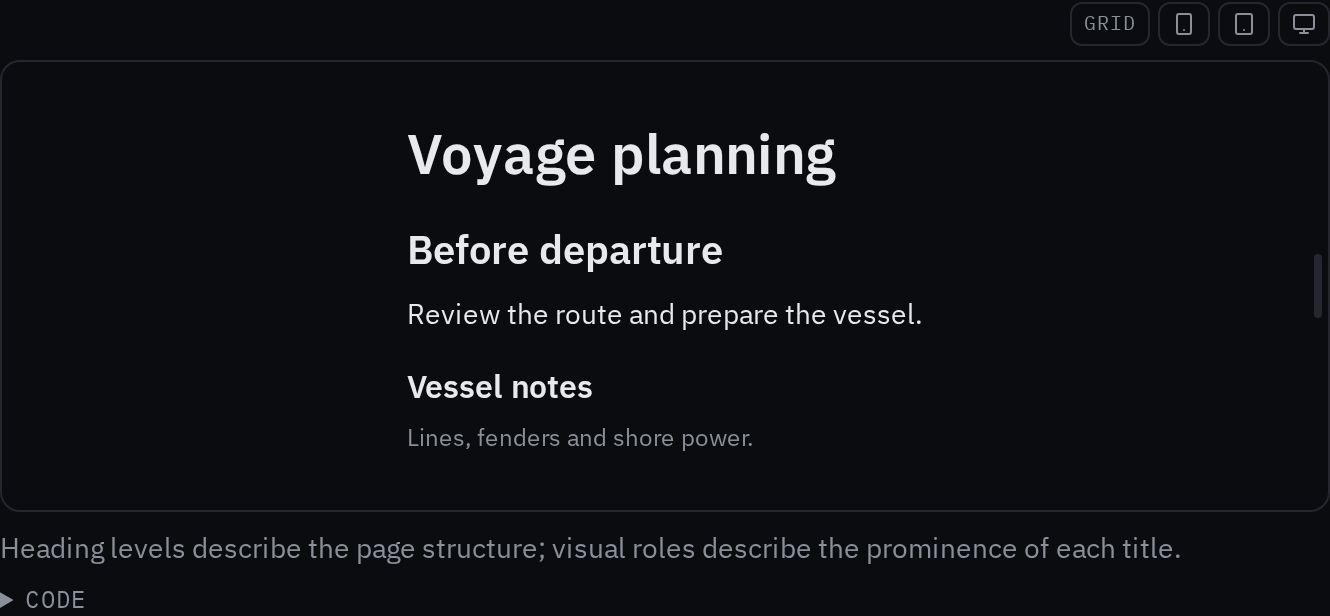
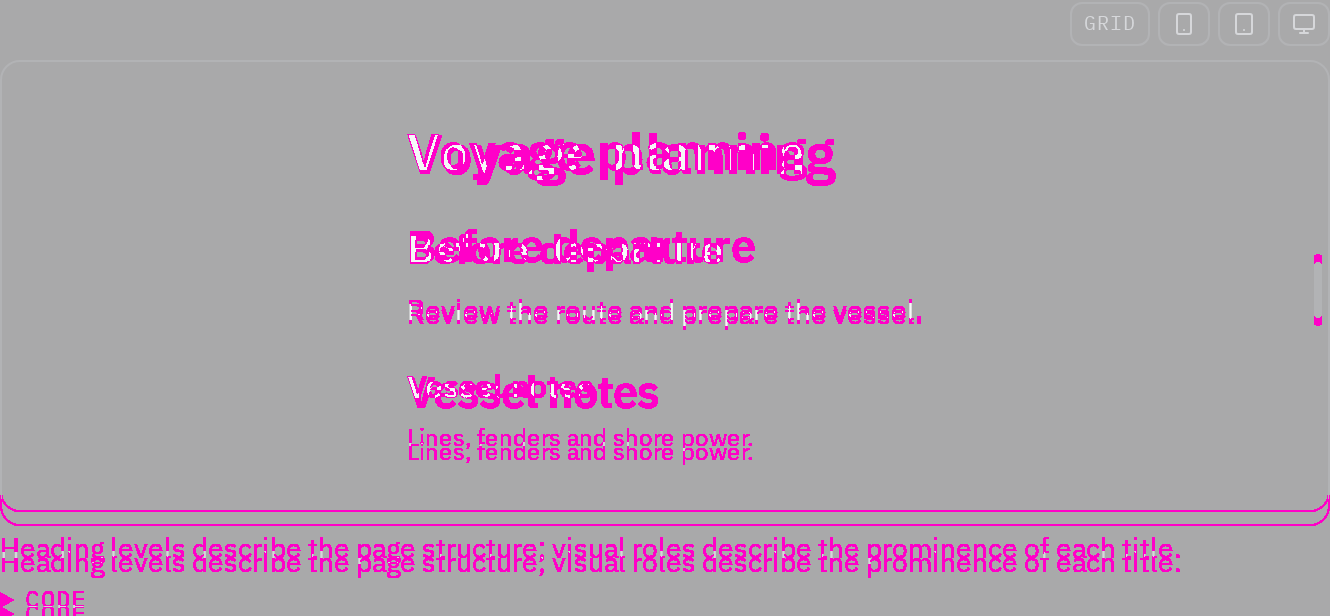
Rules behind it
- Accessibility WCAG 2.2 SC 1.3.1 Info and Relationships: heading elements describe document structure independently of the chosen visual role.
- Foundation Typography roles: page, section and component headings use complete fonts at each presentation size.
ChangedUI text uses shared typography roles
Touches Typography, Text, Search input, Card
Components mixed fixed sizes, inherited multipliers and OpenBridge body tokens, so text could grow with its parent and supporting detail could compete with controls. Shared roles now size text in forms, search, cards, menus and messages, with larger values in helm scopes. Touch targets and instrument typography retain their own sizing. The typography page reads its specifications from the kit tokens and shows the IBM Plex fonts the kit loads.
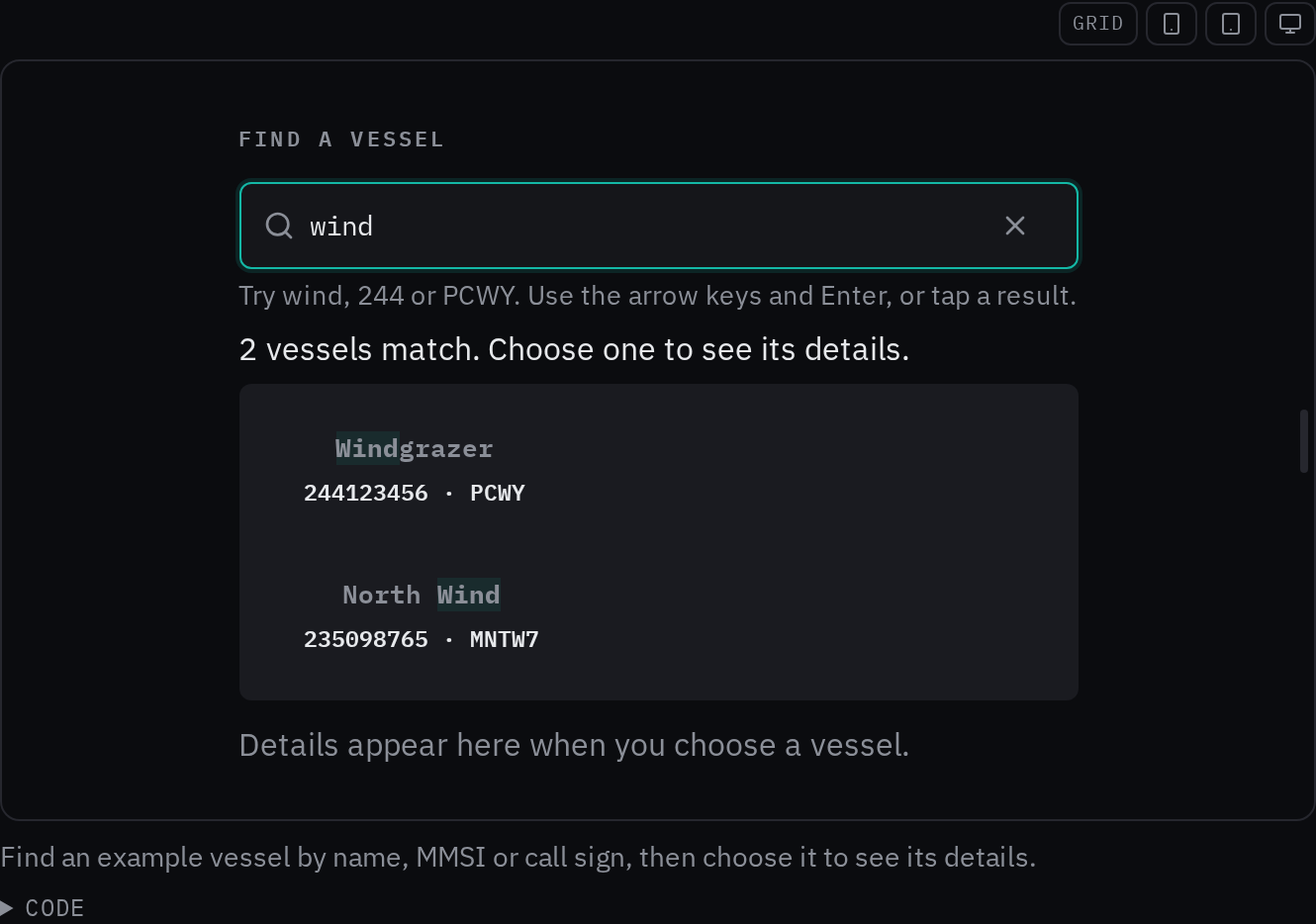
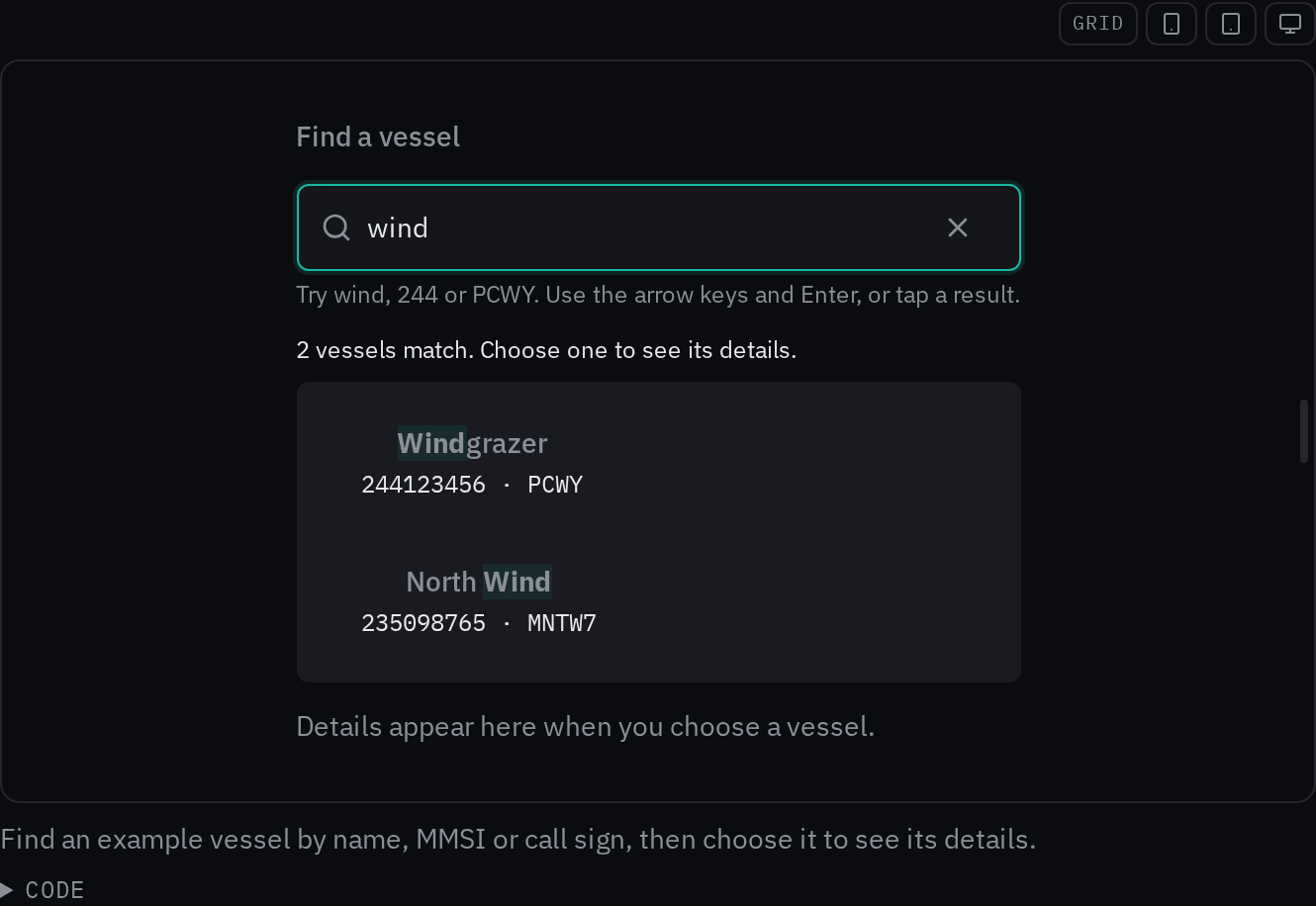
Rules behind it
- Foundation Typography roles: body, reading body, label, caption, heading and code styles define complete fonts at each presentation size.
- Convention Carbon type sets: compact component content and longer reading text use distinct styles.
FixedThe search clear action respects field state and keeps focus
Touches Search input
The clear button could change a protected field and left focus on the button. Its position included the hint, and browsers could draw a second clear control. The field now disables clearing for protected states, returns focus after clearing, and anchors a single clear target to the input. Interactive field-state examples and browser tests cover these behaviors.
Rules behind it
- Accessibility WCAG 2.2 SC 4.1.2 Name, Role, Value: the clear action is disabled when the field is disabled or read-only.
- Accessibility WCAG 2.2 SC 2.4.3 Focus Order: clearing returns focus to the field so typing can continue without another tap.
FixedSearch examples demonstrate finding, selecting and retrying
Touches Search input
The vessel hero searches names, MMSIs and call signs and opens identifying details. Focused examples demonstrate list filtering, keyboard selection, form submission and an asynchronous lookup with delay, failure and retry. The kit's SearchSuggestions composition uses Base UI for navigation and unique option identities, with data supplied by the caller. A canceled lookup cannot overwrite a newer query, even if the transport finishes late. Hints describe the literal matching implemented by the examples rather than promising unimplemented operators.
Before: The hero was an isolated field; the results example returned the same records for every nonempty query and did not implement keyboard selection.
Rules behind it
- Accessibility WCAG 2.2 SC 4.1.3 Status Messages: the announced count reflects matching records; idle, pending, empty and failed searches have distinct feedback.
- Accessibility WCAG 2.2 SC 2.1.1 Keyboard: arrow keys explore the suggestions, Enter chooses a result and Escape dismisses the list while keeping the query.
ChangedThe search field says how it reads a query, and how to show what it finds
Touches Search input
A search field kept its syntax a secret, and its results appeared with no announcement. The field now carries a
hint that says how the query is read — quotes keep words together, | joins alternatives, * matches a prefix, a
leading - excludes — a clear button for the immediate way back, and the page shows the results pattern: the
count as a live region, the matches marked, focus staying in the field while the arrows move the active option.
Rules behind it
- Accessibility WCAG 2.2 SC 4.1.3 Status Messages: the results count is a live region, so a screen reader hears how many results appeared as the field shows them.
- Accessibility WCAG 2.2 SC 4.1.2 Name, Role, Value: focus stays in the field while the arrows move the active option, named through aria-activedescendant.
- Convention The search's syntax (bosun fts5query): the hint discloses what the backend reads — quotes, |, *, a leading - — so the crew write queries the field can honor.
ChangedA wizard step navigates, explains, and finishes
Touches Wizard step
A step held its content but not its journey: the caller hand-rolled Back and Next, the why of the question sat in
prose elsewhere, and the flow just stopped. The step now carries an explanation inset, Back and the primary
action with whole phrases (a first step has no dead end), a pending primary that spins, and a live position for a
screen reader. WizardFinal ends the flow: the finished mark, the answers the crew check, and the one done
action.
Rules behind it
- Accessibility WCAG 2.2 SC 2.4.6 Headings and Labels: Back and the primary action carry whole phrases named by what they do — Back to the record, Next: the checklist — never bare Back and Next.
- Accessibility WCAG 2.2 SC 4.1.3 Status Messages: the step's position is a live region, so a screen reader hears the step change as the new panel appears.
- Convention Actions (bosunkit spec): the primary action disables and shows the spinner while its Action is pending; nothing advances before it resolves.
ChangedThe kit bounds the browser's work: contained panels, hoisted styles, performance guards
Touches Card, Alert card, Chart, Autocomplete
A panel that updated could ask the browser to lay out the page around it, and a render re-created style objects the compiler cannot hoist. The card, the alert card and the section message now contain themselves, the chart's frame and the combo box's anchor styles are module constants, and the design site's example frames defer their work until they scroll near (content-visibility). Two browser-mode guards pin the budgets: a live value must commit its own subtree and never the static rows beside it, and a press must show its state change within the fast motion duration.
No visible change in a still. Containment and hoisted style objects change nothing drawn; they bound the layout and paint work one update can cause.
Rules behind it
- Foundation Motion: three durations: a press shows its state change within the fast duration, which the new browser-mode guard now pins.
- Convention CSS containment (the kit's performance guards): a panel that sizes itself carries contain: content, so one card updating never lays out the board around it.
- Convention The React Compiler is the memoizer: static style objects are hoisted to module constants, where the compiler cannot help, so no render allocates them again.
AddedPanes: resizable splits with a keyboard-resizable separator
Touches Panes
A list and its detail could not be resized, and a page that needed a split hand-rolled one. Panes wrap the
resizable split as the kit draws it: Group, Panel and Separator along one axis, Grid, Cell and
Gridline along two, with a separator that is the kit's touch target and resizes from the keyboard. A pane
holding readings never collapses to nothing, and each layout persists per device and window class through
createPanesStorage.
Rules behind it
- Accessibility WCAG 2.2 SC 2.1.1 Keyboard: the separator is a real role=separator with aria-valuenow, resized by the arrow keys.
- Foundation Accessibility: touch: the separator is a 48 px target drawing a 2 px line — the line is what the crew see, the target what the thumb finds.
- Convention Layouts persist per device and per window class (bosunkit spec): createPanesStorage scopes each layout to its name and size class, and only a drag or a keystroke saves.
AddedThe input family: search, number and time fields, a slider, and chips
Touches Search input, Number input, Time input, Slider, Chips
A search, a number and a time were each hand-rolled where a page needed one, and a brightness value hid in a menu. The family gives them the kit's frame: the three fields are the kit's input with the browser's own semantics — the magnifier, the spin buttons and digit keyboard, the HH:MM form — the slider sets a value along a track with a real slider thumb, and the chips hold named values each with its own remove button.


Rules behind it
- Accessibility WCAG 2.2 SC 4.1.2 Name, Role, Value: the slider's thumb is a real slider element named by its label, and every chip's remove button is named in the crew's language.
- Foundation Accessibility: touch: the slider's thumb is a target of the kit's touch size, and a chip's remove button sits inside the chip it removes.
- Convention Fields (bosunkit spec): the fields are the kit's input with the browser's own semantics, never a hand-rolled control; the slider and the chips follow the same, with the value as a string and display text from the caller.
AddedThe layout primitives: box, stack, inline, text and heading
Touches Box, Stack, Inline, Text, Heading
Pages hold 604 inline style objects, each a raw value that can drift from the tokens. The primitives are the
atoms those layouts become: Box draws its box from tokens, Stack and Inline arrange with a spacing-scale
gap, Text and Heading set the type from tokens. Every one takes as, the element it renders, and testId.
Rules behind it
- Foundation Spacing: 4px grid: a spacing prop takes only the scale's names, so a primitive can never carry a distance the scale does not have.
- Foundation Color: a color prop takes only a semantic token's name, so a primitive can never carry a raw color.
- Convention No CSS-in-JS (bosunkit spec): a prop becomes a class or a custom property on the element, never a generated stylesheet.
AddedThe screen stays on where the crew watch
Touches Screen wake lock
A deck tablet showing the console or the alert zone could sleep mid-watch. ScreenWakeLock keeps the screen on
while it is mounted: it requests the browser's screen lock, asks again when the page becomes visible again —
hiding released the browser's own lock — and releases when it unmounts or active turns off. It draws nothing;
the lock is the effect.
No visible change in a still. The lock draws nothing: the screen staying awake is the effect, which a still cannot show.
Rules behind it
- Regulation IEC 62923 and IMO MSC.302(87): an alarm must be seen: the page that shows the alert zone keeps its screen on, and sleeps again only when it is hidden.
- Convention Secure contexts (HTTPS on the vessel network): the Screen Wake Lock API needs HTTPS, which the vessel network provides; where the browser has no wake lock, the component does nothing.
FixedThe chess pieces draw their glyphs from a font that has them
Touches Chess board
The pieces are Unicode chess glyphs, and the page's body face has none: a system whose fallback fonts lack them drew empty boxes. The piece glyphs now name the symbol fonts that carry them, on the kit's board and on ui/web's copy, so the pieces draw wherever the page does.
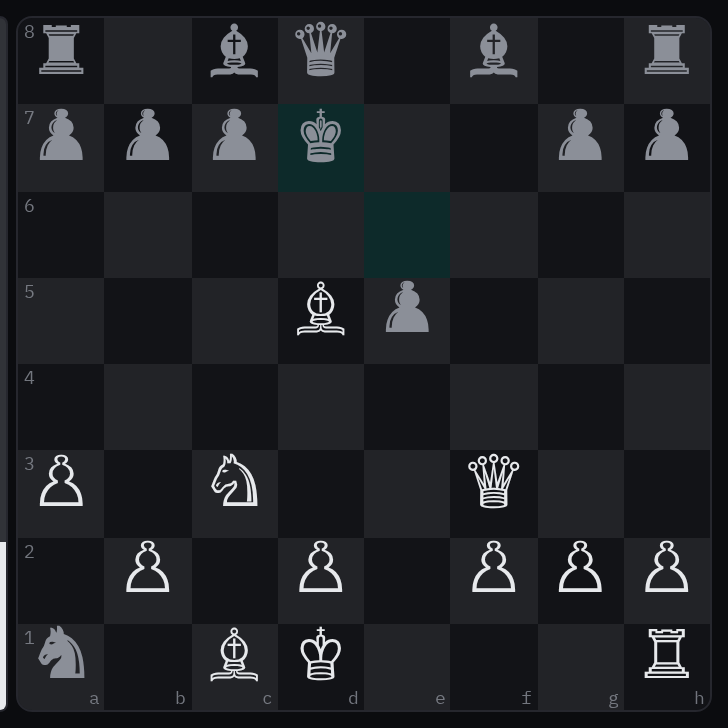
Rules behind it
- Foundation Typography: the body face carries no chess glyphs, so the pieces draw from a symbol font that does — never from whichever font the system happens to fall back to.
- Convention Copied components (bosunkit spec): the kit's chess board and ui/web's draw the same fix until the migration points ui/web at the kit.
ChangedThe key chip writes the command key the platform wears
A shortcut named the command key as ⌘ everywhere, though the key wears Win on Windows and Meta on Linux. Kbd
with command detects the platform from the browser and draws the mark the crew press, and with children the
chip is the chord — <Kbd command>R</Kbd> reads ⌘ R. platform writes the key for a platform the caller names,
and text passed by hand wins, so a caller that names its own shortcuts keeps them.

Rules behind it
- Foundation Typography: labels stay quiet: the chip shows the mark the crew press, never a platform name spelled out where the key itself is the word.
- Accessibility WCAG 2.2 SC 4.1.2 Name, Role, Value: the chip is a kbd element, so the glyph reads as a key, not as prose.
ChangedA date of birth bounded by age, not only by dates
Touches Date of birth input
A caller that needed a youngest or oldest crew member computed date bounds from today and passed them as min
and max, re-computing as the clock moved. minAge and maxAge bound the date by the age itself: no birth date
later than that many years before today, none earlier. The year grid runs within the bounds, and the message says
the age, not a date to count from.
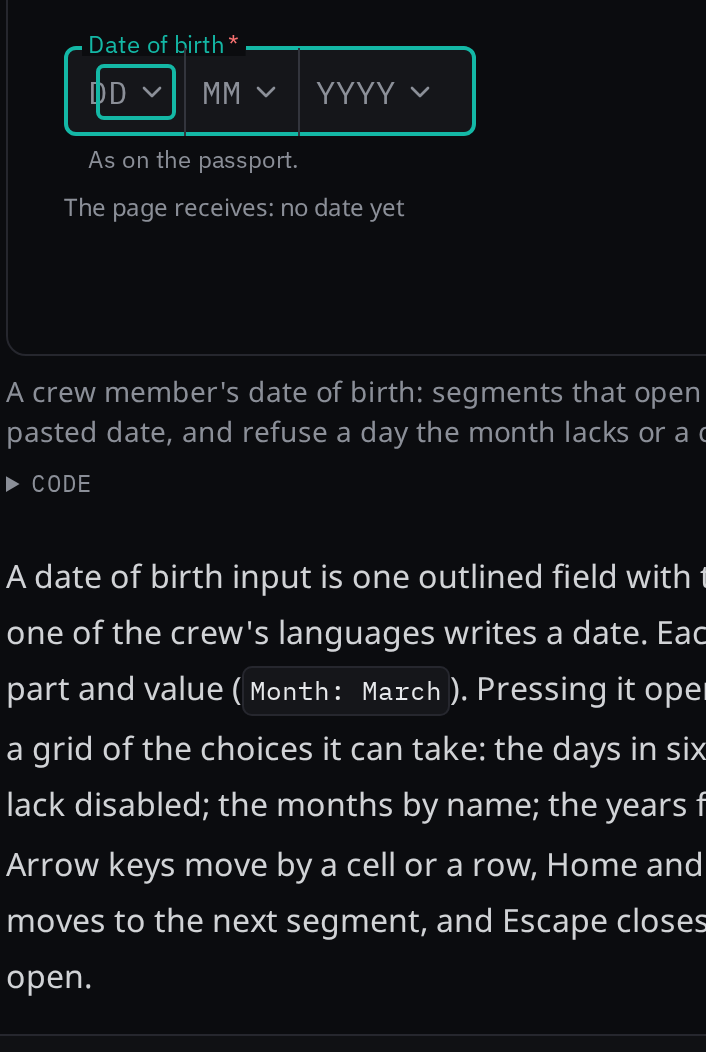
Rules behind it
- Accessibility WCAG 2.2 SC 3.3.1 Error Identification: a date outside an age bound is refused with the age named — at least 16, at most 65 — beside the field.
- Convention Age bounds (bosunkit spec): the bound is the field's own: a crew member's age limits are part of the field, not a date the caller computes and re-computes as the clock moves.
AddedA title or a value renamed in place, around whatever field edits it
Touches Inline edit, Icon button, Inline message
Renaming a vessel or a passage opened a whole form, and a stray tap could open an input on a moving vessel.
InlineEdit renames a title or a single value where it is shown, around whatever field the caller passes: the
read view and the edit view are the caller's, so a text field, a text area or a select matches the text it edits
and the switch does not jump. The pencil opens the field, Enter saves and Escape cancels without closing an
enclosing dialog, and moving focus away neither saves nor discards. An invalid value, a rejection or a conflict
keeps the draft with the reason beside the field, and someone else's change arriving while the edit is open
offers keep mine or use theirs. Nothing shows as saved before the Action resolves saved.
Rules behind it
- Accessibility WCAG 2.2 SC 3.3.1 Error Identification: an invalid value keeps the draft with an inline-message linked to the field through aria-describedby, and the field is marked invalid.
- Accessibility WCAG 2.2 SC 2.1.1 Keyboard: Enter saves and Escape cancels — without also closing an enclosing dialog — and after either the focus returns to the pencil.
- Convention Actions (bosunkit spec): saveAction is an Action; while it is pending the field and buttons are disabled, and nothing shows as saved before it resolves saved.
AddedMessages: a banner, a section message and an inline message
Touches Banner, Section message, Inline message, Toast
The kit had a toast but no message that stays: the lost-connection notice and the sonar's verdict were hand-drawn.
Banner speaks to the whole screen under the top bar, SectionMessage to one panel, and InlineMessage sits
beside the field it describes, linked through aria-describedby so a screen reader announces the error with the
field. All three share the toast's kinds and marks, and none of them wears an alert color.

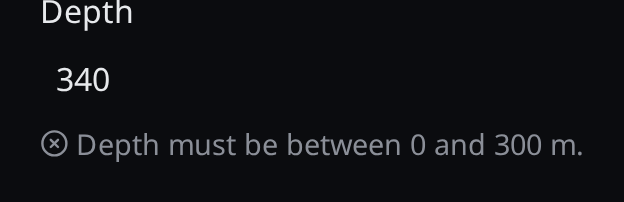
Rules behind it
- Regulation IEC 62923 and IMO MSC.302(87): messages wear the notification colors, never the alarm, warning or caution colors, so an alert keeps its colors to itself.
- Accessibility WCAG 2.2 SC 4.1.3 Status Messages: a banner is a live region mounted empty at startup, so a screen reader announces what appears without taking focus.
- Convention Messages (bosunkit spec): message text never names the system: the crew read "unreadable data", not "unreadable data from" anything.
AddedThe tooltip family: one member per use, all opening to a thumb as well as a pointer
Touches Tooltip, Popover, Icon button, Reading
One Tooltip component had to be every kind of note at once, and most of the display runs with a coarse pointer,
where a hover tooltip never appears. The family gives each use its member: Tip labels or describes, InfoTip
explains with links, Term expands an abbreviation, TruncatedText offers the whole text of a label it cut,
ReadingDetail names a reading's source, age and integrity, and DataTip shows the value under the pointer on a
chart. The popover members share one opening: a resting mouse
opens them after the tooltip's delay and leaves focus where it is, and a press, a tap or Enter opens them at once
with focus inside, so the expansion reaches a thumb as well as a pointer.
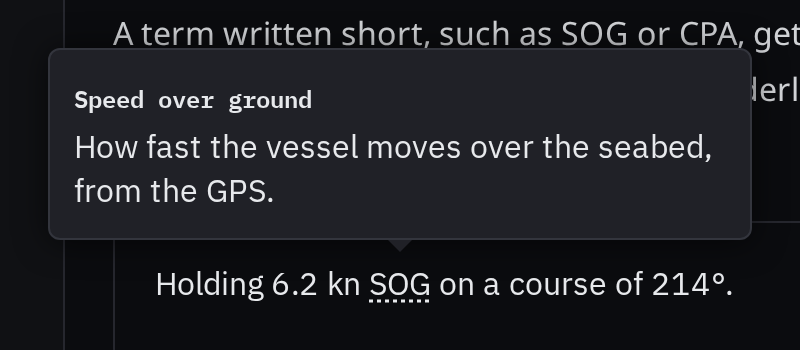
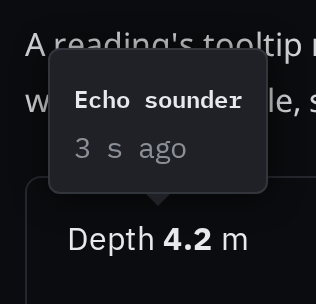
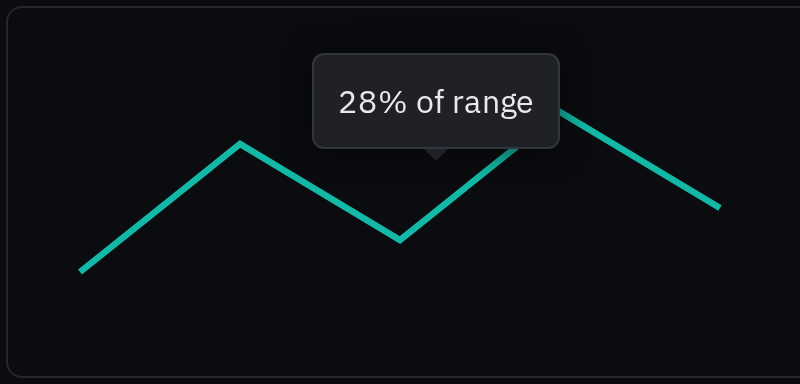
Rules behind it
- Accessibility WCAG 2.2 SC 1.4.13 Content on Hover or Focus: every member dismisses with Escape, the pointer can move onto it without closing it, and it stays until dismissed or the pointer and focus leave.
- Accessibility WCAG 2.2 SC 4.1.2 Name, Role, Value: a Tip label names an icon-only control, and the control carries the same words as its accessible name; the tooltip is visual only.
- Foundation Iconography: one concept, one name: a Term writes the SN.1/Circ.243 abbreviation as the crew write it, and the panel carries the term written out.
AddedA boundary keeps one broken part of the screen from taking the rest down
Touches Error boundary
A crash in one chart took the whole screen down. The kit's error boundary catches an error thrown while its children render and draws the caller's message in their place, and onError hands the error to the caller to log. It catches rendering only, which is what React routes through a boundary; an event handler, an effect or a promise is handled where it happens. The fallback is plain words, never an alert: nothing on the vessel is wrong, a rendering failed.
Rules behind it
- Regulation IEC 62923 and IMO MSC.302(87): a part of the screen that cannot render is not an alert; the fallback wears the message colors, never the alert colors.
- Convention Error isolation (bosunkit spec): boundaries sit around a feature subtree, so one broken panel leaves the helm display around it working.
AddedA spinner says an operation is still running
A saving chip in the web UI spun with its own keyframes, and every caller of a pending state drew its own. The kit's spinner is one ring: it rotates on the motion tokens, stops under reduced motion, and with a label announces what is loading through a status region; without one it is silent and the text beside it names it.
Rules behind it
- Foundation Motion: only alarms ask for attention: the spinner is the one loop besides the alert flash; it rotates rather than pulses, so it reads as progress and never as an alarm.
- Foundation Motion: three durations: its turn is three times the slow duration token — the named exception — read from the token rather than written.
- Accessibility WCAG 2.2 SC 2.2.2 Pause, Stop, Hide: under reduced motion the ring stands still, and the wait is the words.
AddedAn icon button, and a key chip
Touches Icon button, Kbd, Button
Two additions the spec planned in layer 5. IconButton is a button at the icon size whose label is required: it
names the control and is shown in a tooltip that opens on focus as well as hover, so the name reaches a keyboard and
nothing needed to act safely lives only in a hover. Kbd is the key chip the tooltip already drew inline, now a
component, so a key reads as a key to assistive technology and the chip has one look wherever it appears.
Rules behind it
- Accessibility WCAG 2.2 SC 4.1.2 Name, Role, Value: a control whose only content is an icon still needs a name, so the label is required and the icon is decorative.
- Foundation Typography: a key is set in the mono face, in the chip the tooltip already draws for a shortcut.
- Foundation Accessibility: touch: an icon button is a square of at least the target size, because the crew press it with a thumb.
1.0 — 12 October 2026
The first release. The system is 21 foundations pages, 78 components in 11 groups, 34 instruments in 6 groups and 4 themes (Night, Dusk, Day and Bright), served at design.bosun.bot.
ChangedThe danger button is neutral, not alarm red
A delete button drawn in alarm red looked like an alarm. The danger button now takes the default button's surface with the brighter label and border the default shows on hover; its label names the action and a confirmation carries the weight. No warning mark is added, because the only warning shapes the system has are the IEC alert shapes, which mean an alert.
Rules behind it
- Foundation Color: reserved meanings: red is only for alarms, and a red button reads as an alarm.
- Regulation IEC 62923 and IMO MSC.302(87): the alert colors and shapes mean an alert, so an action must not wear them.
- Accessibility WCAG 2.2 SC 1.4.1 Use of Color: meaning is not carried by color alone; the label names the action.
ChangedA control that had no visible focus shows the 2px accent ring
Touches Switch, Badge, Splitter, Border
Eight components with their own buttons (the badge, switch, collapsible, status strip, alert zone, chess board and the setting chips and controls) fell back to the browser's default ring, and the startup modal's close button and the splitter removed the outline for a tint or a thicker line. The reset now gives every focusable element the 2px accent ring, and those two draw it too. Text fields, the select trigger and the weather toggle keep their accent border and faint halo: a ring around a field's accent border doubled its outline and was not an improvement, so the Border and Accessibility foundations describe both.
Rules behind it
- Foundation Border: focus is always visible: a focused control always shows where focus is, and it is never removed.
- Foundation Accessibility: focus: a button, switch or link takes a 2px ring in the accent, drawn outside the control; a text field takes its accent border with a faint halo.
- Accessibility WCAG 2.2 SC 2.4.7 Focus Visible: a keyboard user can see which control has focus.
ChangedOnly an overlay casts a shadow, and it casts the theme's
Touches Button, Modal, Select, Tooltip, Elevation
Buttons cast a resting and a hover shadow and the switch thumb a drop shadow, though none lifts off the page, while the dialog, the select list and the tooltip cast fixed black shadows that ignored the theme, so Dusk, whose floating shadow is a ring, still drew a cast shadow. Buttons and the thumb now cast nothing, and the three overlays use the theme's floating shadow, as the popover already did.
Rules behind it
- Foundation Elevation: only overlays cast shadows: a menu, popover or dialog really is above the page, so it casts a shadow; nothing that sits on the page does.
ChangedThe select list and the status strip stack on layer tokens
Touches Select, Status strip, Elevation
Numbers 50 and 60 sit below the sticky layer, so a list opened under a sticky header could be covered by it, and the brightness control did not name the layer the specification puts it in. The select list and the strip's menus use the dropdown layer, and the brightness control the alert layer.
Before: the select list wrote z-index 50, and the status strip's brightness control 2 and its menus 60.
No visible change in a still. Stacking order is not a look; it decides which element covers which when they overlap.
Rules behind it
- Convention Layer tokens (bosunkit spec, Layer tokens): every stacking context takes one named layer, and no component writes a z-index number.
- Regulation IMO MSC/Circ.982 §5.3.6.2: dimming to the lowest setting never dims an alert or the control that undoes it, so the brightness control sits in the alert layer.
FixedThe status strip's brightness menu has a layer outside the web UI
Touches Status strip, Tokens
The strip set its brightness menu to a layer token that only the web UI's stylesheet defined. In the design site or the WiFi portal the property was undefined, so the menu got no stacking above the dimmer. The kit now defines the layer one step above the alert layer, and a test fails on any layer token a kit stylesheet reads and the kit does not define.
No visible change in a still. The menu looked right in the web UI, which defines the layer itself; the defect was in every other consumer.
Rules behind it
- Regulation IMO MSC/Circ.982 §5.3.6.2: the control that undoes dimming must never be dimmed, which needs the menu above the dimmer.
- Convention Layer tokens (bosunkit spec, Layer tokens): the layers are defined once, in the kit.
ChangedMotion runs on three durations, and stops moving under reduced motion
Touches Motion, Button, Switch, Startup modal
Transitions in nine stylesheets now use the motion duration tokens, the button names the properties it transitions, the pressed button, the switch thumb, the nav list chevron and the splitter line stop moving under reduced motion, and the startup marker keeps its ring but no longer pulses. The skeleton shimmer and the saving spinner, which repeat, stay as the two listed loading indicators and stop under reduced motion.
Before: twelve rules wrote their own 0.1s to 600ms durations, the button transitioned every property, four stylesheets moved something with no reduced-motion rule, and the startup step's marker pulsed on a loop.
No visible change in a still. Durations, the press scale under reduced motion and the startup marker's pulse change how a screen moves, which a still cannot show.
Rules behind it
- Foundation Motion: three durations: fast, medium and slow cover every transition; nothing but the alarm flash lasts longer than slow.
- Foundation Motion: only alarms ask for attention: nothing else blinks or pulses on a loop, so a flash always means an alarm.
- Regulation IMO MSC.302(87) §7.3.3: the flash is how an alarm says that someone has to act.
- Accessibility WCAG 2.2 SC 2.2.2 Pause, Stop, Hide: moving information that starts automatically and lasts more than five seconds can be stopped.
- Accessibility WCAG 2.2 SC 2.3.3 Animation from Interactions: motion triggered by interaction can be disabled; the kit follows the reduced-motion setting.
ChangedEvery corner takes a step of the radius scale
Touches Badge, Telemetry strip, Due chip, Radius
The badge and the due chip wrote 5 px, the telemetry strip 10 px, and several thin bars and the alert card's cleared line 1 px, 2 px or 4 px, none a step of the scale. They now use the small step (the telemetry strip the large step). The dots, the switch and the chips of values stay round by shape.



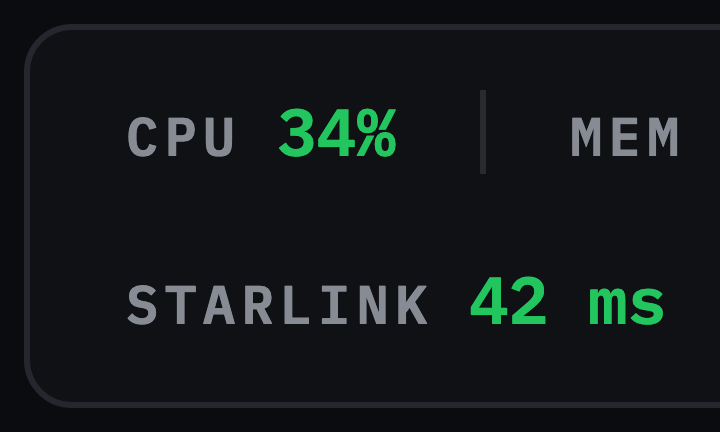
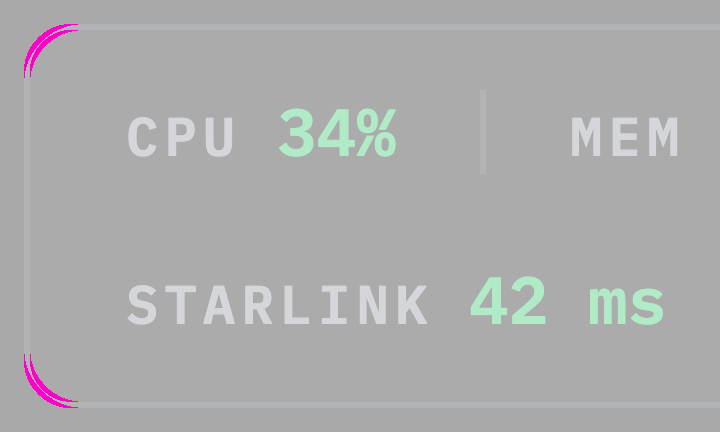
Rules behind it
- Foundation Radius: a few fixed steps: every corner uses a step from the scale, so the same kind of element has the same corner on every page.
- Foundation Radius: round means status: nothing else is fully round.
ChangedSentences, names and headings keep their case
Touches Tooltip, Alert zone, Crew picker, Typography
A tooltip's whole text, the tooltip and popover titles, the header's page title, a crew member's name and the alert zone's title were set in capitals. Capitals read slowly and look like a warning when nothing is wrong, so these keep the case they are written in; capitals stay for small labels, buttons, tabs and status words.
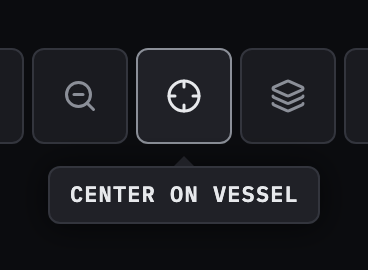
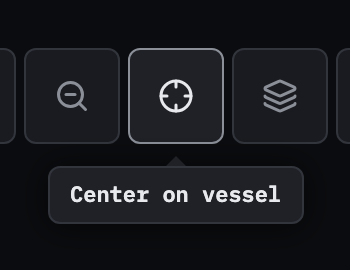
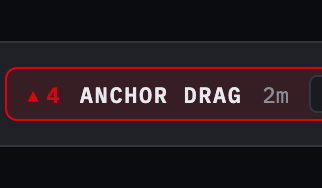
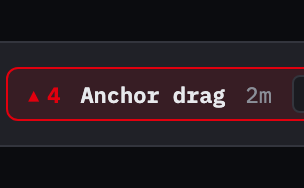
Rules behind it
- Foundation Typography: labels stay quiet: uppercase mono is for small labels only; body text and headings are never set in capitals.
ChangedA stylesheet can no longer add a pixel font size or an off-grid distance
Touches Typography, Spacing
30 stylesheets write 85 font sizes in pixels and 59 distances off the 4 px grid. Converting them changes how 30 components look, so they are recorded per stylesheet and may only go down; a new component starts at zero.
No visible change in a still. This is a rule on the code: it changes nothing a component draws today.
Rules behind it
- Foundation Spacing: 4px grid: every distance is a step on the scale, and every step is a multiple of 4px.
- Convention Kit sizes in em (building-kit-components): sizes are in em so a size class can apply to part of a page.
ChangedComponents and instruments are grouped by role and by what they show
Touches Components, Instruments
Eleven groups by role (Layout, Actions and selection, Entry and forms, Maritime inputs, Navigation, Overlays, Alerts, Readings and status, Charts and displays, Conversation, Other) and six by what an instrument shows replace the old groups, so a page is found by what it does. Maritime inputs stay a group of their own for the inputs still to come.
Before: components were in Primitives, Controls, Alerts and settings, Data and Maritime inputs, mixing what a thing is, what it shows and which domain it serves; instruments were in Radial and Linear, tanks and readouts.
Rules behind it
- Foundation Iconography: one concept, one name: a concept is found by one name everywhere; the same holds for a page found by what it does.
AddedSearch shows a page's sidebar group
Touches Components
The sidebar groups are separators in the page tree, not folders, so the breadcrumb walk skipped them. A result now reads the folder and then the group the page is in.
Before: every component result read only Components and every instrument only Instruments.
Rules behind it
- Convention Design site: navigation matches the page tree: a result shows the same path the sidebar does.
AddedCopy button
Touches Copy button, Button
Copying changes nothing on the screen, so the crew could not tell a press had worked. The icon swaps from the copy mark to a check (a cross if the browser refuses) and the label changes with it, in one cell wide enough for the longest label, so nothing beside it moves. An icon-only form keeps a fixed name.
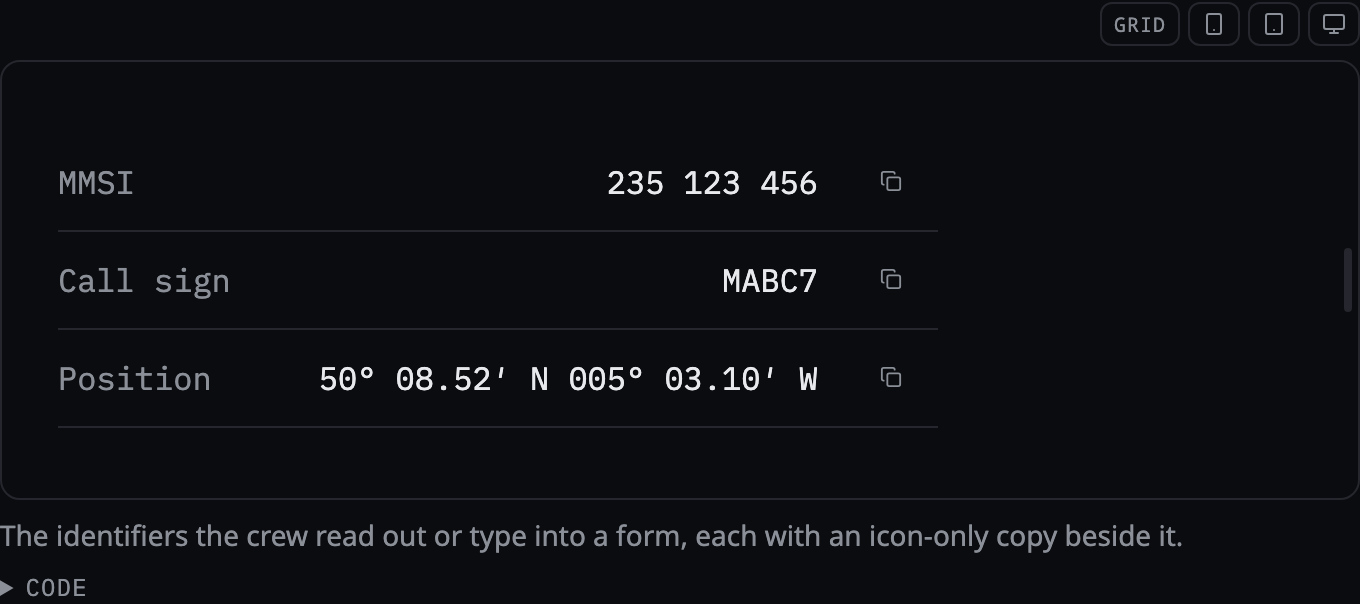
Rules behind it
- Foundation Motion: only transform and opacity: the icon swap scales and fades; Motion's blur and path-draw effects are not used.
- Accessibility WCAG 2.2 SC 4.1.3 Status Messages: the result is announced on a polite status line, since a label changing in place is not announced.
- Foundation Spacing: operable with wet hands: an icon-only button is a 48 px square.
AddedContext menu
Touches Context menu
A row in a list of records had no place for its commands except a button on every row. A right click or a long press now opens a menu where it was pressed, with groups and submenus, on Base UI. The page says the menu is a shortcut to commands that also have a visible control, because a long press is not discoverable.
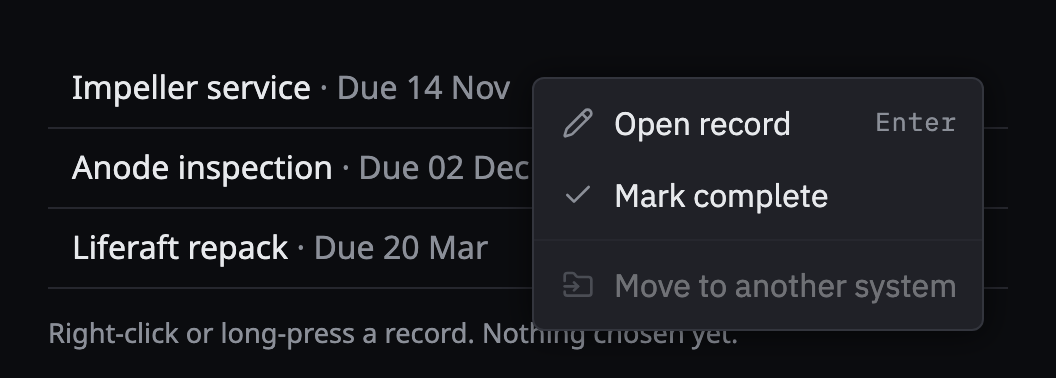
Rules behind it
- Foundation Elevation: only overlays cast shadows: the menu is an overlay and casts the theme's floating shadow.
- Foundation Accessibility: operable with wet hands: items are 48 px under a coarse pointer, and every command also has a visible control.
- Accessibility WCAG 2.2 SC 2.1.1 Keyboard: every command is reachable from the keyboard.
AddedToast
Touches Toast, Alarms and severity
The kit had no way to confirm an action ("Record saved", "Log entry deleted") without a banner. A toast rises from its edge, leaves by itself, by a swipe or by its dismiss button, and pauses its timer while the pointer or focus is on it. A persistent toast stays until the dismiss button is pressed, a message with a key is updated in place and counts its repeats instead of stacking, and toasts take their own heights. An error and an attention message stay until dismissed. There is no warning kind: that word is an alert's priority.
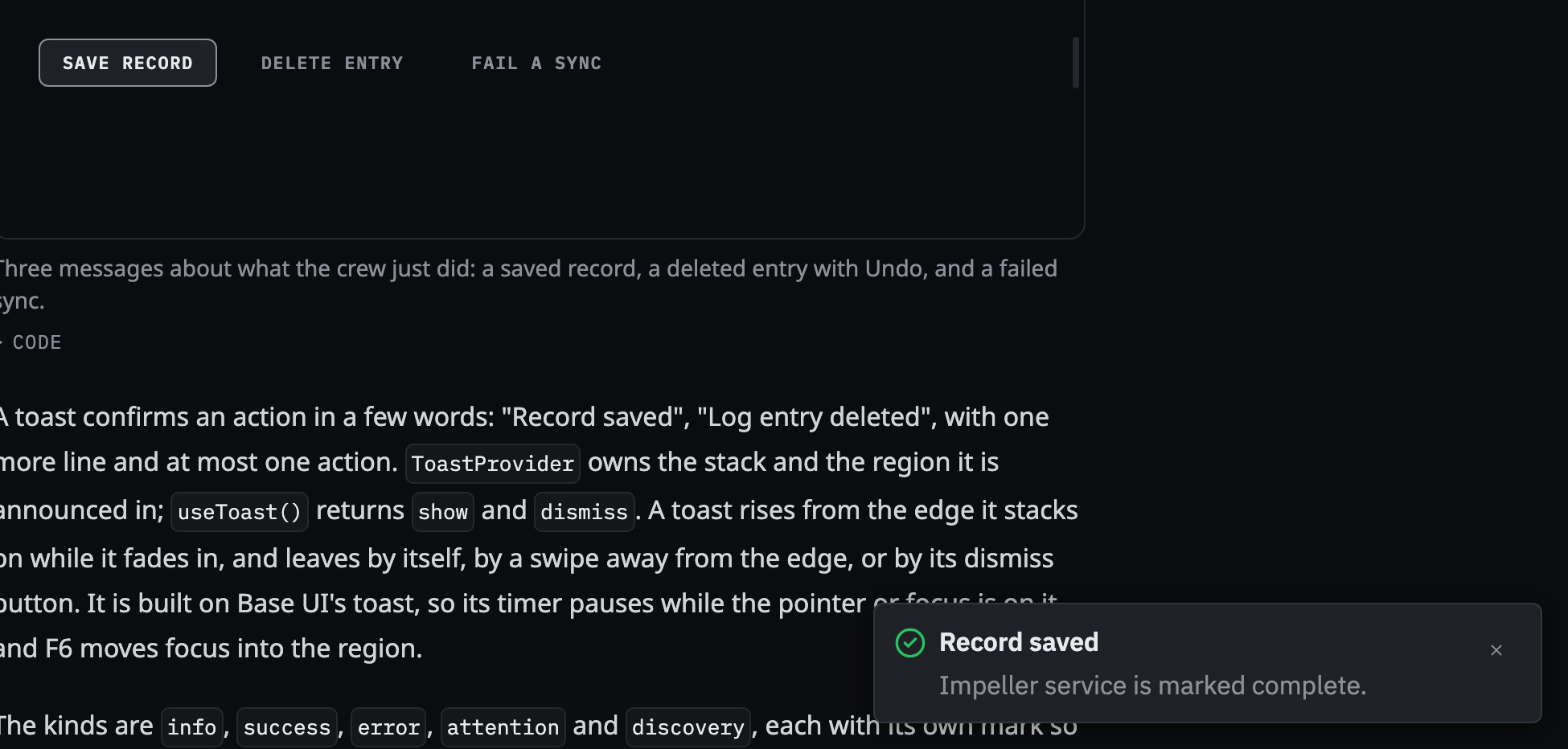
Rules behind it
- Foundation Color: reserved meanings: a toast uses no alert color; each kind has its own mark.
- Regulation IMO MSC.302(87): alerts are presented by priority and acknowledged one at a time; a toast is not an alert and has no priority.
- Accessibility WCAG 2.2 SC 4.1.3 Status Messages: the region is announced politely, and an error assertively.
AddedShip data
Touches Ship data, Compass, Readout, Card
A watchkeeper asks where the bow points, where the vessel is going, how fast it turns, where it is and what the wind and water are doing, and the kit showed those on separate cards. Ship data is one panel for them, built only from existing components: a card holding the compass with the wind and current drawn on it, readouts for the heading, course and rate of turn, two groups of readouts for the wind and the current, and the position as text, in three columns where there is room and one where there is not.
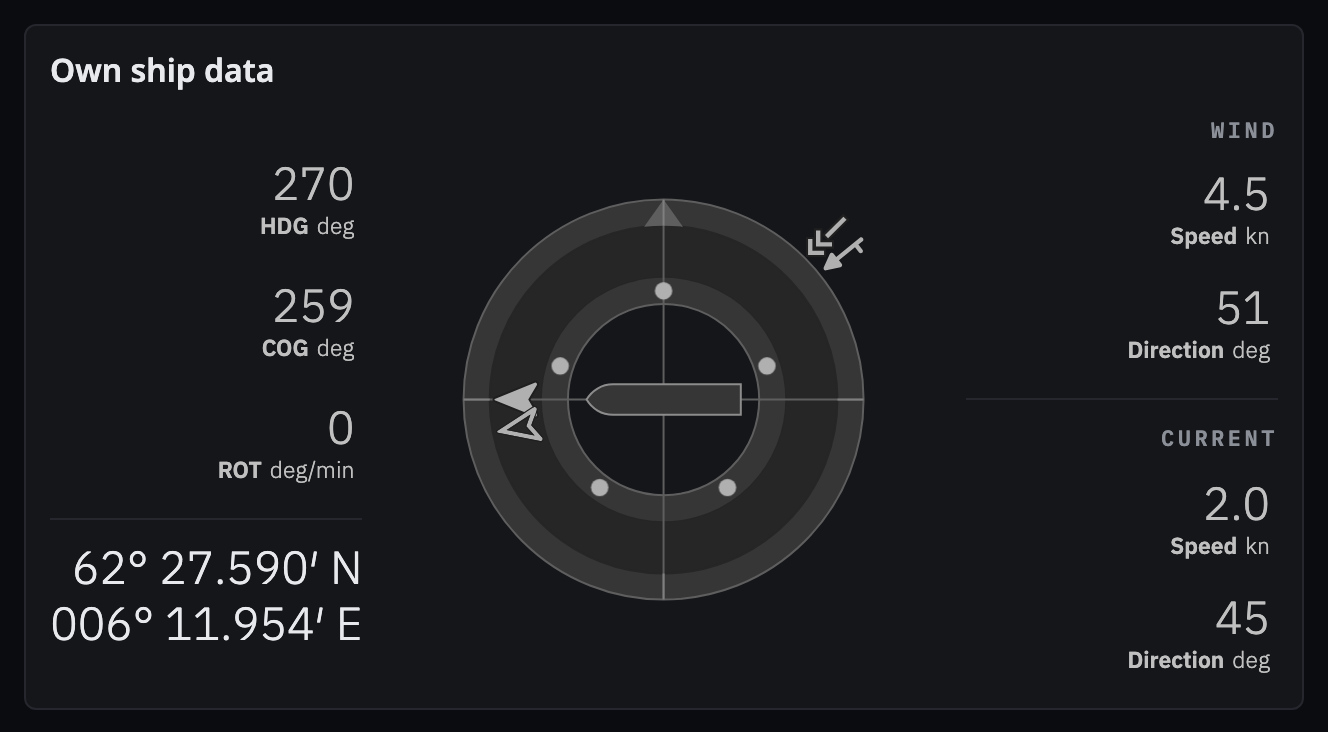
Rules behind it
- Regulation IMO MSC.191(79) §5.6: a reading with no value is shown as such; a missing sensor shows a dash and never a plausible number.
- Convention SN.1/Circ.243 units: degrees, degrees per minute and knots are written as symbols and are not translated.
- Foundation Typography: numbers hold still: every live value uses tabular numerals, and a dash keeps its place when a sensor returns.
AddedCreate button
Touches Create button
A records page that can create a maintenance record, a log entry or a checklist had a button per kind or a long menu. One primary button opens a grid of tiles, each with a mark, a name and a line about it, so the choice is made by reading.
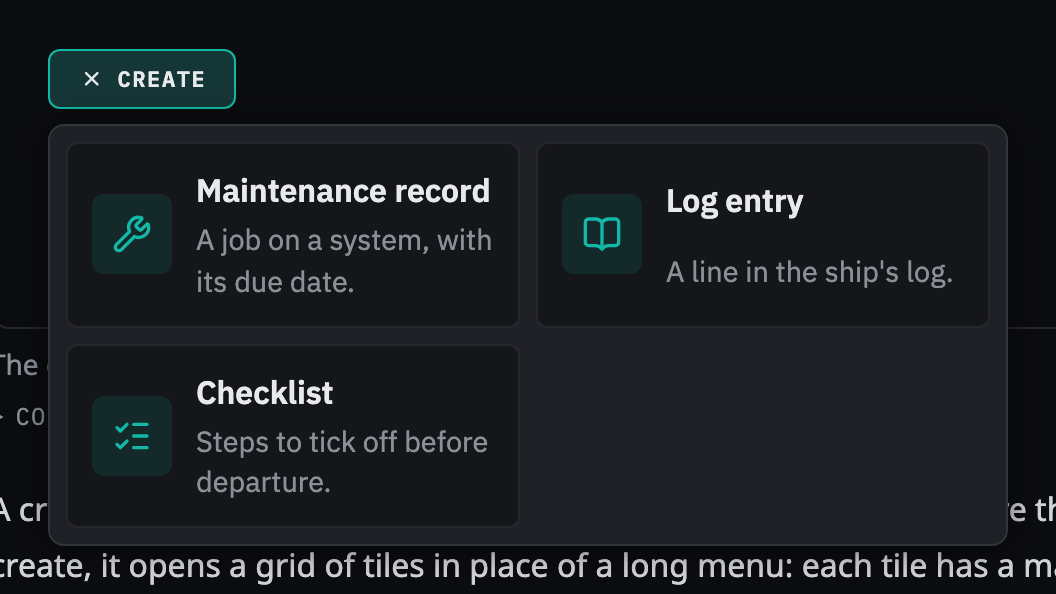
Rules behind it
- Foundation Spacing: operable with wet hands: every tile is at least a 48 px target.
- Foundation Motion: only transform and opacity: the grid scales and fades from the button; Motion's clip-path and shared-layout effects are not used.
AddedChoice cards
Touches Choice cards, Segmented control
A choice where each option needs a sentence (how to start a record, which kind to create) had only the segmented control, which holds short labels. Choice cards are a radio group drawn as cards, with a mark, a name and a line each.
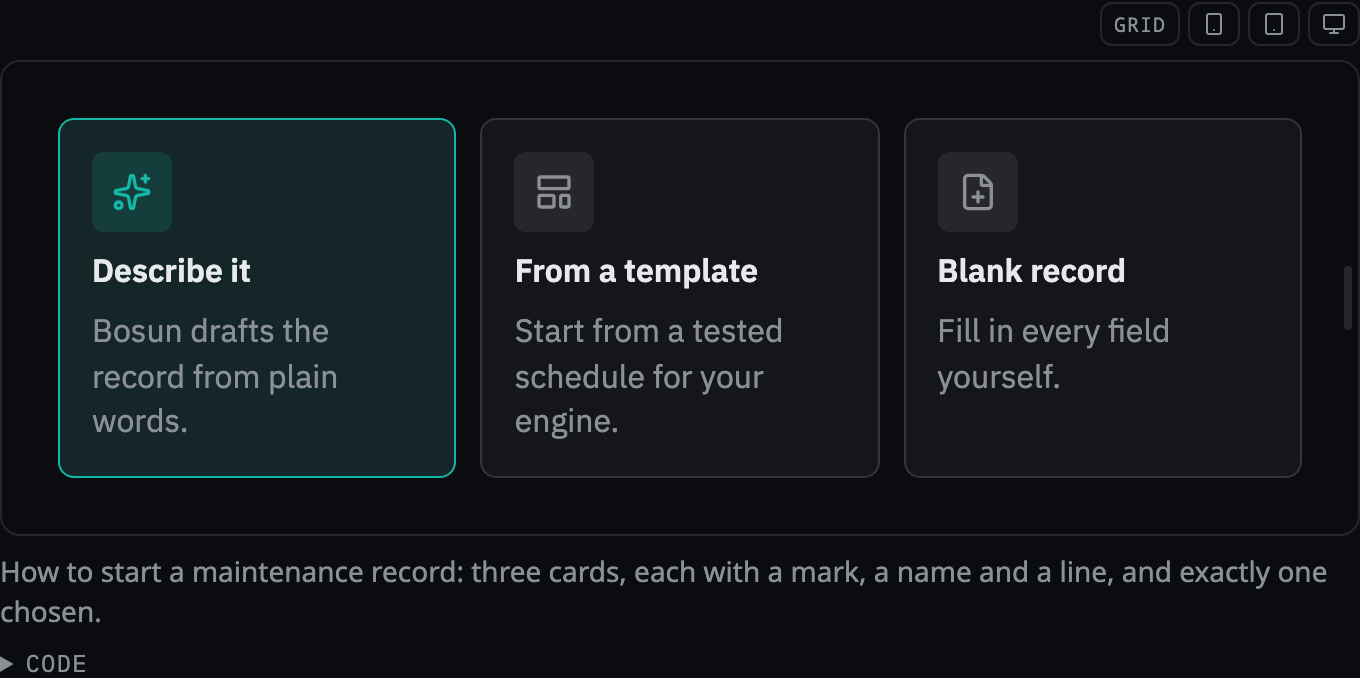
Rules behind it
- Foundation Accessibility: never color alone: the chosen card is announced as checked and its mark and border change as well as its tint.
- Accessibility WCAG 2.2 SC 1.4.1 Use of Color: the choice does not rest on color alone.
AddedWizard step
Touches Wizard step, Choice cards
The create button and the records it opens had no panel for the questions that follow. A wizard step holds a title, a close button, optional progress ("Step 2 of 3"), the step's content and a footer with a note about what will happen and the step's buttons.
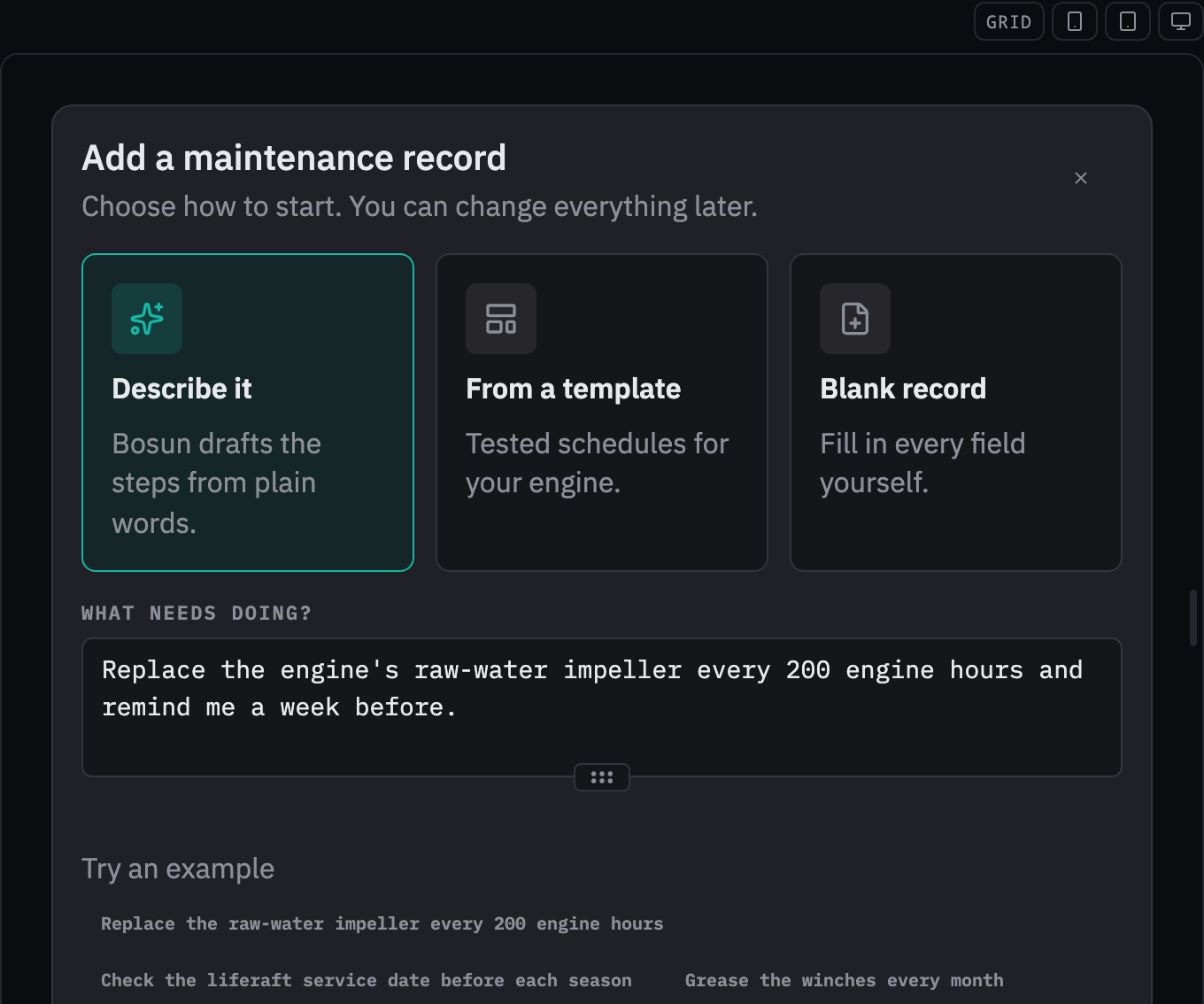
Rules behind it
- Foundation Spacing: near means related: the footer groups a note and the step's buttons, apart from the content above.
- Foundation Accessibility: operable with wet hands: one primary action, last in the footer, where the thumb ends.
AddedEvery OpenBridge icon in a gallery, and an expanded Iconography page
Touches OpenBridge icons, Iconography
The Iconography page showed nine of the 638 OpenBridge icons the kit carries. A subpage now shows all of them, searchable by name and filterable by family, with each icon at the sizes the system uses and the import that draws it. The main page gains the families by concept, how to choose an icon, color and state, accessibility and importing.
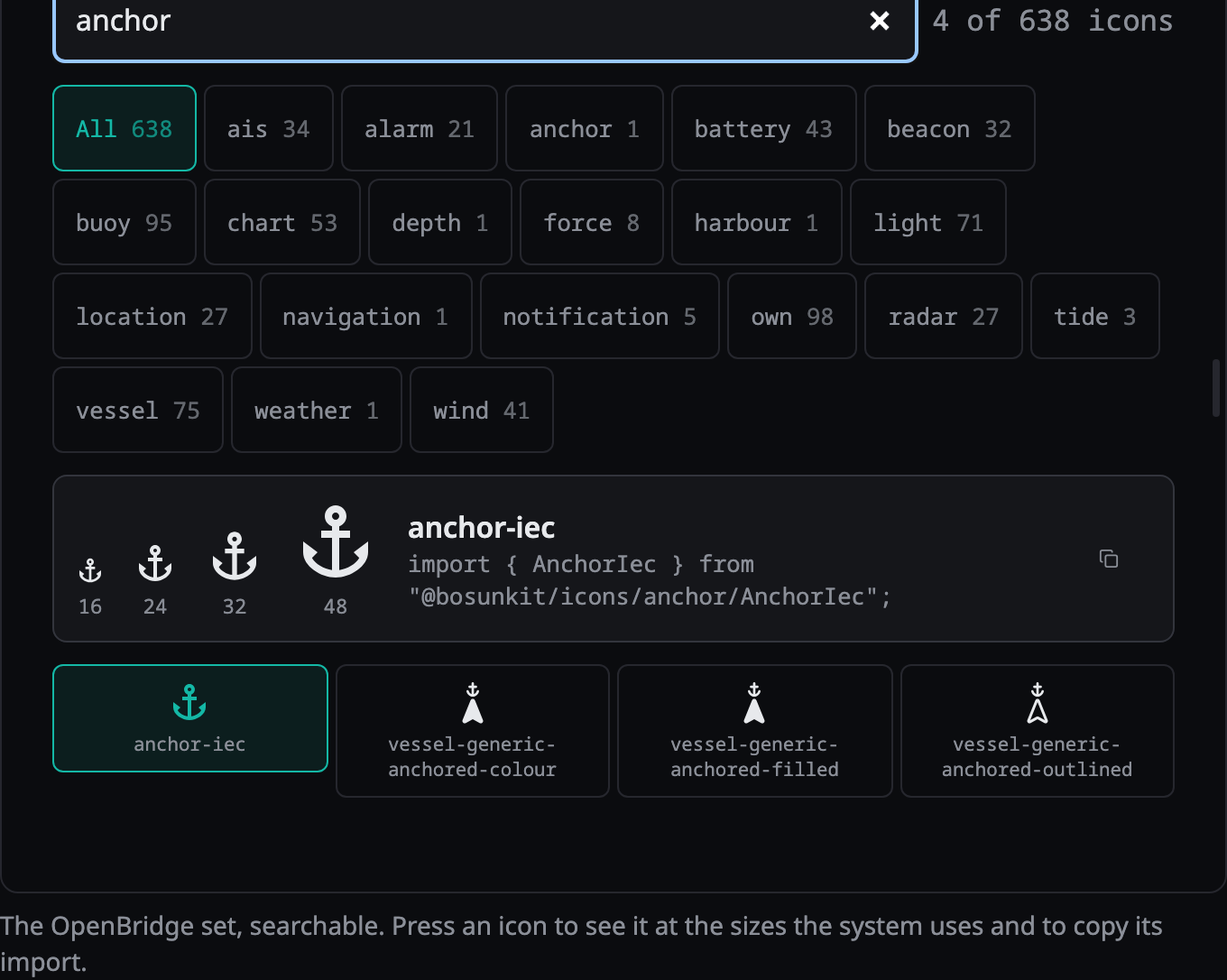
Rules behind it
- Foundation Iconography: copied, never redrawn: OpenBridge icons are copied byte for byte from the pinned upstream package.
- Regulation IEC 62288: the OpenBridge shapes follow the symbol set used on bridge displays, so the system uses the -iec icon where there is one.
ChangedThe spacious docs layout, sidebar icons, a home navbar and overview pages
Touches bosun design, Iconography, Foundations
The docs pages use Fumadocs' spacious layout by default. Sections and the foundations, maritime, consumers and composition pages carry an icon in the sidebar, chosen from a registry (an unknown name fails the content check), and the home layout's navbar links to Foundations, Components, Instruments and this changelog, with the home cards carrying the same icons. Foundations, Maritime and Consumers have overview pages, since their sidebar folders and the navbar link had none and returned a 404.
Before: the docs used Fumadocs' default layout with a text-only sidebar, and the home page had no navbar links.
Rules behind it
- Foundation Iconography: two providers, split by concept: OpenBridge draws maritime concepts (the maritime section, alarms, the logo anchor) and Lucide draws generic navigation.
- Foundation Iconography: icons support words: every icon sits beside its label and is decorative.
- Foundation Spacing: near means related: the spacious layout gives the page and the sidebar room, so groups read as groups.
ChangedThe docs shell follows the foundations
Touches Elevation, Radius, Motion, Spacing
The docs shell was mapped onto our colors but still drew Fumadocs' own shadows, radii and timing. Its Tailwind theme now has no resting shadows and the theme's floating shadow on overlays, nothing rounder than 12 px, the fast duration and the standard easing, and its sidebar takes the touch size on touch. The spacious layout's own stylesheet, which the preset does not import, is loaded so the layout draws its sidebar and header.
Before: Fumadocs' Tailwind defaults: a resting shadow on cards and code blocks, corners up to 1 rem and beyond, 150 ms transitions on its own easing, and a sidebar link about 36 px high.
No visible change in a still. The changes are the removal of resting shadows on cards and code blocks, one corner past the radius scale, and the shell's transition timing; the shell's overall look is in the sidebar and home pictures above.
Rules behind it
- Foundation Elevation: flat by default: regions are separated by hairlines and spacing, not by card backgrounds or shadows; only overlays cast the theme's shadow.
- Foundation Radius: a few fixed steps: nothing past the largest step, so the shell uses 12 px at most.
- Foundation Motion: three durations: transitions run on the fast duration and the standard easing, and stop moving under reduced motion.
- Foundation Spacing: operable with wet hands: the sidebar's links and buttons are 48 px targets under a coarse pointer.
- Accessibility WCAG 2.2 SC 2.3.3 Animation from Interactions: motion triggered by interaction can be disabled.
AddedDeployment to design.bosun.bot
Touches The site
The site had no deployment. Every page is prerendered, so the image serves the static build with Caddy and runs no Node process, with the markdown of each page and a 404 page prerendered as files too.
No visible change in a still. This is how the site is served, not how it looks.
Rules behind it
- Convention Fly.io services (CLAUDE.md, Fleet Management): a shore-side service is a container image and a Fly configuration, as the LFS proxy is.
AddedThis changelog
Touches Changelog
The design system had no record of what changed in it. Every entry now carries the pages it touches, the reasoning, the rules behind it and a before and after picture, and a check fails a commit or an entry that lacks them.
No visible change in a still. This page is the change; its entries are the pictures.
Rules behind it
- Convention Design changes (hard rule, CLAUDE.md): every change to the design system adds its entry in the same commit.